
How do You attend the meetings IRP Bridge
How do You attend the meetings?
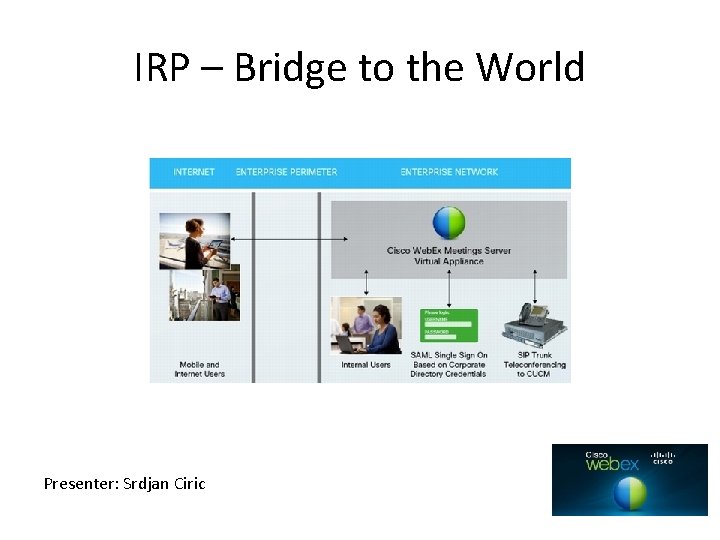
IRP – Bridge to the World Presenter: Srdjan Ciric
Lesson Objectives § Understand concepts of IRP § Prerequisites needed to add IRP § Get familiar with process of Deploying the IRP
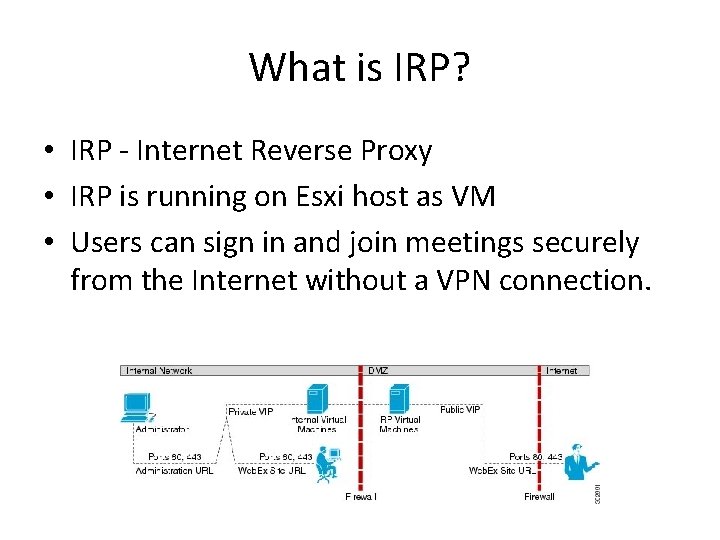
What is IRP? • IRP - Internet Reverse Proxy • IRP is running on Esxi host as VM • Users can sign in and join meetings securely from the Internet without a VPN connection.
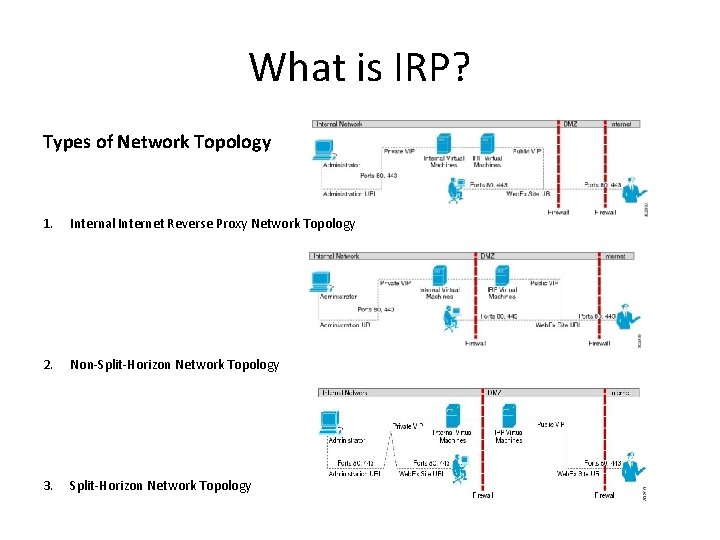
What is IRP? Types of Network Topology 1. Internal Internet Reverse Proxy Network Topology 2. Non-Split-Horizon Network Topology 3. Split-Horizon Network Topology
Why do we need IRP?
Why do we need IRP? • Allow external participants to use CWMS without being pushed to use VPN • The traffic coming in from the Internet will go to the Internet Reverse Proxy. • We want to have a tight control on the traffic that comes in and goes out of a network.
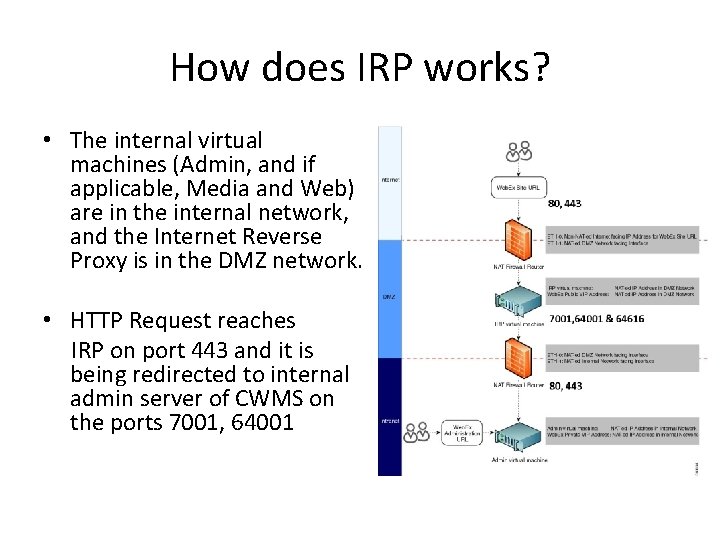
How does IRP works? • The internal virtual machines (Admin, and if applicable, Media and Web) are in the internal network, and the Internet Reverse Proxy is in the DMZ network. • HTTP Request reaches IRP on port 443 and it is being redirected to internal admin server of CWMS on the ports 7001, 64001
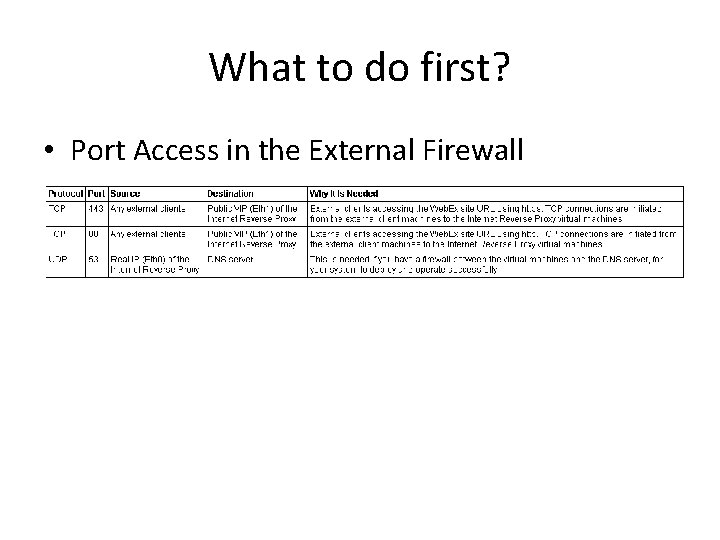
What to do first? • Port Access in the External Firewall
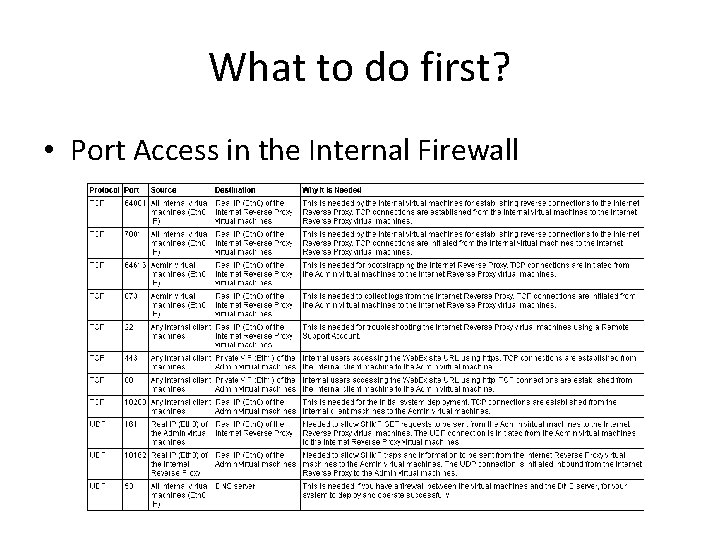
What to do first? • Port Access in the Internal Firewall
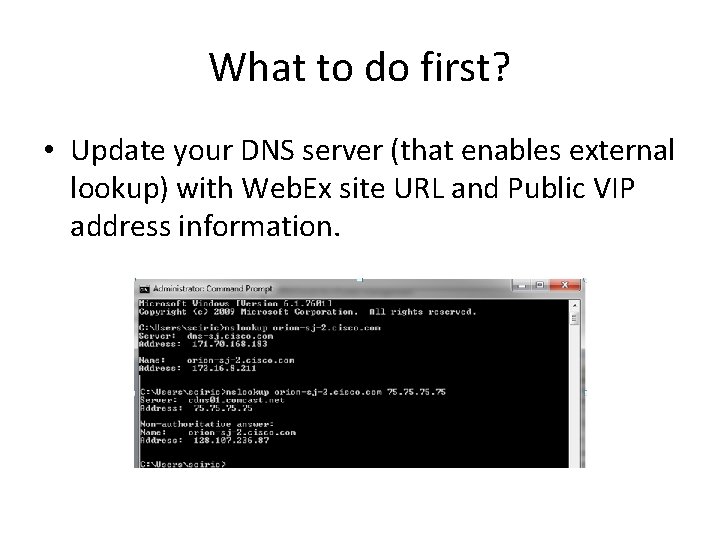
What to do first? • Update your DNS server (that enables external lookup) with Web. Ex site URL and Public VIP address information.
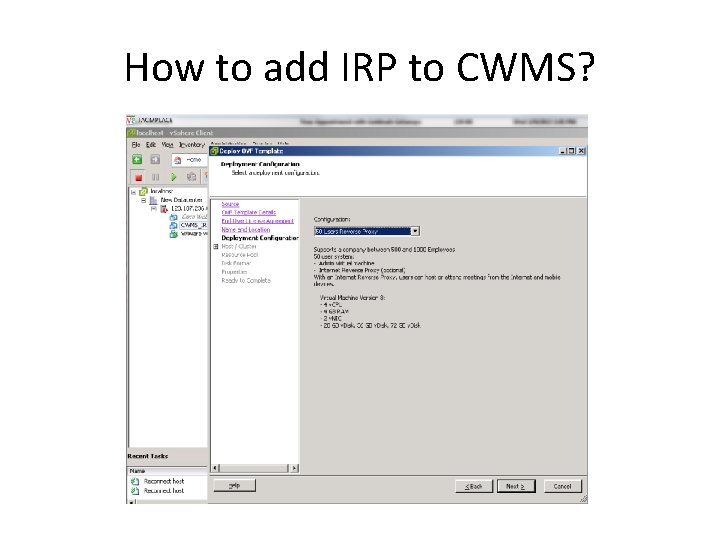
How to add IRP to CWMS?
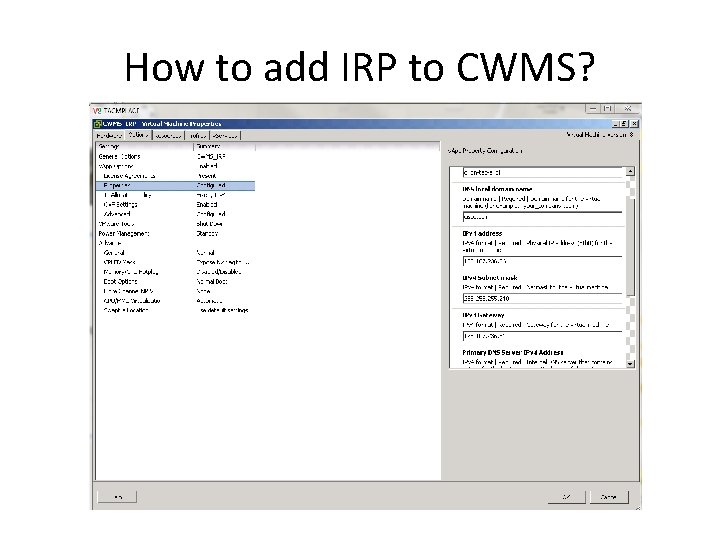
How to add IRP to CWMS?
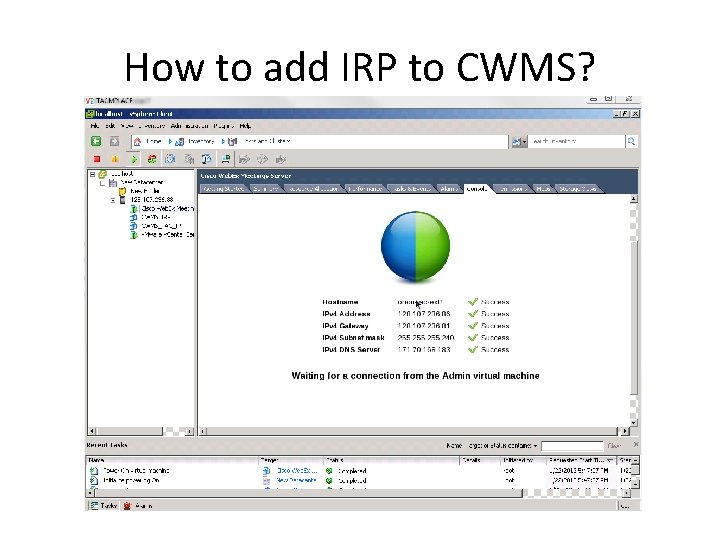
How to add IRP to CWMS?
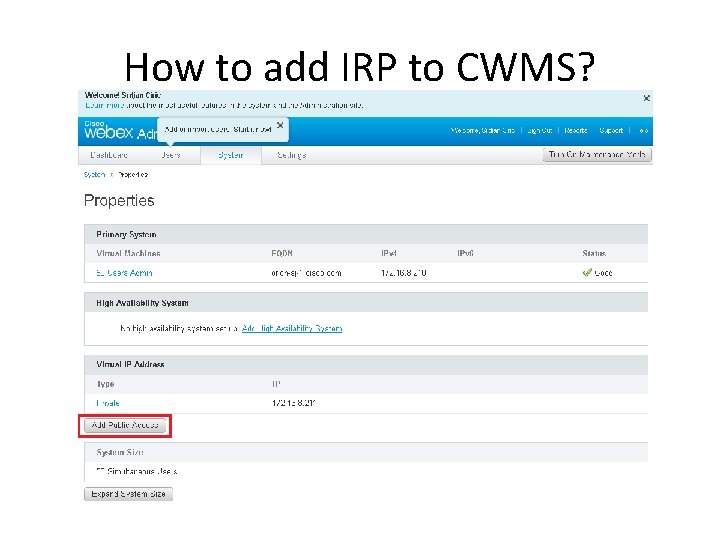
How to add IRP to CWMS?
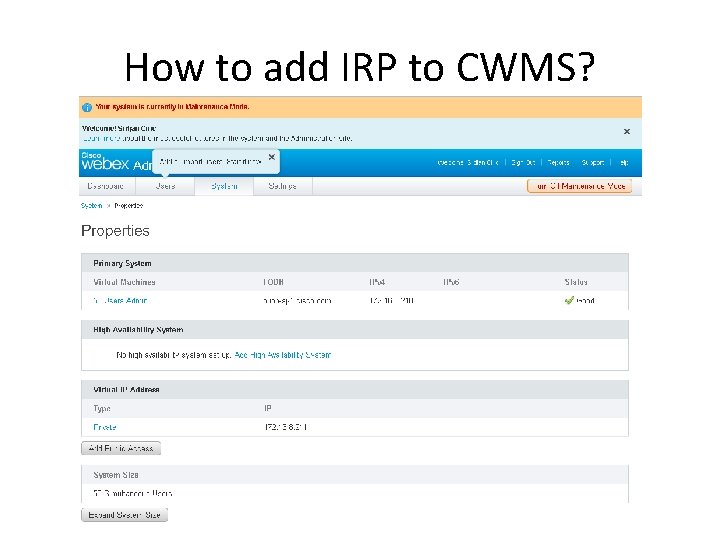
How to add IRP to CWMS?
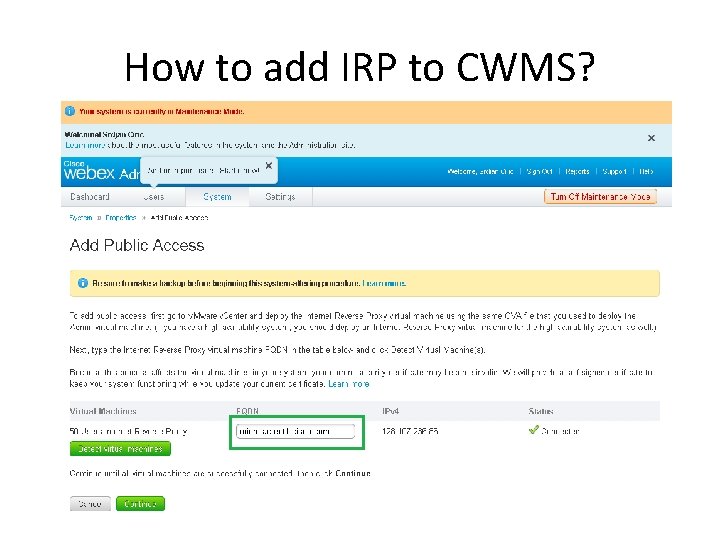
How to add IRP to CWMS?
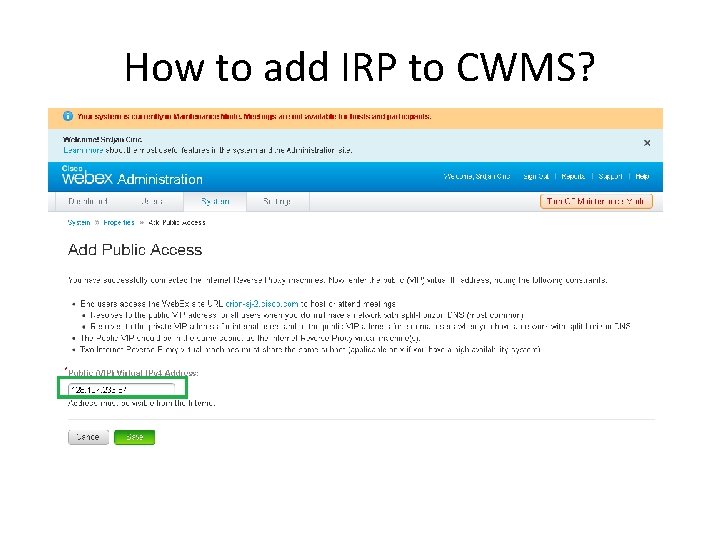
How to add IRP to CWMS?
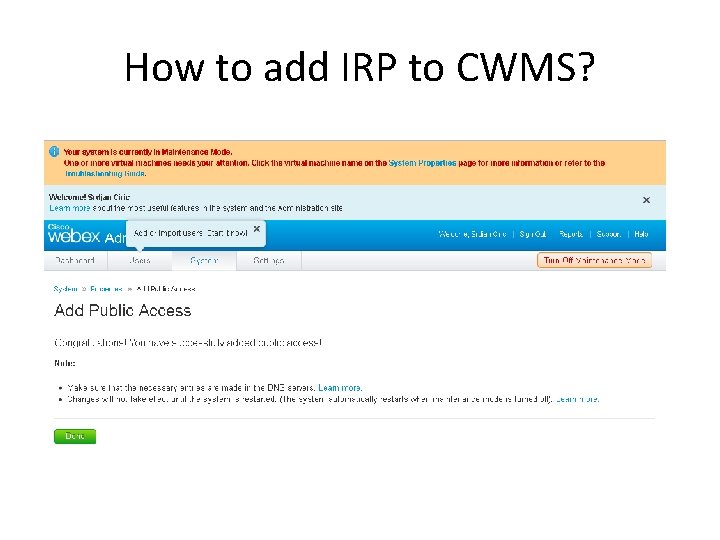
How to add IRP to CWMS?
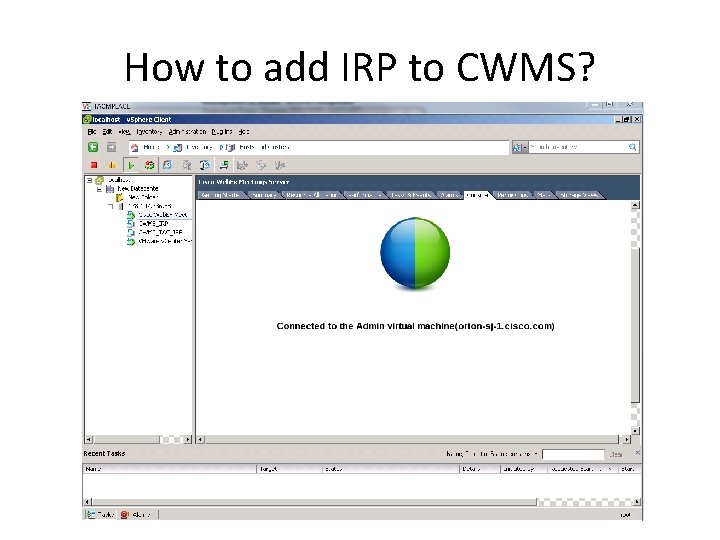
How to add IRP to CWMS?
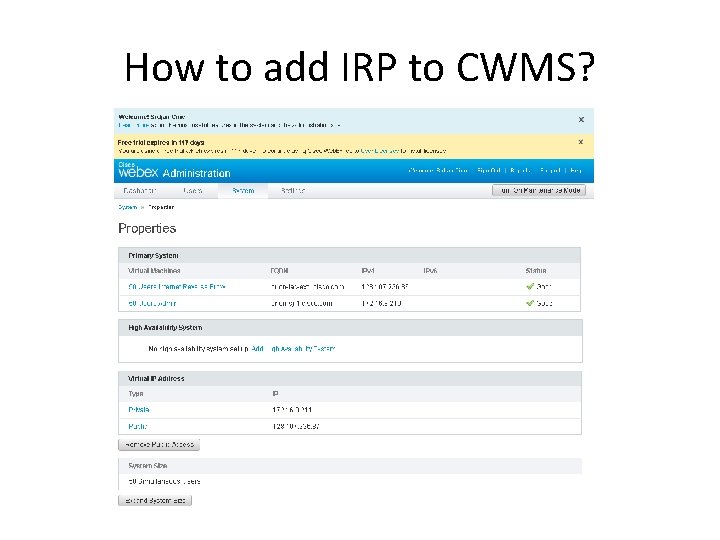
How to add IRP to CWMS?
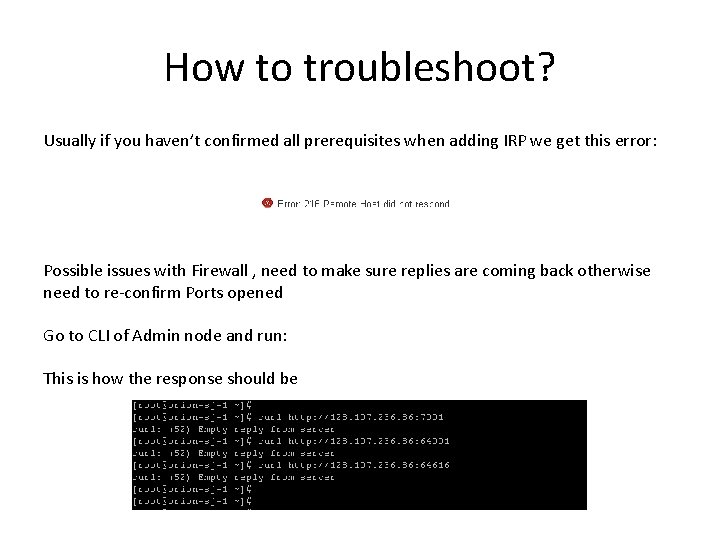
How to troubleshoot? Usually if you haven’t confirmed all prerequisites when adding IRP we get this error: Possible issues with Firewall , need to make sure replies are coming back otherwise need to re-confirm Ports opened Go to CLI of Admin node and run: This is how the response should be
- Slides: 22