
How Computers Store Data Files and Directories Files

- Slides: 33
How Computers Store Data (Files and Directories) Files n Data Storage n Secondary Storage n Types of Data Files n File Names n Directories n File Organization n Storage Technologies: Disk and Tape n Lesson 2 B Slide No. 1
Files Did you ever stop to think what happens behind the scenes when you n Draw money from your checking account at an ATM? n Check out at a supermarket? n Request a telephone number through directory assistance? n Lesson 2 B Slide No. 2
Files All of this information is stored in files. n A file is logical and a physical entity. n A file is the foundation of permanent storage on a computer system. n To a computer, a file is simply a string of digitized data that are stored and retrieved as a single unit. n Lesson 2 B Slide No. 3
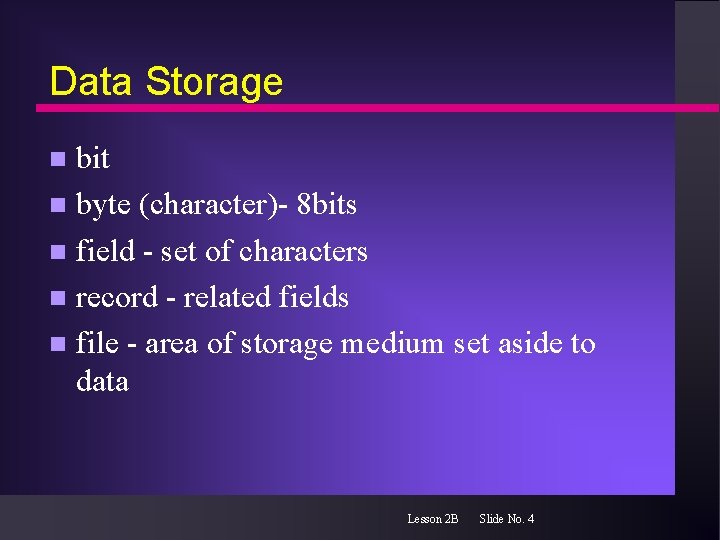
Data Storage bit n byte (character)- 8 bits n field - set of characters n record - related fields n file - area of storage medium set aside to data n Lesson 2 B Slide No. 4
Secondary Storage Within a computer system, information is stored in both primary and secondary storage. n Information (file) is retrieved from secondary storage and stored temporarily in primary storage for processing. n Variety of devices and media for secondary storage. n Lesson 2 B Slide No. 5
Types of files A file is to secondary storage as a vehicle is to a parking lot. n Variety of vehicle types n Numbered parking slots n Lesson 2 B Slide No. 6
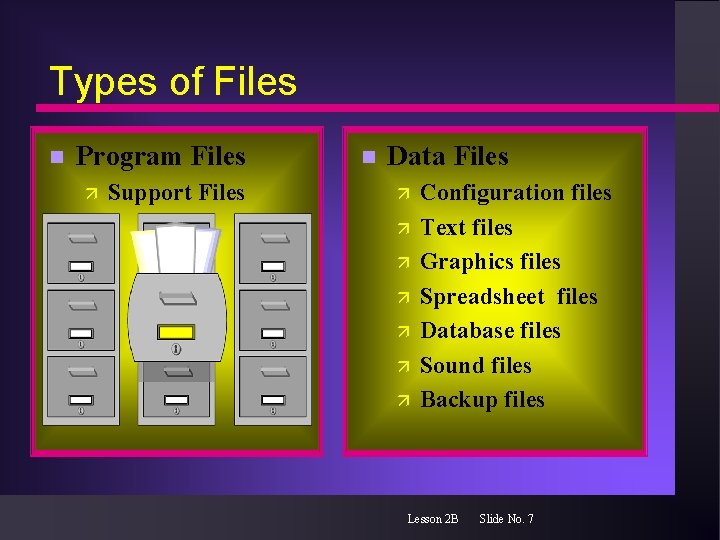
Types of Files n Program Files ä Support Files n Data Files ä ä ä ä Configuration files Text files Graphics files Spreadsheet files Database files Sound files Backup files Lesson 2 B Slide No. 7
File Names We assign names to files to store and recall them. n Windows 95/98/NT allows descriptive file names of up to 255 characters. n MS-DOS only allows eight characters for the filename n Lesson 2 B Slide No. 8
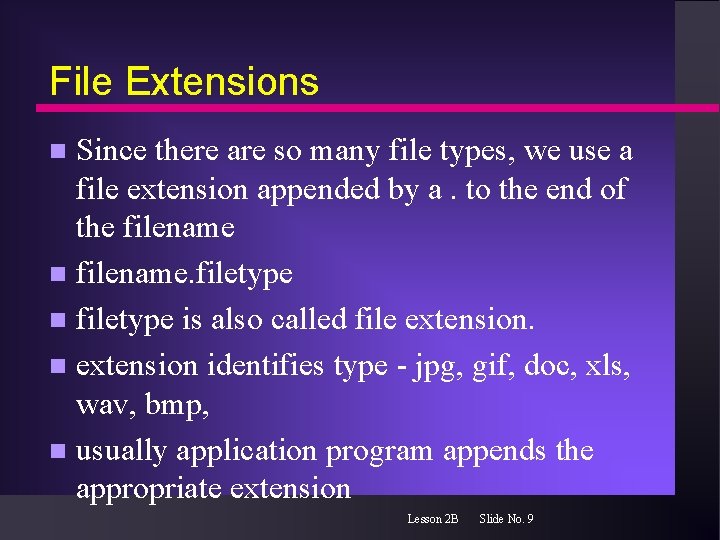
File Extensions Since there are so many file types, we use a file extension appended by a. to the end of the filename n filename. filetype n filetype is also called file extension. n extension identifies type - jpg, gif, doc, xls, wav, bmp, n usually application program appends the appropriate extension n Lesson 2 B Slide No. 9
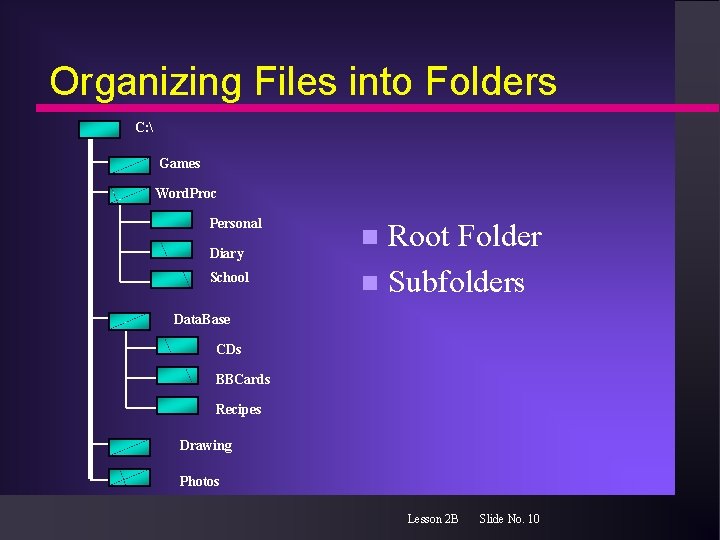
Organizing Files into Folders C: Games Word. Proc Personal Diary School Root Folder n Subfolders n Data. Base CDs BBCards Recipes Drawing Photos Lesson 2 B Slide No. 10
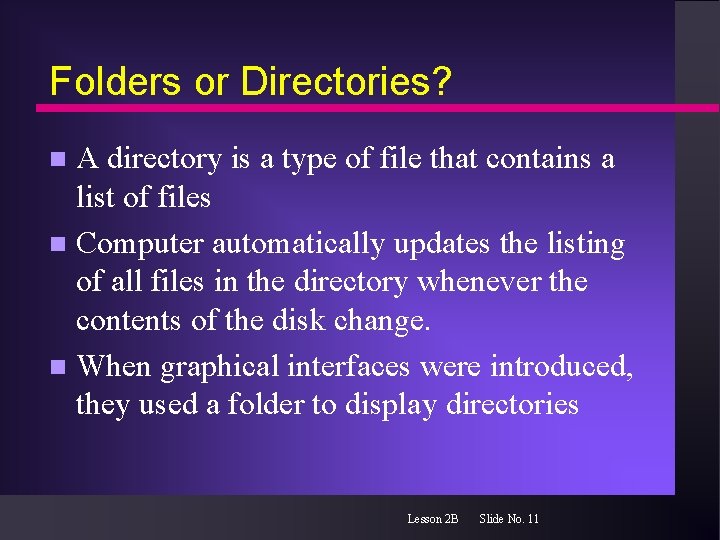
Folders or Directories? A directory is a type of file that contains a list of files n Computer automatically updates the listing of all files in the directory whenever the contents of the disk change. n When graphical interfaces were introduced, they used a folder to display directories n Lesson 2 B Slide No. 11
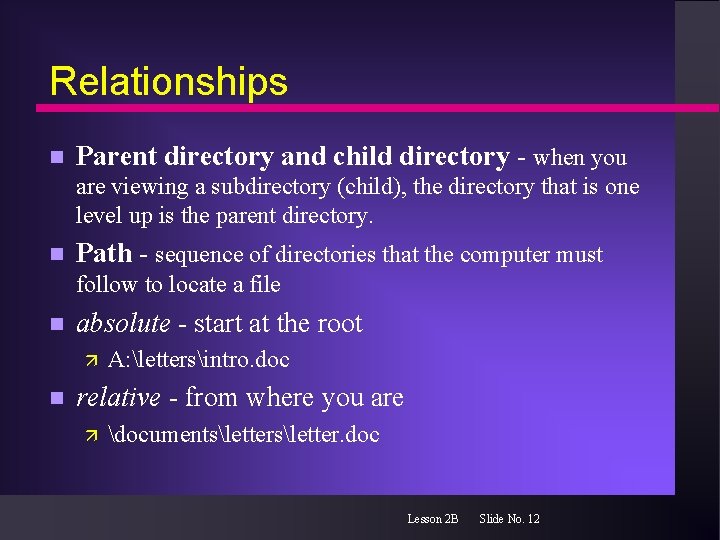
Relationships n Parent directory and child directory - when you are viewing a subdirectory (child), the directory that is one level up is the parent directory. n Path - sequence of directories that the computer must follow to locate a file n absolute - start at the root ä n A: lettersintro. doc relative - from where you are ä documentsletter. doc Lesson 2 B Slide No. 12
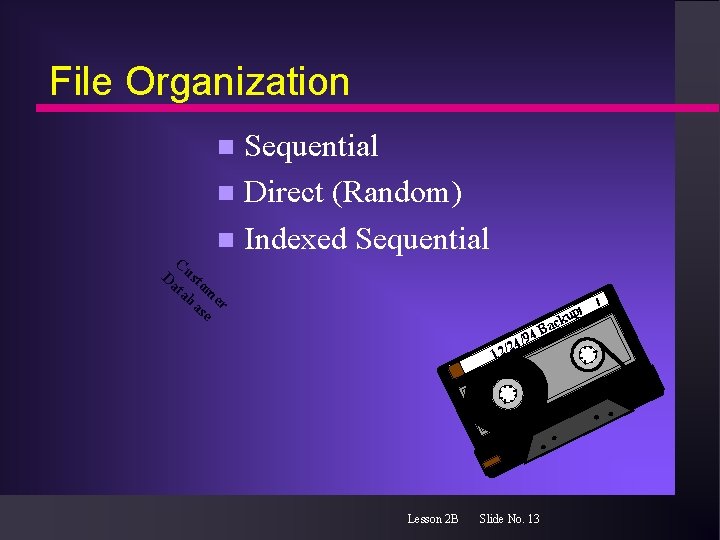
File Organization Sequential n Direct (Random) n Indexed Sequential n C Da usto ta m ba er se 94 24/ / 2 1 Lesson 2 B Slide No. 13 ck Ba up
File Organization sequential files - data processed in the order in which it was recorded n direct (random) - data can be retrieved from position within the file n indexed sequential file - data can be accessed either directly or sequentially n Lesson 2 B Slide No. 14
Files A file is stored permanently for periodic retrieval in secondary storage. n Accessing the information depends on the device and the media. n Lesson 2 B Slide No. 15
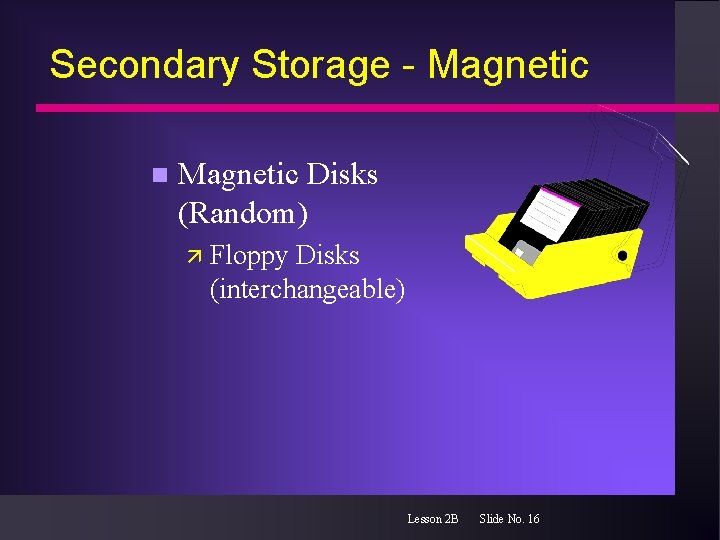
Secondary Storage - Magnetic n Magnetic Disks (Random) ä Floppy Disks (interchangeable) Lesson 2 B Slide No. 16
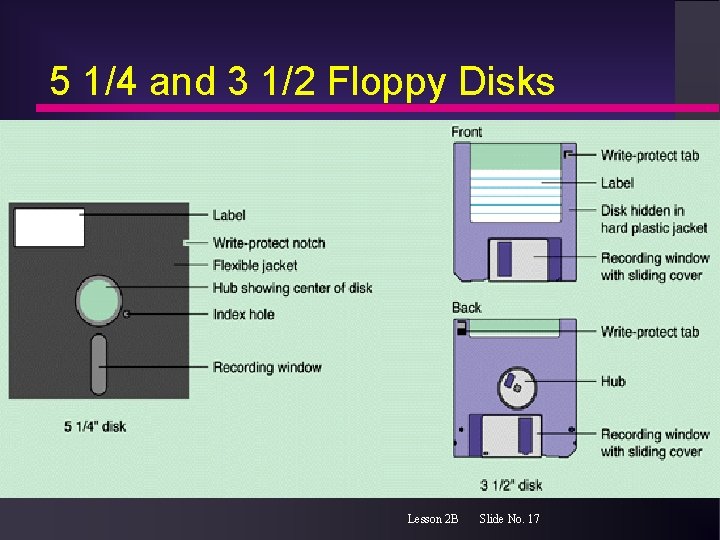
5 1/4 and 3 1/2 Floppy Disks Lesson 2 B Slide No. 17
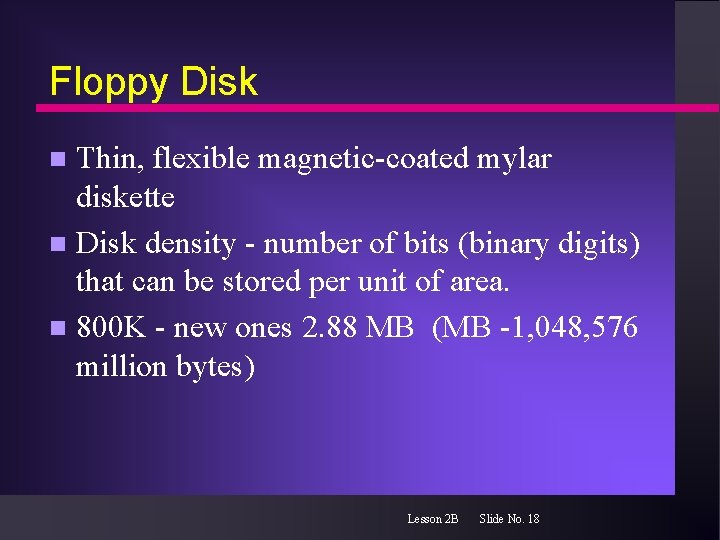
Floppy Disk Thin, flexible magnetic-coated mylar diskette n Disk density - number of bits (binary digits) that can be stored per unit of area. n 800 K - new ones 2. 88 MB (MB -1, 048, 576 million bytes) n Lesson 2 B Slide No. 18
Secondary Storage - Magnetic n Magnetic Disks (Random) ä Floppy Disks (interchangeable) ä Zip Disk Lesson 2 B Slide No. 19
Zip Disk Requires a zip disk drive n use optical technology together with magnetic technology to read and write to 3 1/2 inch 120 MB diskettes as well as the standard 3 1/2 inch diskettes. n Lesson 2 B Slide No. 20
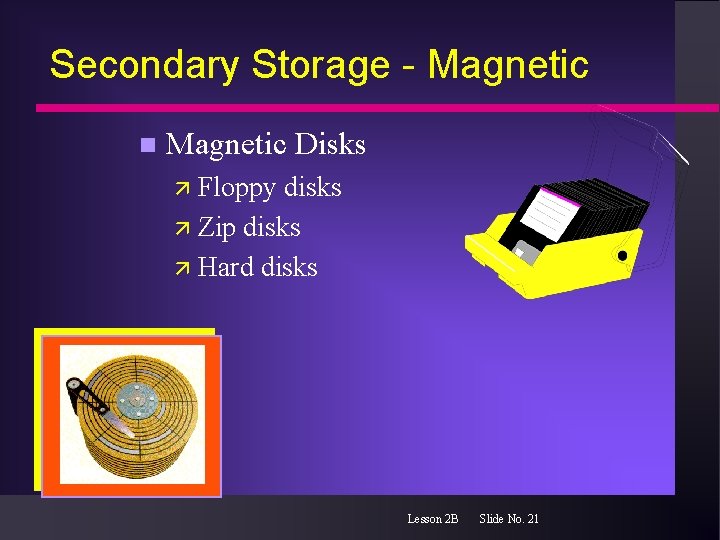
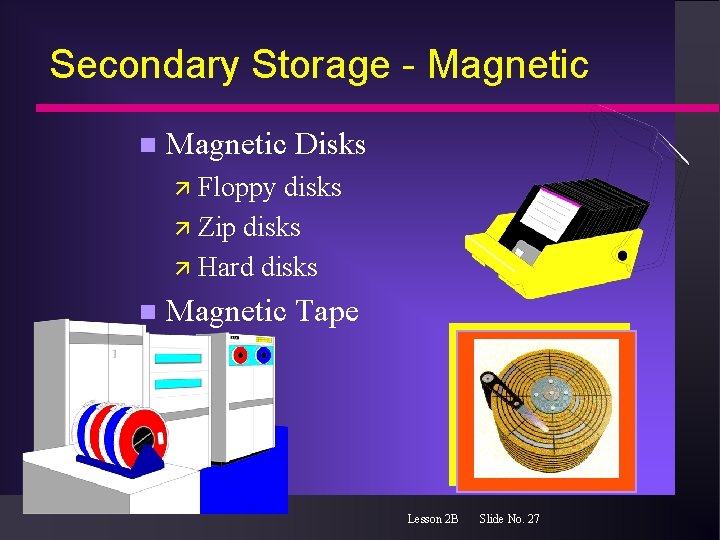
Secondary Storage - Magnetic n Magnetic Disks ä Floppy disks ä Zip disks ä Hard disks Lesson 2 B Slide No. 21
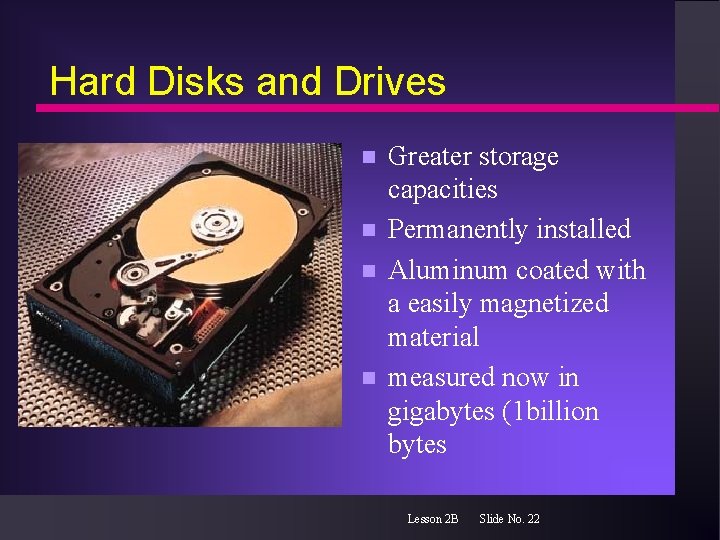
Hard Disks and Drives n n Greater storage capacities Permanently installed Aluminum coated with a easily magnetized material measured now in gigabytes (1 billion bytes Lesson 2 B Slide No. 22
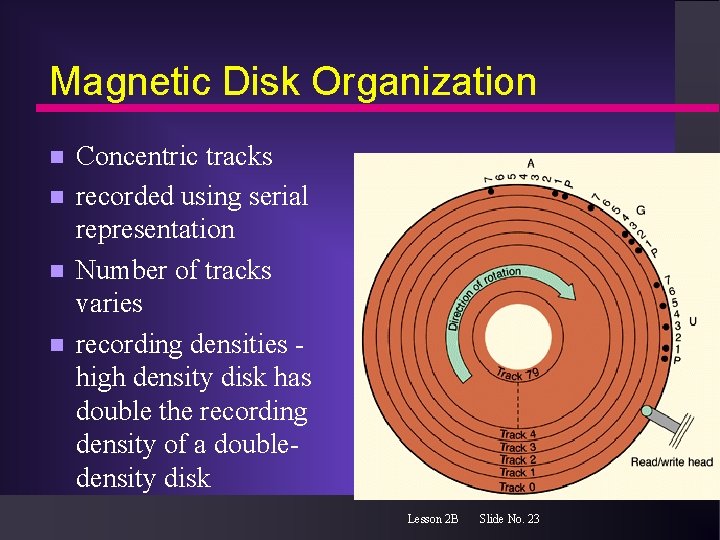
Magnetic Disk Organization n n Concentric tracks recorded using serial representation Number of tracks varies recording densities high density disk has double the recording density of a doubledensity disk Lesson 2 B Slide No. 23
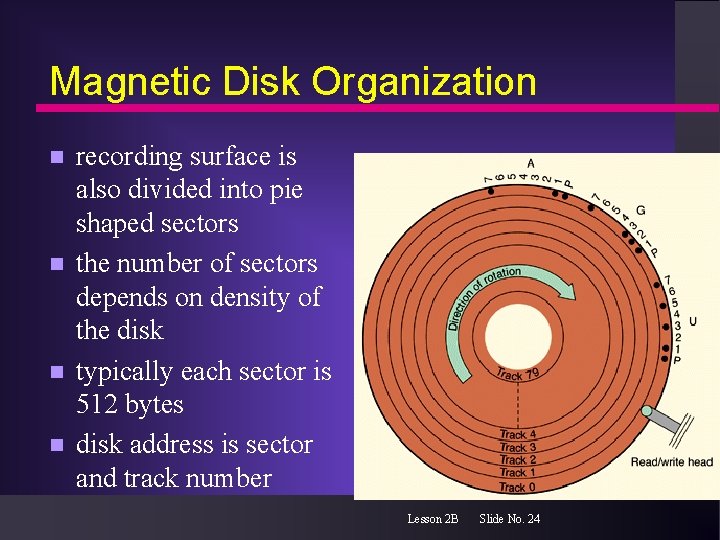
Magnetic Disk Organization n n recording surface is also divided into pie shaped sectors the number of sectors depends on density of the disk typically each sector is 512 bytes disk address is sector and track number Lesson 2 B Slide No. 24
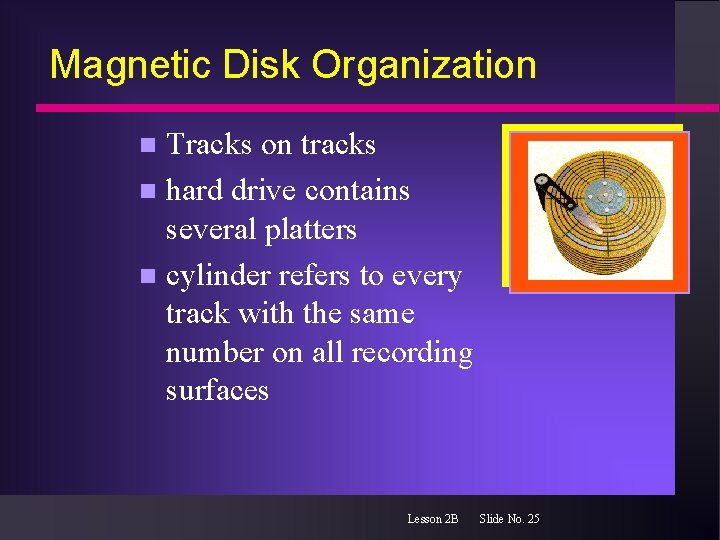
Magnetic Disk Organization Tracks on tracks n hard drive contains several platters n cylinder refers to every track with the same number on all recording surfaces n Lesson 2 B Slide No. 25
Magnetic Disk Organization Formatting n Creates sectors and tracks into which data are stored n Sets up and area for the file allocation table (FAT). Tells the system where to find the files and file folders you eventually store on the disk, (sector and track) n Lesson 2 B Slide No. 26
Secondary Storage - Magnetic n Magnetic Disks ä Floppy disks ä Zip disks ä Hard disks n Magnetic Tape Lesson 2 B Slide No. 27
Magnetic Tape Media comes in several widths and many different lengths n sequential processing n 1/4 inch - used for PC backup n needs a tape drive n a tape drive is is rated by its storage capacity and its data transfer rate n Lesson 2 B Slide No. 28
Secondary Storage - Other Forms n Optical Disk ä CD-ROM ä WORM ä DVD-ROM ä MO n Bubble Memory Lesson 2 B Slide No. 29
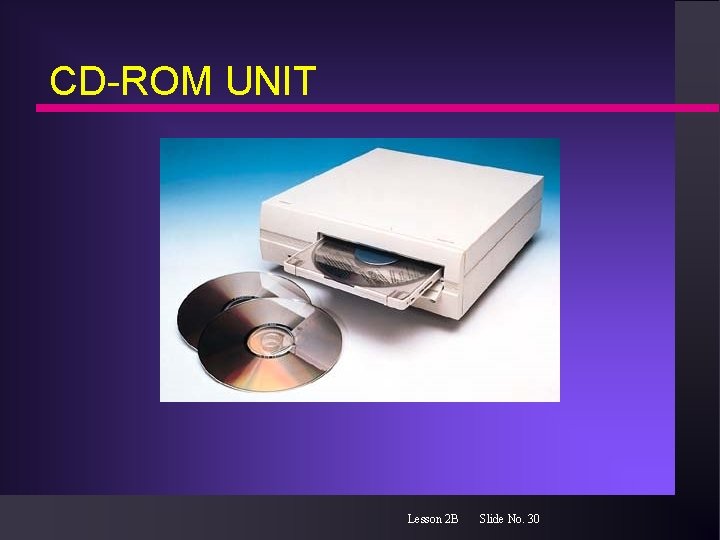
CD-ROM UNIT Lesson 2 B Slide No. 30
The FIRST commandment in computing Back up your files! n When you create a document, spreadsheet or graph, you will store the file on disk. If the disk is in some way destroyed (scratched, demagnetized, burned…) or lost, you have lost your files unless you have a backup. n Lesson 2 B Slide No. 31
How Permanent is Your Data? Once its digitized, it’s available forever! n Wrong n media type can deteriorate n findings indicate that even CD-ROMs can deteriorate in as little as five years n obsolescence - no way to read to the old format n Lesson 2 B Slide No. 32