
Housekeeping Slide Deck is available here English French
Housekeeping • Slide Deck is available here (English, French and Spanish): www. globalcyberalliance. org/bootcamp-2021/ • All sessions will be recorded (attendees will be on mute) • Questions may be asked at anytime using the Q&A box in the gotowebinar control panel. • Only need to attend one session per day • Must attend full live session in order to receive certificate of completion at the end of the bootcamp 1
Shehzad Mirza Director of Operations smirza@globalcyberalliance. org gca-dmarc@globalcyberalliance. org
Introduction to SPF and DKIM

Sender Policy Framework (SPF)

SPF Sender Policy Framework • Defines which mail servers are authorized to send mail for the organization’s domain • Uses the “envelope from” to determine the sending domain • TXT record on Domain Name Server (DNS) • Can only have one SPF record 5
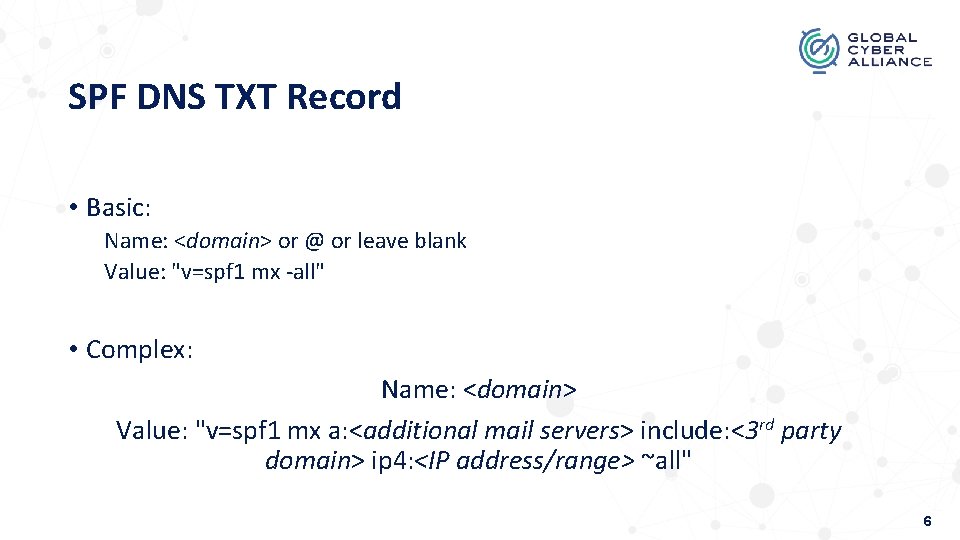
SPF DNS TXT Record • Basic: Name: <domain> or @ or leave blank Value: "v=spf 1 mx -all" • Complex: Name: <domain> Value: "v=spf 1 mx a: <additional mail servers> include: <3 rd party domain> ip 4: <IP address/range> ~all" 6
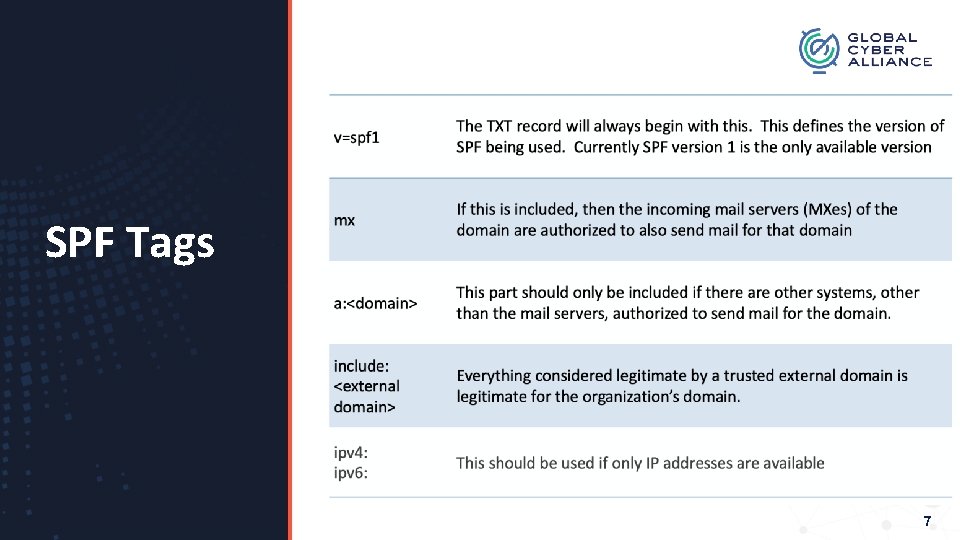
SPF Tags 7
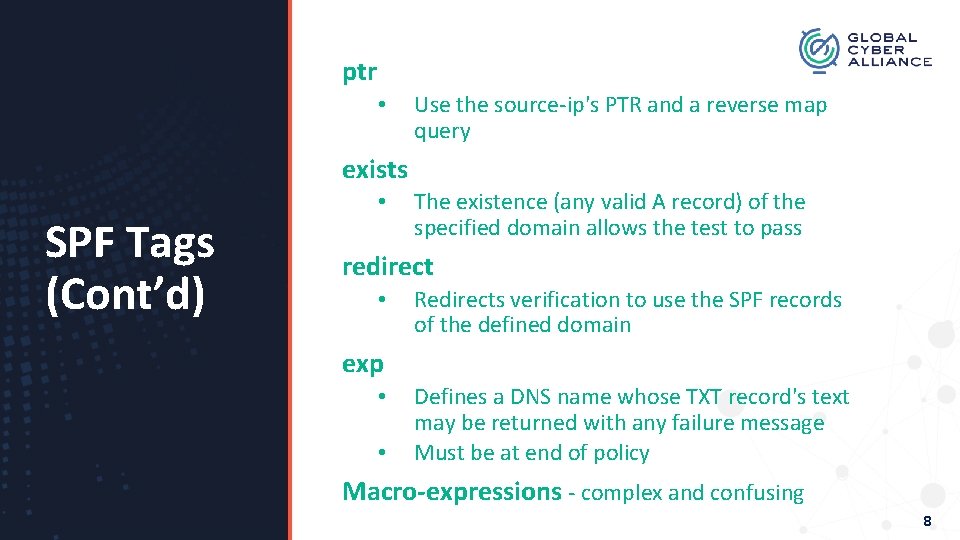
ptr • Use the source-ip's PTR and a reverse map query exists SPF Tags (Cont’d) • The existence (any valid A record) of the specified domain allows the test to pass redirect • Redirects verification to use the SPF records of the defined domain exp • • Defines a DNS name whose TXT record's text may be returned with any failure message Must be at end of policy Macro-expressions - complex and confusing 8
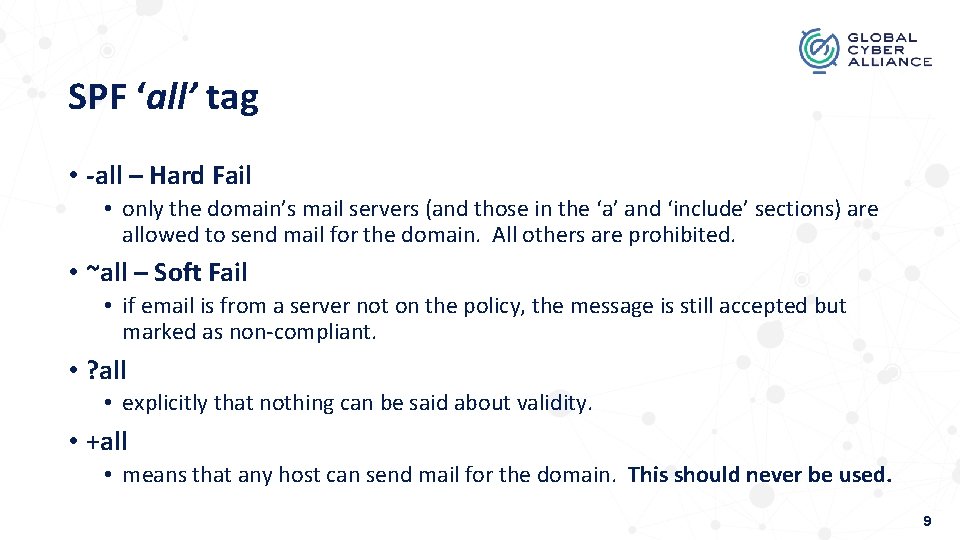
SPF ‘all’ tag • -all – Hard Fail • only the domain’s mail servers (and those in the ‘a’ and ‘include’ sections) are allowed to send mail for the domain. All others are prohibited. • ~all – Soft Fail • if email is from a server not on the policy, the message is still accepted but marked as non-compliant. • ? all • explicitly that nothing can be said about validity. • +all • means that any host can send mail for the domain. This should never be used. 9
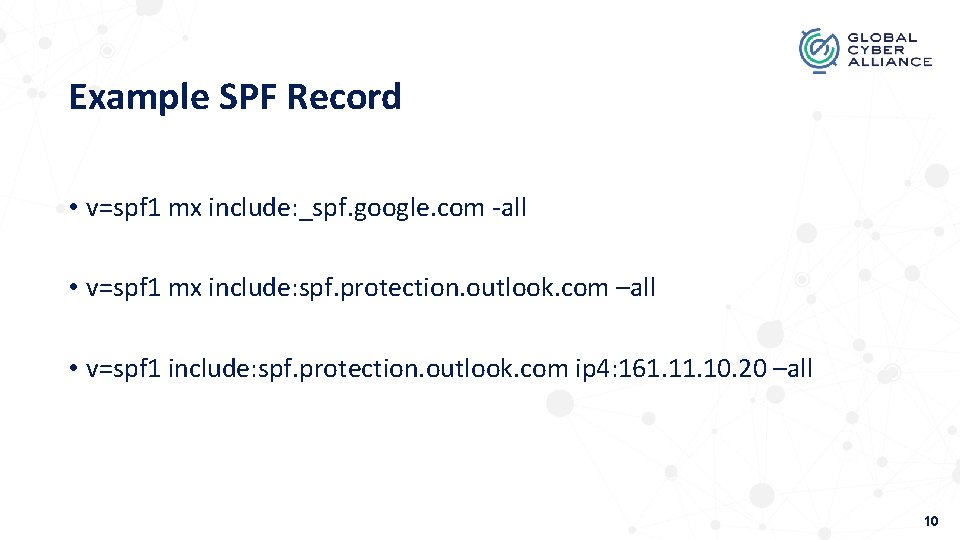
Example SPF Record • v=spf 1 mx include: _spf. google. com -all • v=spf 1 mx include: spf. protection. outlook. com –all • v=spf 1 include: spf. protection. outlook. com ip 4: 161. 10. 20 –all 10
Items Needed for SPF • Access to org’s public DNS • Determine if MX records are being used • IP address or domains of systems sending on organization’s behalf • If 3 rd party vendors support SPF • what needs to be added to your SPF • Confirm SPF alignment (make sure sending domain is using org’s domain) 11
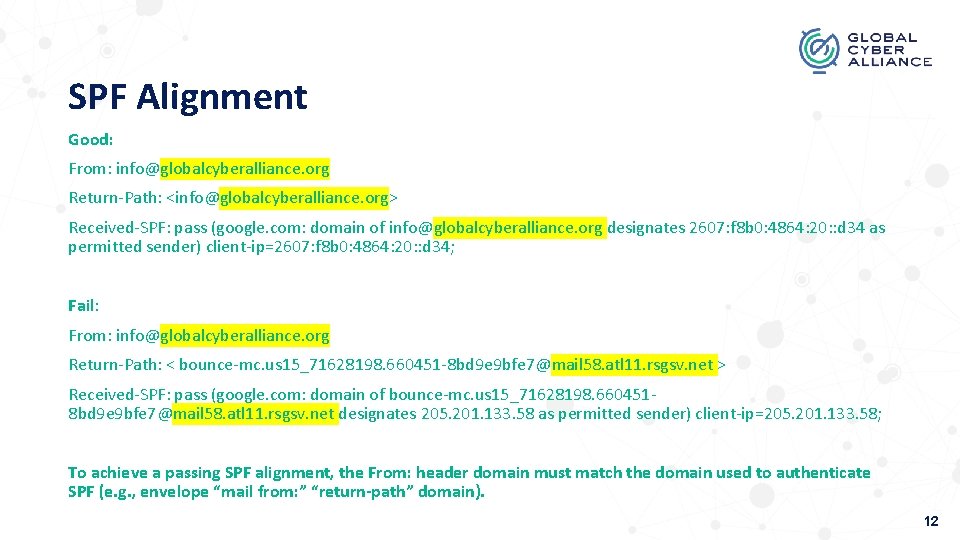
SPF Alignment Good: From: info@globalcyberalliance. org Return-Path: <info@globalcyberalliance. org> Received-SPF: pass (google. com: domain of info@globalcyberalliance. org designates 2607: f 8 b 0: 4864: 20: : d 34 as permitted sender) client-ip=2607: f 8 b 0: 4864: 20: : d 34; Fail: From: info@globalcyberalliance. org Return-Path: < bounce-mc. us 15_71628198. 660451 -8 bd 9 e 9 bfe 7@mail 58. atl 11. rsgsv. net > Received-SPF: pass (google. com: domain of bounce-mc. us 15_71628198. 6604518 bd 9 e 9 bfe 7@mail 58. atl 11. rsgsv. net designates 205. 201. 133. 58 as permitted sender) client-ip=205. 201. 133. 58; To achieve a passing SPF alignment, the From: header domain must match the domain used to authenticate SPF (e. g. , envelope “mail from: ” “return-path” domain). 12

SPF Alignment 13
Shortfalls • Recipient server must decide how to handle failed messages • Once implemented, there is no mechanism to determine if the message was rejected or bounced • If used alone, any other domain using the same hosting provider can still forge mail of other domains • 10 domain lookup limit • does not validate the “header from”, but uses the “envelope from” to determine the sending domain 14
10 Domain Lookup Work Around • SPF Flattening • Use IP address instead of domain’s name • Be extremely careful • Dynamic SPF • Capability provided by various DMARC Vendors • Using Macros • Email stream dedicated subdomains • Avoid unnecessary include statements 15
SPF 2. 0 • Not Sender Policy Framework • It is Sender ID • it is an obsolete and independent protocol • designed to improve SPF • Difference • What is being validated • SPF 2. 0 checks PRA and/or MFROM • SPF checks MAIL FROM and HELO identities • each works on different "layers" of the messaging system 16
Domain. Keys Identified Mail (DKIM)
DKIM Domain. Keys Identified Mail Validates a domain’s identity that is associated with a mail message by using authentication in the form of a digital signature TXT or CNAME Record on Domain Name Server (DNS) • Can have more than one record 18
Generate DKIM Keys • Two Keys • Private Key • Public Key • Key generation is dependent on: • If you are using an external service for both mail and DNS (i. e. , G Suite or 0365) • If the organization has its own email server or gateway 19
DKIM with 3 rd Party Mail Providers and Marketing Systems • The mail provider will provide you with the public key. This public key is then published as a TXT or CNAME record in DNS. • In some cases, the mail provider will supply the full DNS TXT record. • The private key is held by the mail provider and typically not provided to the organization. 20
DKIM with Organizations Mail Server or Gateway • Some Mail gateways will generate the DKIM Keys (i. e. , Cisco Ironport and Mimecast). • Linux - an open source project called opendkim (http: //www. opendkim. org/) is available. • Contains various tools to assist with creating the DKIM key and for integrating DKIM signing into various mail systems • MS Exchange – dkim-exchange (github) • Another option is to use Open. SSL to generate the DKIM keys. • Private Key: openssl genrsa -out dkim-private. pem 1024 -outform PEM • Public Key: openssl rsa -in dkim-private. pem -out dkim-public. pem -pubout -outform PEM • Move the DKIM Private Key in the location specified by the DKIM installation. • Make sure it is in a folder with restricted access. 21
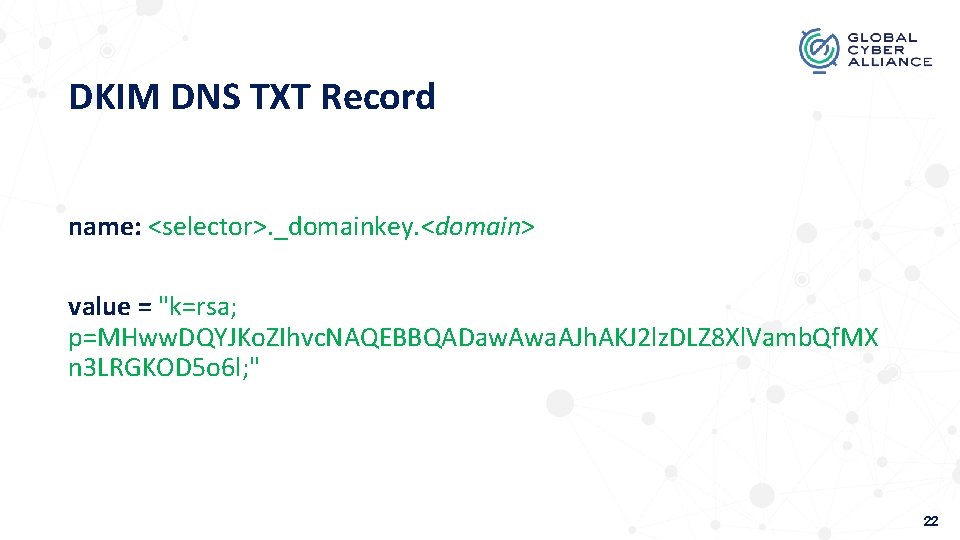
DKIM DNS TXT Record name: <selector>. _domainkey. <domain> value = "k=rsa; p=MHww. DQYJKo. ZIhvc. NAQEBBQADaw. Awa. AJh. AKJ 2 lz. DLZ 8 Xl. Vamb. Qf. MX n 3 LRGKOD 5 o 6 l; " 22
DKIM Record Name • <selector> • name of the DKIM key in DNS. Any name can be used before the “. ”, however it must have“_domainkey” after. • _domainkey - required • <domain> - may not be needed 23
DKIM Tags • k=rsa – defines key algorithm used • p=<key string in public key file generated previously> – defines the public key string • 1024 – most common size • 2048* 24
Items needed for DKIM • Access to public DNS • Define selector • DKIM key generator and signing tool • Built-in to mail server or email security gateway • Provided by 3 rd party email provider • If 3 rd party vendors support DKIM • What needs to be added to DNS (TXT or CNAME record) • Confirm DKIM alignment (make sure signing server is using org’s domain) 25
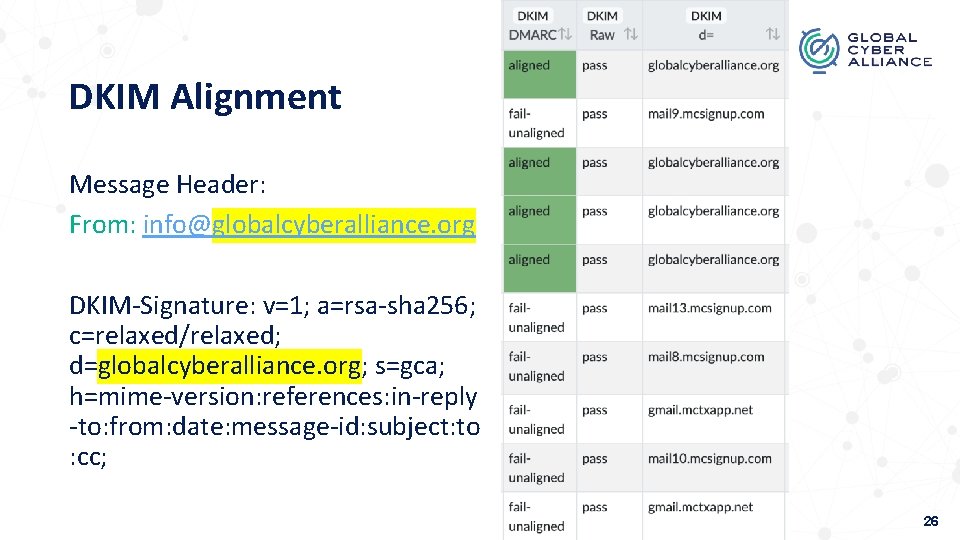
DKIM Alignment Message Header: From: info@globalcyberalliance. org DKIM-Signature: v=1; a=rsa-sha 256; c=relaxed/relaxed; d=globalcyberalliance. org; s=gca; h=mime-version: references: in-reply -to: from: date: message-id: subject: to : cc; 26
Shortfalls • Does NOT define what to do if signature is bad or good • No reporting mechanism • Does NOT determine if the sender server is allowed to send outgoing mail for a specific domain • Allows for recipient filters to determine the authenticity of the mail message being sent • recipient server must decide how to handle failed messages. 27
Domain-based Message Authentication, Reporting, & Conformance DMARC Policy that will define SPF and DKIM (the A or Authentication in DMARC) and must work together using the policy level defined by your organization (which is the C or Conformance in DMARC), as well as add a reporting feature (the R or Reporting in DMARC). Uses Domain Name Server to define the policy 28
DMARC with SPF and DKIM • Resolves most issues with SPF and DKIM • Domains using the same hosting provider or coming from org mail servers – Implement SPF and DKIM • DMARC will utilize SPF and DKIM checking • DMARC Reports • DMARC indicates what to do with message if either were to fail or pass 29
Bootcamp Resources • Community Forum – community. globalcyberalliance. org • Bootcamp resource page www. globalcyberalliance. org/bootcamp 2021/ 30
Next Webinars: DMARC Technical Details and Windows DNS - May 18 th DMARC Technical Details and BIND May 19 th DMARC Technical Details and Cloud – May 20 th
Q&A
Thank You! Shehzad Mirza gca-dmarc@globalcyberalliance. org smirza@globalcyberalliance. org Copyright @ 2020 Global Cyber Alliance
- Slides: 33