
HOUSE OF DATA SCIENCE ON NATURE INFORMATION Coordinated


- Slides: 9
HOUSE OF DATA SCIENCE ON NATURE INFORMATION Coordinated by Thaned Rojsiraphisal Data Science Research Center, Department of Mathematics Faculty of Science, CMU Website: https: //sites. google. com/site/thanedcmu
SETTING. BASHRC (1) v File Ownership: d r w x r wx = d (r w x) (r wx ) v Private – Group -Others v v Bash environment: = Bourne again shell: v https: //www. youtube. com/watch? v=gi. Ab 4 Ckh 8 BQ v v /etc/bashrc (admin) or. bashrc (home directory) (or. bashrc_alias) Change Color / Word in prompt: v https: //www. youtube. com/watch? v=LXg. XV 7 Ym. Si. U&feature=youtu. be
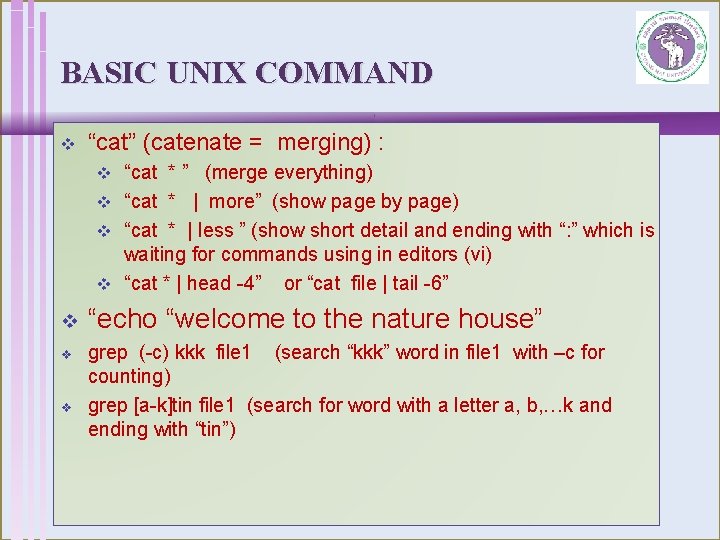
BASIC UNIX COMMAND v “cat” (catenate = merging) : “cat * ” (merge everything) v “cat * | more” (show page by page) v “cat * | less ” (show short detail and ending with “: ” which is waiting for commands using in editors (vi) v “cat * | head -4” or “cat file | tail -6” v v “echo “welcome to the nature house” grep (-c) kkk file 1 (search “kkk” word in file 1 with –c for counting) grep [a-k]tin file 1 (search for word with a letter a, b, …k and ending with “tin”)
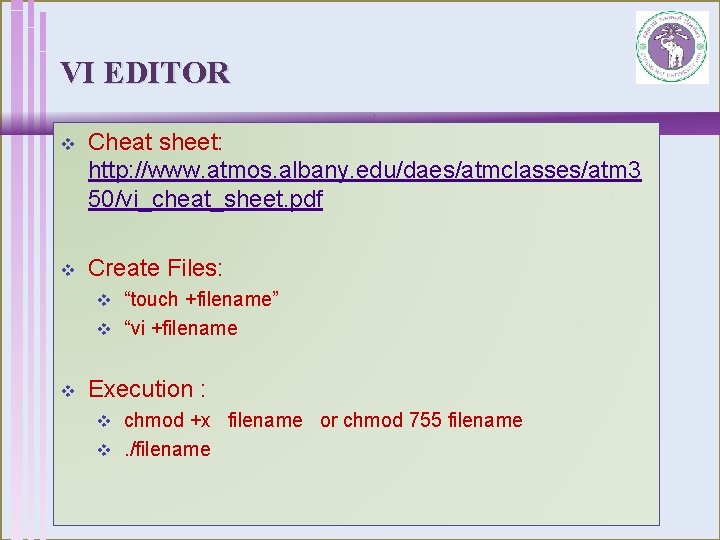
VI EDITOR v Cheat sheet: http: //www. atmos. albany. edu/daes/atmclasses/atm 3 50/vi_cheat_sheet. pdf v Create Files: “touch +filename” v “vi +filename v v Execution : chmod +x filename or chmod 755 filename v. /filename v
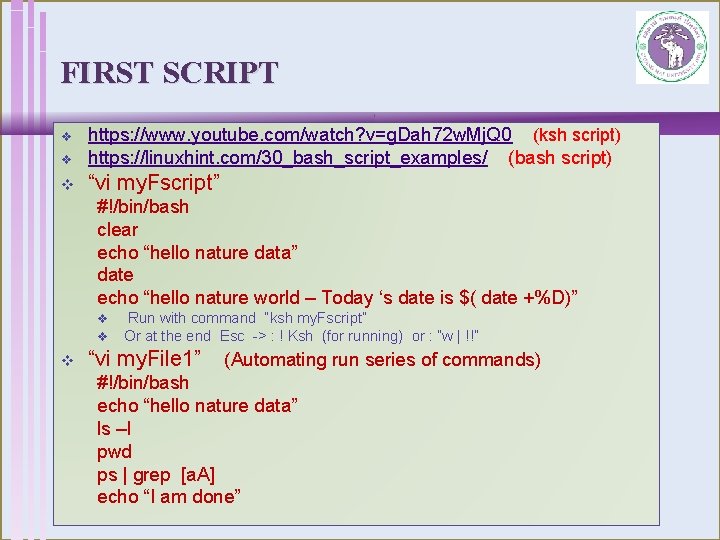
FIRST SCRIPT v https: //www. youtube. com/watch? v=g. Dah 72 w. Mj. Q 0 (ksh script) https: //linuxhint. com/30_bash_script_examples/ (bash script) v “vi my. Fscript” v #!/bin/bash clear echo “hello nature data” date echo “hello nature world – Today ‘s date is $( date +%D)” v v v Run with command “ksh my. Fscript” Or at the end Esc -> : ! Ksh (for running) or : ”w | !!” “vi my. File 1” (Automating run series of commands) #!/bin/bash echo “hello nature data” ls –l pwd ps | grep [a. A] echo “I am done”
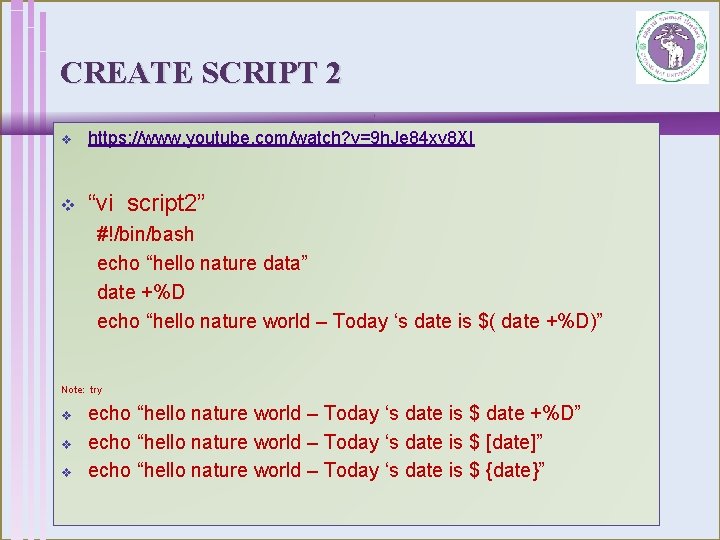
CREATE SCRIPT 2 v https: //www. youtube. com/watch? v=9 h. Je 84 xv 8 XI v “vi script 2” #!/bin/bash echo “hello nature data” date +%D echo “hello nature world – Today ‘s date is $( date +%D)” Note: try v v v echo “hello nature world – Today ‘s date is $ date +%D” echo “hello nature world – Today ‘s date is $ [date]” echo “hello nature world – Today ‘s date is $ {date}”
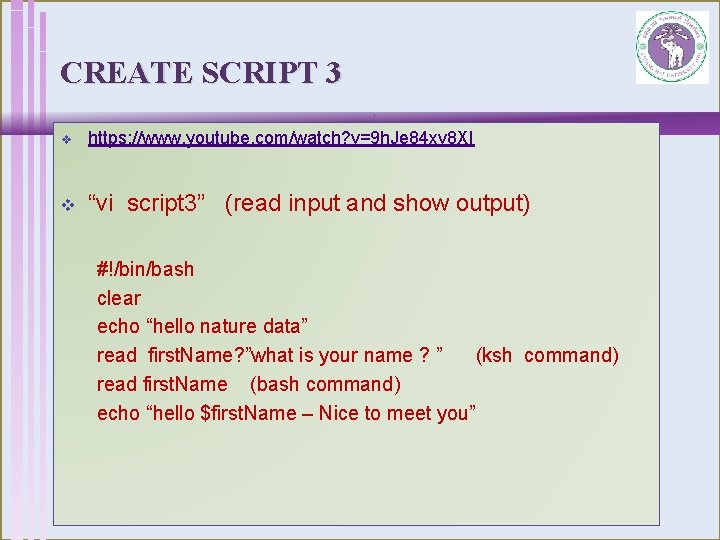
CREATE SCRIPT 3 v https: //www. youtube. com/watch? v=9 h. Je 84 xv 8 XI v “vi script 3” (read input and show output) #!/bin/bash clear echo “hello nature data” read first. Name? ”what is your name ? ” (ksh command) read first. Name (bash command) echo “hello $first. Name – Nice to meet you”
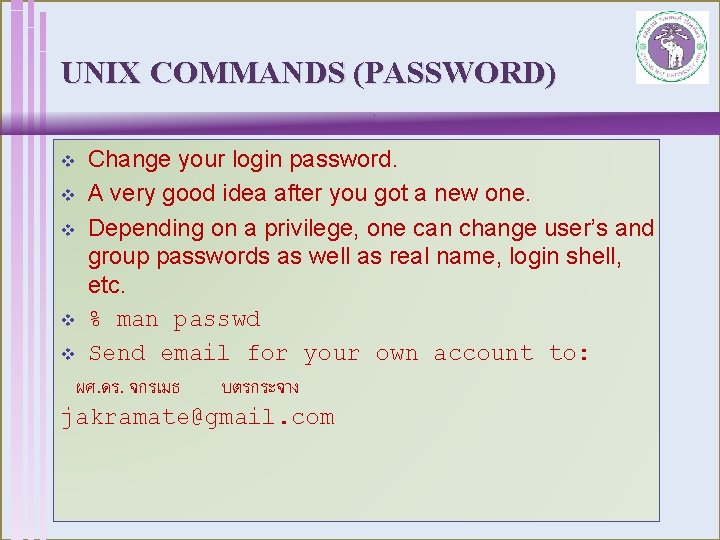
UNIX COMMANDS (PASSWORD) Change your login password. v A very good idea after you got a new one. v Depending on a privilege, one can change user’s and group passwords as well as real name, login shell, etc. v % man passwd v Send email for your own account to: ผศ. ดร. จกรเมธ บตรกระจาง jakramate@gmail. com v
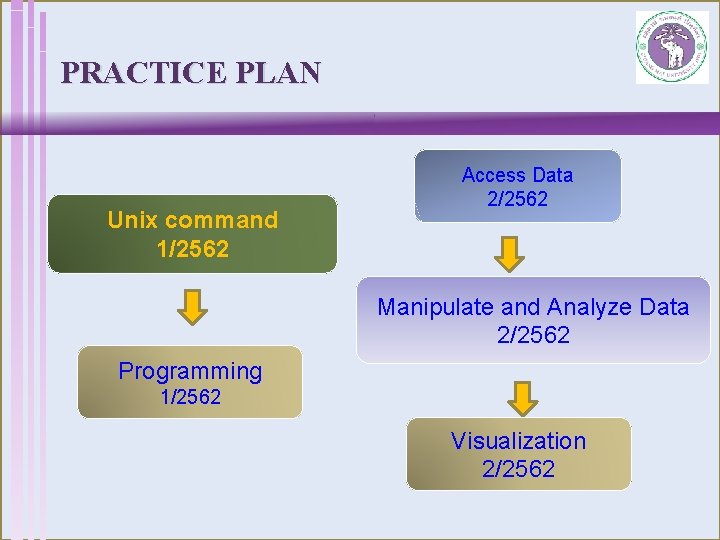
PRACTICE PLAN Unix command 1/2562 Access Data 2/2562 Manipulate and Analyze Data 2/2562 Programming 1/2562 Visualization 2/2562