
Homogeneous Form Introduction to 3 D Graphics Glenn
![Review: Unit Vectors [1/2] n n n A unit vector is a vector whose](https://slidetodoc.com/presentation_image_h2/100a31d825c911e94251a396e807f8b1/image-3.jpg "Review: Unit Vectors [1/2] n n n A unit vector is a vector whose")
![Review: Unit Vectors [2/2] n Example Find a unit vector with the same direction](https://slidetodoc.com/presentation_image_h2/100a31d825c911e94251a396e807f8b1/image-4.jpg "Review: Unit Vectors [2/2] n Example Find a unit vector with the same direction")
![Review: Matrices & Transformations [1/3] n We can use 3 3 matrices to represent](https://slidetodoc.com/presentation_image_h2/100a31d825c911e94251a396e807f8b1/image-5.jpg "Review: Matrices & Transformations [1/3] n We can use 3 3 matrices to represent")
![Review: Matrices & Transformations [2/3] n n Example 1 n What 3 3 matrix](https://slidetodoc.com/presentation_image_h2/100a31d825c911e94251a396e807f8b1/image-6.jpg "Review: Matrices & Transformations [2/3] n n Example 1 n What 3 3 matrix")
![Review: Matrices & Transformations [3/3] n We cannot represent translations in this way. n](https://slidetodoc.com/presentation_image_h2/100a31d825c911e94251a396e807f8b1/image-7.jpg "Review: Matrices & Transformations [3/3] n We cannot represent translations in this way. n")
![Homogeneous Form: Transformations [1/3] n If a 3 -D transformation can be represented as](https://slidetodoc.com/presentation_image_h2/100a31d825c911e94251a396e807f8b1/image-10.jpg "Homogeneous Form: Transformations [1/3] n If a 3 -D transformation can be represented as")
![Homogeneous Form: Transformations [2/3] n Other transformations are represented in other ways. Here is](https://slidetodoc.com/presentation_image_h2/100a31d825c911e94251a396e807f8b1/image-11.jpg "Homogeneous Form: Transformations [2/3] n Other transformations are represented in other ways. Here is")
![Homogeneous Form: Transformations [3/3] n We perform the transformations by using matrix multiplication, as](https://slidetodoc.com/presentation_image_h2/100a31d825c911e94251a396e807f8b1/image-12.jpg "Homogeneous Form: Transformations [3/3] n We perform the transformations by using matrix multiplication, as")
![Introduction to 3 -D Graphics: Perspective Projection [1/2] n n So far, we have](https://slidetodoc.com/presentation_image_h2/100a31d825c911e94251a396e807f8b1/image-18.jpg "Introduction to 3 -D Graphics: Perspective Projection [1/2] n n So far, we have")
![Introduction to 3 -D Graphics: Perspective Projection [2/2] n Function gl. Frustum has 6](https://slidetodoc.com/presentation_image_h2/100a31d825c911e94251a396e807f8b1/image-19.jpg "Introduction to 3 -D Graphics: Perspective Projection [2/2] n Function gl. Frustum has 6")
- Slides: 21
Homogeneous Form, Introduction to 3 -D Graphics Glenn G. Chappell CHAPPELLG@member. ams. org U. of Alaska Fairbanks CS 381 Lecture Notes Monday, October 20, 2003 20 Oct 2003 CS 381
Note n Friday we looked at some virtualreality research projects. This is part of the class, and will be covered on the test. n However, it is outside the normal flow of topics. I have no review slides on VR. n 20 Oct 2003 CS 381 2
Review: Unit Vectors [1/2] n n n A unit vector is a vector whose magnitude is 1. We use unit vectors to represent quantities that have only direction. To find the unit vector pointing in the same direction as a given vector, divide the given vector by its magnitude. n n That is, given v, the unit vector pointing in the same direction is v/|v| = (1/|v|)v. Unit vectors are convenient when dealing with angles. n If u and v are unit vectors, then the cosine of the angle between u & v is just u · v. 20 Oct 2003 CS 381 3
Review: Unit Vectors [2/2] n Example Find a unit vector with the same direction as the vector (1, 2, 3). n Solution: n • The magnitude of this vector is sqrt[12+22+32] = sqrt[14]. • Multiply: (1/sqrt[14])(1, 2, 3) = (1/sqrt[14], 2/sqrt[14], 3/sqrt[14]). 20 Oct 2003 CS 381 4
Review: Matrices & Transformations [1/3] n We can use 3 3 matrices to represent some kinds of 3 -D transformations: All rotations (about any line through the origin). n All scaling. n n We apply the transformation to a point by using matrix multiplication. n Matrix point = transformed point. 20 Oct 2003 CS 381 5
Review: Matrices & Transformations [2/3] n n Example 1 n What 3 3 matrix represents the transformation produced by: gl. Scaled(2. , 1. ); n Solution: n Note: This is not the actual matrix produced by this command. Open. GL does not use 3 3 matrices. Example 2 n Apply the above transformation to the point (2, 3, 5) using matrix multiplication. 20 Oct 2003 CS 381 6
Review: Matrices & Transformations [3/3] n We cannot represent translations in this way. n Translations move the origin (0, 0, 0). • Except for the do-nothing (identity) translation, which leaves all points alone. n n n But matrix multiplication always leaves the origin alone. So, this method of representing transformations is not the one we want. How can we represent transformations in a more general way? n n In order to solve this, we need to alter the way we represent points & vectors. Next we look at “homogeneous form”. 20 Oct 2003 CS 381 7
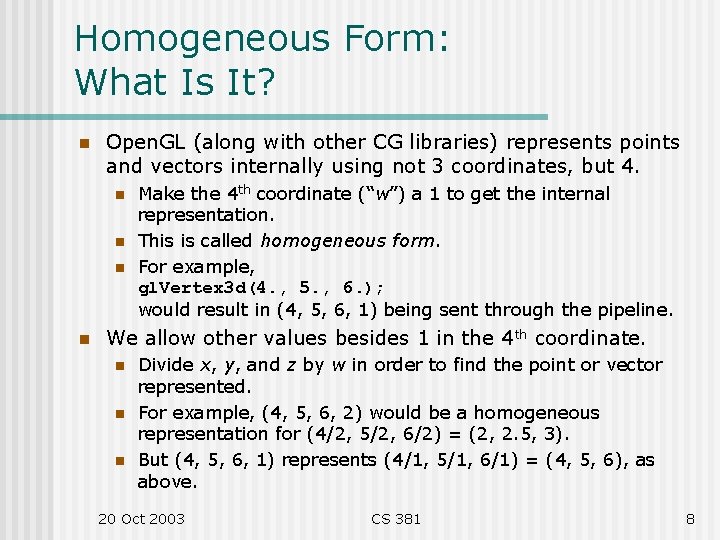
Homogeneous Form: What Is It? n Open. GL (along with other CG libraries) represents points and vectors internally using not 3 coordinates, but 4. n n Make the 4 th coordinate (“w”) a 1 to get the internal representation. This is called homogeneous form. For example, gl. Vertex 3 d(4. , 5. , 6. ); would result in (4, 5, 6, 1) being sent through the pipeline. We allow other values besides 1 in the 4 th coordinate. n n n Divide x, y, and z by w in order to find the point or vector represented. For example, (4, 5, 6, 2) would be a homogeneous representation for (4/2, 5/2, 6/2) = (2, 2. 5, 3). But (4, 5, 6, 1) represents (4/1, 5/1, 6/1) = (4, 5, 6), as above. 20 Oct 2003 CS 381 8
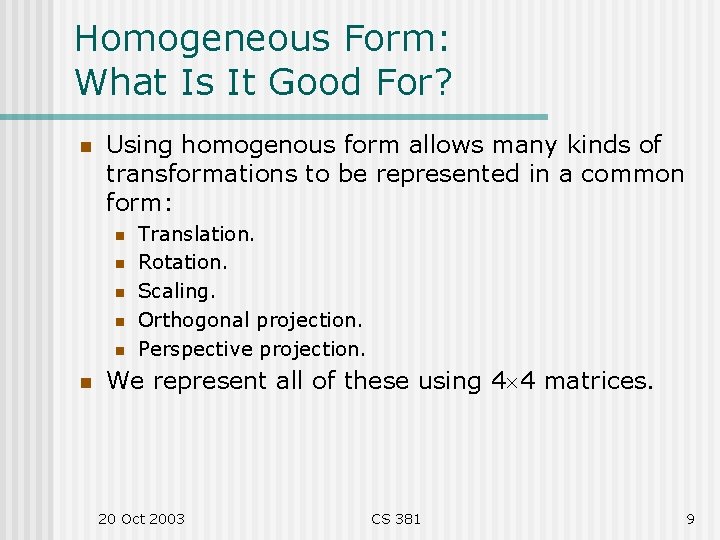
Homogeneous Form: What Is It Good For? n Using homogenous form allows many kinds of transformations to be represented in a common form: n n n Translation. Rotation. Scaling. Orthogonal projection. Perspective projection. We represent all of these using 4 4 matrices. 20 Oct 2003 CS 381 9
Homogeneous Form: Transformations [1/3] n If a 3 -D transformation can be represented as a 3 3 matrix (like rotation & scaling), then we make a 4 4 matrix for it as follows: 20 Oct 2003 CS 381 10
Homogeneous Form: Transformations [2/3] n Other transformations are represented in other ways. Here is how we do translation: n The code gl. Load. Identity(); gl. Translated(a, b, c); generates the matrix: 20 Oct 2003 CS 381 11
Homogeneous Form: Transformations [3/3] n We perform the transformations by using matrix multiplication, as before. n n Matrix multiplication cannot move (0, 0, 0, 0), as before. However, we now represent the origin in homogenous form as (0, 0, 0, 1). Remember, we may have to divide by the 4 th coordinate when we are done. • This will not be an issue until we get talk about how to represent perspective projection. n Try it! 20 Oct 2003 CS 381 12
Homogenous Form: The “Punch Line” n If matrix multiplication is used for performing transformations, then multiplying two transformation matrices together results in the matrix representing one transformation followed by the other. n n Thus, we can use a 4 4 matrix to represent, not only a single transformation, but any series of transformations. What the transformation commands (gl. Translate*, gl. Rotate*, gl. Scale*) really do is to multiply the current matrix, on the left, by the matrix for the given transformation. n This is why we need gl. Load. Identity. 20 Oct 2003 CS 381 13
Introduction to 3 -D Graphics: Three Issues n Remember the three issues in 3 -D CG: n Viewing and Transformations • This is what we are concentrating on now. n Hidden-Surface Removal • Easy-to-use depth buffering is built into Open. GL. Other methods are tricky … n Lighting • This will come later. 20 Oct 2003 CS 381 14
Introduction to 3 -D Graphics: Example Code n In class, we looked at a preliminary version of start 3 d. cpp and modified it. No further slides were shown in class. The following slides summarize the topics covered. n The file start 3 d. cpp is now on the web page. It is intended to be a starting point for 3 -D programs. n 20 Oct 2003 CS 381 15
Introduction to 3 -D Graphics: Double Buffering n Nearly all of your 3 -D programs will be double buffered. n n Drawing in the back buffer, and then swapping, means users see only completed frames. Result: smooth animation. This topic is review, of course. How to Do It n Use GLUT_DOUBLE in your glut. Init. Display. Mode call. • This allocates a back buffer and enables it for drawing. • Maybe double buffering will work using GLUT_SINGLE. Maybe not. In any case, don’t do it. n Use glut. Swap. Buffers instead of gl. Flush at the end of your display routine. 20 Oct 2003 CS 381 16
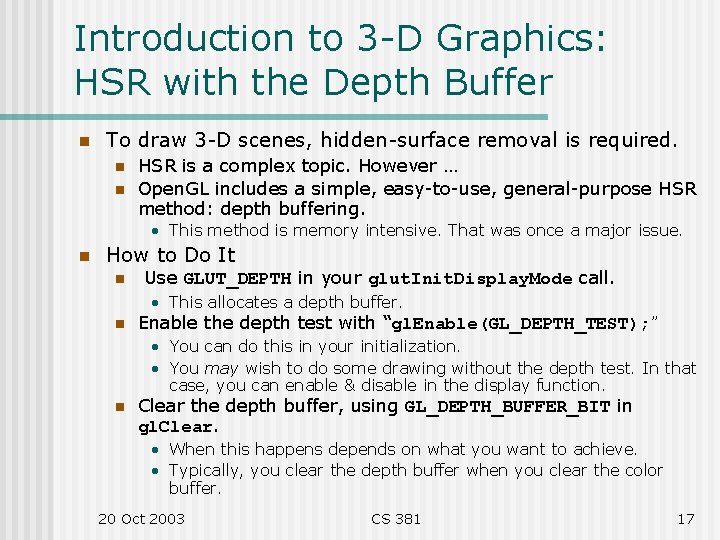
Introduction to 3 -D Graphics: HSR with the Depth Buffer n To draw 3 -D scenes, hidden-surface removal is required. n n HSR is a complex topic. However … Open. GL includes a simple, easy-to-use, general-purpose HSR method: depth buffering. • This method is memory intensive. That was once a major issue. n How to Do It n Use GLUT_DEPTH in your glut. Init. Display. Mode call. • This allocates a depth buffer. n Enable the depth test with “gl. Enable(GL_DEPTH_TEST); ” • You can do this in your initialization. • You may wish to do some drawing without the depth test. In that case, you can enable & disable in the display function. n Clear the depth buffer, using GL_DEPTH_BUFFER_BIT in gl. Clear. • When this happens depends on what you want to achieve. • Typically, you clear the depth buffer when you clear the color buffer. 20 Oct 2003 CS 381 17
Introduction to 3 -D Graphics: Perspective Projection [1/2] n n So far, we have used only orthogonal projection. In 3 -D, we usually use perspective projection. n n Distant objects appear small, just as in the real world. To set up a perspective projection, replace glu. Ortho 2 D with gl. Frustum. n n n The viewpoint ( “eye”) is at (0, 0, 0), looking in the –z direction. Now we have near and far clipping planes. Think of the screen as lying on the near clipping plane. • • So you look through the screen at the scene. Objects in front of the screen cannot be seen. Objects behind the far plane also cannot be seen. The left, right, bottom, top parameters set up the coordinate system on the near plane. 20 Oct 2003 CS 381 18
Introduction to 3 -D Graphics: Perspective Projection [2/2] n Function gl. Frustum has 6 parameters: n left, right: just as with glu. Ortho 2 D. bottom, top: just as with glu. Ortho 2 D. n near, far: The distance to the near & far clipping planes. n • So near = 1, means that the near clipping plane lies at z = – 1. n n Remember: The left, right, bottom, top parameters set up the coordinate system on the near plane. In 3 -D it is easy to put things where you cannot see them. n n In particular, you cannot see objects at the origin. But you still want to draw things with their center at the origin. • This makes rotation work well, for example. n Solution: translate. • For example, “gl. Translated(0. , -4. ); ”. n GLU includes the function glu. Perspective. n This is an alternate way to set up a perspective projection. It calls gl. Frustum. See the doc’s. 20 Oct 2003 CS 381 19
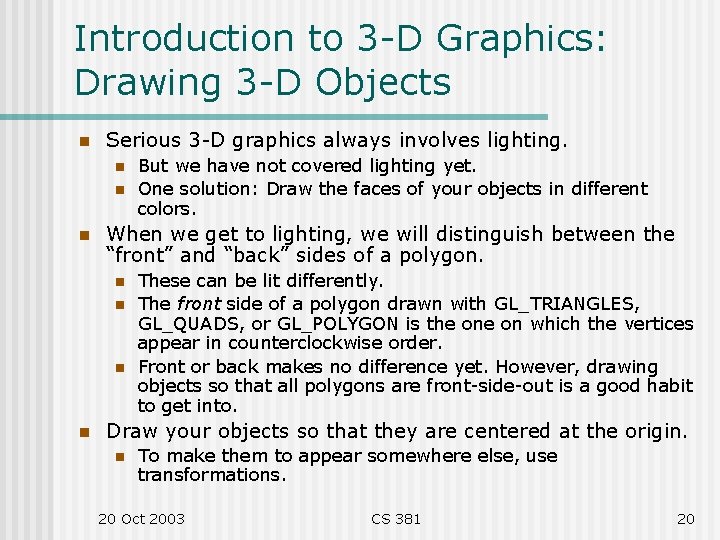
Introduction to 3 -D Graphics: Drawing 3 -D Objects n Serious 3 -D graphics always involves lighting. n n n When we get to lighting, we will distinguish between the “front” and “back” sides of a polygon. n n But we have not covered lighting yet. One solution: Draw the faces of your objects in different colors. These can be lit differently. The front side of a polygon drawn with GL_TRIANGLES, GL_QUADS, or GL_POLYGON is the on which the vertices appear in counterclockwise order. Front or back makes no difference yet. However, drawing objects so that all polygons are front-side-out is a good habit to get into. Draw your objects so that they are centered at the origin. n To make them to appear somewhere else, use transformations. 20 Oct 2003 CS 381 20
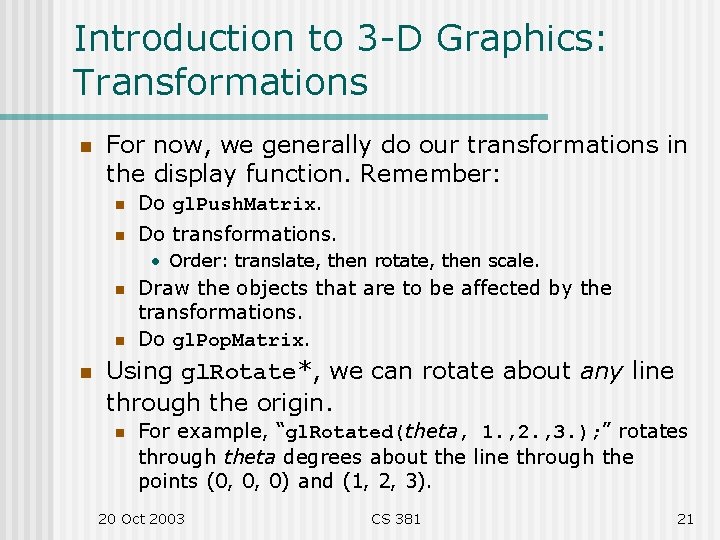
Introduction to 3 -D Graphics: Transformations n For now, we generally do our transformations in the display function. Remember: n Do gl. Push. Matrix. n Do transformations. • Order: translate, then rotate, then scale. n n n Draw the objects that are to be affected by the transformations. Do gl. Pop. Matrix. Using gl. Rotate*, we can rotate about any line through the origin. n For example, “gl. Rotated(theta, 1. , 2. , 3. ); ” rotates through theta degrees about the line through the points (0, 0, 0) and (1, 2, 3). 20 Oct 2003 CS 381 21