
Homerton Early Excellence Centre IWBs in the Early
Homerton Early Excellence Centre IWB’s in the Early Years Harriet Price 1
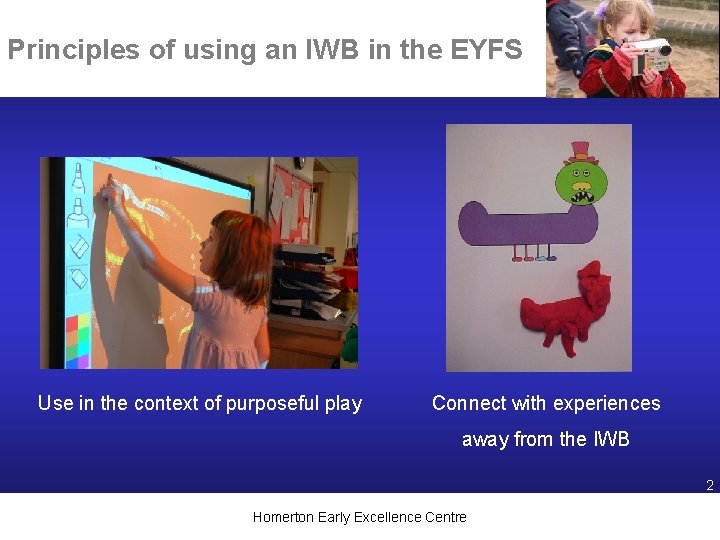
Principles of using an IWB in the EYFS Use in the context of purposeful play Connect with experiences away from the IWB 2 Homerton Early Excellence Centre
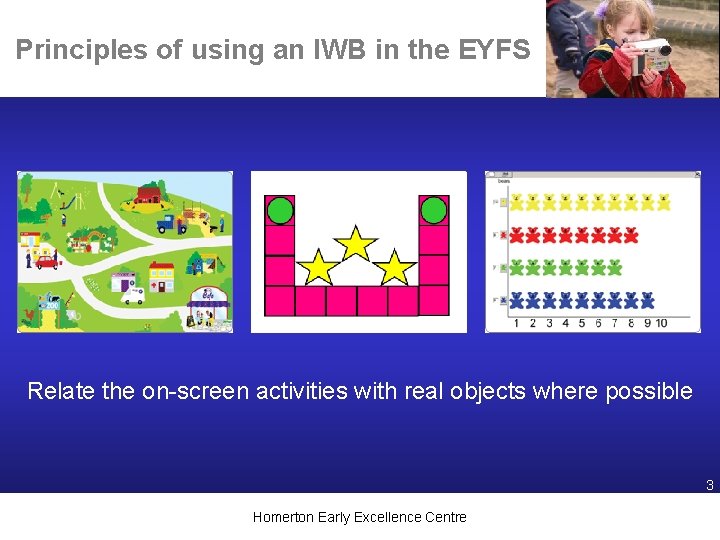
Principles of using an IWB in the EYFS Relate the on-screen activities with real objects where possible 3 Homerton Early Excellence Centre
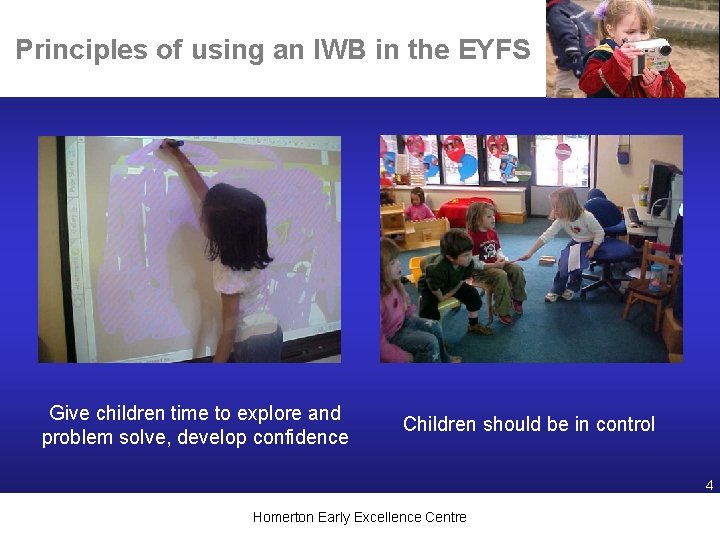
Principles of using an IWB in the EYFS Give children time to explore and problem solve, develop confidence Children should be in control 4 Homerton Early Excellence Centre

Principles of using an IWB in the EYFS Personalise the resources Encourage children to explain, discuss and describe their actions Involve parents in all of the possible uses of the IWB 5 Homerton Early Excellence Centre
An IWB can enhance children’s learning by: Allowing children to engage positively in imaginative, active and social learning. Offering a visual means for demonstrating and exemplifying. Look for interactive learning practices which involve children in watching, listening, doing, constructing and creating. Using digital photographs. These can be used in many ways, can you suggest some? 6 Homerton Early Excellence Centre
Try these web sites for using with the IWB Sebastian Swan Lecky's Early Years Activities The nature grid The Hoobs ICT Games Sebran Little Animals Activity Centre Oxford Reading Tree Cbeebies Games from Kent Bob the Builder Games from Priory Wood Fun with Spot Play school 7 Homerton Early Excellence Centre
Ideas for software to use with the IWB: • 2 Create a Story • Power. Point • Tizzy’s First Tools-Present • 2 Paint a Picture • 2 Simple City • Musical Leaps and Bounds • Leaps and Bounds 3 • Revelation Natural Art • Smart Notebook 8 Homerton Early Excellence Centre
Use in conjunction with: • Programmable toys and 2 Go • Software and websites: good quality on screen books, nursery rhymes and songs from around the world, art projects and recipes • Use projector for silhouettes, puppet shows etc • Web cams • Digital cameras, movie maker, camcorder • Microphone • Microscope • Calculators (on screen) • Clocks (on screen) • Role play (could be used as a backdrop to stimulate play e. g. space footage for a space station). Homerton Early Excellence Centre 9
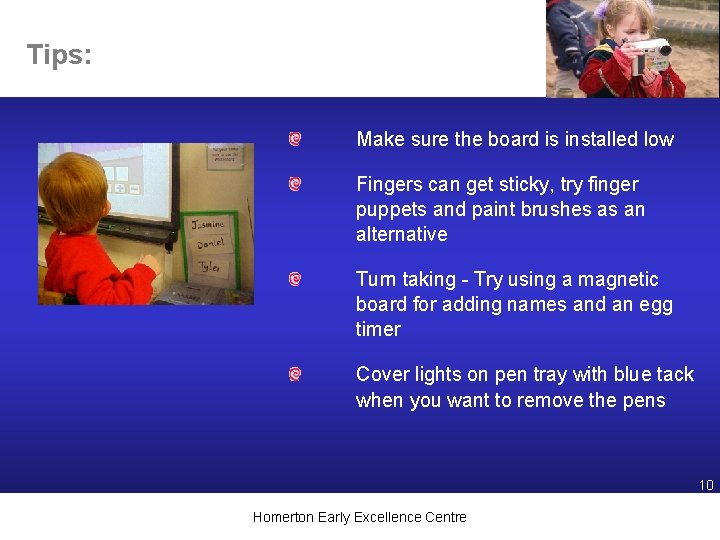
Tips: Make sure the board is installed low Fingers can get sticky, try finger puppets and paint brushes as an alternative Turn taking - Try using a magnetic board for adding names and an egg timer Cover lights on pen tray with blue tack when you want to remove the pens 10 Homerton Early Excellence Centre
- Slides: 10