
HOME ACCESS To School based email DISCUS databases
HOME ACCESS To School based email, DISCUS databases, and Destiny Library Catalog
USERNAME AND PASSWORD FOR COMPUTERS If a student does not know their username teachers may look this up Open email Search for the student’s name in the address box The email will pop up The first half of the email is the username If a student does not know their password, teachers, please reset immediately! Go to the start button Go to “Teachers Menu” at the top of the start menu (you may have to scroll) Choose “Student Password Reset” Type in the child’s username Password will reset, they must log in AT SCHOOL
ACCESSING YOUR EMAIL Go to Office. com to log in, click “Log in” Use your laptop Username and Password Click on “Outlook” once logged in to Office to open your mailbox Your school email is the same as your log-in. For example for a child named “Sample Student” the log in is sam. stu 4321 For “Sample Student” the student email would be sam. stu 4321@r 1 student. org The password is the same password that students use daily to log in to computers
HOME ACCESS TO DISCUS DATABASES www. richlandone. org Resource Center Student Resources DISCUS User: Password: please contact julie. noland@richlandone. org for log in info!
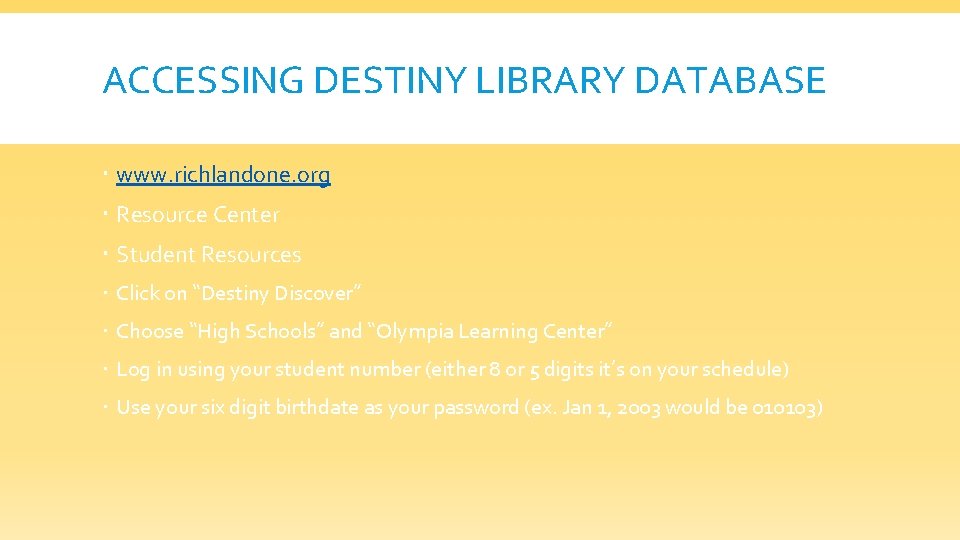
ACCESSING DESTINY LIBRARY DATABASE www. richlandone. org Resource Center Student Resources Click on “Destiny Discover” Choose “High Schools” and “Olympia Learning Center” Log in using your student number (either 8 or 5 digits it’s on your schedule) Use your six digit birthdate as your password (ex. Jan 1, 2003 would be 010103)
MAKE NOTE OF OTHER PASSWORDS Mastery Connect ALEKS USA Test Prep Edmodo Edgenuity/e 2020
- Slides: 6