
Holonomic Robot Holobot Igor Kruhak 4 28 2003
Holonomic Robot Holobot Igor Kruhak 4 -28 -2003
Holonomic Robot
Holonomic Robot n What does holonomic mean? • Velocity constraints are holonomic if they force a curve in state space to stay in a proper subspace. • Robot can turn 360 without moving its pivot point. • Can change directions at any given point
Holonomic Robot n Advantages of holonomic robots: • Maneuver in very tight spaces • Hardware easy to see and understand • Can teach linear programming and math • Allows flexibility to programming RMI n Preprogrammed instructions n Instructions on the fly n
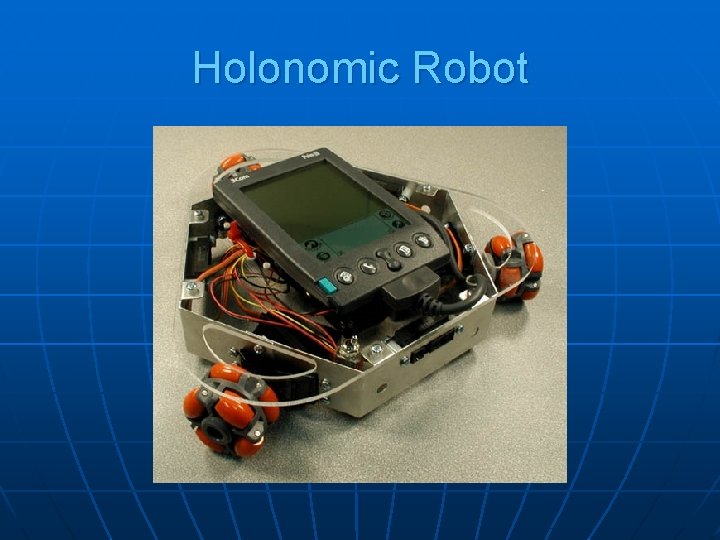
Holonomic Robot n Main parts of the Robots are: • Basic Stamp II • Omni-wheels • Carrying hardware • Circuit board • Batteries • PDA
Holonomic Robot n Difference from PPRK project • PPRK uses Palm OS vs. Win. CE • PPRK programmed in C vs. java RMI • Holobot uses javax. comm for Win. CE • Holobot has wireless capability • HP 5450 used for Holobot’s server • Basic Stamp II vs. Pontech SV 203 • Setting CLASSPATH for Win. CE
Holonomic Robot n How does the Holobot move? • Impulses sent to servos from stamp • Stamp receives speeds from RMI server • Time received from RMI server • Omni-wheels allow movement in any direction • Direction depends on which servo receives the impulse the Basic Stamp II
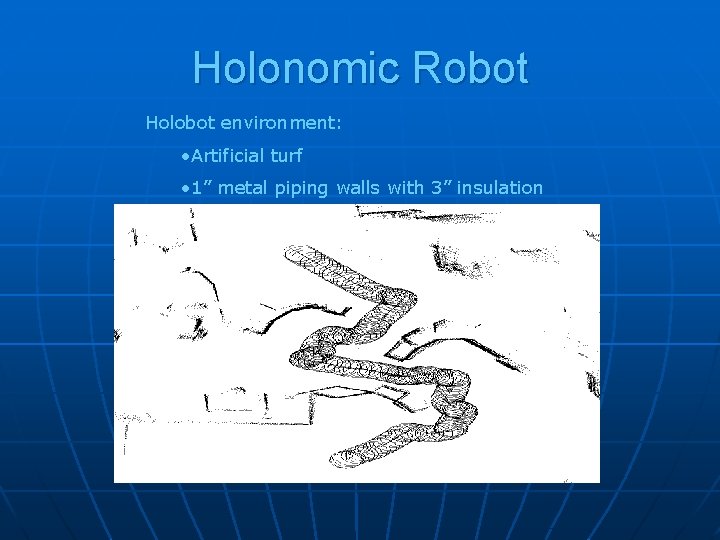
Holonomic Robot Holobot environment: • Artificial turf • 1” metal piping walls with 3” insulation
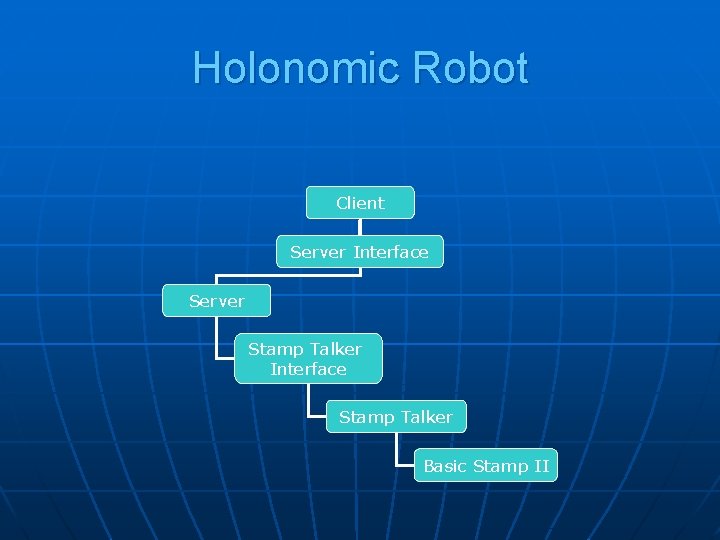
Holonomic Robot Client Server Interface Server Stamp Talker Interface Stamp Talker Basic Stamp II
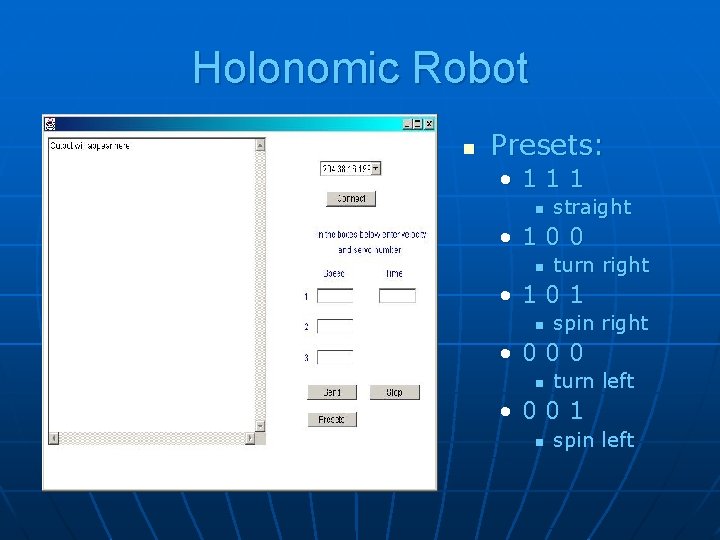
Holonomic Robot n Presets: • 111 n straight • 100 n turn right • 101 n spin right • 000 n turn left • 001 n spin left
Holonomic Robot n Difficulties with the project: • Running java RMI on the PDA • Installing javax. comm on the PDA • Setting up the CLASSPATH on Win. CE • Constructing the hardware for the Holobot • Writing Basic Stamp II program
Holonomic Robot Questions?
- Slides: 12