
HMIS Domestic Violence Feb 4 2019 Jasmine Rockwell
HMIS: Domestic Violence Feb. 4, 2019 Jasmine Rockwell
Purpose of Today’s Session HMIS Comparable Database Decision Tree Added Security Protocols Passwords Client Search Project Start Date Enrollment Service & Case Notes Discharge Help Tickets HMIS Active Client List Data Quality Report Data Detail Report Common Data Quality Errors Questions

HMIS Comparable Database Decision Tree
Added Security Added Security protocols based upon work with: q National Network to End Domestic Violence (NNEDV) q Georgia Coalition Against Domestic Violence (GCADV) Eccovia q Eccovia personnel will not access any client level data without approval by the agency in question. DCA q Designated individuals at DCA that support the DV Implementation q By submitting a help ticket the agency is agreeing to allow DCA to support which may include client level data. q The DV Implementation is completely separate from the main HMIS Implementation
Passwords q Do not save your password in your web browser. q Please log into HMIS within 60 days or you will be locked out of the system. If this occurs, you will have to retake the HMIS Quiz to regain access to your account.
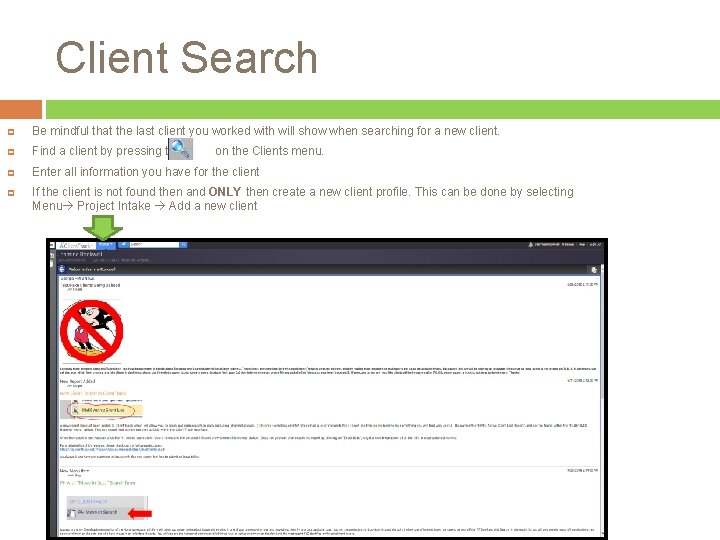
Client Search Be mindful that the last client you worked with will show when searching for a new client. Find a client by pressing the Enter all information you have for the client If the client is not found then and ONLY then create a new client profile. This can be done by selecting Menu Project Intake Add a new client on the Clients menu.
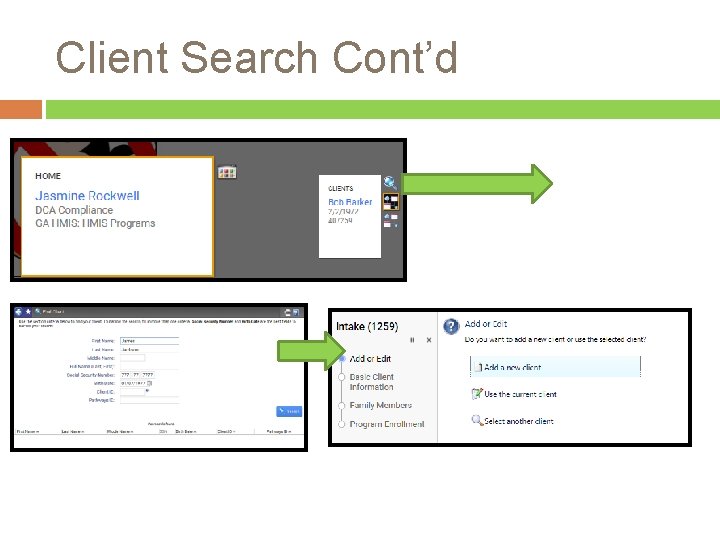
Client Search Cont’d
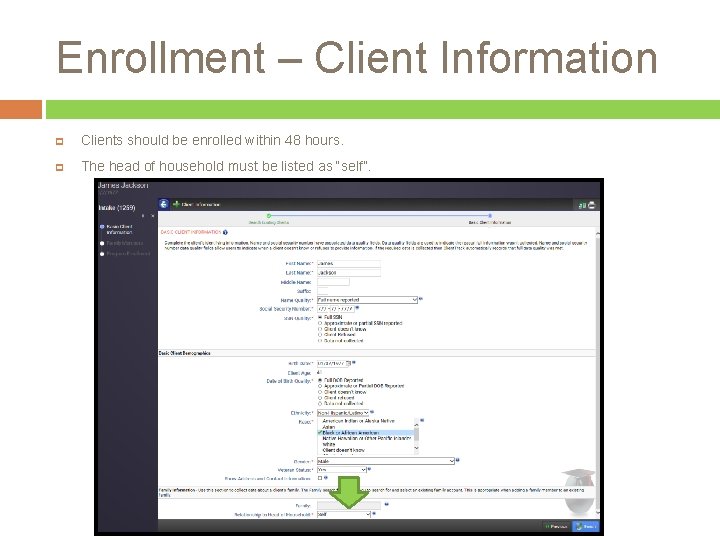
Enrollment – Client Information Clients should be enrolled within 48 hours. The head of household must be listed as “self”.
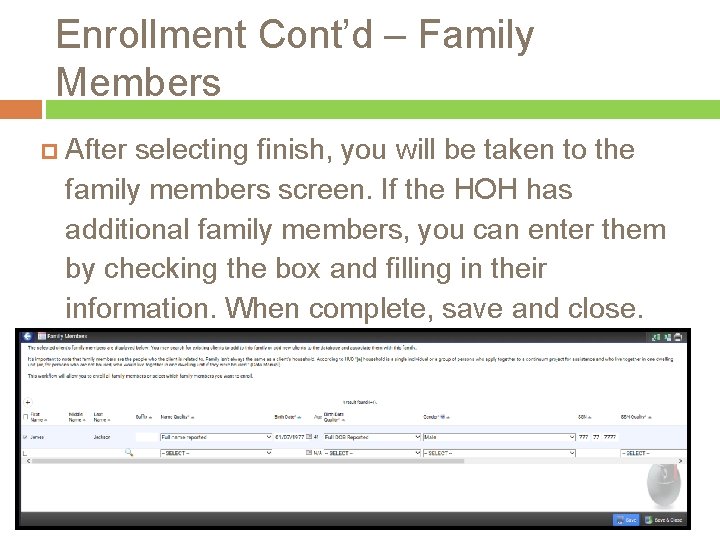
Enrollment Cont’d – Family Members After selecting finish, you will be taken to the family members screen. If the HOH has additional family members, you can enter them by checking the box and filling in their information. When complete, save and close.
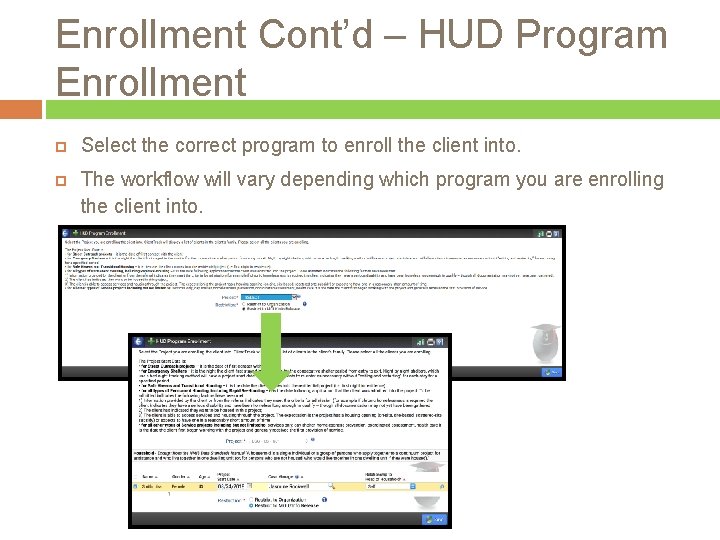
Enrollment Cont’d – HUD Program Enrollment Select the correct program to enroll the client into. The workflow will vary depending which program you are enrolling the client into.
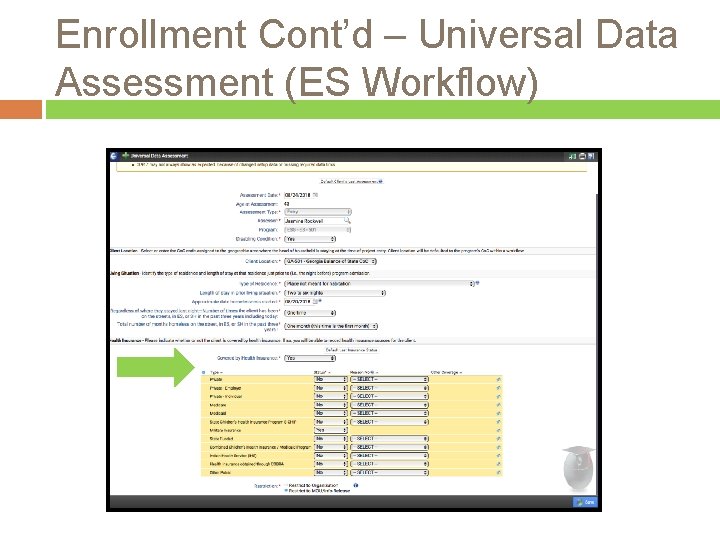
Enrollment Cont’d – Universal Data Assessment (ES Workflow)
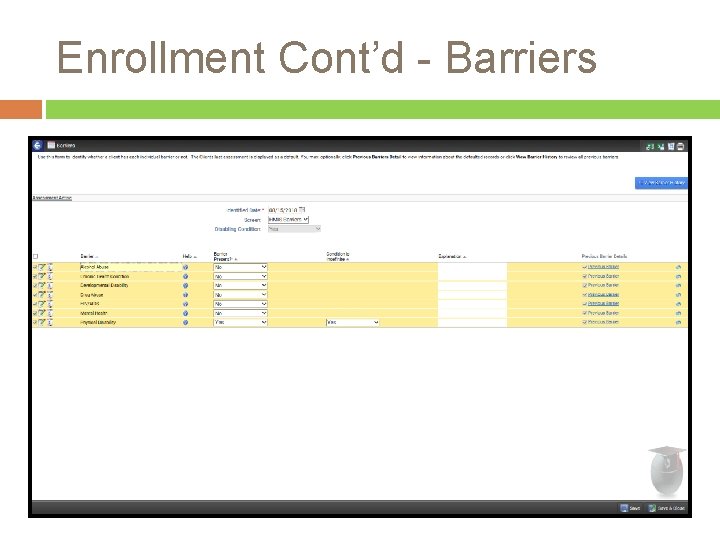
Enrollment Cont’d - Barriers
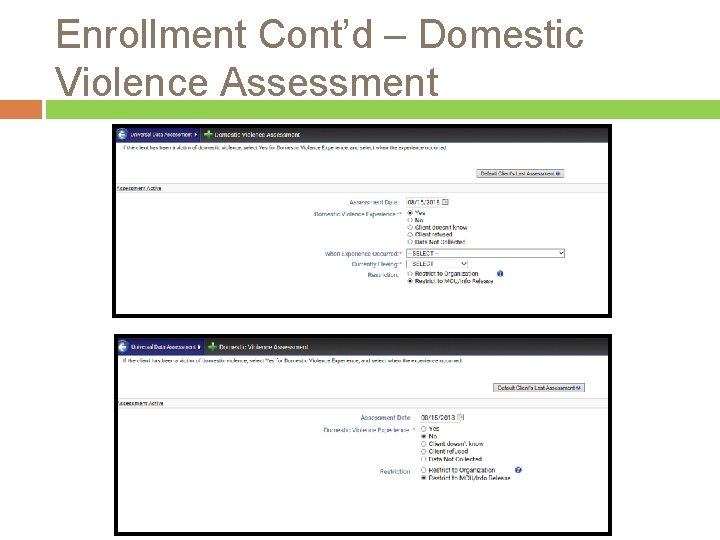
Enrollment Cont’d – Domestic Violence Assessment
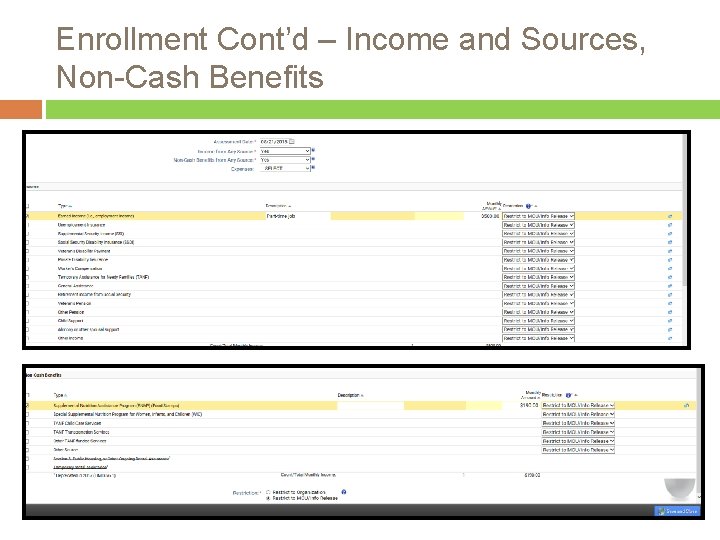
Enrollment Cont’d – Income and Sources, Non-Cash Benefits
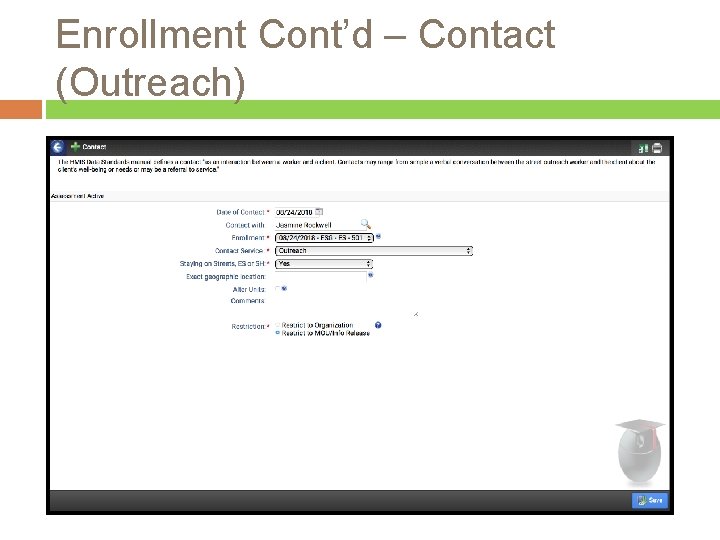
Enrollment Cont’d – Contact (Outreach)
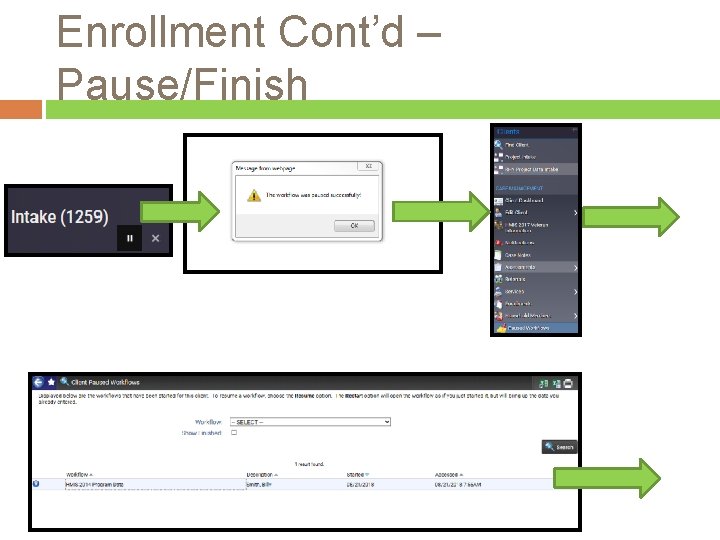
Enrollment Cont’d – Pause/Finish
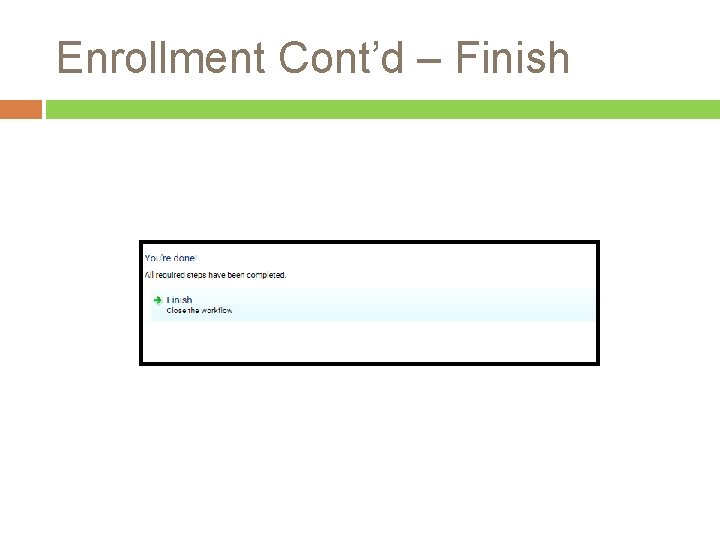
Enrollment Cont’d – Finish
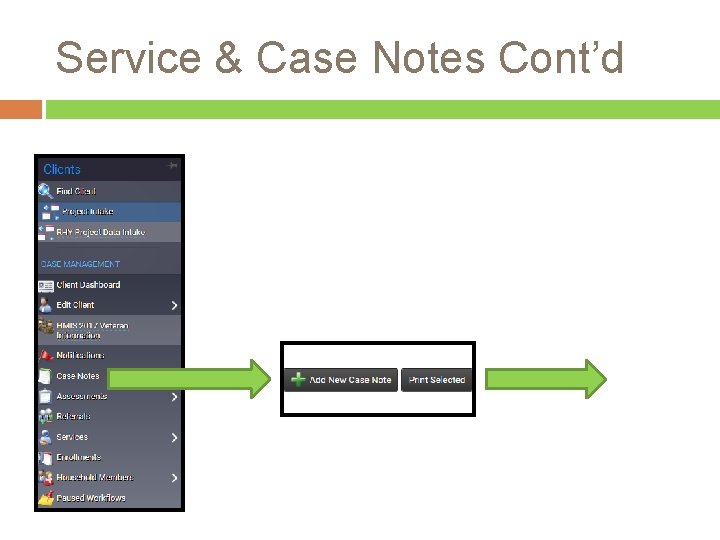
Service & Case Notes Cont’d
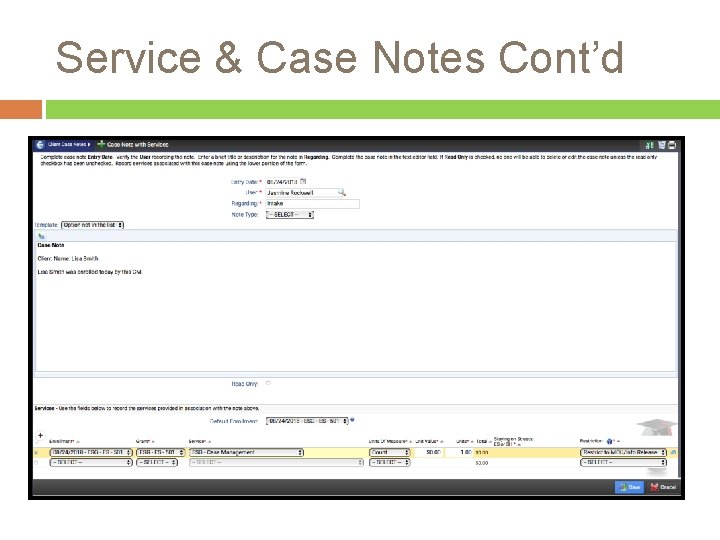
Service & Case Notes Cont’d
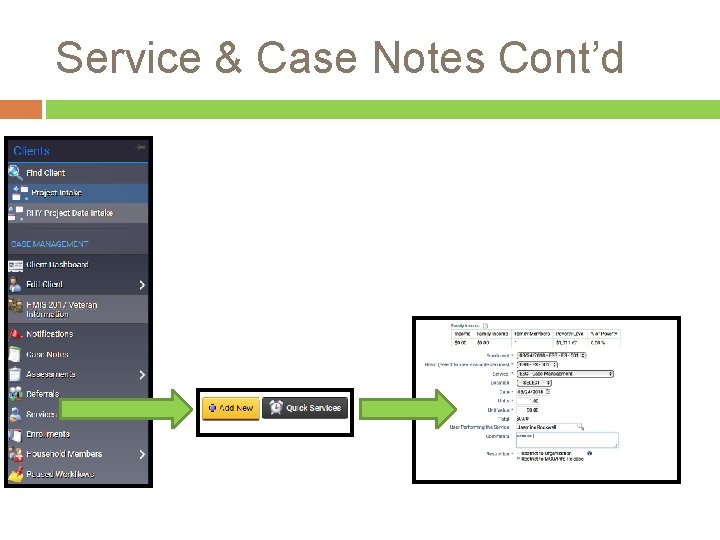
Service & Case Notes Cont’d
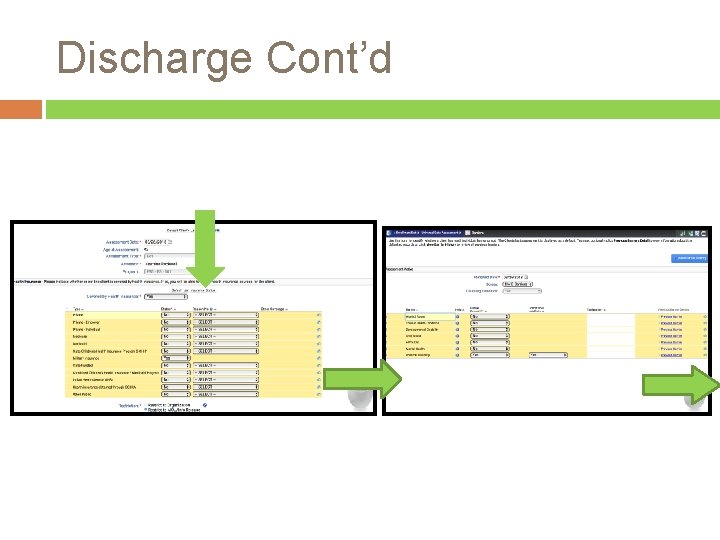
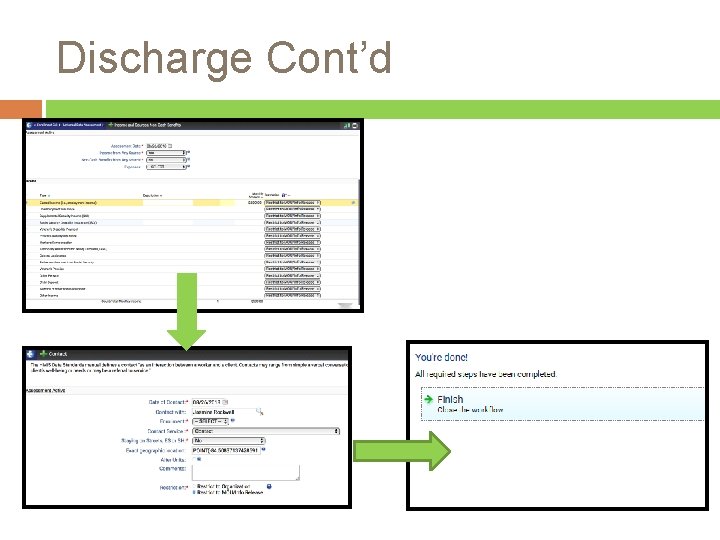
Discharge Once a client has exited the program, they should be discharged from the HMIS system. If a client leaves a program but needs to be enrolled in a different one, they will still need to be discharged from their first program. For example, if a client entered a transitional housing program but then enters rapid re-housing, they need to be discharged from the transitional housing program and enrolled into the rapid re-housing program. All of this should occur on the same client profile.
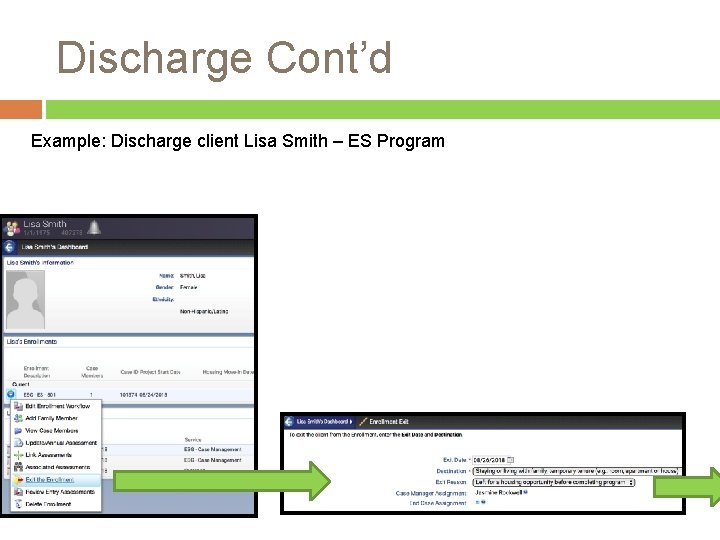
Discharge Cont’d Example: Discharge client Lisa Smith – ES Program
Discharge Cont’d
Discharge Cont’d
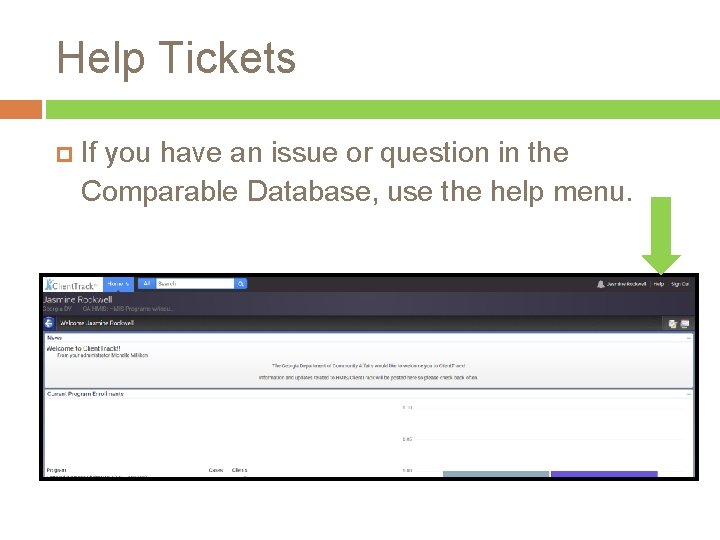
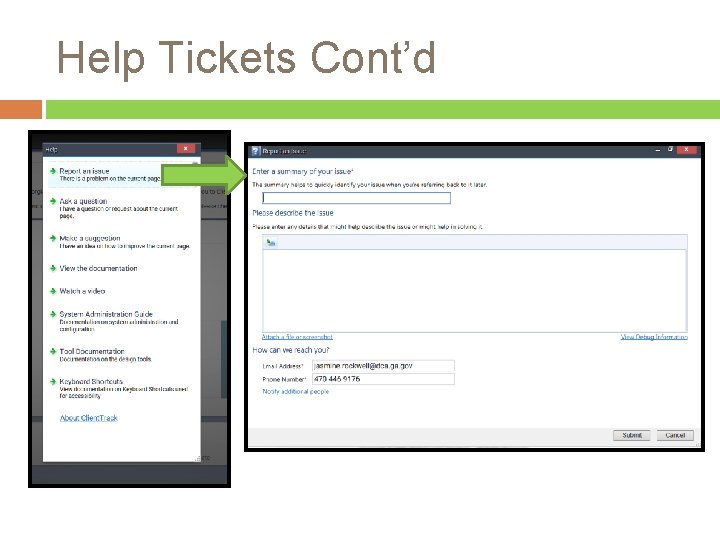
Help Tickets If you have an issue or question in the Comparable Database, use the help menu.
Help Tickets Cont’d
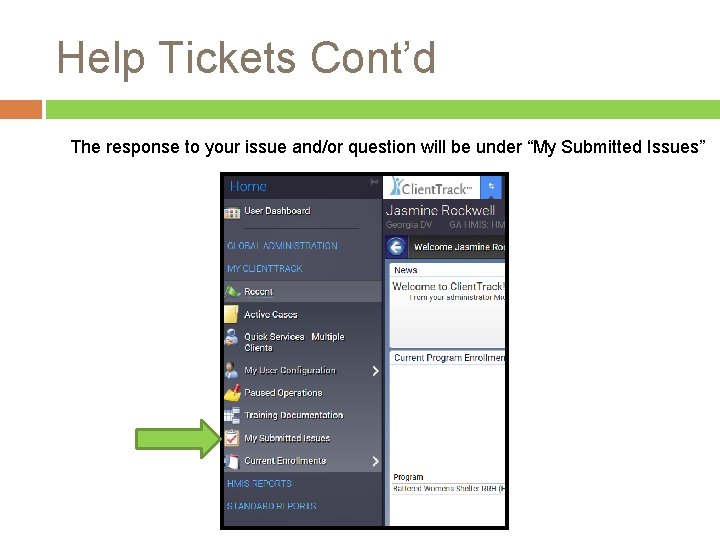
Help Tickets Cont’d The response to your issue and/or question will be under “My Submitted Issues”

HMIS Active Client List You can locate Client IDs on this report. Home HUD/HMIS REPORTS HMIS Active Client List This report should load within 15 minutes. Fill in the date and Program ONLY Save the report as an Excel Data Document

HMIS Active Client List Cont’d

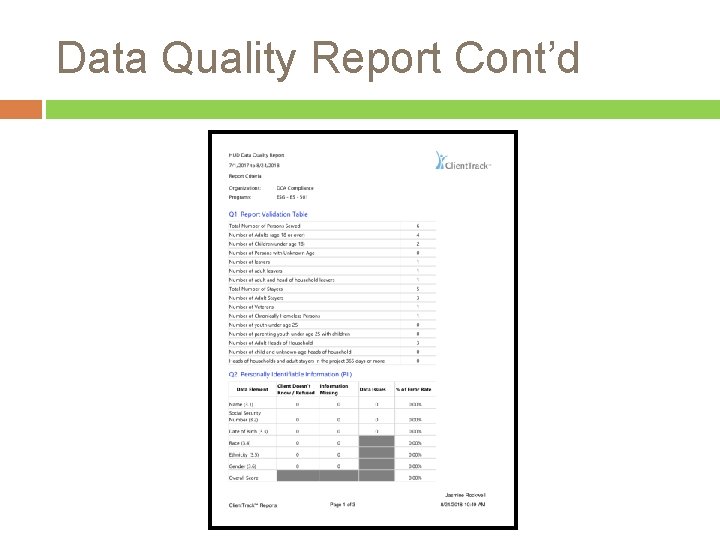
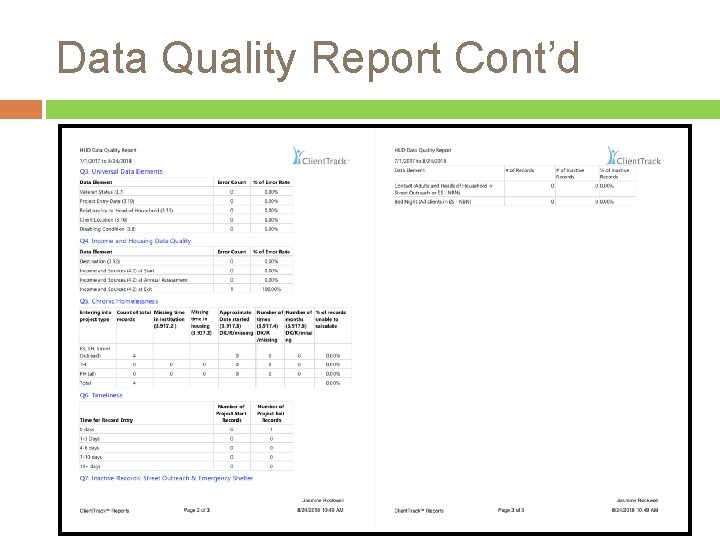
Data Quality Report Home GA HMIS REPORTS HUD Data Quality Report This report should load within 15 minutes. Fill in the date and Program ONLY
Data Quality Report Cont’d
Data Quality Report Cont’d

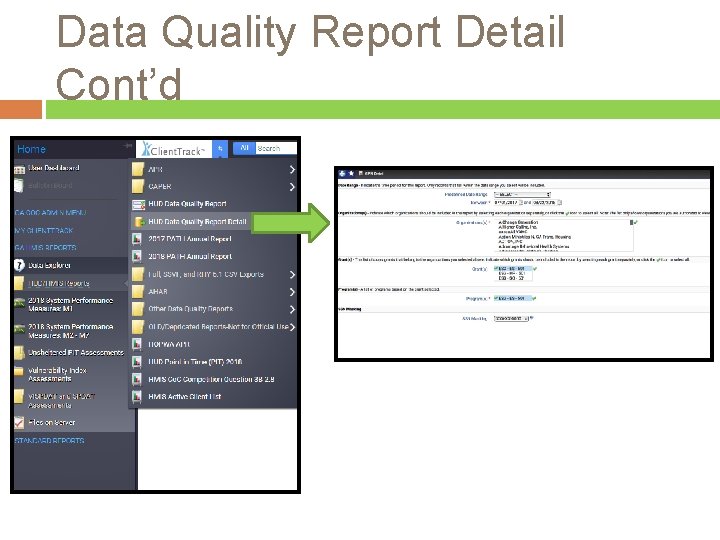
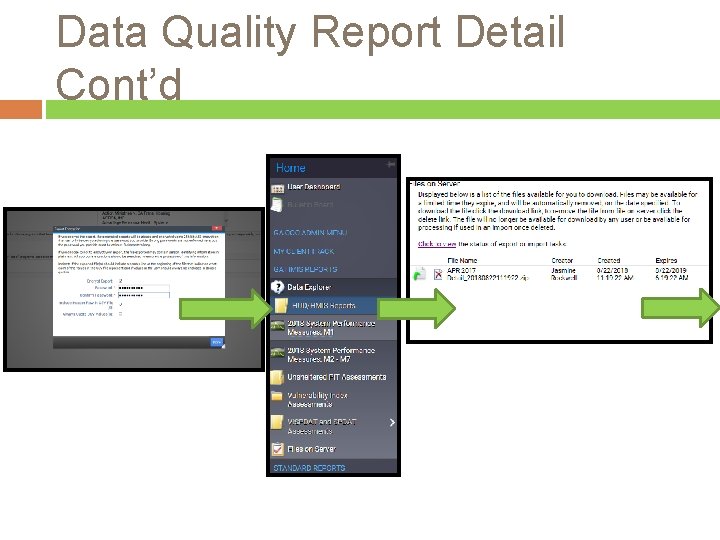
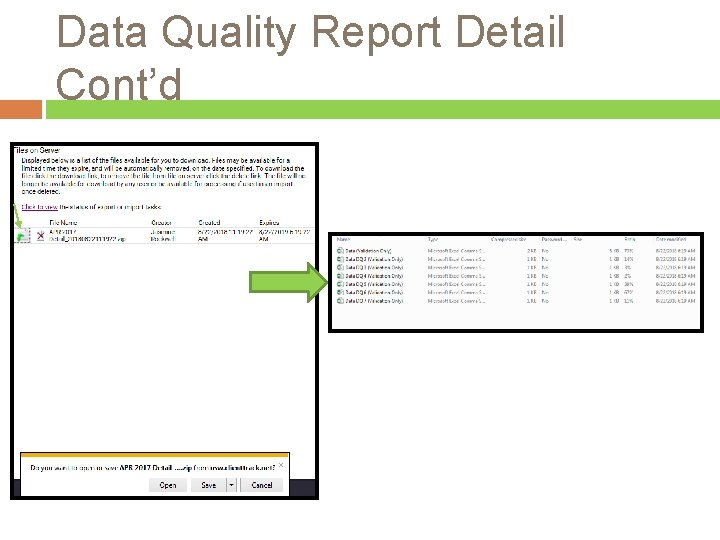
Data Quality Report Detail Home GA HMIS REPORTS HUD Data Quality Report Detail Run export This report will give you detailed information on where your errors are. Allow up to 24 hours for this report to download. It is okay to fill in both the grant and program(s) for this report. If you share your computer, please use a password with this report. The password does not have to be the same as your HMIS login password. HMIS Admins will not be able to retrieve your password if you forget it. The report will show up under files on server.
Data Quality Report Detail Cont’d
Data Quality Report Detail Cont’d
Data Quality Report Detail Cont’d
Common Data Quality Errors Disabling condition on Universal Data Assessment marked as “no” but client has barriers listed Income and Sources has a notification stating the date does not match the Master Assessment Clients from different funders in the same program q Each funder should have a separate program and grant setup in the Comparable Database. For example, ESG DCA clients
Questions? If you have questions on topics not discussed today please contact Jasmine Rockwell at Jasmine. Rockwell@dca. gov Phone: 470 -446 -9176 If you are new to the Comparable Database and need a step-by-step tutorial please email Jasmine to set up a TA meeting.
GA HMIS Training Videos https: //dca. gov/safe-affordablehousing/homeless-special-needshousing/homeless-management-informationsystem-hmis-0
- Slides: 40