
History Paradigms Where have we come from Where
- Slides: 59
History & Paradigms Where have we come from? Where are we going?
Why study HCI’s history? ¢ Understanding where you’ve come - repeat positive lessons ¢ “Those who don’t know history are doomed to repeat it” - avoid negative lessons ¢ Appreciation and knowledge of evolution of interaction
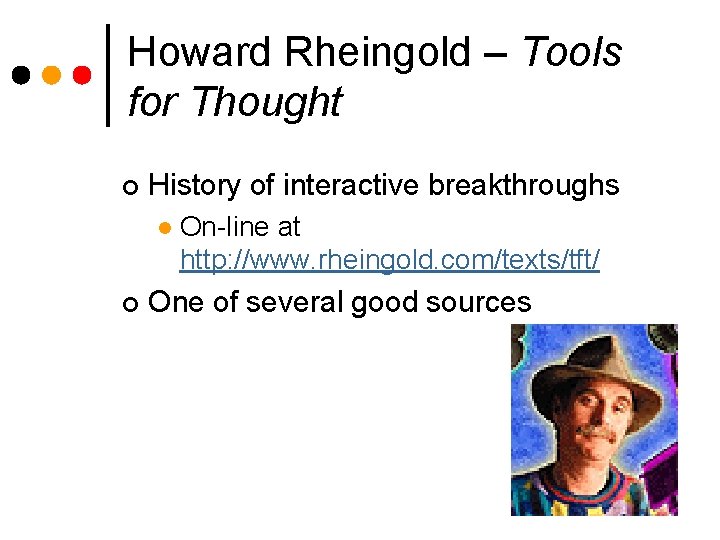
Howard Rheingold – Tools for Thought ¢ History of interactive breakthroughs l ¢ On-line at http: //www. rheingold. com/texts/tft/ One of several good sources
Paradigms ¢ Predominant theoretical frameworks or scientific world views l ¢ e. g. , Aristotelian, Newtonian, Einsteinian (relativistic) paradigms in physics HCI paradigm shifts Which are true shifts? l What are the future paradigms? l
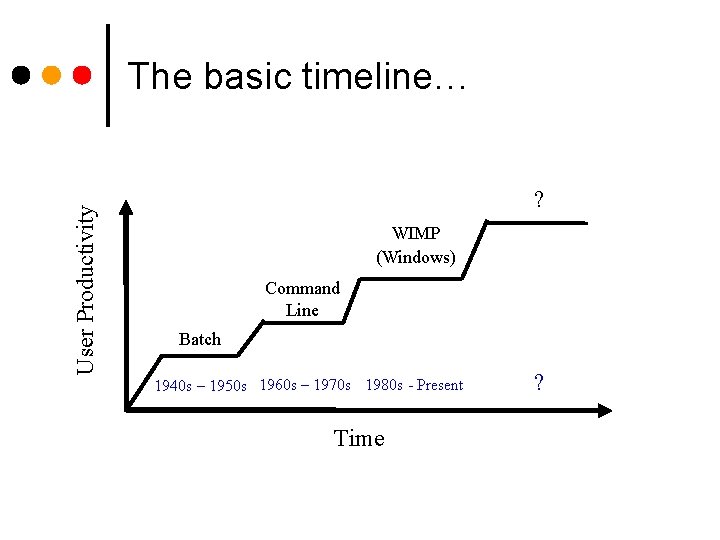
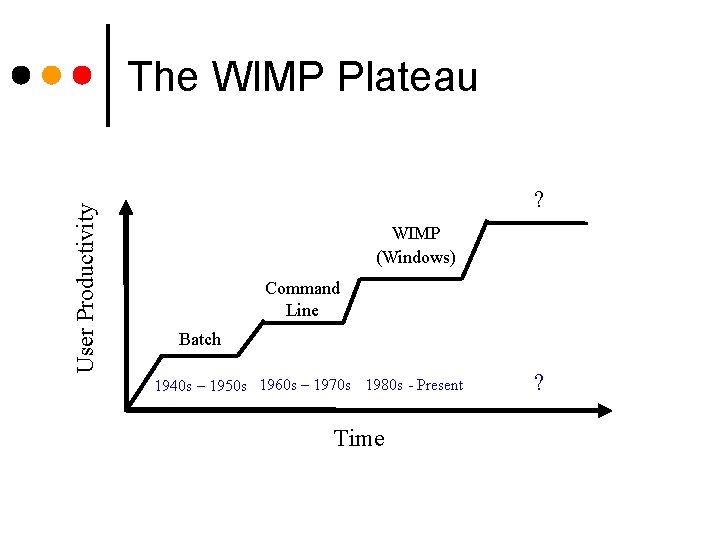
User Productivity The basic timeline… ? WIMP (Windows) Command Line Batch 1940 s – 1950 s 1960 s – 1970 s 1980 s - Present Time ?
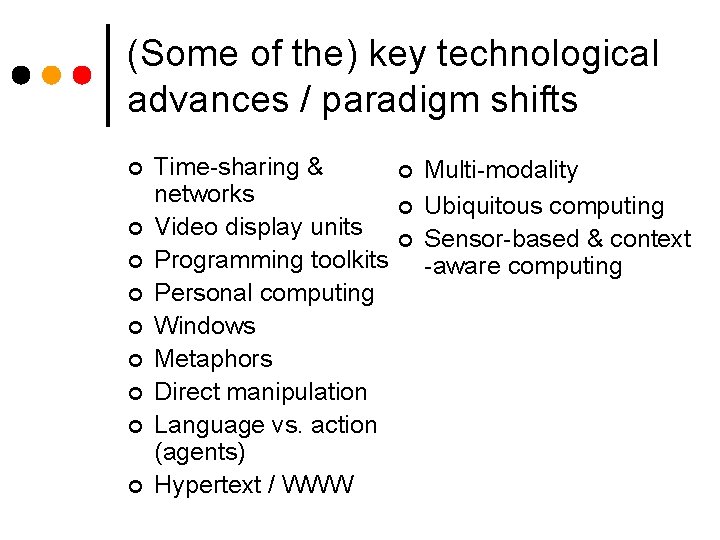
(Some of the) key technological advances / paradigm shifts ¢ ¢ ¢ ¢ ¢ Time-sharing & networks Video display units Programming toolkits Personal computing Windows Metaphors Direct manipulation Language vs. action (agents) Hypertext / WWW ¢ ¢ ¢ Multi-modality Ubiquitous computing Sensor-based & context -aware computing
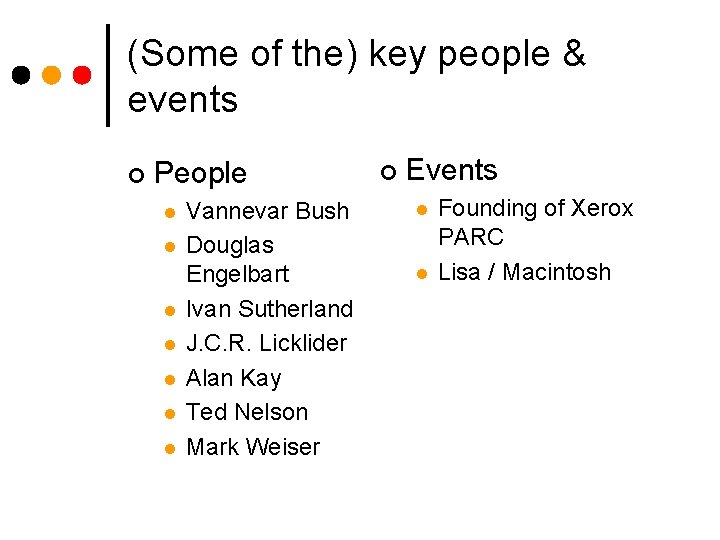
(Some of the) key people & events ¢ People l l l l Vannevar Bush Douglas Engelbart Ivan Sutherland J. C. R. Licklider Alan Kay Ted Nelson Mark Weiser ¢ Events l l Founding of Xerox PARC Lisa / Macintosh
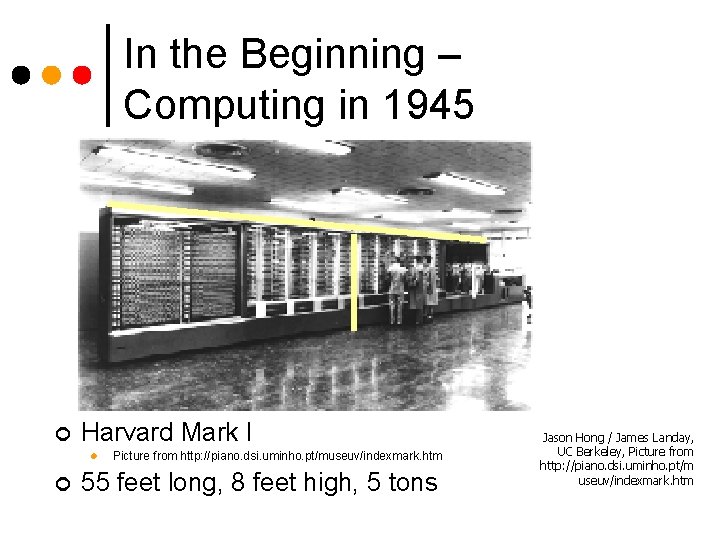
In the Beginning – Computing in 1945 ¢ Harvard Mark I l ¢ Picture from http: //piano. dsi. uminho. pt/museuv/indexmark. htm 55 feet long, 8 feet high, 5 tons Jason Hong / James Landay, UC Berkeley, Picture from http: //piano. dsi. uminho. pt/m useuv/indexmark. htm
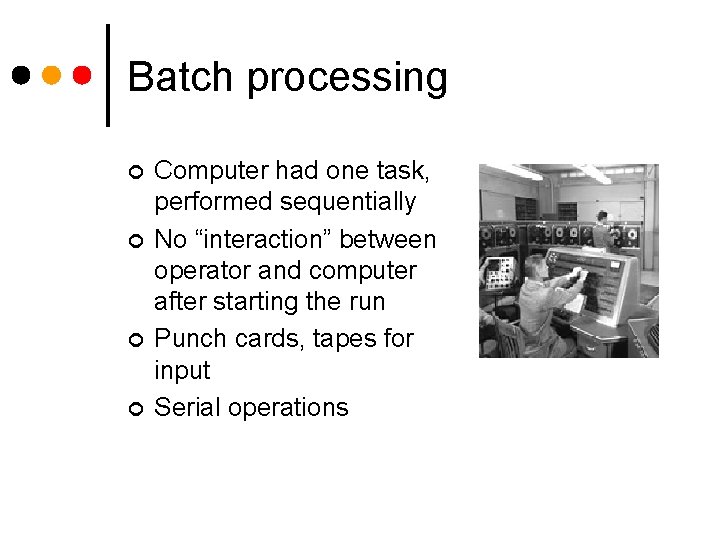
Batch processing ¢ ¢ Computer had one task, performed sequentially No “interaction” between operator and computer after starting the run Punch cards, tapes for input Serial operations
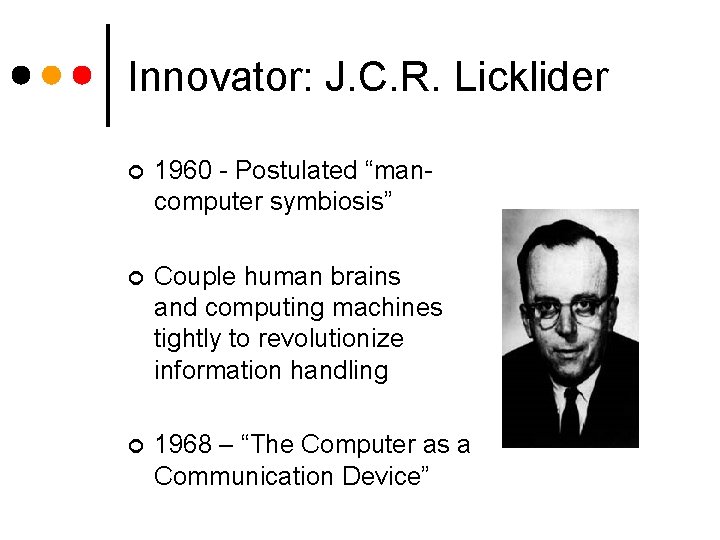
Innovator: J. C. R. Licklider ¢ 1960 - Postulated “mancomputer symbiosis” ¢ Couple human brains and computing machines tightly to revolutionize information handling ¢ 1968 – “The Computer as a Communication Device”
Paradigm: Networks & timesharing (1960’s) Command line teletype increased accessibility l interactive systems, not jobs l text processing, editing l email, shared file system l ¢ Need for HCI in the design of programming languages
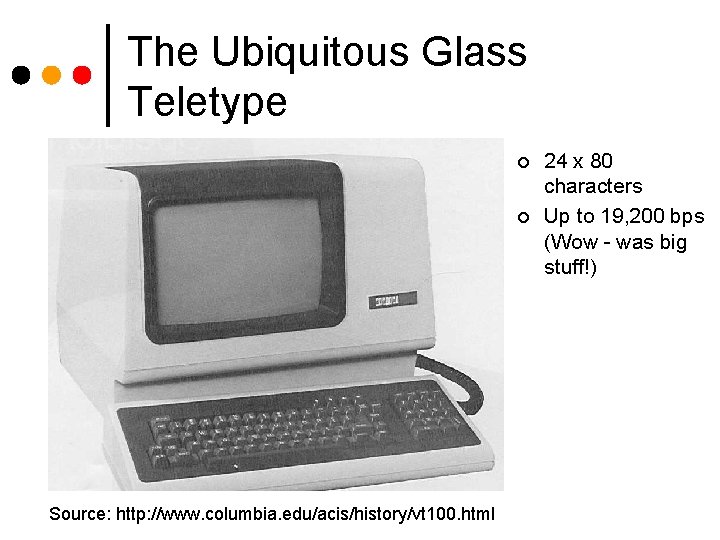
The Ubiquitous Glass Teletype ¢ ¢ Source: http: //www. columbia. edu/acis/history/vt 100. html 24 x 80 characters Up to 19, 200 bps (Wow - was big stuff!)
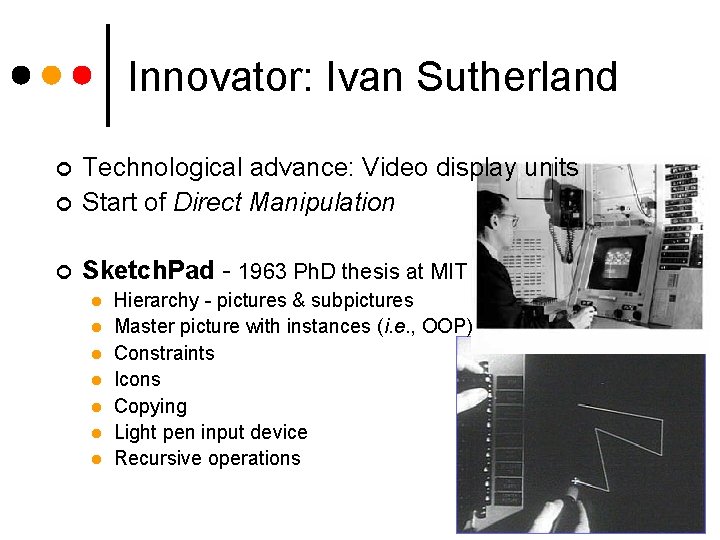
Innovator: Ivan Sutherland ¢ Technological advance: Video display units Start of Direct Manipulation ¢ Sketch. Pad - 1963 Ph. D thesis at MIT ¢ l l l l Hierarchy - pictures & subpictures Master picture with instances (i. e. , OOP) Constraints Icons Copying Light pen input device Recursive operations
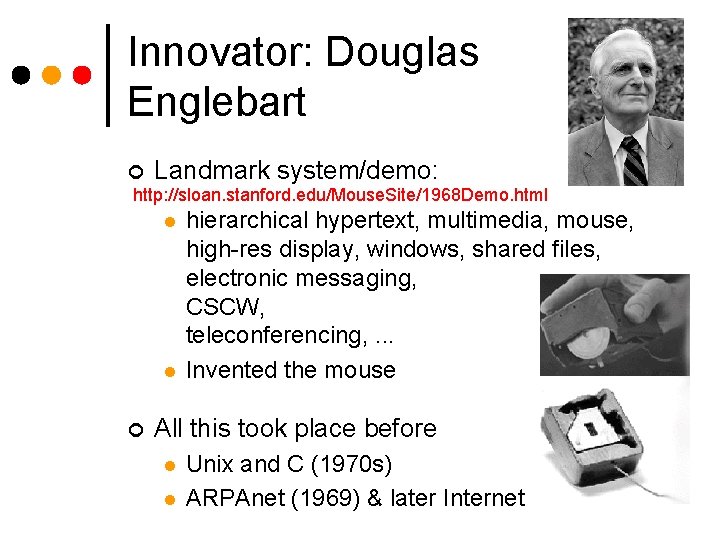
Innovator: Douglas Englebart ¢ Landmark system/demo: http: //sloan. stanford. edu/Mouse. Site/1968 Demo. html l hierarchical hypertext, multimedia, l ¢ mouse, high-res display, windows, shared files, electronic messaging, CSCW, teleconferencing, . . . Invented the mouse All this took place before l l Unix and C (1970 s) ARPAnet (1969) & later Internet
The dawn of the desktop – Xerox PARC ¢ Established 1970 l ¢ 1971 l ¢ Bob Taylor heads CSL - Computer Systems Lab Laser printer (Gary Starkweather) 1973 Ethernet (Bob Metcalfe) l Alto personal computer (Chuck Thacker) l
Paradigm: Personal Computer System is more powerful if it’s easier to use ¢ Small, powerful machine dedicated to individual ¢ Importance of networks and timesharing ¢ Kay’s Dynabook, IBM PC ¢
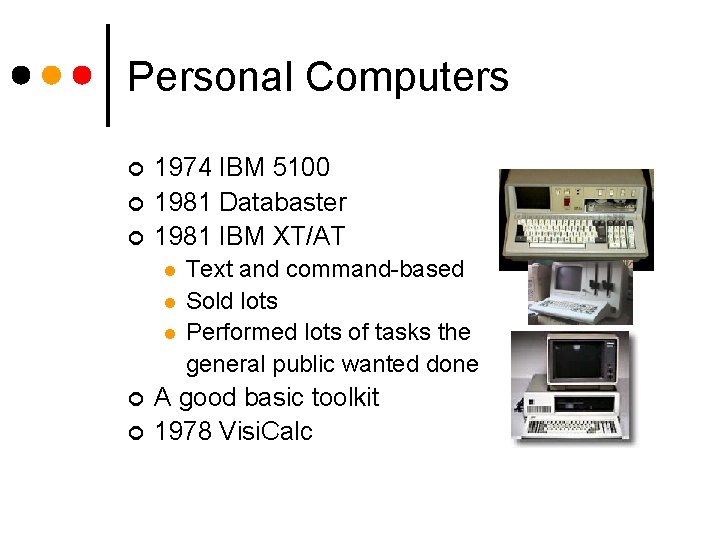
Personal Computers ¢ ¢ ¢ 1974 IBM 5100 1981 Databaster 1981 IBM XT/AT l l l ¢ ¢ Text and command-based Sold lots Performed lots of tasks the general public wanted done A good basic toolkit 1978 Visi. Calc
Paradigm: WIMP / GUI ¢ Windows, Icons, Menus, Pointers Graphical User Interface Multitasking – can do several things simultaneously Has become the familiar GUI interface Computer as a “dialogue partner” ¢ Xerox Alto, Star; early Apples ¢ ¢
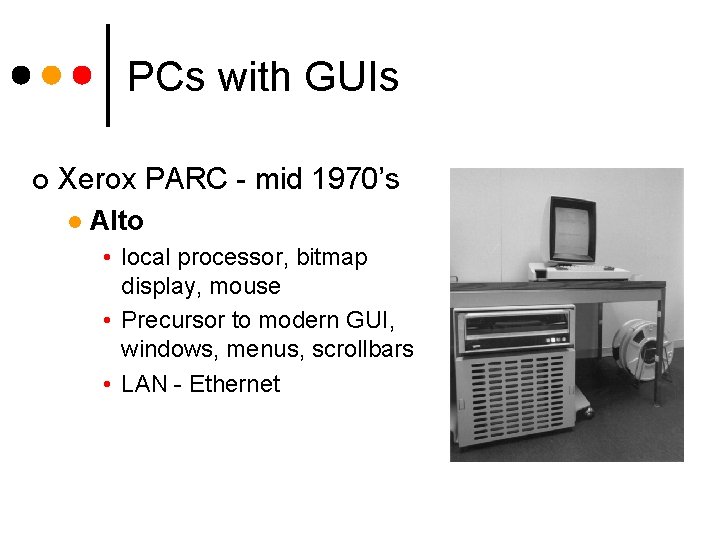
PCs with GUIs ¢ Xerox PARC - mid 1970’s l Alto • local processor, bitmap display, mouse • Precursor to modern GUI, windows, menus, scrollbars • LAN - Ethernet
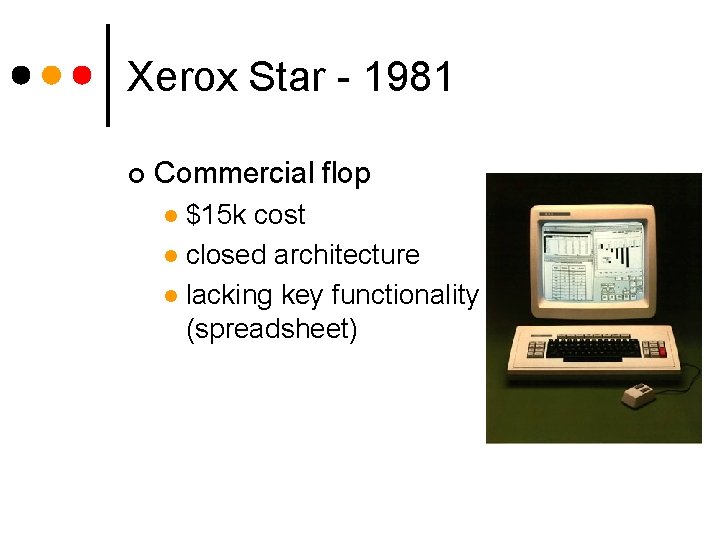
Xerox Star - 1981 ¢ First commercial PC designed for “business professionals” l ¢ desktop metaphor, pointing, WYSIWYG, high degree of consistency and simplicity First system based on usability engineering Paper prototyping and analysis l Usability testing and iterative refinement l
Xerox Star - 1981 ¢ Commercial flop $15 k cost l closed architecture l lacking key functionality (spreadsheet) l
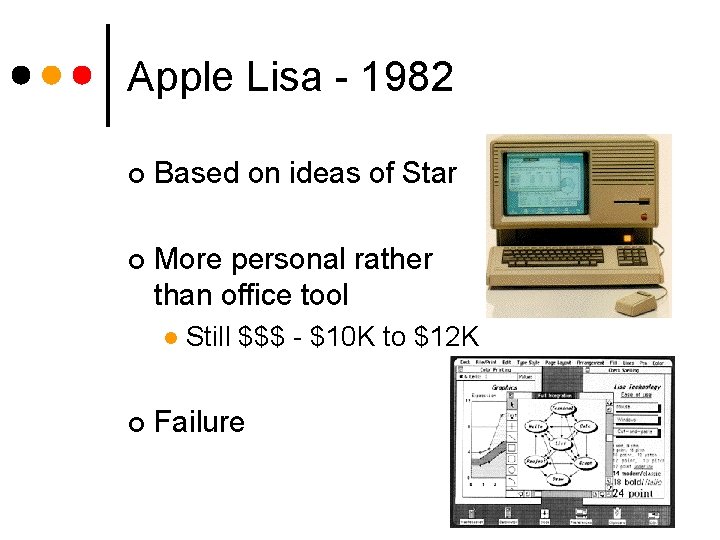
Apple Lisa - 1982 ¢ Based on ideas of Star ¢ More personal rather than office tool l ¢ Still $$$ - $10 K to $12 K Failure
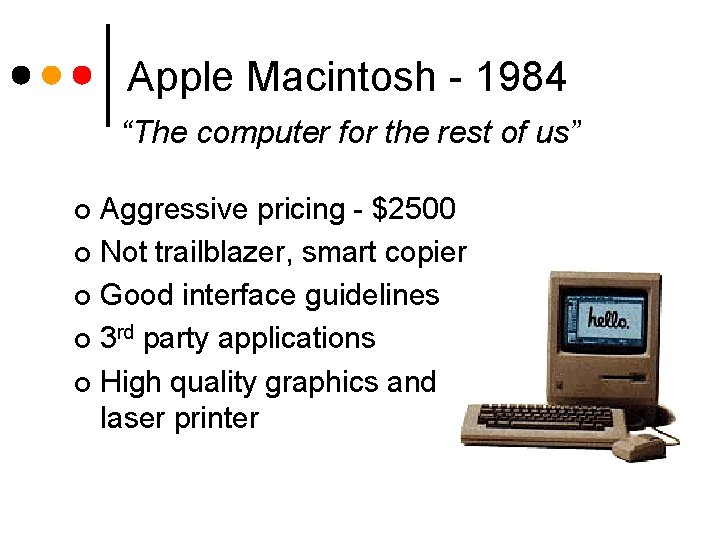
Apple Macintosh - 1984 “The computer for the rest of us” Aggressive pricing - $2500 ¢ Not trailblazer, smart copier ¢ Good interface guidelines ¢ 3 rd party applications ¢ High quality graphics and laser printer ¢
Paradigm: Metaphors LOGO’s turtle ¢ Office desktop ¢ ¢ Mapping new interactions to existing, familiar concepts ¢ Others?
Paradigm: Direct Manipulation ¢ ‘ 82 Shneiderman describes appeal of rapidly -developing graphically-based interaction l l l ¢ object visibility incremental action and rapid feedback reversibility encourages exploration replace language with action syntactic correctness of all actions WYSIWYG, Apple Mac
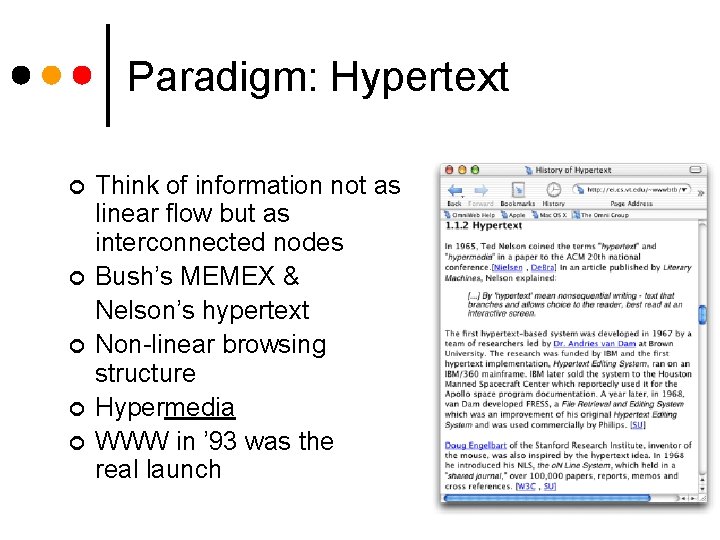
Paradigm: Hypertext ¢ ¢ ¢ Think of information not as linear flow but as interconnected nodes Bush’s MEMEX & Nelson’s hypertext Non-linear browsing structure Hypermedia WWW in ’ 93 was the real launch
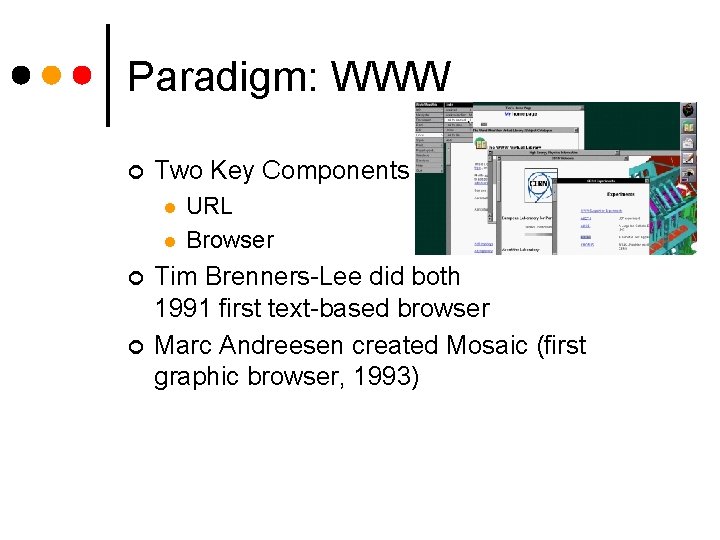
Paradigm: WWW ¢ Two Key Components l l ¢ ¢ URL Browser Tim Brenners-Lee did both 1991 first text-based browser Marc Andreesen created Mosaic (first graphic browser, 1993)
Paradigm/Technology – Person-to-Person Communications ¢ Enabled by several technologies l l l ¢ And by killer-app software l ¢ Ethernet and TCP/IP protocol Personal computer Telephone network and modems Email, Instant Messaging, Chat, Bulletin Boards CSCW - conferencing, shared white boards • Not quite yet a killer-app ¢ Micro-sociological phenomenon are central to successes (and failures)
User Productivity The WIMP Plateau ? WIMP (Windows) Command Line Batch 1940 s – 1950 s 1960 s – 1970 s 1980 s - Present Time ?
What Next? What are the next paradigm shifts? ¢ What are the next technical innovations? ¢ ¢ Who knows? ¢ Maybe you do
Paradigm: Multi-modality ¢ Mode is a human communication channel l Not just the senses • e. g. speech and non-speech audio are two modes ¢ Emphasis on simultaneous use of multiple channels for I/O
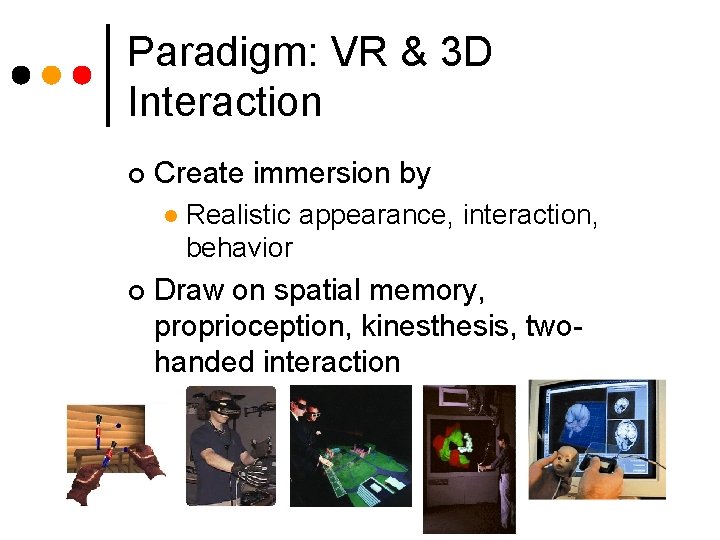
Paradigm: VR & 3 D Interaction ¢ Create immersion by l ¢ Realistic appearance, interaction, behavior Draw on spatial memory, proprioception, kinesthesis, twohanded interaction
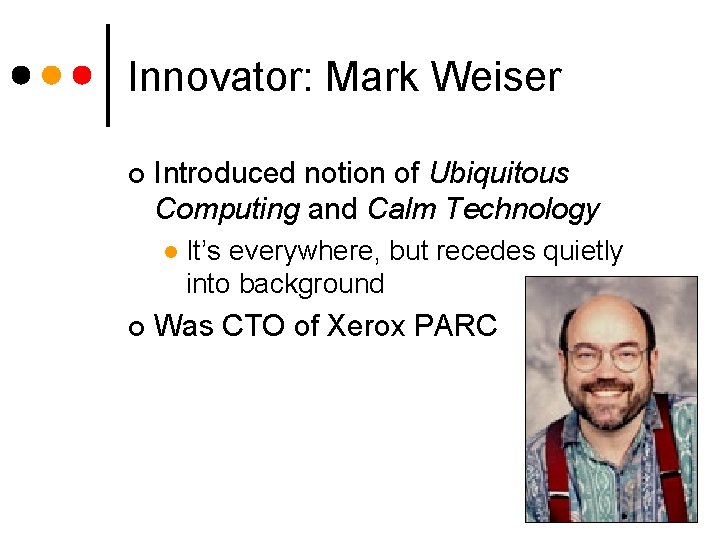
Innovator: Mark Weiser ¢ Introduced notion of Ubiquitous Computing and Calm Technology l ¢ It’s everywhere, but recedes quietly into background Was CTO of Xerox PARC
Paradigm? : Ubiquitous Computing Person is an occupant of a computationally-rich environment ¢ Computers with ourselves, on our walls, in our appliances, etc. ¢ How to do the “right” thing for the people in the environment? Can no longer neglect macro-social aspects ¢
Paradigm? : Mobile Computing Devices used in a variety of contexts ¢ Laptop, cell phones, PDAs ¢ How do devices communicate? ¢ How to get information to each device when needed? ¢ How to take advantage of context? ¢
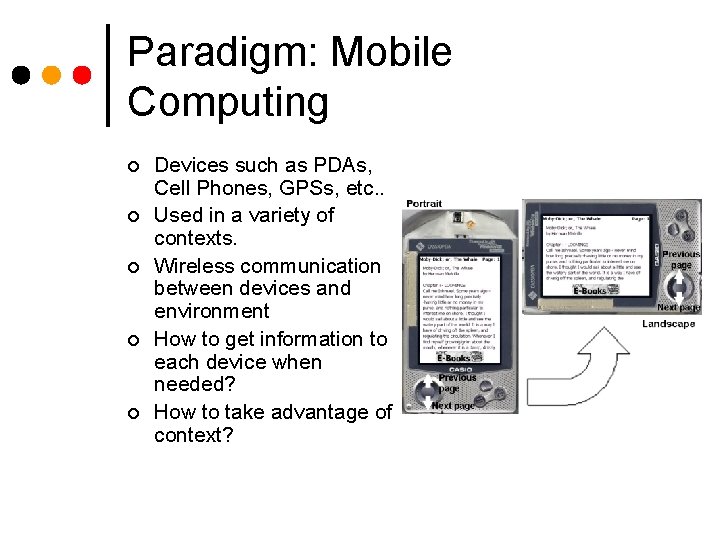
Paradigm: Mobile Computing ¢ ¢ ¢ Devices such as PDAs, Cell Phones, GPSs, etc. . Used in a variety of contexts. Wireless communication between devices and environment How to get information to each device when needed? How to take advantage of context?
Paradigm? : Sensor-based and context computing Commanding a system implicit interaction ¢ Data used to make inferences about a situation ¢ Controversial & still problematic ¢
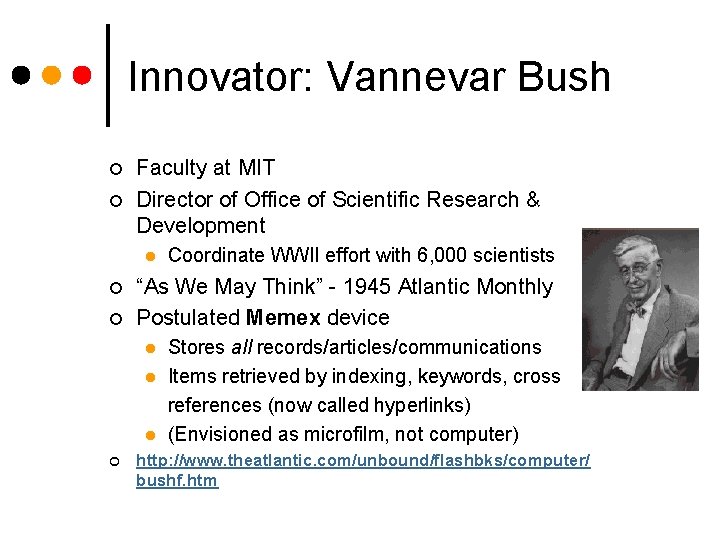
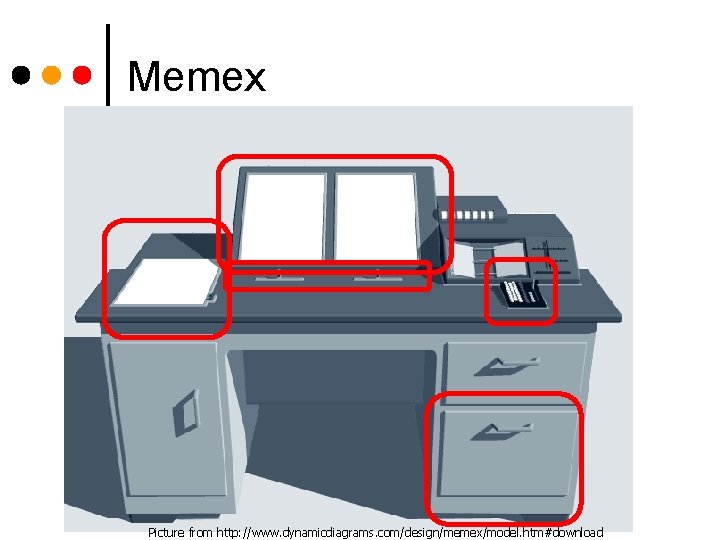
Innovator: Vannevar Bush ¢ ¢ Faculty at MIT Director of Office of Scientific Research & Development l ¢ ¢ “As We May Think” - 1945 Atlantic Monthly Postulated Memex device l l l ¢ Coordinate WWII effort with 6, 000 scientists Stores all records/articles/communications Items retrieved by indexing, keywords, cross references (now called hyperlinks) (Envisioned as microfilm, not computer) http: //www. theatlantic. com/unbound/flashbks/computer/ bushf. htm
Memex Picture from http: //www. dynamicdiagrams. com/design/memex/model. htm#download
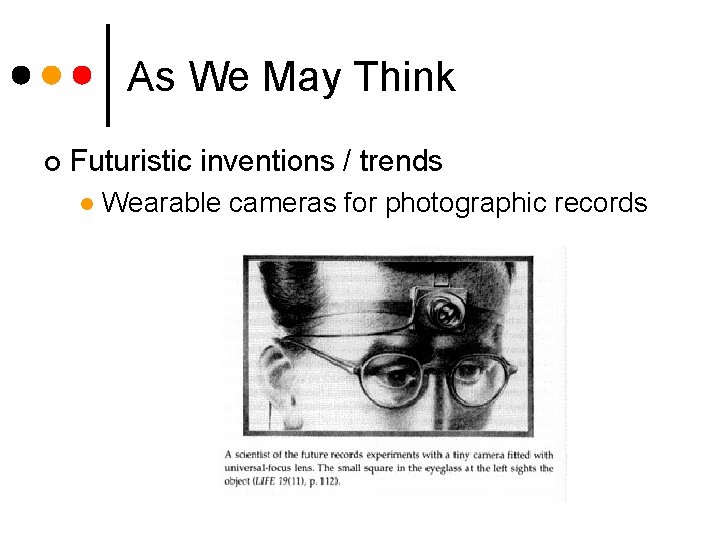
As We May Think ¢ Futuristic inventions / trends l Wearable cameras for photographic records
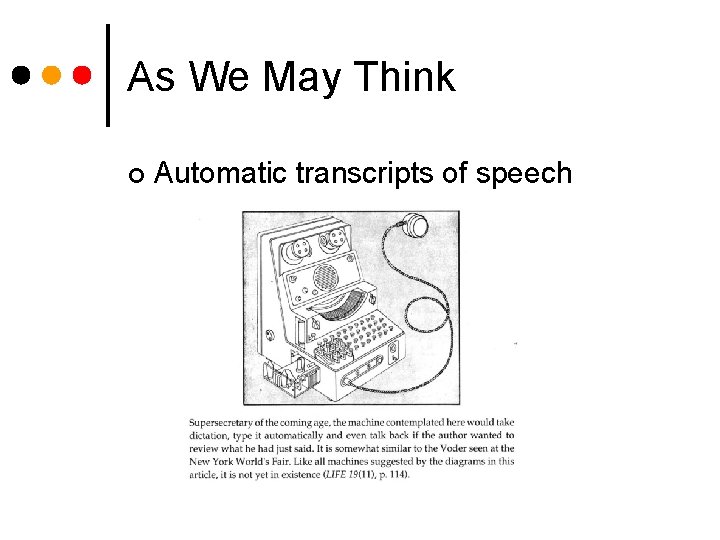
As We May Think ¢ Automatic transcripts of speech
As We May Think ¢ Not so much predicting future as "inventing it" by publishing article l l ¢ ¢ ¢ hypertext wearable memory aid Use technology to augment human intellectual abilities New kinds of technology lead to new kinds of human/machine & human/human interaction Be aware that science/engineering can impact society
As We May Think ¢ Other visions l l ¢ Some have come true l l l ¢ Encyclopedia Brittanica for 5 cents Direct capture of nerve impulses Increased specialization Flood of information Faster / Cheaper / Smaller / More reliable Some he missed or we are still waiting l l Microphotography? Memex?
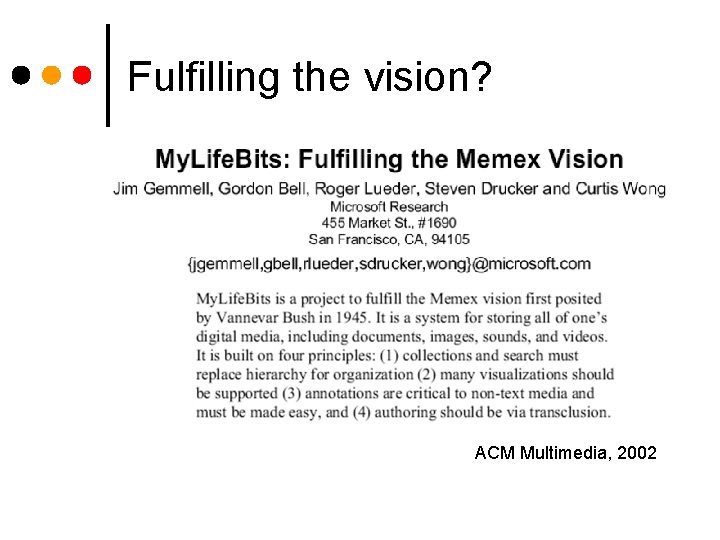
Fulfilling the vision? ACM Multimedia, 2002
Augmenting Human Intellect ¢ So what did we just see? l In terms of devices, interactions, and apps
Switching gears… 10 minute break! Use this time to meet each other and start to form groups.
Project Structure Group project – 4 or 5 people ¢ Design and evaluate an interface ¢ 0 - Team formation & topic choice l 1 - Understand the problem l 2 - Design alternatives l 3 - Prototype & evaluation plan l 4 - Evaluation l
Project topics ¢ Group-oriented picture frame http: //hci. sis. uncc. edu: 8080/richter/12 ¢ Microsoft Interface Design Imagine Cup http: //thespoke. net/View. Content. aspx? Post. ID=807760 ¢ Problem of your choice
Programming requirements ¢ Leverage team expertise ¢ Full functionality is NOT intention ¢ But good evaluation requires authentic experience
Project Details ¢ Part 0 - Topic definition – Due Jan 26 l l ¢ Identify team & topic, create web notebook IRB certification Part 1 - Understanding the problem – Due Feb 16 l l Describe tasks, users, environment, social context Any existing systems in place
Project Details ¢ Part 2 - Design alternatives – Due March 16 l l l ¢ Storyboards, mock-ups for multiple different designs Explain decisions Poster session in class on March 2 Part 3 - System prototype & eval plan - Due April 6 l l l Semi-working interface functionality - enough to evaluate Plan for conducting evaluation Demo prototype
Project Details ¢ Part 4 – Evaluation – Due April 27 Conduct evaluation with example users l Characterize pros and cons of the UI l Fix the easy to fix UI problems l ¢ Present results to class on April 27
Project Presentations ¢ Informal poster session Feedback on ideas l March 2 l Other students and “expert” gallery l ¢ Formal project presentation Final class l 20 minute summary of entire project l
Project Groups ¢ 4 people You decide l Diverse is best! l Consider schedules l ¢ Cool name
Project themes: Think ¢ Think of someone else l ¢ Think off the desktop! l ¢ Mobile, handheld, environmental Think everyday l ¢ Avoid being biased by your intuitions Home Think about people first, then technology
What Makes a Good Project Access to domain experts & users ¢ “Real” clients ¢ Interesting human issues ¢ Rich domain for design ¢
Some ideas in the home ¢ ¢ Home security Social communication l ¢ Sharing Family memories l ¢ ¢ Especially digital video and photos Supporting everyday activities l ¢ Everyday, reunions Reminders, finding lost objects, time management/scheduling Entertainment for all ages Support for informal caregivers
Your turn ¢ Brainstorm ideas for your group ¢ Choose a couple and elaborate ¢ Pause to share ideas with everyone…
For next time… Read about project parts, get started early! ¢ Ph. D students – think about your assignment topic ¢ Due: Part 0 – name your group, create your web page on the Swiki ¢ Read DFAB 5, 6 ¢