
History of the Internet 1992 1997 2001 2005









- Slides: 35
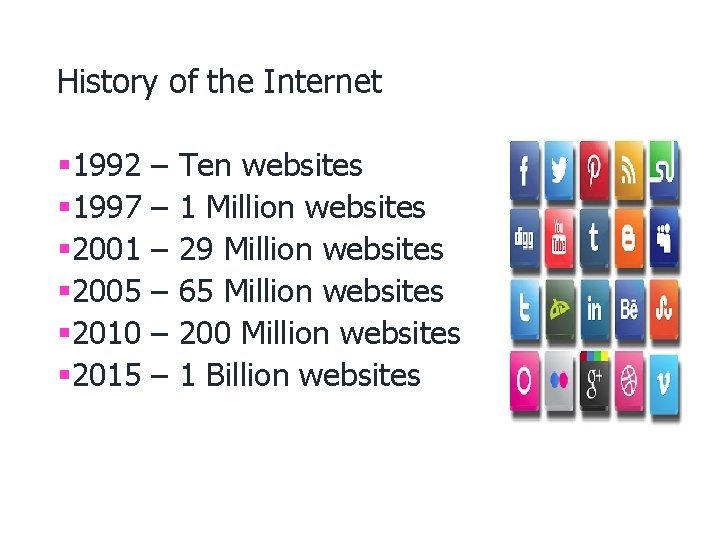
History of the Internet § 1992 § 1997 § 2001 § 2005 § 2010 § 2015 – – – Ten websites 1 Million websites 29 Million websites 65 Million websites 200 Million websites 1 Billion websites
Internet usage in one day §Internet users - 2, 690, 000 Approx §E mail Messages - 130, 000, 000 Approx §Google Searches - 1, 500, 000 Approx Usage in 1 Minute 25, 000 items bought from Amazon § 67, 000 Photos uploaded onto Instagram § 100, 000 Youtube Videos viewed § 571 New Websites registered §
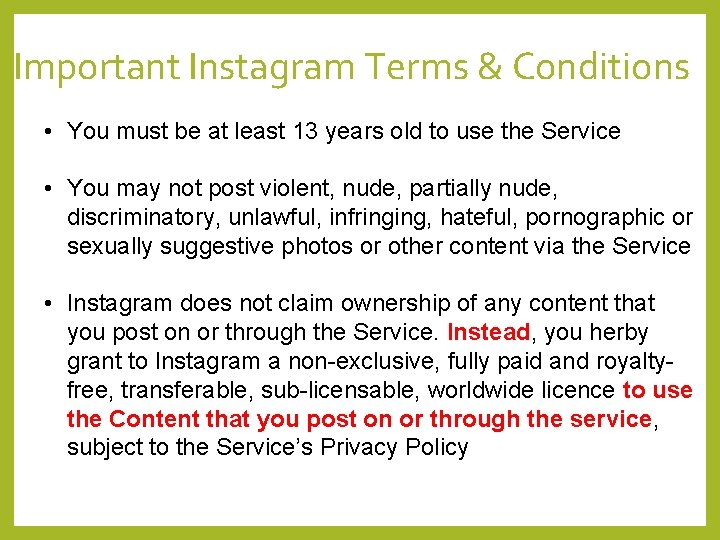
Important Instagram Terms & Conditions • You must be at least 13 years old to use the Service • You may not post violent, nude, partially nude, discriminatory, unlawful, infringing, hateful, pornographic or sexually suggestive photos or other content via the Service • Instagram does not claim ownership of any content that you post on or through the Service. Instead, you herby grant to Instagram a non-exclusive, fully paid and royaltyfree, transferable, sub-licensable, worldwide licence to use the Content that you post on or through the service, subject to the Service’s Privacy Policy
Only post on social media if : §You would be happy if your parents see it §You would be happy if your children see it §You would be happy if it was posted on the front page of a newspaper §You would be happy for your enemy to see it §You would be happy to see it in 5 years time
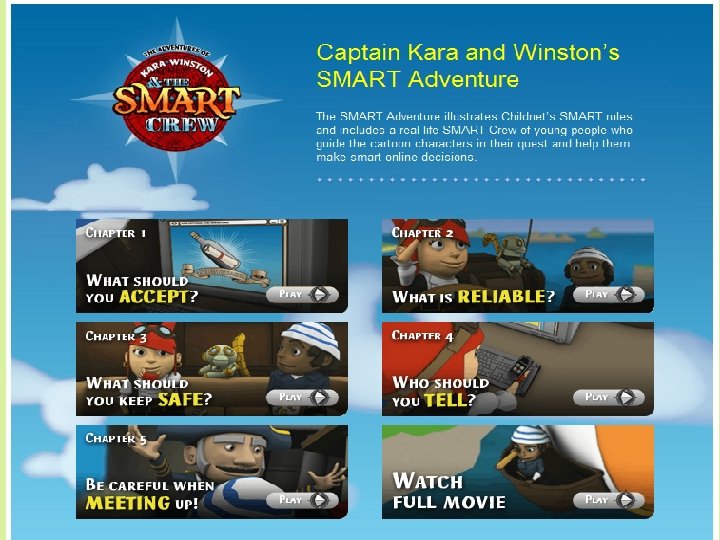
Smart Rule • Safe – Do not share personal information, email, phone numbers, address and passwords. • Meeting – Never meet someone you have only met online. • Accepting – Do not open emails, texts and files from an unknown source, this can lead to malware or a virus. • Reliable – Information on the internet is not always true. People post false details. • Tell - Inform a parent or carer or a trusted friend/teacher if anything online makes you feel uncomfortable or worried.
According to the Child Exploitation and Online Protection Centre most child sexual exploitation offences take place online. These offences include deceiving children into producing indecent images of themselves, engaging in sexual chat online or sexual activity over a webcam. Analysis by the centre reveals that 13 and 14 year olds represent the largest single victim group.
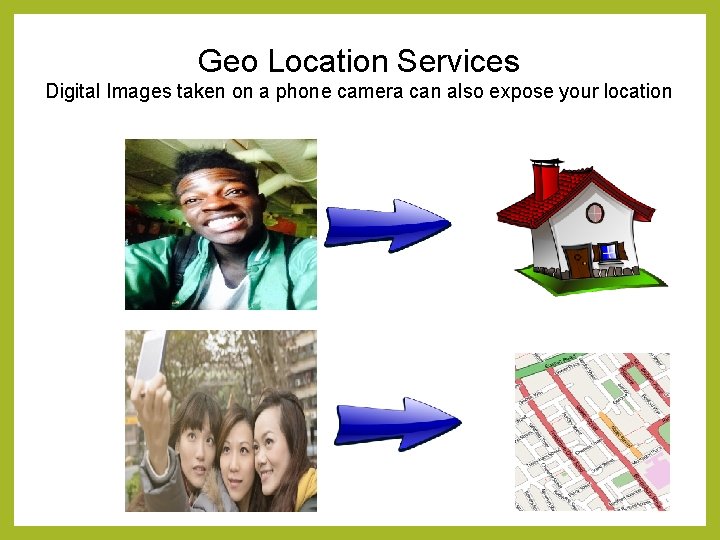
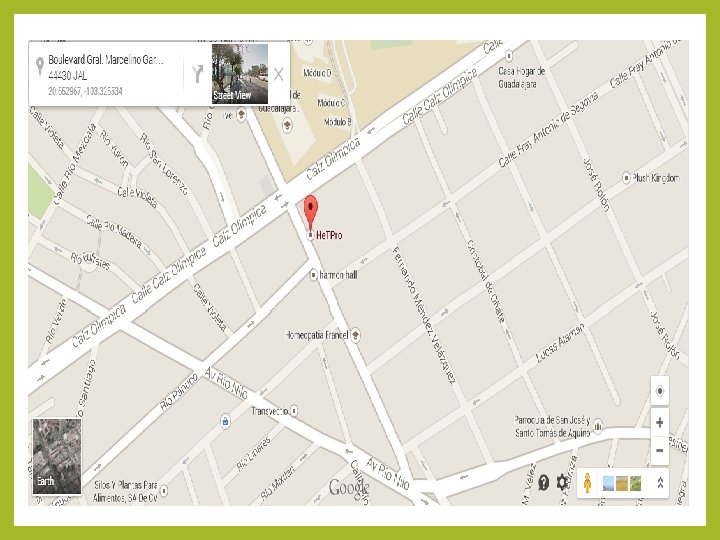
Geo Location Services Digital Images taken on a phone camera can also expose your location
http: //www. childline. org. uk Useful websites for children and young people to ask questions around accessing online pornography. Suitable for 12 years and over. http: //www. nspcc. org. uk Information for parents on how to talk to your children about the risks of online pornography.
CYBER - BULLYING TRAITS § It is an invasion of personal space for young people and is all encompassing and penetrating. § The audience can be large, reached rapidly and can be unknown § It is easier for perpetrators to remain anonymous through the online world or masquerade as another person § The target of bullying can be anyone as physical and other factors do not come into play. § Often young people who engage in cyber-bullying get involved in an unintentional way. § There is a disconnection as they are removed from the face to face. § There is an evidence trail in the online world therefore there is the ability to track people
Advise for young people and their families regarding cyber-bullying § Tell someone you trust § Report any cyber-bullying, even if it’s not happening to you § Never respond/retaliate as it could make matters worse § Block the cyber-bullies from contacting you § Save and print any bullying messages, posts, pictures or videos that you receive § Make a note of the dates and times they are received § Keep your passwords private § Don’t post any personal information or pictures online
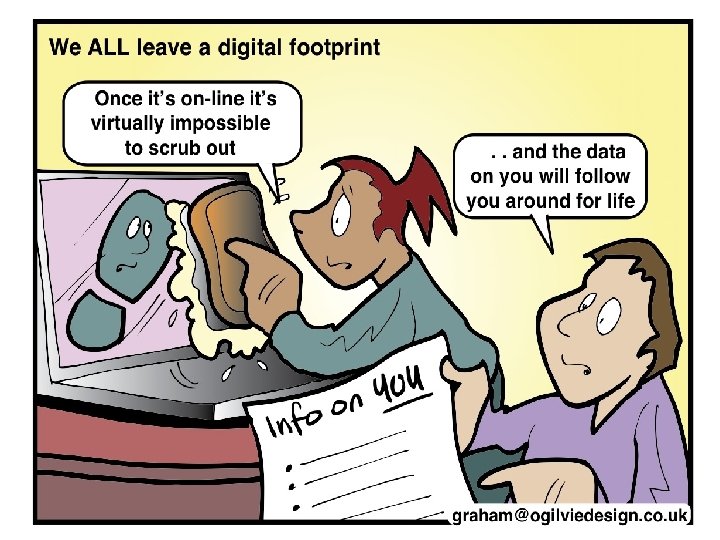
Digital Footprint § Try googling yourself and your family, this will show your digital footprint. § Click on images when googling to see what pictures of your family maybe out there. § If you find something inappropriate then so can someone else. § Google will remove personal information if requested to do so.
Reputation Management Always be careful when you post something online or upload a photograph Once it is sent or uploaded it may stay there for ever If it is copied or resent, then you may never be able to remove it When you apply for a University or your first job, you will probably be Googled. Other people will be able to find out what you have said and done on Social Media, Think before you click
Key Messages - Summary § Know who you’re talking to, people aren’t always who they say they are § Learn how to use and set security settings across a range of devices § Keep your personal information private § Know how to report on sites and services you are using § Implications of children having unsupervised access to the world wide web § Understand digital footprint: § Uploading Self-taken images and videos § Location-based photographs – Geo tagg § Future implications of actions of online behaviour § How to report to sites § CEOP (Child Exploitation Online Protection) § NSPCC § IWF (Internet Watch Foundation)
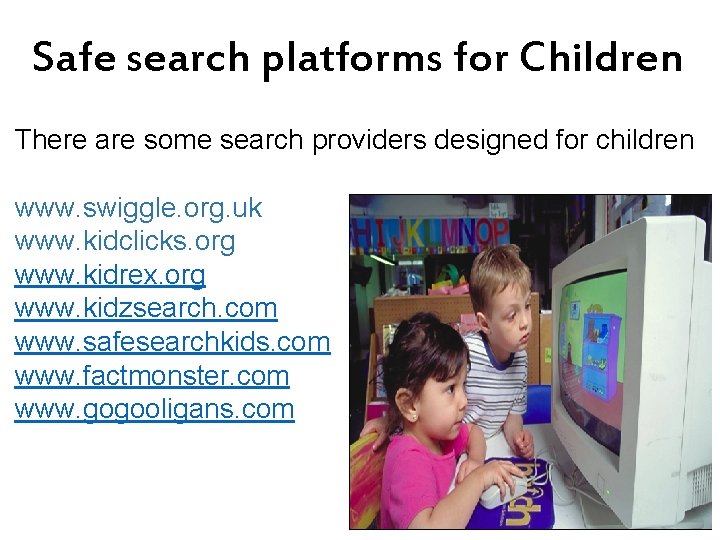
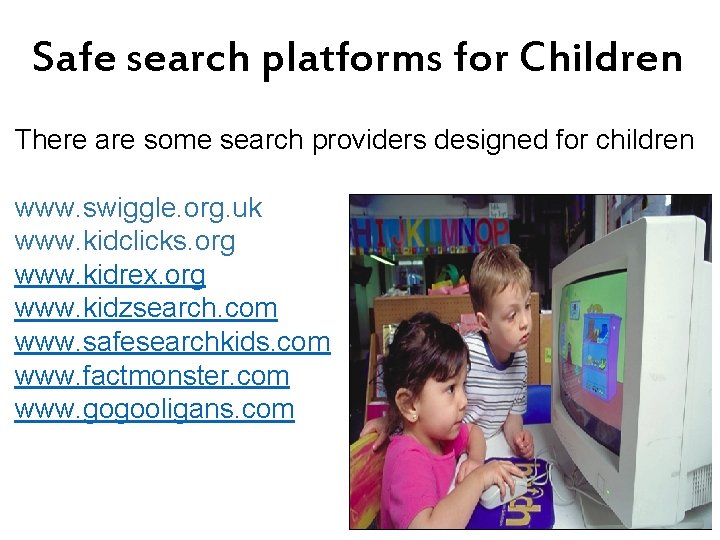
Safe search platforms for Children There are some search providers designed for children www. swiggle. org. uk www. kidclicks. org www. kidrex. org www. kidzsearch. com www. safesearchkids. com www. factmonster. com www. gogooligans. com
Useful websites: • www. thinkyouknow. co. uk • www. internetmatters. org • www. kidsmart. org. uk • http: //childnet. com • http: //www. nspcc. org. uk • https: //www. lucyfaithfull. org. uk (what’s the problem) • https: //www. commonsensemedia. org
So what can we do?
Safe search platforms for Children There are some search providers designed for children www. swiggle. org. uk www. kidclicks. org www. kidrex. org www. kidzsearch. com www. safesearchkids. com www. factmonster. com www. gogooligans. com
Youtube for kids app Easy to set parental controls. Limit which videos children can watch Set a time limit Switch off the search function Set an age appropriate filter
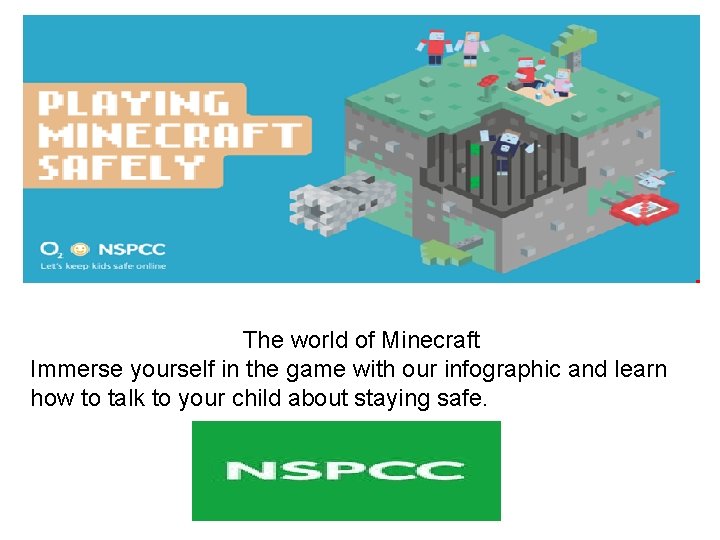
The world of Minecraft Immerse yourself in the game with our infographic and learn how to talk to your child about staying safe.
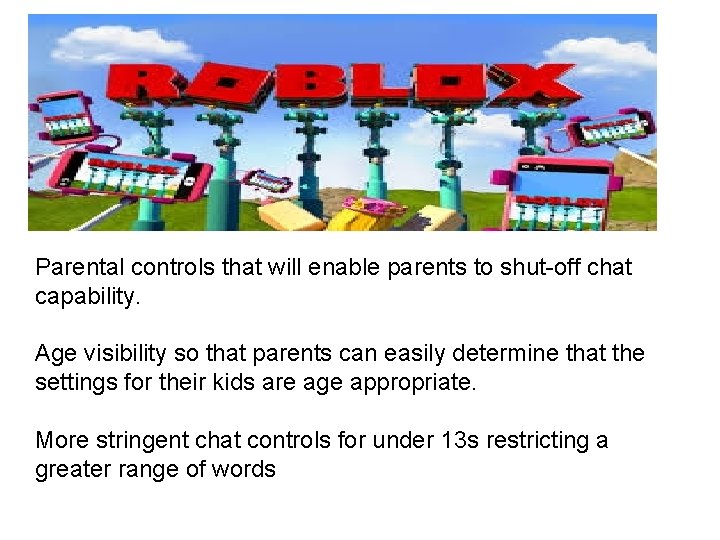
Parental controls that will enable parents to shut-off chat capability. Age visibility so that parents can easily determine that the settings for their kids are age appropriate. More stringent chat controls for under 13 s restricting a greater range of words
KD UK has announced that the Kurio Phone will be the first smartphone developed specially for kids. The Kurio Phone looks like many other Android handsets on the market but safety is a key priority and as such has the firm's Kurio. Genius Parental Controls onboard. The smartphone itself has a 4 in screen, Google Play and Kurio app stores, Wi-Fi, Bluetooth and a micro. SD card slot.
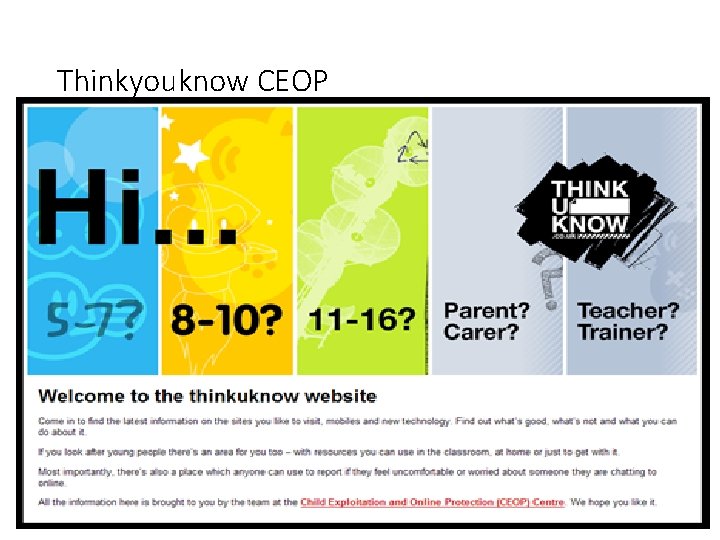
Thinkyouknow CEOP
Written by Lindsay Buck, Childnet International Illustrated by Ciara Flood
PEGI Pan European Games Information
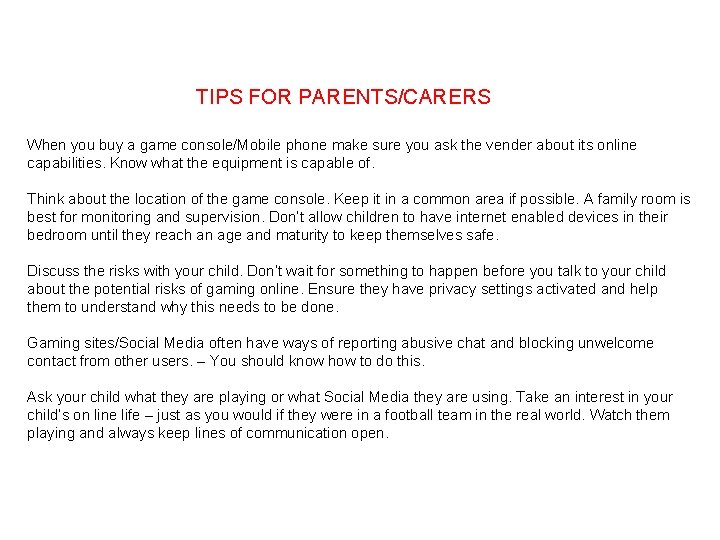
TIPS FOR PARENTS/CARERS When you buy a game console/Mobile phone make sure you ask the vender about its online capabilities. Know what the equipment is capable of. Think about the location of the game console. Keep it in a common area if possible. A family room is best for monitoring and supervision. Don’t allow children to have internet enabled devices in their bedroom until they reach an age and maturity to keep themselves safe. Discuss the risks with your child. Don’t wait for something to happen before you talk to your child about the potential risks of gaming online. Ensure they have privacy settings activated and help them to understand why this needs to be done. Gaming sites/Social Media often have ways of reporting abusive chat and blocking unwelcome contact from other users. – You should know how to do this. Ask your child what they are playing or what Social Media they are using. Take an interest in your child’s on line life – just as you would if they were in a football team in the real world. Watch them playing and always keep lines of communication open.
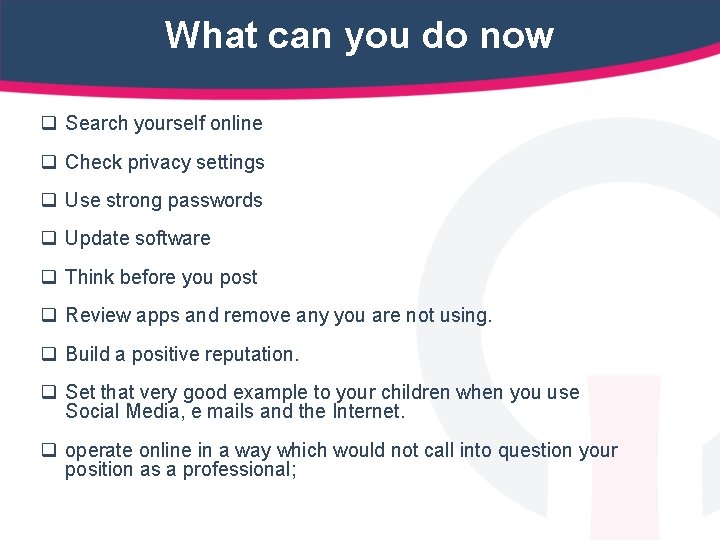
What can you do now q Search yourself online q Check privacy settings q Use strong passwords q Update software q Think before you post q Review apps and remove any you are not using. q Build a positive reputation. q Set that very good example to your children when you use Social Media, e mails and the Internet. q operate online in a way which would not call into question your position as a professional;