
History of Computer Technology By Devan Dhillon September
History of Computer Technology By: Devan Dhillon September 7, 2012
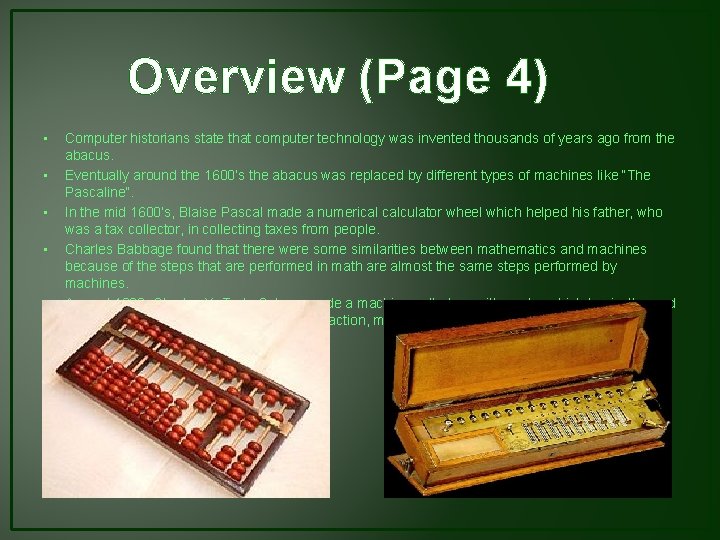
Overview (Page 4) • • • Computer historians state that computer technology was invented thousands of years ago from the abacus. Eventually around the 1600’s the abacus was replaced by different types of machines like “The Pascaline”. In the mid 1600’s, Blaise Pascal made a numerical calculator wheel which helped his father, who was a tax collector, in collecting taxes from people. Charles Babbage found that there were some similarities between mathematics and machines because of the steps that are performed in math are almost the same steps performed by machines. Around 1820, Charles X. T. de Colmar made a machine called an arithometer which basically used the 4 main math processes: addition, subtraction, multiplication, division.
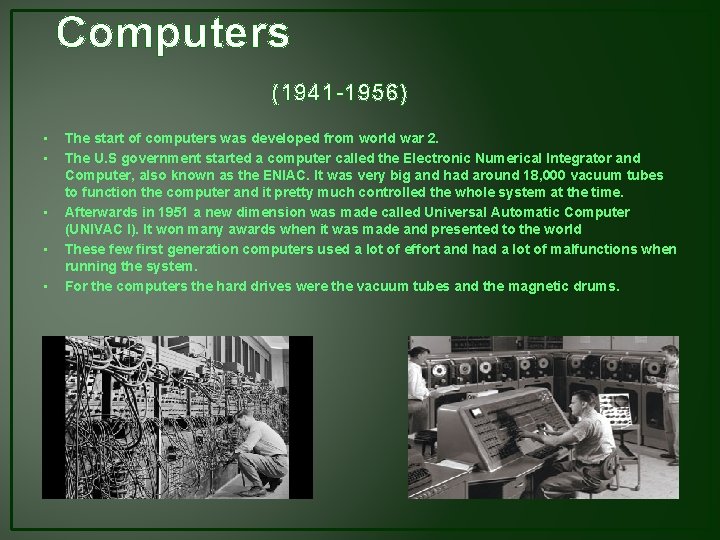
Computers (1941 -1956) • • • The start of computers was developed from world war 2. The U. S government started a computer called the Electronic Numerical Integrator and Computer, also known as the ENIAC. It was very big and had around 18, 000 vacuum tubes to function the computer and it pretty much controlled the whole system at the time. Afterwards in 1951 a new dimension was made called Universal Automatic Computer (UNIVAC I). It won many awards when it was made and presented to the world These few first generation computers used a lot of effort and had a lot of malfunctions when running the system. For the computers the hard drives were the vacuum tubes and the magnetic drums.

Second Generation Computers (1956 -1963) • • • The second Generation of computers started of with the invention of transistors. Eventually the vacuum tubes were removed from the computers and these transistors were added in. The second generation was actually the first step towards the future of computers with the inventions of printers, disk storage and operating systems. For the second generation computers the program was stored inside the computer making it easier too use. These computers were also lighter and had less heat, they also went from counting from milliseconds to microseconds
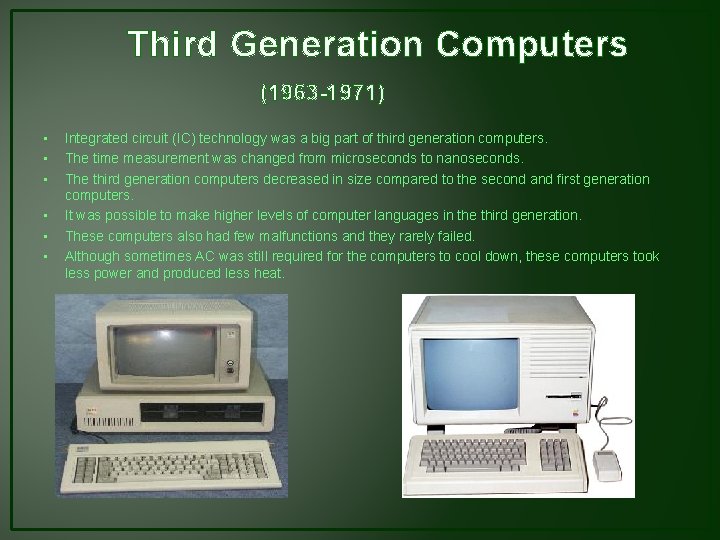
Third Generation Computers (1963 -1971) • • • Integrated circuit (IC) technology was a big part of third generation computers. The time measurement was changed from microseconds to nanoseconds. The third generation computers decreased in size compared to the second and first generation computers. It was possible to make higher levels of computer languages in the third generation. These computers also had few malfunctions and they rarely failed. Although sometimes AC was still required for the computers to cool down, these computers took less power and produced less heat.
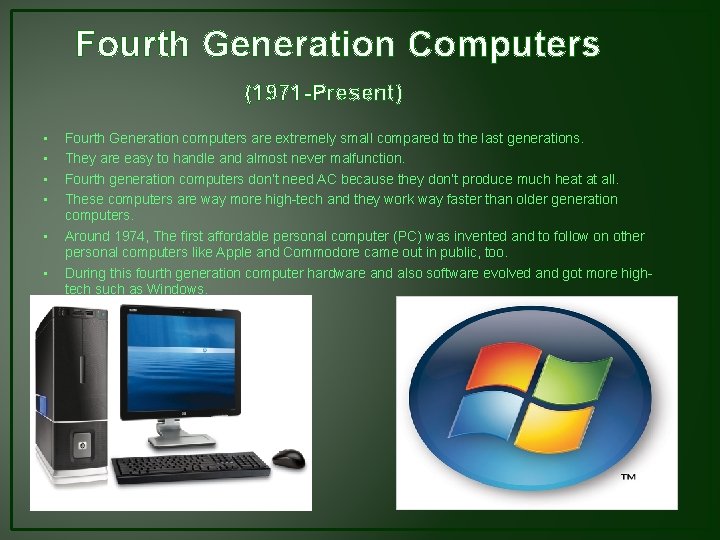
Fourth Generation Computers (1971 -Present) • • • Fourth Generation computers are extremely small compared to the last generations. They are easy to handle and almost never malfunction. Fourth generation computers don’t need AC because they don’t produce much heat at all. These computers are way more high-tech and they work way faster than older generation computers. Around 1974, The first affordable personal computer (PC) was invented and to follow on other personal computers like Apple and Commodore came out in public, too. During this fourth generation computer hardware and also software evolved and got more hightech such as Windows.
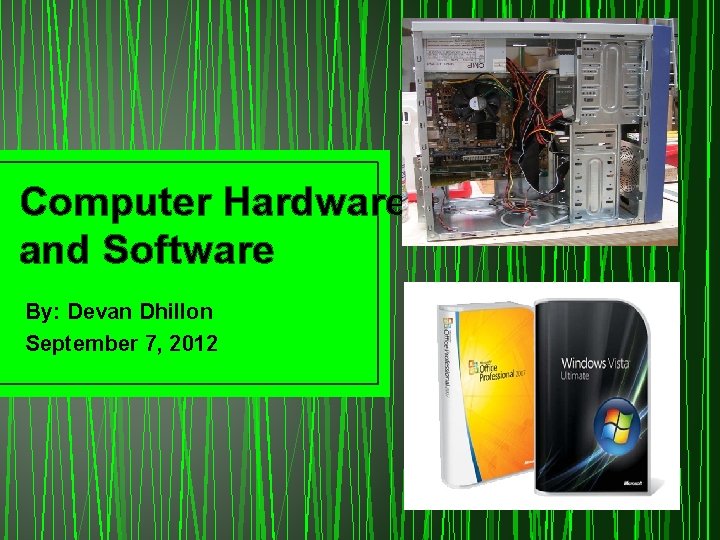
Computer Hardware and Software By: Devan Dhillon September 7, 2012
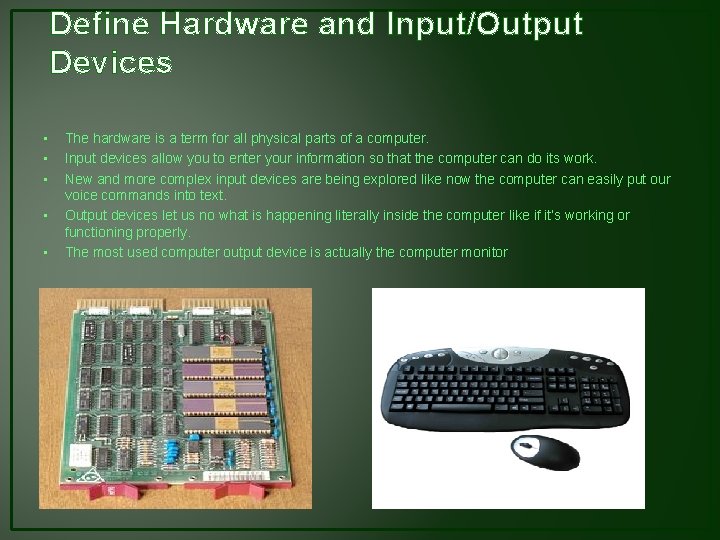
Define Hardware and Input/Output Devices • • • The hardware is a term for all physical parts of a computer. Input devices allow you to enter your information so that the computer can do its work. New and more complex input devices are being explored like now the computer can easily put our voice commands into text. Output devices let us no what is happening literally inside the computer like if it’s working or functioning properly. The most used computer output device is actually the computer monitor
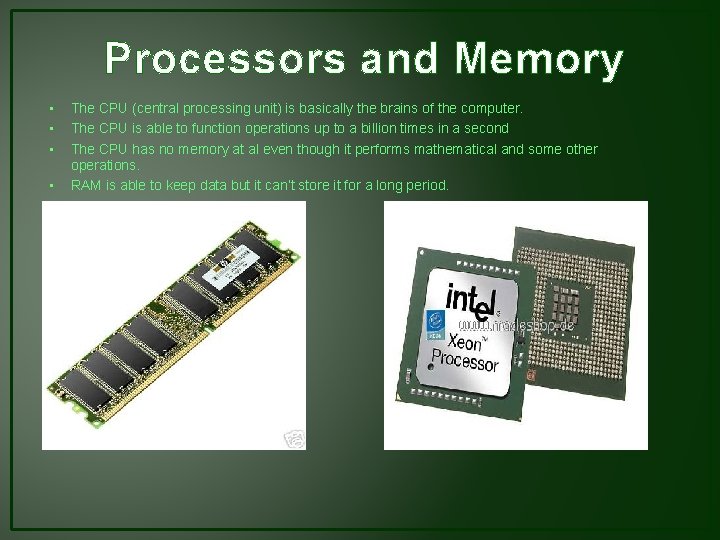
Processors and Memory • • The CPU (central processing unit) is basically the brains of the computer. The CPU is able to function operations up to a billion times in a second The CPU has no memory at al even though it performs mathematical and some other operations. RAM is able to keep data but it can’t store it for a long period.
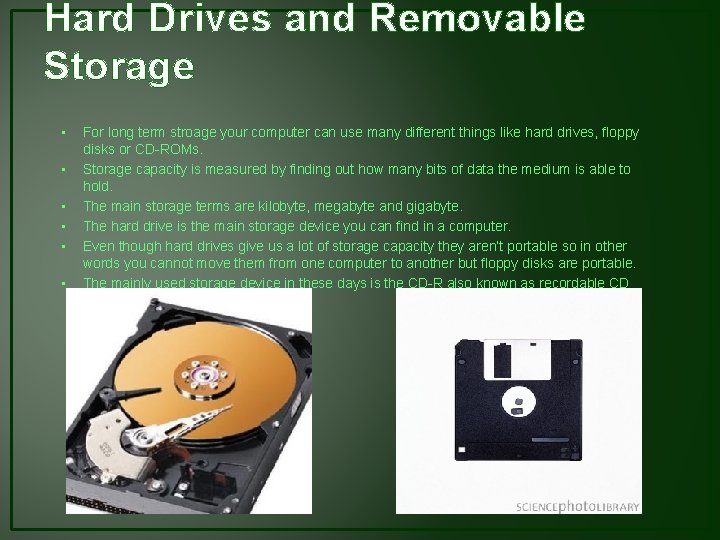
Hard Drives and Removable Storage • • • For long term stroage your computer can use many different things like hard drives, floppy disks or CD-ROMs. Storage capacity is measured by finding out how many bits of data the medium is able to hold. The main storage terms are kilobyte, megabyte and gigabyte. The hard drive is the main storage device you can find in a computer. Even though hard drives give us a lot of storage capacity they aren’t portable so in other words you cannot move them from one computer to another but floppy disks are portable. The mainly used storage device in these days is the CD-R also known as recordable CD
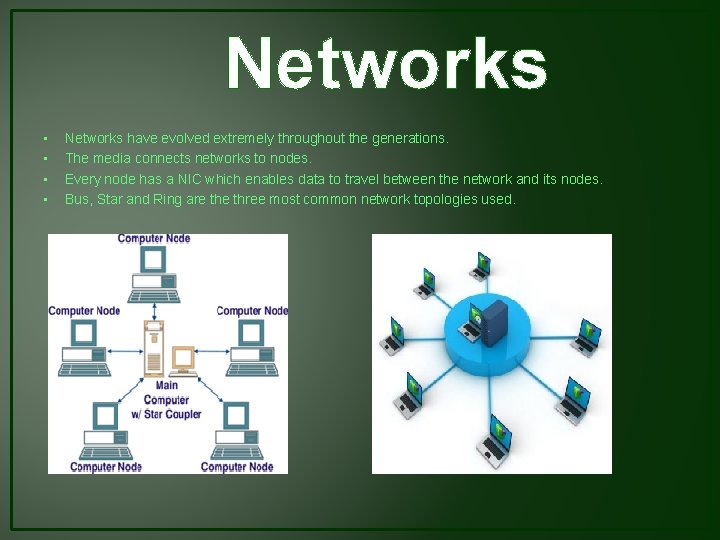
Networks • • Networks have evolved extremely throughout the generations. The media connects networks to nodes. Every node has a NIC which enables data to travel between the network and its nodes. Bus, Star and Ring are three most common network topologies used.
Operating Systems • • Operating systems pretty much perform two main jobs. The first job is that the OS manages the software and hardware that is in your computer. The second job performed by the OS that it provides a consistent interface for applications. Operating systems are organize in many different categories.
Software Applications • • Desktop software can be easily found at a nearby electronics store. Desktop software is organized by the type of functions it serves. Some software like Web applications do not run on the computer instead they fully run on the Web server. Web services allow us to use different ways to send and receive information on the computer.
- Slides: 13