
History Of Computer Technology By Ahmed Ramadan Page
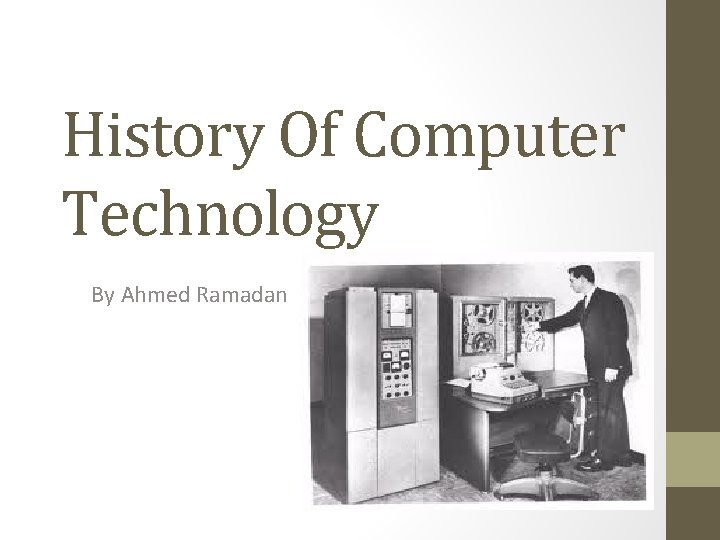
History Of Computer Technology By Ahmed Ramadan
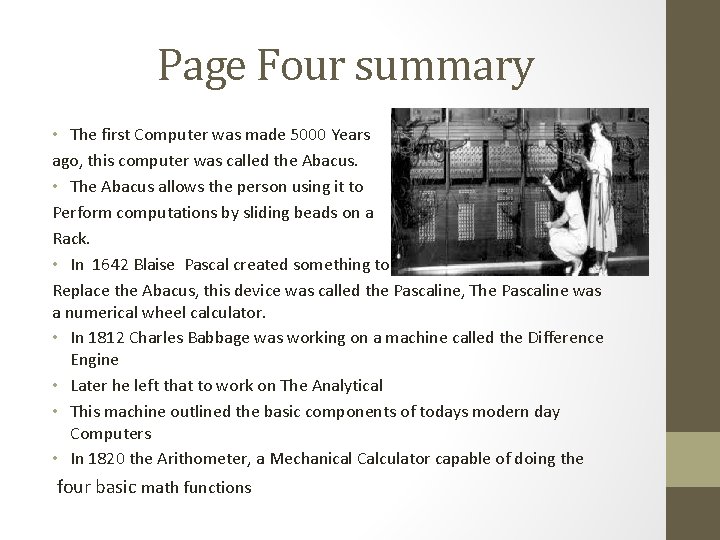
Page Four summary • The first Computer was made 5000 Years ago, this computer was called the Abacus. • The Abacus allows the person using it to Perform computations by sliding beads on a Rack. • In 1642 Blaise Pascal created something to Replace the Abacus, this device was called the Pascaline, The Pascaline was a numerical wheel calculator. • In 1812 Charles Babbage was working on a machine called the Difference Engine • Later he left that to work on The Analytical • This machine outlined the basic components of todays modern day Computers • In 1820 the Arithometer, a Mechanical Calculator capable of doing the four basic math functions
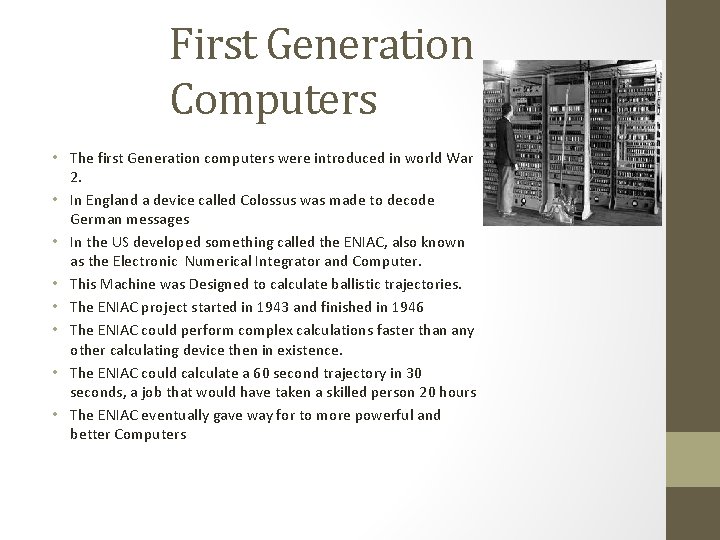
First Generation Computers • The first Generation computers were introduced in world War 2. • In England a device called Colossus was made to decode German messages • In the US developed something called the ENIAC, also known as the Electronic Numerical Integrator and Computer. • This Machine was Designed to calculate ballistic trajectories. • The ENIAC project started in 1943 and finished in 1946 • The ENIAC could perform complex calculations faster than any other calculating device then in existence. • The ENIAC could calculate a 60 second trajectory in 30 seconds, a job that would have taken a skilled person 20 hours • The ENIAC eventually gave way for to more powerful and better Computers
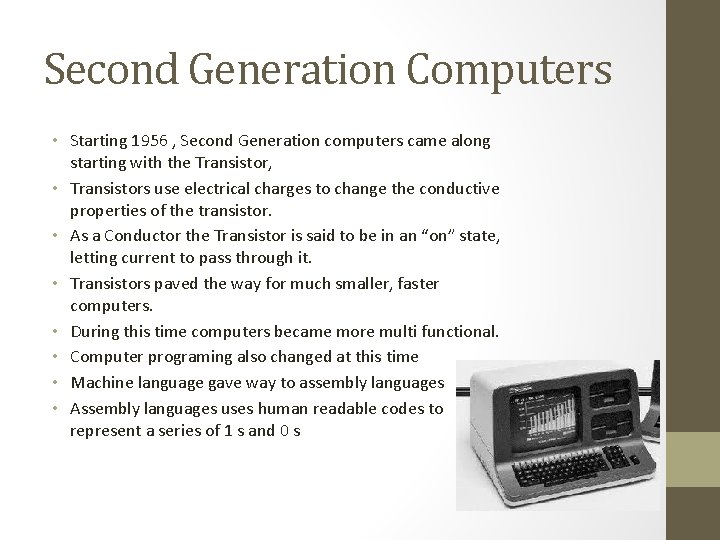
Second Generation Computers • Starting 1956 , Second Generation computers came along starting with the Transistor, • Transistors use electrical charges to change the conductive properties of the transistor. • As a Conductor the Transistor is said to be in an “on” state, letting current to pass through it. • Transistors paved the way for much smaller, faster computers. • During this time computers became more multi functional. • Computer programing also changed at this time • Machine language gave way to assembly languages • Assembly languages uses human readable codes to represent a series of 1 s and 0 s
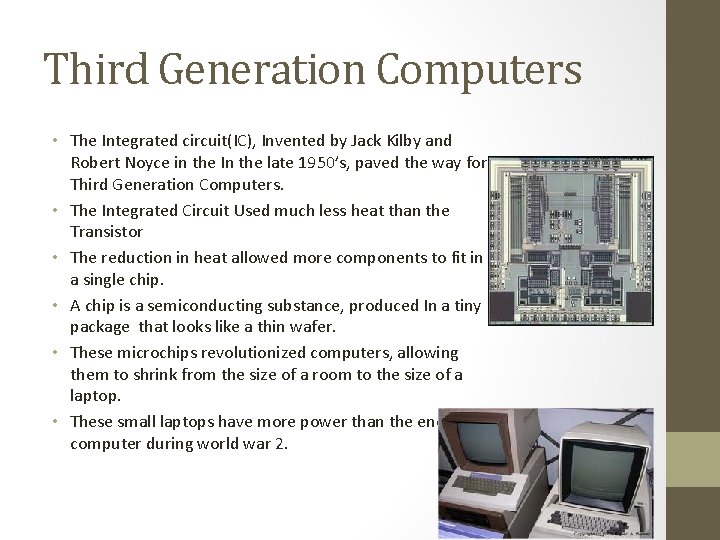
Third Generation Computers • The Integrated circuit(IC), Invented by Jack Kilby and Robert Noyce in the In the late 1950’s, paved the way for Third Generation Computers. • The Integrated Circuit Used much less heat than the Transistor • The reduction in heat allowed more components to fit in a single chip. • A chip is a semiconducting substance, produced In a tiny package that looks like a thin wafer. • These microchips revolutionized computers, allowing them to shrink from the size of a room to the size of a laptop. • These small laptops have more power than the enormous computer during world war 2.
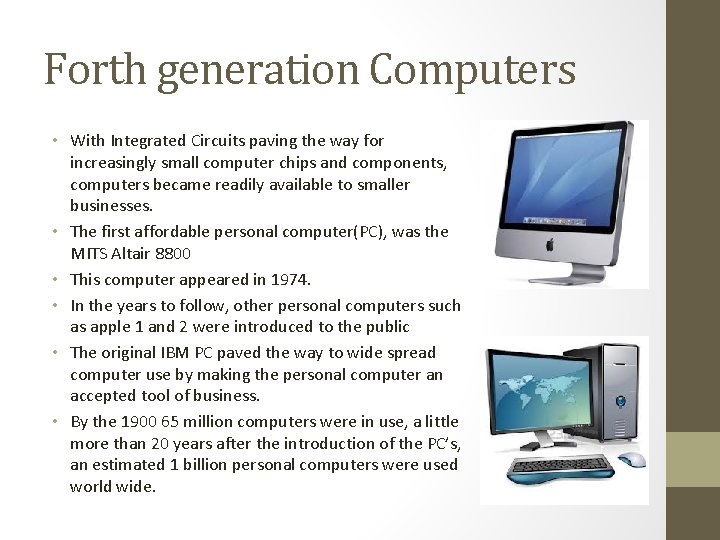
Forth generation Computers • With Integrated Circuits paving the way for increasingly small computer chips and components, computers became readily available to smaller businesses. • The first affordable personal computer(PC), was the MITS Altair 8800 • This computer appeared in 1974. • In the years to follow, other personal computers such as apple 1 and 2 were introduced to the public • The original IBM PC paved the way to wide spread computer use by making the personal computer an accepted tool of business. • By the 1900 65 million computers were in use, a little more than 20 years after the introduction of the PC’s, an estimated 1 billion personal computers were used world wide.
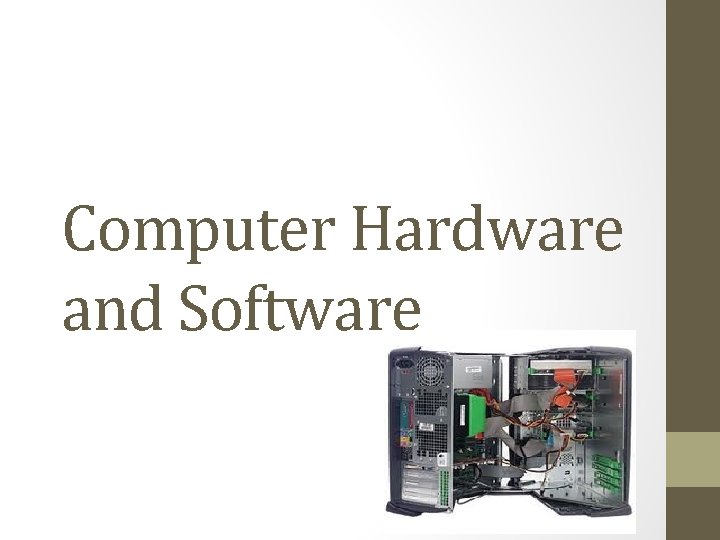
Computer Hardware and Software
Hardware and Input/output Devices • Hardware is the physical components of the computer • Input Devices allows people to enter information so that the computer can do the work that the computer was designed to do • Keyboards and mouse are most common used devices for inputting data. • Other Input devices are used like scanners and digitizing pads. • New input technologies are always being explored, for example computers now have the power to translate voice commands • With out put devices we would have no idea whether the computer was doing the right thing or not. • Output is feedback that lets us know what is happening on the inside of the computer. • The most common out put devices these days are your computer monitors. • The image you would see is showing you the information to let you know what is happening in your computer or what your doing on it.
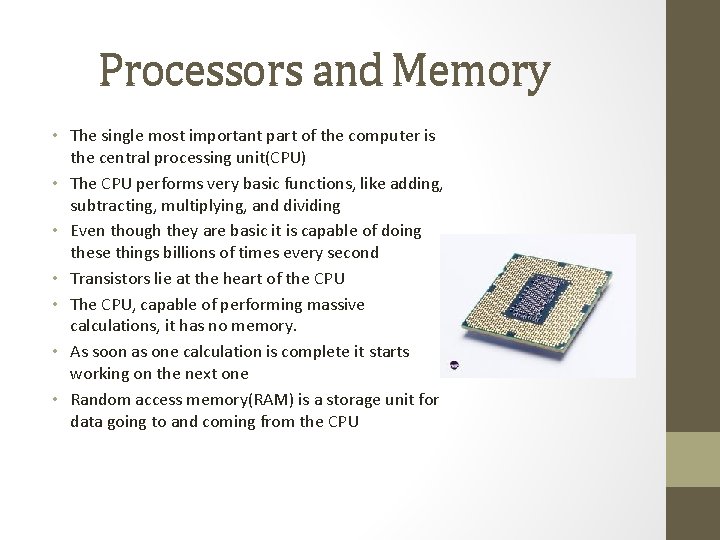
Processors and Memory • The single most important part of the computer is the central processing unit(CPU) • The CPU performs very basic functions, like adding, subtracting, multiplying, and dividing • Even though they are basic it is capable of doing these things billions of times every second • Transistors lie at the heart of the CPU • The CPU, capable of performing massive calculations, it has no memory. • As soon as one calculation is complete it starts working on the next one • Random access memory(RAM) is a storage unit for data going to and coming from the CPU
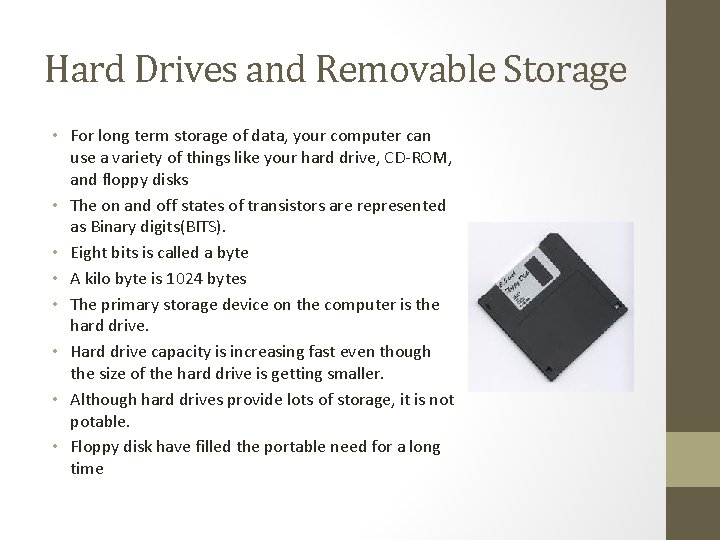
Hard Drives and Removable Storage • For long term storage of data, your computer can use a variety of things like your hard drive, CD-ROM, and floppy disks • The on and off states of transistors are represented as Binary digits(BITS). • Eight bits is called a byte • A kilo byte is 1024 bytes • The primary storage device on the computer is the hard drive. • Hard drive capacity is increasing fast even though the size of the hard drive is getting smaller. • Although hard drives provide lots of storage, it is not potable. • Floppy disk have filled the portable need for a long time
Networks • Networking is the most explosive growth of the computer industry. • Today only the smallest businesses operate without networked computer system • A growing number of networks transmit • The Media connect the network to the individuals computers, which are called nodes. • Each Node contains a network interface card(NIC) • Which allows data to travel between the network and its nodes • Nodes can be connected to each other or to a server.
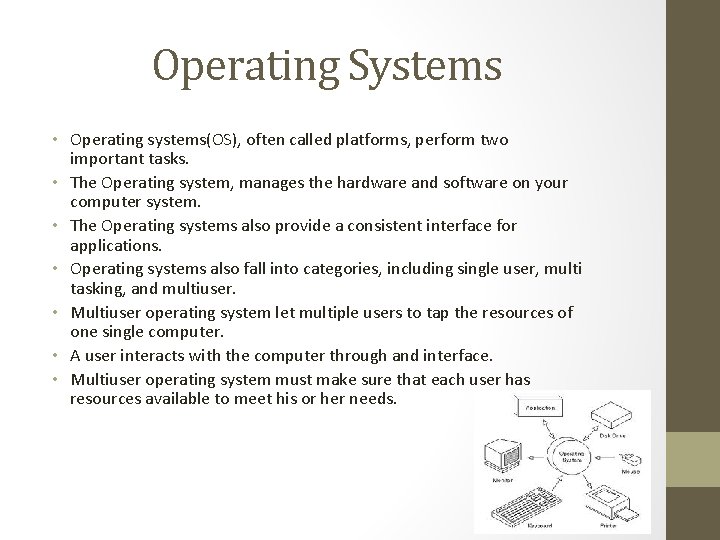
Operating Systems • Operating systems(OS), often called platforms, perform two important tasks. • The Operating system, manages the hardware and software on your computer system. • The Operating systems also provide a consistent interface for applications. • Operating systems also fall into categories, including single user, multi tasking, and multiuser. • Multiuser operating system let multiple users to tap the resources of one single computer. • A user interacts with the computer through and interface. • Multiuser operating system must make sure that each user has resources available to meet his or her needs.
Software Applications • The type of software you get from your near by store is called Desktop software. • Desktop software needs to be installed on the computer in order for it to run. • Desktop software is categorized by the type of function it server. • Web applications run on a web server. • You access this type of application through a standard web browser. • The line between desktop application and web based applications is rapidly blurring. • Modern desktop applications can download data from the Internet, and even execute code on remote machines without your noticing.
- Slides: 13