
HIPAA Security Awareness Training INFORMATION SYSTEM SECURITY Whats
- Slides: 37
HIPAA Security Awareness Training INFORMATION SYSTEM SECURITY
What’s In It For You? You will learn how to protect Yourself from identity theft Your personal electronic devices Yourself from disciplinary actions at work Yourself from monetary fines and civil or criminal charges Our business from fines and civil or criminal charges Health information protected by HIPAA (PHI) Sensitive business information (including PII) Our business network and systems
What are PII and PHI? �Personally Identifiable Information (PII) Protected by the Privacy Act Social security numbers Dates and places of birth Mother’s maiden name Biometric records �Protected Health Information (PHI) Protected by HIPAA Individually identifiable health information Subset of health information, including demographics Physical health, mental health or genetic information Provision of healthcare to individual Payment for such healthcare
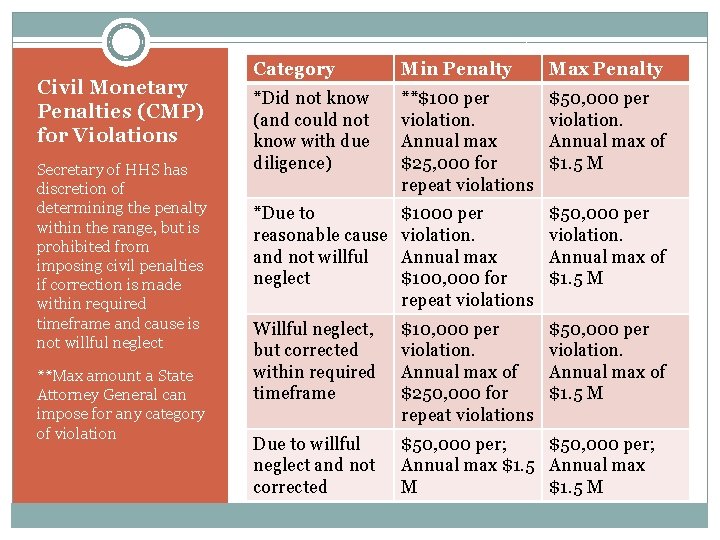
Civil Monetary Penalties (CMP) for Violations Secretary of HHS has discretion of determining the penalty within the range, but is prohibited from imposing civil penalties if correction is made within required timeframe and cause is not willful neglect **Max amount a State Attorney General can impose for any category of violation Category Min Penalty Max Penalty *Did not know (and could not know with due diligence) **$100 per violation. Annual max $25, 000 for repeat violations $50, 000 per violation. Annual max of $1. 5 M *Due to reasonable cause and not willful neglect $1000 per violation. Annual max $100, 000 for repeat violations $50, 000 per violation. Annual max of $1. 5 M Willful neglect, but corrected within required timeframe $10, 000 per violation. Annual max of $250, 000 for repeat violations $50, 000 per violation. Annual max of $1. 5 M Due to willful neglect and not corrected $50, 000 per; Annual max $1. 5 Annual max M $1. 5 M
Criminal Penalties �Covered entities and specified individuals, who knowingly obtain or disclose PHI in violation of HIPAA face up to $50, 000 fine, and up to 1 year in prison. �Offenses committed under false pretenses allow penalties to be increased to a $100, 000 fine with up to 5 years in prison. �Offenses committed with the intent to sell, transfer, or use individually identifiable health information for commercial advantage, personal gain or malicious harm permit fines of $250, 000 and up to 10 years in prison.
Sensitive Information �Also requires protection �Financial information �Human resource records �Information provided by business partners, associates, or employees �Information about physical security systems �Network or information systems diagrams or details
Information System Security Objective of Information Security is to ensure CIA Confidentiality – protecting sensitive information from unauthorized access or disclosure Integrity – ensuring the reliability and accuracy of information and information systems by protecting them from unauthorized modification or destruction Availability – protecting the information systems and resources to ensure they are available when needed
How do we achieve IS Security? �Risk Management Define Risk Assess Risk Mitigate Risk �Risk Assessments Identify Threats Identify Vulnerability Identify Cost (harm caused, may not be monetary) Determine Likelihood of occurrence �Risk Mitigation
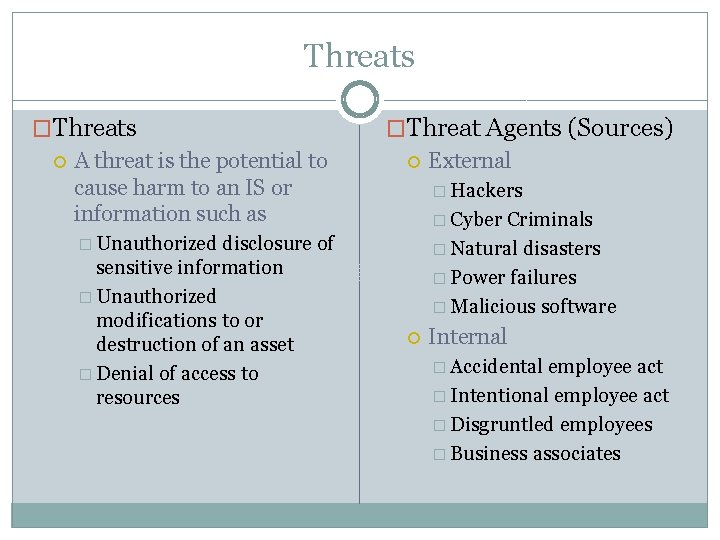
Threats �Threats A threat is the potential to cause harm to an IS or information such as disclosure of sensitive information � Unauthorized modifications to or destruction of an asset � Denial of access to resources �Threat Agents (Sources) External � Hackers � Cyber Criminals � Natural disasters � Power failures � Malicious software � Unauthorized Internal � Accidental employee act � Intentional employee act � Disgruntled employees � Business associates
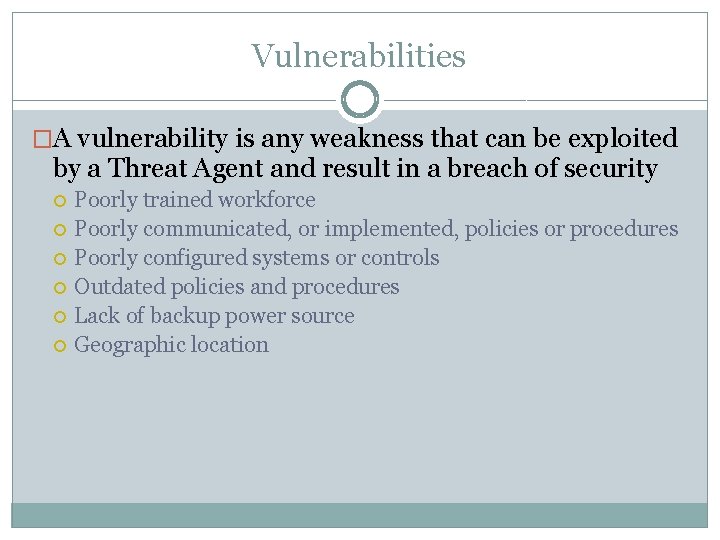
Vulnerabilities �A vulnerability is any weakness that can be exploited by a Threat Agent and result in a breach of security Poorly trained workforce Poorly communicated, or implemented, policies or procedures Poorly configured systems or controls Outdated policies and procedures Lack of backup power source Geographic location
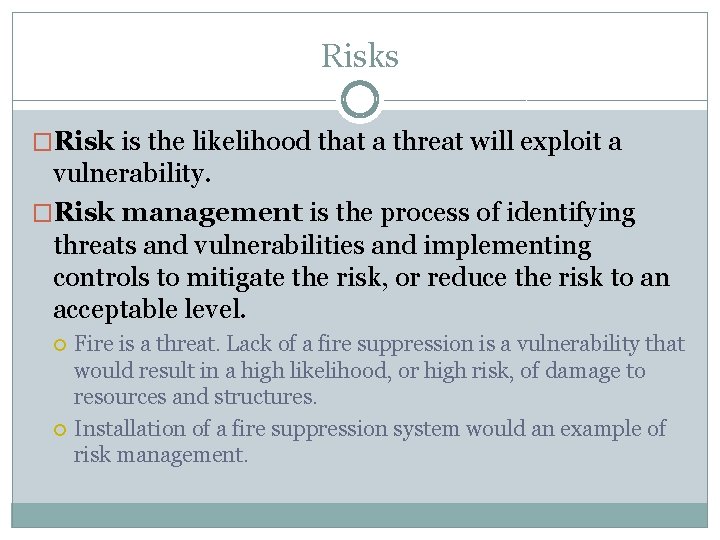
Risks �Risk is the likelihood that a threat will exploit a vulnerability. �Risk management is the process of identifying threats and vulnerabilities and implementing controls to mitigate the risk, or reduce the risk to an acceptable level. Fire is a threat. Lack of a fire suppression is a vulnerability that would result in a high likelihood, or high risk, of damage to resources and structures. Installation of a fire suppression system would an example of risk management.
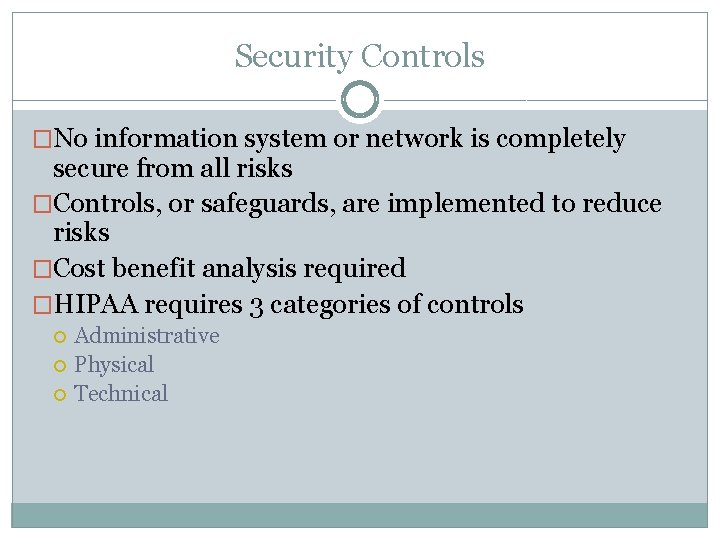
Security Controls �No information system or network is completely secure from all risks �Controls, or safeguards, are implemented to reduce risks �Cost benefit analysis required �HIPAA requires 3 categories of controls Administrative Physical Technical
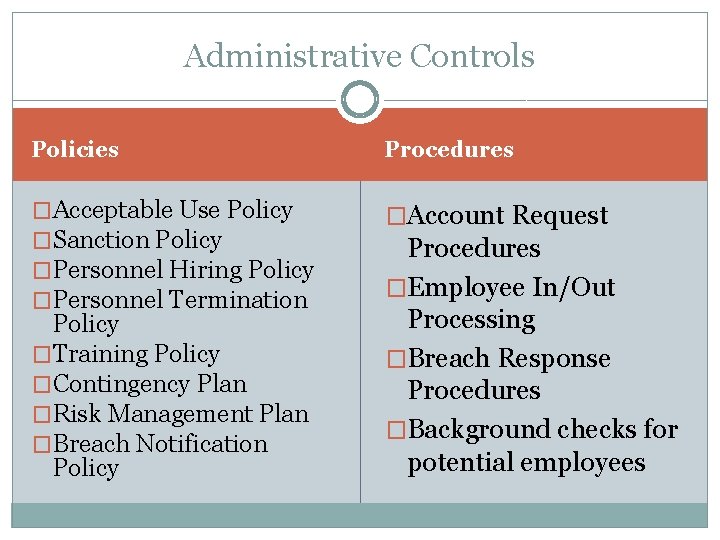
Administrative Controls Policies Procedures �Acceptable Use Policy �Sanction Policy �Personnel Hiring Policy �Personnel Termination �Account Request Policy �Training Policy �Contingency Plan �Risk Management Plan �Breach Notification Policy Procedures �Employee In/Out Processing �Breach Response Procedures �Background checks for potential employees
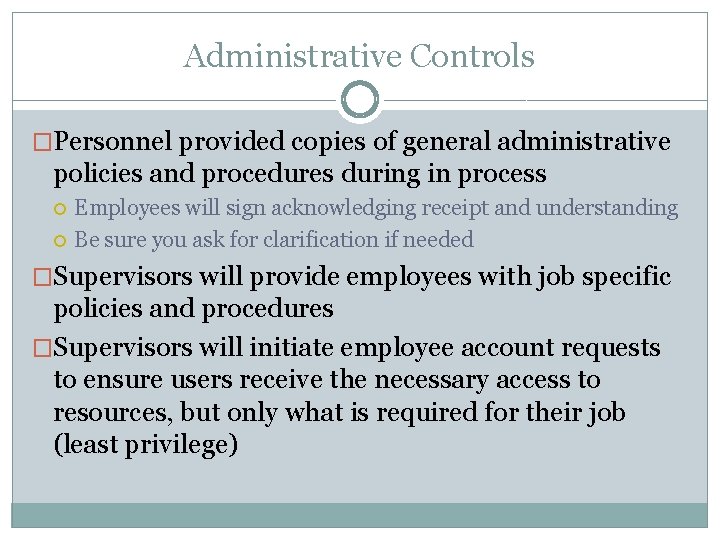
Administrative Controls �Personnel provided copies of general administrative policies and procedures during in process Employees will sign acknowledging receipt and understanding Be sure you ask for clarification if needed �Supervisors will provide employees with job specific policies and procedures �Supervisors will initiate employee account requests to ensure users receive the necessary access to resources, but only what is required for their job (least privilege)
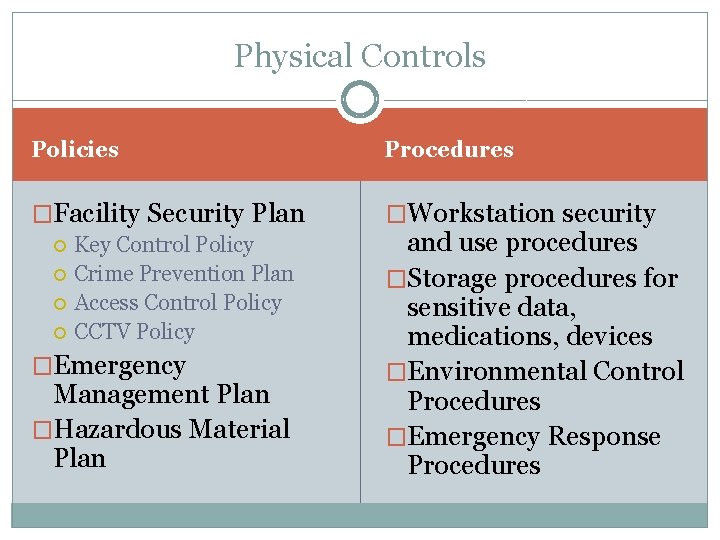
Physical Controls Policies Procedures �Facility Security Plan �Workstation security Key Control Policy Crime Prevention Plan Access Control Policy CCTV Policy �Emergency Management Plan �Hazardous Material Plan and use procedures �Storage procedures for sensitive data, medications, devices �Environmental Control Procedures �Emergency Response Procedures
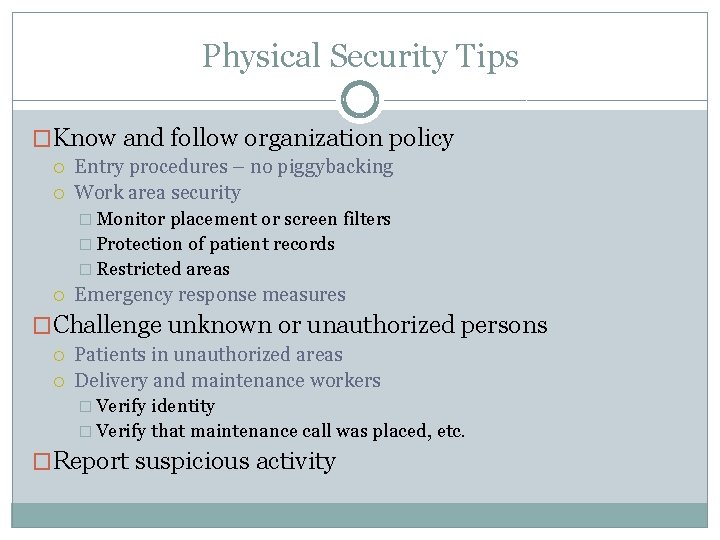
Physical Security Tips �Know and follow organization policy Entry procedures – no piggybacking Work area security � Monitor placement or screen filters � Protection of patient records � Restricted areas Emergency response measures �Challenge unknown or unauthorized persons Patients in unauthorized areas Delivery and maintenance workers � Verify identity � Verify that maintenance call was placed, etc. �Report suspicious activity
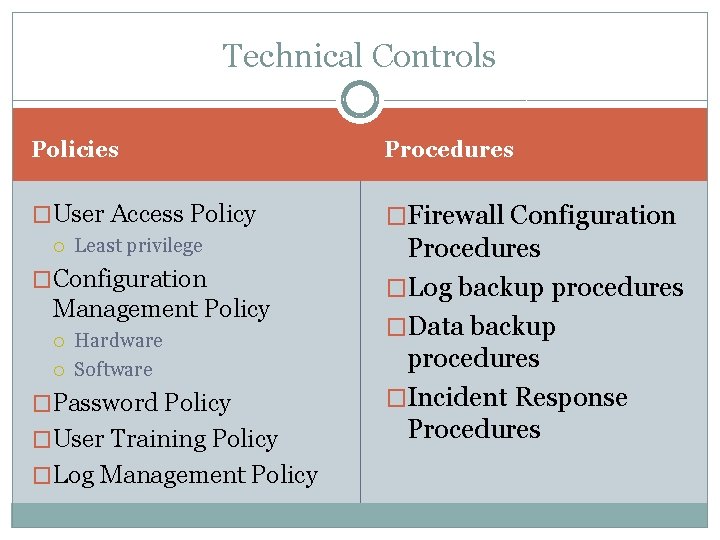
Technical Controls Policies Procedures �User Access Policy �Firewall Configuration Least privilege Procedures �Log backup procedures �Data backup procedures �Incident Response Procedures �Configuration Management Policy Hardware Software �Password Policy �User Training Policy �Log Management Policy
PASSWORDS CHOOSE CAREFULLY AND CHANGE REGULARLY
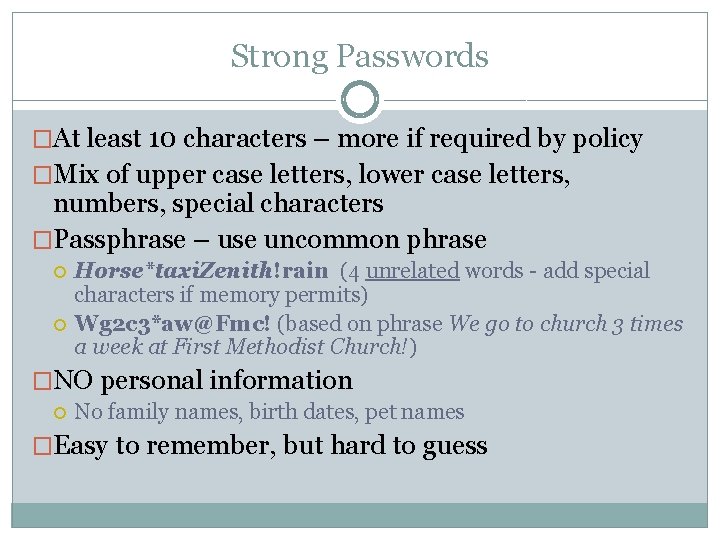
Strong Passwords �At least 10 characters – more if required by policy �Mix of upper case letters, lower case letters, numbers, special characters �Passphrase – use uncommon phrase Horse*taxi. Zenith!rain (4 unrelated words - add special characters if memory permits) Wg 2 c 3*aw@Fmc! (based on phrase We go to church 3 times a week at First Methodist Church!) �NO personal information No family names, birth dates, pet names �Easy to remember, but hard to guess
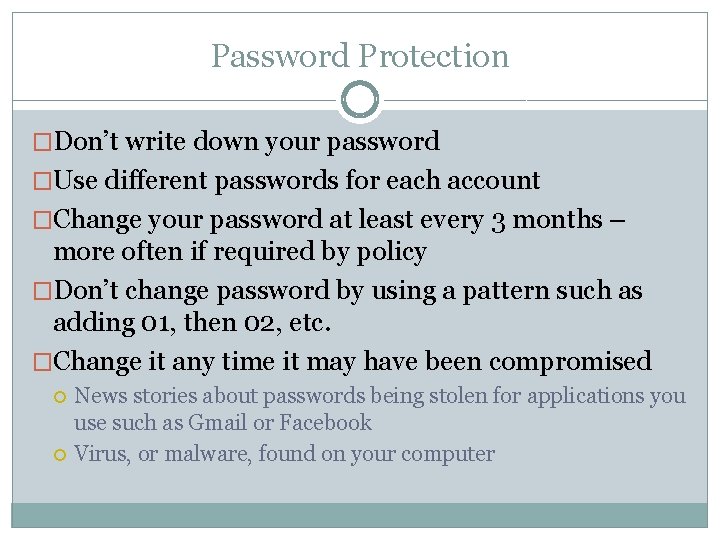
Password Protection �Don’t write down your password �Use different passwords for each account �Change your password at least every 3 months – more often if required by policy �Don’t change password by using a pattern such as adding 01, then 02, etc. �Change it any time it may have been compromised News stories about passwords being stolen for applications you use such as Gmail or Facebook Virus, or malware, found on your computer
Password Protection �Security questions for password resets What is your mother’s maiden name? Where were you born? What is your favorite color? What is your favorite vacation destination? What was your first pet’s name? �Pick good questions or use incorrect answers (make sure you can remember them) Many answers to those questions can be found on Facebook or other social media sites
Social Engineering HACKING HUMANS
Phishing • Phishing uses suspicious Emails or Pop-ups that o o o Tell you to access a website, or attachment, that appears real Ask you to validate or update personal or account information State dire consequences for failure to comply • Spear phishing o o Targets particular individuals, groups of people or organizations Claim to be from your bank, credit card company, IT department, anti-virus software, friend, etc. • Whaling o o Spear phishing that targets high-level personnel Uses relevant issues or topics
Tips about Phishing • Never click links, or open attachments, in unsolicited email or pop-ups. • Forward spear phishing or whaling emails to security or compliance officer and then delete the email • Security officers can ensure potential targets are warned • If concerned issue is valid, verify by o o Phone call using a known good number, not one provided Type the site’s verified web address in the browser
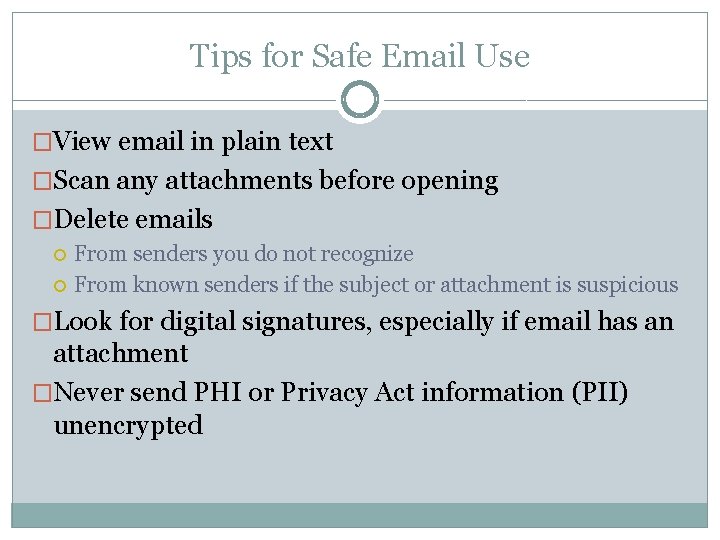
Tips for Safe Email Use �View email in plain text �Scan any attachments before opening �Delete emails From senders you do not recognize From known senders if the subject or attachment is suspicious �Look for digital signatures, especially if email has an attachment �Never send PHI or Privacy Act information (PII) unencrypted
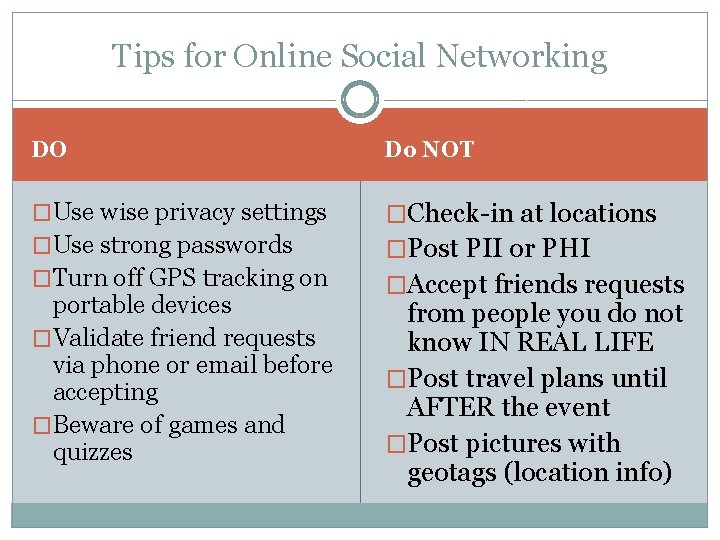
Tips for Online Social Networking DO Do NOT �Use wise privacy settings �Check-in at locations �Use strong passwords �Post PII or PHI �Turn off GPS tracking on portable devices �Validate friend requests via phone or email before accepting �Beware of games and quizzes �Accept friends requests from people you do not know IN REAL LIFE �Post travel plans until AFTER the event �Post pictures with geotags (location info)
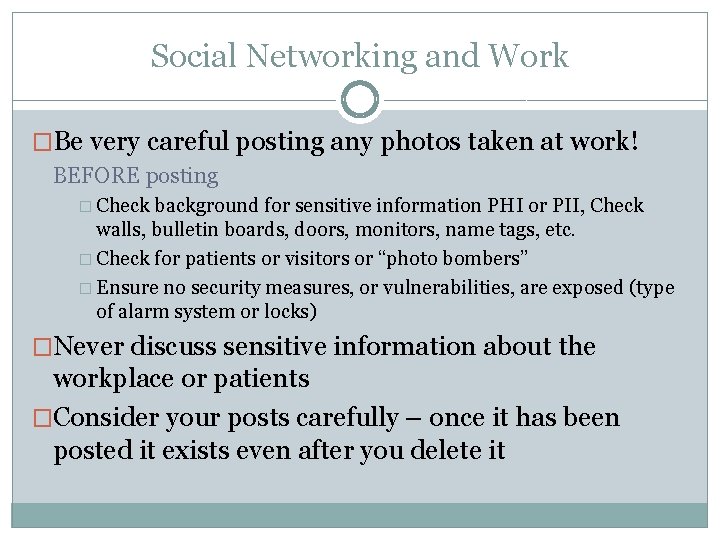
Social Networking and Work �Be very careful posting any photos taken at work! BEFORE posting � Check background for sensitive information PHI or PII, Check walls, bulletin boards, doors, monitors, name tags, etc. � Check for patients or visitors or “photo bombers” � Ensure no security measures, or vulnerabilities, are exposed (type of alarm system or locks) �Never discuss sensitive information about the workplace or patients �Consider your posts carefully – once it has been posted it exists even after you delete it
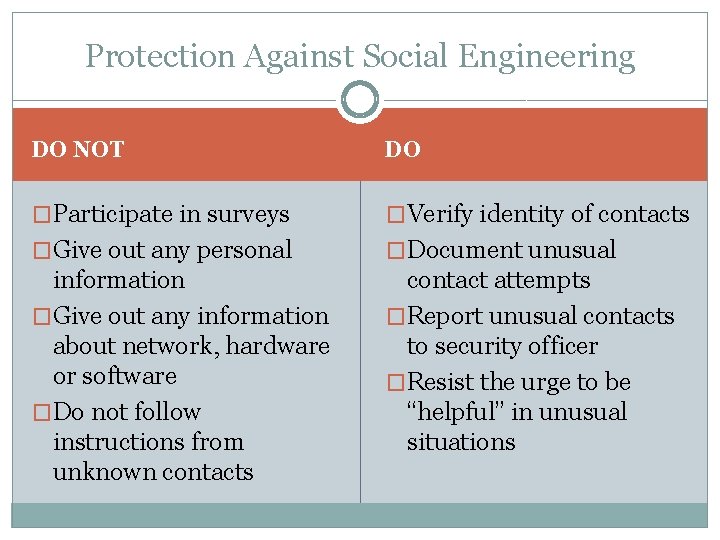
Protection Against Social Engineering DO NOT DO �Participate in surveys �Verify identity of contacts �Give out any personal �Document unusual information �Give out any information about network, hardware or software �Do not follow instructions from unknown contacts contact attempts �Report unusual contacts to security officer �Resist the urge to be “helpful” in unusual situations
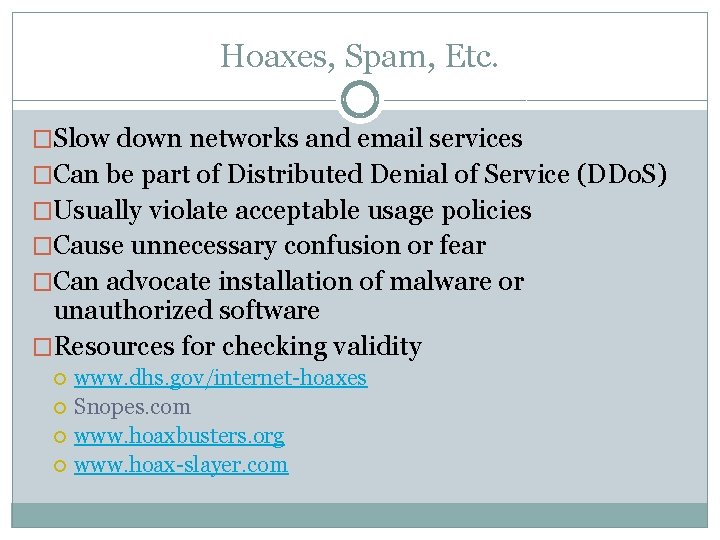
Hoaxes, Spam, Etc. �Slow down networks and email services �Can be part of Distributed Denial of Service (DDo. S) �Usually violate acceptable usage policies �Cause unnecessary confusion or fear �Can advocate installation of malware or unauthorized software �Resources for checking validity www. dhs. gov/internet-hoaxes Snopes. com www. hoaxbusters. org www. hoax-slayer. com
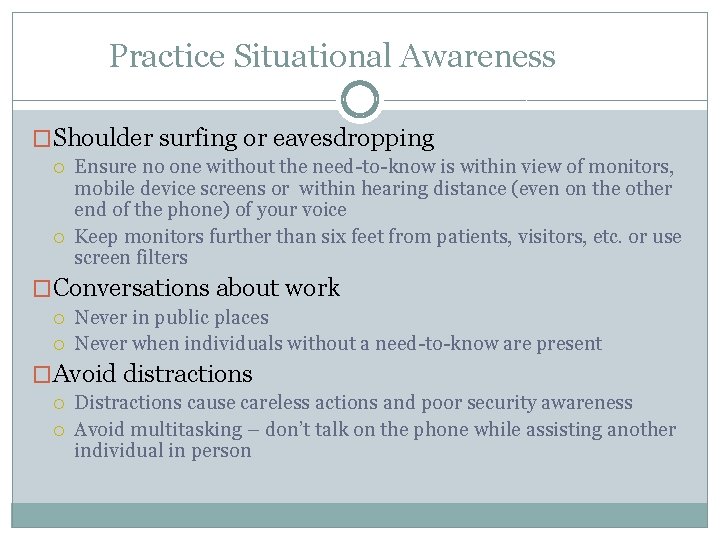
Practice Situational Awareness �Shoulder surfing or eavesdropping Ensure no one without the need-to-know is within view of monitors, mobile device screens or within hearing distance (even on the other end of the phone) of your voice Keep monitors further than six feet from patients, visitors, etc. or use screen filters �Conversations about work Never in public places Never when individuals without a need-to-know are present �Avoid distractions Distractions cause careless actions and poor security awareness Avoid multitasking – don’t talk on the phone while assisting another individual in person
Mobile Computing SECURE THE DEVICES AND THE DATA THEY CONTAIN
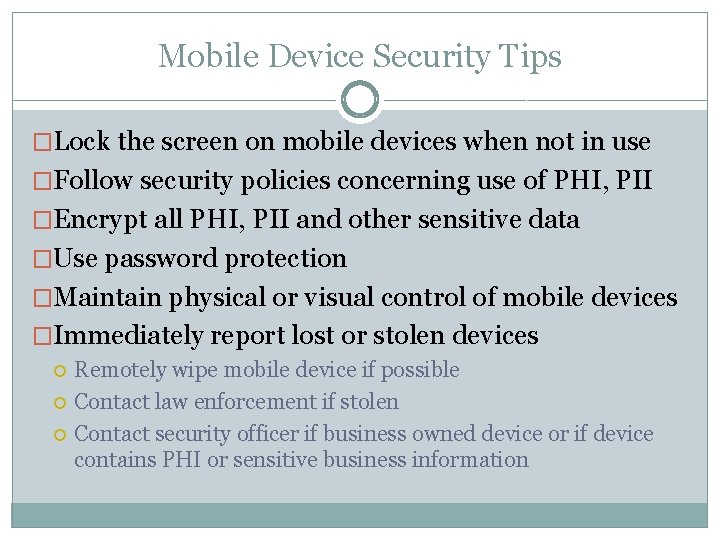
Mobile Device Security Tips �Lock the screen on mobile devices when not in use �Follow security policies concerning use of PHI, PII �Encrypt all PHI, PII and other sensitive data �Use password protection �Maintain physical or visual control of mobile devices �Immediately report lost or stolen devices Remotely wipe mobile device if possible Contact law enforcement if stolen Contact security officer if business owned device or if device contains PHI or sensitive business information
Removable Media Security Tips �Do not use if not authorized by policy �Includes thumb drives/flash drives, external or removable hard drives, DVDs and CDs �Do not use personally owned, non-organization provided, removable media �Label all media; identify if it contains PHI, PII or sensitive information �Follow policy for storage, retention, reuse and disposal �Never insert media of unknown source or content
Use of Business Electronics �Don’t install unauthorized or personally owned software �Don’t make configuration changes without authorization �Avoid risky websites – often sources of malware Never view or download pornography Never visit gambling sites Avoid social networking sites unless authorized for use Avoid checking personal email accounts unless authorized
Travel Tips �Be aware of who is around and what is visible on your device �Use extreme caution when connecting to hotspots �Be extra vigilant about maintaining physical, or at least visual, control of your devices at all times �Be aware of who is around when on the phone Never discuss your destination or hotel reservations when strangers could overhear Never discuss sensitive information in public places
Home Computer Security PROTECT YOURSELF
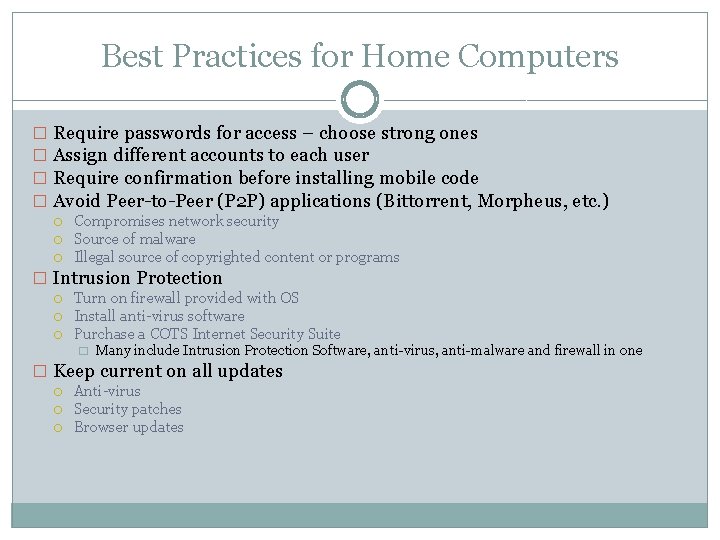
Best Practices for Home Computers � Require passwords for access – choose strong ones � Assign different accounts to each user � Require confirmation before installing mobile code � Avoid Peer-to-Peer (P 2 P) applications (Bittorrent, Morpheus, etc. ) Compromises network security Source of malware Illegal source of copyrighted content or programs � Intrusion Protection Turn on firewall provided with OS Install anti-virus software Purchase a COTS Internet Security Suite � Many include Intrusion Protection Software, anti-virus, anti-malware and firewall in one � Keep current on all updates Anti-virus Security patches Browser updates