
Hierarchical Retrieval Objectives After completing this lesson you

Hierarchical Retrieval
Objectives After completing this lesson, you should be able to do the following: • Interpret the concept of a hierarchical query • Create a tree-structured report • Format hierarchical data • Exclude branches from the tree structure
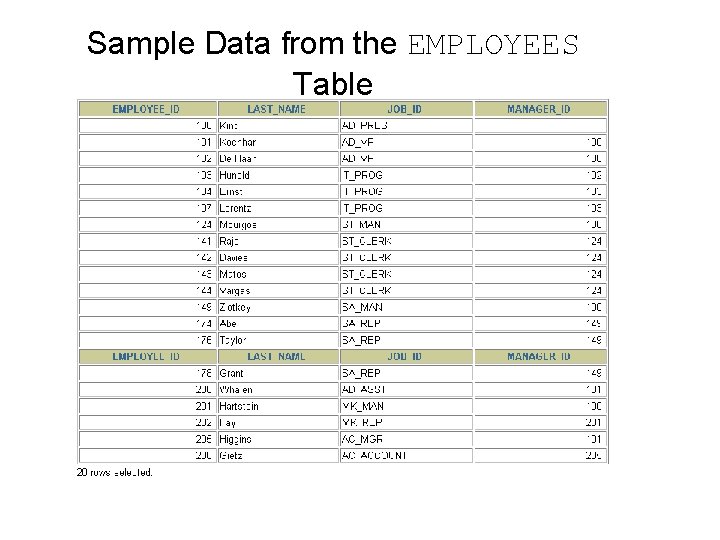
Sample Data from the EMPLOYEES Table

Natural Tree Structure EMPLOYEE_ID = 100 (Parent) MANAGER_ID = 100 (Child) Kochhar Whalen Higgins De Hann Hunold King Mourgos Rajs Davies Matos Zlotkey Hartstein Vargas Fay Gietz Ernst Lorentz Abel Taylor Grant
![Hierarchical Queries SELECT [LEVEL], column, expr. . . FROM table [WHERE condition(s)] [START WITH](http://slidetodoc.com/presentation_image_h2/0d047ea6b03b7e246ecb29e6c283ce0c/image-5.jpg "Hierarchical Queries SELECT [LEVEL], column, expr. . . FROM table [WHERE condition(s)] [START WITH")
Hierarchical Queries SELECT [LEVEL], column, expr. . . FROM table [WHERE condition(s)] [START WITH condition(s)] [CONNECT BY PRIOR condition(s)] ; WHERE condition: expr comparison_operator expr
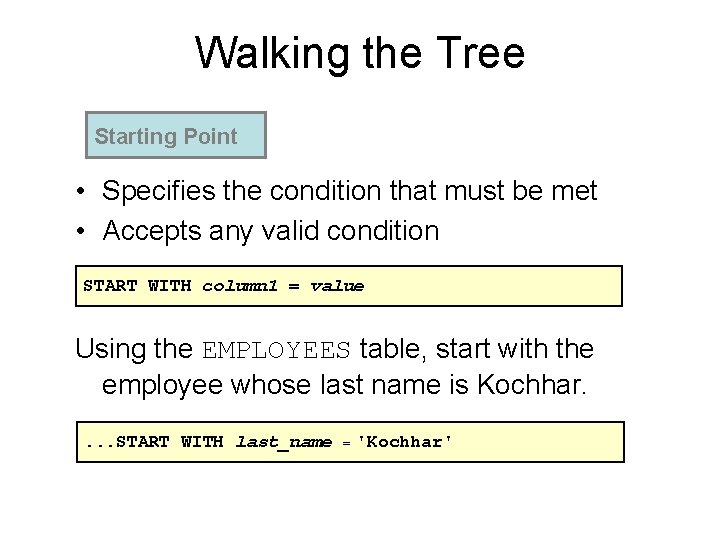
Walking the Tree Starting Point • Specifies the condition that must be met • Accepts any valid condition START WITH column 1 = value Using the EMPLOYEES table, start with the employee whose last name is Kochhar. . START WITH last_name = 'Kochhar'
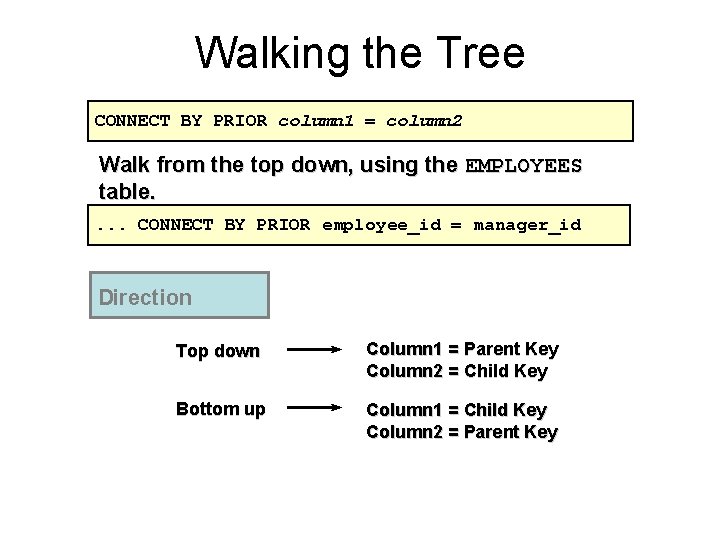
Walking the Tree CONNECT BY PRIOR column 1 = column 2 Walk from the top down, using the EMPLOYEES table. . CONNECT BY PRIOR employee_id = manager_id Direction Top down Column 1 = Parent Key Column 2 = Child Key Bottom up Column 1 = Child Key Column 2 = Parent Key
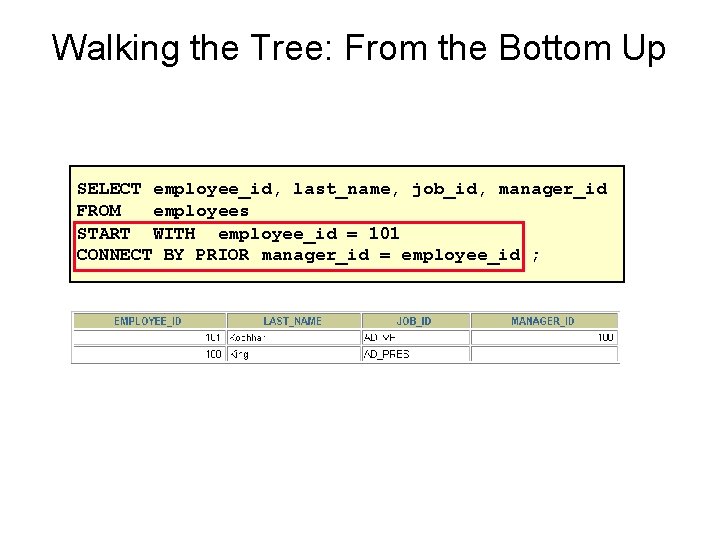
Walking the Tree: From the Bottom Up SELECT employee_id, last_name, job_id, manager_id FROM employees START WITH employee_id = 101 CONNECT BY PRIOR manager_id = employee_id ;
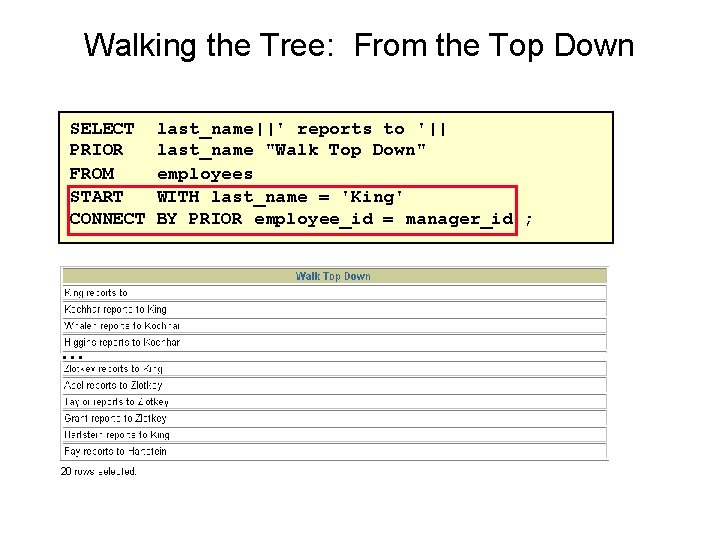
Walking the Tree: From the Top Down SELECT PRIOR FROM START CONNECT … last_name||' reports to '|| last_name "Walk Top Down" employees WITH last_name = 'King' BY PRIOR employee_id = manager_id ;
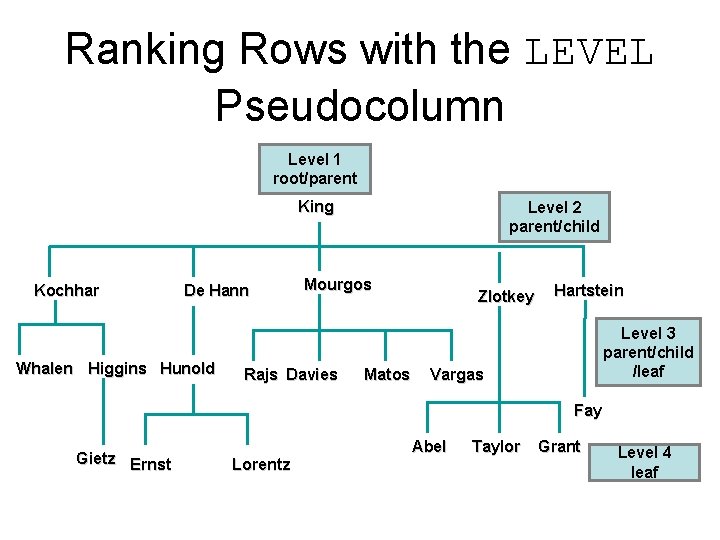
Ranking Rows with the LEVEL Pseudocolumn Level 1 root/parent King Kochhar De Hann Whalen Higgins Hunold Level 2 parent/child Mourgos Rajs Davies Matos Zlotkey Hartstein Level 3 parent/child /leaf Vargas Fay Gietz Ernst Lorentz Abel Taylor Grant Level 4 leaf
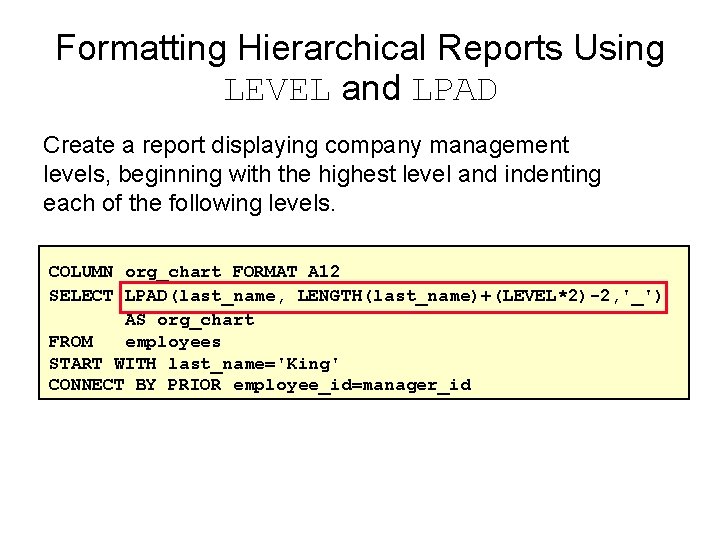
Formatting Hierarchical Reports Using LEVEL and LPAD Create a report displaying company management levels, beginning with the highest level and indenting each of the following levels. COLUMN org_chart FORMAT A 12 SELECT LPAD(last_name, LENGTH(last_name)+(LEVEL*2)-2, '_') AS org_chart FROM employees START WITH last_name='King' CONNECT BY PRIOR employee_id=manager_id
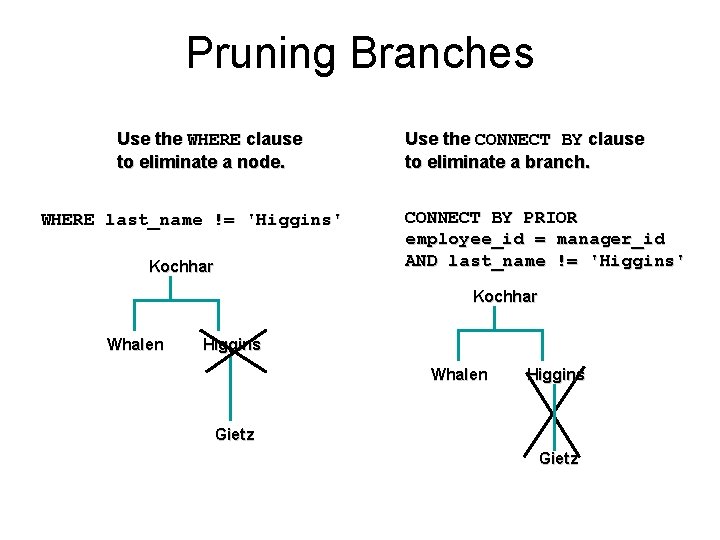
Pruning Branches Use the WHERE clause to eliminate a node. WHERE last_name != 'Higgins' Kochhar Use the CONNECT BY clause to eliminate a branch. CONNECT BY PRIOR employee_id = manager_id AND last_name != 'Higgins' Kochhar Whalen Higgins Gietz

Summary In this lesson, you should have learned the following: • You can use hierarchical queries to view a hierarchical relationship between rows in a table. • You specify the direction and starting point of the query. • You can eliminate nodes or branches by pruning.

Practice 19 Overview This practice covers the following topics: • Distinguishing hierarchical queries from nonhierarchical queries • Walking through a tree • Producing an indented report by using the LEVEL pseudocolumn • Pruning the tree structure • Sorting the output
- Slides: 14