
Hidden Line Removal Applying vector algebra to the
Hidden Line Removal Applying vector algebra to the problem of removing hidden lines from wire-frame models
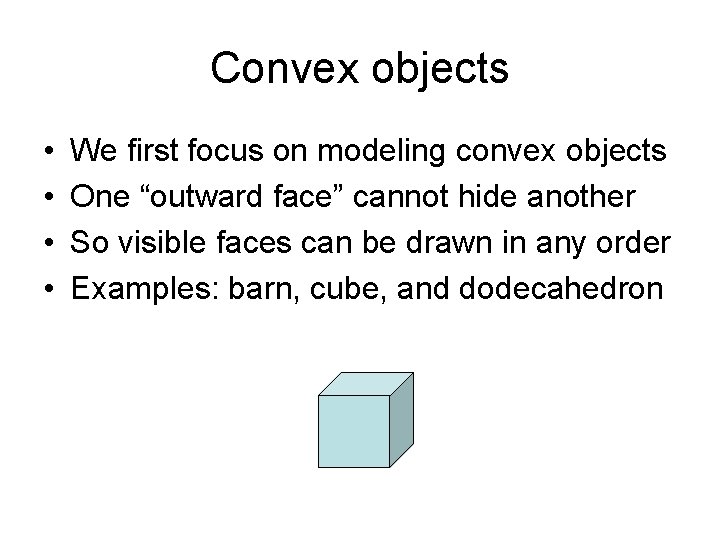
Convex objects • • We first focus on modeling convex objects One “outward face” cannot hide another So visible faces can be drawn in any order Examples: barn, cube, and dodecahedron
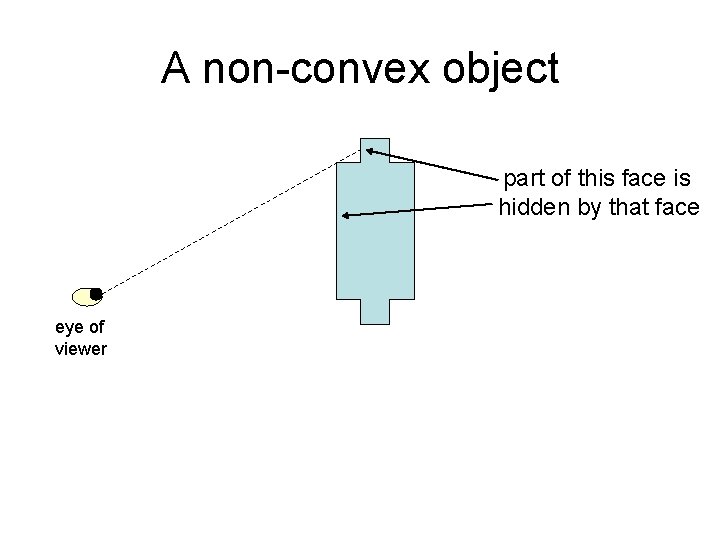
A non-convex object part of this face is hidden by that face eye of viewer
2 D Polygons in 3 D space • • A polygon is a 2 -dimensional figure Its edges and corner-points are coplanar It’s a bounded region of an infinite plane Any plane in 3 -space can be described by an first-degree (linear) algebraic equation: ax + by + cz = d • Alternatively, using vector algebra, a plane can be described using a reference-point Q and a direction-vector N = (a, b, c), as: N • QP = 0
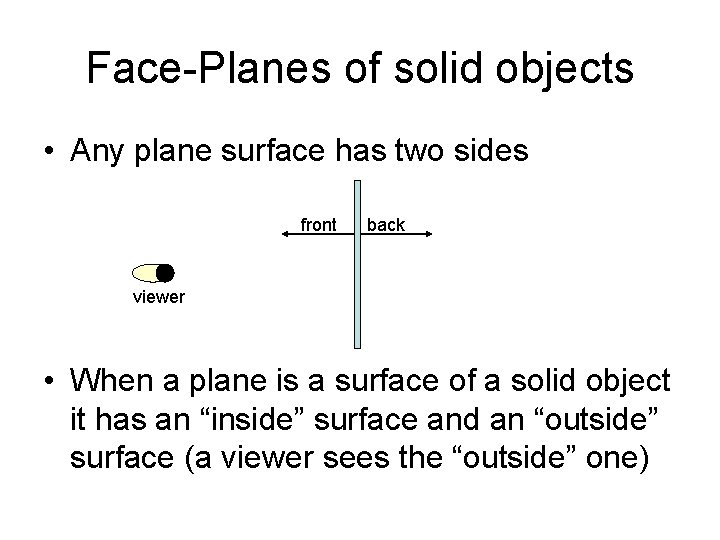
Face-Planes of solid objects • Any plane surface has two sides front back viewer • When a plane is a surface of a solid object it has an “inside” surface and an “outside” surface (a viewer sees the “outside” one)
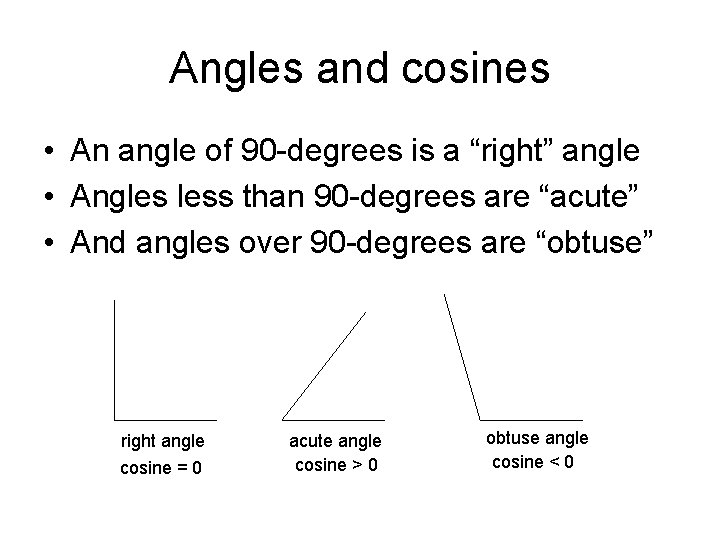
Angles and cosines • An angle of 90 -degrees is a “right” angle • Angles less than 90 -degrees are “acute” • And angles over 90 -degrees are “obtuse” right angle cosine = 0 acute angle cosine > 0 obtuse angle cosine < 0
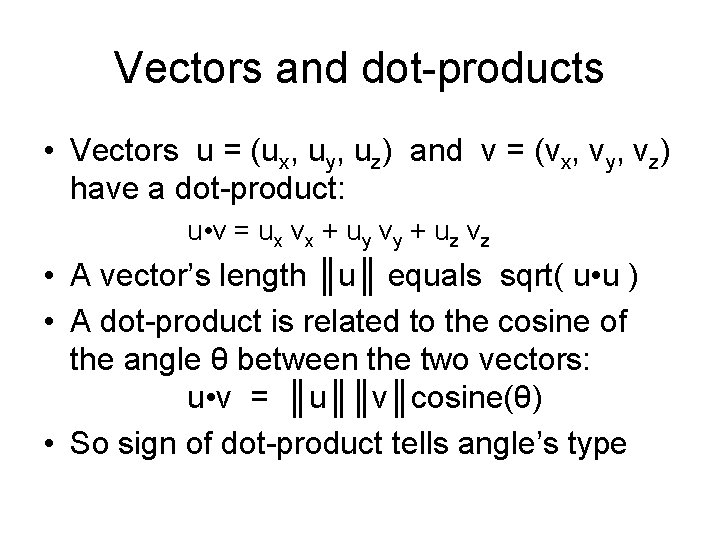
Vectors and dot-products • Vectors u = (ux, uy, uz) and v = (vx, vy, vz) have a dot-product: u • v = ux vx + uy vy + uz vz • A vector’s length ║u║ equals sqrt( u • u ) • A dot-product is related to the cosine of the angle θ between the two vectors: u • v = ║u║║v║cosine(θ) • So sign of dot-product tells angle’s type
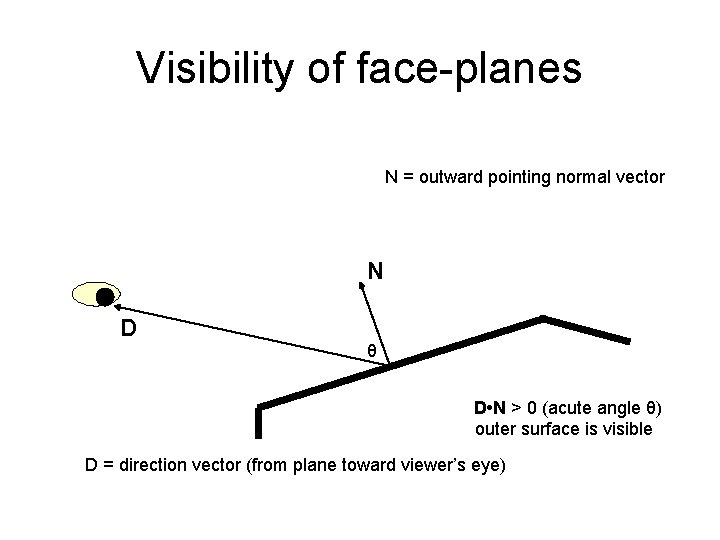
Visibility of face-planes N = outward pointing normal vector N D θ D • N > 0 (acute angle θ) outer surface is visible D = direction vector (from plane toward viewer’s eye)
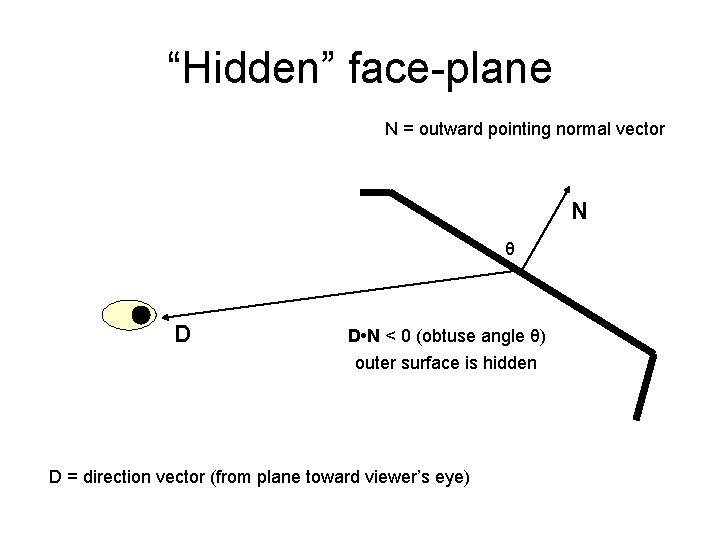
“Hidden” face-plane N = outward pointing normal vector N θ D D • N < 0 (obtuse angle θ) outer surface is hidden D = direction vector (from plane toward viewer’s eye)
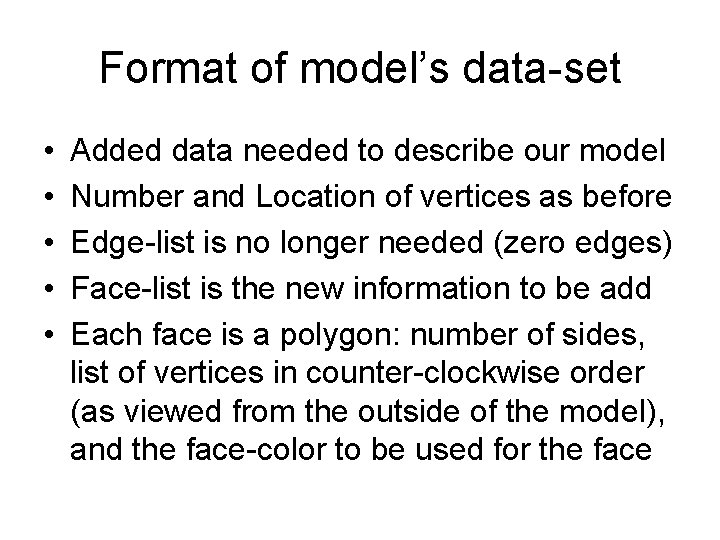
Format of model’s data-set • • • Added data needed to describe our model Number and Location of vertices as before Edge-list is no longer needed (zero edges) Face-list is the new information to be add Each face is a polygon: number of sides, list of vertices in counter-clockwise order (as viewed from the outside of the model), and the face-color to be used for the face
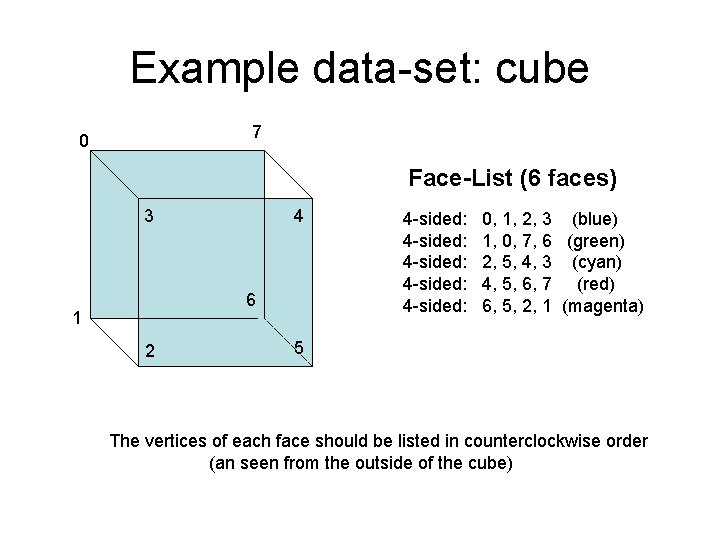
Example data-set: cube 7 0 Face-List (6 faces) 3 4 6 1 2 4 -sided: 4 -sided: 0, 1, 2, 3 (blue) 1, 0, 7, 6 (green) 2, 5, 4, 3 (cyan) 4, 5, 6, 7 (red) 6, 5, 2, 1 (magenta) 5 The vertices of each face should be listed in counterclockwise order (an seen from the outside of the cube)
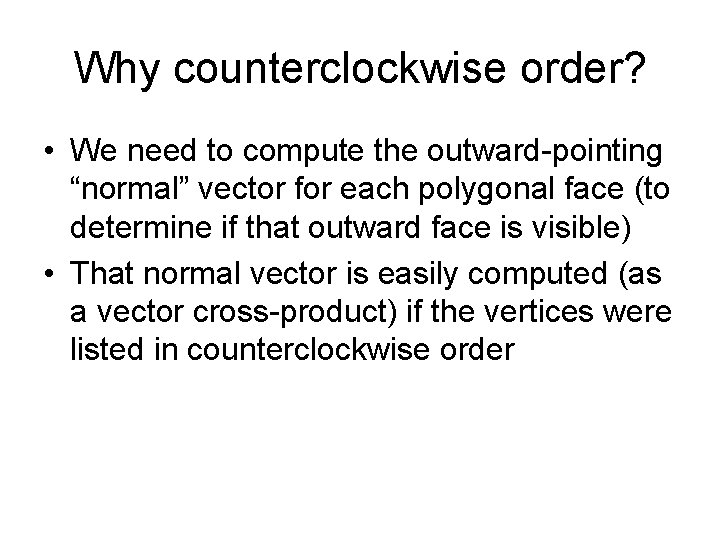
Why counterclockwise order? • We need to compute the outward-pointing “normal” vector for each polygonal face (to determine if that outward face is visible) • That normal vector is easily computed (as a vector cross-product) if the vertices were listed in counterclockwise order
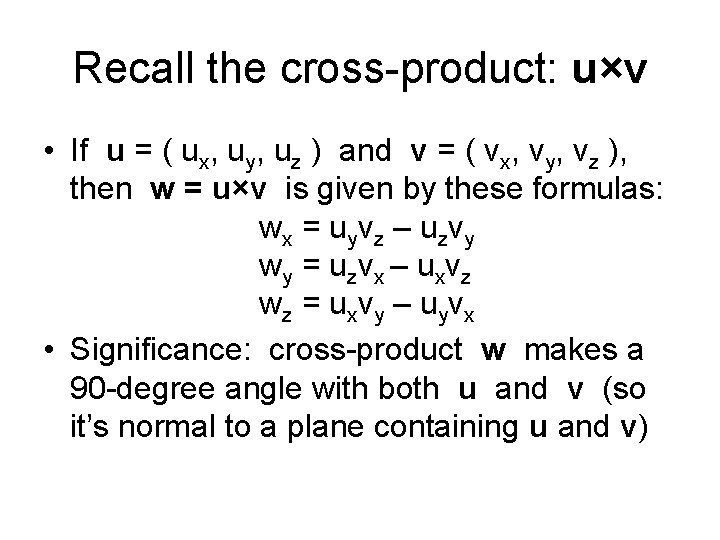
Recall the cross-product: u×v • If u = ( ux, uy, uz ) and v = ( vx, vy, vz ), then w = u×v is given by these formulas: wx = uyvz – uzvy wy = uzvx – uxvz wz = uxvy – uyvx • Significance: cross-product w makes a 90 -degree angle with both u and v (so it’s normal to a plane containing u and v)
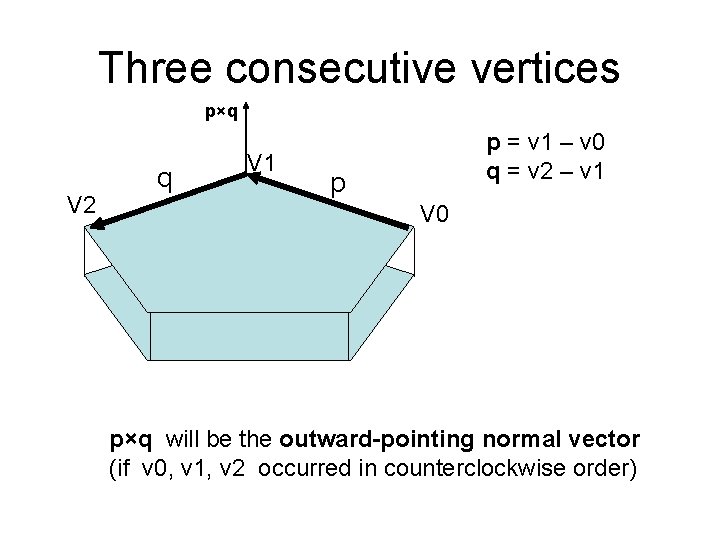
Three consecutive vertices p×q V 2 q V 1 p = v 1 – v 0 q = v 2 – v 1 p V 0 p×q will be the outward-pointing normal vector (if v 0, v 1, v 2 occurred in counterclockwise order)
Demo program • Our ‘filldemo. cpp’ application reads in the data for a 3 D model, determines which of its polygonal faces are visible to a viewer, fills each visible face in its specified color, and then draws the edges of visible faces • Datasets: plato. dat, redbarn. dat, plane. dat • Also two models for a non-convex object: corner 1. dat and corner 2. dat (same object)
In-class exercises • Try to create the data-sets for some “more interesting” 3 D objects, (by writing a C++ program to generate the object’s vertices and the face-lists) • Example: An octagonal prism – – Divide a circle into eight equal-size angles Use sine and cosine to locate upper vertices Use sine and cosine to locate lower vertices Use number-patterns to generate its ten face-planes
- Slides: 16