
Hey there Lets chat about Class Dojo and

Hey there! Let’s chat about Class. Dojo, and how it can help our classrooms this year!
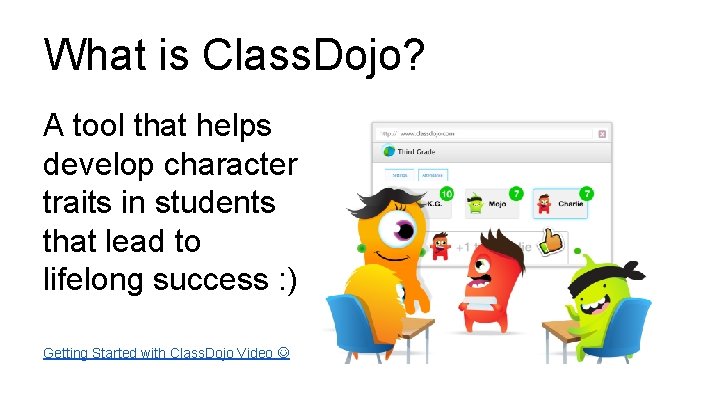
What is Class. Dojo? A tool that helps develop character traits in students that lead to lifelong success : ) Getting Started with Class. Dojo Video
How might Class. Dojo help your classroom?
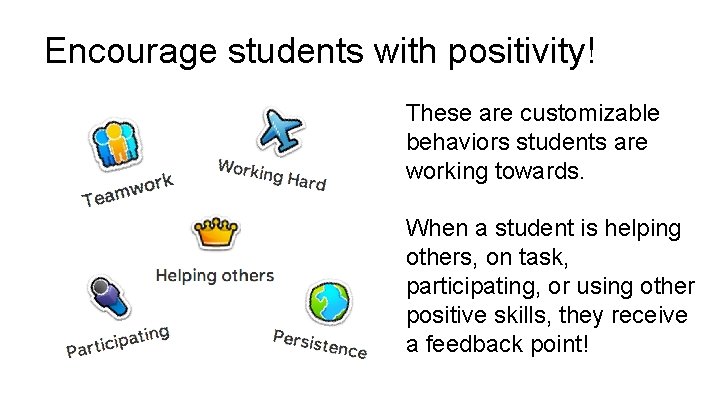
Encourage students with positivity! These are customizable behaviors students are working towards. When a student is helping others, on task, participating, or using other positive skills, they receive a feedback point!
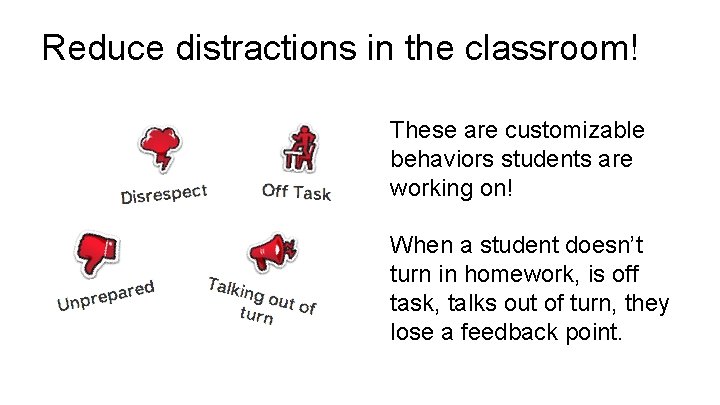
Reduce distractions in the classroom! These are customizable behaviors students are working on! When a student doesn’t turn in homework, is off task, talks out of turn, they lose a feedback point.
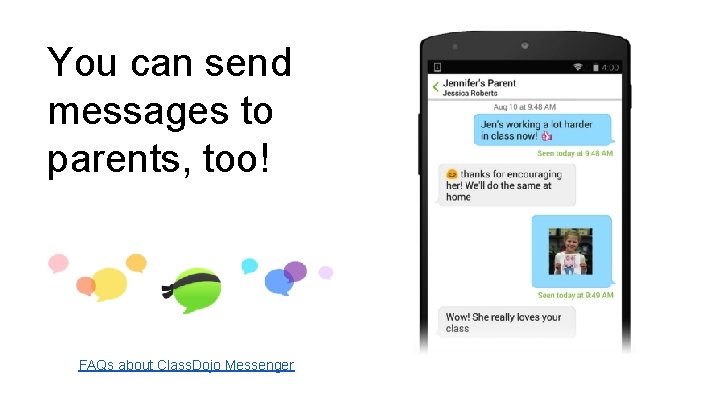
You can send messages to parents, too! FAQs about Class. Dojo Messenger
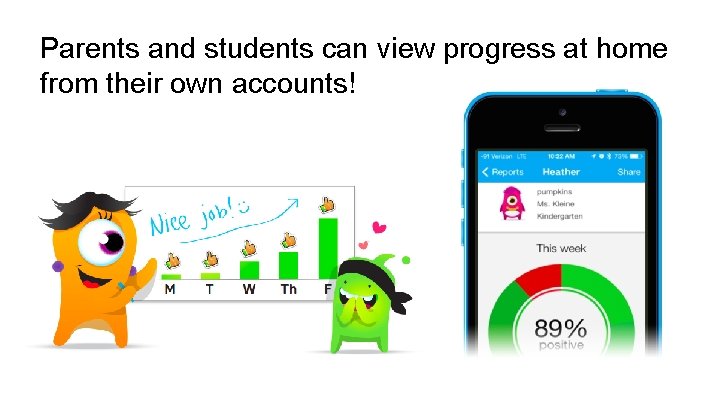
Parents and students can view progress at home from their own accounts!
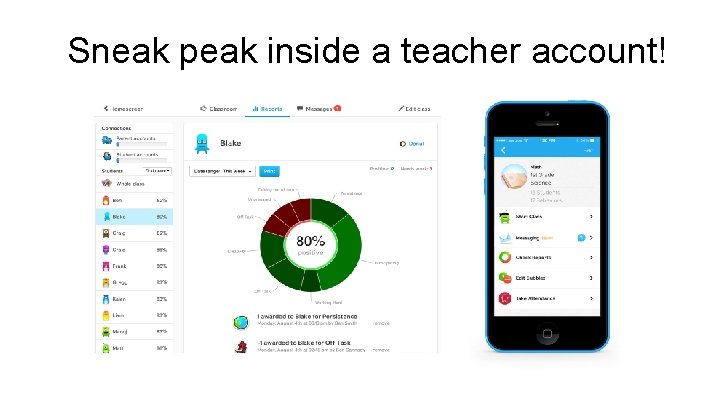
Sneak peak inside a teacher account!
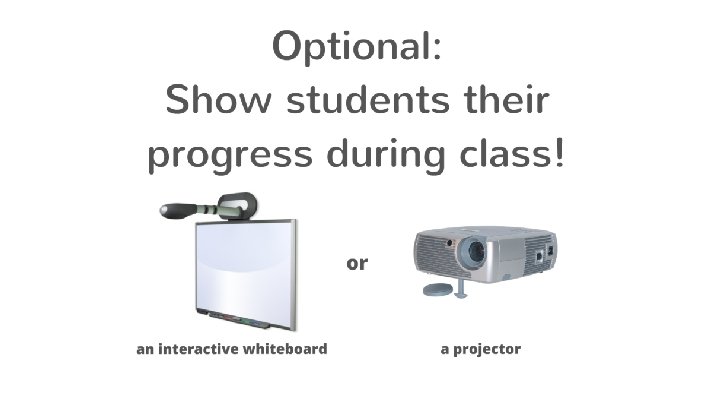
Engage Students! • Project Class. Dojo for your class! Students love seeing their avatars • Engage students by turning up your volume • Use the random feature to keep students on their toes!
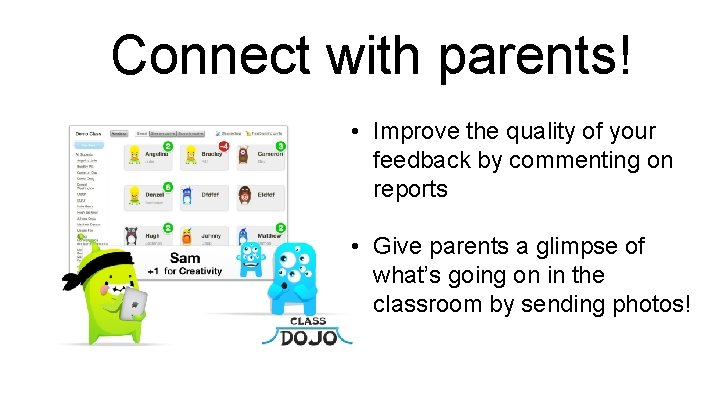
Connect with parents! • Improve the quality of your feedback by commenting on reports • Give parents a glimpse of what’s going on in the classroom by sending photos!
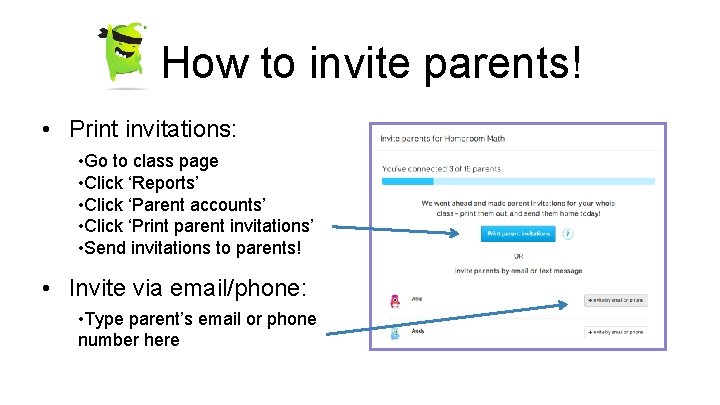
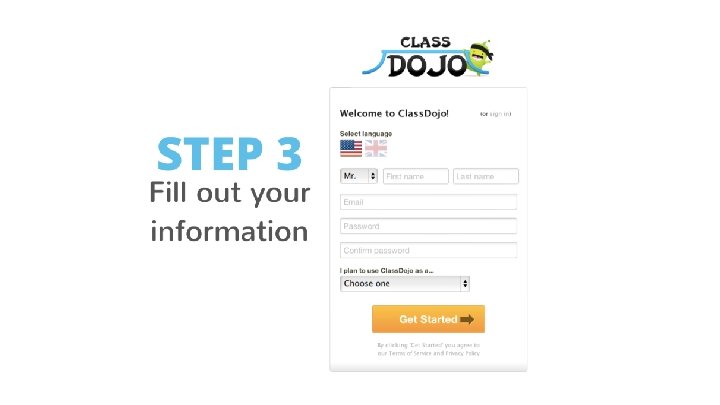
How to invite parents! • Print invitations: • Go to class page • Click ‘Reports’ • Click ‘Parent accounts’ • Click ‘Print parent invitations’ • Send invitations to parents! • Invite via email/phone: • Type parent’s email or phone number here
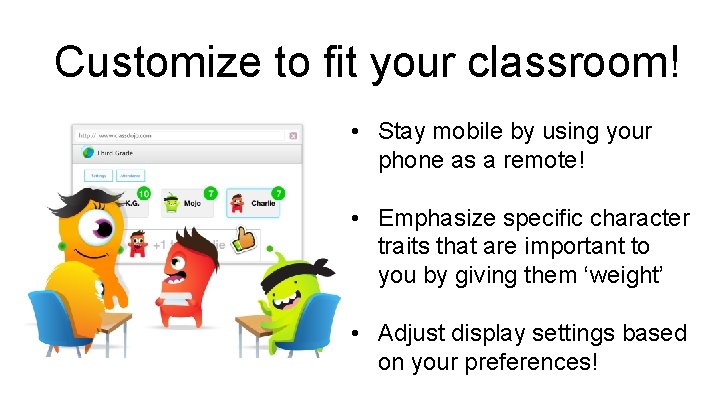
Customize to fit your classroom! • Stay mobile by using your phone as a remote! • Emphasize specific character traits that are important to you by giving them ‘weight’ • Adjust display settings based on your preferences!
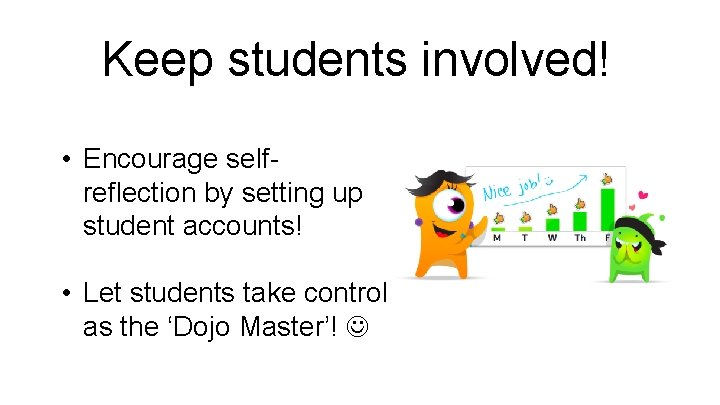
Keep students involved! • Encourage selfreflection by setting up student accounts! • Let students take control as the ‘Dojo Master’!
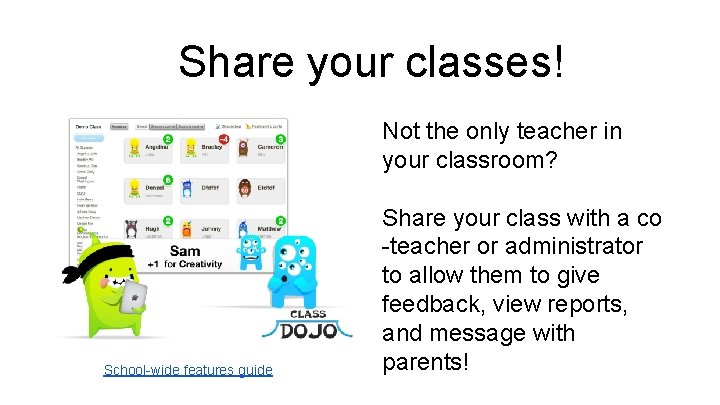
Share your classes! Not the only teacher in your classroom? School-wide features guide Share your class with a co -teacher or administrator to allow them to give feedback, view reports, and message with parents!
Import class rosters Increase collaboration across grade-level by sharing class rosters! You will be able to see the feedback students receive in other classes. Video tutorial on setting up Class. Dojo school-wide School-wide features guide
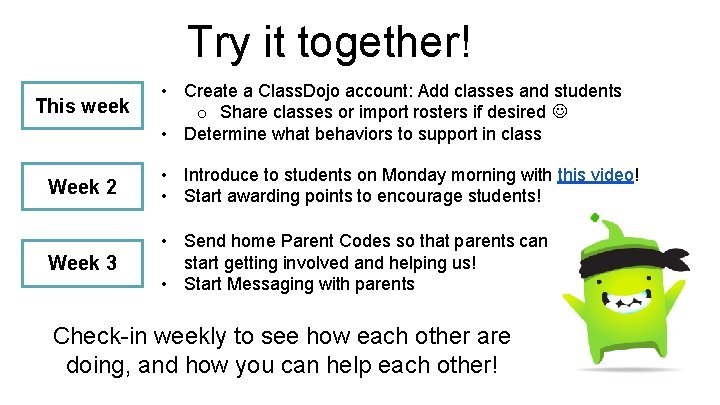
Try it together! This week • Create a Class. Dojo account: Add classes and students o Share classes or import rosters if desired • Determine what behaviors to support in class Week 2 • Introduce to students on Monday morning with this video! • Start awarding points to encourage students! Week 3 • Send home Parent Codes so that parents can start getting involved and helping us! • Start Messaging with parents Check-in weekly to see how each other are doing, and how you can help each other!
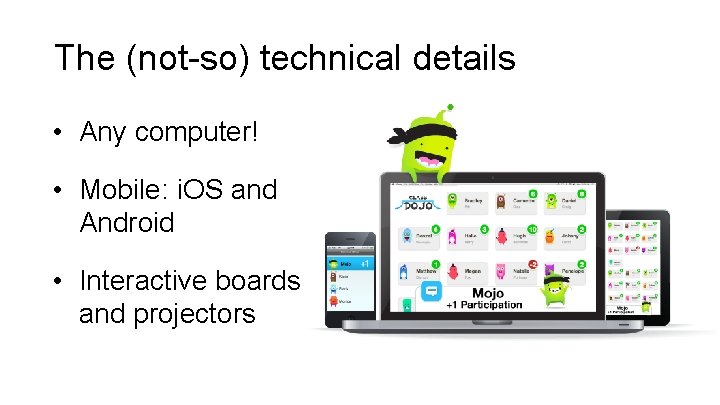
The (not-so) technical details • Any computer! • Mobile: i. OS and Android • Interactive boards and projectors



Questions? Ask away! Teacher resources just for you
- Slides: 32