
Hexagon Arkfile Fast and simple archiving and retrieval



- Slides: 34
Hexagon Ark-file Fast and simple archiving and retrieval of documents and emails.
¡ Group of Electronic Filing Cabinets based on Microsoft Sharepoint to store and index emails, word, excel and powerpoint files and paper documents.
¡ Group of Electronic Filing Cabinets based on Microsoft Sharepoint to store and index emails, word, excel and powerpoint files and paper documents. ¡ With all emails and documents held in secure areas and all index data validated against your business databases.
¡ Group of Electronic Filing Cabinets based on Microsoft Sharepoint to store and index emails, word, excel and powerpoint files and paper documents. ¡ With all emails and documents held in secure areas and all index data validated against your business databases. ¡ Quick and easy retrieval of documents and emails by search or drill down.
¡ Group of Electronic Filing Cabinets based on Microsoft Sharepoint to store and index emails, word, excel and powerpoint files and paper documents. ¡ With all emails and documents held in secure areas and all index data validated against your business databases. ¡ Quick and easy retrieval of documents and emails by search or drill down. ¡ Quick and easy way to file emails and documents directly from Outlook, Word, Excel and Powerpoint.
¡ Group of Electronic Filing Cabinets based on Microsoft Sharepoint to store and index emails, word, excel and powerpoint files and paper documents. ¡ With all emails and documents held in secure areas and all index data validated against your business databases. ¡ Quick and easy retrieval of documents and emails by search or drill down. ¡ Quick and easy way to file emails and documents directly from Outlook, Word, Excel and Powerpoint. ¡ Quick and easy ways to turn paper into electronic, searchable documents.
¡ Group of Electronic Filing Cabinets based on Microsoft Sharepoint to store and index emails, word, excel and powerpoint files and paper documents. ¡ With all emails and documents held in secure areas and all index data validated against your business databases. ¡ Quick and easy retrieval of documents and emails by search or drill down. ¡ Quick and easy way to file emails and documents directly from Outlook, Word, Excel and Powerpoint. ¡ Quick and easy ways to turn paper into electronic, searchable documents. ¡ Integration options with existing business systems.
With ARK-file ……. ¡ You can quickly file documents, spreadsheets, presentations and emails ¡ You can stop storing paper in filing cabinets in your office and free up valuable space ¡ You don’t need to waste time and keep customers waiting while you search for emails and documents. ¡ You don’t need to spend time filing paper ¡ You can get access to emails, word and excel files, letters, reports, documents, invoices, purchase orders ……. . when you’re out of the office
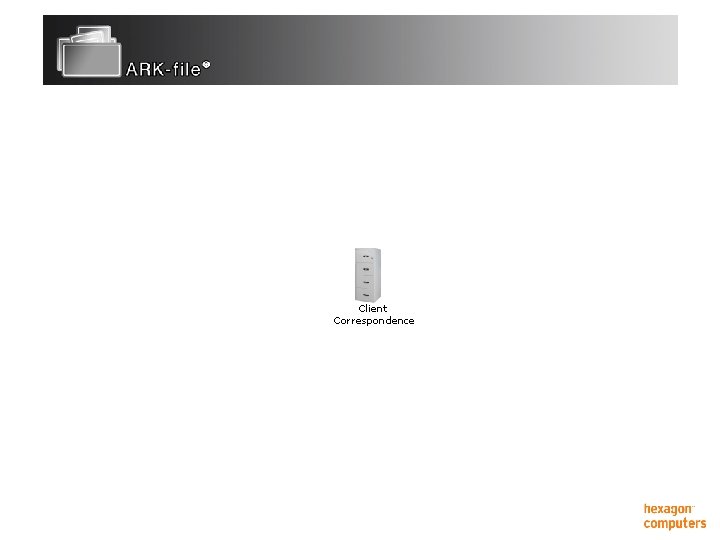
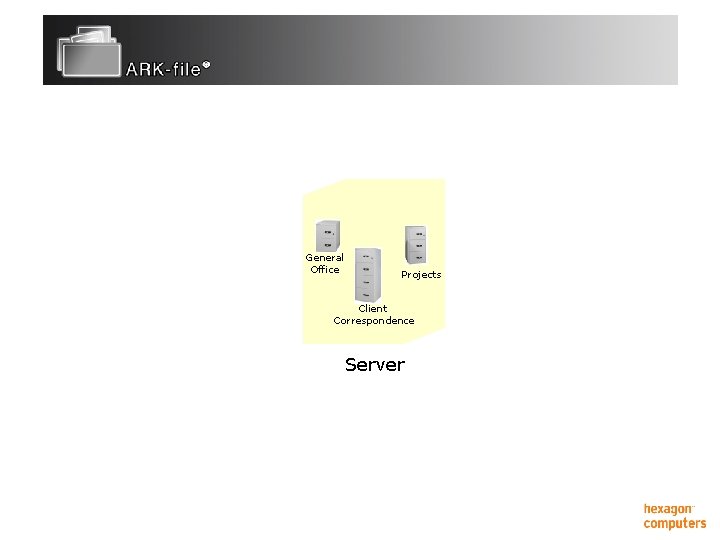
Client Correspondence
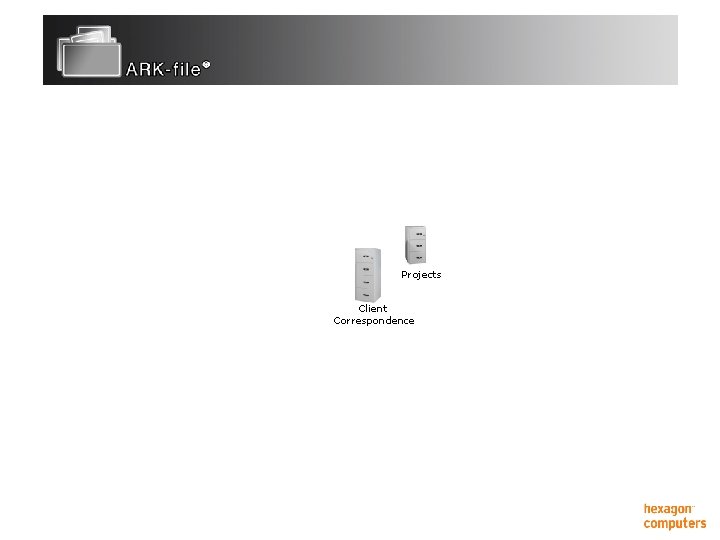
Projects Client Correspondence
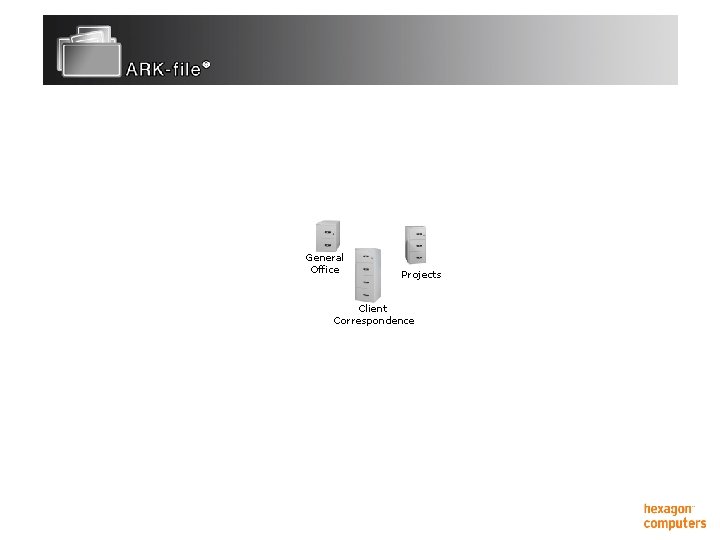
General Office Projects Client Correspondence
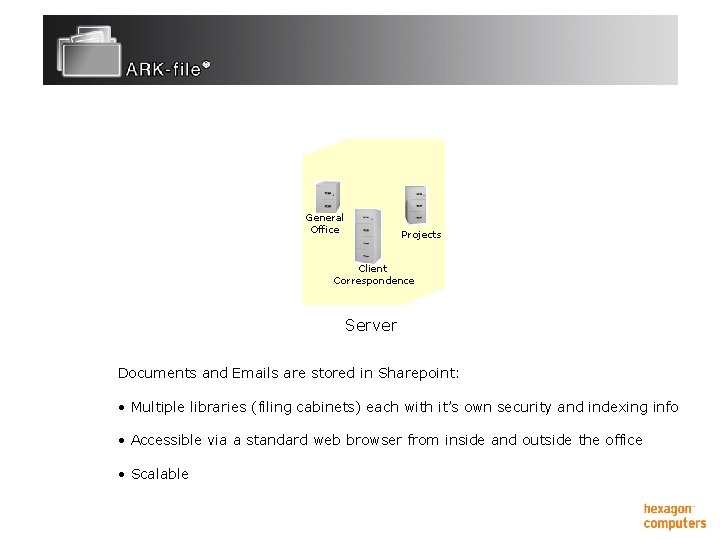
General Office Projects Client Correspondence Server
General Office Projects Client Correspondence Server Documents and Emails are stored in Sharepoint: • Multiple libraries (filing cabinets) each with it’s own security and indexing info • Accessible via a standard web browser from inside and outside the office • Scalable
ARK-file Architecture ¡ Client components: l Office connectors – links for Outlook, Word, Excel and Powerpoint
ARK-file Architecture ¡ Client components: l l Office connectors – links for Outlook, Word, Excel and Powerpoint Photo connector
ARK-file Architecture ¡ Client components: l l l Office connectors – links for Outlook, Word, Excel and Powerpoint Photo connector Hotkey – application integration
ARK-file Architecture ¡ Client components: l l l ¡ Office connectors – links for Outlook, Word, Excel and Powerpoint Photo connector Hotkey – application integration Server components: l Sharepoint libraries
ARK-file Architecture ¡ Client components: l l l ¡ Office connectors – links for Outlook, Word, Excel and Powerpoint Photo connector Hotkey – application integration Server components: l l Sharepoint libraries Intelli. File Process – document recognition
ARK-file Architecture ¡ Client components: l l l ¡ Office connectors – links for Outlook, Word, Excel and Powerpoint Photo connector Hotkey – application integration Server components: l l l Sharepoint libraries Intelli. File Process – document recognition OCR process – produce searchable pdf’s
ARK-file Architecture ¡ Client components: l l l ¡ Office connectors – links for Outlook, Word, Excel and Powerpoint Photo connector Hotkey – application integration Server components: l l Sharepoint libraries Intelli. File Process – document recognition OCR process – produce searchable pdf’s Import process – import scanned images
ARK-file Outlook Connector ¡ Provides a simple and fast way to file emails. ¡ Indexing data is selected from popup lists. These lists are based on your business database and information to ensure valid filing of emails. ¡ Multiple destination libraries can be defined each using indexing information from different sources. ¡ Attachments can be filed directly from emails without having to save them first.
ARK-file Office Connector ¡ Provides a simple and fast way to file Word documents, Excel spreadsheets and Powerpoint presentations. ¡ Versioning allows multiple versions of the same file to be saved. Previous versions can be accessed. ¡ Indexing data is selected from popup lists. These lists are based on your business database and information to ensure valid filing of emails. ¡ Multiple destination libraries can be defined each using indexing information from different sources.
ARK-file Photo Connector ¡ For fast filing of photographs. ¡ Photographs can previewed before being selected and filed. ¡ Indexing data is selected from popup lists. These lists are based on your business database and information to ensure valid filing of photos.
ARK-file Hotkey ¡ Integration between Intelli. File and the users business systems. ¡ Allows users to press a function key on their pc and immediately display documents relating to the currently selected client, property, case, project etc.
Filing Paper Documents Two ways of filing and indexing paper documents.
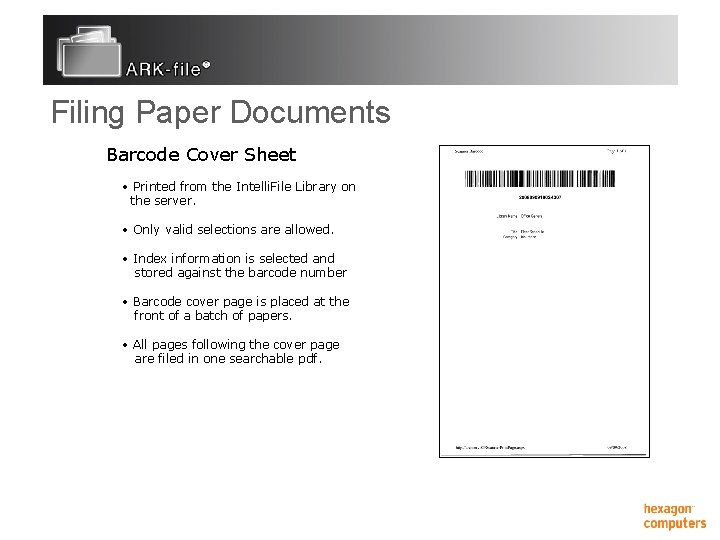
Filing Paper Documents Two ways of filing and indexing paper documents. ¡ Barcode cover pages: l l Incoming paper documents from clients or your own filing cabinets. Fast method of archiving large amounts of paper.
Filing Paper Documents Two ways of filing and indexing paper documents. ¡ Barcode cover pages: l l ¡ Incoming paper documents from clients or your own filing cabinets. Fast method of archiving large amounts of paper. Document Recognition: l l Paper created by you. No cover pages required.
Filing Paper Documents Barcode Cover Sheet • Printed from the Intelli. File Library on the server. • Only valid selections are allowed. • Index information is selected and stored against the barcode number • Barcode cover page is placed at the front of a batch of papers. • All pages following the cover page are filed in one searchable pdf.
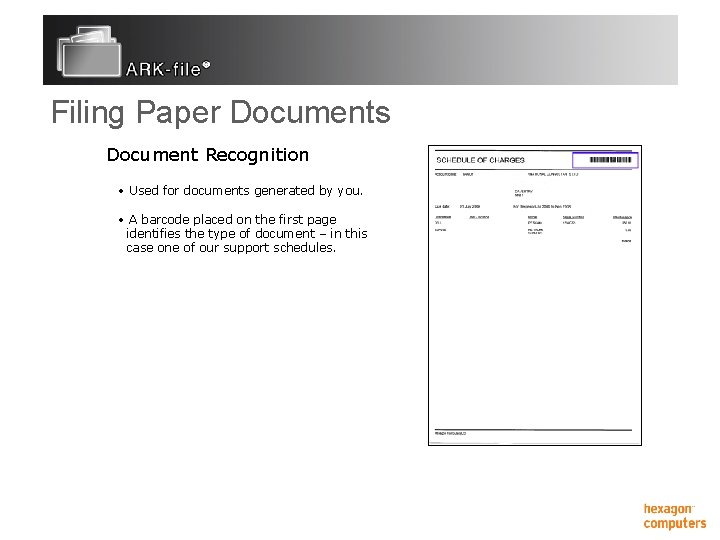
Filing Paper Documents Document Recognition • Used for documents generated by you. • A barcode placed on the first page identifies the type of document – in this case one of our support schedules.
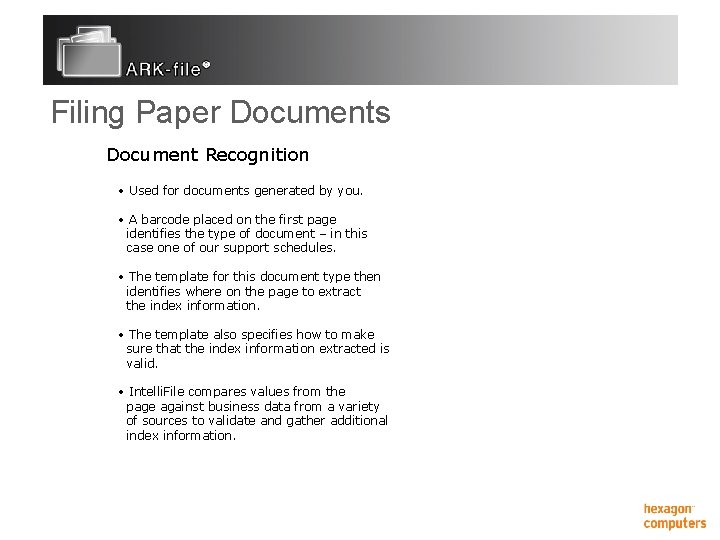
Filing Paper Documents Document Recognition • Used for documents generated by you. • A barcode placed on the first page identifies the type of document – in this case one of our support schedules. • The template for this document type then identifies where on the page to extract the index information. • The template also specifies how to make sure that the index information extracted is valid. • Intelli. File compares values from the page against business data from a variety of sources to validate and gather additional index information.
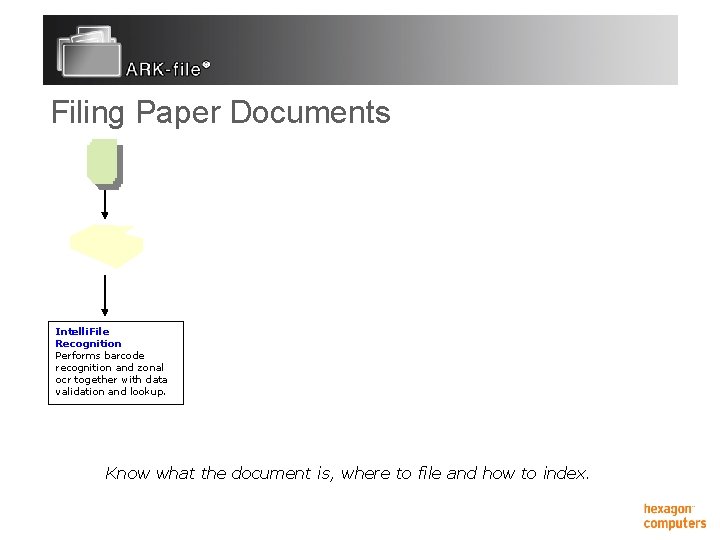
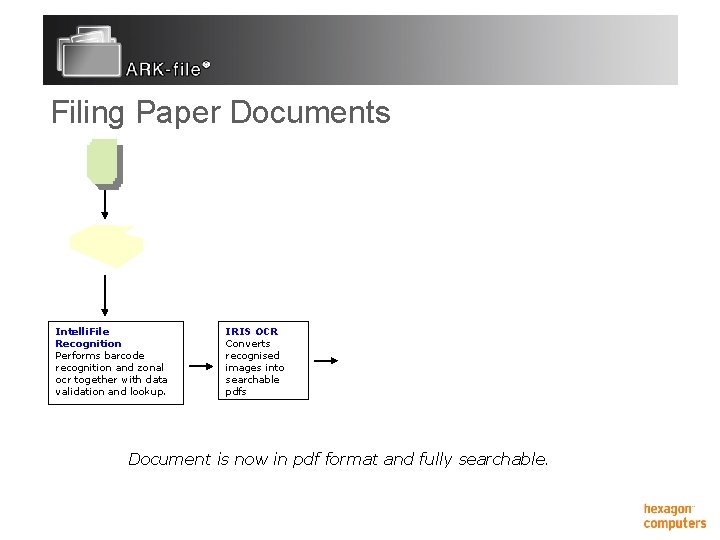
Filing Paper Documents Intelli. File Recognition Performs barcode recognition and zonal ocr together with data validation and lookup. Know what the document is, where to file and how to index.
Filing Paper Documents Intelli. File Recognition Performs barcode recognition and zonal ocr together with data validation and lookup. IRIS OCR Converts recognised images into searchable pdfs Document is now in pdf format and fully searchable.
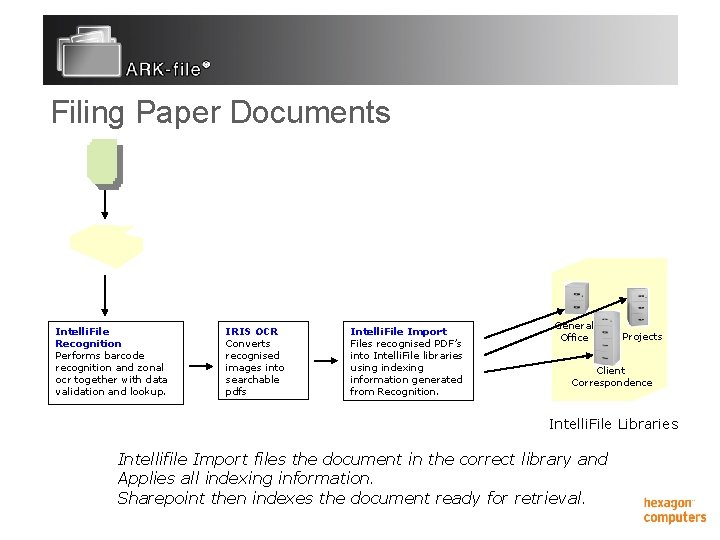
Filing Paper Documents Intelli. File Recognition Performs barcode recognition and zonal ocr together with data validation and lookup. IRIS OCR Converts recognised images into searchable pdfs Intelli. File Import Files recognised PDF’s into Intelli. File libraries using indexing information generated from Recognition. General Office Projects Client Correspondence Intelli. File Libraries Intellifile Import files the document in the correct library and Applies all indexing information. Sharepoint then indexes the document ready for retrieval.
Demonstration Document Libraries ¡ Filing ¡ l l l Emails Word and excel documents Photographs Search and retrieval ¡ Filing paper ¡