
Hello World 8 1 Learning Objectives This module

Hello World 8 -1
Learning Objectives ● This module will help you. . . – Get started with running a simple JXTA application – Understand the JXTA configuration process 8 -1
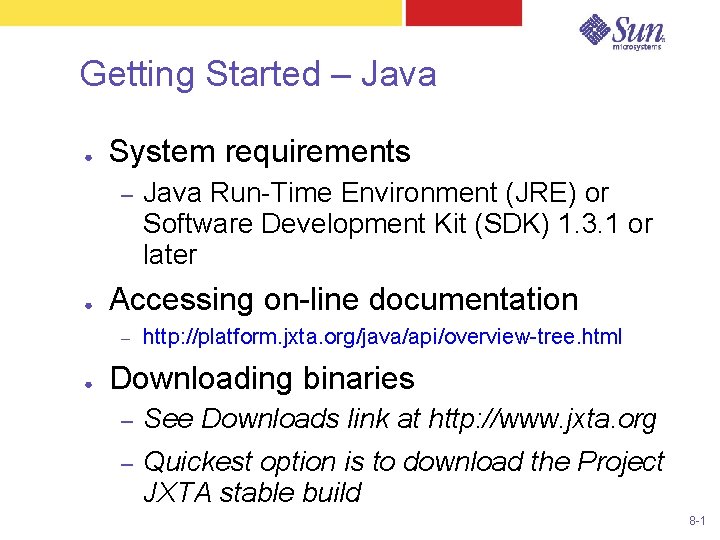
Getting Started – Java ● System requirements – ● Accessing on-line documentation – ● Java Run-Time Environment (JRE) or Software Development Kit (SDK) 1. 3. 1 or later http: //platform. jxta. org/java/api/overview-tree. html Downloading binaries – See Downloads link at http: //www. jxta. org – Quickest option is to download the Project JXTA stable build 8 -1
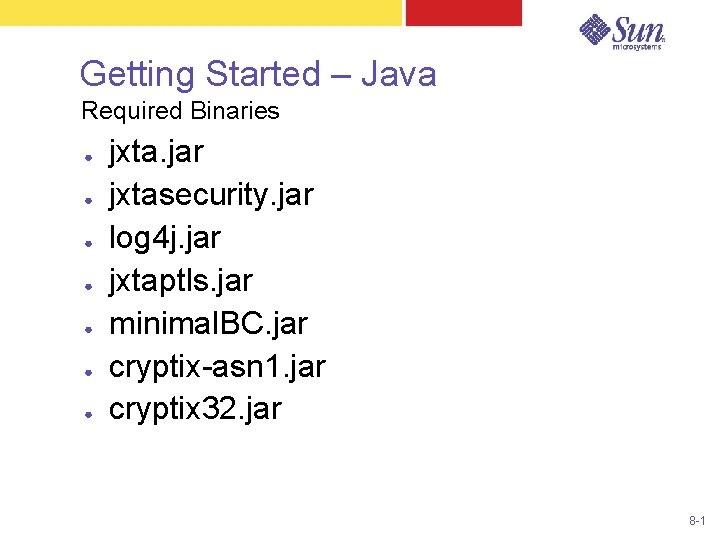
Getting Started – Java Required Binaries ● ● ● ● jxta. jar jxtasecurity. jar log 4 j. jar jxtaptls. jar minimal. BC. jar cryptix-asn 1. jar cryptix 32. jar 8 -1
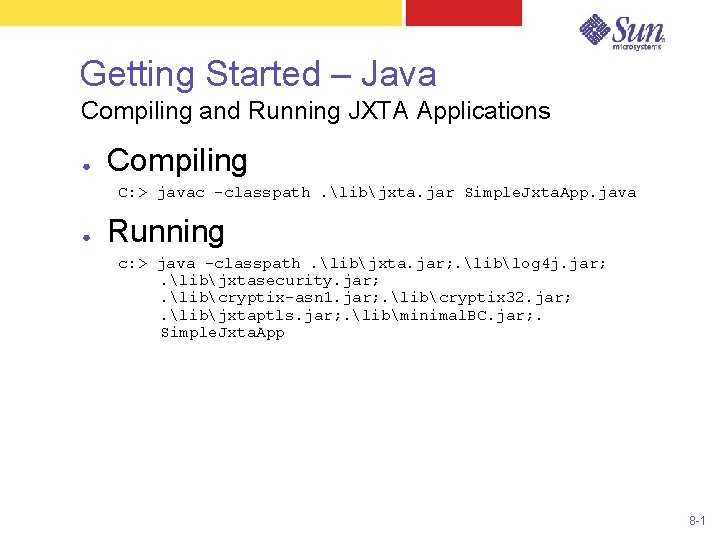
Getting Started – Java Compiling and Running JXTA Applications ● Compiling C: > javac -classpath. libjxta. jar Simple. Jxta. App. java ● Running c: > java -classpath. libjxta. jar; . liblog 4 j. jar; . libjxtasecurity. jar; . libcryptix-asn 1. jar; . libcryptix 32. jar; . libjxtaptls. jar; . libminimal. BC. jar; . Simple. Jxta. App 8 -1
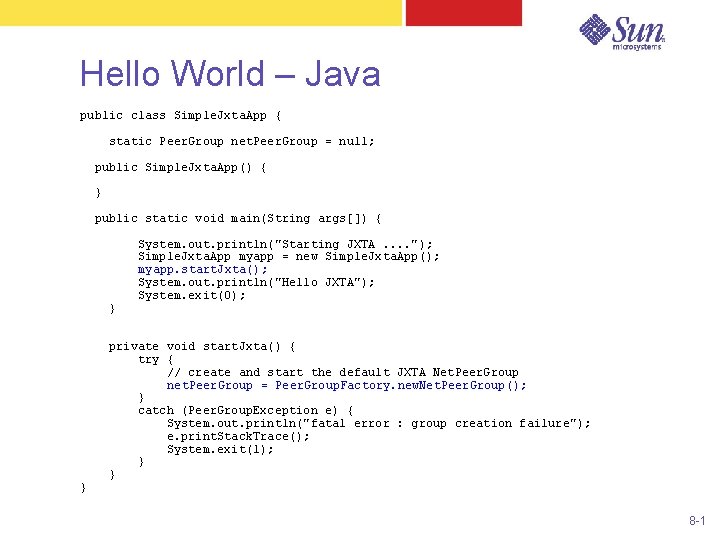
Hello World – Java public class Simple. Jxta. App { static Peer. Group net. Peer. Group = null; public Simple. Jxta. App() { } public static void main(String args[]) { } } System. out. println("Starting JXTA. . "); Simple. Jxta. App myapp = new Simple. Jxta. App(); myapp. start. Jxta(); System. out. println("Hello JXTA"); System. exit(0); private void start. Jxta() { try { // create and start the default JXTA Net. Peer. Group net. Peer. Group = Peer. Group. Factory. new. Net. Peer. Group(); } catch (Peer. Group. Exception e) { System. out. println("fatal error : group creation failure"); e. print. Stack. Trace(); System. exit(1); } } 8 -1
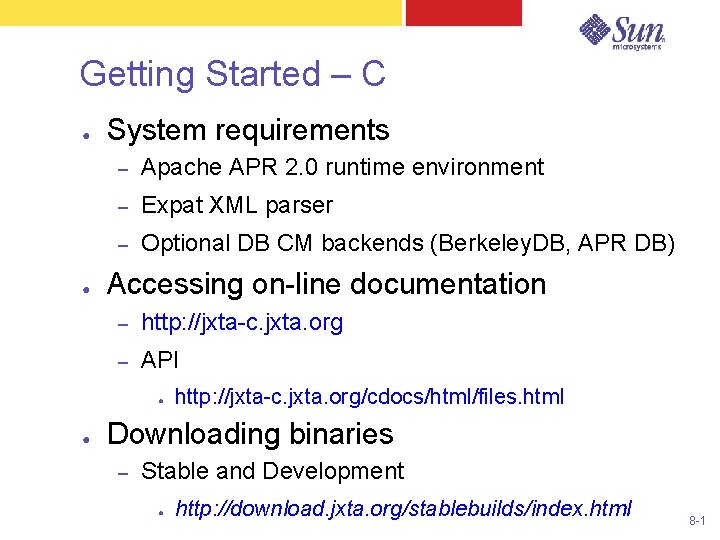
Getting Started – C ● ● System requirements – Apache APR 2. 0 runtime environment – Expat XML parser – Optional DB CM backends (Berkeley. DB, APR DB) Accessing on-line documentation – http: //jxta-c. jxta. org – API ● ● http: //jxta-c. jxta. org/cdocs/html/files. html Downloading binaries – Stable and Development ● http: //download. jxta. org/stablebuilds/index. html 8 -1
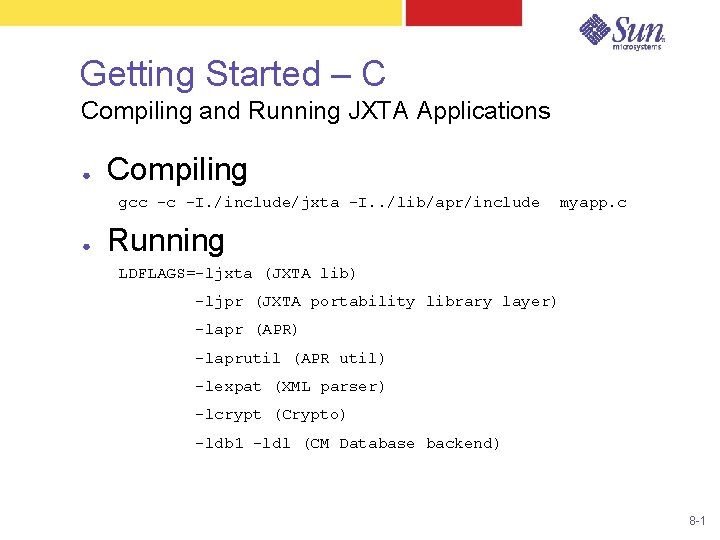
Getting Started – C Compiling and Running JXTA Applications ● Compiling gcc -c -I. /include/jxta -I. . /lib/apr/include ● myapp. c Running LDFLAGS=-ljxta (JXTA lib) -ljpr (JXTA portability library layer) -lapr (APR) -laprutil (APR util) -lexpat (XML parser) -lcrypt (Crypto) -ldb 1 -ldl (CM Database backend) 8 -1
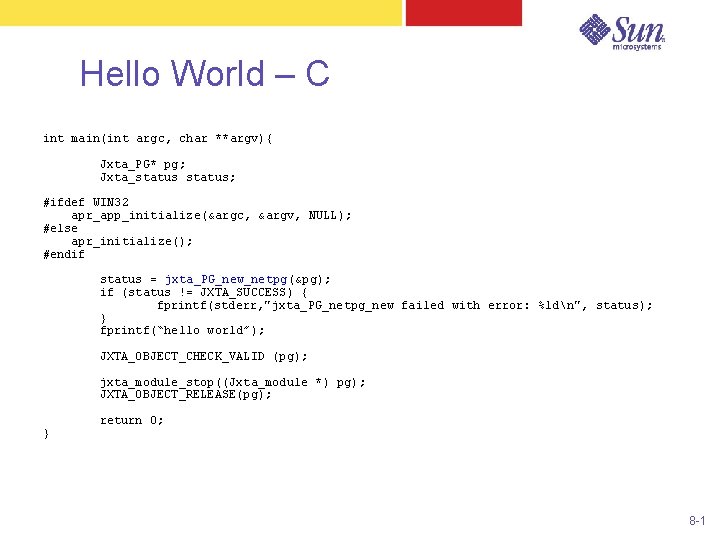
Hello World – C int main(int argc, char **argv){ Jxta_PG* pg; Jxta_status; #ifdef WIN 32 apr_app_initialize(&argc, &argv, NULL); #else apr_initialize(); #endif status = jxta_PG_new_netpg(&pg); if (status != JXTA_SUCCESS) { fprintf(stderr, "jxta_PG_netpg_new failed with error: %ldn", status); } fprintf(“hello world”); JXTA_OBJECT_CHECK_VALID (pg); jxta_module_stop((Jxta_module *) pg); JXTA_OBJECT_RELEASE(pg); } return 0; 8 -1
Configuration 8 -1
JXTA Configuration Tool ● ● Runs automatically the first time a JXTA application is run on a system Used to configure: – Peer name – TCP/IP and HTTP configuration – Rendezvous and relay peers – Security information (username/password) 8 -1
Configuration Process ● Two configuration files used: – – ● Platform. Config — contains config information reconf — used to force a reconfiguration Configuration Tool creates: – Platform. Config – cm directory — local cache – pse directory — username/password 8 -1
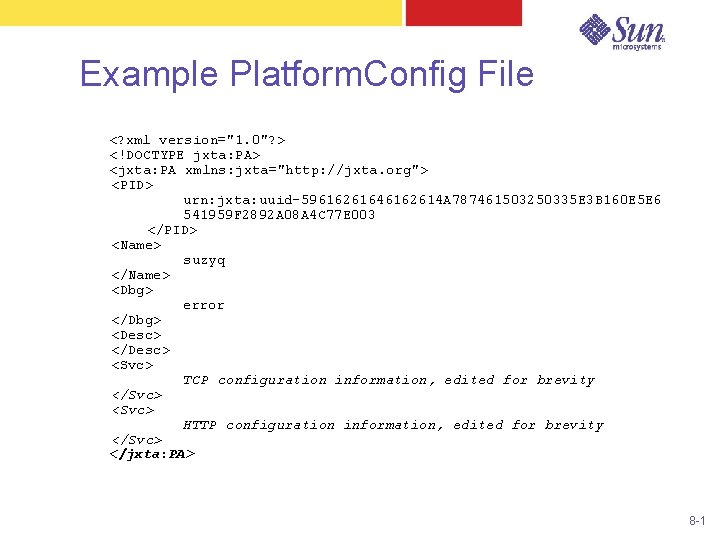
Example Platform. Config File <? xml version="1. 0"? > <!DOCTYPE jxta: PA> <jxta: PA xmlns: jxta="http: //jxta. org"> <PID> urn: jxta: uuid-59616261646162614 A 787461503250335 E 3 B 160 E 5 E 6 541959 F 2892 A 08 A 4 C 77 E 003 </PID> <Name> suzyq </Name> <Dbg> error </Dbg> <Desc> </Desc> <Svc> TCP configuration information, edited for brevity </Svc> <Svc> HTTP configuration information, edited for brevity </Svc> </jxta: PA> 8 -1
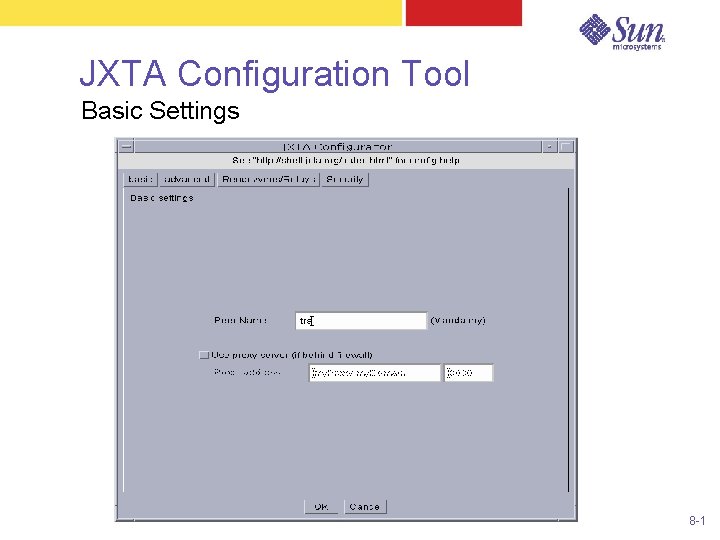
JXTA Configuration Tool Basic Settings 8 -1
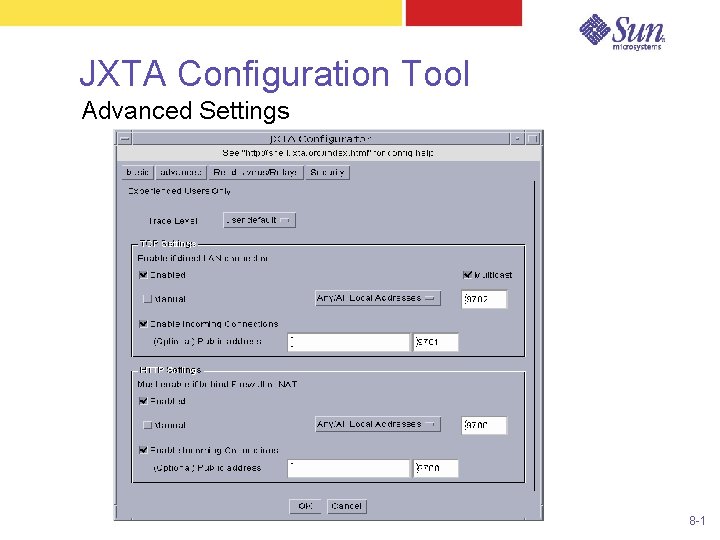
JXTA Configuration Tool Advanced Settings 8 -1
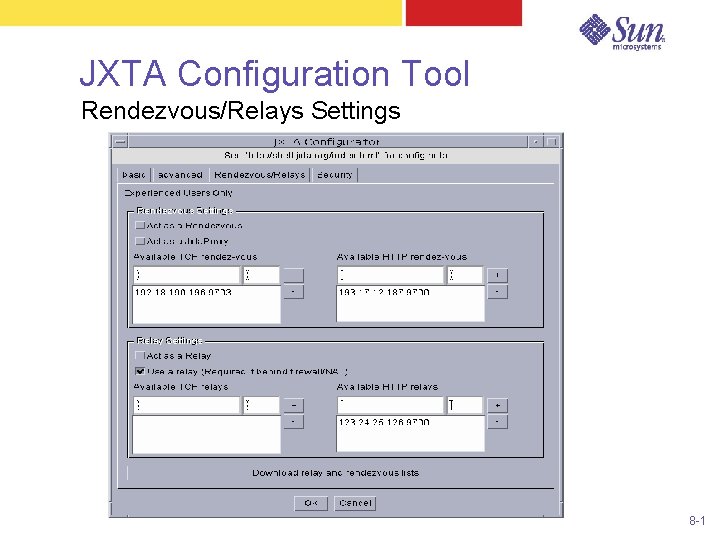
JXTA Configuration Tool Rendezvous/Relays Settings 8 -1
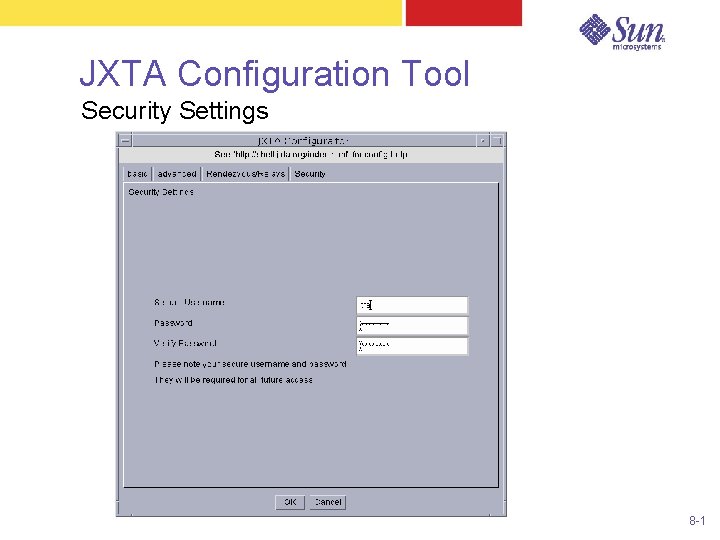
JXTA Configuration Tool Security Settings 8 -1
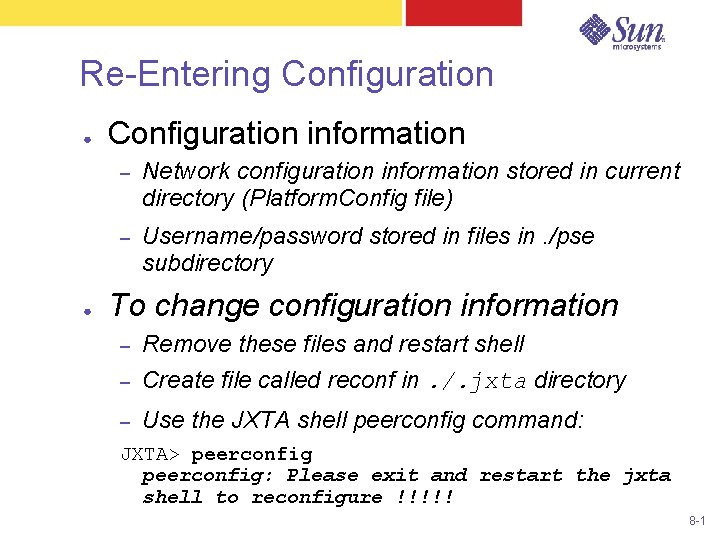
Re-Entering Configuration ● ● Configuration information – Network configuration information stored in current directory (Platform. Config file) – Username/password stored in files in. /pse subdirectory To change configuration information – Remove these files and restart shell – Create file called reconf in. /. jxta directory – Use the JXTA shell peerconfig command: JXTA> peerconfig: Please exit and restart the jxta shell to reconfigure !!!!! 8 -1
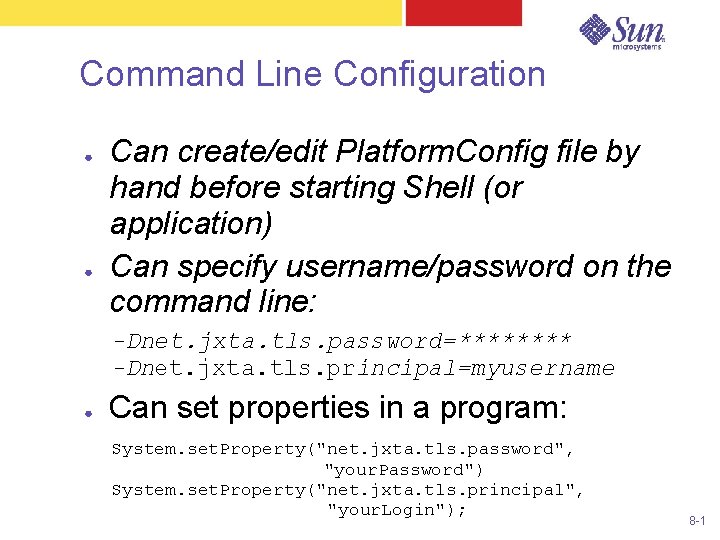
Command Line Configuration ● ● Can create/edit Platform. Config file by hand before starting Shell (or application) Can specify username/password on the command line: -Dnet. jxta. tls. password=**** -Dnet. jxta. tls. principal=myusername ● Can set properties in a program: System. set. Property("net. jxta. tls. password", "your. Password") System. set. Property("net. jxta. tls. principal", "your. Login"); 8 -1
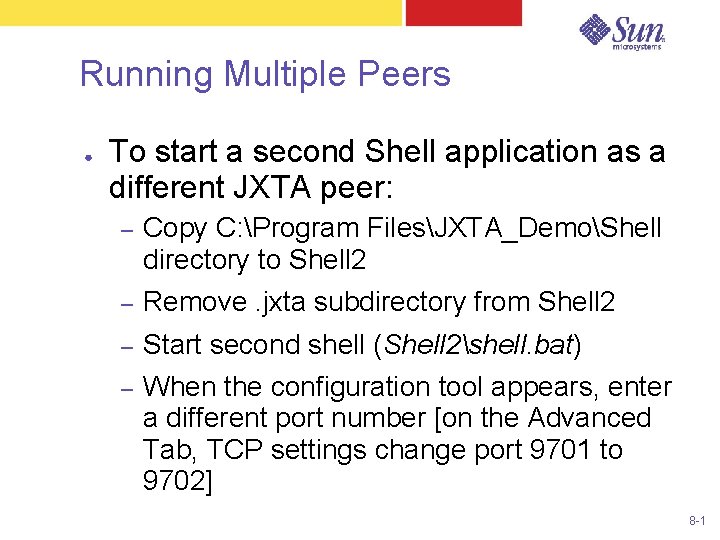
Running Multiple Peers ● To start a second Shell application as a different JXTA peer: – Copy C: Program FilesJXTA_DemoShell directory to Shell 2 – Remove. jxta subdirectory from Shell 2 – Start second shell (Shell 2shell. bat) – When the configuration tool appears, enter a different port number [on the Advanced Tab, TCP settings change port 9701 to 9702] 8 -1
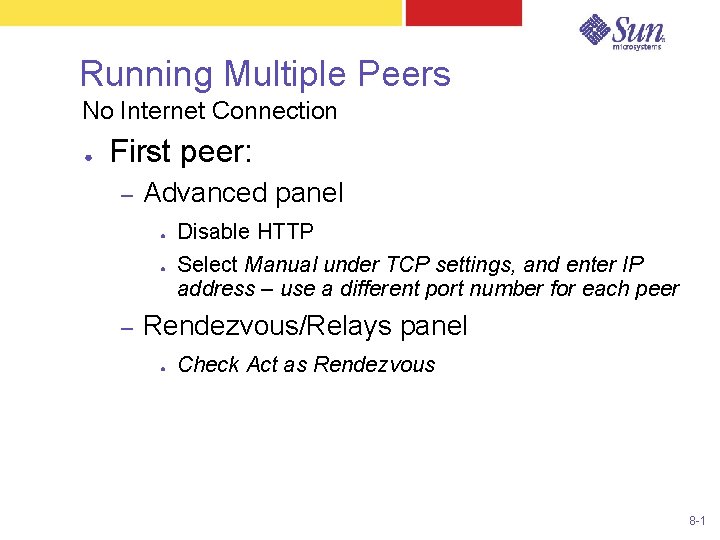
Running Multiple Peers No Internet Connection ● First peer: – Advanced panel ● ● – Disable HTTP Select Manual under TCP settings, and enter IP address – use a different port number for each peer Rendezvous/Relays panel ● Check Act as Rendezvous 8 -1
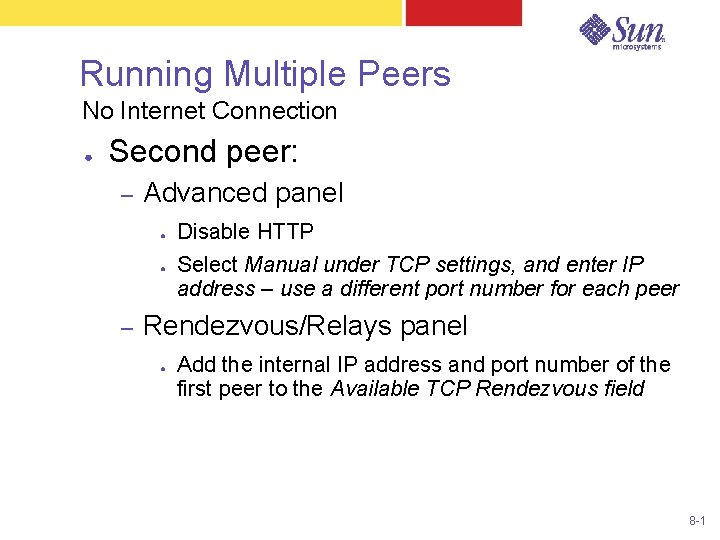
Running Multiple Peers No Internet Connection ● Second peer: – Advanced panel ● ● – Disable HTTP Select Manual under TCP settings, and enter IP address – use a different port number for each peer Rendezvous/Relays panel ● Add the internal IP address and port number of the first peer to the Available TCP Rendezvous field 8 -1

End – Hello World 8 -1
- Slides: 23