Heading Title of Poster Here Use Myriad Pro
- Slides: 1
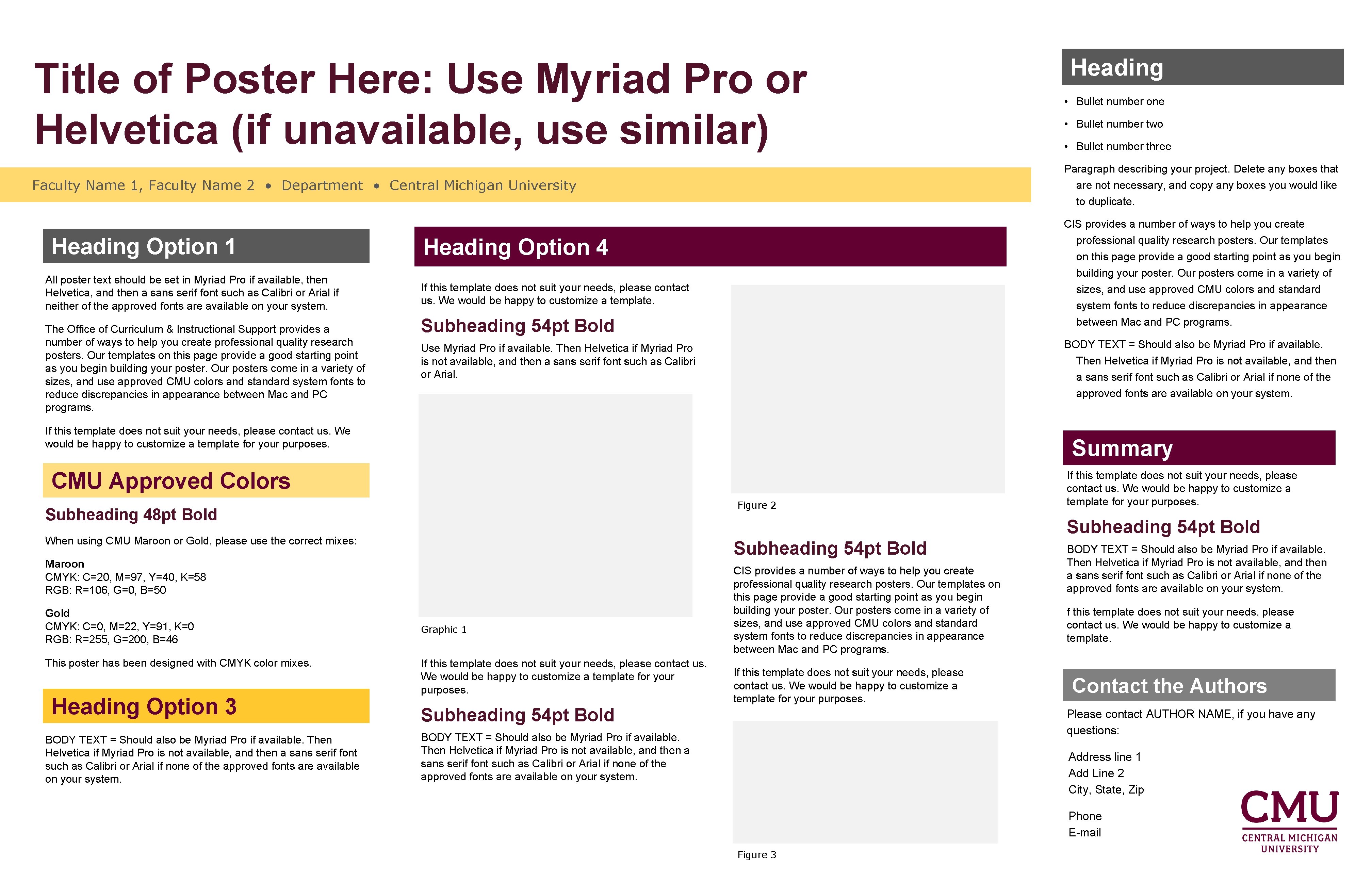
Heading Title of Poster Here: Use Myriad Pro or Helvetica (if unavailable, use similar) • Bullet number one Faculty Name 1, Faculty Name 2 • Department • Central Michigan University Paragraph describing your project. Delete any boxes that are not necessary, and copy any boxes you would like to duplicate. Heading Option 1 All poster text should be set in Myriad Pro if available, then Helvetica, and then a sans serif font such as Calibri or Arial if neither of the approved fonts are available on your system. The Office of Curriculum & Instructional Support provides a number of ways to help you create professional quality research posters. Our templates on this page provide a good starting point as you begin building your poster. Our posters come in a variety of sizes, and use approved CMU colors and standard system fonts to reduce discrepancies in appearance between Mac and PC programs. Heading Option 4 If this template does not suit your needs, please contact us. We would be happy to customize a template. Subheading 54 pt Bold BODY TEXT = Should also be Myriad Pro if available. Then Helvetica if Myriad Pro is not available, and then a sans serif font such as Calibri or Arial if none of the approved fonts are available on your system. Use Myriad Pro if available. Then Helvetica if Myriad Pro is not available, and then a sans serif font such as Calibri or Arial. Summary CMU Approved Colors Figure 2 Subheading 48 pt Bold Subheading 54 pt Bold Maroon CMYK: C=20, M=97, Y=40, K=58 RGB: R=106, G=0, B=50 Heading Option 3 BODY TEXT = Should also be Myriad Pro if available. Then Helvetica if Myriad Pro is not available, and then a sans serif font such as Calibri or Arial if none of the approved fonts are available on your system. If this template does not suit your needs, please contact us. We would be happy to customize a template for your purposes. Subheading 54 pt Bold When using CMU Maroon or Gold, please use the correct mixes: This poster has been designed with CMYK color mixes. • Bullet number three CIS provides a number of ways to help you create professional quality research posters. Our templates on this page provide a good starting point as you begin building your poster. Our posters come in a variety of sizes, and use approved CMU colors and standard system fonts to reduce discrepancies in appearance between Mac and PC programs. If this template does not suit your needs, please contact us. We would be happy to customize a template for your purposes. Gold CMYK: C=0, M=22, Y=91, K=0 RGB: R=255, G=200, B=46 • Bullet number two Graphic 1 If this template does not suit your needs, please contact us. We would be happy to customize a template for your purposes. CIS provides a number of ways to help you create professional quality research posters. Our templates on this page provide a good starting point as you begin building your poster. Our posters come in a variety of sizes, and use approved CMU colors and standard system fonts to reduce discrepancies in appearance between Mac and PC programs. If this template does not suit your needs, please contact us. We would be happy to customize a template for your purposes. Subheading 54 pt Bold BODY TEXT = Should also be Myriad Pro if available. Then Helvetica if Myriad Pro is not available, and then a sans serif font such as Calibri or Arial if none of the approved fonts are available on your system. f this template does not suit your needs, please contact us. We would be happy to customize a template. Contact the Authors Please contact AUTHOR NAME, if you have any questions: BODY TEXT = Should also be Myriad Pro if available. Then Helvetica if Myriad Pro is not available, and then a sans serif font such as Calibri or Arial if none of the approved fonts are available on your system. Address line 1 Add Line 2 City, State, Zip Phone E-mail Figure 3