
HDRI High Dynamic Range Imagery History of HDRI
- Slides: 20
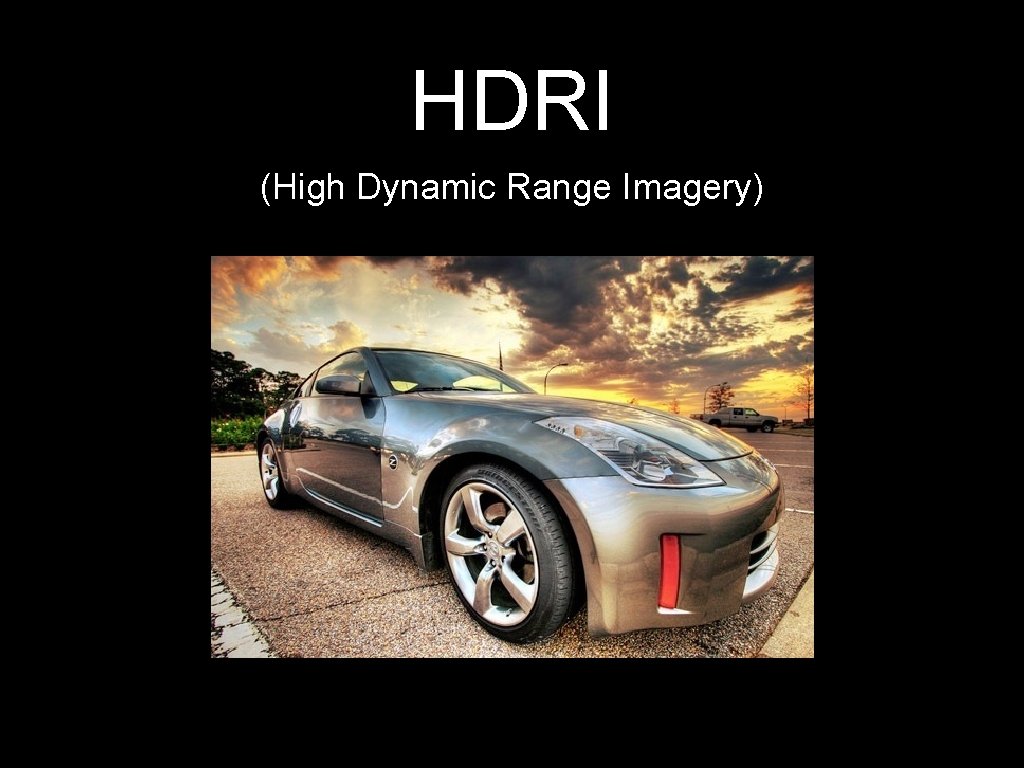
HDRI (High Dynamic Range Imagery)
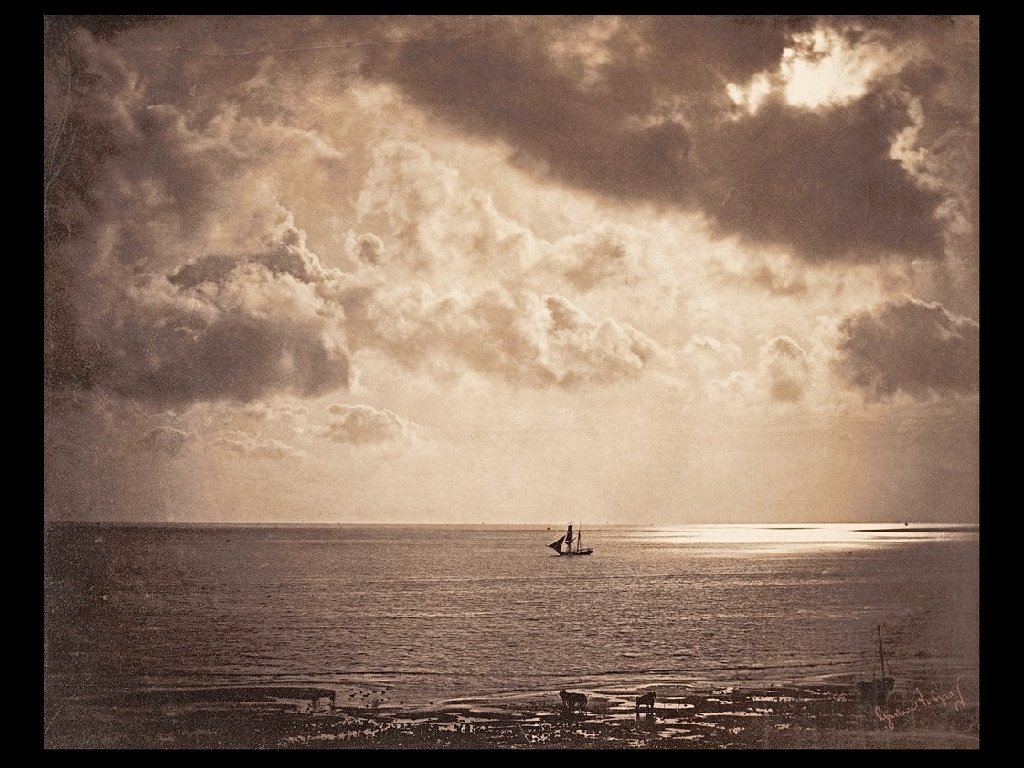
History of HDRI Not just a digital process! • Using multiple exposures to fix extreme luminance range was used as early as 1850 by Gustave Le Grey • In the following image Gustave used one exposure for the sky and a longer exposure for the sea
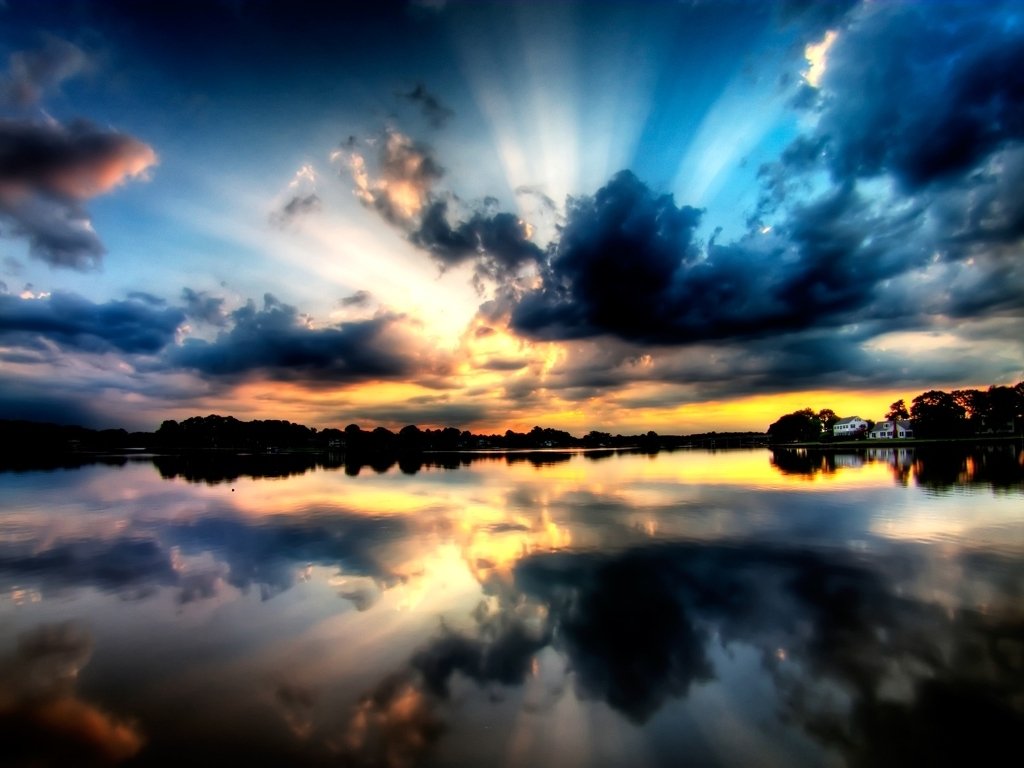
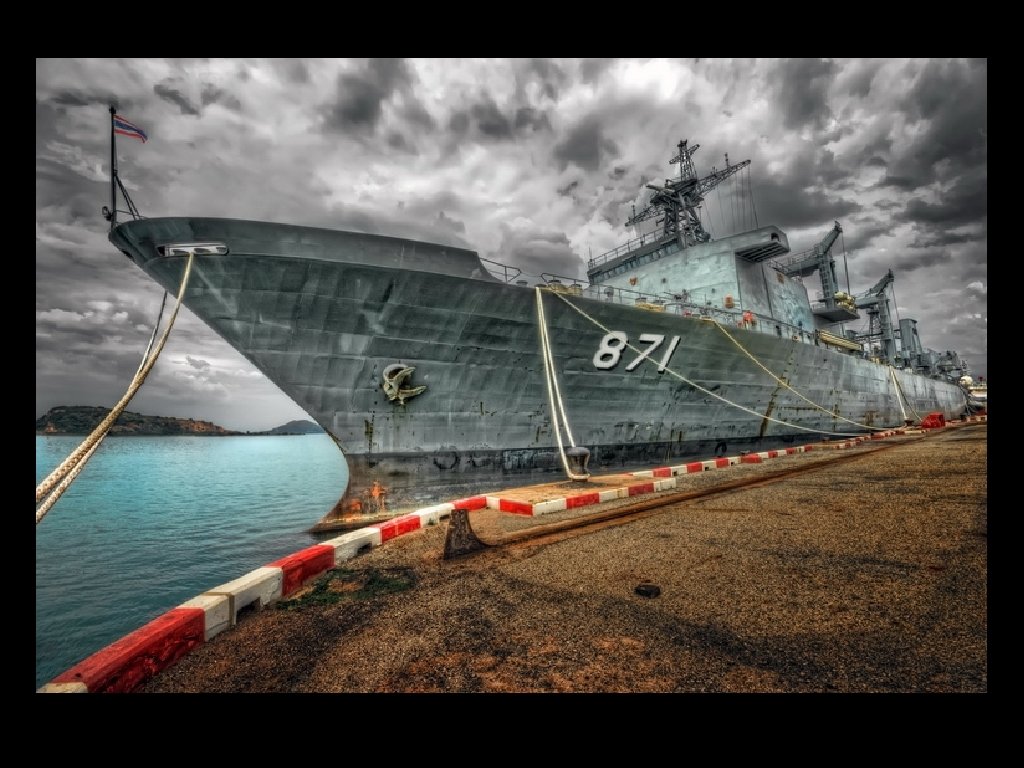
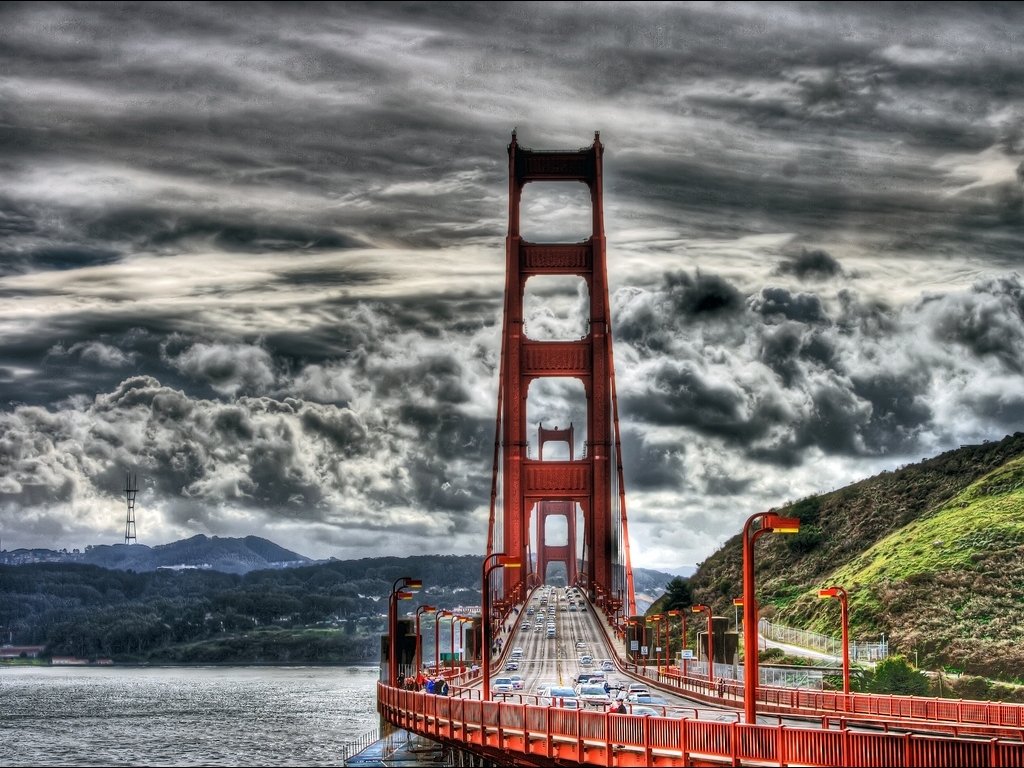
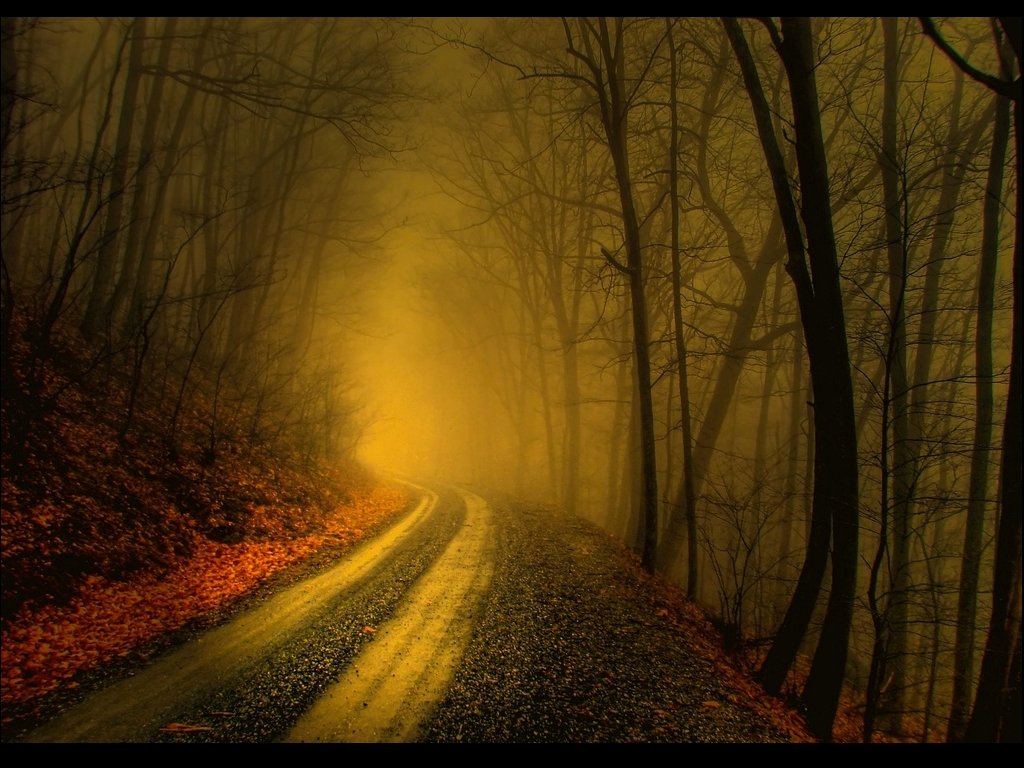
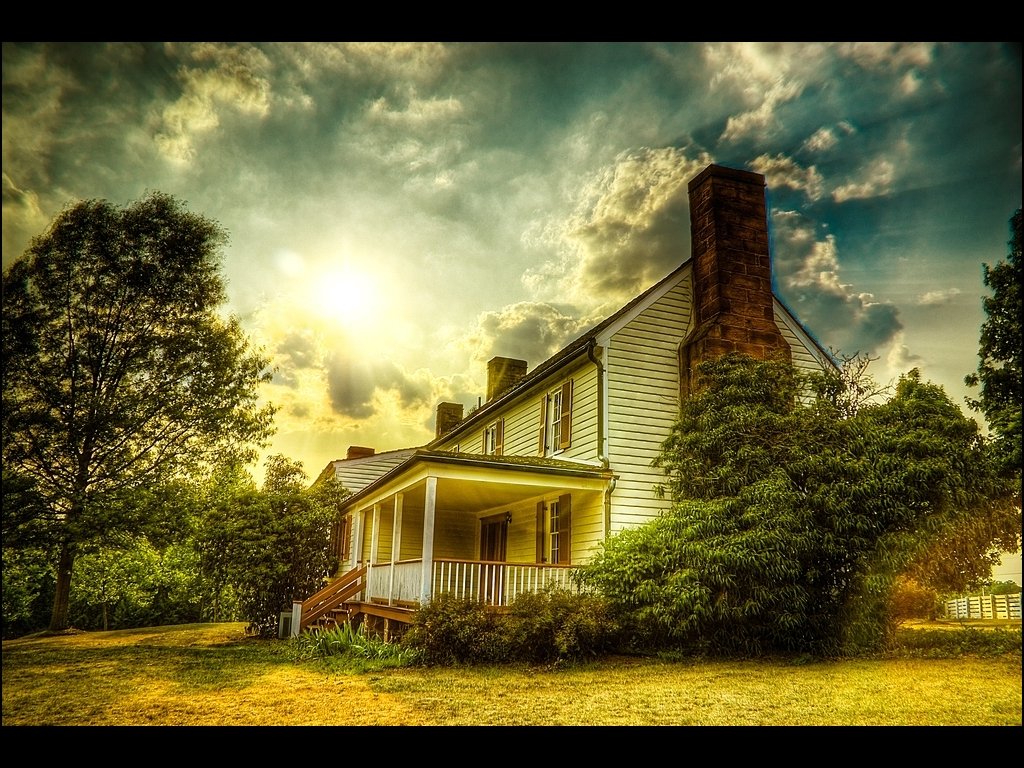
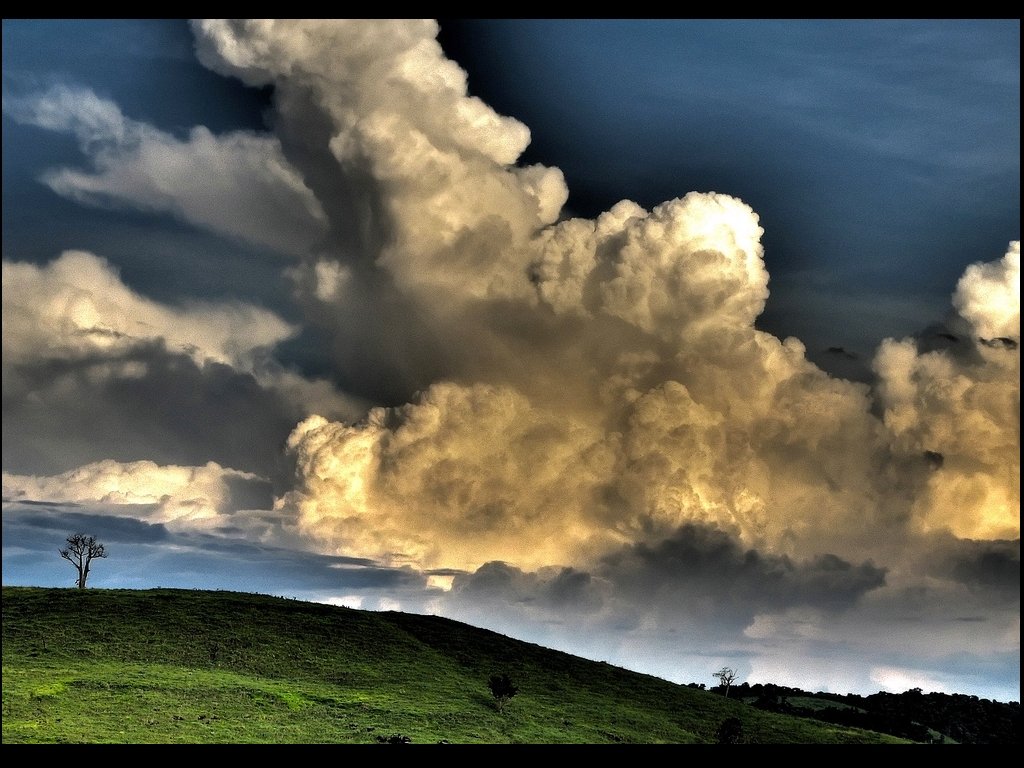
HDRI or HDR • High Dynamic Range Imagery • Allows greater range between the light and dark areas of an image • This range is “Dynamic” because the light values can be modified • Represents the range of intensity levels seen by the human eye more accurately
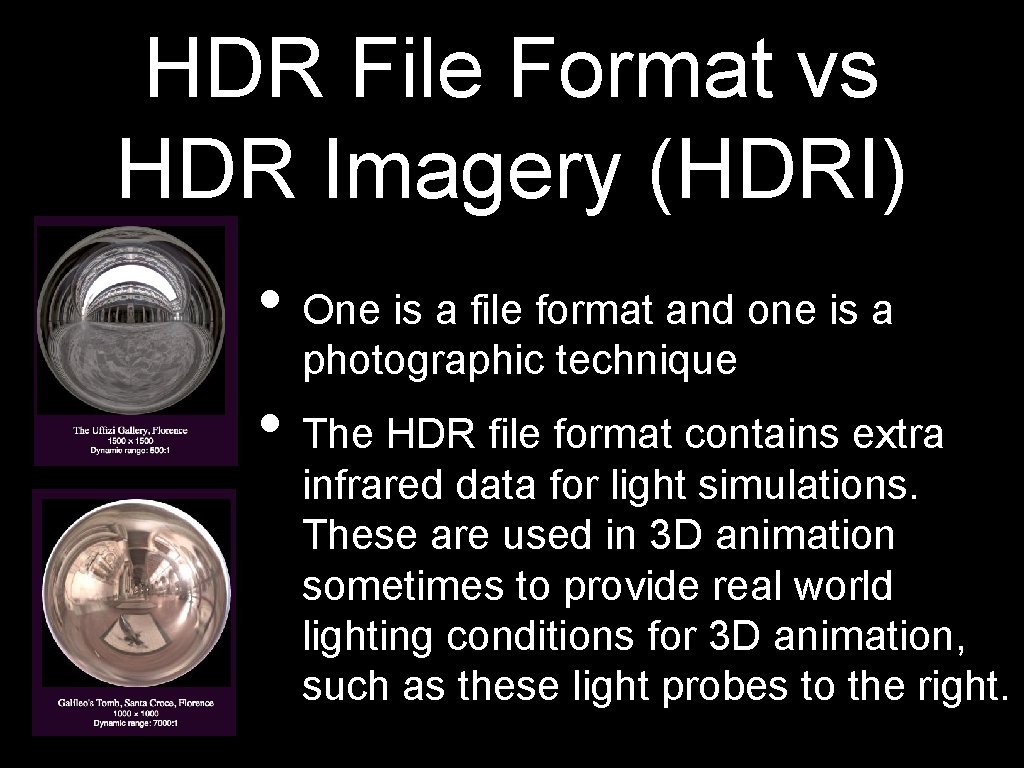
HDR File Format vs HDR Imagery (HDRI) • One is a file format and one is a photographic technique • The HDR file format contains extra infrared data for light simulations. These are used in 3 D animation sometimes to provide real world lighting conditions for 3 D animation, such as these light probes to the right.
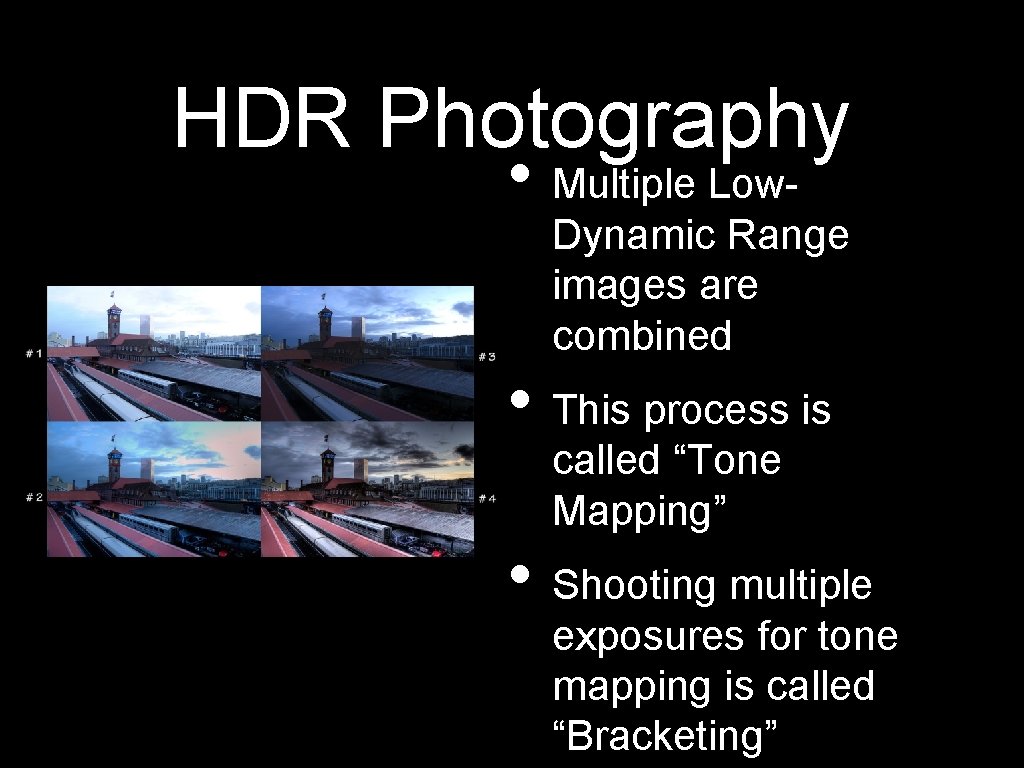
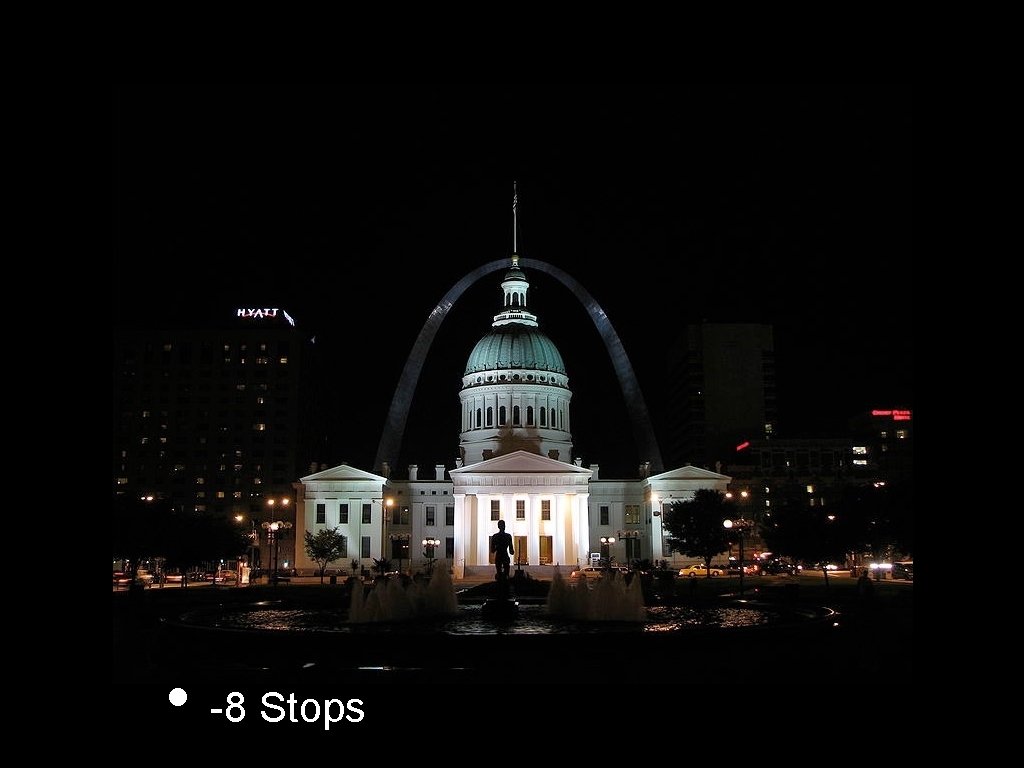
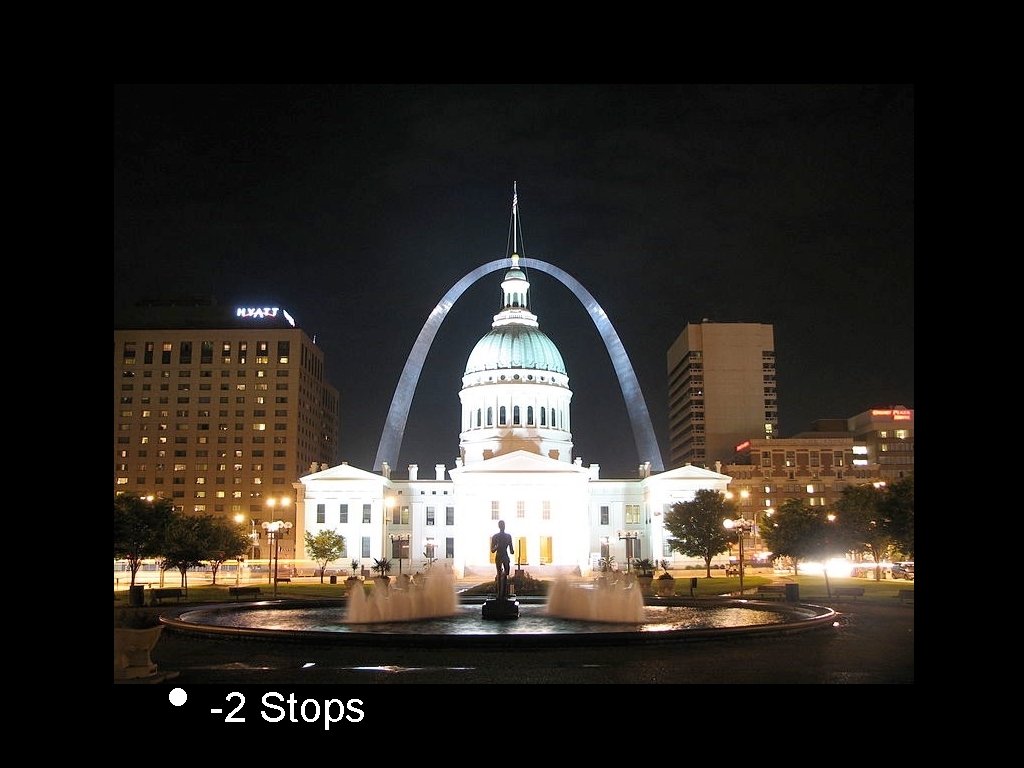
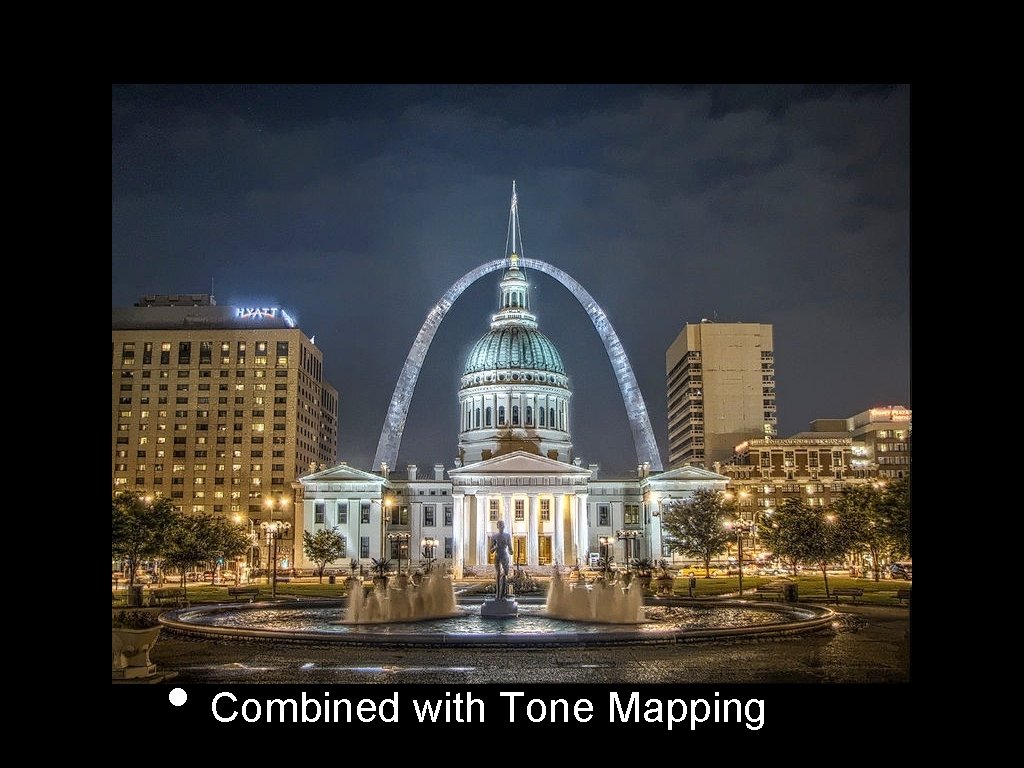
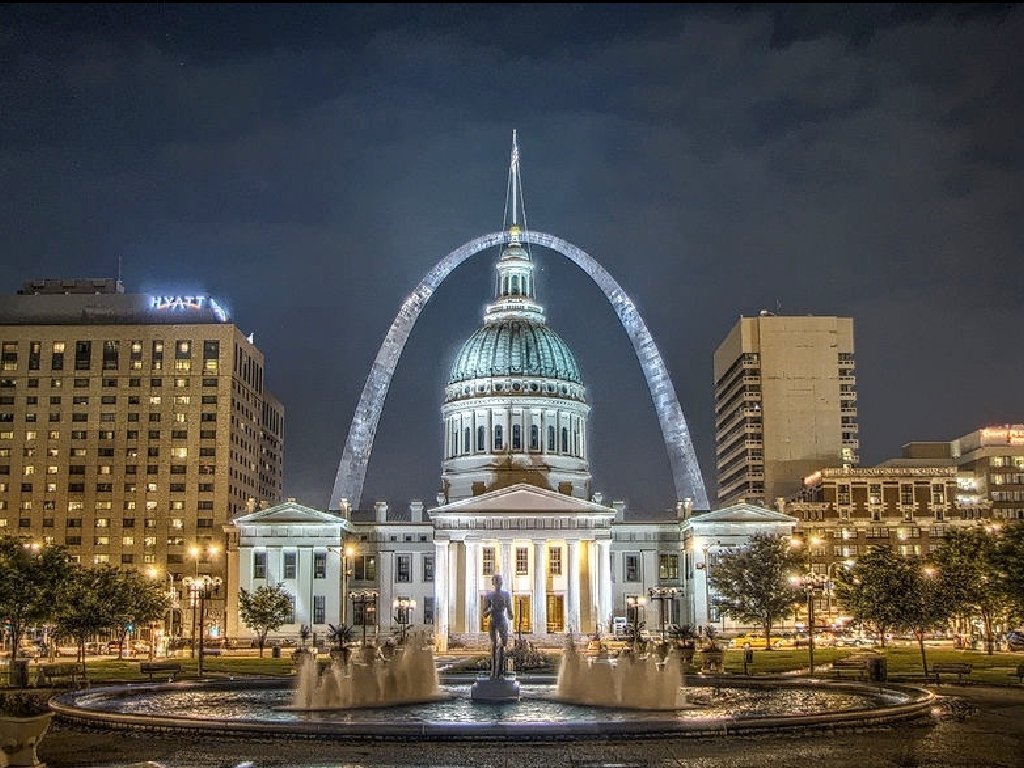
HDR Photography • Multiple Low- Dynamic Range images are combined • This process is called “Tone Mapping” • Shooting multiple exposures for tone mapping is called “Bracketing”
HDR Photography • Any camera that allows over or under exposure can be used to create HDRI • Some cameras have automatic exposure bracketing (AEB) • These separate exposures are combined with Photoshop
HDRI Tips • Shoot multiple exposures with a tripod, each exposure must be in the exact same position • Portraits are difficult without AEB (Auto Exposure Bracketing), but the look of HDRI can be “faked” with a single exposure
• -8 Stops
• -2 Stops
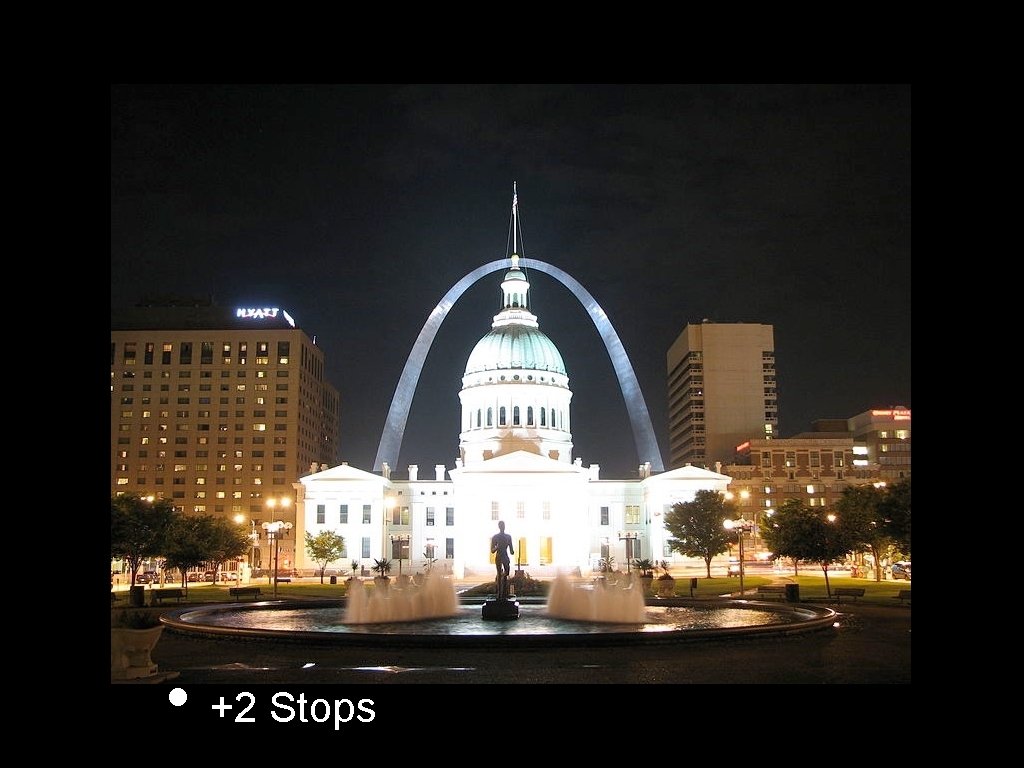
• +2 Stops
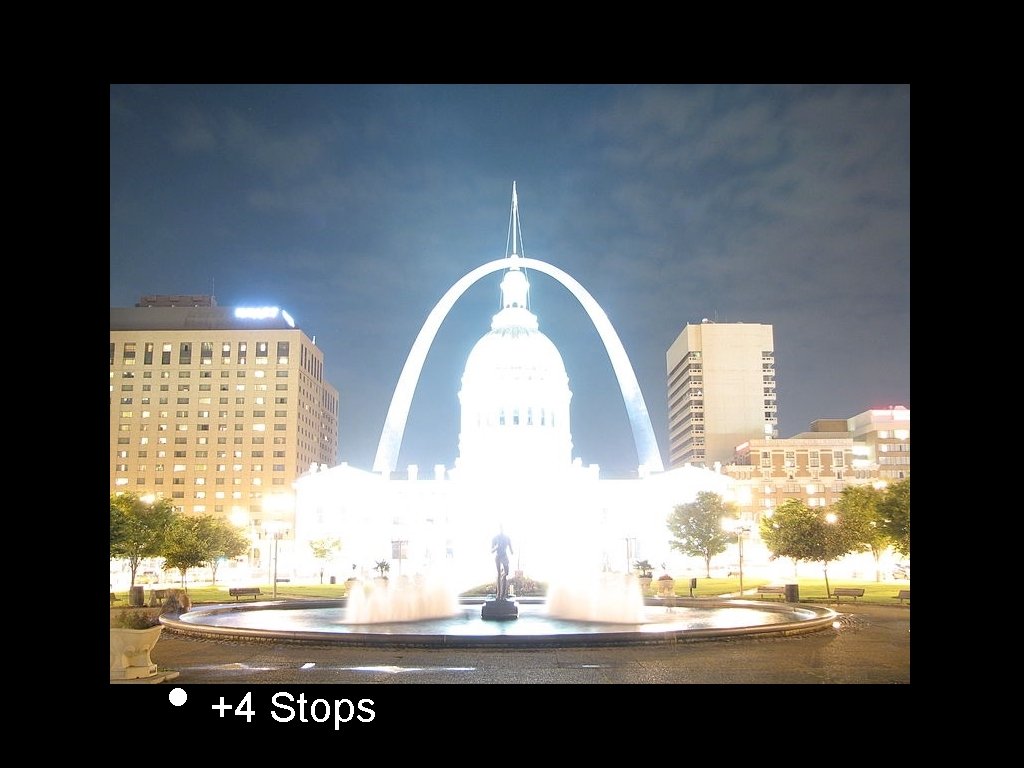
• +4 Stops
• Combined with Tone Mapping