
Hardware refers to the tangible parts of a
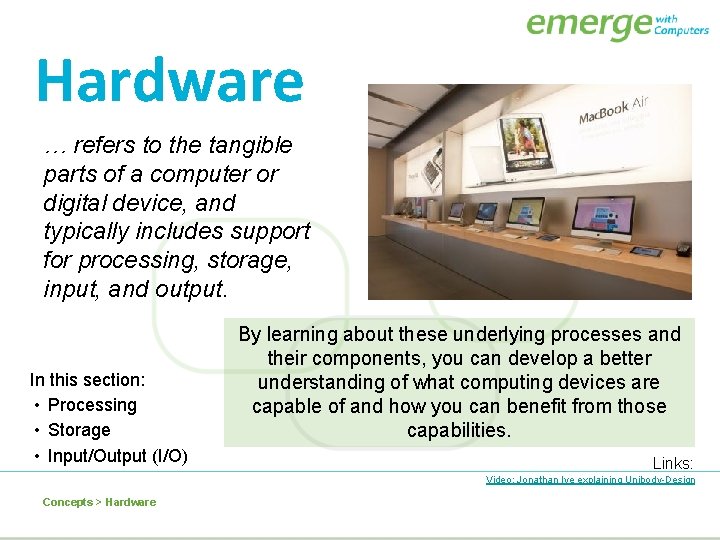
Hardware … refers to the tangible parts of a computer or digital device, and typically includes support for processing, storage, input, and output. In this section: • Processing • Storage • Input/Output (I/O) By learning about these underlying processes and their components, you can develop a better understanding of what computing devices are capable of and how you can benefit from those capabilities. Links: Video: Jonathan Ive explaining Unibody-Design Concepts > Hardware
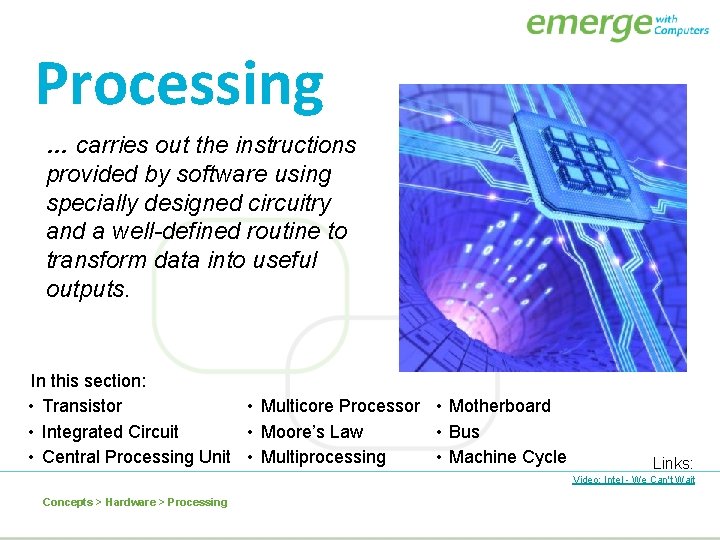
Processing … carries out the instructions provided by software using specially designed circuitry and a well-defined routine to transform data into useful outputs. In this section: • Transistor • Multicore Processor • Motherboard • Integrated Circuit • Moore’s Law • Bus • Central Processing Unit • Multiprocessing • Machine Cycle Links: Video: Intel - We Can't Wait Concepts > Hardware > Processing
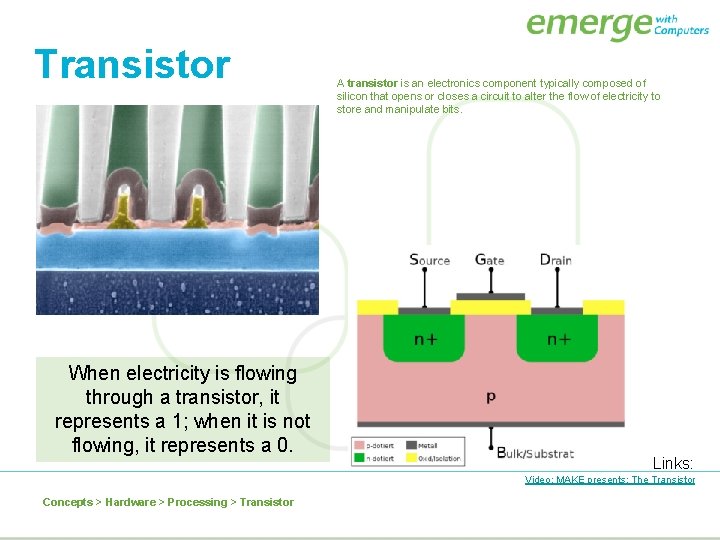
Transistor When electricity is flowing through a transistor, it represents a 1; when it is not flowing, it represents a 0. A transistor is an electronics component typically composed of silicon that opens or closes a circuit to alter the flow of electricity to store and manipulate bits. Links: Video: MAKE presents: The Transistor Concepts > Hardware > Processing > Transistor
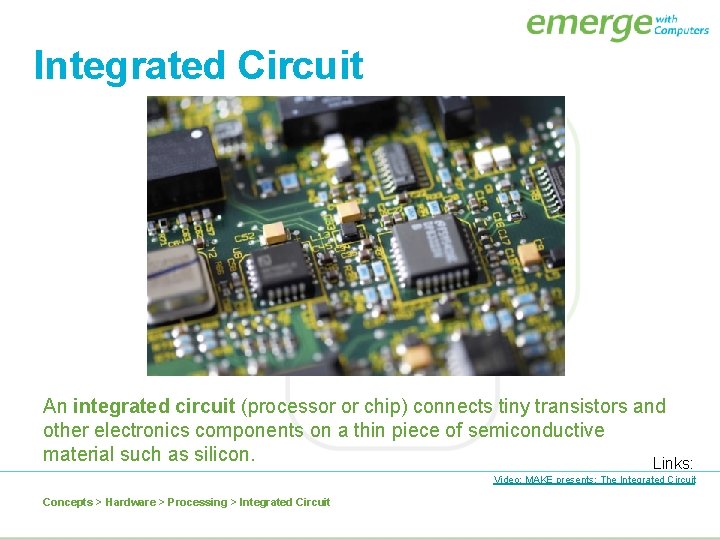
Integrated Circuit An integrated circuit (processor or chip) connects tiny transistors and other electronics components on a thin piece of semiconductive material such as silicon. Links: Video: MAKE presents: The Integrated Circuit Concepts > Hardware > Processing > Integrated Circuit
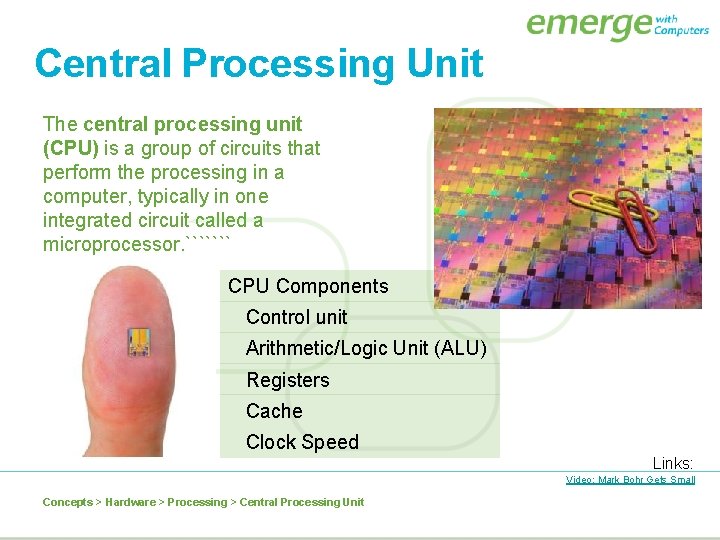
Central Processing Unit The central processing unit (CPU) is a group of circuits that perform the processing in a computer, typically in one integrated circuit called a microprocessor. ``````` CPU Components Control unit Arithmetic/Logic Unit (ALU) Registers Cache Clock Speed Links: Video: Mark Bohr Gets Small Concepts > Hardware > Processing > Central Processing Unit
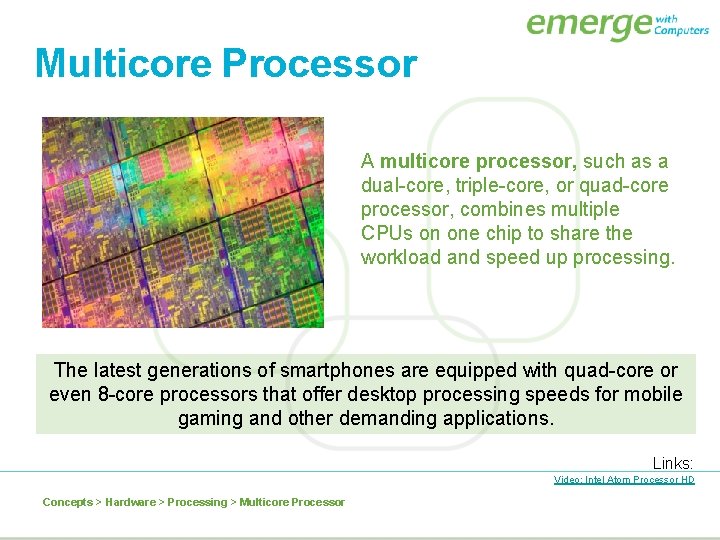
Multicore Processor A multicore processor, such as a dual-core, triple-core, or quad-core processor, combines multiple CPUs on one chip to share the workload and speed up processing. The latest generations of smartphones are equipped with quad-core or even 8 -core processors that offer desktop processing speeds for mobile gaming and other demanding applications. Links: Video: Intel Atom Processor HD Concepts > Hardware > Processing > Multicore Processor
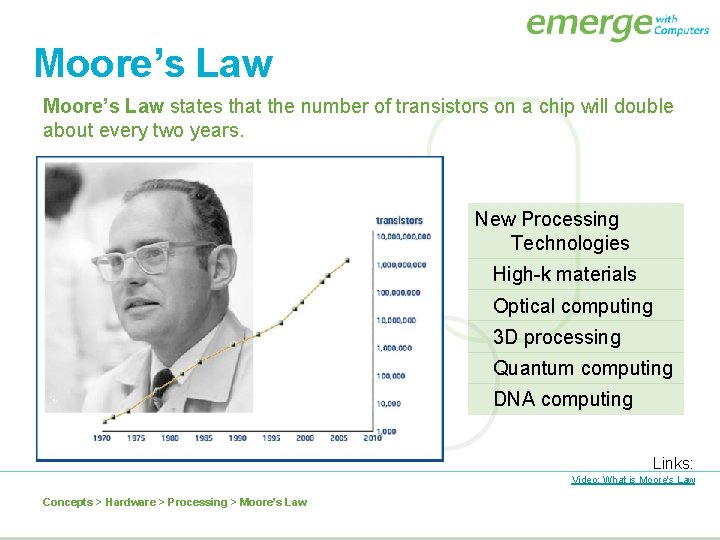
Moore’s Law states that the number of transistors on a chip will double about every two years. New Processing Technologies High-k materials Optical computing 3 D processing Quantum computing DNA computing Links: Video: What is Moore's Law Concepts > Hardware > Processing > Moore’s Law
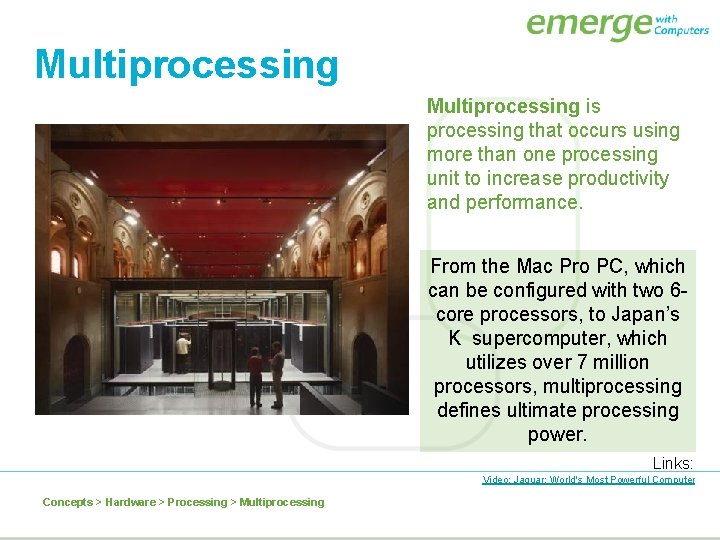
Multiprocessing is processing that occurs using more than one processing unit to increase productivity and performance. From the Mac Pro PC, which can be configured with two 6 core processors, to Japan’s K supercomputer, which utilizes over 7 million processors, multiprocessing defines ultimate processing power. Links: Video: Jaguar: World's Most Powerful Computer Concepts > Hardware > Processing > Multiprocessing
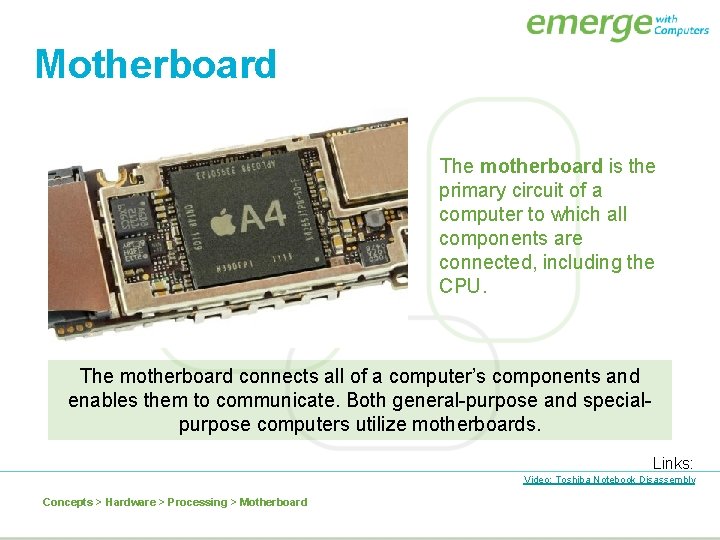
Motherboard The motherboard is the primary circuit of a computer to which all components are connected, including the CPU. The motherboard connects all of a computer’s components and enables them to communicate. Both general-purpose and specialpurpose computers utilize motherboards. Links: Video: Toshiba Notebook Disassembly Concepts > Hardware > Processing > Motherboard
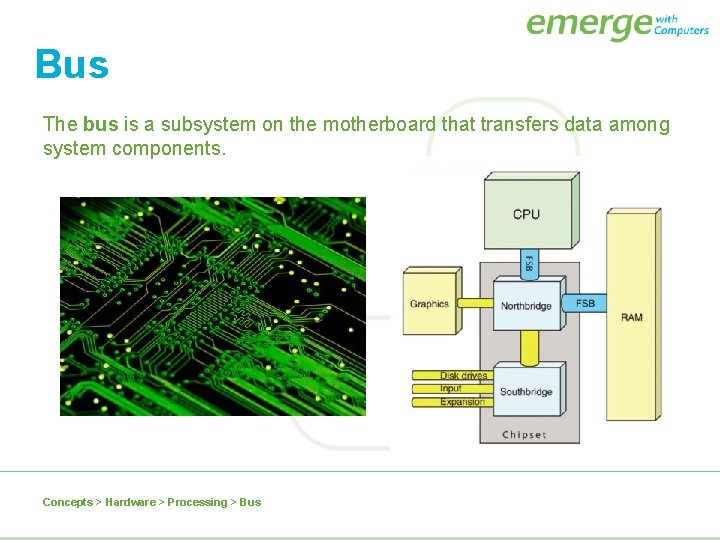
Bus The bus is a subsystem on the motherboard that transfers data among system components. Concepts > Hardware > Processing > Bus
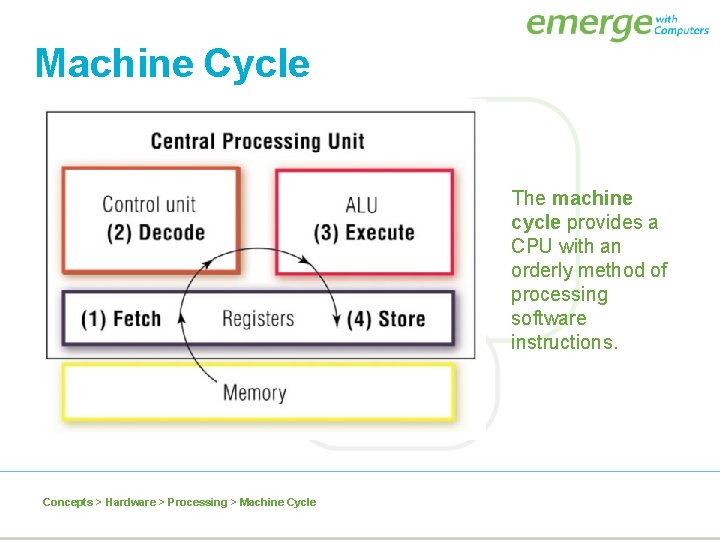
Machine Cycle The machine cycle provides a CPU with an orderly method of processing software instructions. Concepts > Hardware > Processing > Machine Cycle
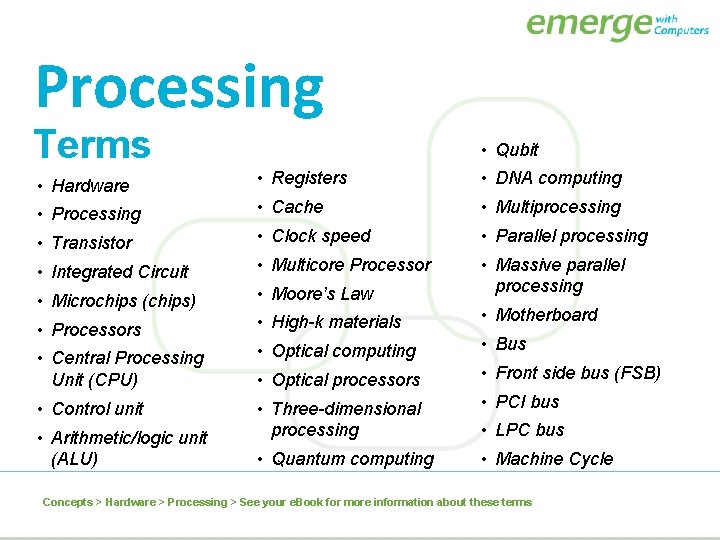
Processing Terms • Qubit • Hardware • Registers • DNA computing • Processing • Cache • Multiprocessing • Transistor • Clock speed • Parallel processing • Integrated Circuit • Multicore Processor • Microchips (chips) • Moore’s Law • Massive parallel processing • Processors • High-k materials • Motherboard • Central Processing Unit (CPU) • Optical computing • Bus • Optical processors • Front side bus (FSB) • Control unit • Three-dimensional processing • PCI bus • Quantum computing • Machine Cycle • Arithmetic/logic unit (ALU) • LPC bus Concepts > Hardware > Processing > See your e. Book for more information about these terms
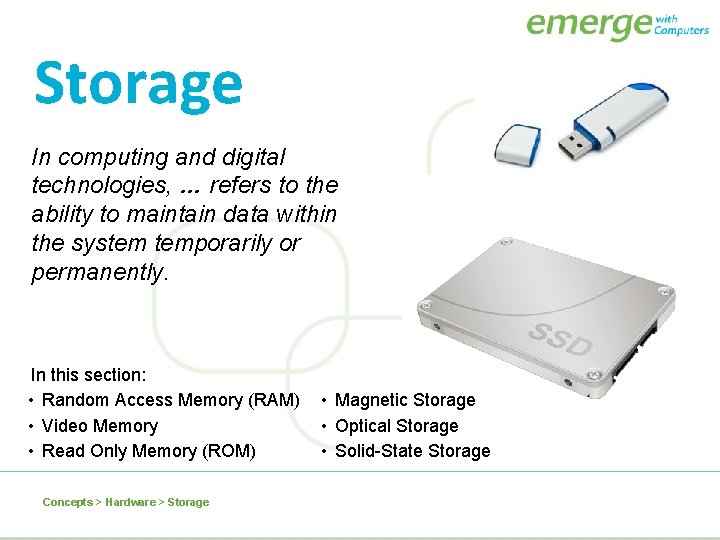
Storage In computing and digital technologies, … refers to the ability to maintain data within the system temporarily or permanently. In this section: • Random Access Memory (RAM) • Video Memory • Read Only Memory (ROM) Concepts > Hardware > Storage • Magnetic Storage • Optical Storage • Solid-State Storage
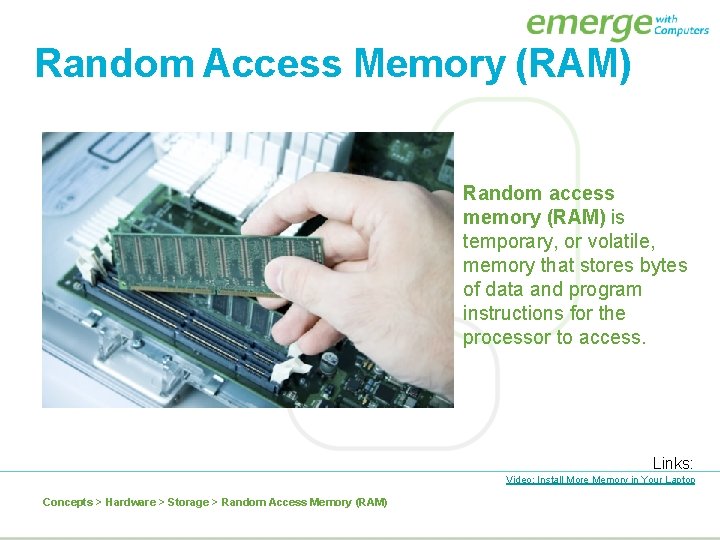
Random Access Memory (RAM) Random access memory (RAM) is temporary, or volatile, memory that stores bytes of data and program instructions for the processor to access. Links: Video: Install More Memory in Your Laptop Concepts > Hardware > Storage > Random Access Memory (RAM)
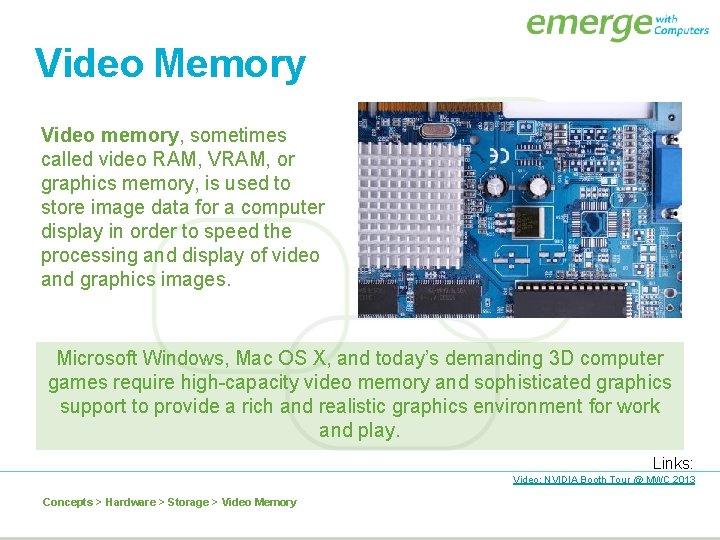
Video Memory Video memory, sometimes called video RAM, VRAM, or graphics memory, is used to store image data for a computer display in order to speed the processing and display of video and graphics images. Microsoft Windows, Mac OS X, and today’s demanding 3 D computer games require high-capacity video memory and sophisticated graphics support to provide a rich and realistic graphics environment for work and play. Links: Video: NVIDIA Booth Tour @ MWC 2013 Concepts > Hardware > Storage > Video Memory
Read Only Memory (ROM) Read-only memory (ROM) provides permanent storage for data and instructions that do not change, such as firmware — programs and data from the computer manufacturer, including the boot process used to start the computer. ROM stores data, using circuits with states that are fixed. Therefore, the data represented by this combination is not lost if the power is removed. Concepts > Hardware > Storage > Read Only Memory (ROM)
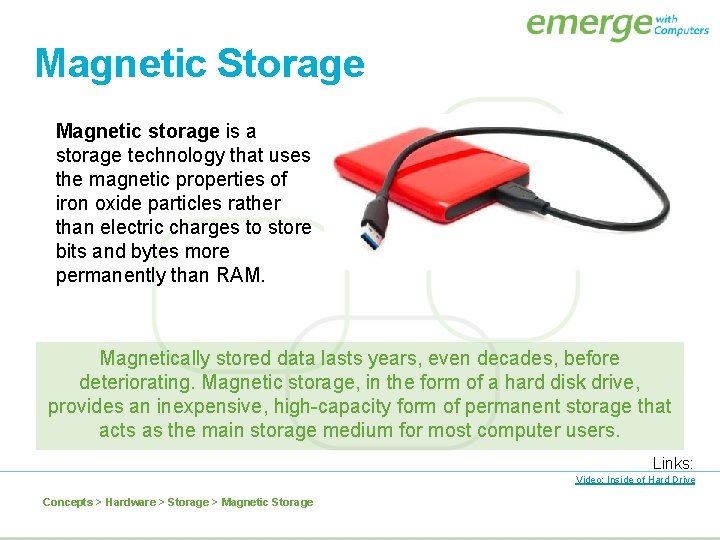
Magnetic Storage Magnetic storage is a storage technology that uses the magnetic properties of iron oxide particles rather than electric charges to store bits and bytes more permanently than RAM. Magnetically stored data lasts years, even decades, before deteriorating. Magnetic storage, in the form of a hard disk drive, provides an inexpensive, high-capacity form of permanent storage that acts as the main storage medium for most computer users. Links: Video: Inside of Hard Drive Concepts > Hardware > Storage > Magnetic Storage
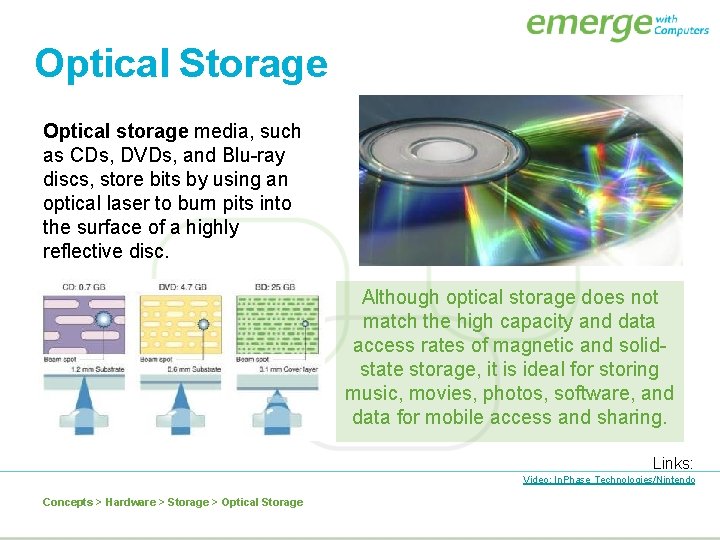
Optical Storage Optical storage media, such as CDs, DVDs, and Blu-ray discs, store bits by using an optical laser to burn pits into the surface of a highly reflective disc. Although optical storage does not match the high capacity and data access rates of magnetic and solidstate storage, it is ideal for storing music, movies, photos, software, and data for mobile access and sharing. Links: Video: In. Phase Technologies/Nintendo Concepts > Hardware > Storage > Optical Storage
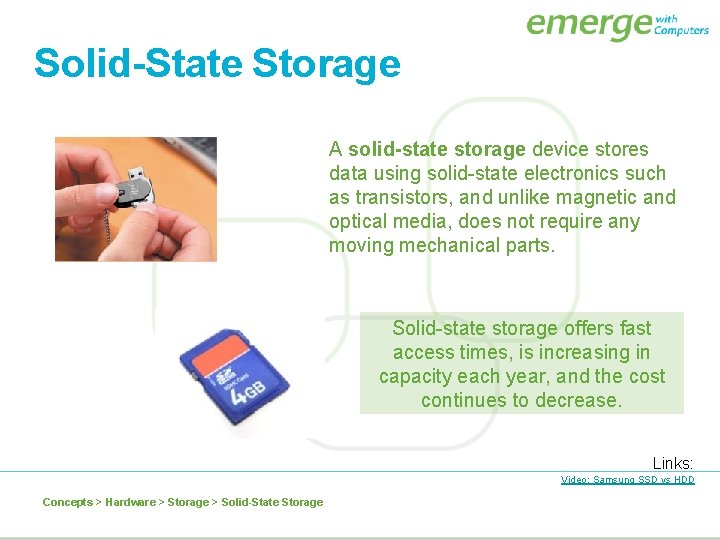
Solid-State Storage A solid-state storage device stores data using solid-state electronics such as transistors, and unlike magnetic and optical media, does not require any moving mechanical parts. Solid-state storage offers fast access times, is increasing in capacity each year, and the cost continues to decrease. Links: Video: Samsung SSD vs HDD Concepts > Hardware > Storage > Solid-State Storage
Storage Terms • Storage, device, media • Local storage • Network storage • Random access memory (RAM) • Single in-line memory module (SIMM) • Dual in-line memory module (DIMM) • Video memory • Graphics processing unit (GPU) • Read only memory (ROM) • Firmware • BIOS, Flash BIOS • Recordable (R) • Rewritable (RW) • Compact disc read-only memory (CD-ROM) • Magnetic storage, disks, • Digital video disc read-only tape memory (DVD-ROM) • Direct access • Blu-ray discs (BDs) • Microdrives • Solid-state storage • Sequential access • Flash memory, memory card • Storage area network (SAN) • Optical storage • Burning • Media cards • Flash drive/USB drive/thumb drive Concepts > Hardware > Storage > See your e. Book for more information about these terms
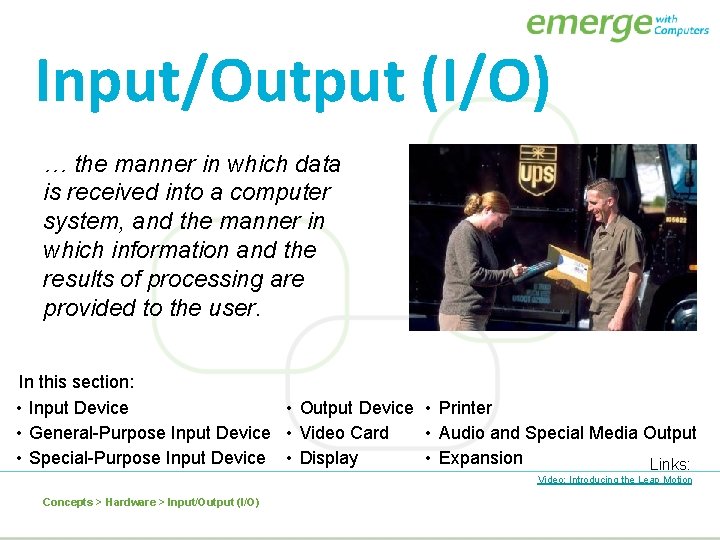
Input/Output (I/O) … the manner in which data is received into a computer system, and the manner in which information and the results of processing are provided to the user. In this section: • Input Device • Output Device • Printer • General-Purpose Input Device • Video Card • Audio and Special Media Output • Special-Purpose Input Device • Display • Expansion Links: Video: Introducing the Leap Motion Concepts > Hardware > Input/Output (I/O)
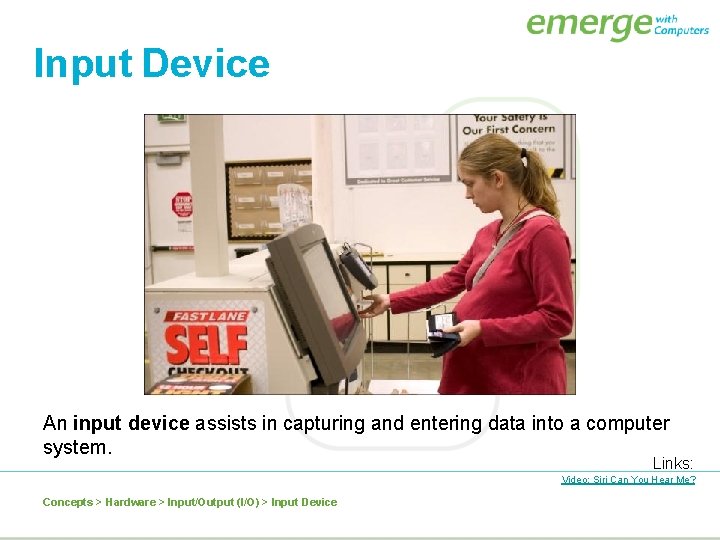
Input Device An input device assists in capturing and entering data into a computer system. Links: Video: Siri Can You Hear Me? Concepts > Hardware > Input/Output (I/O) > Input Device
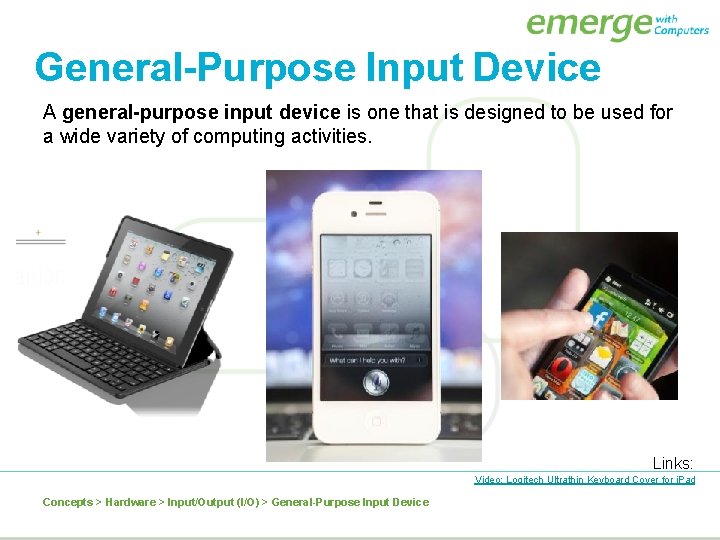
General-Purpose Input Device A general-purpose input device is one that is designed to be used for a wide variety of computing activities. Links: Video: Logitech Ultrathin Keyboard Cover for i. Pad Concepts > Hardware > Input/Output (I/O) > General-Purpose Input Device

Special-Purpose Input Device A special-purpose input device is designed to provide input for one specific type of activity. Links: Video: Dance Central 3 Concepts > Hardware > Input/Output (I/O) > Special-Purpose Input Device
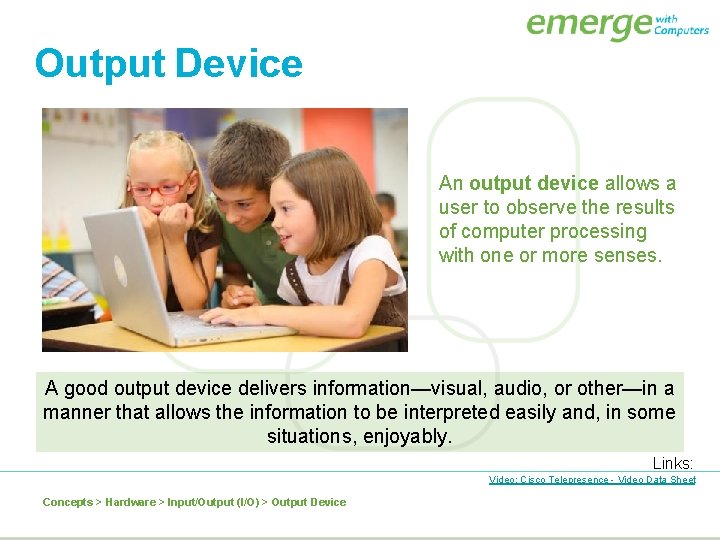
Output Device An output device allows a user to observe the results of computer processing with one or more senses. A good output device delivers information—visual, audio, or other—in a manner that allows the information to be interpreted easily and, in some situations, enjoyably. Links: Video: Cisco Telepresence - Video Data Sheet Concepts > Hardware > Input/Output (I/O) > Output Device
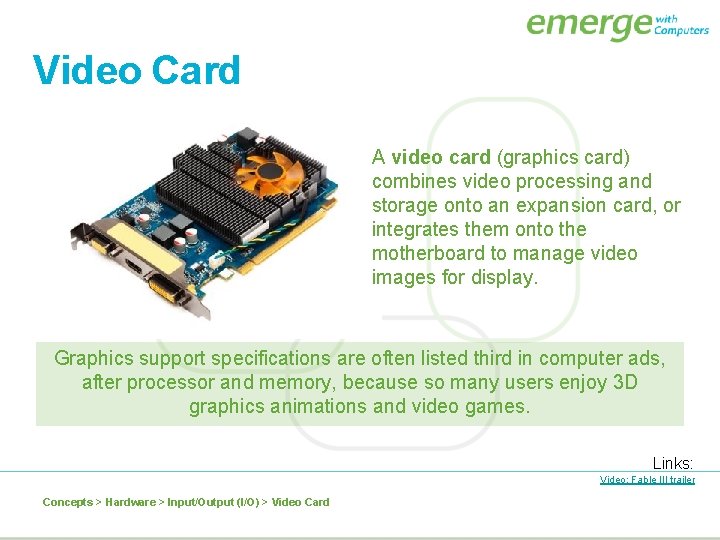
Video Card A video card (graphics card) combines video processing and storage onto an expansion card, or integrates them onto the motherboard to manage video images for display. Graphics support specifications are often listed third in computer ads, after processor and memory, because so many users enjoy 3 D graphics animations and video games. Links: Video: Fable III trailer Concepts > Hardware > Input/Output (I/O) > Video Card
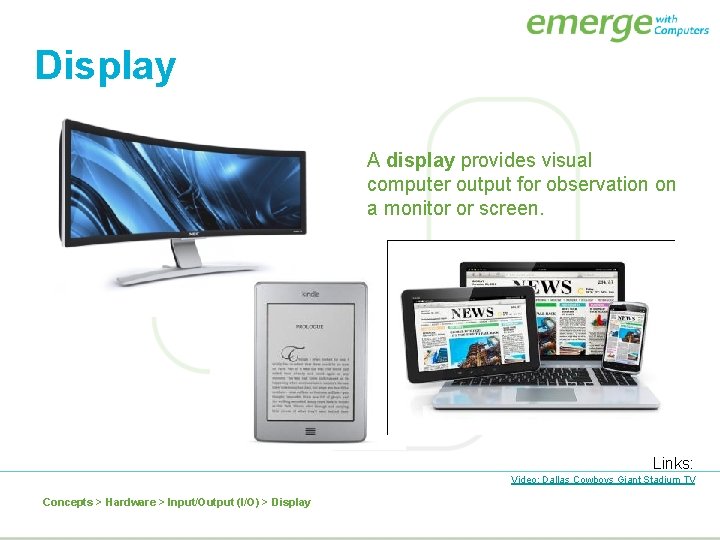
Display A display provides visual computer output for observation on a monitor or screen. Links: Video: Dallas Cowboys Giant Stadium TV Concepts > Hardware > Input/Output (I/O) > Display
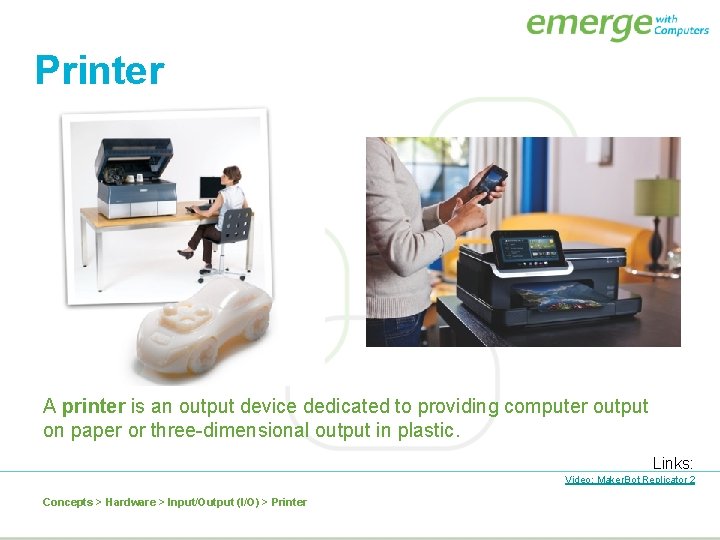
Printer A printer is an output device dedicated to providing computer output on paper or three-dimensional output in plastic. Links: Video: Maker. Bot Replicator 2 Concepts > Hardware > Input/Output (I/O) > Printer
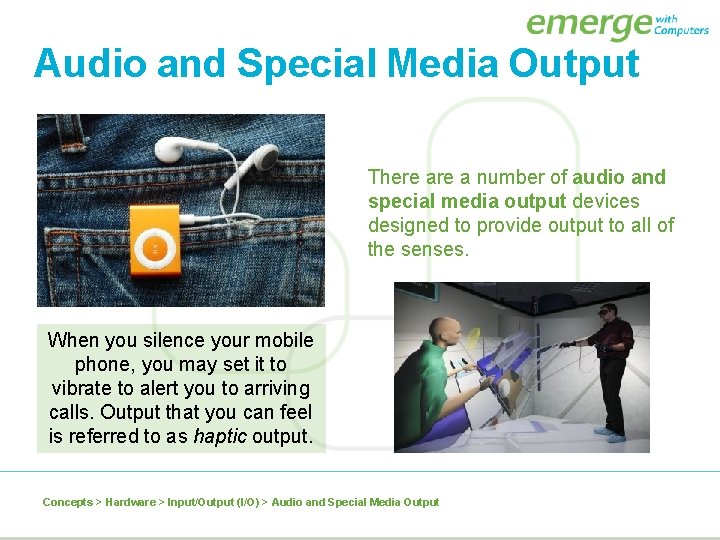
Audio and Special Media Output There a number of audio and special media output devices designed to provide output to all of the senses. When you silence your mobile phone, you may set it to vibrate to alert you to arriving calls. Output that you can feel is referred to as haptic output. Concepts > Hardware > Input/Output (I/O) > Audio and Special Media Output
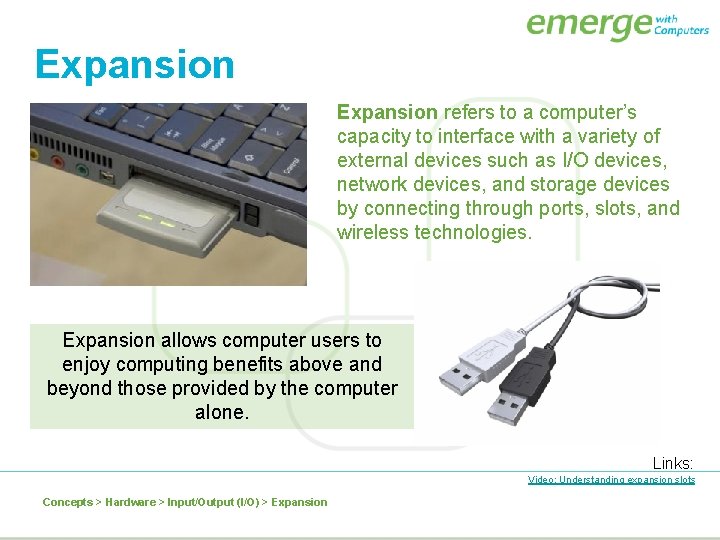
Expansion refers to a computer’s capacity to interface with a variety of external devices such as I/O devices, network devices, and storage devices by connecting through ports, slots, and wireless technologies. Expansion allows computer users to enjoy computing benefits above and beyond those provided by the computer alone. Links: Video: Understanding expansion slots Concepts > Hardware > Input/Output (I/O) > Expansion
Input/Output (I/O) Terms • Input device • Special-purpose input device • Optical character recognition (OCR) • Human-readable • Game controller • Machine-readable • Joystick • Point-of-sale (POS) devices • Source data automation • Webcam • General-purpose input device • QWERTY keyboards • Pointing devices • Touch screens • Multitouch displays • Page scanners • Handheld scanners • Magnet ink character recognition (MICR) • Optical mark recognition (OMR) • Output device • Video card • Display • Pixels • Display resolution • Responsive designs • High definition TV (HDTV) Concepts > Hardware > Input/Output (I/O) > See your e. Book for more information about these terms
Input/Output (I/O) Terms (continued) • Laser printer • 3 D displays • Flexible display • Ink-jet printer • LCD projectors • Cathode ray tube (CRT) display • 3 D printer • Liquid crystal diode (LCD) display • Plasma display • Light emitting diode (LED) display • Heads Up display (HUD) • Haptic output • Printer • Expansion • Hard copy • Universal serial bus (USB) • Organic light-emitting diode • Pages printed per (OLED) display minute (PPM) • Electronic paper (e-paper) • Audio & special media output • Multifunction printer • Expansion board/card/slot Concepts > Hardware > Input/Output (I/O) > See your e. Book for more information about these terms
- Slides: 32