
Hardware Physical parts of the computer Definitions CPU
- Slides: 23
Hardware Physical parts of the computer
Definitions CPU: Central Processing Unit Brains of the computer All of the processing goes on through the CPU
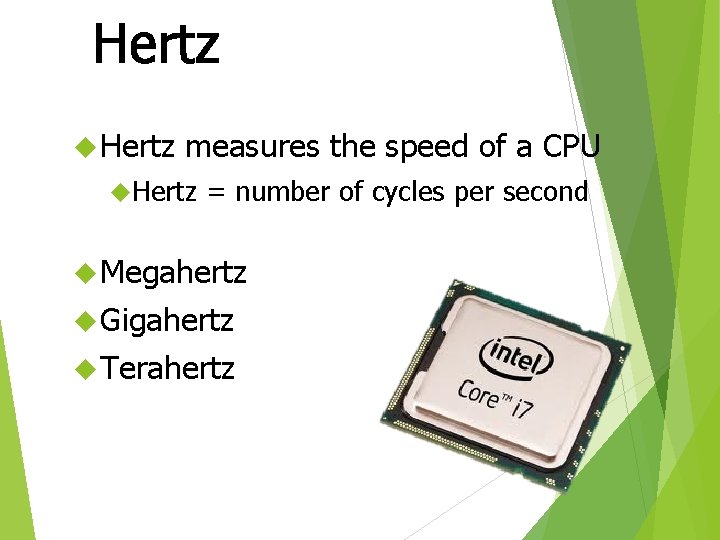
Hertz measures the speed of a CPU Hertz = number of cycles per second Megahertz Gigahertz Terahertz
Definitions RAM Random Access Memory Like the short term memory on the computer Only VOLITILE INFORMATION CAN BE STORED HERE
Definitions ROM Read Only Memory Like the Long Term Memory on the computer ONLY NON-VIOLITILE INFORMATION CAN BE STORED HERE
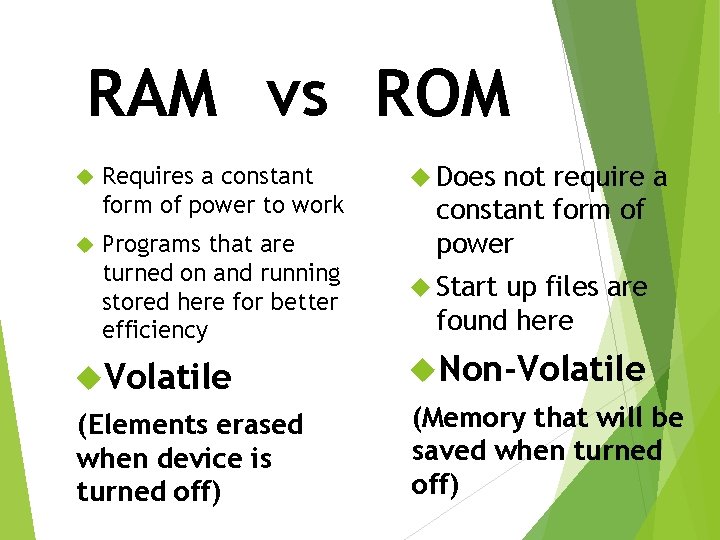
RAM vs ROM Requires a constant form of power to work Programs that are turned on and running stored here for better efficiency Does not require a constant form of power Start up files are found here Volatile Non-Volatile (Elements erased when device is turned off) (Memory that will be saved when turned off)
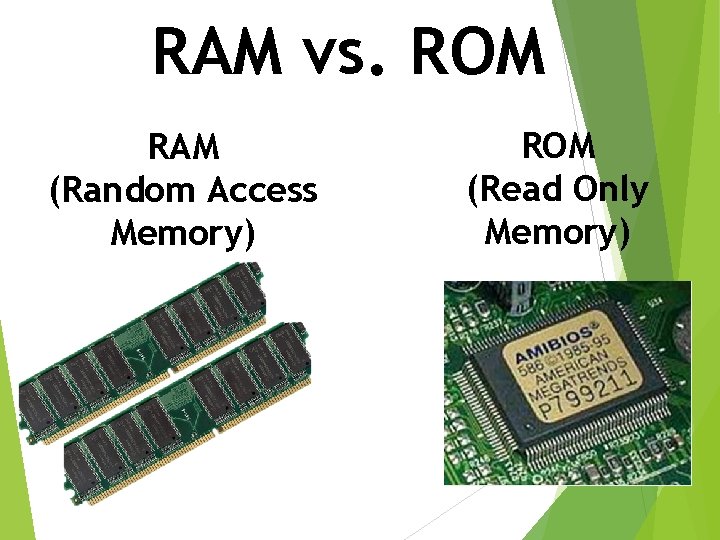
RAM vs. ROM RAM (Random Access Memory) ROM (Read Only Memory)
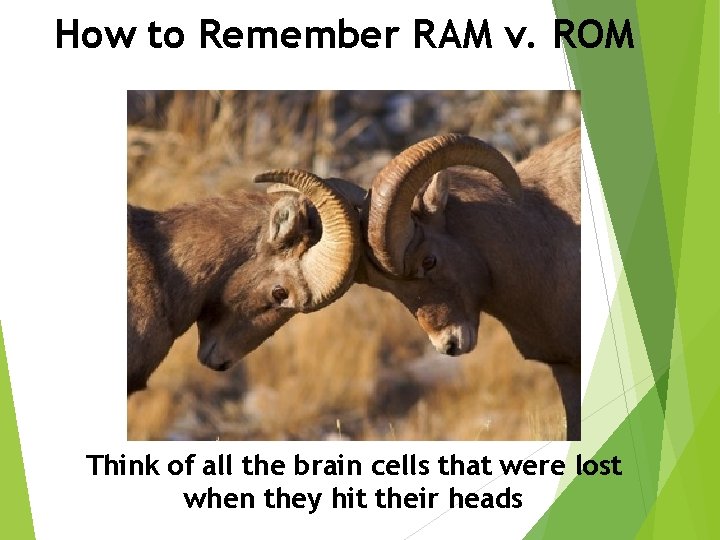
How to Remember RAM v. ROM Think of all the brain cells that were lost when they hit their heads
How to remember RAM v. ROM
Definitions Continued: Motherboard Heart of the computer Main circuit board that connects everything together on the computer Hard Disk Drive (Hard Drive) Main storage unit on the computer
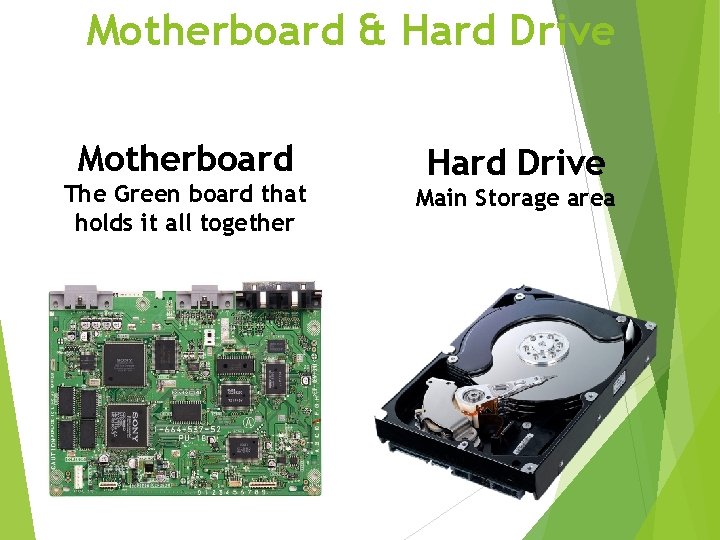
Motherboard & Hard Drive Motherboard The Green board that holds it all together Hard Drive Main Storage area
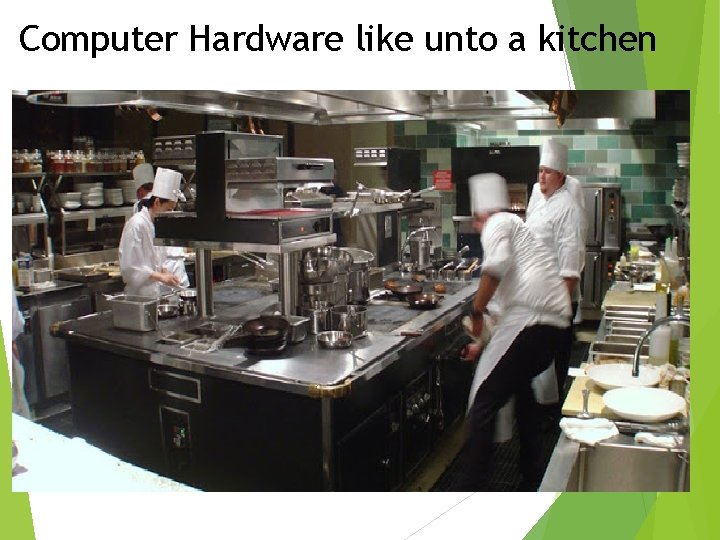
Computer Hardware like unto a kitchen
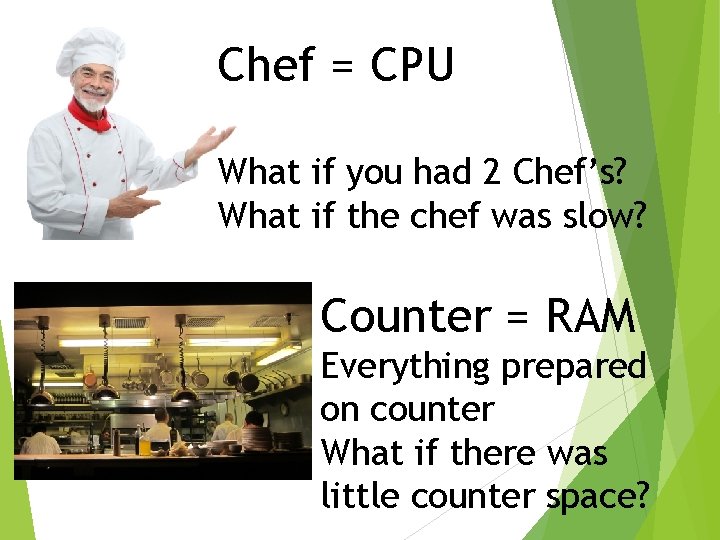
Chef = CPU What if you had 2 Chef’s? What if the chef was slow? Counter = RAM Everything prepared on counter What if there was little counter space?
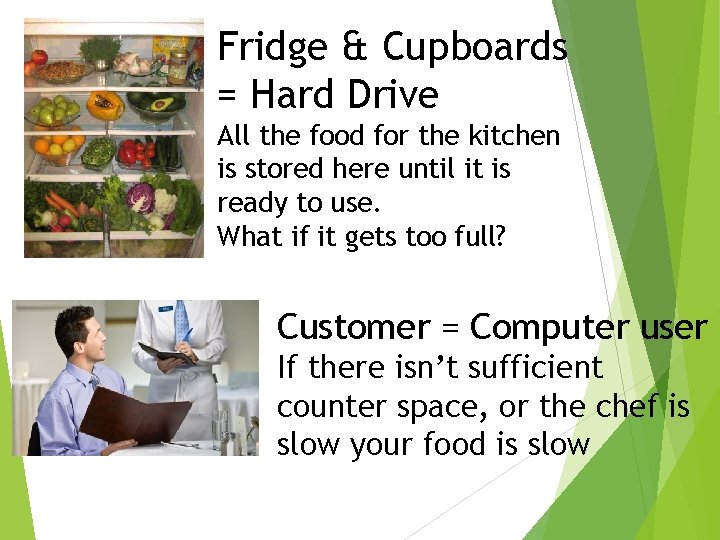
Fridge & Cupboards = Hard Drive All the food for the kitchen is stored here until it is ready to use. What if it gets too full? Customer = Computer user If there isn’t sufficient counter space, or the chef is slow your food is slow
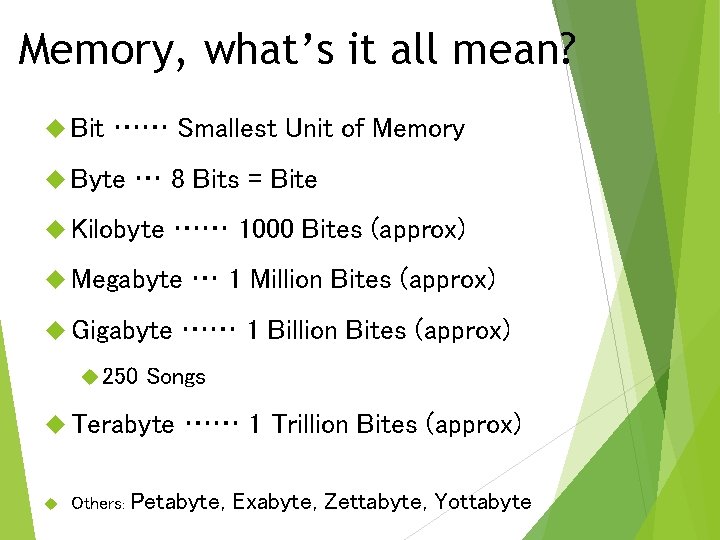
Memory, what’s it all mean? Bit …… Smallest Unit of Memory Byte … 8 Bits = Bite Kilobyte …… 1000 Bites (approx) Megabyte Gigabyte 250 …… 1 Billion Bites (approx) Songs Terabyte … 1 Million Bites (approx) …… 1 Trillion Bites (approx) Others: Petabyte, Exabyte, Zettabyte, Yottabyte
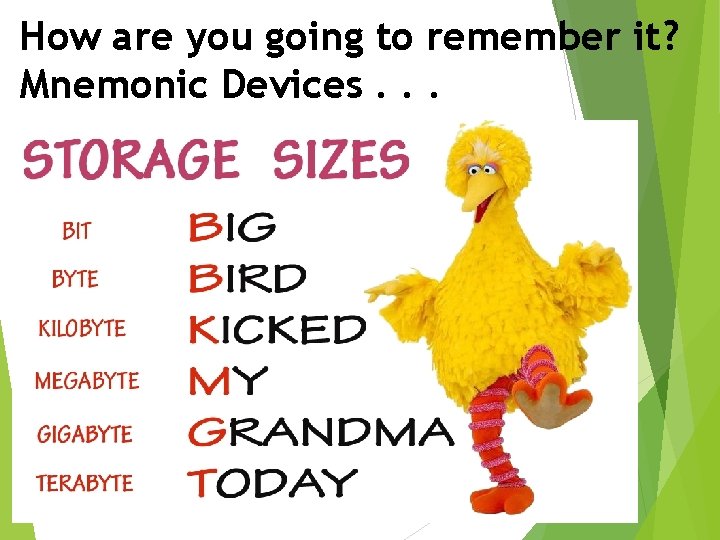
How are you going to remember it? Mnemonic Devices. . .
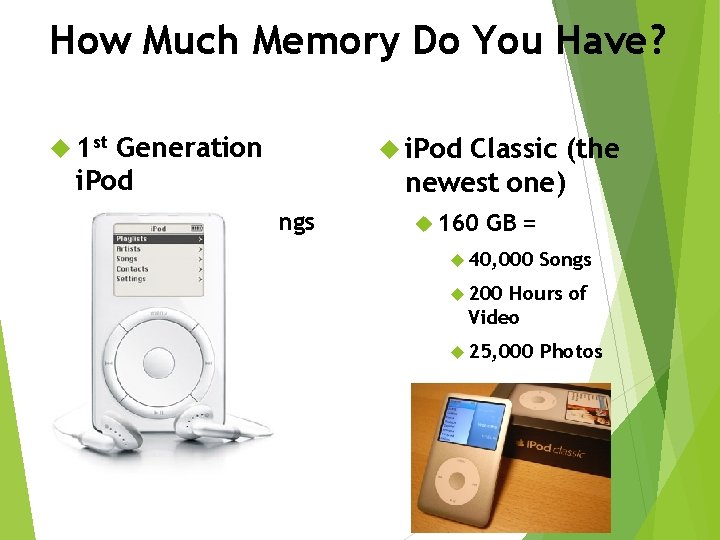
How Much Memory Do You Have? 1 st Generation i. Pod 5 GB = 1, 000 Songs i. Pod Classic (the newest one) 160 GB = 40, 000 Songs 200 Hours of Video 25, 000 Photos
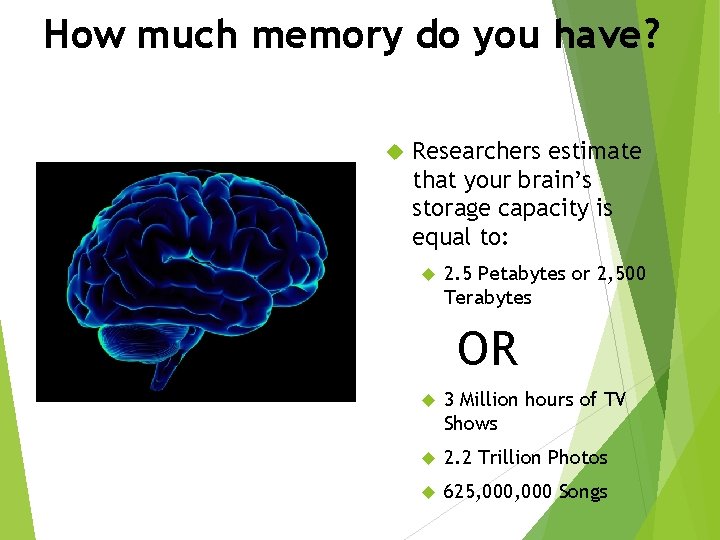
How much memory do you have? Researchers estimate that your brain’s storage capacity is equal to: 2. 5 Petabytes or 2, 500 Terabytes OR 3 Million hours of TV Shows 2. 2 Trillion Photos 625, 000 Songs
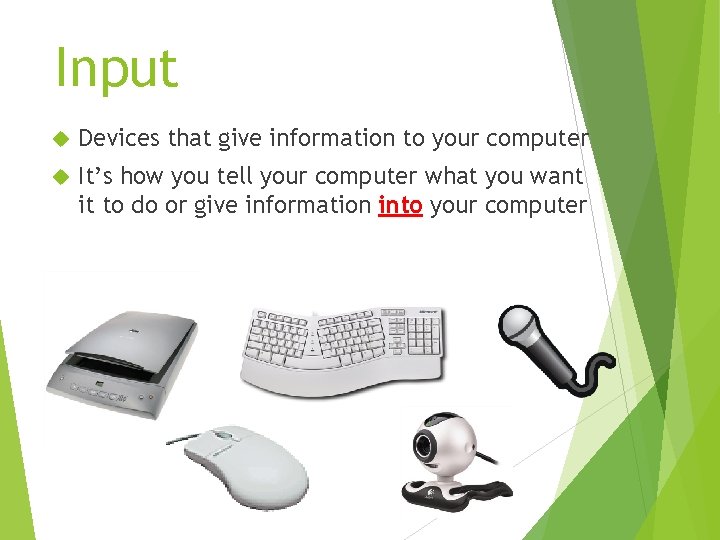
Input Devices that give information to your computer It’s how you tell your computer what you want it to do or give information into your computer
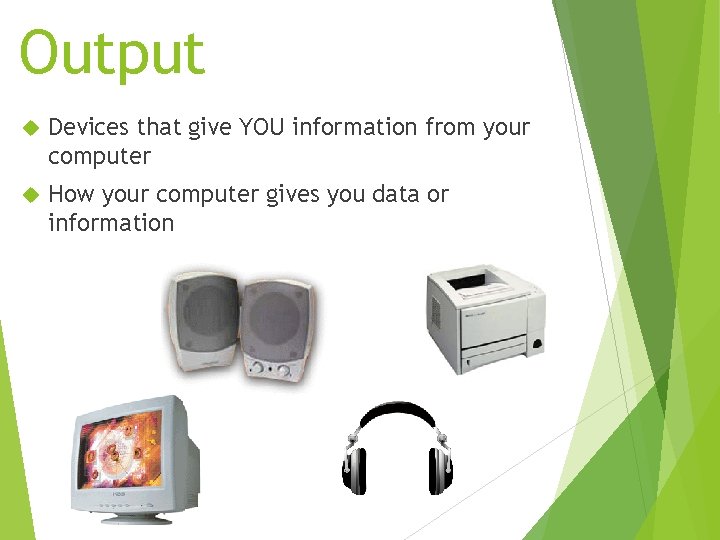
Output Devices that give YOU information from your computer How your computer gives you data or information
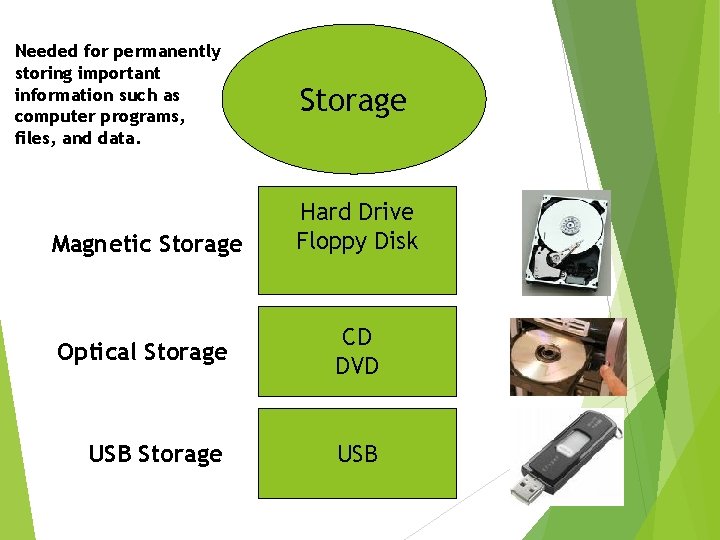
Needed for permanently storing important information such as computer programs, files, and data. Magnetic Storage Hard Drive Floppy Disk Optical Storage CD DVD USB Storage USB
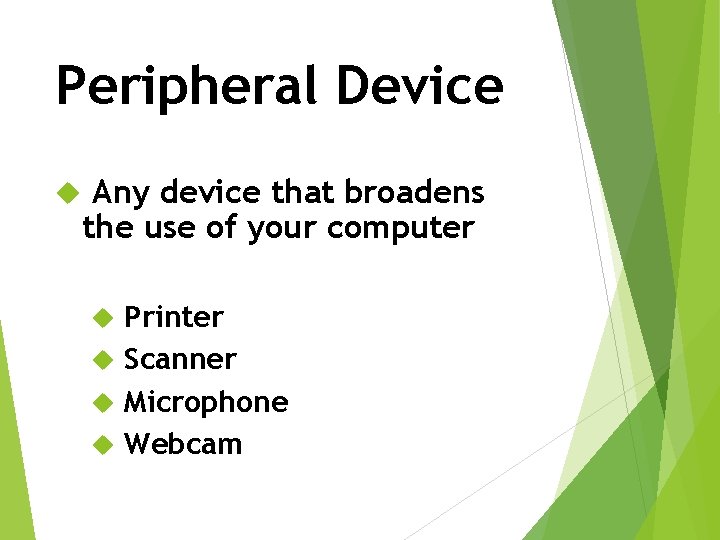
Peripheral Device Any device that broadens the use of your computer Printer Scanner Microphone Webcam
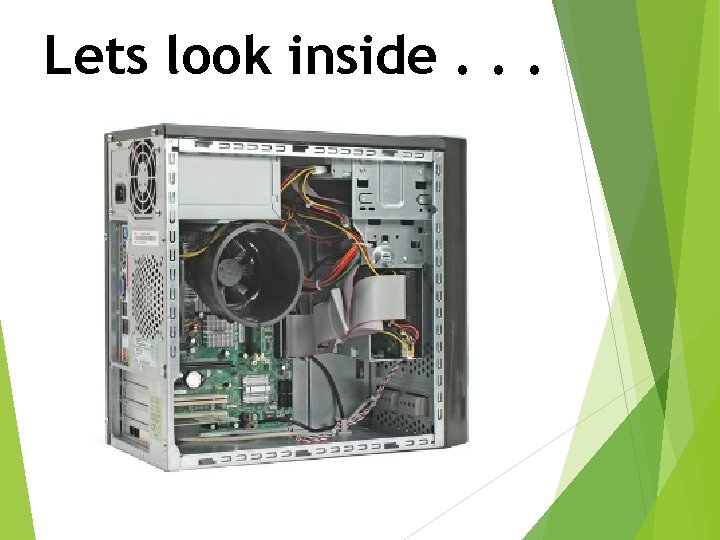
Lets look inside. . .