
Hardware of Personal Computers Part 1 Introduction What








- Slides: 42
Hardware of Personal Computers
Part 1: Introduction
What is a Computer? • A computer is an electronic device that accepts information and instructions from the user, processes data, and display the data.
What are Basic Hardware of a Personal Computer?
What is a Hardware? • Hardware is any part of the computer system that is tangible. It works with the software to process data.
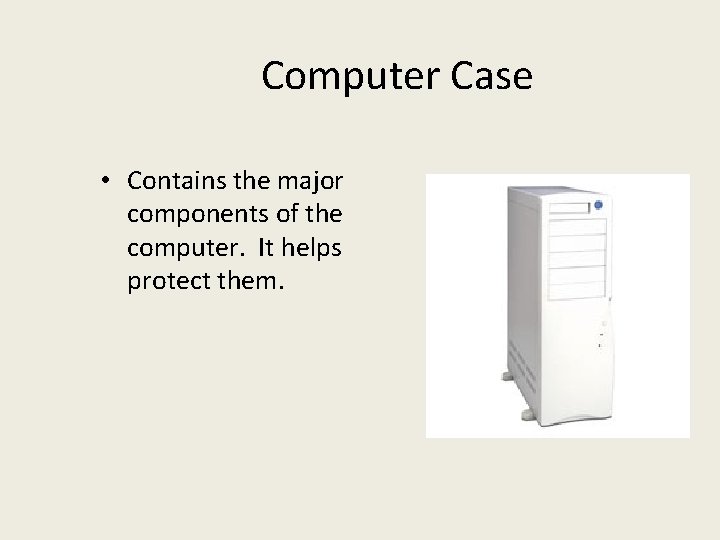
Computer Case • Contains the major components of the computer. It helps protect them.
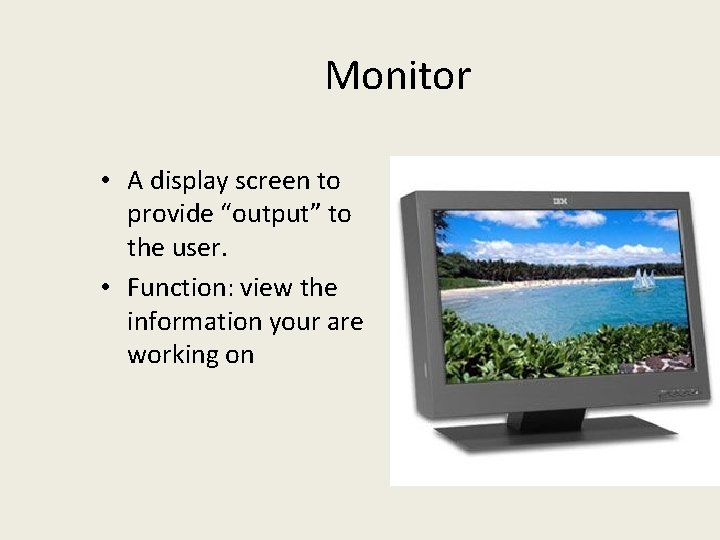
Monitor • A display screen to provide “output” to the user. • Function: view the information your are working on
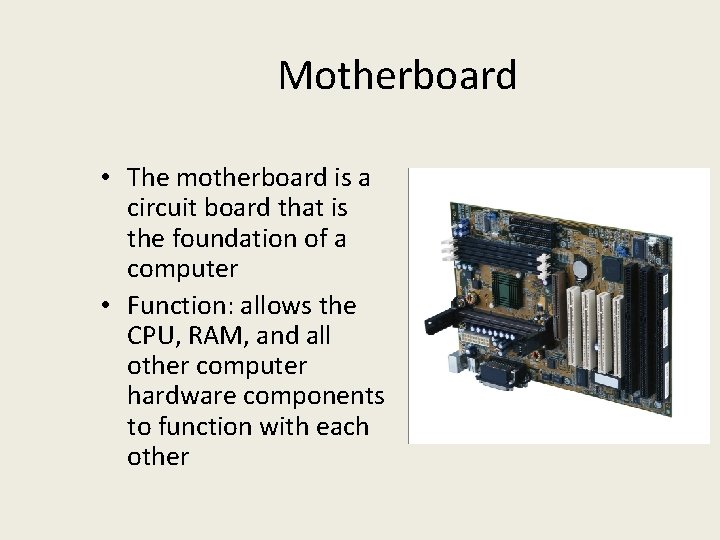
Motherboard • The motherboard is a circuit board that is the foundation of a computer • Function: allows the CPU, RAM, and all other computer hardware components to function with each other
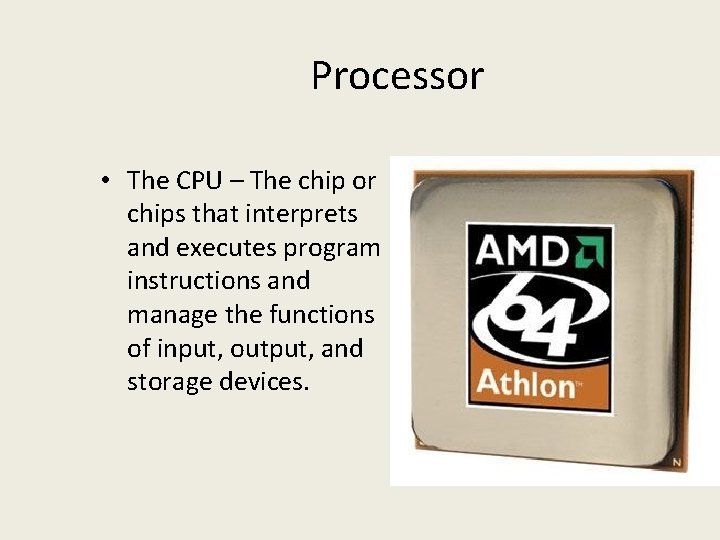
Processor • The CPU – The chip or chips that interprets and executes program instructions and manage the functions of input, output, and storage devices.
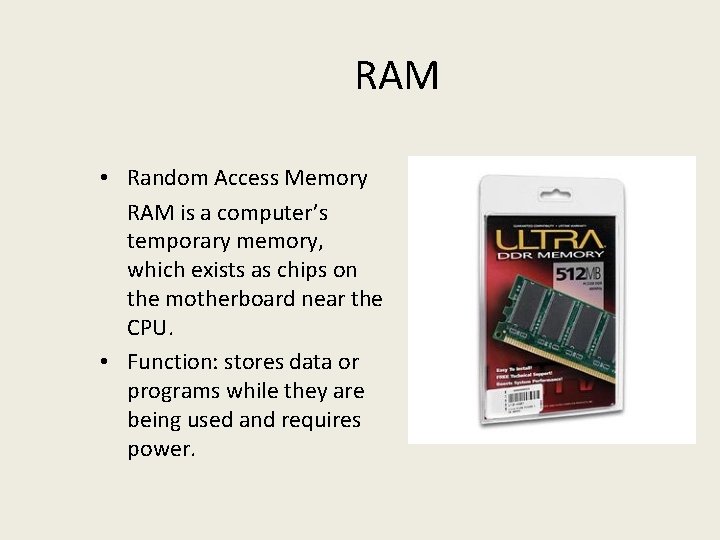
RAM • Random Access Memory RAM is a computer’s temporary memory, which exists as chips on the motherboard near the CPU. • Function: stores data or programs while they are being used and requires power.
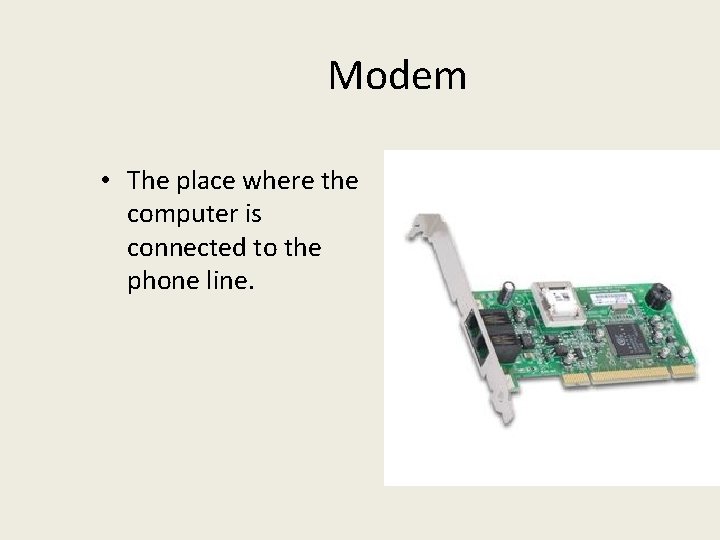
Modem • The place where the computer is connected to the phone line.
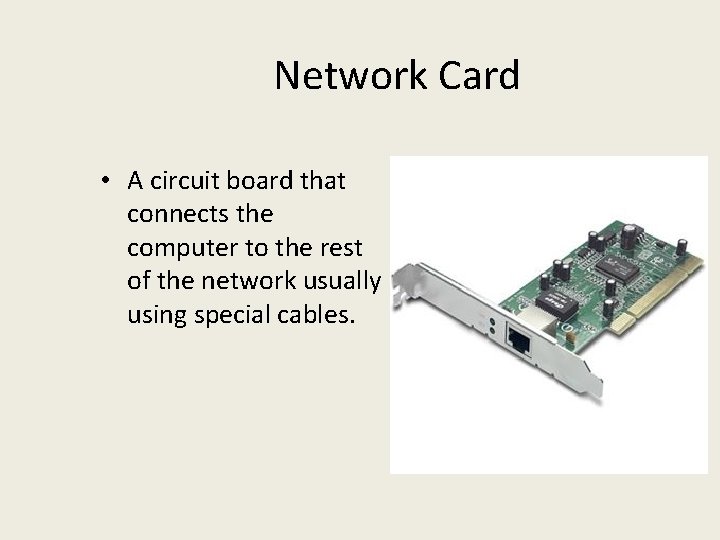
Network Card • A circuit board that connects the computer to the rest of the network usually using special cables.
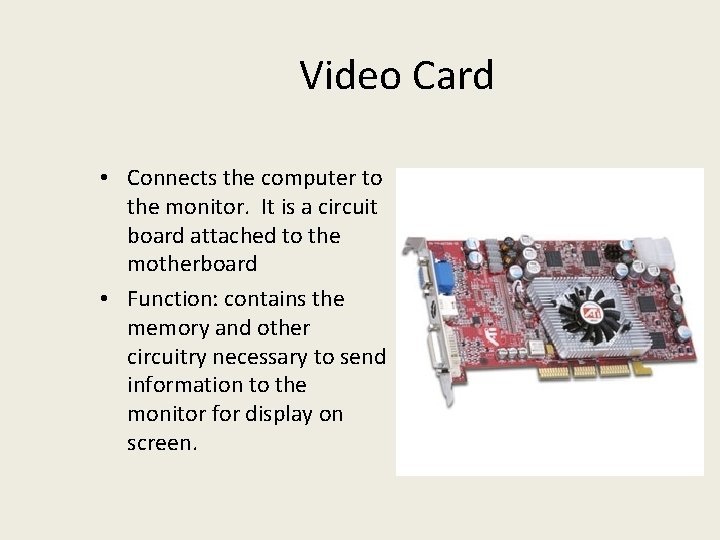
Video Card • Connects the computer to the monitor. It is a circuit board attached to the motherboard • Function: contains the memory and other circuitry necessary to send information to the monitor for display on screen.
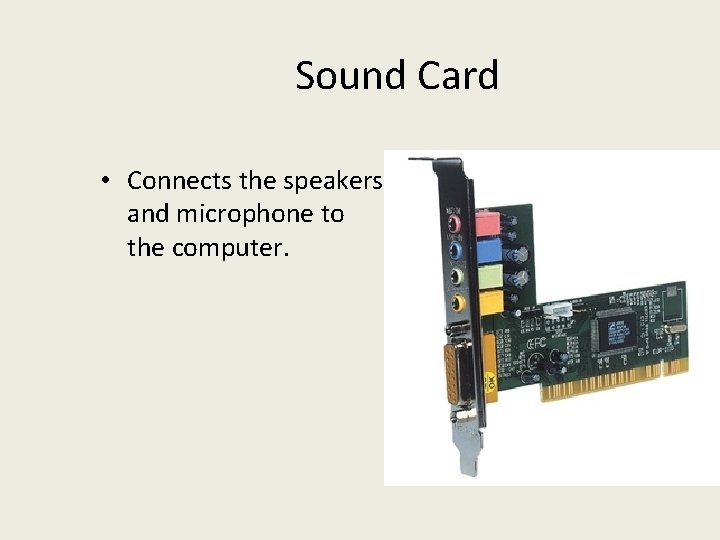
Sound Card • Connects the speakers and microphone to the computer.
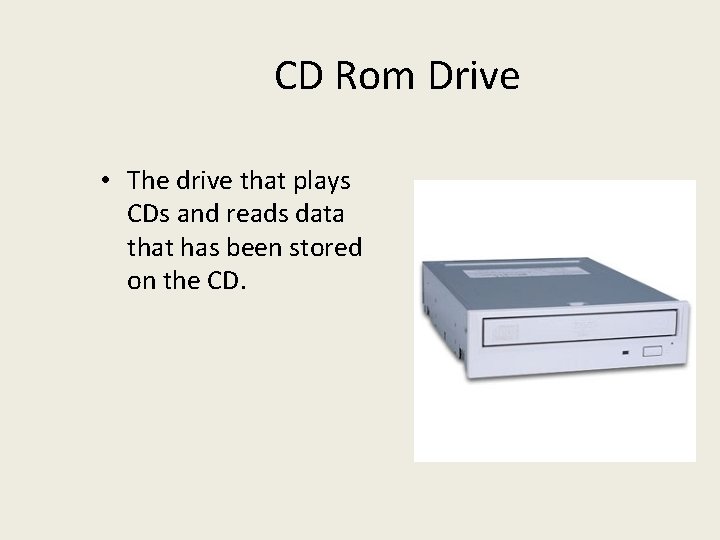
CD Rom Drive • The drive that plays CDs and reads data that has been stored on the CD.
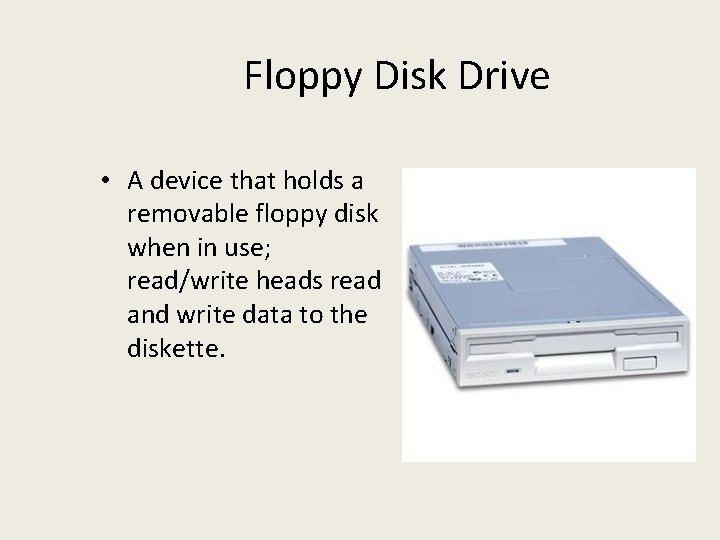
Floppy Disk Drive • A device that holds a removable floppy disk when in use; read/write heads read and write data to the diskette.
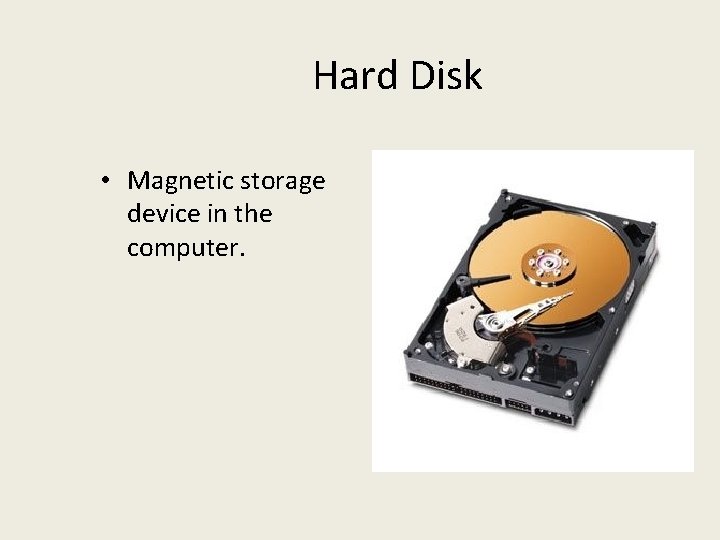
Hard Disk • Magnetic storage device in the computer.
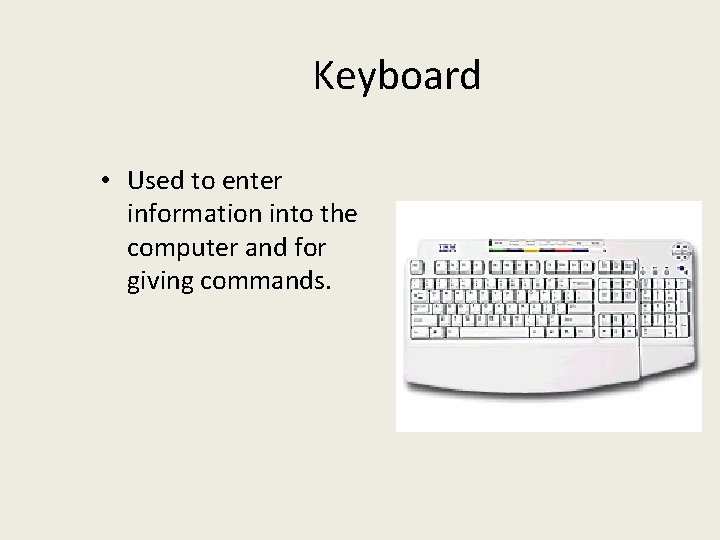
Keyboard • Used to enter information into the computer and for giving commands.
Mouse • An input device operated by rolling its ball across a flat surface. • Function: used to control the on-screen pointer by pointing and clicking, double-clicking, or dragging objects on the screen.
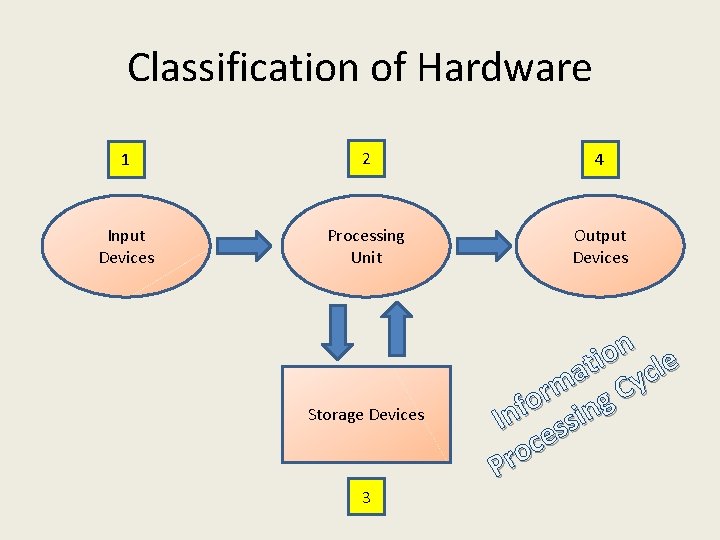
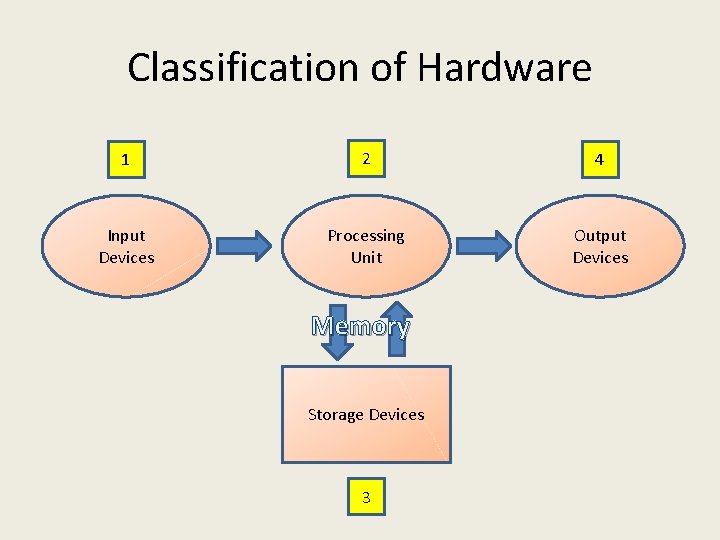
Classification of Hardware 1 2 4 Input Devices Processing Unit Output Devices Storage Devices 3 n o ti cle a y m C r o g f n i n I s s e c o Pr
Information Processing Cycle • All computers follow the same basic operations: (1) input, (2) processing, (3) storage, and (4) output.
What is an Input Device? • whatever is "put into" the computer to make it function • Examples: keyboard, microphone, mouse
What is a Processing Unit? • manipulating whatever data has been input to transform it to information • Everything in the tower, motherboard, CPU
What is a Storage Device? • A place where you can keep processed data. • Examples: USB, Floppy disc, CD
What is an Output Device? • resulting from processing inputs which is useable by humans • Examples: monitor, speakers, printer
Classification of Hardware 1 2 4 Input Devices Processing Unit Output Devices Memory Storage Devices 3
RAM • Random Access Memory • Represent primary storage or temporary storage • Hold data before processing and information after processing, before being sent to an output or storage device • Can be read and written to • Volatile- the contents are lost when the power goes off or is turned off
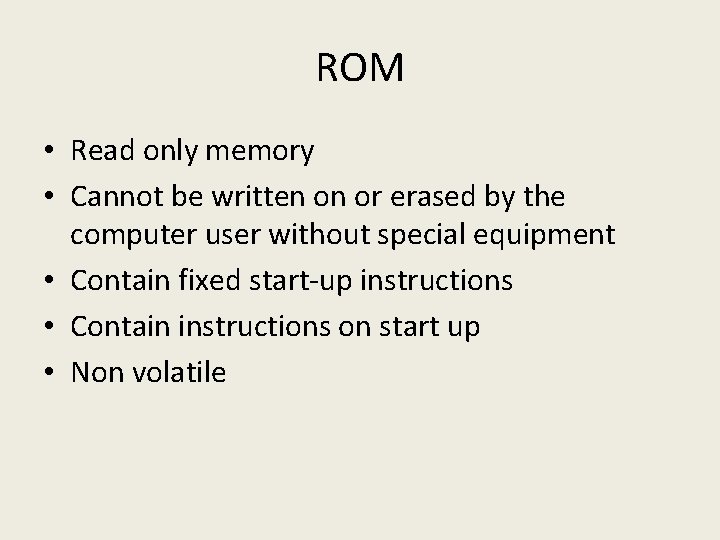
ROM • Read only memory • Cannot be written on or erased by the computer user without special equipment • Contain fixed start-up instructions • Contain instructions on start up • Non volatile
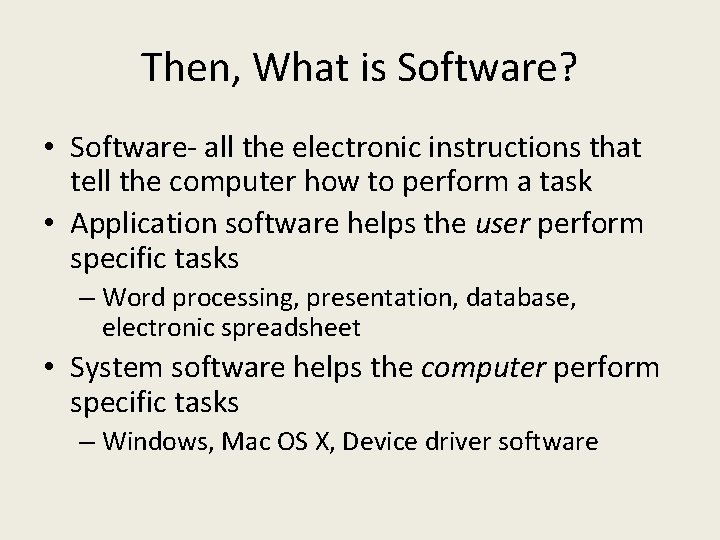
Then, What is Software? • Software- all the electronic instructions that tell the computer how to perform a task • Application software helps the user perform specific tasks – Word processing, presentation, database, electronic spreadsheet • System software helps the computer perform specific tasks – Windows, Mac OS X, Device driver software
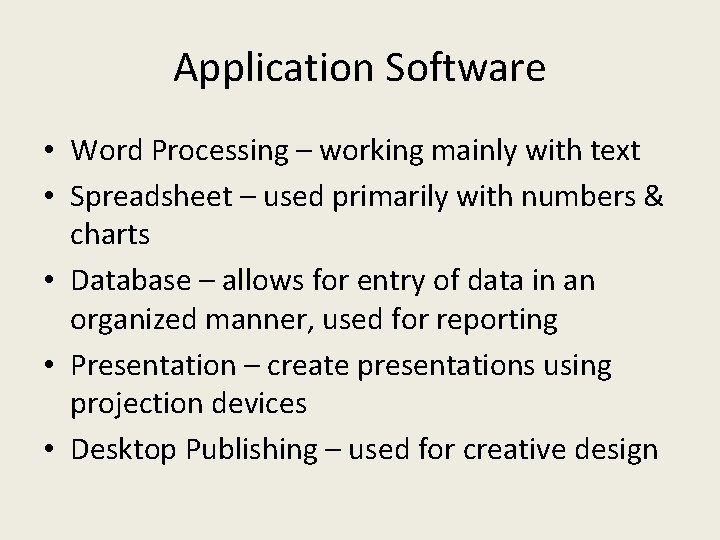
Application Software • Word Processing – working mainly with text • Spreadsheet – used primarily with numbers & charts • Database – allows for entry of data in an organized manner, used for reporting • Presentation – create presentations using projection devices • Desktop Publishing – used for creative design
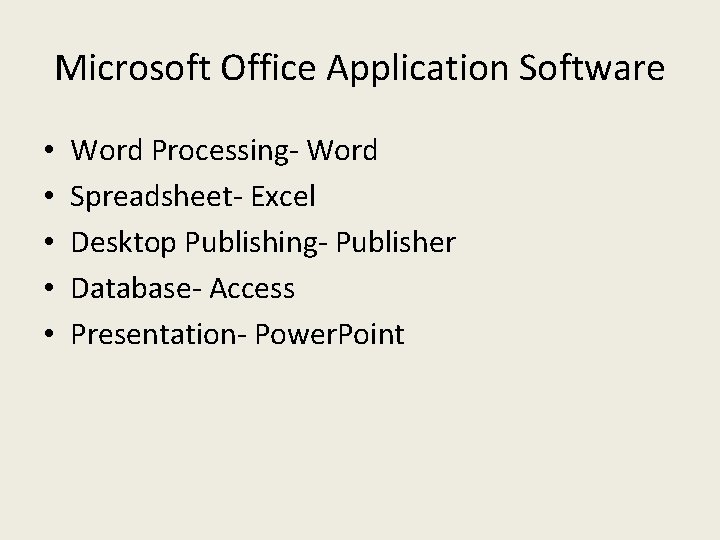
Microsoft Office Application Software • • • Word Processing- Word Spreadsheet- Excel Desktop Publishing- Publisher Database- Access Presentation- Power. Point
Balancing your checkbook. Spreadsheet
Creating a birthday card for a friend. Desktop Publishing
Writing an essay about your pet. Word Processing
Making a school newsletter Desktop Publishing
Giving a presentation to the class on computers. Presentation
Writing a research paper on UFO’s. Word Processing
Creating an address book for Christmas cards. Database
System Software • System software running processes on your computer. They are necessary features in order for your computer to run and do the things that computers are expected to do. For example: boot up, logging in, connect to the internet, etc.
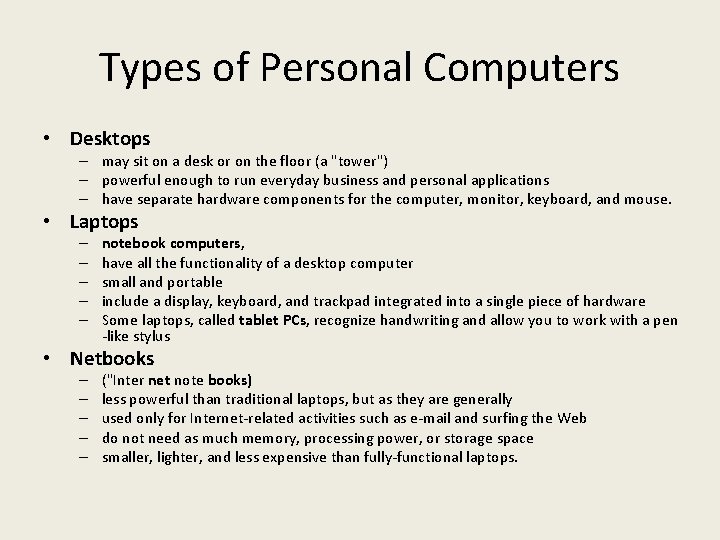
Types of Personal Computers • Desktops – may sit on a desk or on the floor (a "tower") – powerful enough to run everyday business and personal applications – have separate hardware components for the computer, monitor, keyboard, and mouse. • Laptops – – – notebook computers, have all the functionality of a desktop computer small and portable include a display, keyboard, and trackpad integrated into a single piece of hardware Some laptops, called tablet PCs, recognize handwriting and allow you to work with a pen -like stylus • Netbooks – – – ("Inter net note books) less powerful than traditional laptops, but as they are generally used only for Internet-related activities such as e-mail and surfing the Web do not need as much memory, processing power, or storage space smaller, lighter, and less expensive than fully-functional laptops.
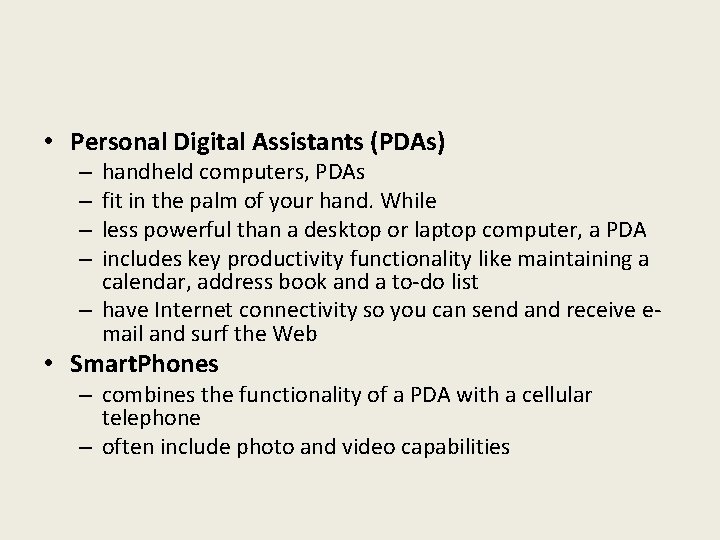
• Personal Digital Assistants (PDAs) handheld computers, PDAs fit in the palm of your hand. While less powerful than a desktop or laptop computer, a PDA includes key productivity functionality like maintaining a calendar, address book and a to-do list – have Internet connectivity so you can send and receive email and surf the Web – – • Smart. Phones – combines the functionality of a PDA with a cellular telephone – often include photo and video capabilities