
HARDWARE Keyboard most important input device Type Standard
HARDWARE
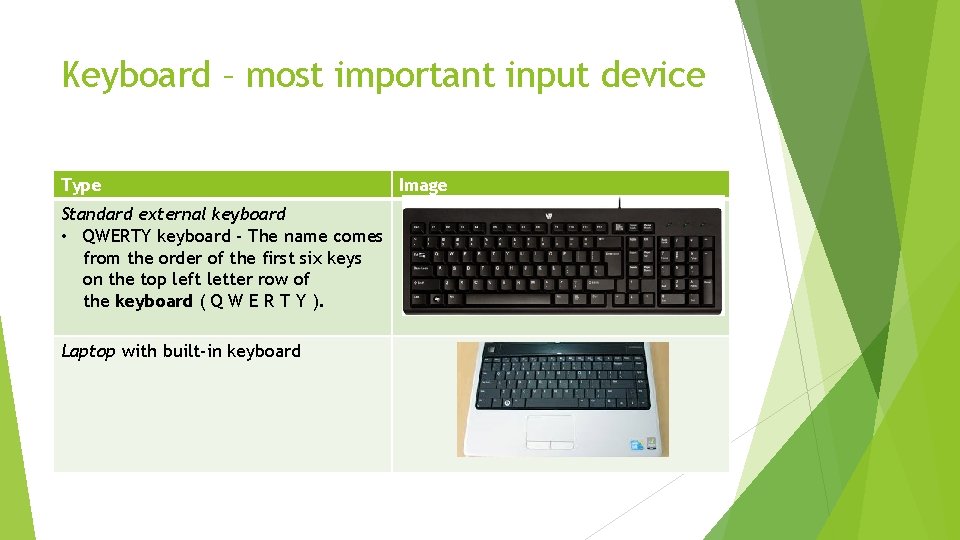
Keyboard – most important input device Type Standard external keyboard • QWERTY keyboard - The name comes from the order of the first six keys on the top left letter row of the keyboard ( Q W E R T Y ). Laptop with built-in keyboard Image
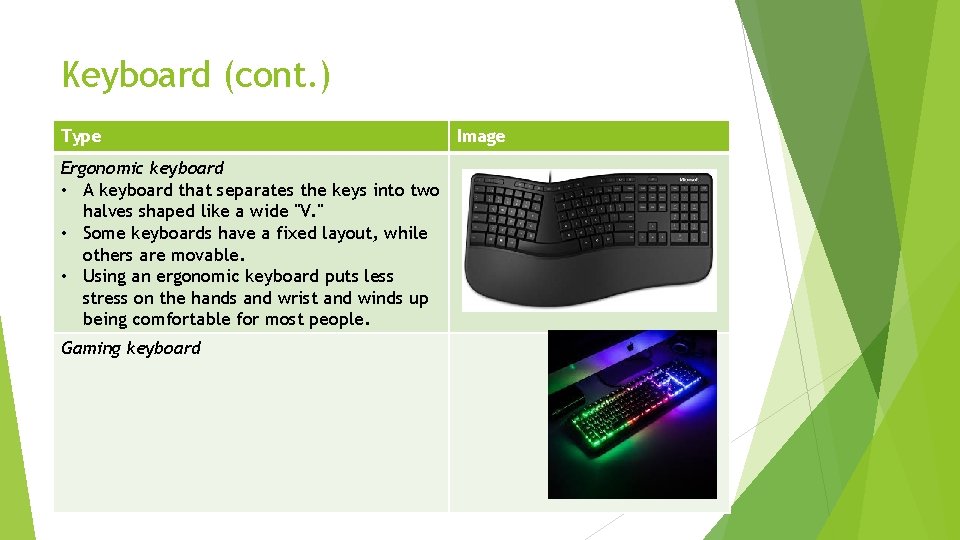
Keyboard (cont. ) Type Ergonomic keyboard • A keyboard that separates the keys into two halves shaped like a wide "V. " • Some keyboards have a fixed layout, while others are movable. • Using an ergonomic keyboard puts less stress on the hands and wrist and winds up being comfortable for most people. Gaming keyboard Image
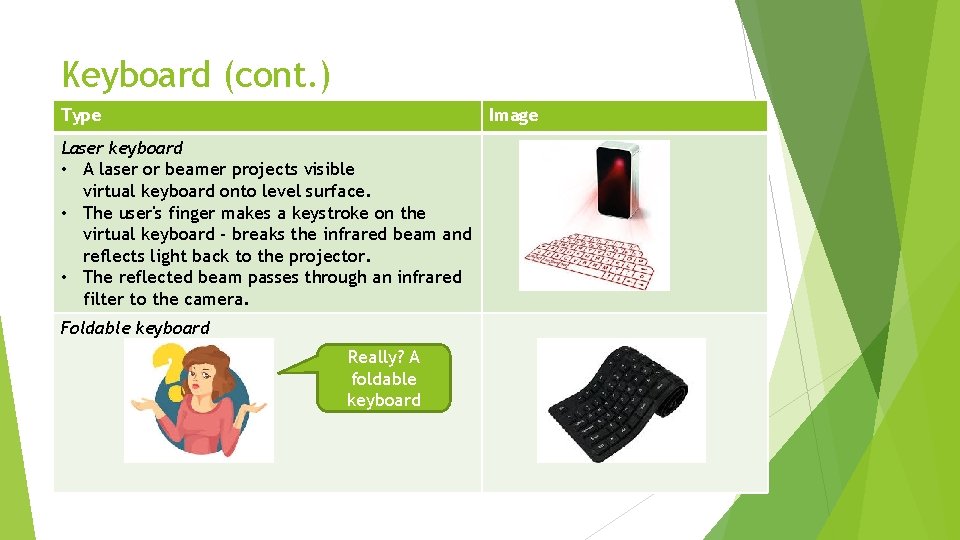
Keyboard (cont. ) Type Image Laser keyboard • A laser or beamer projects visible virtual keyboard onto level surface. • The user's finger makes a keystroke on the virtual keyboard - breaks the infrared beam and reflects light back to the projector. • The reflected beam passes through an infrared filter to the camera. Foldable keyboard Really? A foldable keyboard
Mice (‘Mouse’ also correct) – 2 nd important input device Input device that is used with a computer. Moving a mouse along a flat surface can move the cursor to different items on the screen. A computer mouse is a handheld hardware input device that controls a cursor in a GUI and can move and select text, icons, files, and folders. A mouse is a pointing device. I am scared of a mouse!
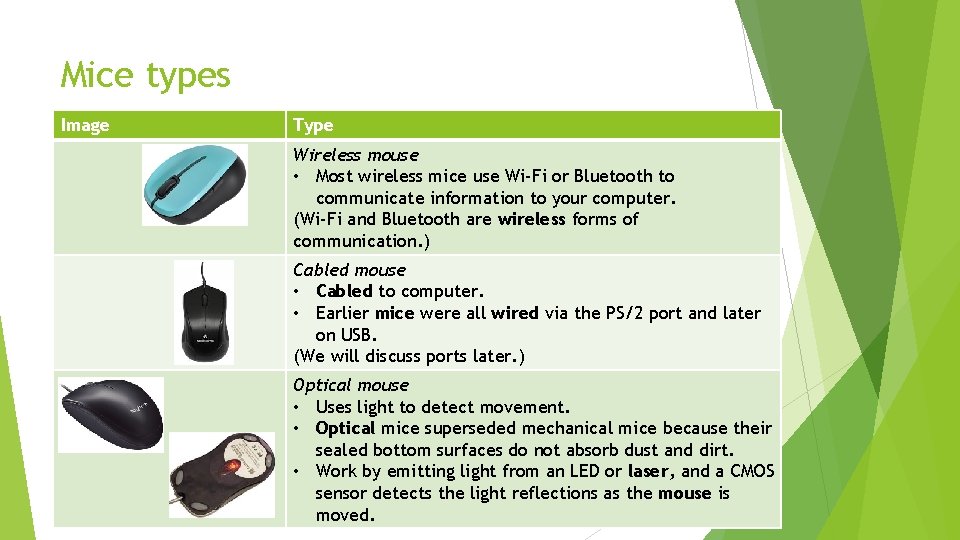
Mice types Image Type Wireless mouse • Most wireless mice use Wi-Fi or Bluetooth to communicate information to your computer. (Wi-Fi and Bluetooth are wireless forms of communication. ) Cabled mouse • Cabled to computer. • Earlier mice were all wired via the PS/2 port and later on USB. (We will discuss ports later. ) Optical mouse • Uses light to detect movement. • Optical mice superseded mechanical mice because their sealed bottom surfaces do not absorb dust and dirt. • Work by emitting light from an LED or laser, and a CMOS sensor detects the light reflections as the mouse is moved.

Hardware – Pointing devices Any device (e. g. a graphics tablet, mouse, stylus, or trackball) used to control the movement of a cursor on a computer screen. Name of device What it does Touch screen Display device which allows the user to interact with a device by touching areas on the screen. Touch pad A computer input device in the form of a small panel containing different touch-sensitive areas. Trackball Serves as mouse replacements. Primarily used to move the cursor on the screen. Like mice, computer trackball devices include left-click and right-click buttons, and may also be used to enter other commands Image
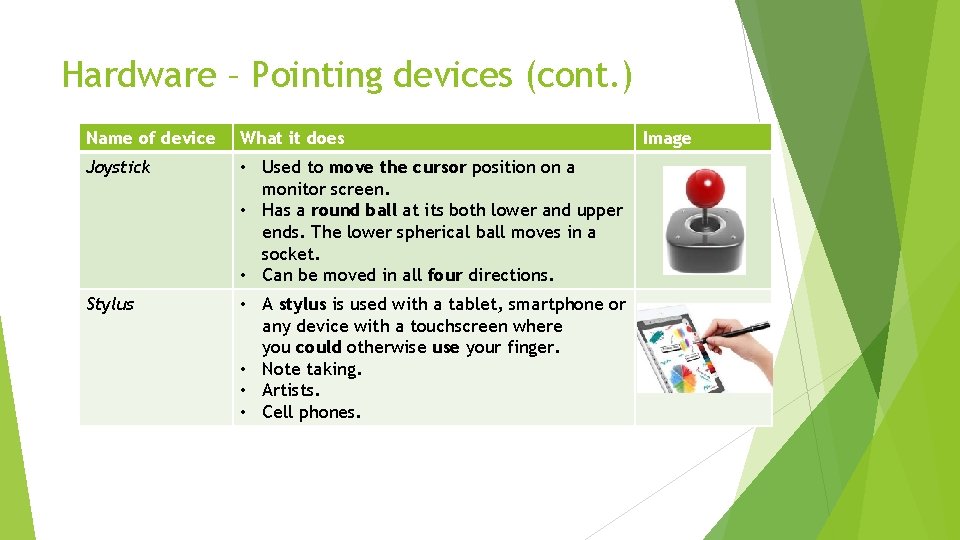
Hardware – Pointing devices (cont. ) Name of device What it does Joystick • Used to move the cursor position on a monitor screen. • Has a round ball at its both lower and upper ends. The lower spherical ball moves in a socket. • Can be moved in all four directions. Stylus • A stylus is used with a tablet, smartphone or any device with a touchscreen where you could otherwise use your finger. • Note taking. • Artists. • Cell phones. Image
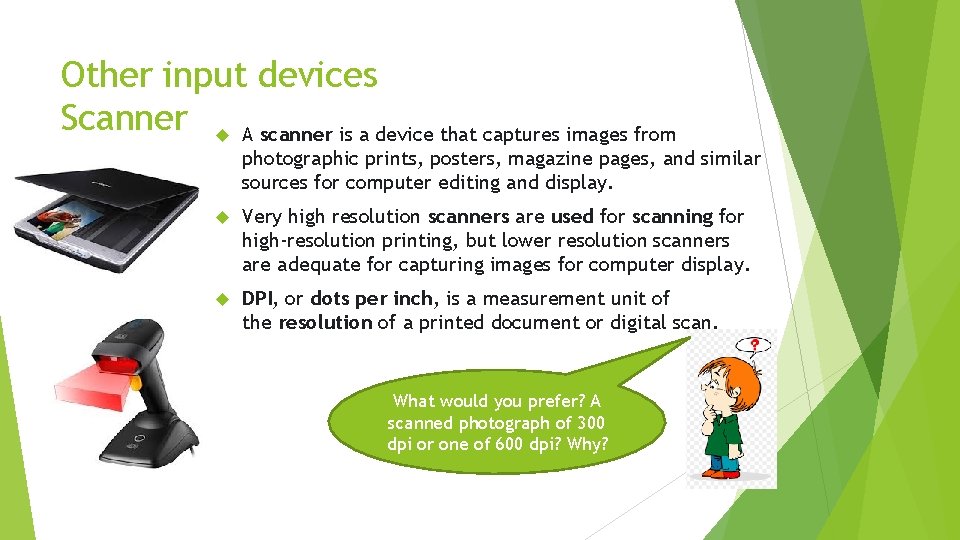
Other input devices Scanner A scanner is a device that captures images from photographic prints, posters, magazine pages, and similar sources for computer editing and display. Very high resolution scanners are used for scanning for high-resolution printing, but lower resolution scanners are adequate for capturing images for computer display. DPI, or dots per inch, is a measurement unit of the resolution of a printed document or digital scan. What would you prefer? A scanned photograph of 300 dpi or one of 600 dpi? Why?
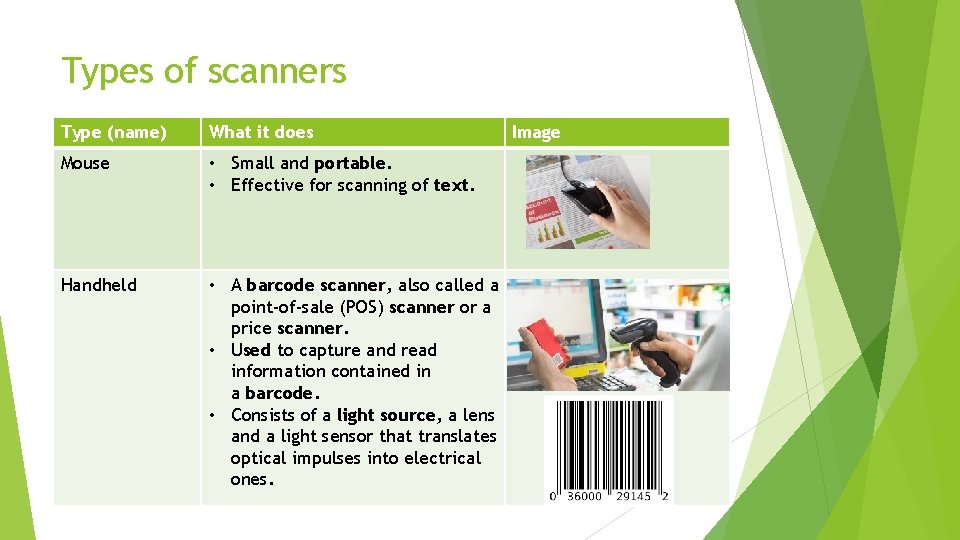
Types of scanners Type (name) What it does Mouse • • Effective for scanning of text. Handheld • A barcode scanner, also called a point-of-sale (POS) scanner or a price scanner. • Used to capture and read information contained in a barcode. • Consists of a light source, a lens and a light sensor that translates optical impulses into electrical ones. Image Different types of scanners Small and portable.
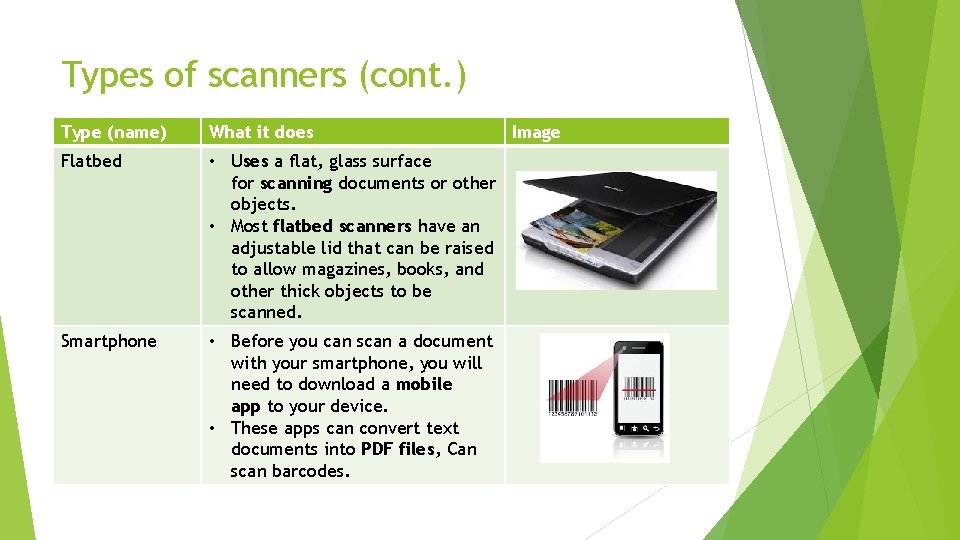
Types of scanners (cont. ) Type (name) What it does Flatbed • Uses a flat, glass surface for scanning documents or other objects. • Most flatbed scanners have an adjustable lid that can be raised to allow magazines, books, and other thick objects to be scanned. Smartphone • Before you can scan a document with your smartphone, you will need to download a mobile app to your device. • These apps can convert text documents into PDF files, Can scan barcodes. Image
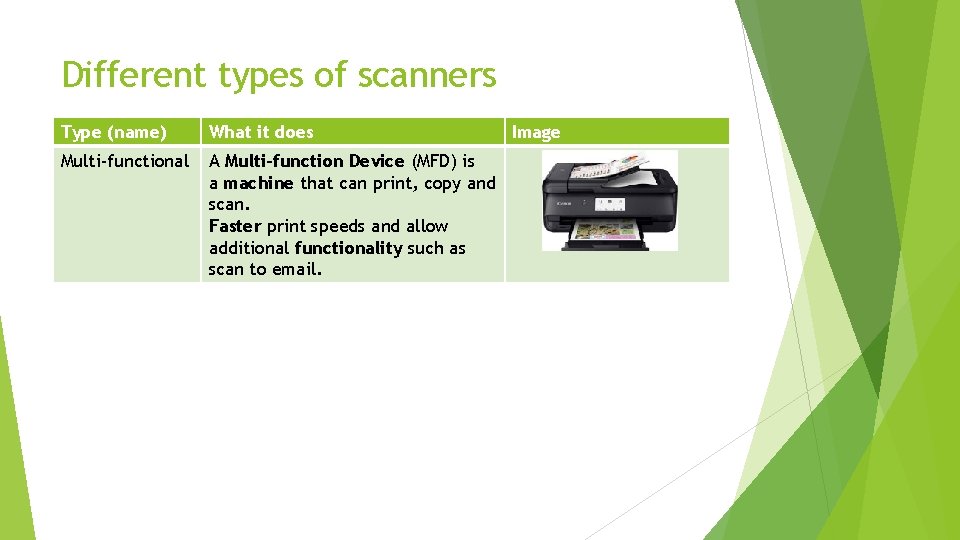
Different types of scanners Type (name) What it does Multi-functional A Multi-function Device (MFD) is a machine that can print, copy and scan. Faster print speeds and allow additional functionality such as scan to email. Image
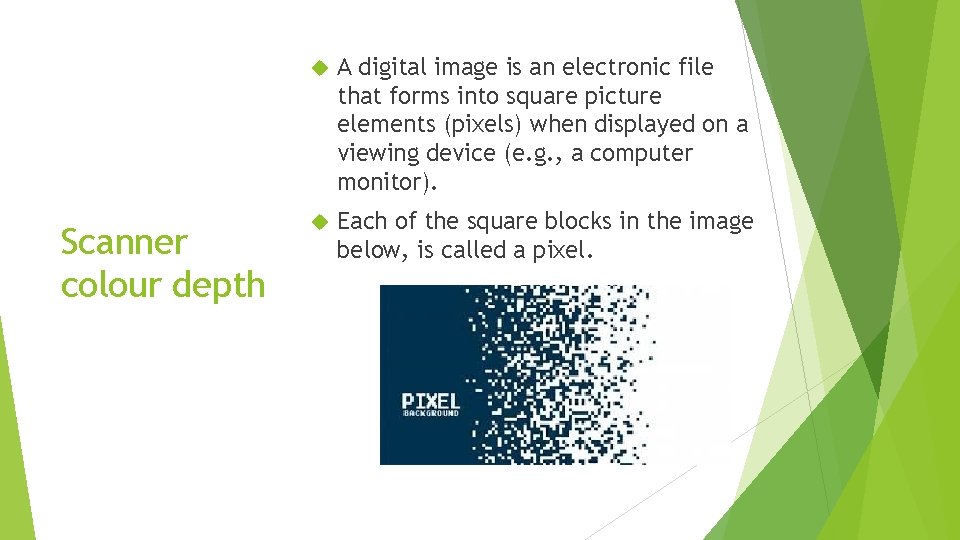
Scanner colour depth A digital image is an electronic file that forms into square picture elements (pixels) when displayed on a viewing device (e. g. , a computer monitor). Each of the square blocks in the image below, is called a pixel.
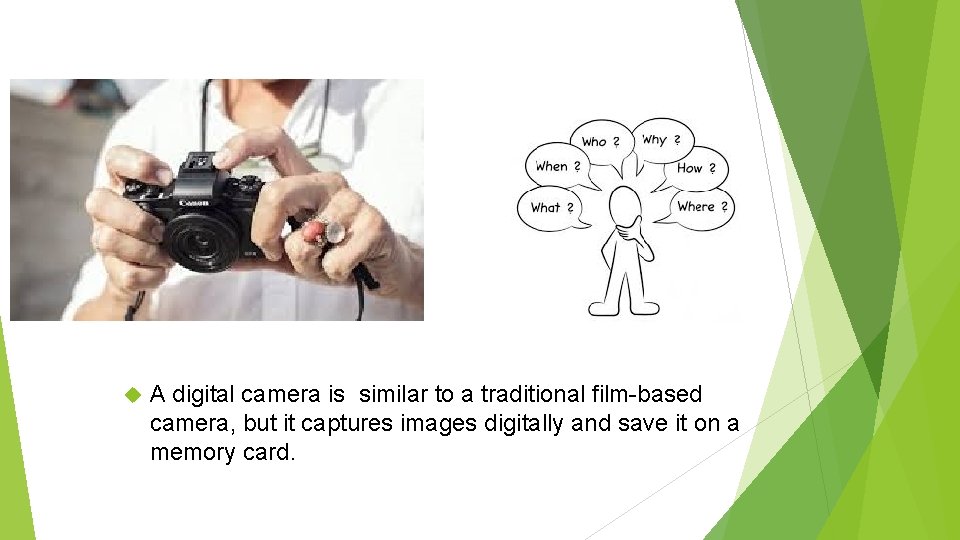
A digital camera is similar. CAMERA to a traditional film-based DIGITAL camera, but it captures images digitally and save it on a memory card.
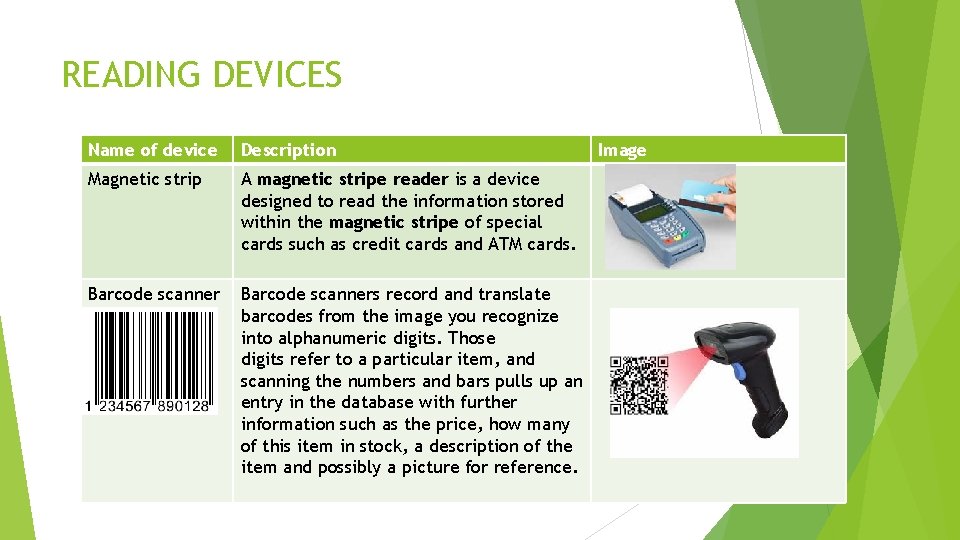
READING DEVICES Name of device Description Magnetic strip A magnetic stripe reader is a device designed to read the information stored within the magnetic stripe of special cards such as credit cards and ATM cards. Barcode scanners record and translate barcodes from the image you recognize into alphanumeric digits. Those digits refer to a particular item, and scanning the numbers and bars pulls up an entry in the database with further information such as the price, how many of this item in stock, a description of the item and possibly a picture for reference. Image
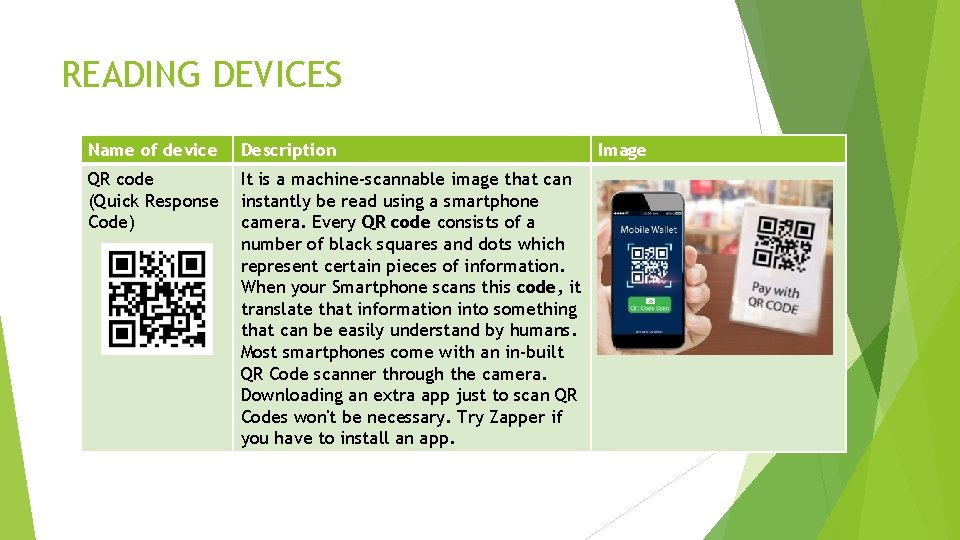
READING DEVICES Name of device Description QR code (Quick Response Code) It is a machine-scannable image that can instantly be read using a smartphone camera. Every QR code consists of a number of black squares and dots which represent certain pieces of information. When your Smartphone scans this code, it translate that information into something that can be easily understand by humans. Most smartphones come with an in-built QR Code scanner through the camera. Downloading an extra app just to scan QR Codes won't be necessary. Try Zapper if you have to install an app. Image
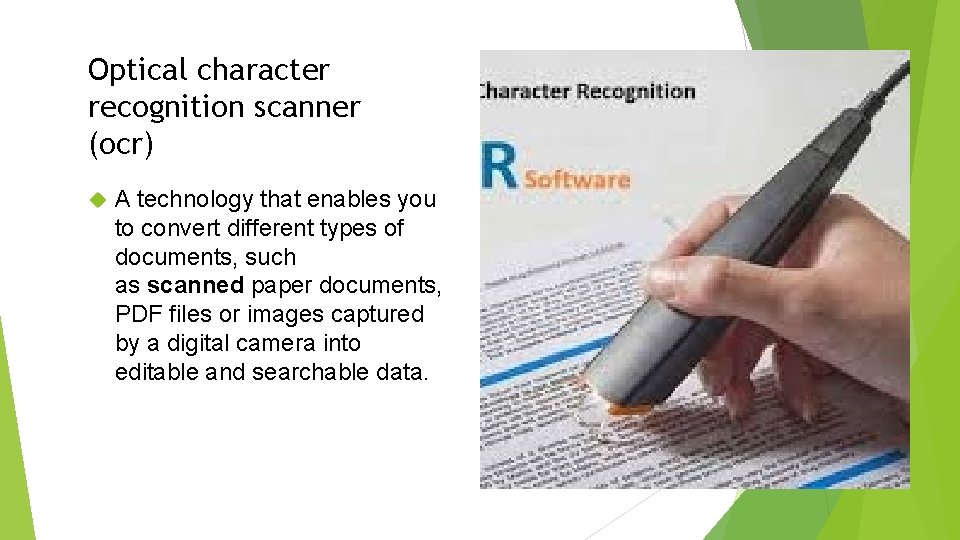
Optical character recognition scanner (ocr) A technology that enables you to convert different types of documents, such as scanned paper documents, PDF files or images captured by a digital camera into editable and searchable data.

- Slides: 18