
Hardware Input and Output Devices Functional Units Arithmetic
- Slides: 28
Hardware Input and Output Devices
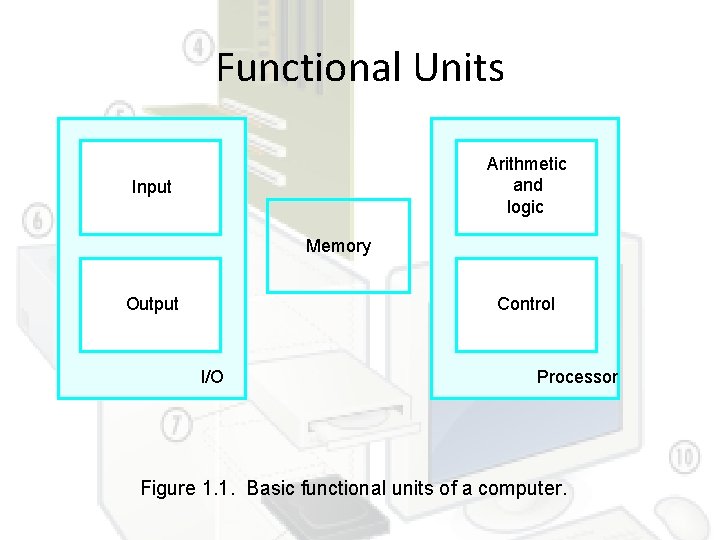
Functional Units Arithmetic and logic Input Memory Output Control I/O Processor Figure 1. 1. Basic functional units of a computer.
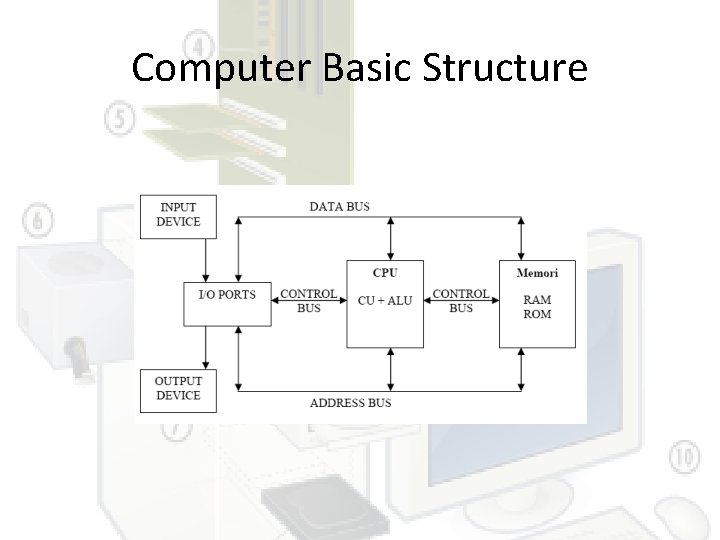
Computer Basic Structure
Input Devices Are used to get data into a system with minimum human intervention
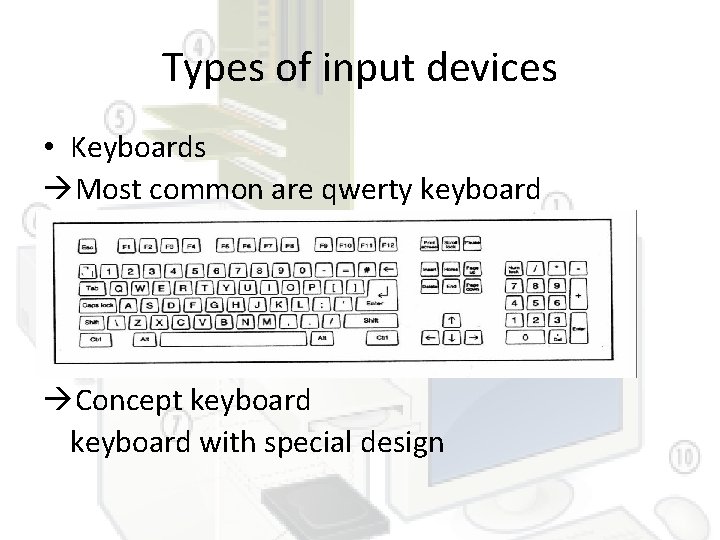
Types of input devices • Keyboards Most common are qwerty keyboard Concept keyboard with special design
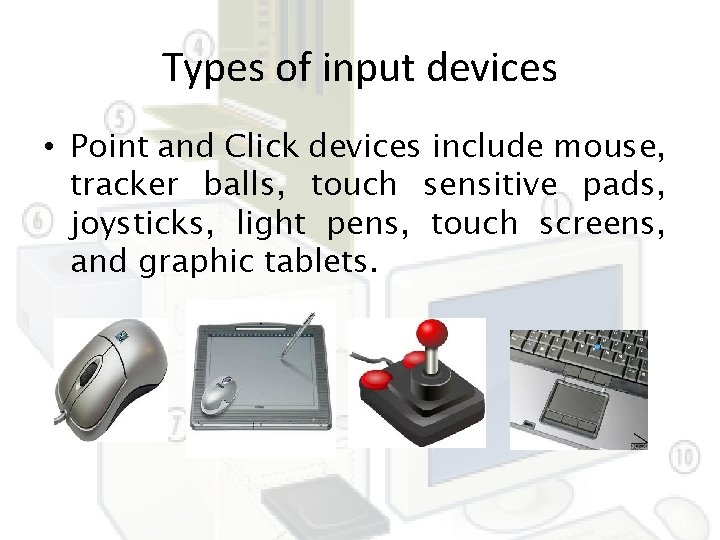
Types of input devices • Point and Click devices include mouse, tracker balls, touch sensitive pads, joysticks, light pens, touch screens, and graphic tablets.
Types of input devices • Readers The most common types of reader used include magnetic strip readers, barcode readers, optical character readers/recognition, magnetic ink character readers/recognition, and optical mark readers/recognition).
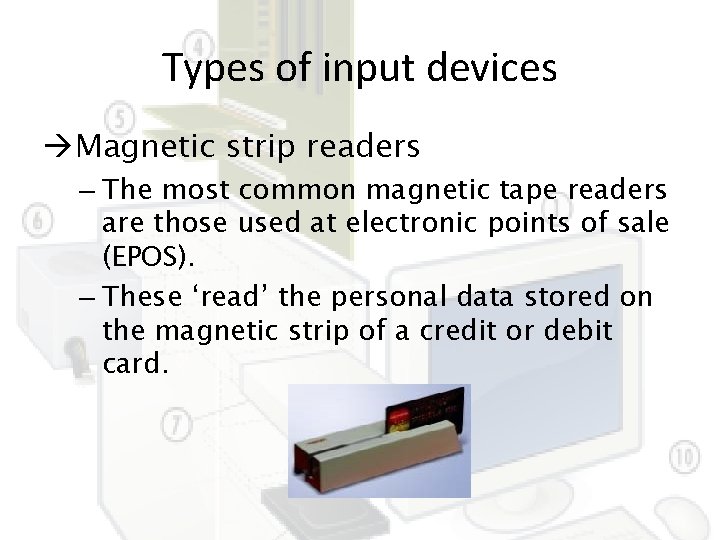
Types of input devices Magnetic strip readers – The most common magnetic tape readers are those used at electronic points of sale (EPOS). – These ‘read’ the personal data stored on the magnetic strip of a credit or debit card.
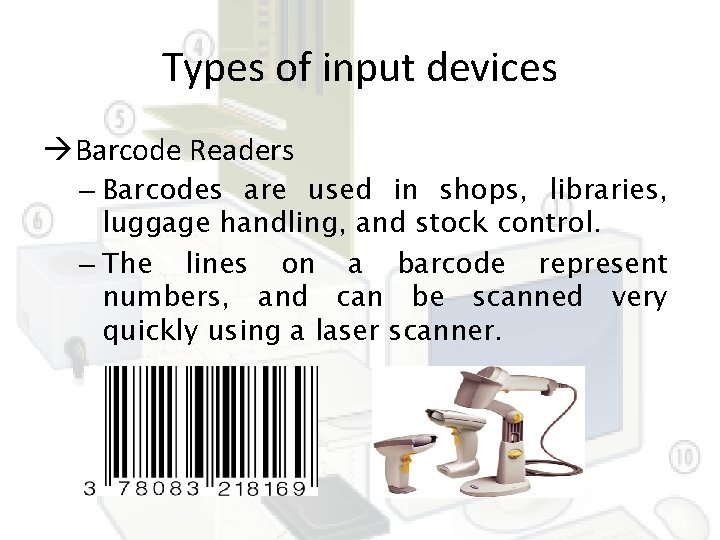
Types of input devices Barcode Readers – Barcodes are used in shops, libraries, luggage handling, and stock control. – The lines on a barcode represent numbers, and can be scanned very quickly using a laser scanner.
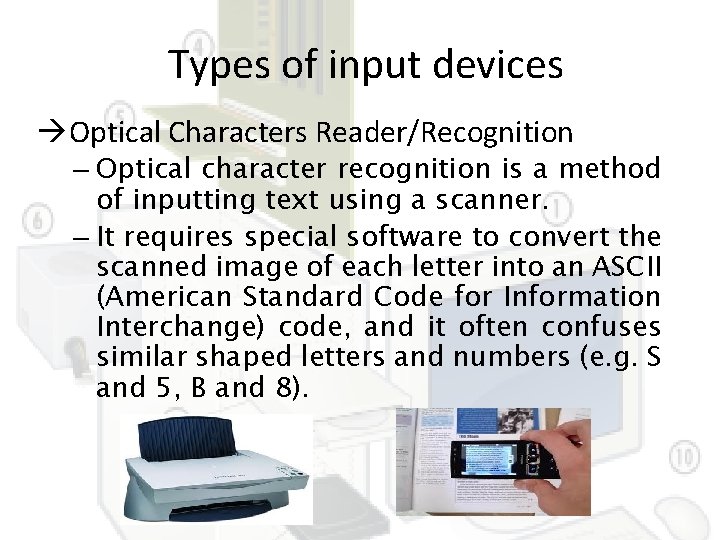
Types of input devices Optical Characters Reader/Recognition – Optical character recognition is a method of inputting text using a scanner. – It requires special software to convert the scanned image of each letter into an ASCII (American Standard Code for Information Interchange) code, and it often confuses similar shaped letters and numbers (e. g. S and 5, B and 8).
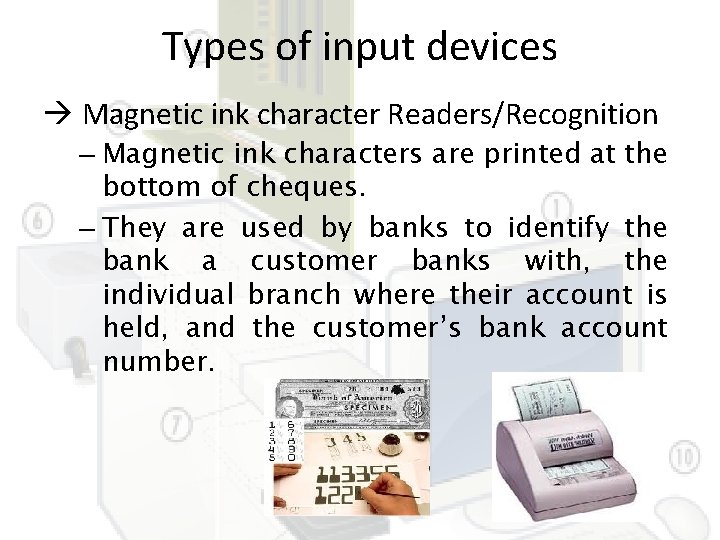
Types of input devices Magnetic ink character Readers/Recognition – Magnetic ink characters are printed at the bottom of cheques. – They are used by banks to identify the bank a customer banks with, the individual branch where their account is held, and the customer’s bank account number.
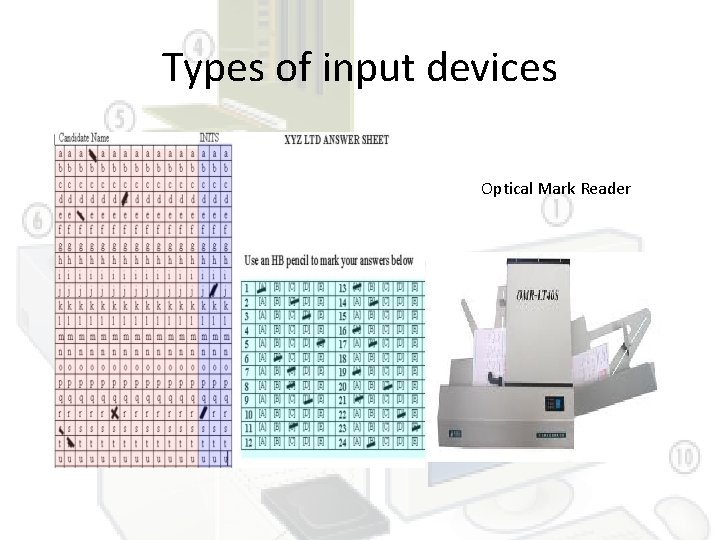
Types of input devices Optical Mark Reader/ Recognition – Optical mark recognition sense marks made on specially designed forms (e. g. multiple choice answer sheets, lottery cards). – OMR is a very cheap, easy and quick to handle system of inputting data, but if a user makes a mistake they are difficult to correct.
Types of input devices Optical Mark Reader
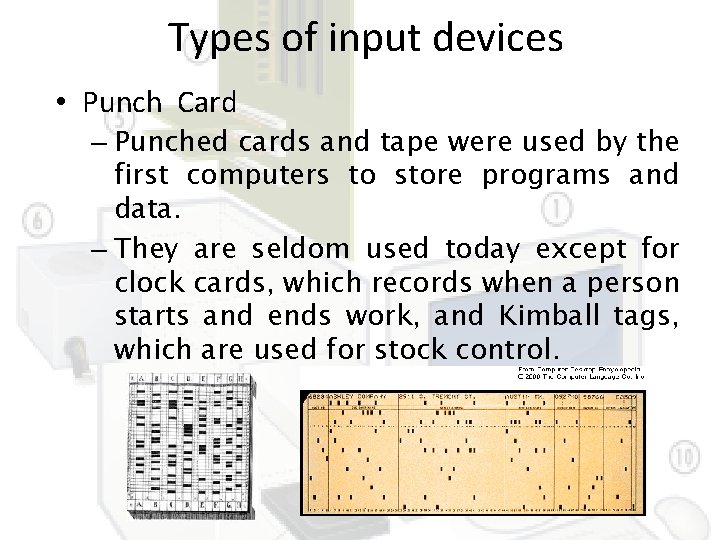
Types of input devices • Punch Card – Punched cards and tape were used by the first computers to store programs and data. – They are seldom used today except for clock cards, which records when a person starts and ends work, and Kimball tags, which are used for stock control.
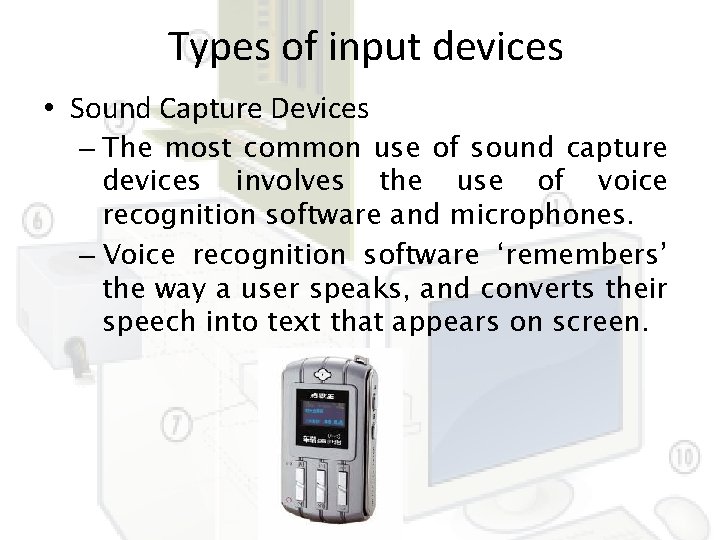
Types of input devices • Sound Capture Devices – The most common use of sound capture devices involves the use of voice recognition software and microphones. – Voice recognition software ‘remembers’ the way a user speaks, and converts their speech into text that appears on screen.
Types of input devices • Terminals – EPOS (Electronic Point Of Sale) and EFTPOS (Electronic Fund Transfer at Point Of Sale) terminals are connected, via secure Internet connections, to the computers of the main banks and credit card companies. – EPOS and EFTPOS allow a retailer to transfer the cost of what they have sold to a customer from the customer’s credit card or bank account to their own bank account.
Exploration • Describe about other input devices such as digital imaging devices, video digitizer, scanner, Digital Cameras, web cams, Tonal devices
Output Devices • Processed data or information • Types of output – Text – Graphics – Audio & video • Output devices – Monitors – Printers – Other Devices
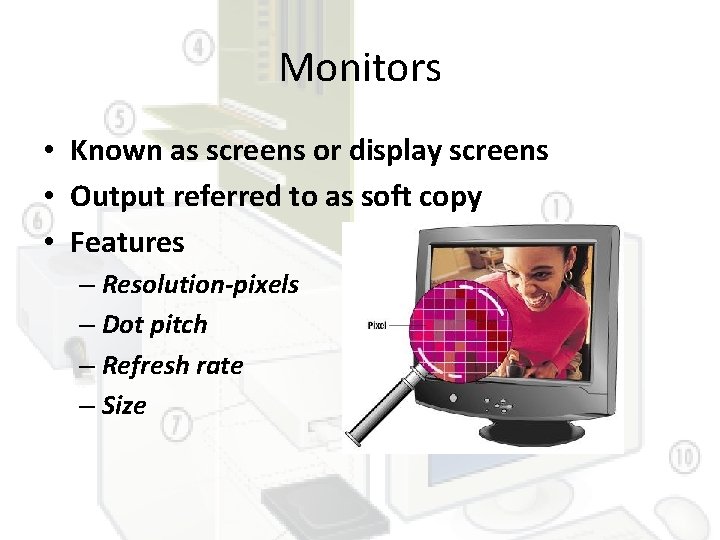
Monitors • Known as screens or display screens • Output referred to as soft copy • Features – Resolution-pixels – Dot pitch – Refresh rate – Size
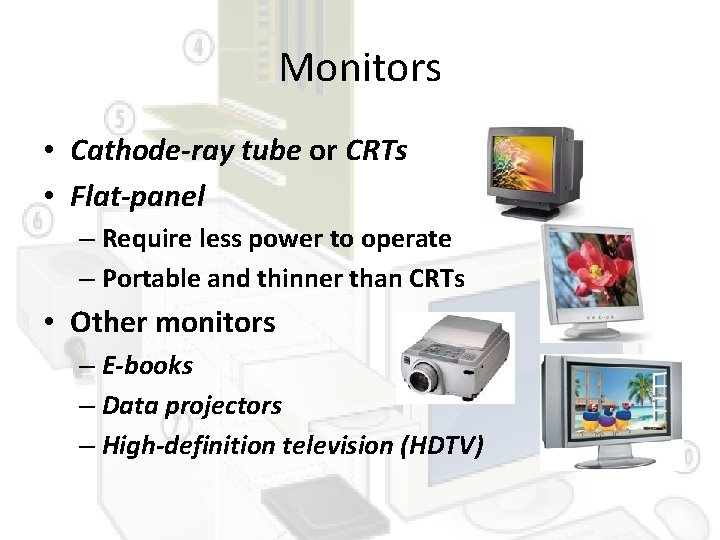
Monitors • Cathode-ray tube or CRTs • Flat-panel – Require less power to operate – Portable and thinner than CRTs • Other monitors – E-books – Data projectors – High-definition television (HDTV)
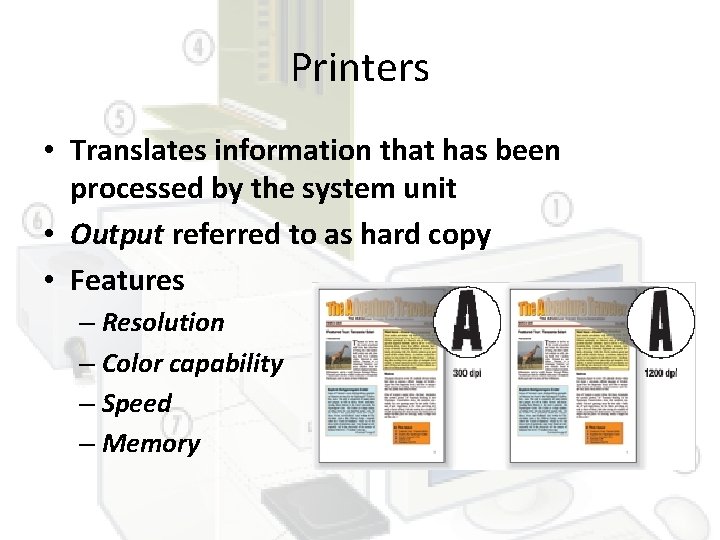
Printers • Translates information that has been processed by the system unit • Output referred to as hard copy • Features – Resolution – Color capability – Speed – Memory
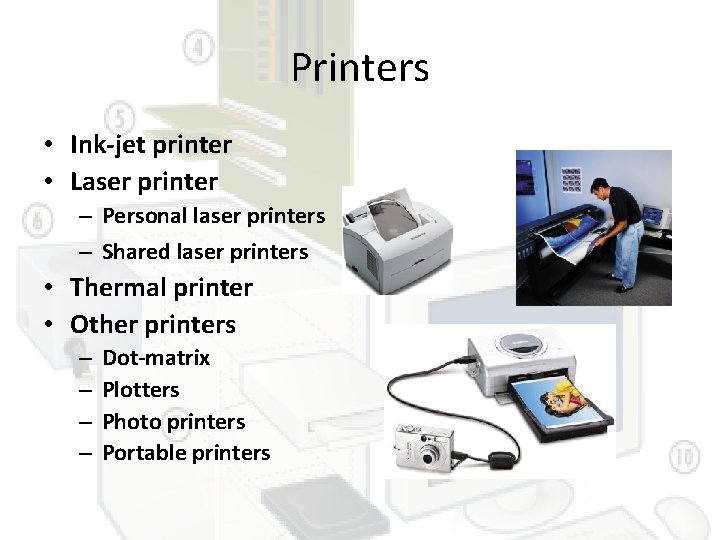
Printers • Ink-jet printer • Laser printer – Personal laser printers – Shared laser printers • Thermal printer • Other printers – – Dot-matrix Plotters Photo printers Portable printers
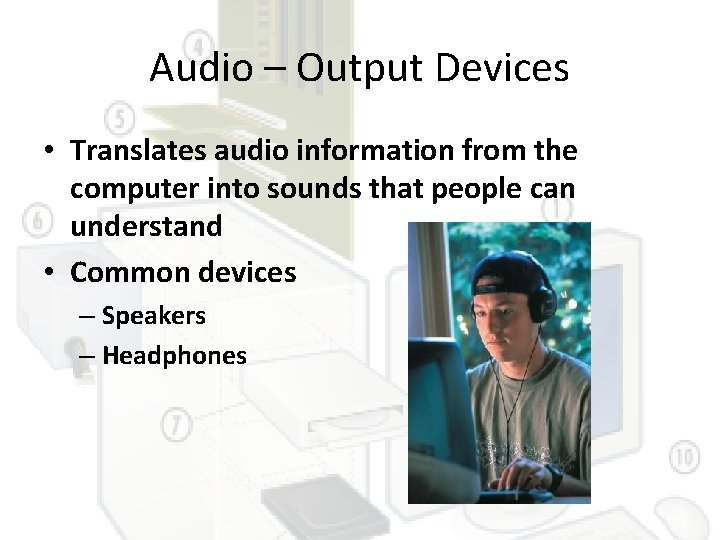
Audio – Output Devices • Translates audio information from the computer into sounds that people can understand • Common devices – Speakers – Headphones
Combination Input and Output Devices • • Many devices combine input and output capabilities Fax machines Multifunction devices Internet telephones – known as Telephony – and Voice-over IP (Vo. IP) – Three approaches • Terminals
Internet Telephone • Computer-to computer – Place free phone calls when using a computer to send also to receive via the Internet – Software is available for free or very low cost • Computer-to traditional telephone – Place the call from a computer to a phone using an Internet phone service provider that supplies the software for a small monthly fee and/or airtime fee • Traditional telephone-to-traditional telephone – Subscription to an Internet phone service provider that supplies a special hardware adapter to connect a traditional phone to the Internet with a fee connected to service
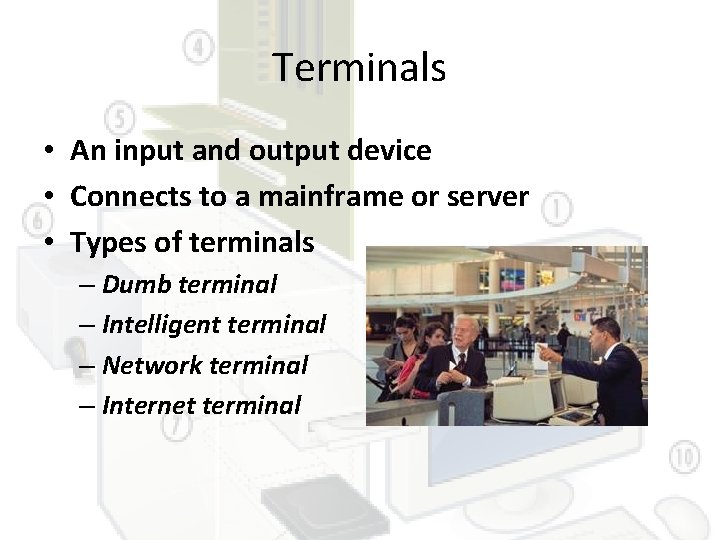
Terminals • An input and output device • Connects to a mainframe or server • Types of terminals – Dumb terminal – Intelligent terminal – Network terminal – Internet terminal
Questions • Describe three categories of output devices • What are combinations input and output devices? Describe four such devices
Thank You!