
Hardware Essential Components of a Computer Computer Case

- Slides: 12
Hardware Essential Components of a Computer
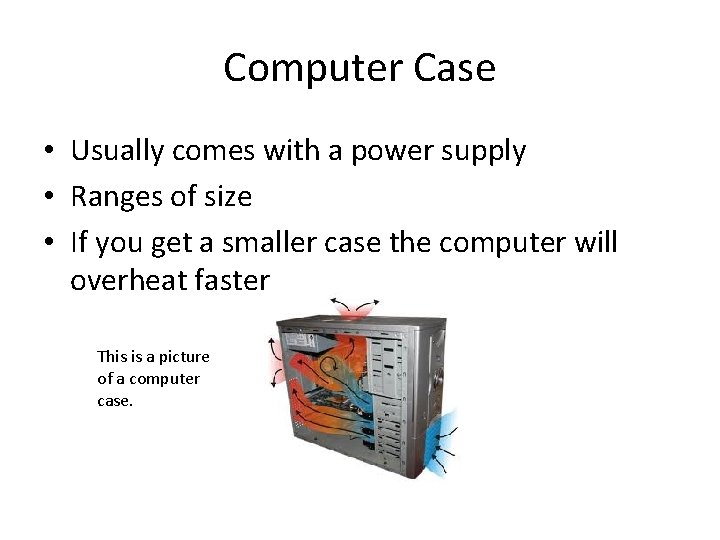
Computer Case • Usually comes with a power supply • Ranges of size • If you get a smaller case the computer will overheat faster This is a picture of a computer case.
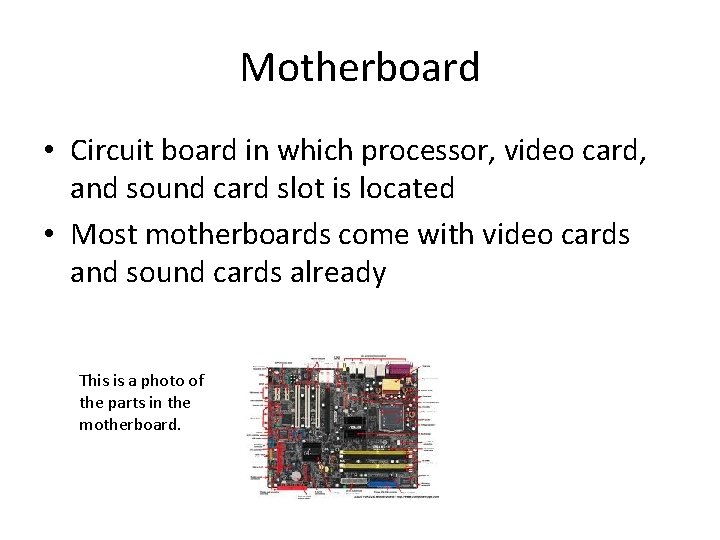
Motherboard • Circuit board in which processor, video card, and sound card slot is located • Most motherboards come with video cards and sound cards already This is a photo of the parts in the motherboard.
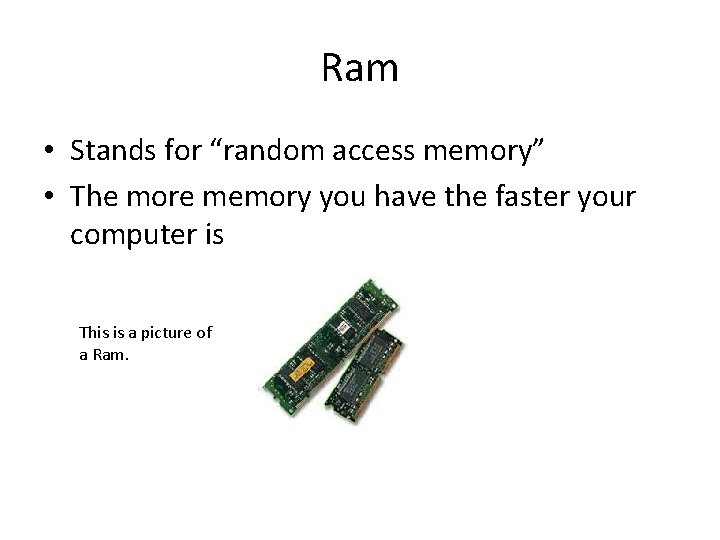
Ram • Stands for “random access memory” • The more memory you have the faster your computer is This is a picture of a Ram.
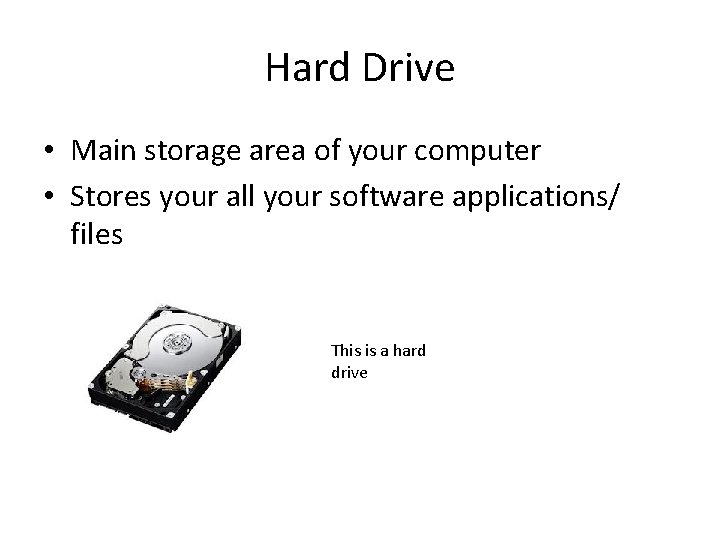
Hard Drive • Main storage area of your computer • Stores your all your software applications/ files This is a hard drive
Processor • Also known as the central processing unit (CPU) • Motherboard determines which process you buy This is what a computer processor looks like.
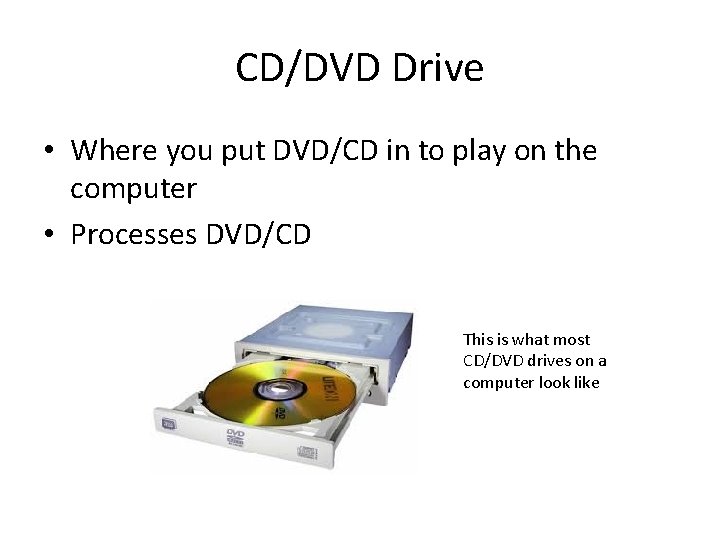
CD/DVD Drive • Where you put DVD/CD in to play on the computer • Processes DVD/CD This is what most CD/DVD drives on a computer look like
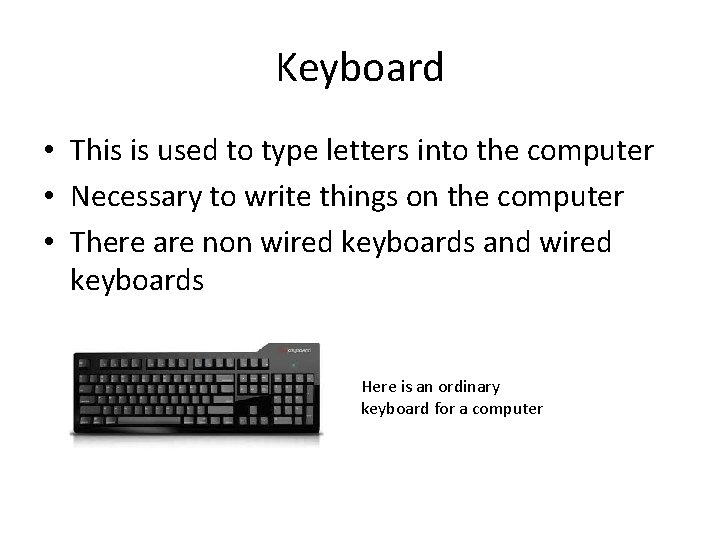
Keyboard • This is used to type letters into the computer • Necessary to write things on the computer • There are non wired keyboards and wired keyboards Here is an ordinary keyboard for a computer
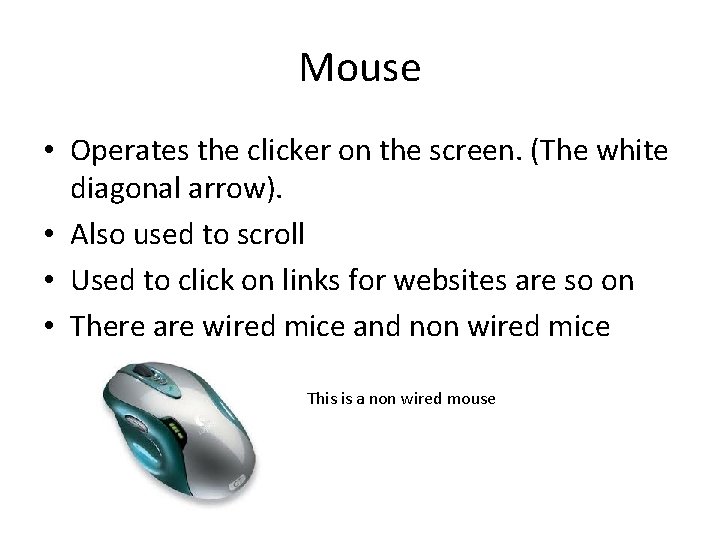
Mouse • Operates the clicker on the screen. (The white diagonal arrow). • Also used to scroll • Used to click on links for websites are so on • There are wired mice and non wired mice This is a non wired mouse
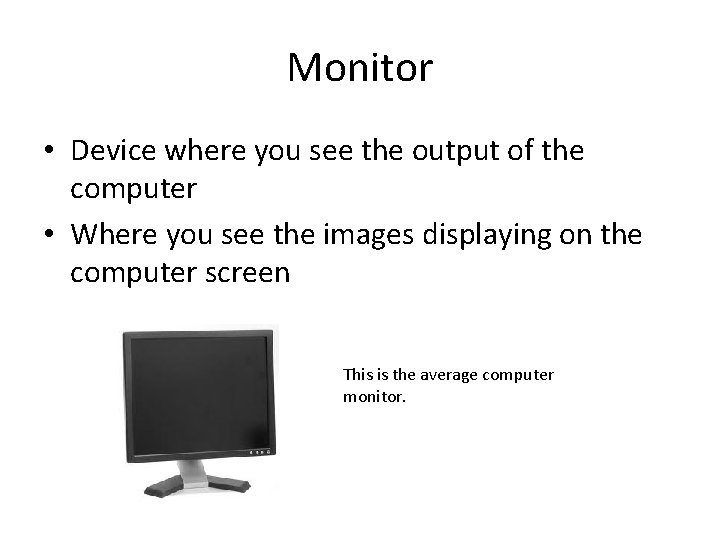
Monitor • Device where you see the output of the computer • Where you see the images displaying on the computer screen This is the average computer monitor.
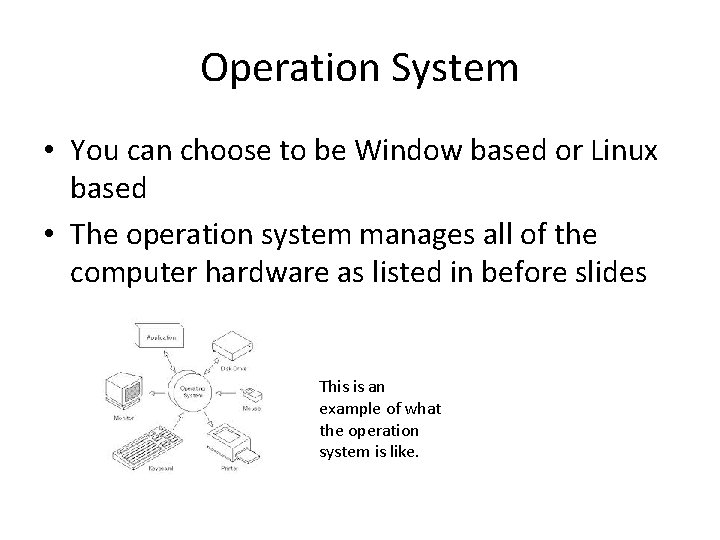
Operation System • You can choose to be Window based or Linux based • The operation system manages all of the computer hardware as listed in before slides This is an example of what the operation system is like.
Sources http: //technicallyeasy. net/2011/05/10 -essential -things-you-need-to-build-a-computer/ http: //en. wikipedia. org/wiki/Operating_system (And Google images)