
Hardware and Software for Digital Graphics by Rowan
Hardware and Software for Digital Graphics by Rowan Lovejoy
Introduction This presentation will cover the following: • What are digital graphics? • The hardware and software needed to create, edit, and output digital graphics • My final thoughts on creating digital graphics
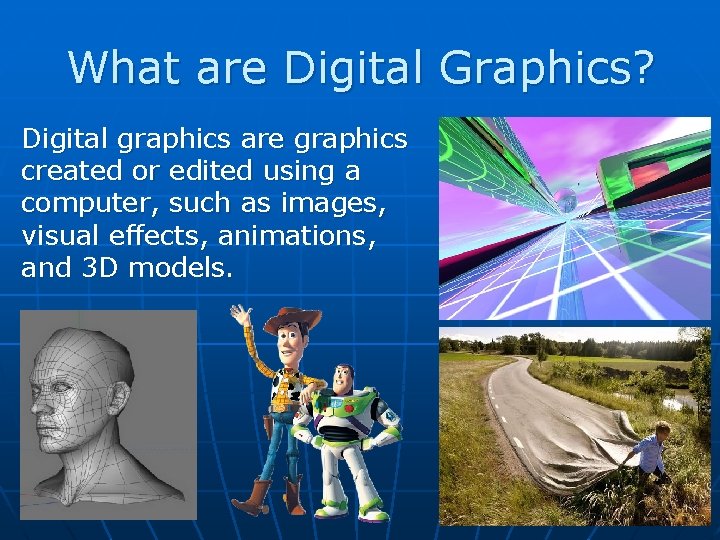
What are Digital Graphics? Digital graphics are graphics created or edited using a computer, such as images, visual effects, animations, and 3 D models.
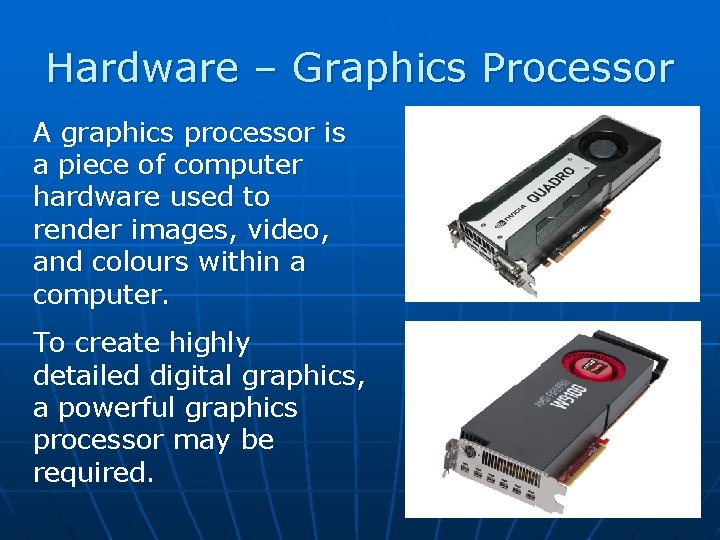
Hardware – Graphics Processor A graphics processor is a piece of computer hardware used to render images, video, and colours within a computer. To create highly detailed digital graphics, a powerful graphics processor may be required.
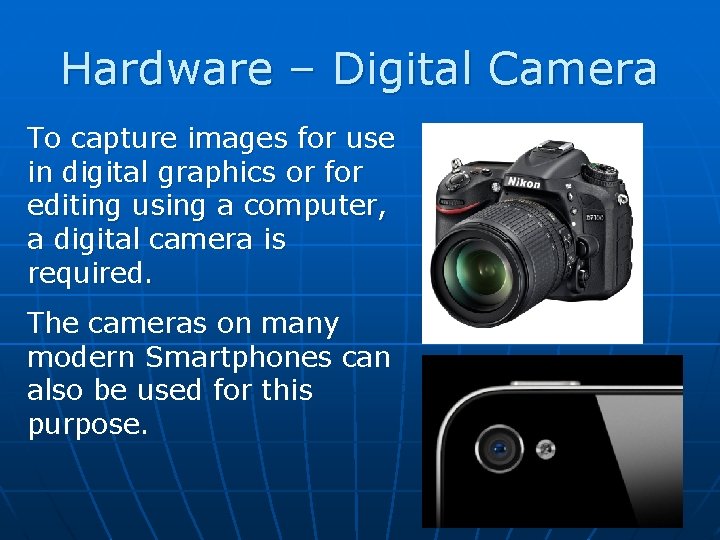
Hardware – Digital Camera To capture images for use in digital graphics or for editing using a computer, a digital camera is required. The cameras on many modern Smartphones can also be used for this purpose.
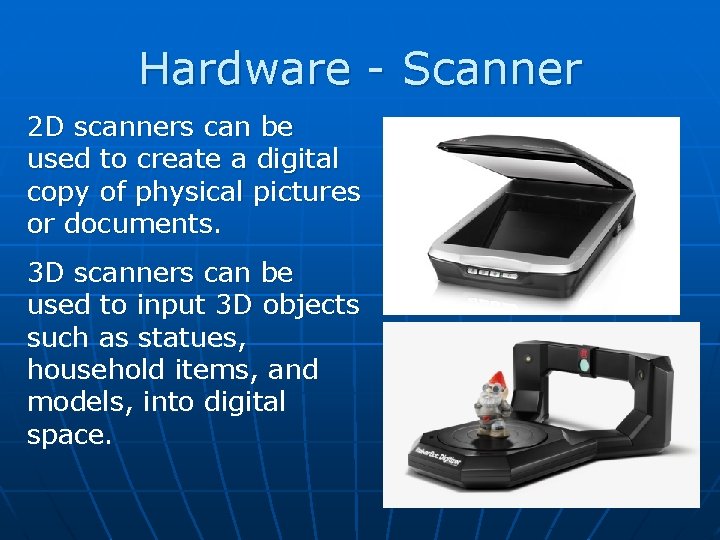
Hardware - Scanner 2 D scanners can be used to create a digital copy of physical pictures or documents. 3 D scanners can be used to input 3 D objects such as statues, household items, and models, into digital space.
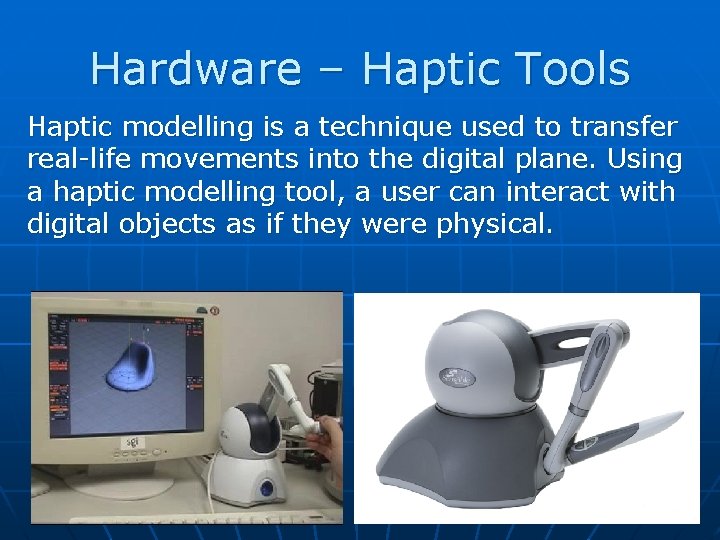
Hardware – Haptic Tools Haptic modelling is a technique used to transfer real-life movements into the digital plane. Using a haptic modelling tool, a user can interact with digital objects as if they were physical.
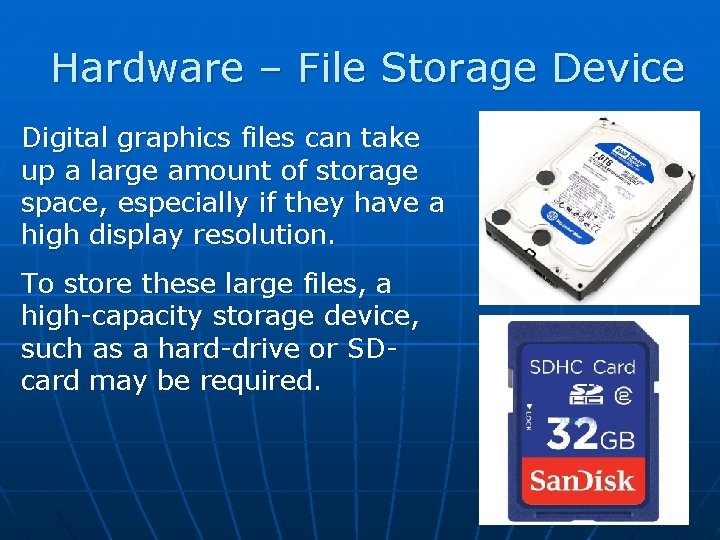
Hardware – File Storage Device Digital graphics files can take up a large amount of storage space, especially if they have a high display resolution. To store these large files, a high-capacity storage device, such as a hard-drive or SDcard may be required.
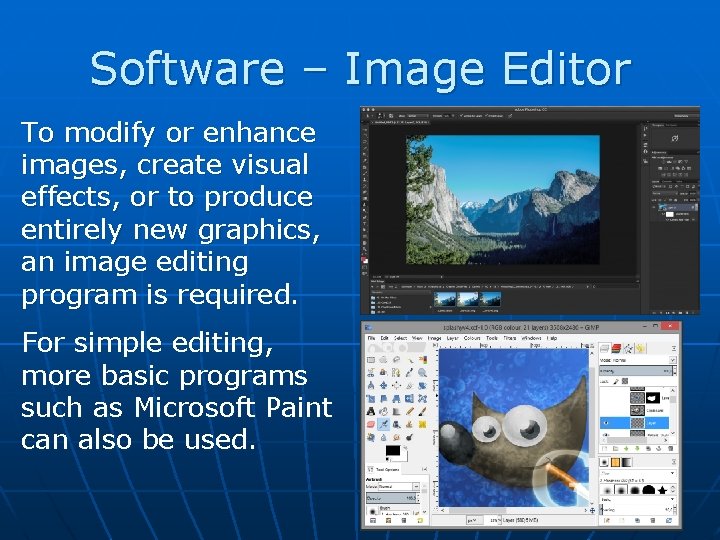
Software – Image Editor To modify or enhance images, create visual effects, or to produce entirely new graphics, an image editing program is required. For simple editing, more basic programs such as Microsoft Paint can also be used.
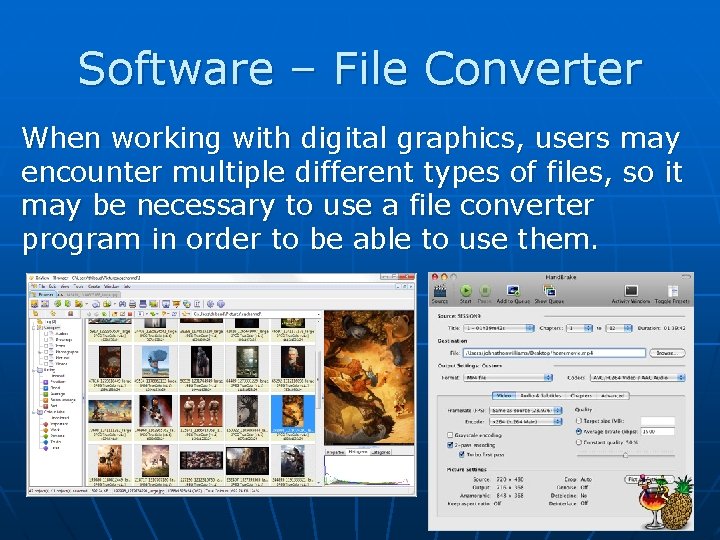
Software – File Converter When working with digital graphics, users may encounter multiple different types of files, so it may be necessary to use a file converter program in order to be able to use them.
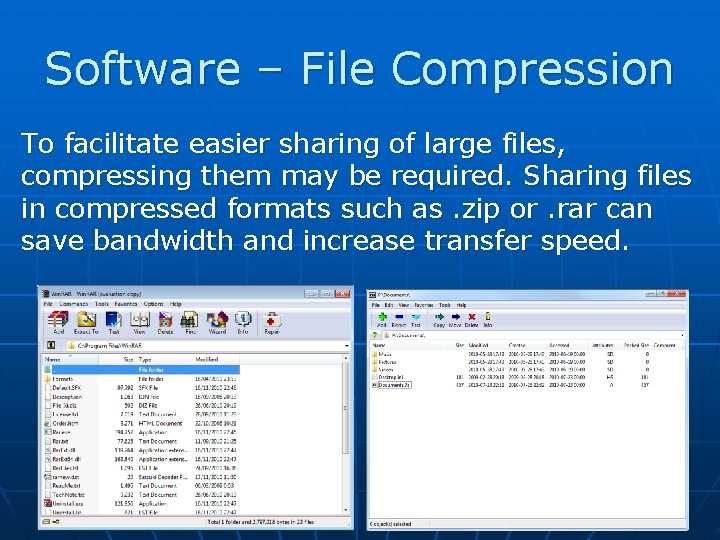
Software – File Compression To facilitate easier sharing of large files, compressing them may be required. Sharing files in compressed formats such as. zip or. rar can save bandwidth and increase transfer speed.
Output - Monitor Working with and viewing digital graphics on a large, high-definition monitor allows for a for smaller details to be seen more easily and provides a larger workspace. High-end monitors may also have a superior ability to display colour.
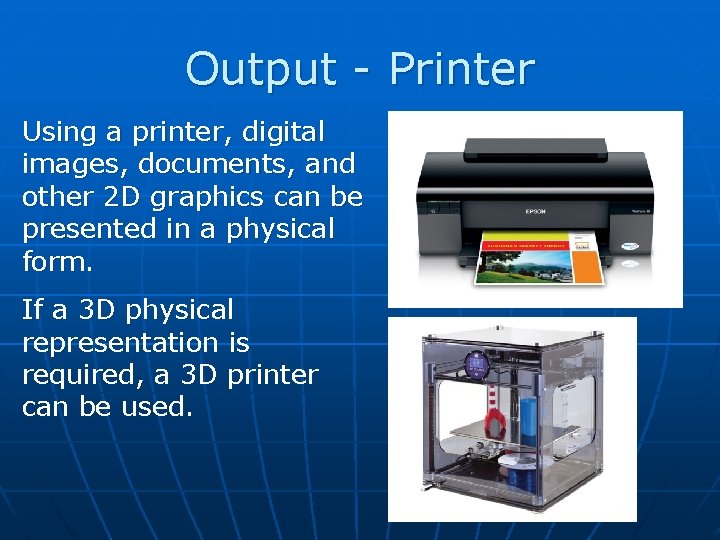
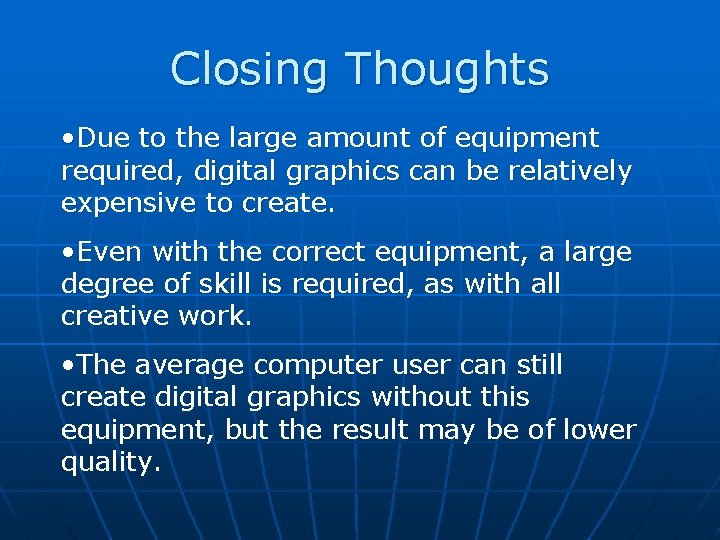
Output - Printer Using a printer, digital images, documents, and other 2 D graphics can be presented in a physical form. If a 3 D physical representation is required, a 3 D printer can be used
Closing Thoughts • Due to the large amount of equipment required, digital graphics can be relatively expensive to create. • Even with the correct equipment, a large degree of skill is required, as with all creative work. • The average computer user can still create digital graphics without this equipment, but the result may be of lower quality.

Any Questions?
- Slides: 15