
Hard Drives RAID 1 5 INSTALL AND CONFIGURE
- Slides: 26
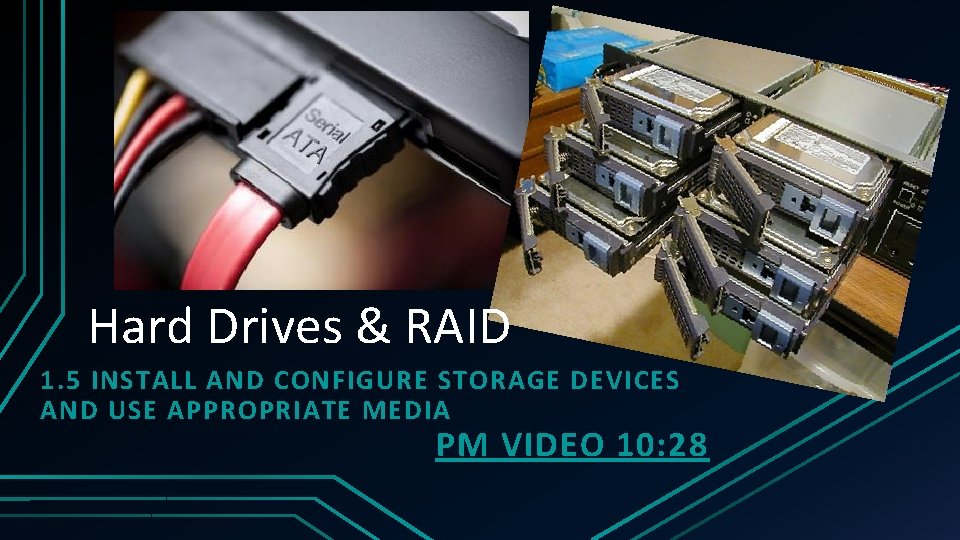
Hard Drives & RAID 1. 5 INSTALL AND CONFIGURE STORAGE DEVICES AND USE APPROPRIATE MEDIA PM VIDEO 10: 28
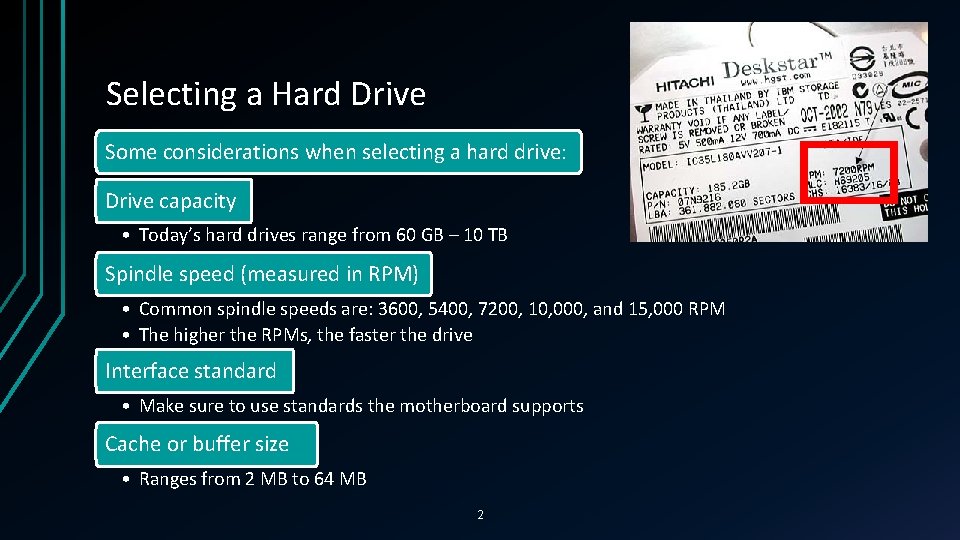
Selecting a Hard Drive Some considerations when selecting a hard drive: Drive capacity • Today’s hard drives range from 60 GB – 10 TB Spindle speed (measured in RPM) • Common spindle speeds are: 3600, 5400, 7200, 10, 000, and 15, 000 RPM • The higher the RPMs, the faster the drive Interface standard • Make sure to use standards the motherboard supports Cache or buffer size • Ranges from 2 MB to 64 MB 2
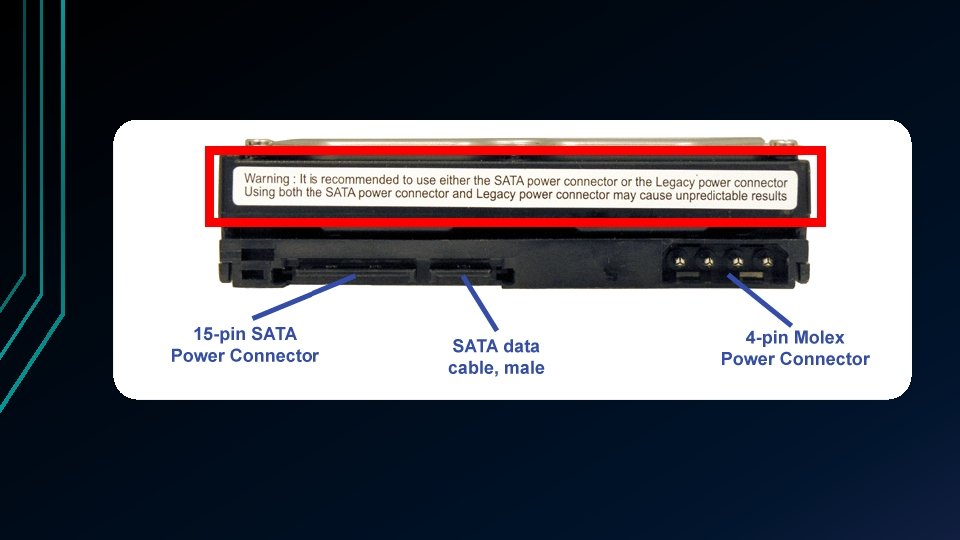
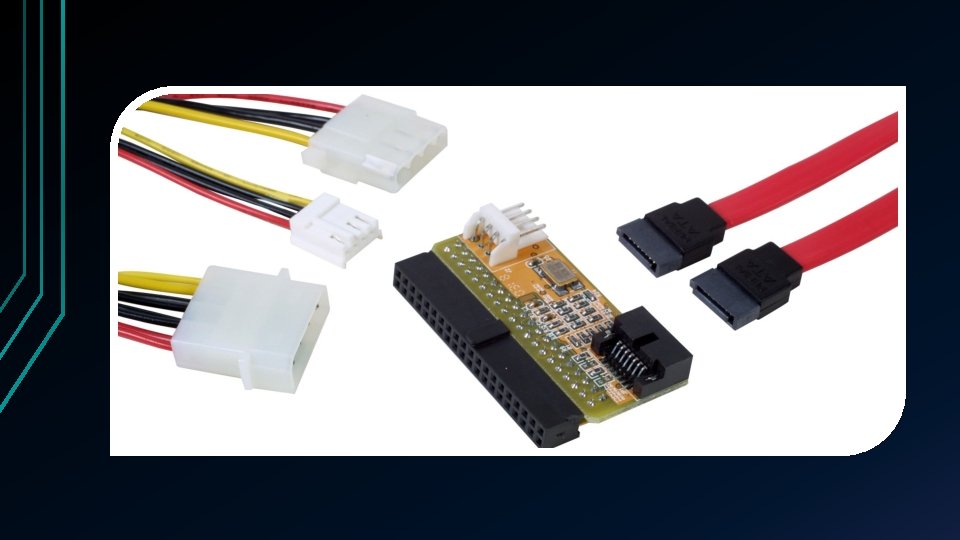
Before Installing a SATA Hard Drive Be aware that some SATA drives have 2 power connectors • Choose only 1 to use • Never install 2 power cords at the same time because you risk damaging the drive If you have a SATA drive but have a PATA connector (or vice versa) • Purchase an adapter to make the drive fit the motherboard connection • Can also purchase a SATA and/or PATA controller card 3
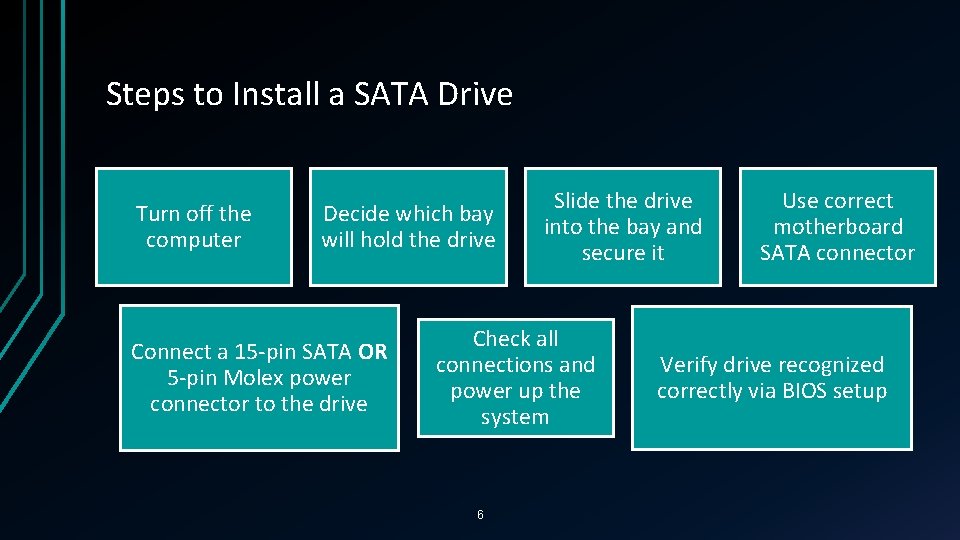
Steps to Install a SATA Drive Turn off the computer Decide which bay will hold the drive Connect a 15 -pin SATA OR 5 -pin Molex power connector to the drive Slide the drive into the bay and secure it Check all connections and power up the system 6 Use correct motherboard SATA connector Verify drive recognized correctly via BIOS setup
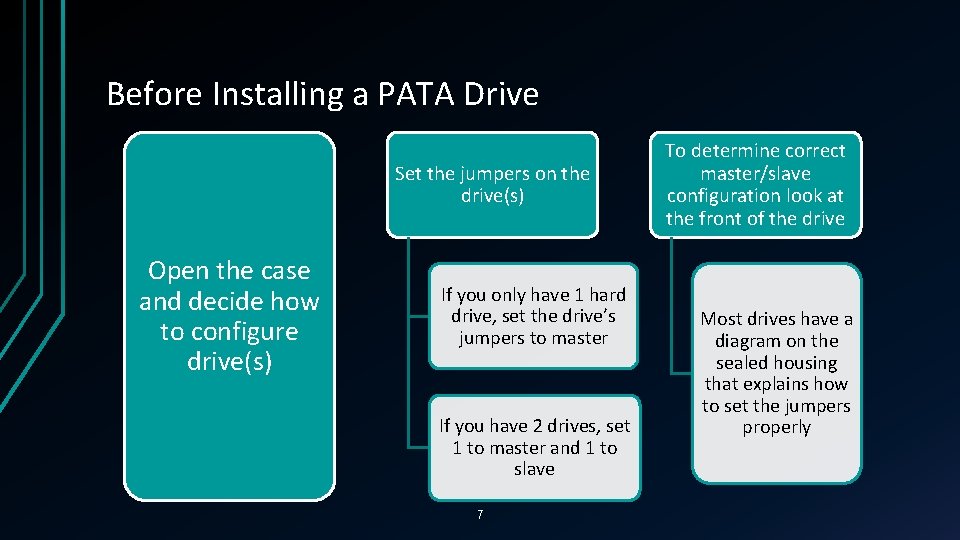
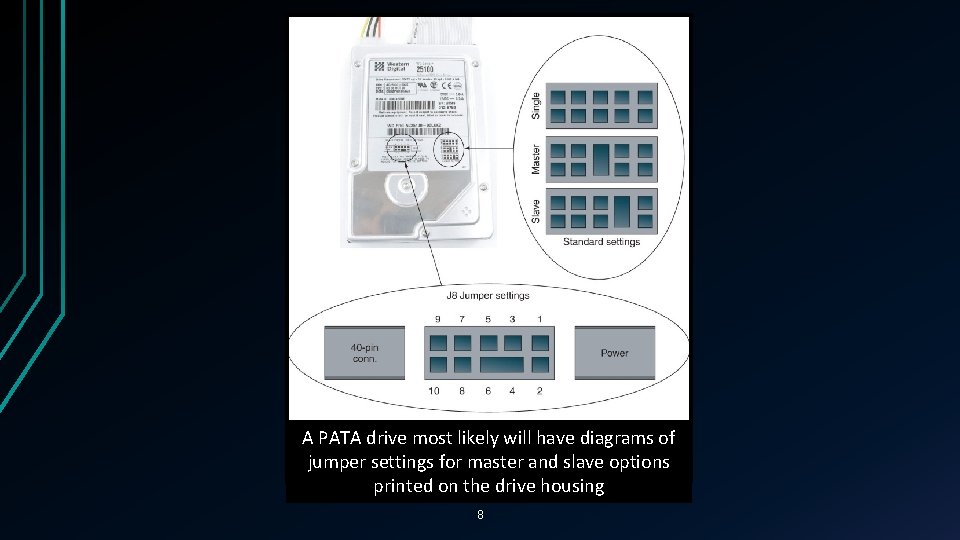
Before Installing a PATA Drive Set the jumpers on the drive(s) Open the case and decide how to configure drive(s) If you only have 1 hard drive, set the drive’s jumpers to master If you have 2 drives, set 1 to master and 1 to slave 7 To determine correct master/slave configuration look at the front of the drive Most drives have a diagram on the sealed housing that explains how to set the jumpers properly
A PATA drive most likely will have diagrams of jumper settings for master and slave options printed on the drive housing 8
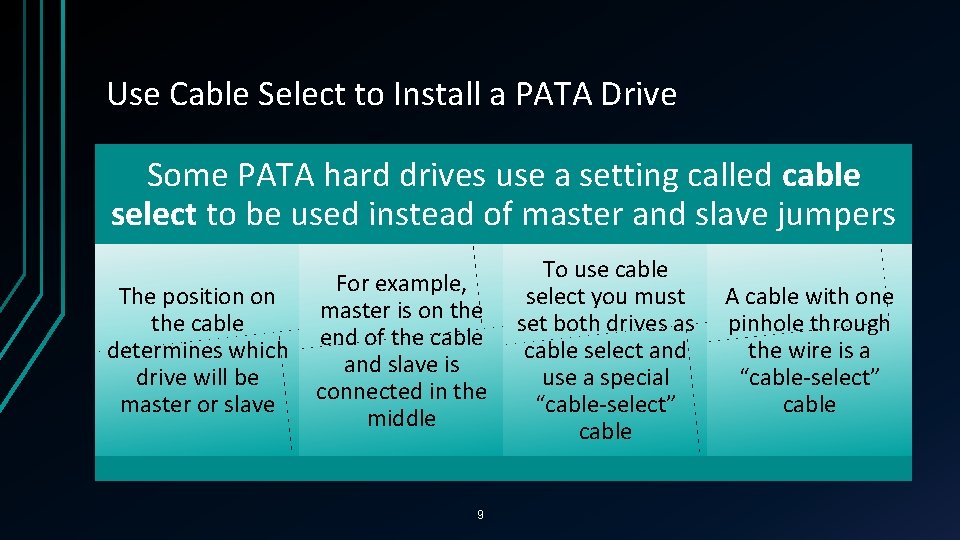
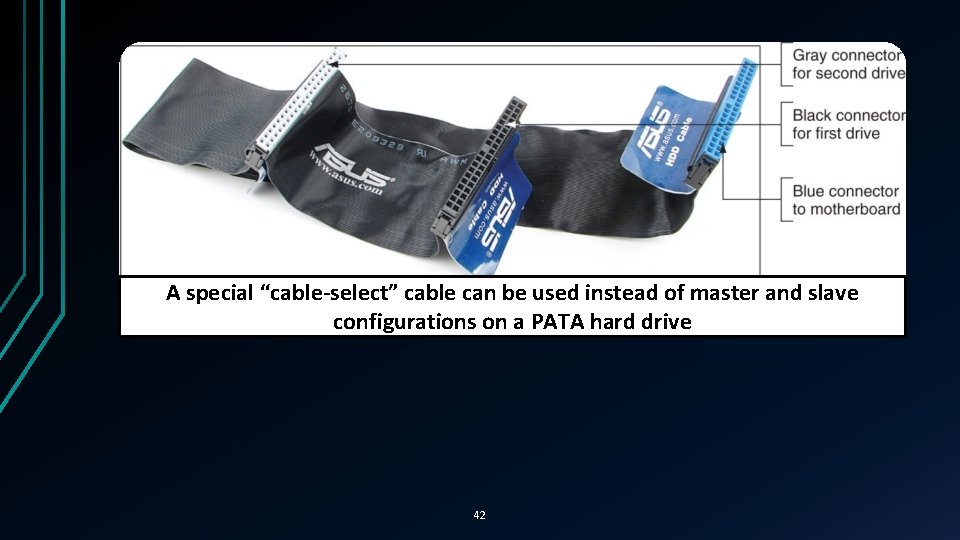
Use Cable Select to Install a PATA Drive Some PATA hard drives use a setting called cable select to be used instead of master and slave jumpers The position on the cable determines which drive will be master or slave For example, master is on the end of the cable and slave is connected in the middle 9 To use cable select you must set both drives as cable select and use a special “cable-select” cable A cable with one pinhole through the wire is a “cable-select” cable
A special “cable-select” cable can be used instead of master and slave configurations on a PATA hard drive 42
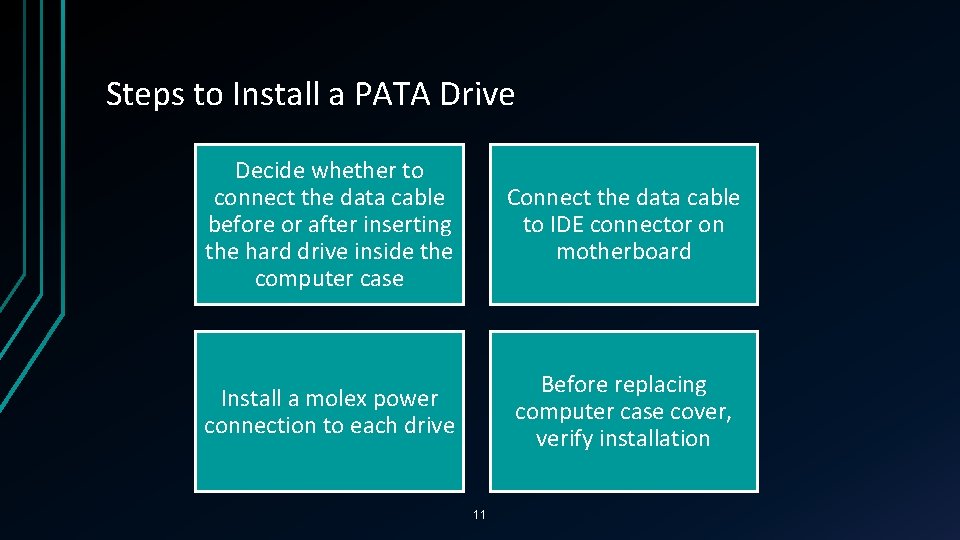
Steps to Install a PATA Drive Decide whether to connect the data cable before or after inserting the hard drive inside the computer case Connect the data cable to IDE connector on motherboard Install a molex power connection to each drive Before replacing computer case cover, verify installation 11
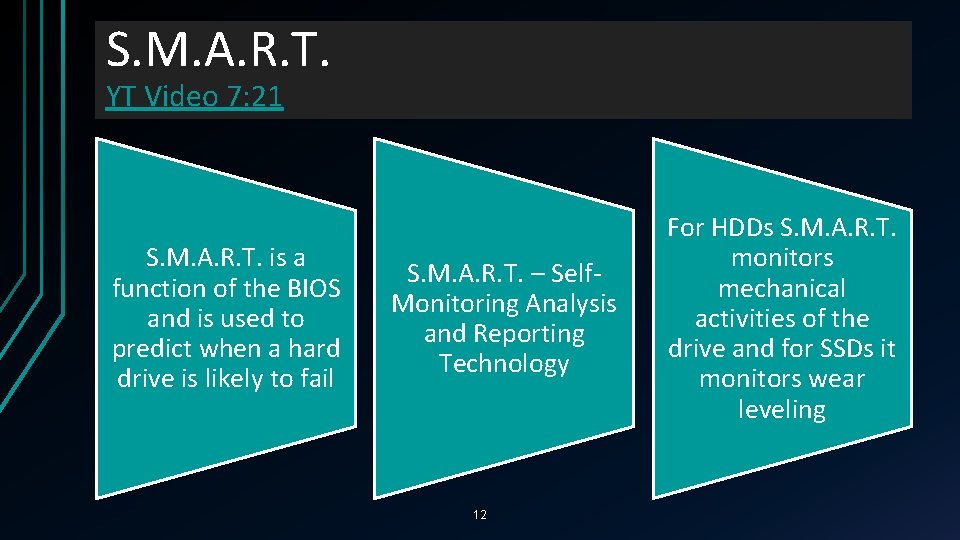
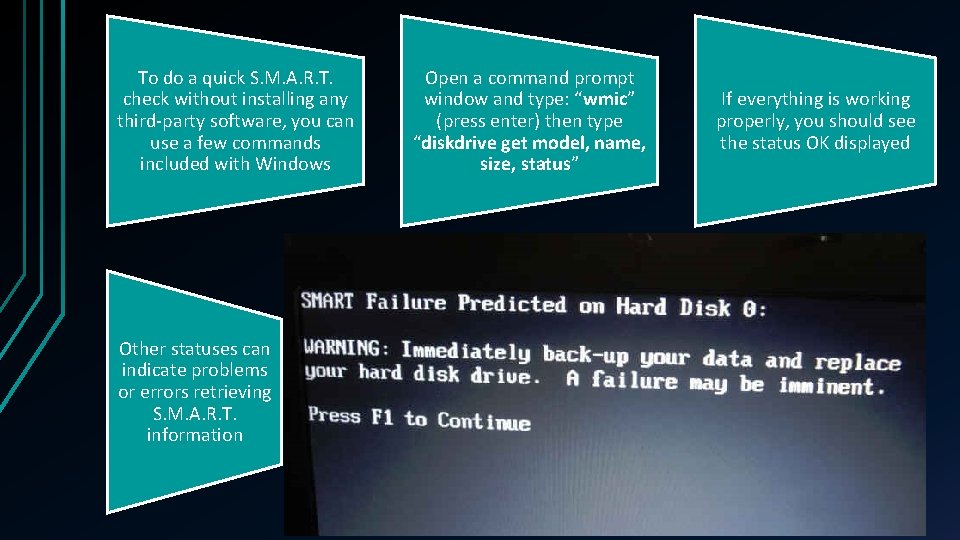
S. M. A. R. T. YT Video 7: 21 S. M. A. R. T. is a function of the BIOS and is used to predict when a hard drive is likely to fail S. M. A. R. T. – Self. Monitoring Analysis and Reporting Technology 12 For HDDs S. M. A. R. T. monitors mechanical activities of the drive and for SSDs it monitors wear leveling
To do a quick S. M. A. R. T. check without installing any third-party software, you can use a few commands included with Windows Other statuses can indicate problems or errors retrieving S. M. A. R. T. information Open a command prompt window and type: “wmic” (press enter) then type “diskdrive get model, name, size, status” If everything is working properly, you should see the status OK displayed
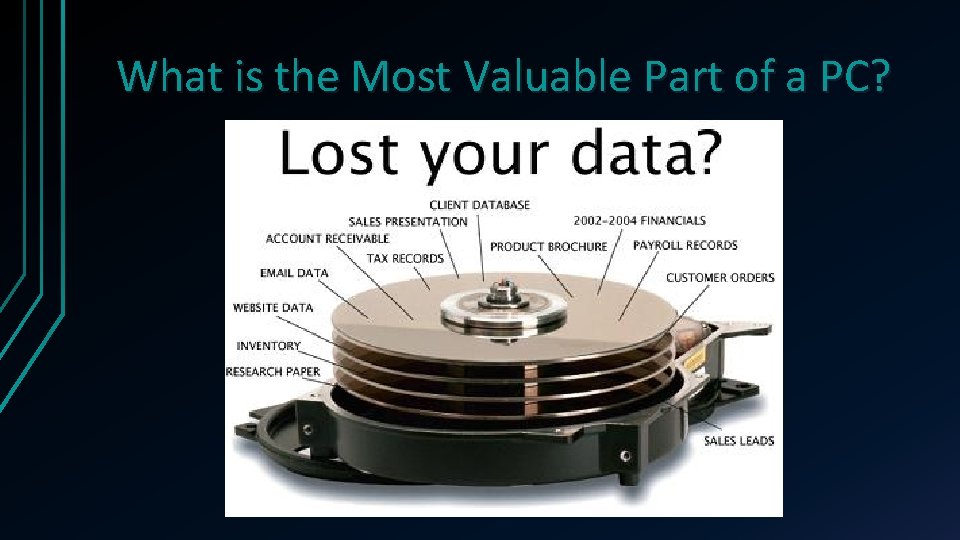
What is the Most Valuable Part of a PC?
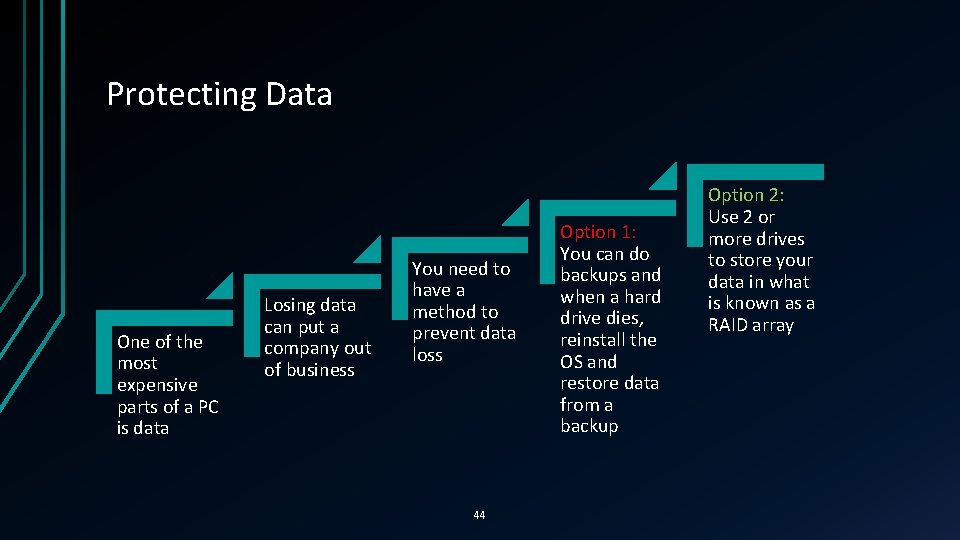
Protecting Data One of the most expensive parts of a PC is data Losing data can put a company out of business You need to have a method to prevent data loss 44 Option 1: You can do backups and when a hard drive dies, reinstall the OS and restore data from a backup Option 2: Use 2 or more drives to store your data in what is known as a RAID array
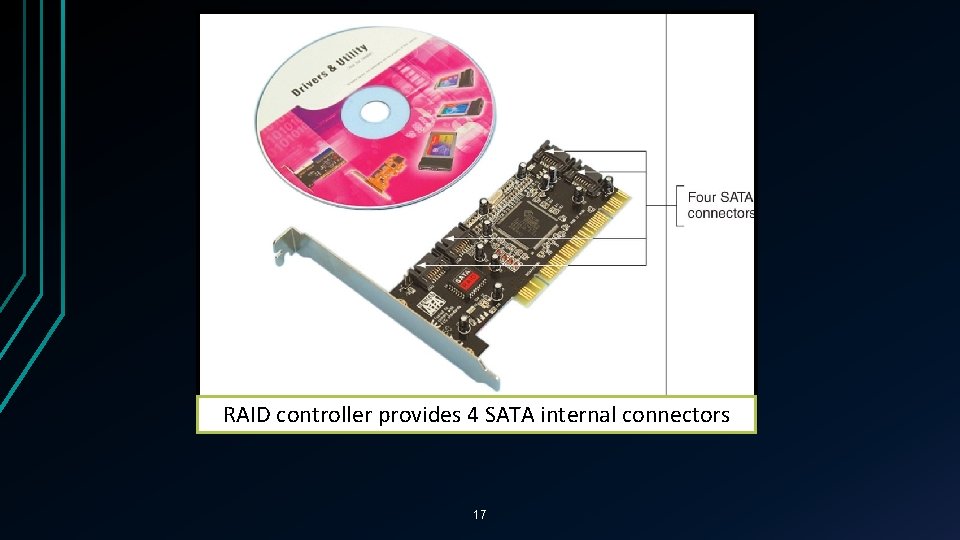
Protecting Data with RAID YT Video 3: 11 PM Video 5: 54 RAID (Redundant Array of Inexpensive Disks) • Also: Redundant Array of Independent Disks • A technology that configures 2 or more hard drives to work together as an array of drives • All of the drives in an array connect to a controller Why use RAID? • To improve fault tolerance by writing 2 copies of data, each to a different hard drive • To improve performance by writing data to 2 or more hard drives so that 1 drive is not excessively used 16
RAID controller provides 4 SATA internal connectors 17
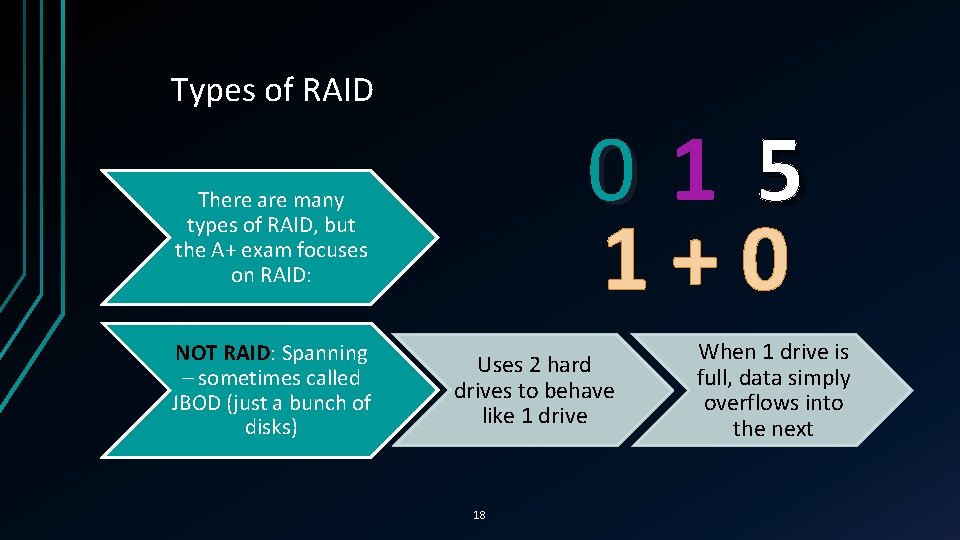
Types of RAID 015 1+0 There are many types of RAID, but the A+ exam focuses on RAID: NOT RAID: Spanning – sometimes called JBOD (just a bunch of disks) Uses 2 hard drives to behave like 1 drive 18 When 1 drive is full, data simply overflows into the next
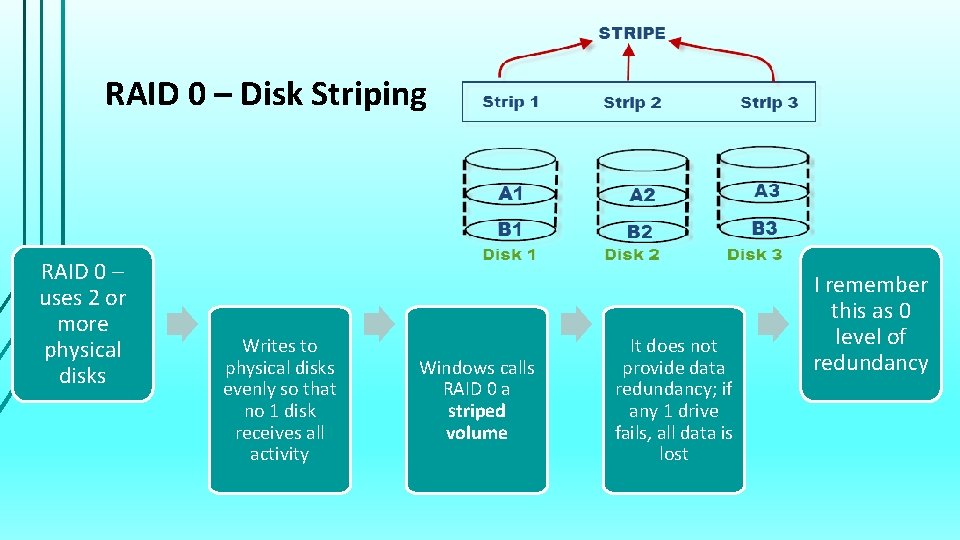
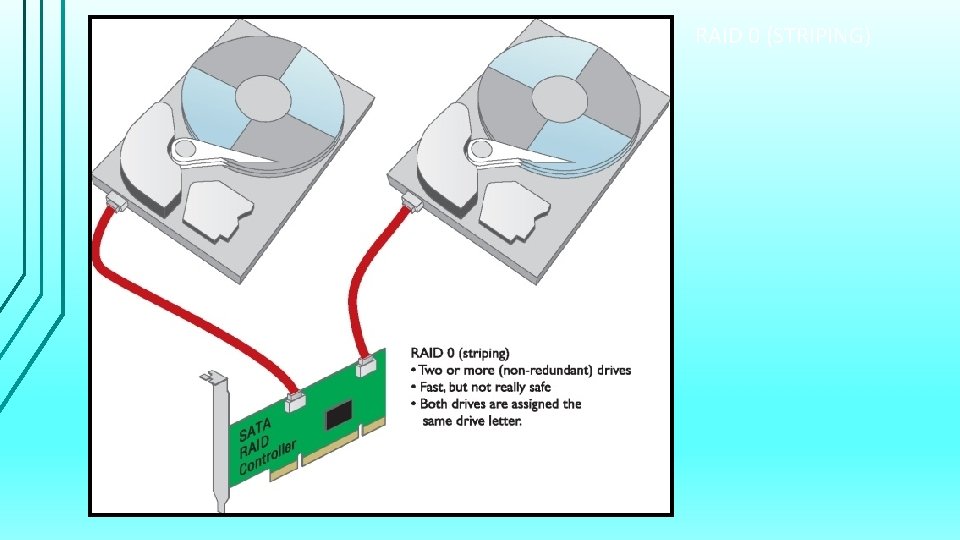
RAID 0 – Disk Striping RAID 0 – uses 2 or more physical disks Writes to physical disks evenly so that no 1 disk receives all activity Windows calls RAID 0 a striped volume It does not provide data redundancy; if any 1 drive fails, all data is lost I remember this as 0 level of redundancy
RAID 0 (STRIPING) 47
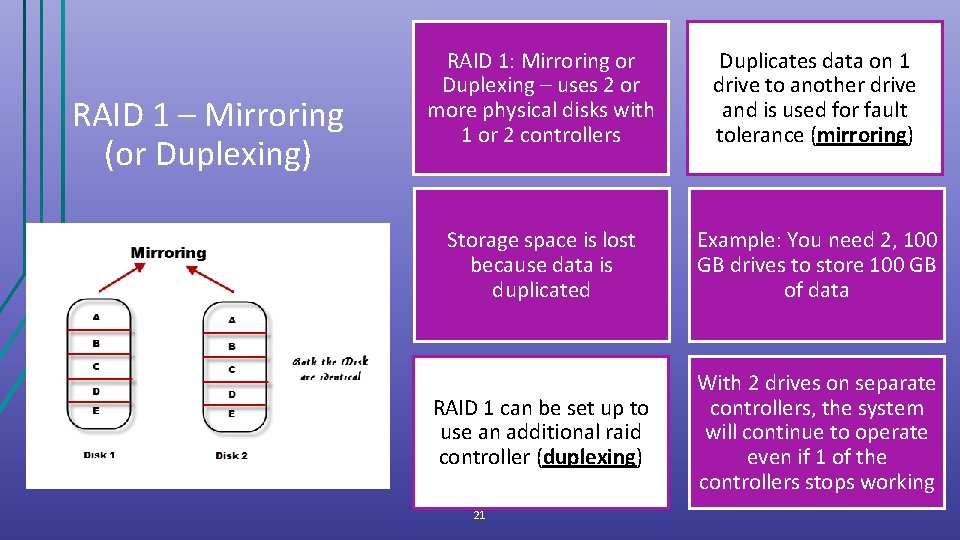
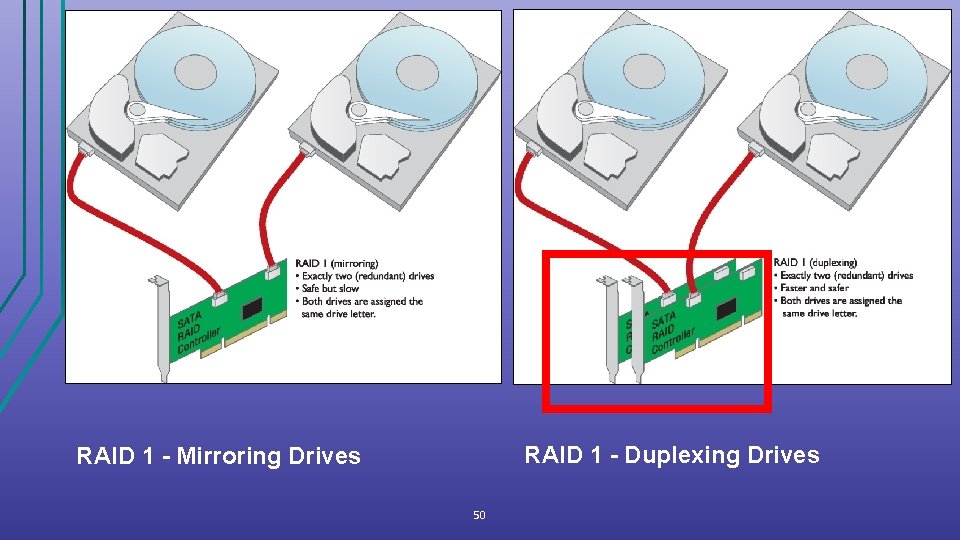
RAID 1 – Mirroring (or Duplexing) RAID 1: Mirroring or Duplexing – uses 2 or more physical disks with 1 or 2 controllers Duplicates data on 1 drive to another drive and is used for fault tolerance (mirroring) Storage space is lost because data is duplicated Example: You need 2, 100 GB drives to store 100 GB of data RAID 1 can be set up to use an additional raid controller (duplexing) With 2 drives on separate controllers, the system will continue to operate even if 1 of the controllers stops working 21
RAID 1 - Duplexing Drives RAID 1 - Mirroring Drives 50
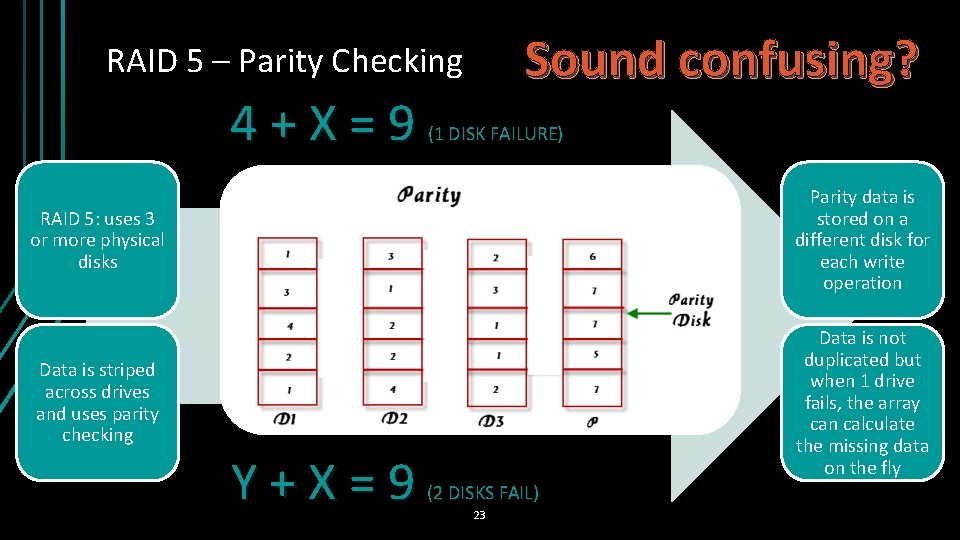
Sound confusing? RAID 5 – Parity Checking 4+X=9 (1 DISK FAILURE) RAID 5: uses 3 or more physical disks Parity data is stored on a different disk for each write operation Data is striped across drives and uses parity checking Data is not duplicated but when 1 drive fails, the array can calculate the missing data on the fly Y+X=9 (2 DISKS FAIL) 23
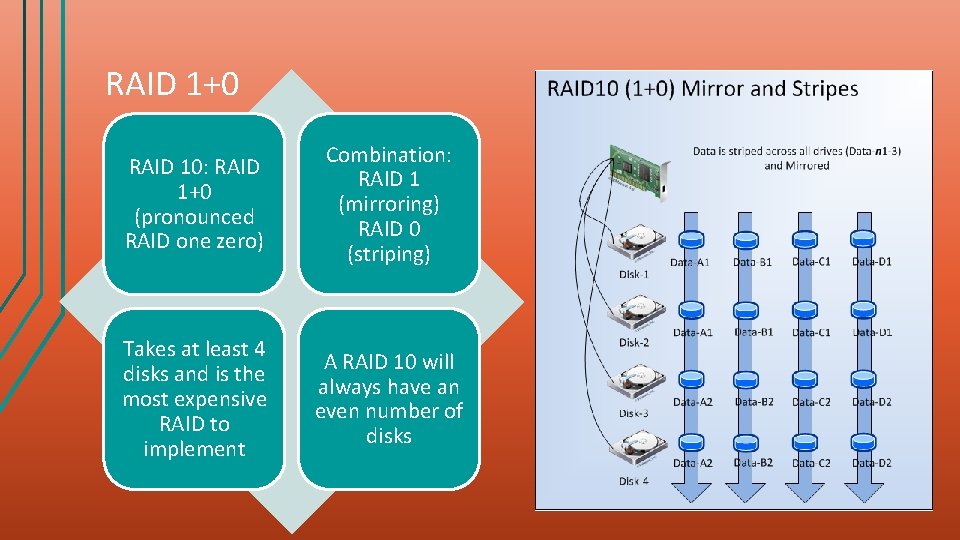
RAID 1+0 RAID 10: RAID 1+0 (pronounced RAID one zero) Combination: RAID 1 (mirroring) RAID 0 (striping) Takes at least 4 disks and is the most expensive RAID to implement A RAID 10 will always have an even number of disks
Hardware RAID vs Software RAID can be implemented through hardware or software but hardware outperforms software A RAID hardware implementation involves: • A Hardware RAID controller or RAID controller card • Motherboard does the work and Windows is unaware of the hardware RAID implementation Software implementation uses the operating system For the best RAID performance all hard drives in an array should be identical in brand, size, speed, and other features 25
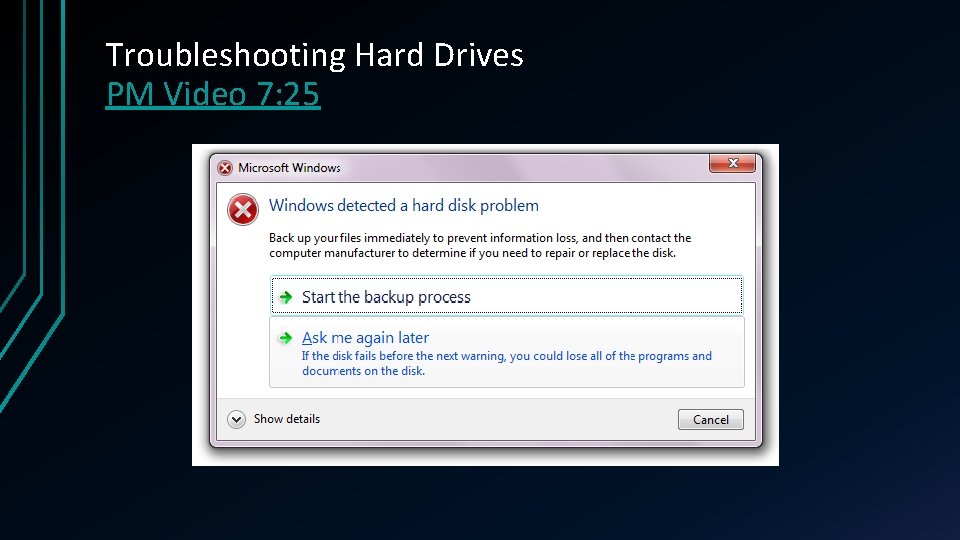
Troubleshooting Hard Drives PM Video 7: 25