
Hands on with Azure Front Door Service Rick









- Slides: 39
Hands on with Azure Front Door Service
Rick van den Bosch @rickvdbosch rickvandenbosch. net rickvdbosch@outlook. com
Agenda • Introduction • Load-balancing options in Azure • About Azure Front Door Service • • Routing methods Health probes Security Pricing • Demo • Closing
Introduction
Azure Front Door Service “Azure Front Door Service enables you to define, manage, and monitor the global routing for your web traffic by optimizing for best performance and instant global failover for high availability”
Load-balancing options in Azure
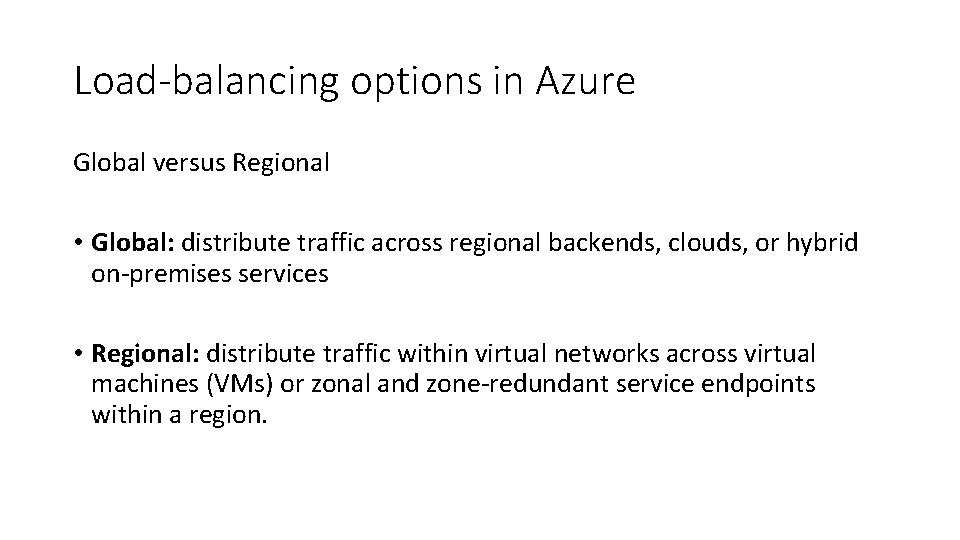
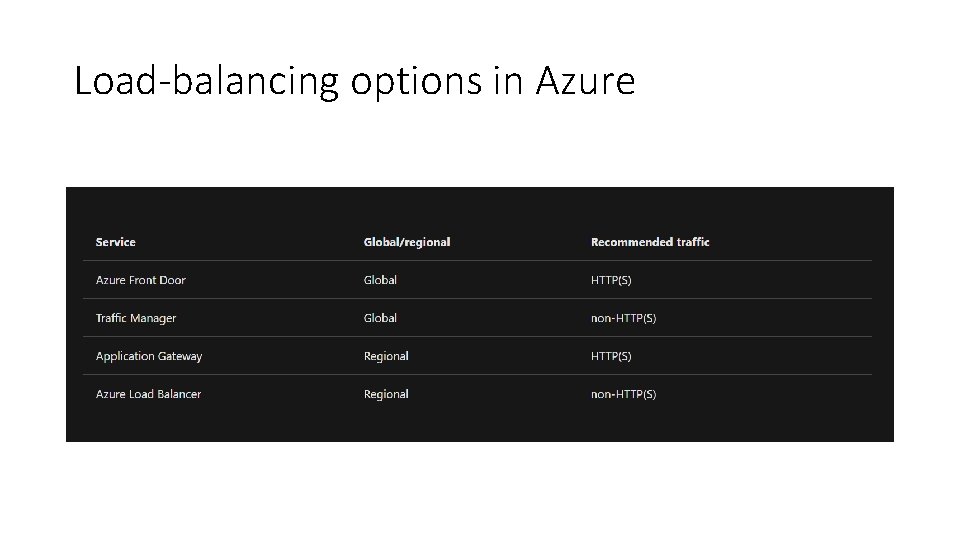
Load-balancing options in Azure Global versus Regional • Global: distribute traffic across regional backends, clouds, or hybrid on-premises services • Regional: distribute traffic within virtual networks across virtual machines (VMs) or zonal and zone-redundant service endpoints within a region.
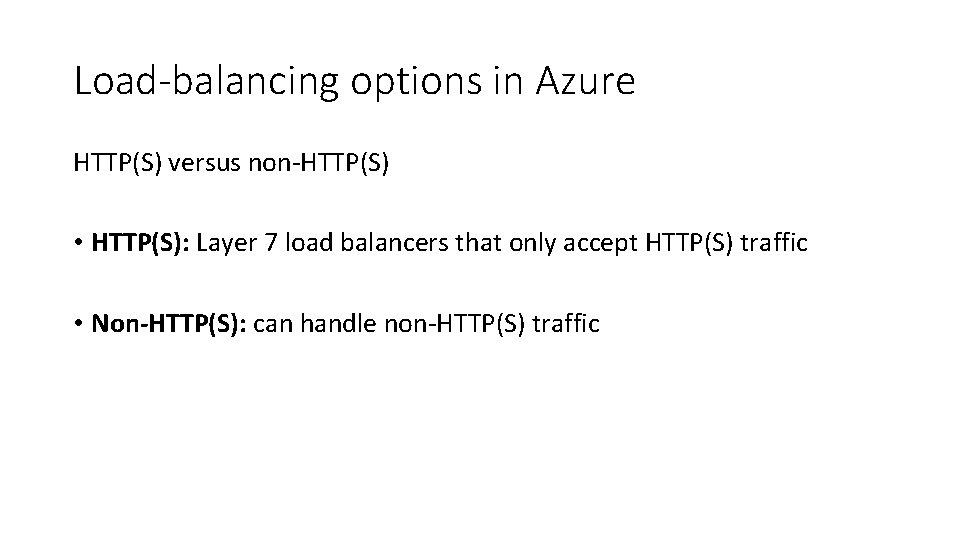
Load-balancing options in Azure HTTP(S) versus non-HTTP(S) • HTTP(S): Layer 7 load balancers that only accept HTTP(S) traffic • Non-HTTP(S): can handle non-HTTP(S) traffic
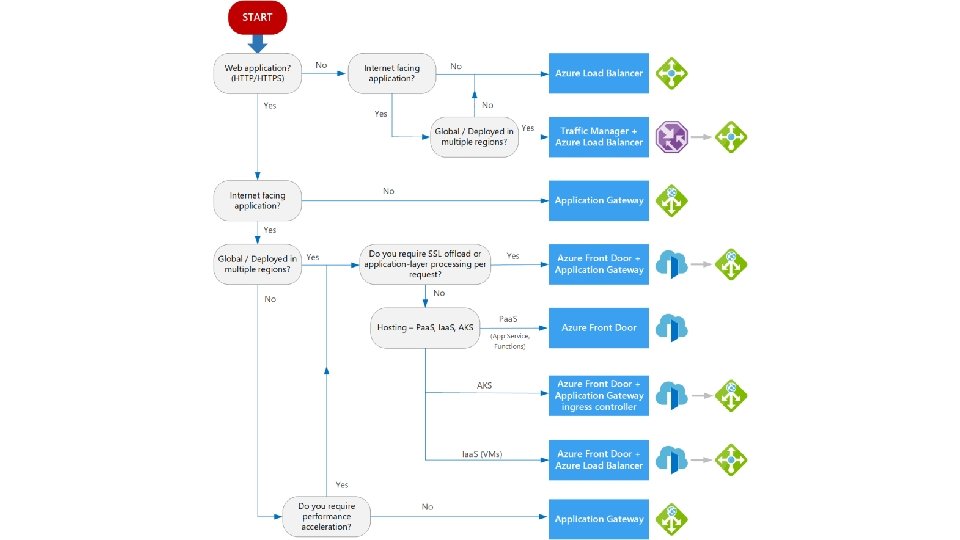
Load-balancing options in Azure
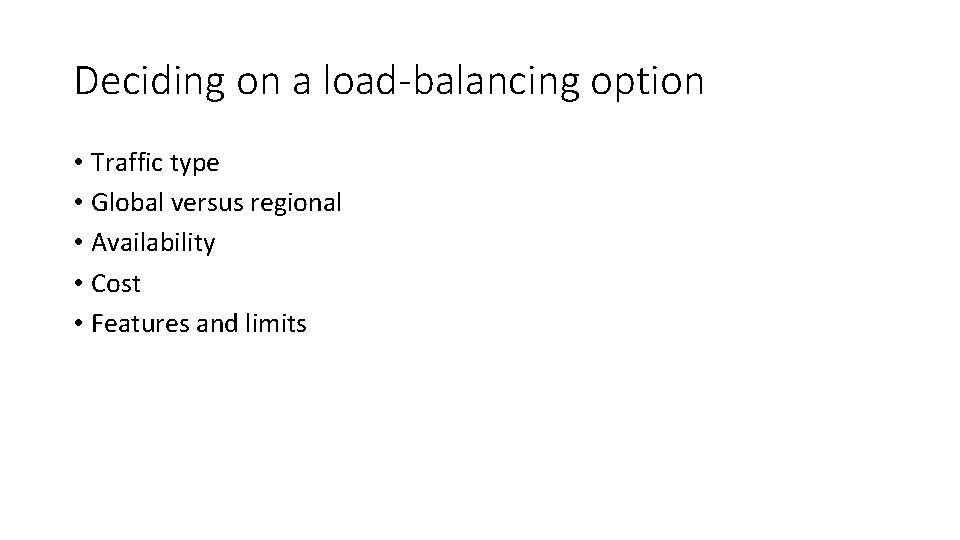
Deciding on a load-balancing option • Traffic type • Global versus regional • Availability • Cost • Features and limits
About Azure Front Door Service
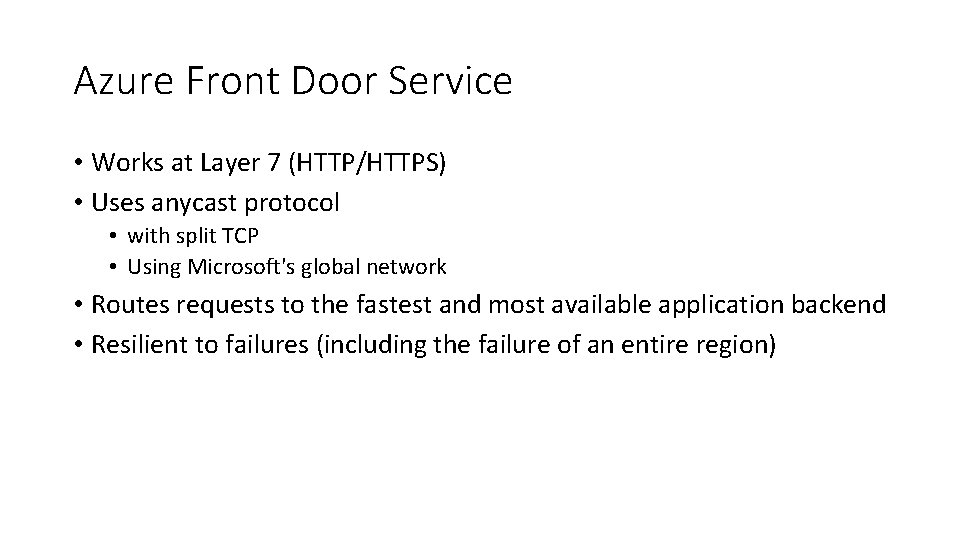
Azure Front Door Service • Works at Layer 7 (HTTP/HTTPS) • Uses anycast protocol • with split TCP • Using Microsoft's global network • Routes requests to the fastest and most available application backend • Resilient to failures (including the failure of an entire region)
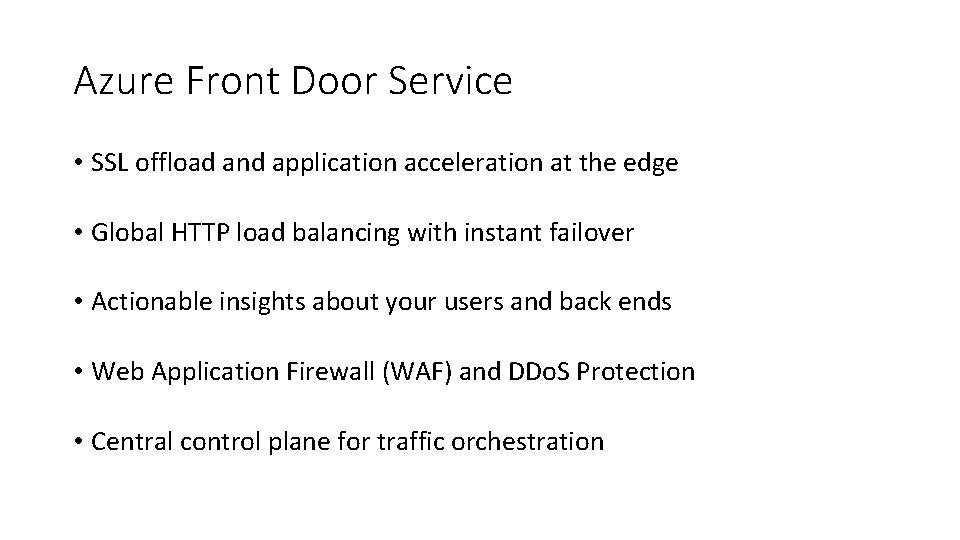
Azure Front Door Service • SSL offload and application acceleration at the edge • Global HTTP load balancing with instant failover • Actionable insights about your users and back ends • Web Application Firewall (WAF) and DDo. S Protection • Central control plane for traffic orchestration
Features • • • Accelerate application performance Increase application availability with smart health probes URL-based routing Multiple-site hosting Session affinity Secure Sockets Layer (SSL) termination Custom domains and certificate management Application layer security URL redirection URL rewrite Protocol support - IPv 6 and HTTP/2 traffic
Routing methods
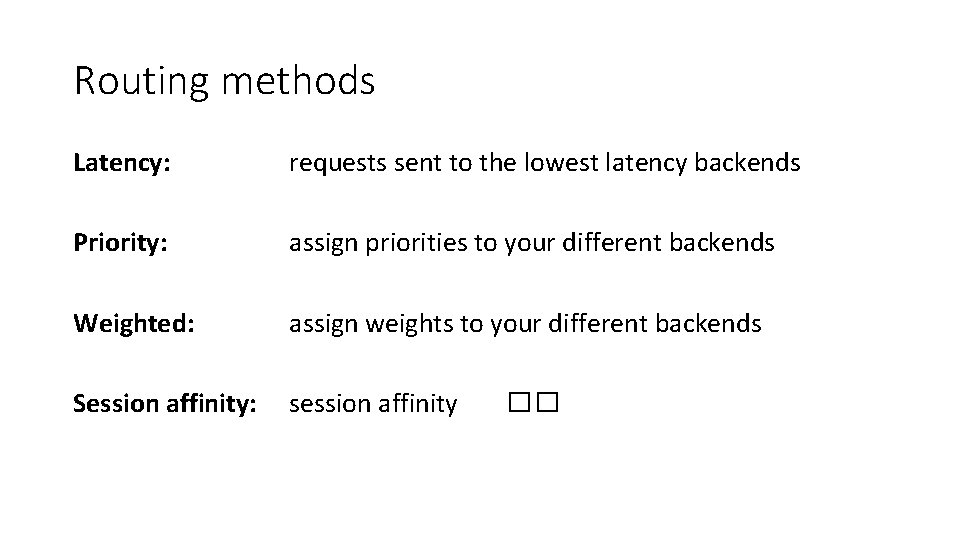
Routing methods Latency: requests sent to the lowest latency backends Priority: assign priorities to your different backends Weighted: assign weights to your different backends Session affinity: session affinity ��
Health probes
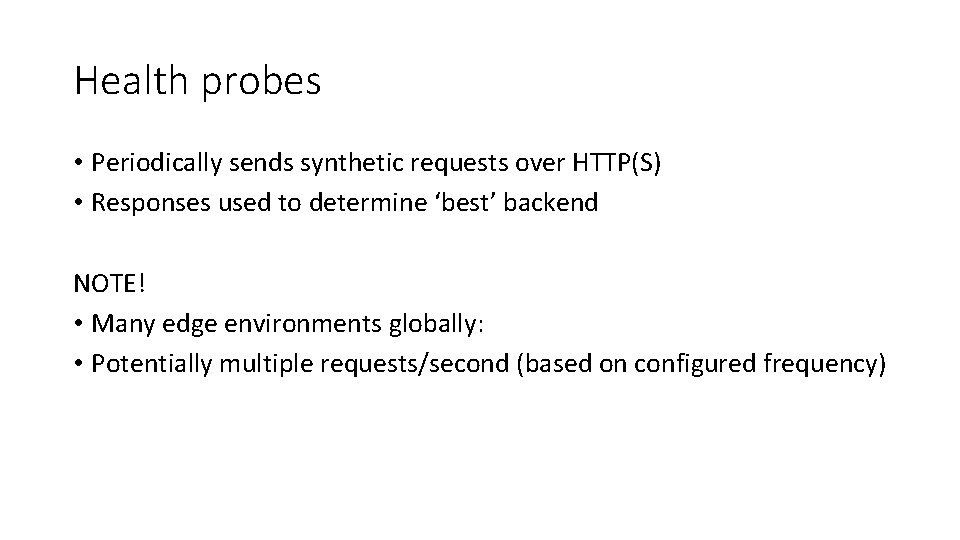
Health probes • Periodically sends synthetic requests over HTTP(S) • Responses used to determine ‘best’ backend NOTE! • Many edge environments globally: • Potentially multiple requests/second (based on configured frequency)
Responses Determining health • A 200 OK indicates a healthy backend • Everything else is considered a failure Measuring latency • From immediately before send to the last byte of the response • New TCP connection for each request
Determining health 1. Exclude disabled backends 2. Exclude backends that have health probes errors: • Looking at the last n health probe responses. If at least x are healthy, the backend is considered healthy • n -> changing Sample. Size property in load balancing settings • x -> changing Successful. Samples. Required property in load balancing settings 3. Additionally measure and maintain the latency for each backend
Complete health probe failure • All backends considered healthy • Traffic routed in a round robin distribution across all of them • Normal load balancing is resumed when any backend returns to a healthy state
Security
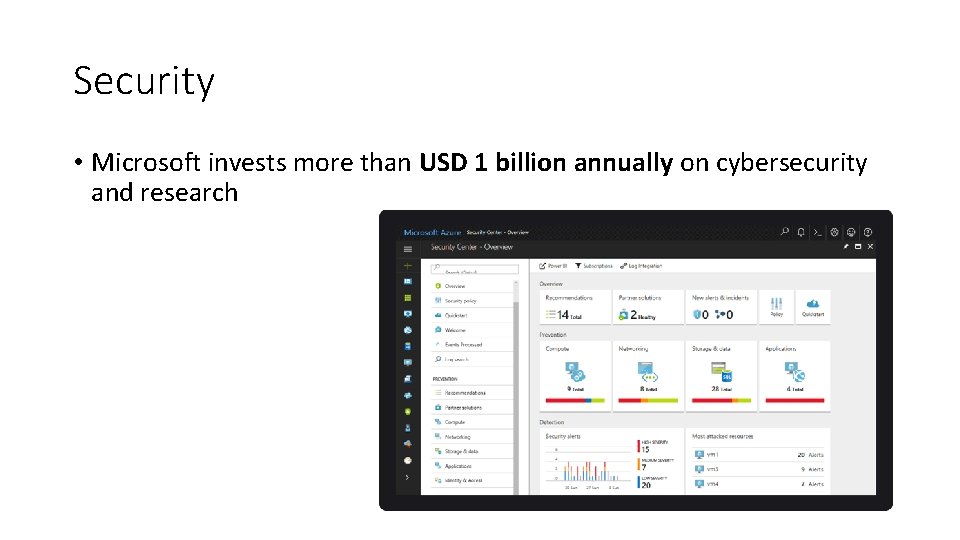
Security • Microsoft invests more than USD 1 billion annually on cybersecurity and research
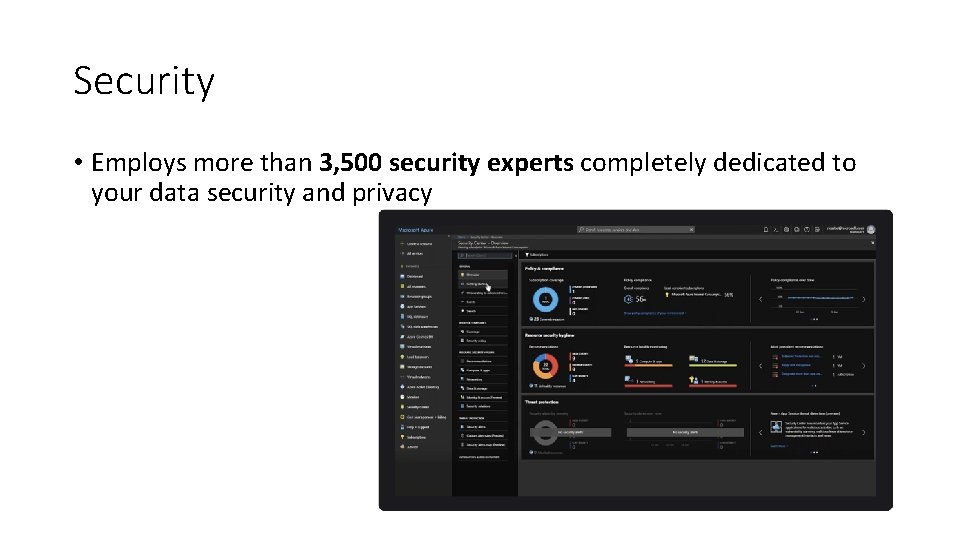
Security • Employs more than 3, 500 security experts completely dedicated to your data security and privacy
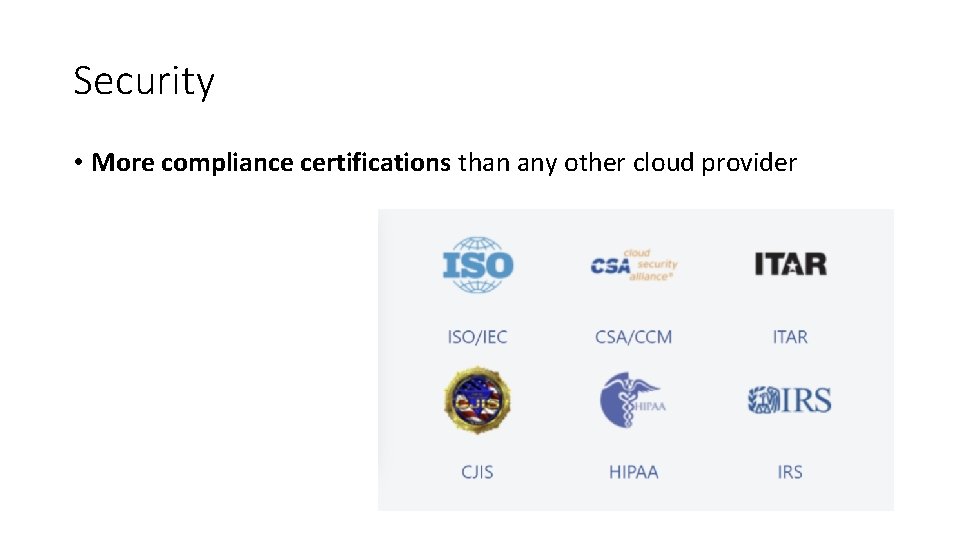
Security • More compliance certifications than any other cloud provider
Pricing
Pricing • No upfront costs • No termination fees • Pay only for what you need
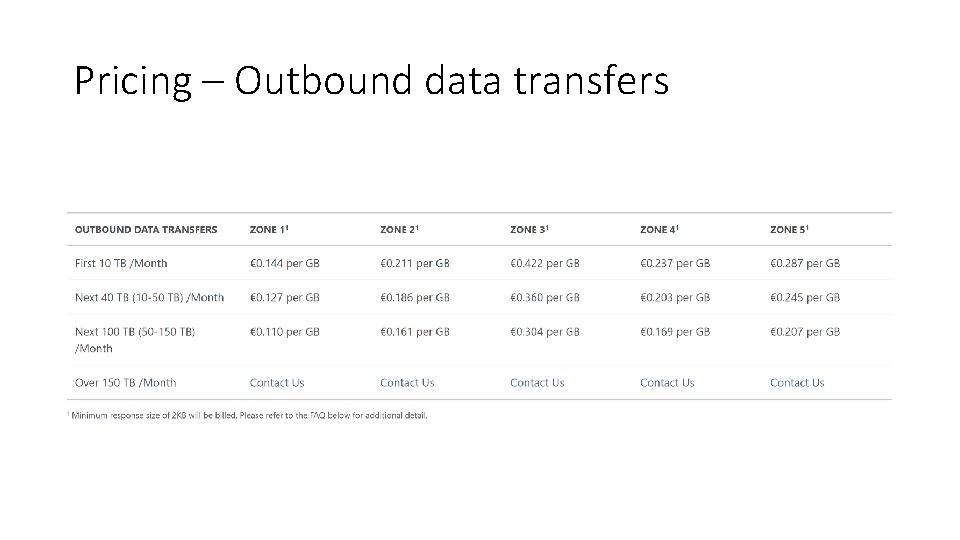
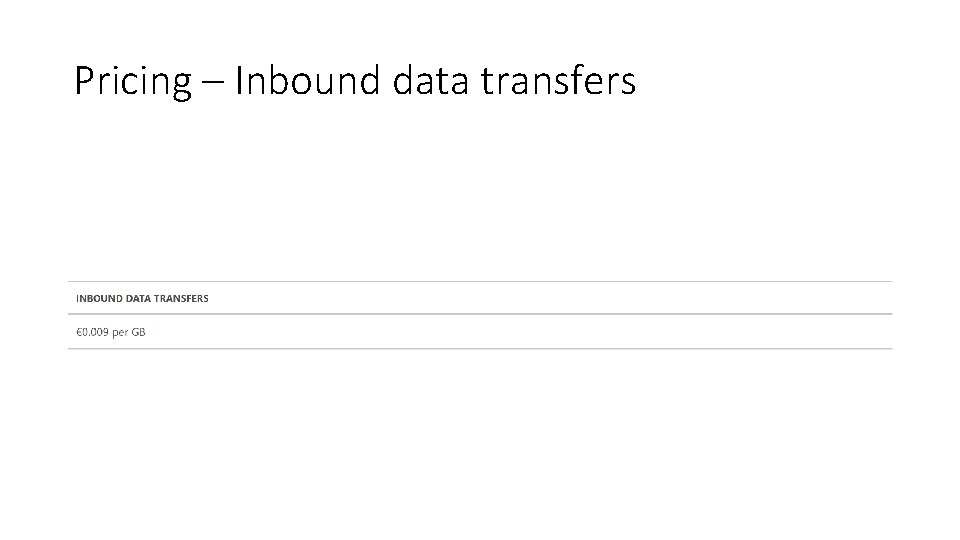
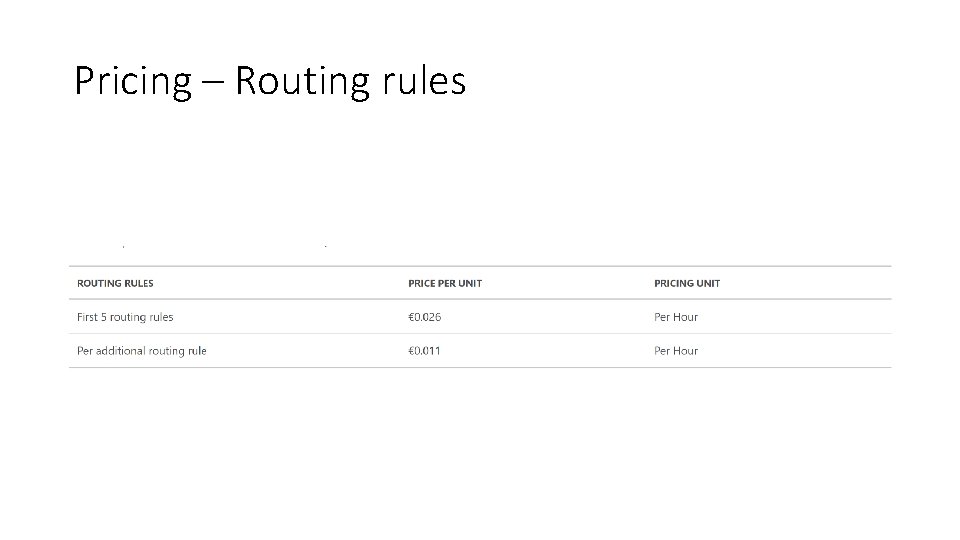
Pricing – Dimensions 1. Outbound data transfers 2. Inbound data transfers 3. Routing Rules
Pricing – Outbound data transfers
Pricing – Inbound data transfers
Pricing – Routing rules
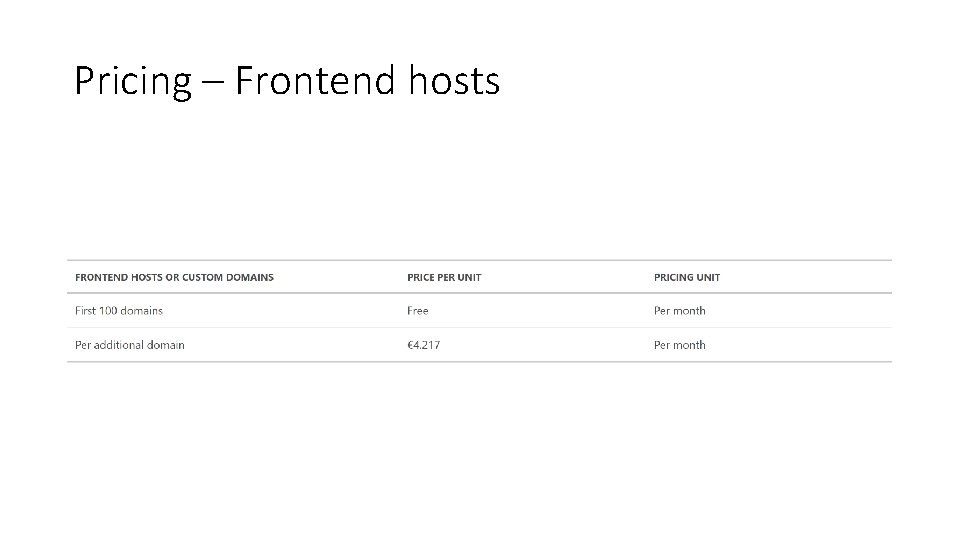
Pricing – Frontend hosts
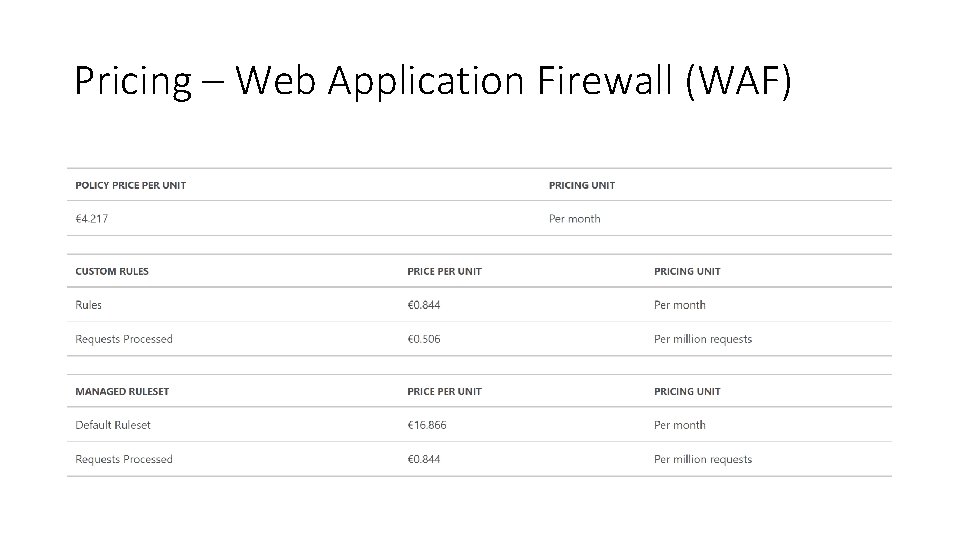
Pricing – Web Application Firewall (WAF)
DEMO
Closing
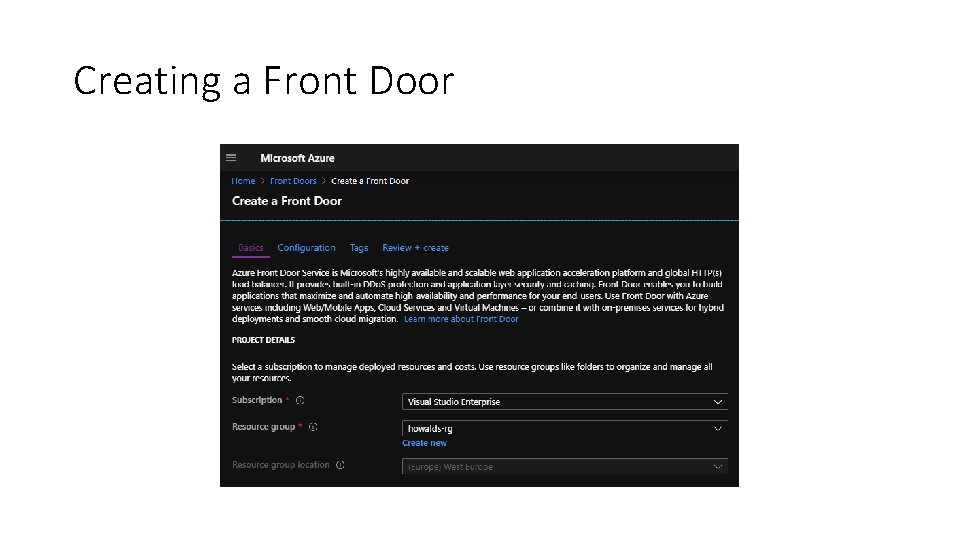
Creating a Front Door
Resources theurlist. com/howafds
Questions? rickvdbosch@outlook. com @rickvdbosch