
Guide to using digital technologies for accessible learning
Guide to using digital technologies for accessible learning and teaching Dr Sharon Black & Dr Carlos de Pablos-Ortega da 4 you. uea@gmail. com DA 4 YOU Seminar Web accessibility – equal opportunities on the web 18 January 2021
O 4: Use of digital media communication in education • Need for more resources and tailored guidance on digital accessibility for educators. • Practical, hands-on guide for educators to learn more about technologies and methods to make learning and teaching practice more accessible to all learners. • Designed for a range of educational contexts with learners of all ages.
O 4: Guide to using digital technologies for accessible learning and teaching 1. 2. 3. 4. 5. Introduction Accessible approaches to learning and teaching Making learning and teaching materials accessible Digital accessibility tools for learning and teaching More information and resources
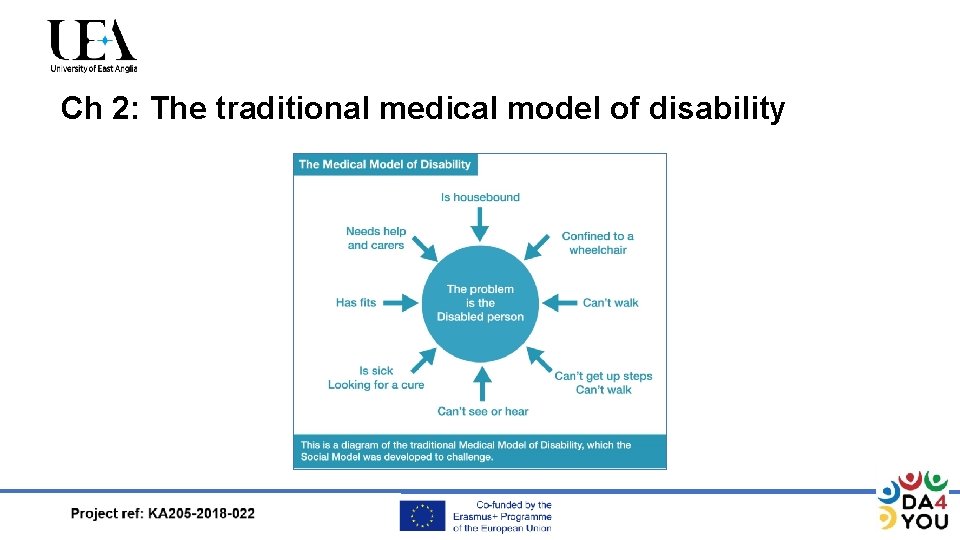
Ch 2: The traditional medical model of disability
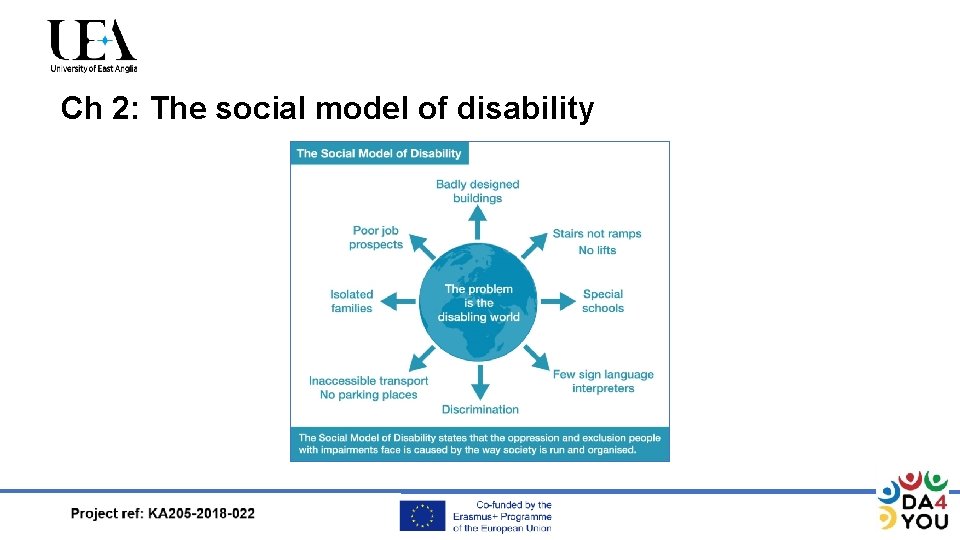
Ch 2: The social model of disability
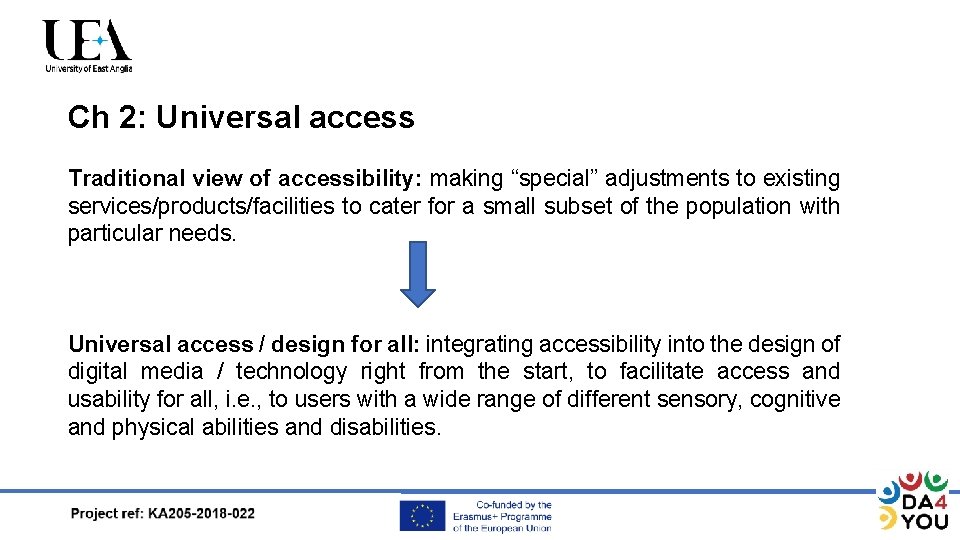
Ch 2: Universal access Traditional view of accessibility: making “special” adjustments to existing services/products/facilities to cater for a small subset of the population with particular needs. Universal access / design for all: integrating accessibility into the design of digital media / technology right from the start, to facilitate access and usability for all, i. e. , to users with a wide range of different sensory, cognitive and physical abilities and disabilities.
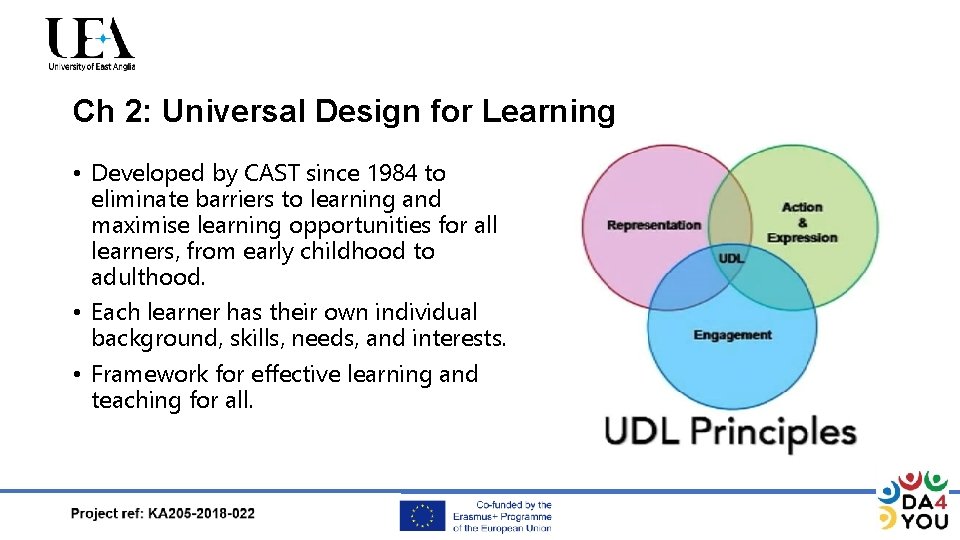
Ch 2: Universal Design for Learning • Developed by CAST since 1984 to eliminate barriers to learning and maximise learning opportunities for all learners, from early childhood to adulthood. • Each learner has their own individual background, skills, needs, and interests. • Framework for effective learning and teaching for all.
Ch 3: Making learning and teaching materials accessible • Making text, images, audios and videos accessible • Accessibility on Learning Management Systems (LMS) • Accessibility in desktop productivity applications (Microsoft Office and Windows) • Accessibility checkers in documents (Words, Power. Point, Excel, Adobe) • Making online meetings accessible (Skype, Zoom, Microsoft Teams)
Ch 4: Digital accessibility tools for learning and teaching • • Subtitles and captions Audio description Speech-to-Text Technology and Voice/Speech Recognition Software Text-to-Speech Technology and screen readers Assistive technology for reading and writing Screen magnification Digital Braille Display accommodations and other built in accessibility features
Ch 4: Information for each tool • • • Description. How the tools can help learners and teachers. Types of tools. Conventions (subtitling, audio description). Tips in learning and teaching contexts.
Subtitles and Captions • SDH (subtitles for audiences who are deaf or hard of hearing) • Types of S & C tools • Browser-based Closed Captioning Platforms and Subtitle Editors. • Download-required Closed Captioning Software and Subtitle Makers. • Subtitling Apps on i. OS, smartphones, i. Pads and tablets:
Audio description (AD) • Voice-over narration, placed during natural pauses/sometimes during dialogue in the audio of a video or theatre play. • Apps on i. OS, smartphones, i. Pads and tablets: Earcatch and Movie. Reading.

Speech-to-Text / Voice Recognition • Speech-to-text: audio content into written words in a word processor or other display destination. • Voice/speech recognition decodes the human voice. • Types of STT and VRS/SRS tools • Built-in. • Web-based. • Apps on i. OS, smartphones, i. Pads and tablets.
Text-to-Speech / Screen Readers • Text-to-speech reads digital text aloud using a speech synthesizer. • Screen readers use TTS to read digital text aloud, and provide the user with important information on headings, images, icons, links, etc. • Types of TTS and SR tools • Built-in. • Web-based. • Apps on i. OS, smartphones, i. Pads and tablets.
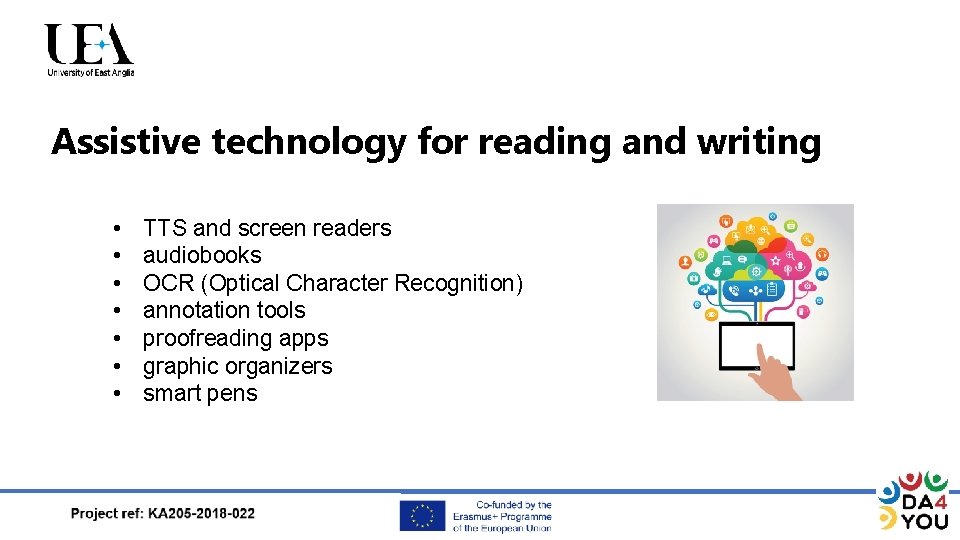
Assistive technology for reading and writing • • TTS and screen readers audiobooks OCR (Optical Character Recognition) annotation tools proofreading apps graphic organizers smart pens
Screen Magnifiers and Digital Braille • A screen magnifier increases the size of text and graphics on the screen of a device or computer. • Digital braille can be written and read through a computer, using electronic Braille displays.
Display accommodations and other built in accessibility features • i. OS accessibility • Android accessibility • Windows accessibility Country-specific accessibility tools Sweden and Denmark
Thank you! Any questions or comments?
Disclaimer The content of this presentation does not reflect the official opinions of the European Union. Responsibility for the information and views expressed in this presentation lies entirely with the authors.
- Slides: 19