
Guide to Programming with Python Chapter Six Functions
![Mutable Sequences Can Be Changed Inside Functions def change_list(the_list): the_list[1] = "changed" my_list =](https://slidetodoc.com/presentation_image/16f90286ecde1f684c13efc2709bf415/image-34.jpg "Mutable Sequences Can Be Changed Inside Functions def change_list(the_list): the_list[1] = \"changed\" my_list =")
- Slides: 47
Guide to Programming with Python Chapter Six Functions: The Tic-Tac-Toe Game
Objectives • Write your own functions • Accept values into your functions through parameters • Return information from your functions through return values • Work with global variables and constants • Create a computer opponent that plays a strategy game Guide to Programming with Python 2
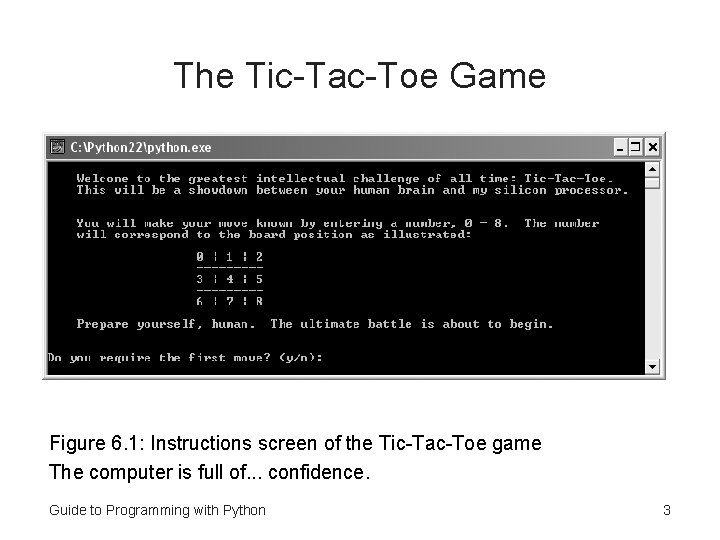
The Tic-Tac-Toe Game Figure 6. 1: Instructions screen of the Tic-Tac-Toe game The computer is full of. . . confidence. Guide to Programming with Python 3
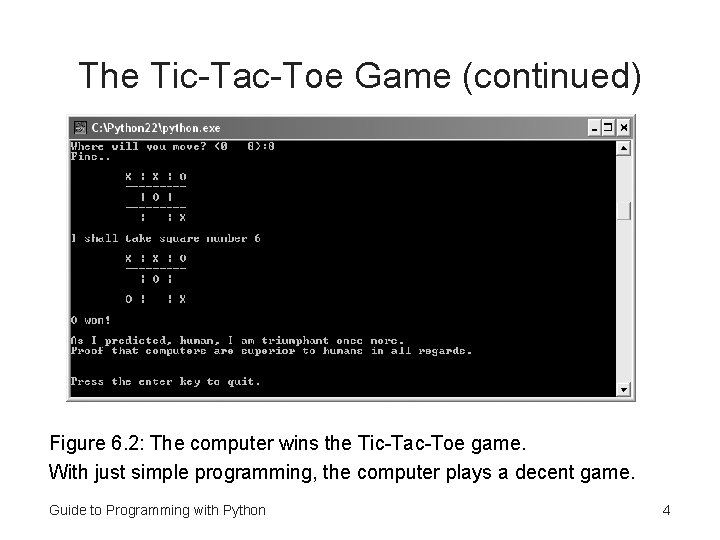
The Tic-Tac-Toe Game (continued) Figure 6. 2: The computer wins the Tic-Tac-Toe game. With just simple programming, the computer plays a decent game. Guide to Programming with Python 4
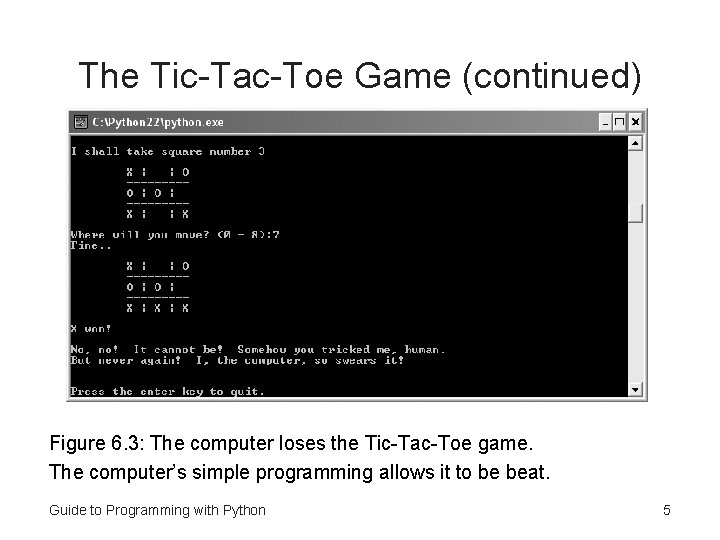
The Tic-Tac-Toe Game (continued) Figure 6. 3: The computer loses the Tic-Tac-Toe game. The computer’s simple programming allows it to be beat. Guide to Programming with Python 5
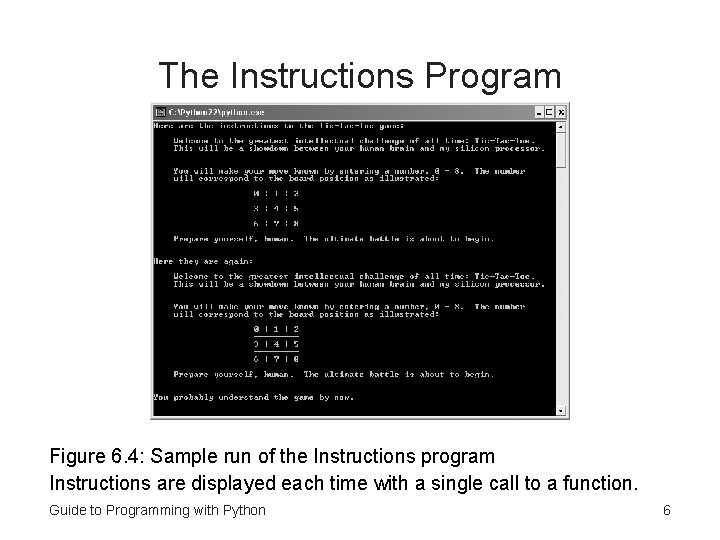
The Instructions Program Figure 6. 4: Sample run of the Instructions program Instructions are displayed each time with a single call to a function. Guide to Programming with Python 6
Creating Functions • Can define functions of your own • Functions let you to break up code into manageable chunks • Programs that are a long series of instructions are hard to write, understand, and maintain • Just like built-in functions, your new functions should do one job well Guide to Programming with Python 7
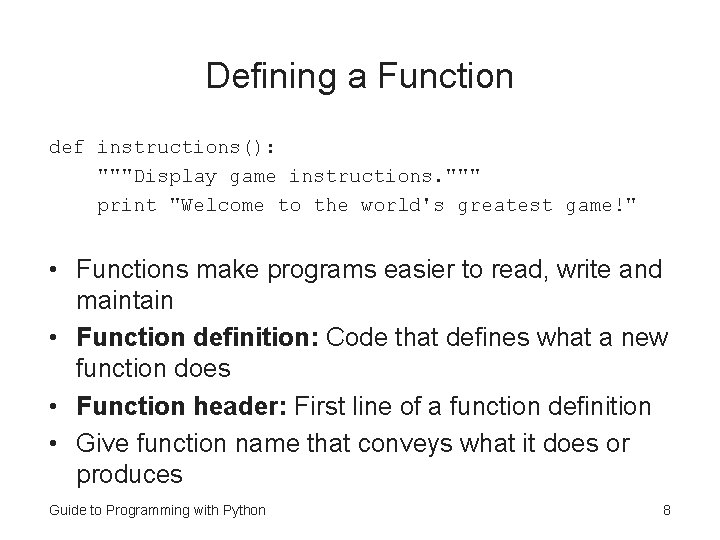
Defining a Function def instructions(): """Display game instructions. """ print "Welcome to the world's greatest game!" • Functions make programs easier to read, write and maintain • Function definition: Code that defines what a new function does • Function header: First line of a function definition • Give function name that conveys what it does or produces Guide to Programming with Python 8
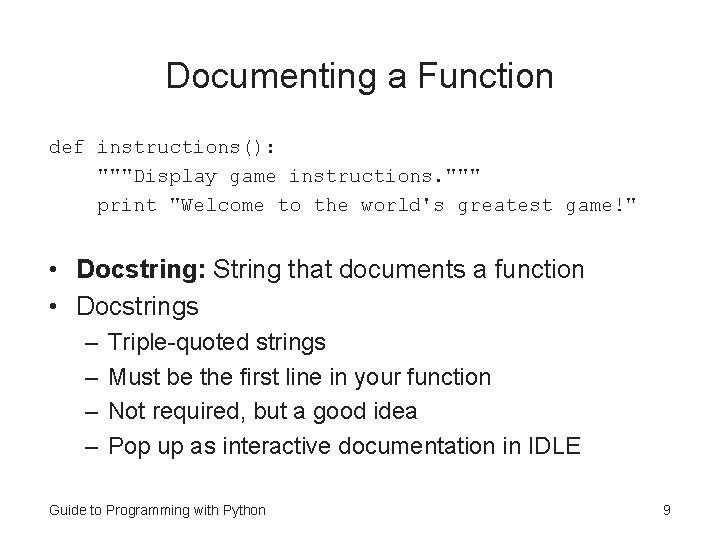
Documenting a Function def instructions(): """Display game instructions. """ print "Welcome to the world's greatest game!" • Docstring: String that documents a function • Docstrings – – Triple-quoted strings Must be the first line in your function Not required, but a good idea Pop up as interactive documentation in IDLE Guide to Programming with Python 9
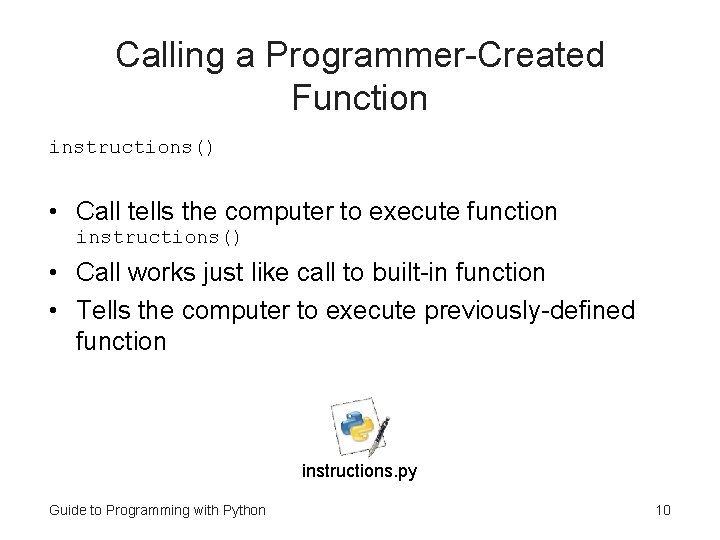
Calling a Programmer-Created Function instructions() • Call tells the computer to execute function instructions() • Call works just like call to built-in function • Tells the computer to execute previously-defined function instructions. py Guide to Programming with Python 10
Abstraction • Abstraction: Mechanism that lets you think about the big picture without worrying about the details • Functions facilitate abstraction • Can call function instructions() without worrying about the details Guide to Programming with Python 11
Using Parameters and Return Values • Just as with built-in functions – Your functions can get values – Your functions can return values Guide to Programming with Python 12
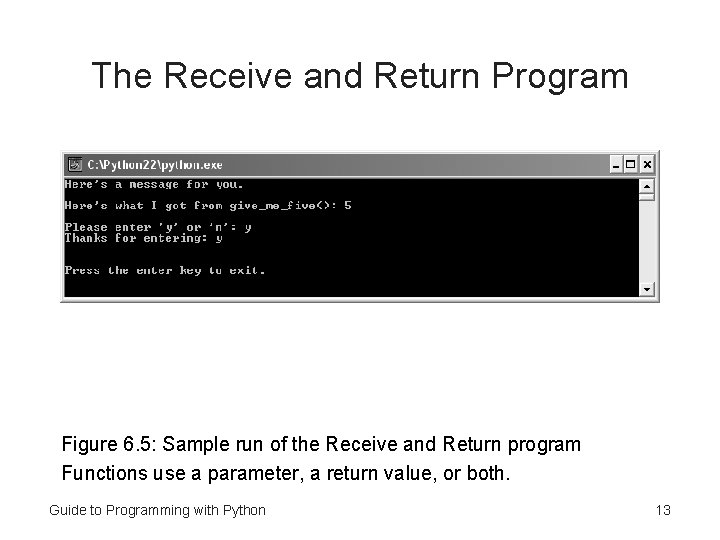
The Receive and Return Program Figure 6. 5: Sample run of the Receive and Return program Functions use a parameter, a return value, or both. Guide to Programming with Python 13
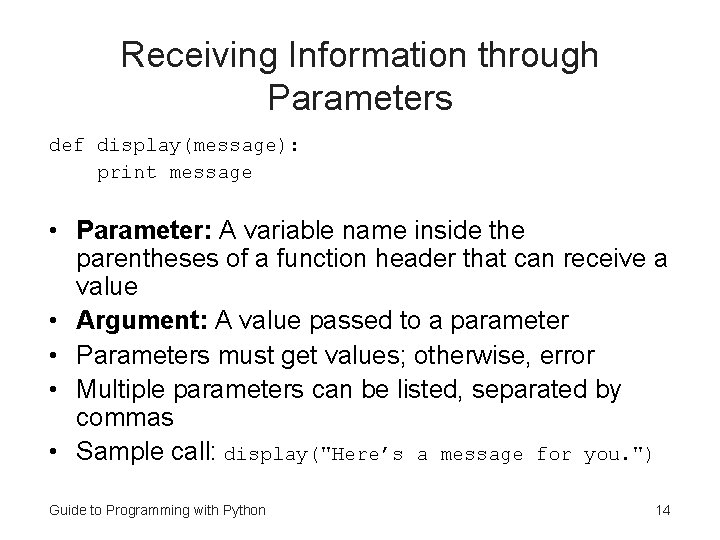
Receiving Information through Parameters def display(message): print message • Parameter: A variable name inside the parentheses of a function header that can receive a value • Argument: A value passed to a parameter • Parameters must get values; otherwise, error • Multiple parameters can be listed, separated by commas • Sample call: display("Here’s a message for you. ") Guide to Programming with Python 14
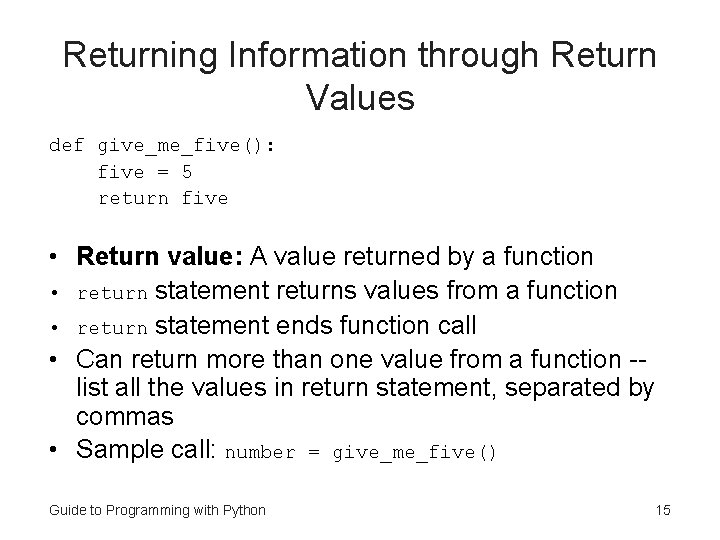
Returning Information through Return Values def give_me_five(): five = 5 return five • Return value: A value returned by a function • return statement returns values from a function • return statement ends function call • Can return more than one value from a function -list all the values in return statement, separated by commas • Sample call: number = give_me_five() Guide to Programming with Python 15
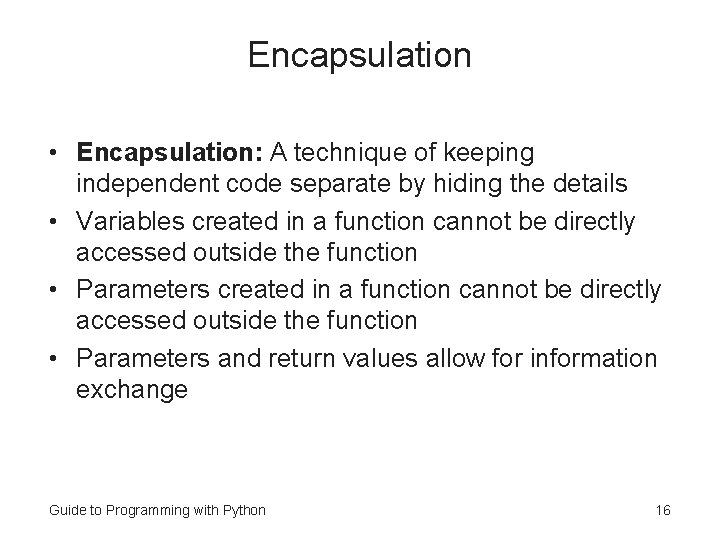
Encapsulation • Encapsulation: A technique of keeping independent code separate by hiding the details • Variables created in a function cannot be directly accessed outside the function • Parameters and return values allow for information exchange Guide to Programming with Python 16
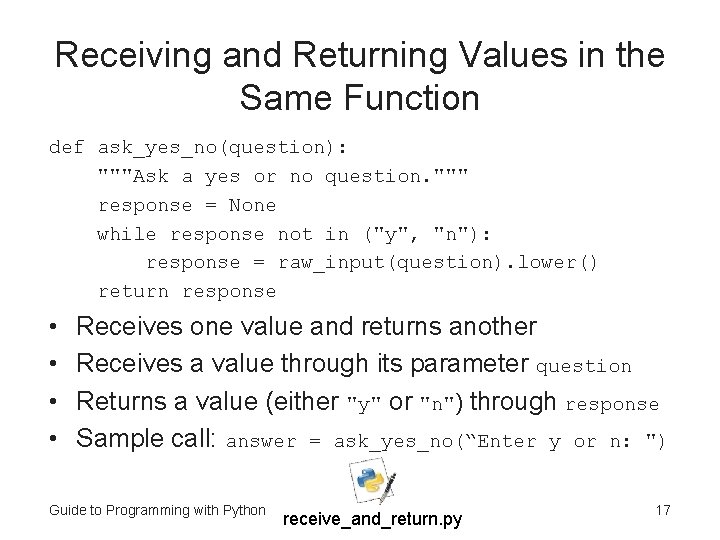
Receiving and Returning Values in the Same Function def ask_yes_no(question): """Ask a yes or no question. """ response = None while response not in ("y", "n"): response = raw_input(question). lower() return response • • Receives one value and returns another Receives a value through its parameter question Returns a value (either "y" or "n") through response Sample call: answer = ask_yes_no(“Enter y or n: ") Guide to Programming with Python receive_and_return. py 17
Software Reuse • Software reuse: Leveraging existing software in a new project • Software Reuse can: – Increase productivity – Improve software quality – Provide consistency across products – Improve software performance Guide to Programming with Python 18
Using Keyword Arguments and Default Parameter Values • Can pass values to specific parameters • Can give parameters default values Guide to Programming with Python 19
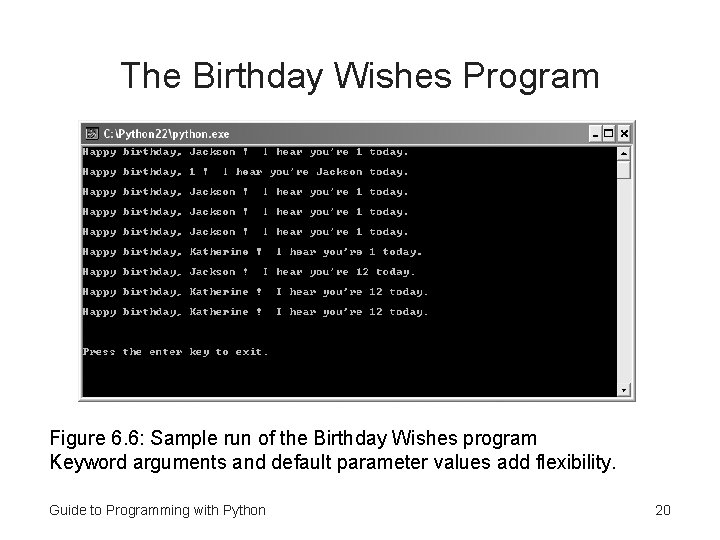
The Birthday Wishes Program Figure 6. 6: Sample run of the Birthday Wishes program Keyword arguments and default parameter values add flexibility. Guide to Programming with Python 20
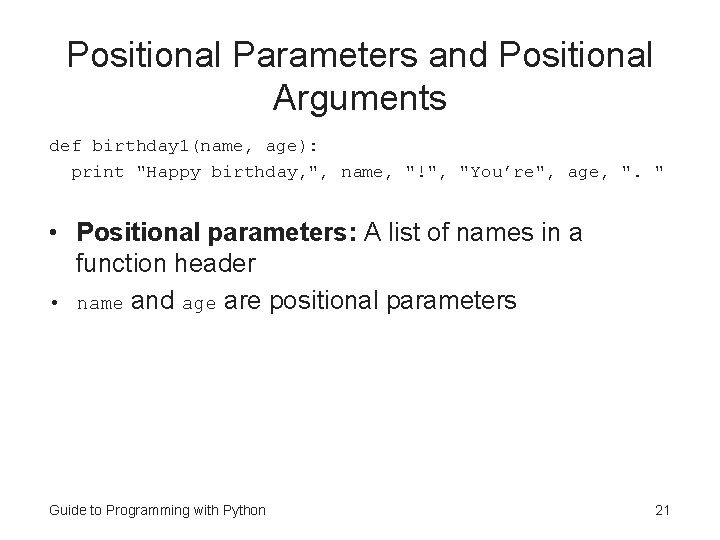
Positional Parameters and Positional Arguments def birthday 1(name, age): print "Happy birthday, ", name, "!", "You’re", age, ". " • Positional parameters: A list of names in a function header • name and age are positional parameters Guide to Programming with Python 21
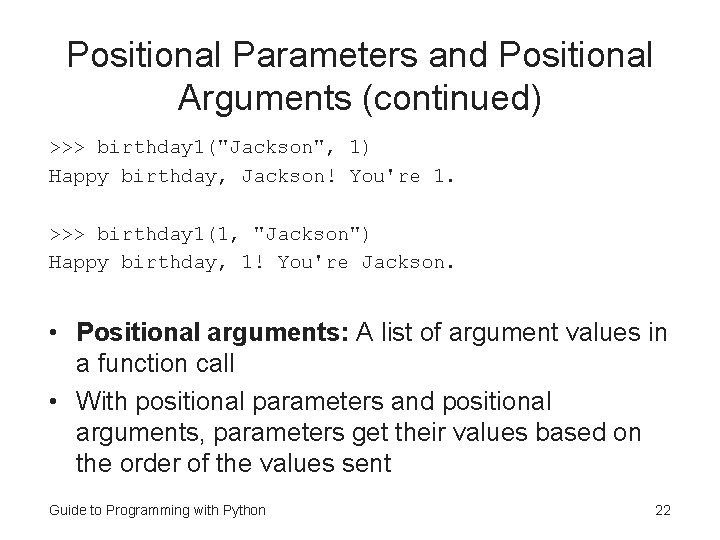
Positional Parameters and Positional Arguments (continued) >>> birthday 1("Jackson", 1) Happy birthday, Jackson! You're 1. >>> birthday 1(1, "Jackson") Happy birthday, 1! You're Jackson. • Positional arguments: A list of argument values in a function call • With positional parameters and positional arguments, parameters get their values based on the order of the values sent Guide to Programming with Python 22
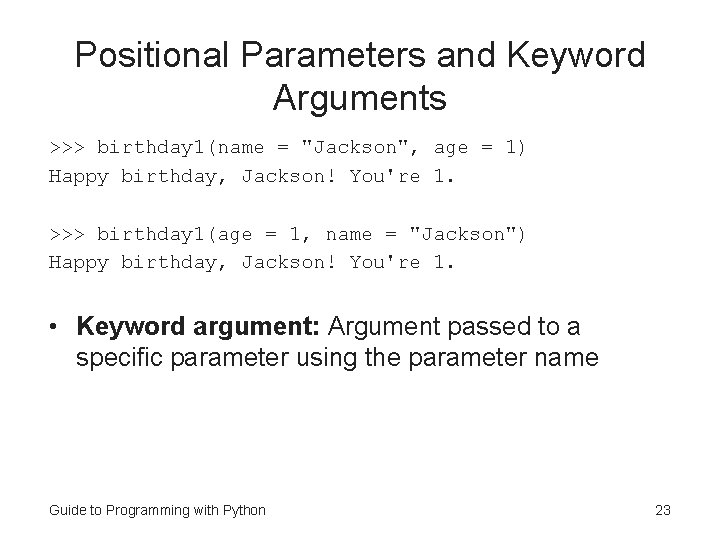
Positional Parameters and Keyword Arguments >>> birthday 1(name = "Jackson", age = 1) Happy birthday, Jackson! You're 1. >>> birthday 1(age = 1, name = "Jackson") Happy birthday, Jackson! You're 1. • Keyword argument: Argument passed to a specific parameter using the parameter name Guide to Programming with Python 23
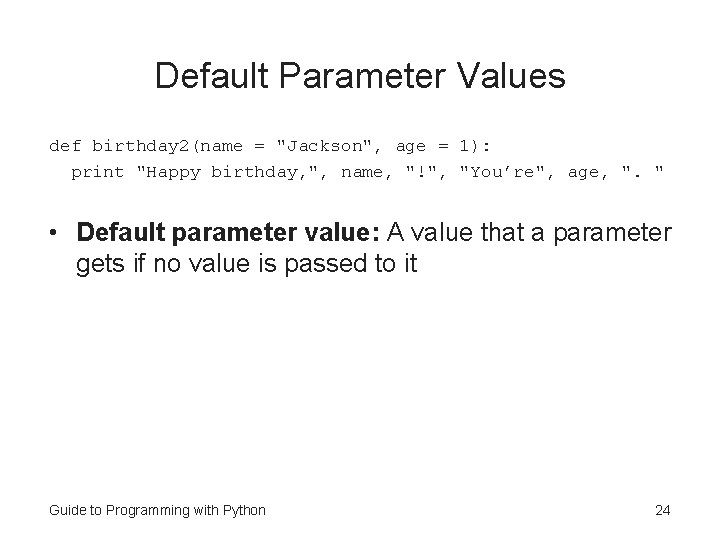
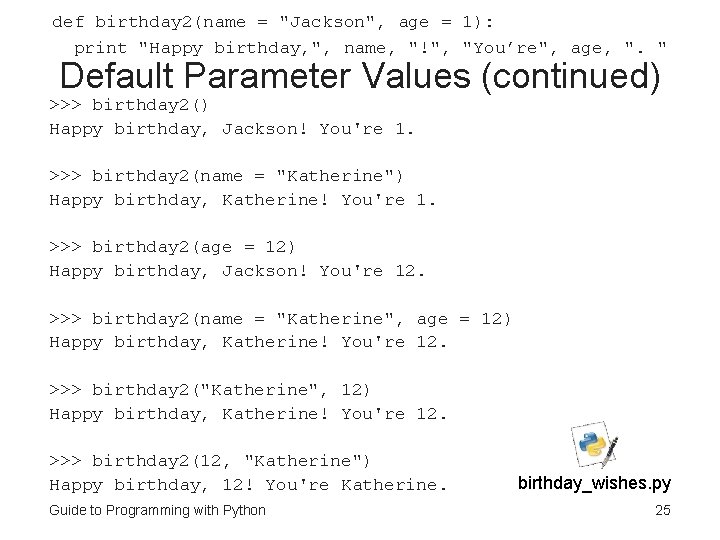
Default Parameter Values def birthday 2(name = "Jackson", age = 1): print "Happy birthday, ", name, "!", "You’re", age, ". " • Default parameter value: A value that a parameter gets if no value is passed to it Guide to Programming with Python 24
def birthday 2(name = "Jackson", age = 1): print "Happy birthday, ", name, "!", "You’re", age, ". " Default Parameter Values (continued) >>> birthday 2() Happy birthday, Jackson! You're 1. >>> birthday 2(name = "Katherine") Happy birthday, Katherine! You're 1. >>> birthday 2(age = 12) Happy birthday, Jackson! You're 12. >>> birthday 2(name = "Katherine", age = 12) Happy birthday, Katherine! You're 12. >>> birthday 2("Katherine", 12) Happy birthday, Katherine! You're 12. >>> birthday 2(12, "Katherine") Happy birthday, 12! You're Katherine. Guide to Programming with Python birthday_wishes. py 25
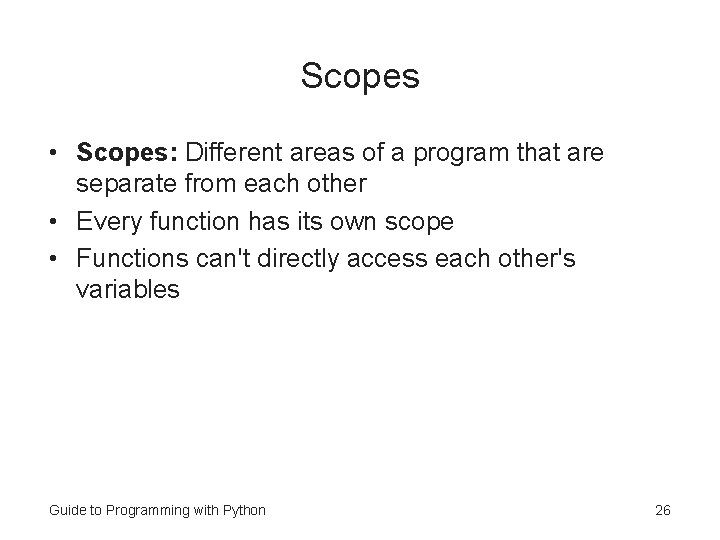
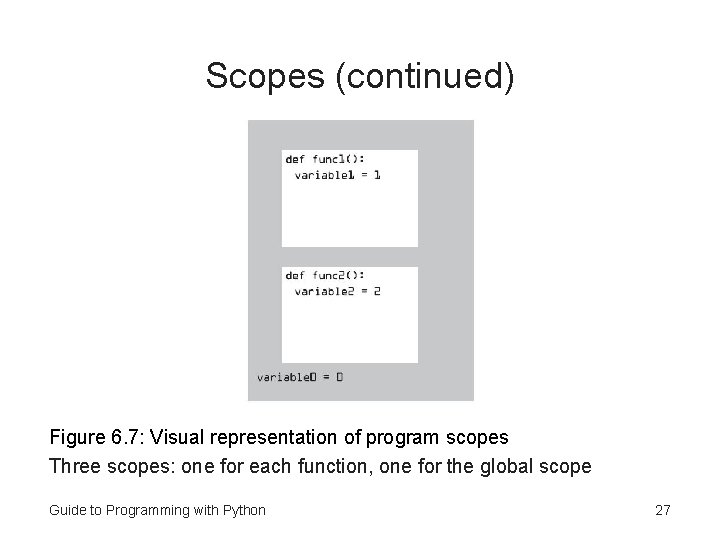
Scopes • Scopes: Different areas of a program that are separate from each other • Every function has its own scope • Functions can't directly access each other's variables Guide to Programming with Python 26
Scopes (continued) Figure 6. 7: Visual representation of program scopes Three scopes: one for each function, one for the global scope Guide to Programming with Python 27
Using Global Variables and Constants • Global variables are variables that can be accessed in any part of a program • Global constants are constants that can be accessed in any part of a program Guide to Programming with Python 28
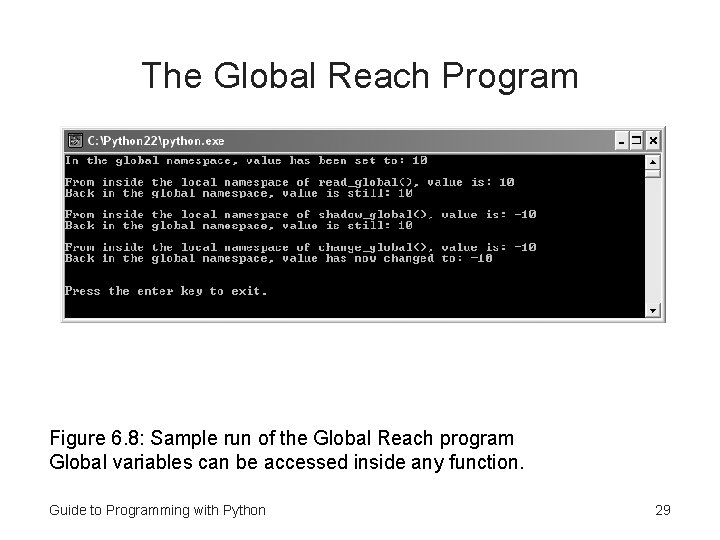
The Global Reach Program Figure 6. 8: Sample run of the Global Reach program Global variables can be accessed inside any function. Guide to Programming with Python 29
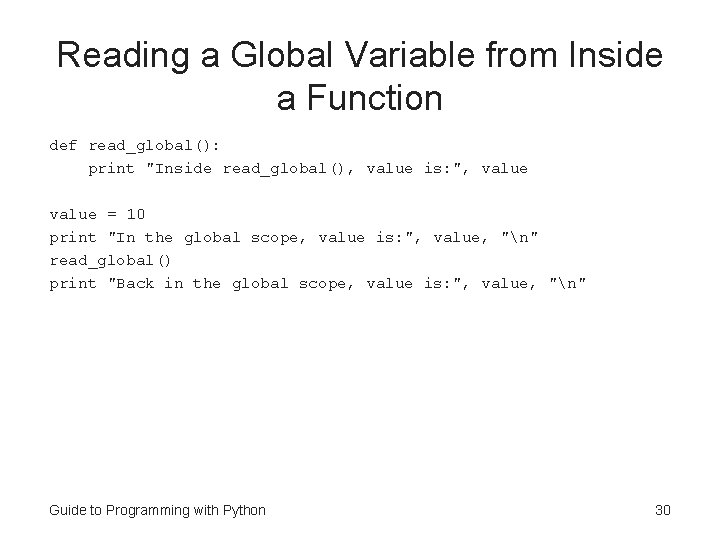
Reading a Global Variable from Inside a Function def read_global(): print "Inside read_global(), value is: ", value = 10 print "In the global scope, value is: ", value, "n" read_global() print "Back in the global scope, value is: ", value, "n" Guide to Programming with Python 30
Reading a Global Variable from Inside a Function (continued) • Global variable: A variable created in the global scope that can be accessed in any part of a program • Local variable: A variable created in a scope other than the global scope that can't be accessed outside of its scope • Can read the value of a global variable from within any scope in your program Guide to Programming with Python 31
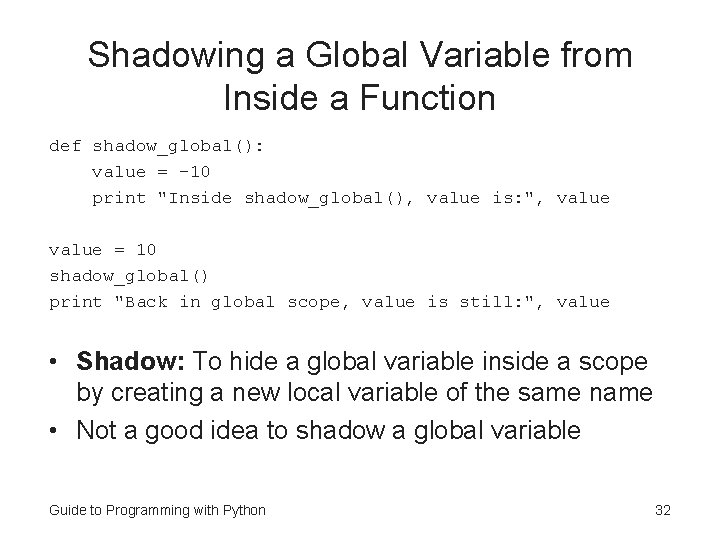
Shadowing a Global Variable from Inside a Function def shadow_global(): value = -10 print "Inside shadow_global(), value is: ", value = 10 shadow_global() print "Back in global scope, value is still: ", value • Shadow: To hide a global variable inside a scope by creating a new local variable of the same name • Not a good idea to shadow a global variable Guide to Programming with Python 32
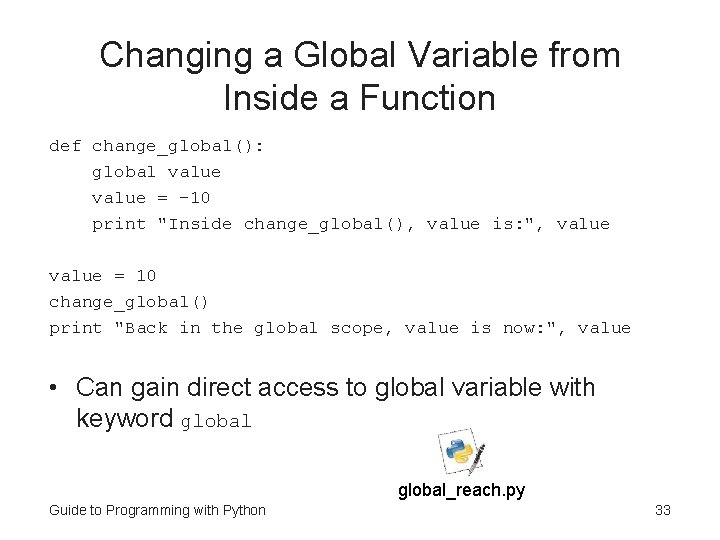
Changing a Global Variable from Inside a Function def change_global(): global value = -10 print "Inside change_global(), value is: ", value = 10 change_global() print "Back in the global scope, value is now: ", value • Can gain direct access to global variable with keyword global_reach. py Guide to Programming with Python 33
Mutable Sequences Can Be Changed Inside Functions def change_list(the_list): the_list[1] = "changed" my_list = ["same", "same"] print my_list change_list(my_list) print my_list Guide to Programming with Python 34
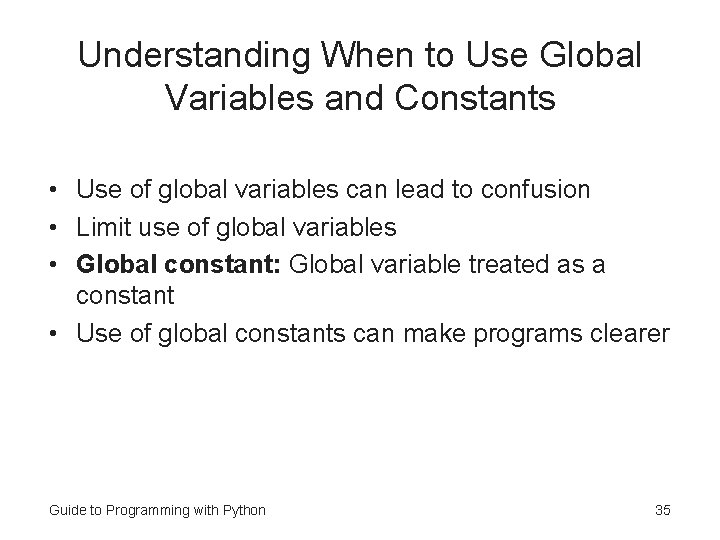
Understanding When to Use Global Variables and Constants • Use of global variables can lead to confusion • Limit use of global variables • Global constant: Global variable treated as a constant • Use of global constants can make programs clearer Guide to Programming with Python 35
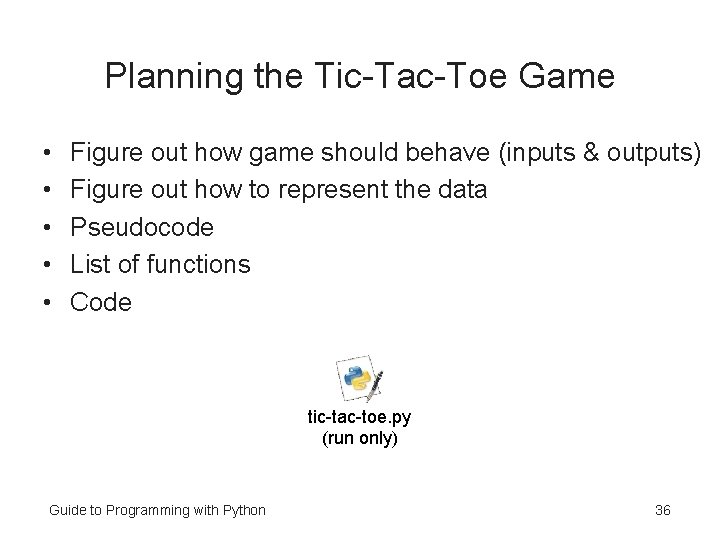
Planning the Tic-Tac-Toe Game • • • Figure out how game should behave (inputs & outputs) Figure out how to represent the data Pseudocode List of functions Code tic-tac-toe. py (run only) Guide to Programming with Python 36
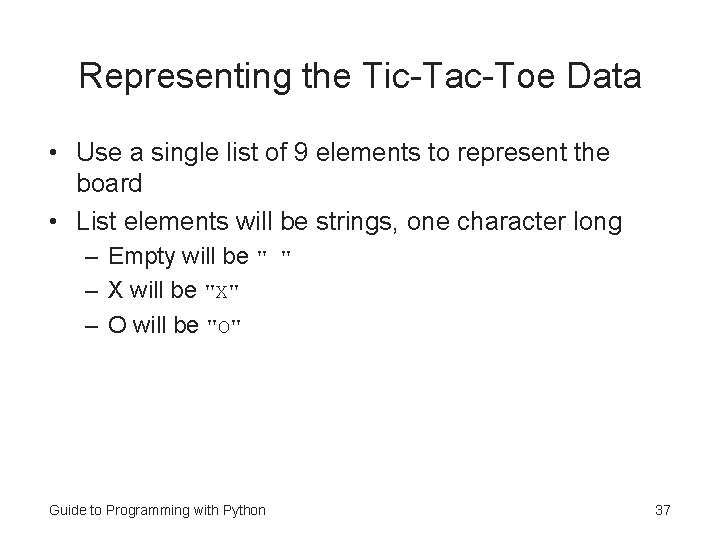
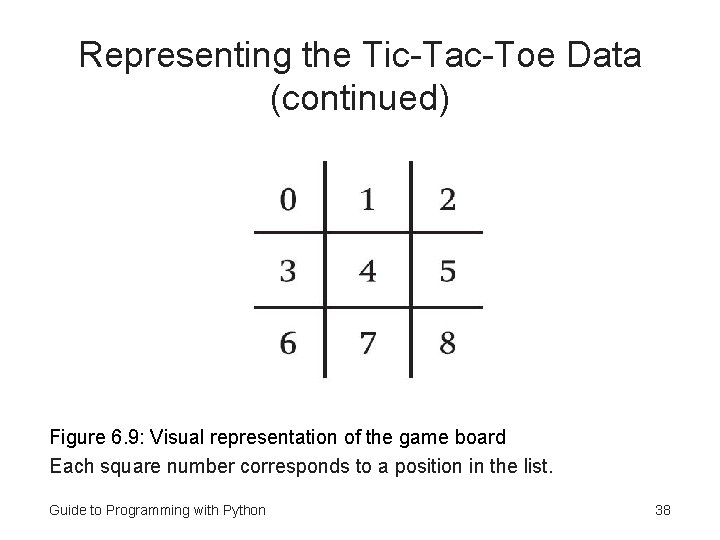
Representing the Tic-Tac-Toe Data • Use a single list of 9 elements to represent the board • List elements will be strings, one character long – Empty will be " " – X will be "X" – O will be "O" Guide to Programming with Python 37
Representing the Tic-Tac-Toe Data (continued) Figure 6. 9: Visual representation of the game board Each square number corresponds to a position in the list. Guide to Programming with Python 38
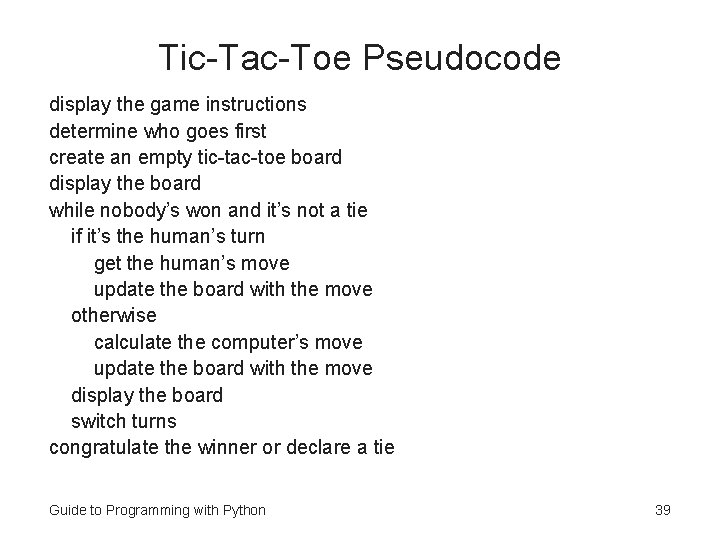
Tic-Tac-Toe Pseudocode display the game instructions determine who goes first create an empty tic-tac-toe board display the board while nobody’s won and it’s not a tie if it’s the human’s turn get the human’s move update the board with the move otherwise calculate the computer’s move update the board with the move display the board switch turns congratulate the winner or declare a tie Guide to Programming with Python 39
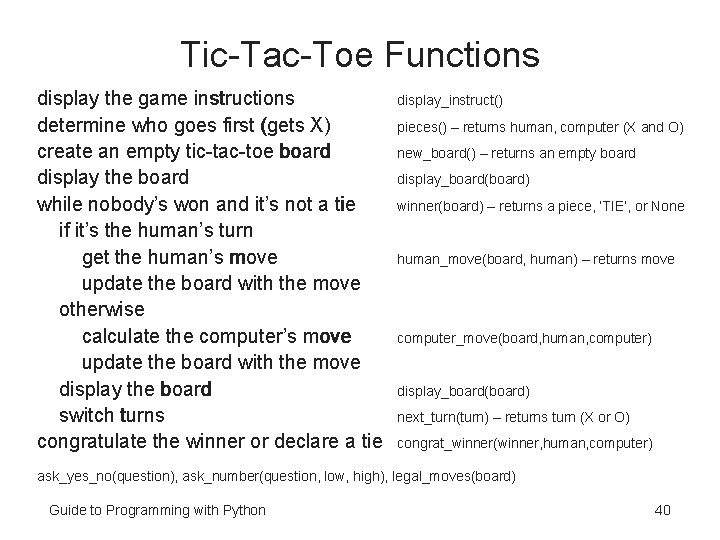
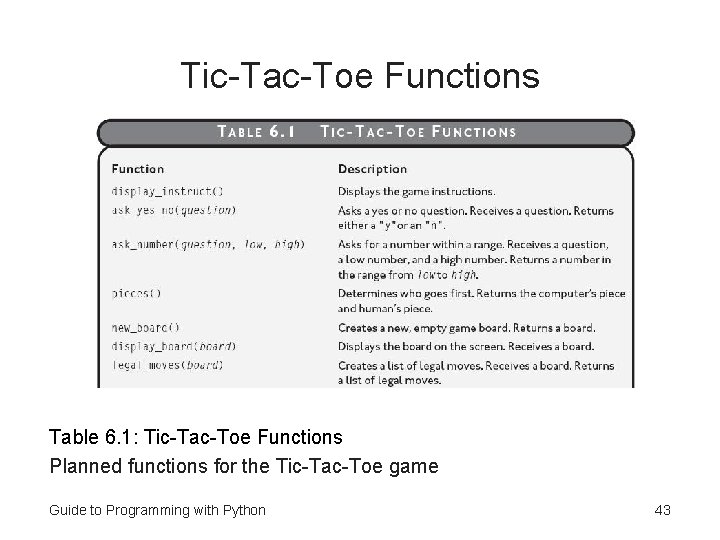
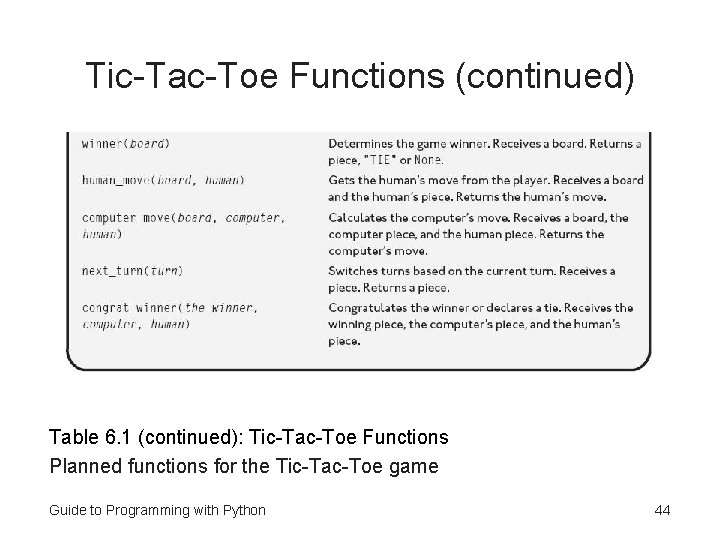
Tic-Tac-Toe Functions display the game instructions determine who goes first (gets X) create an empty tic-tac-toe board display the board while nobody’s won and it’s not a tie if it’s the human’s turn get the human’s move update the board with the move otherwise calculate the computer’s move update the board with the move display the board switch turns congratulate the winner or declare a tie display_instruct() pieces() – returns human, computer (X and O) new_board() – returns an empty board display_board(board) winner(board) – returns a piece, ‘TIE’, or None human_move(board, human) – returns move computer_move(board, human, computer) display_board(board) next_turn(turn) – returns turn (X or O) congrat_winner(winner, human, computer) ask_yes_no(question), ask_number(question, low, high), legal_moves(board) Guide to Programming with Python 40
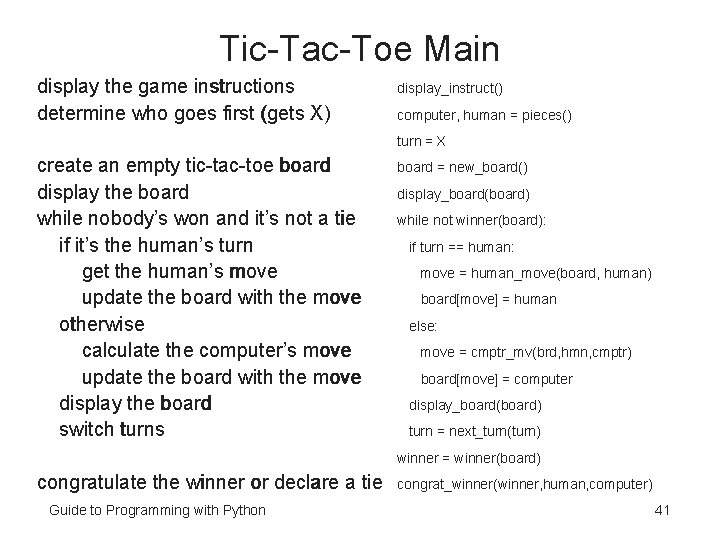
Tic-Tac-Toe Main display the game instructions determine who goes first (gets X) display_instruct() computer, human = pieces() turn = X create an empty tic-tac-toe board display the board while nobody’s won and it’s not a tie if it’s the human’s turn get the human’s move update the board with the move otherwise calculate the computer’s move update the board with the move display the board switch turns board = new_board() display_board(board) while not winner(board): if turn == human: move = human_move(board, human) board[move] = human else: move = cmptr_mv(brd, hmn, cmptr) board[move] = computer display_board(board) turn = next_turn(turn) winner = winner(board) congratulate the winner or declare a tie Guide to Programming with Python congrat_winner(winner, human, computer) 41
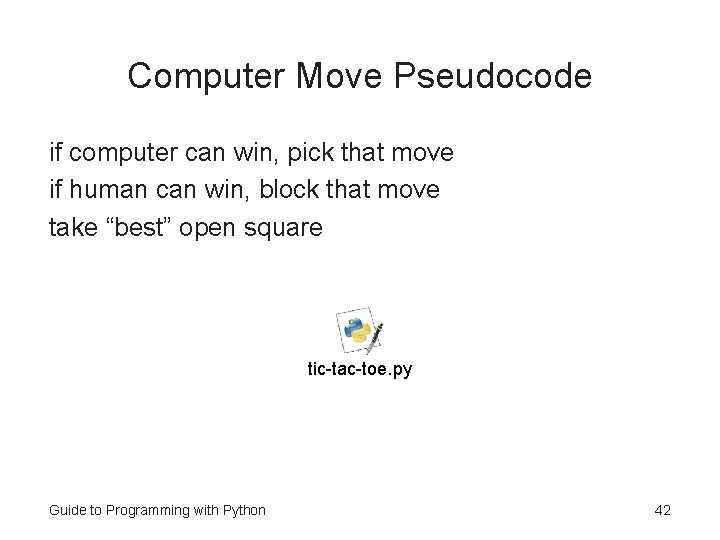
Computer Move Pseudocode if computer can win, pick that move if human can win, block that move take “best” open square tic-tac-toe. py Guide to Programming with Python 42
Tic-Tac-Toe Functions Table 6. 1: Tic-Tac-Toe Functions Planned functions for the Tic-Tac-Toe game Guide to Programming with Python 43
Tic-Tac-Toe Functions (continued) Table 6. 1 (continued): Tic-Tac-Toe Functions Planned functions for the Tic-Tac-Toe game Guide to Programming with Python 44
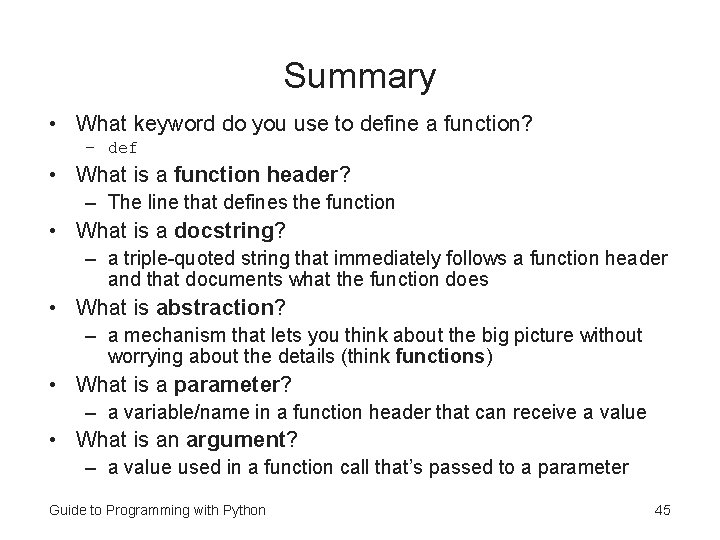
Summary • What keyword do you use to define a function? – def • What is a function header? – The line that defines the function • What is a docstring? – a triple-quoted string that immediately follows a function header and that documents what the function does • What is abstraction? – a mechanism that lets you think about the big picture without worrying about the details (think functions) • What is a parameter? – a variable/name in a function header that can receive a value • What is an argument? – a value used in a function call that’s passed to a parameter Guide to Programming with Python 45
Summary (continued) • What is a return value? – a value returned by a function • What is encapsulation? – a technique of keeping independent code separate by hiding the details • Can variables and parameters created in a function be directly accessed outside the function? – No! • What is software reuse? – leveraging existing software in a new project • What is a keyword argument? – an argument passed to a specific parameter of a function by using its parameter name Guide to Programming with Python 46
Summary (continued) • How do you provide a default parameter value in a function? – use name = value in the function header • What do you call different areas of a program that are separate from each other? – scopes • What is a global variable? – a variable created in the global scope that can be accessed in any part of a program • What is a local variable? – a variable created in a scope other than the global scope that can’t be accessed outside of its scope • You should avoid using global variables (but global constants are good) Guide to Programming with Python 47