
Guide to Presentation Somsak Walairacht Computer Engineering KMITL

- Slides: 36
Guide to Presentation Somsak Walairacht, Computer Engineering, KMITL 1
Outlines n n n n Slide Structure Color and Font Choices Animations Graphs Rehearsal, Preparation, Presenting Conclusions Questions 2
Slide Structure n Make your 1 st or 2 nd slide an outline of your presentation n Ex: previous slide Follow the order of your outline for the rest of the presentation Only place main points on the outline slide n Ex: Use the titles of each slide as main points 3
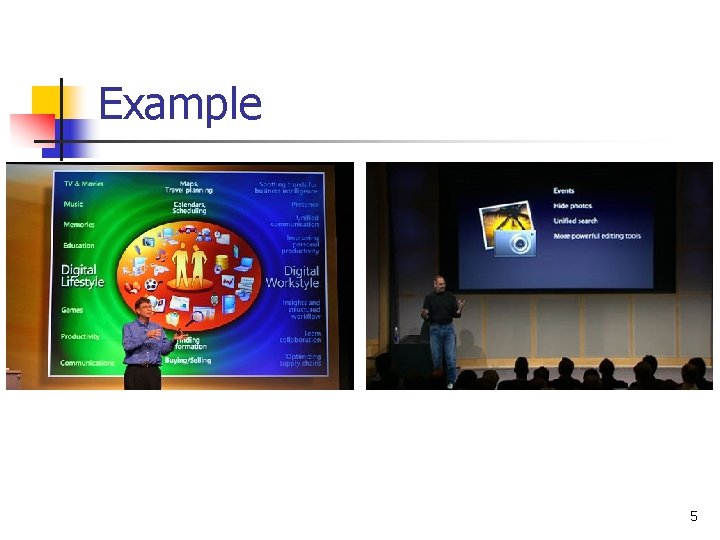
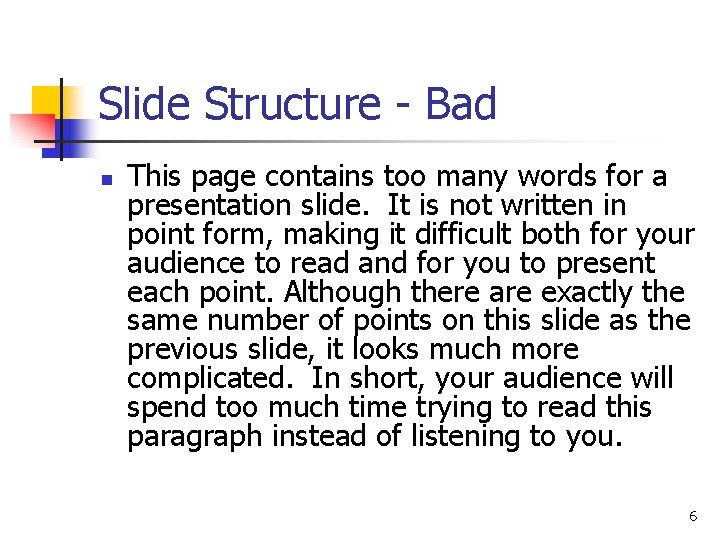
Slide Structure – Good n n n Use 1 -2 slides per minute of your presentation Write in point form, not complete sentences Include 4 -5 points per slide Avoid wordiness: use key words and phrases only If a simple graphic will illustrate your point, use it rather than text 4
Example 5
Slide Structure - Bad n This page contains too many words for a presentation slide. It is not written in point form, making it difficult both for your audience to read and for you to present each point. Although there are exactly the same number of points on this slide as the previous slide, it looks much more complicated. In short, your audience will spend too much time trying to read this paragraph instead of listening to you. 6
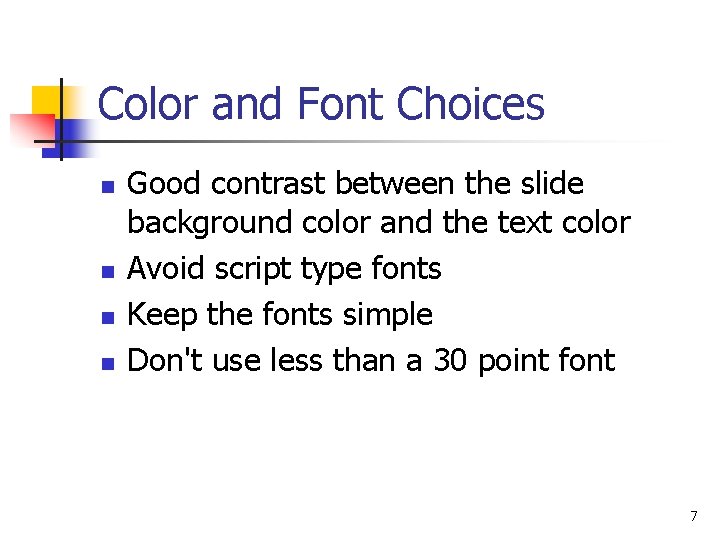
Color and Font Choices n n Good contrast between the slide background color and the text color Avoid script type fonts Keep the fonts simple Don't use less than a 30 point font 7
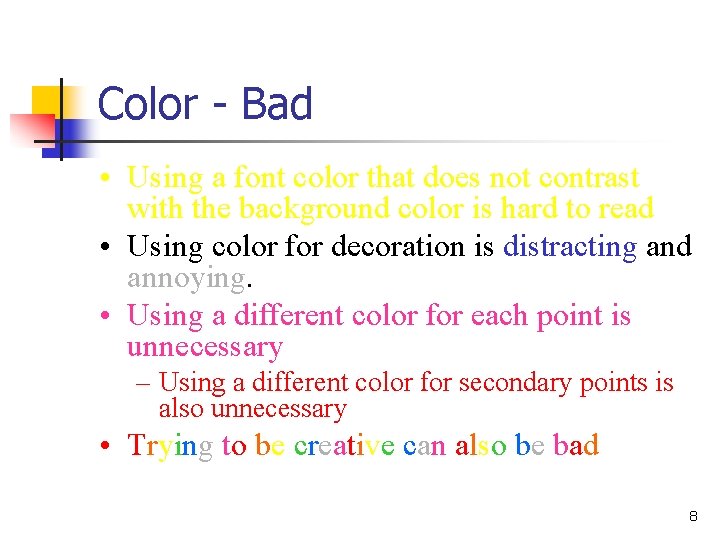
Color - Bad • Using a font color that does not contrast with the background color is hard to read • Using color for decoration is distracting and annoying. • Using a different color for each point is unnecessary – Using a different color for secondary points is also unnecessary • Trying to be creative can also be bad 8
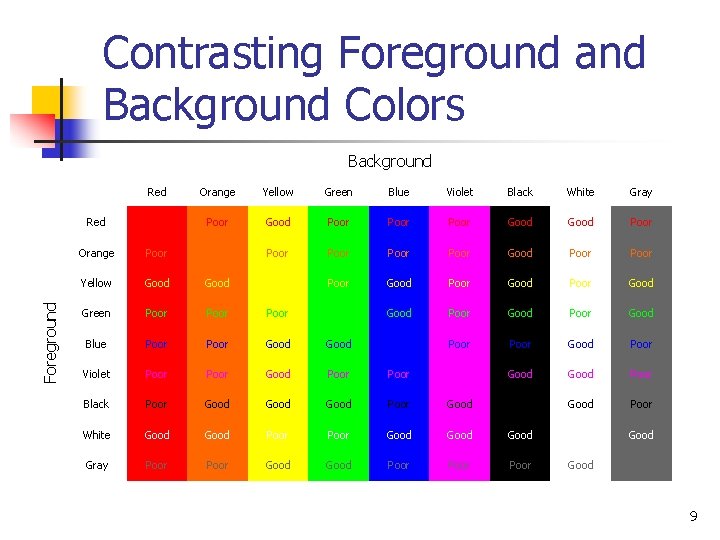
Contrasting Foreground and Background Colors Background Foreground Red Orange Yellow Green Blue Violet Black White Gray Red Poor Good Poor Orange Poor Poor Good Poor Yellow Good Poor Good Green Poor Good Poor Good Blue Poor Good Poor Violet Poor Good Poor Black Poor Good Poor Good Poor White Good Poor Good Gray Poor Good Poor Good 9
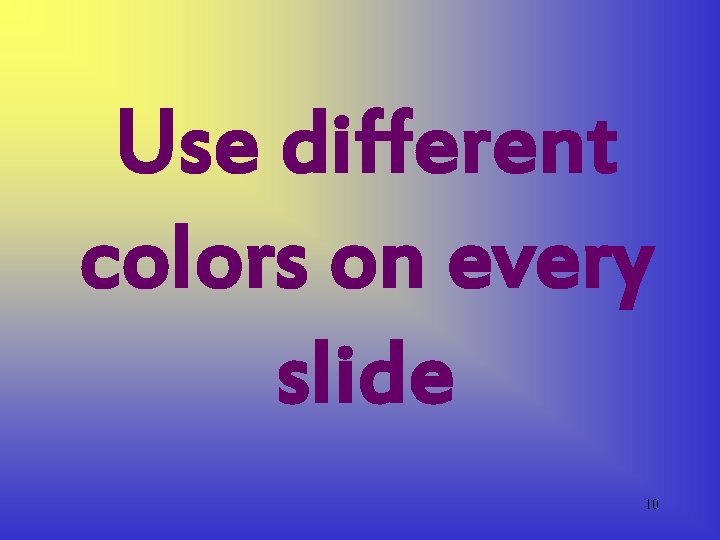
Use different colors on every slide 10
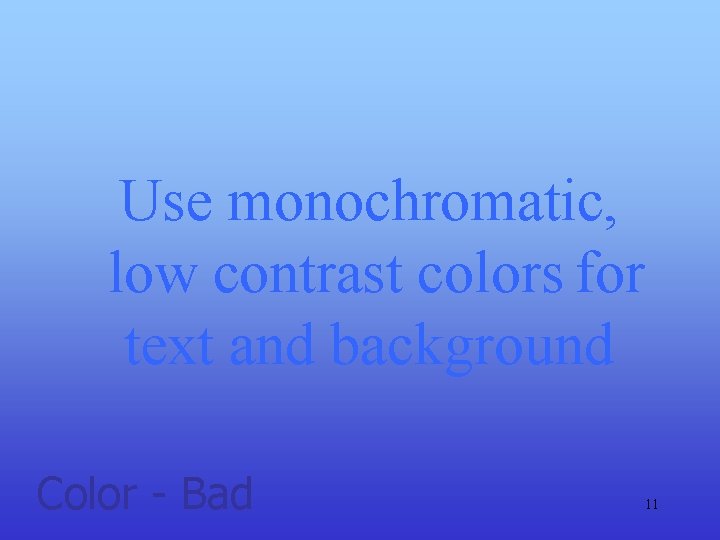
Use monochromatic, low contrast colors for text and background Color - Bad 11
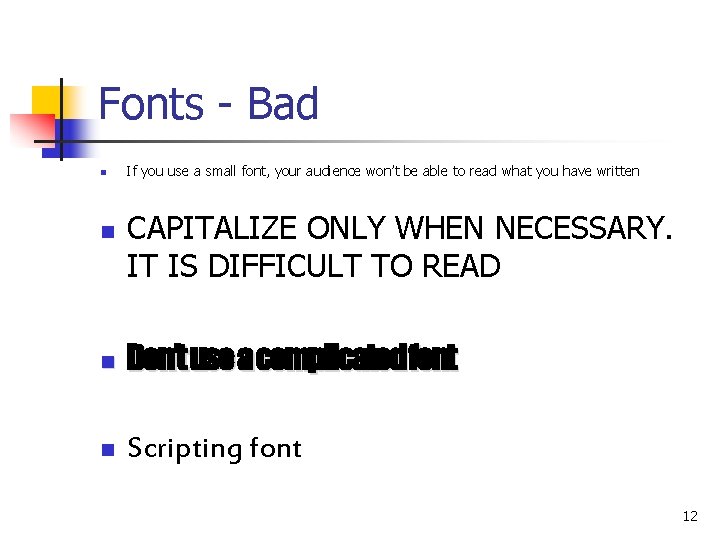
Fonts - Bad n n If you use a small font, your audience won’t be able to read what you have written CAPITALIZE ONLY WHEN NECESSARY. IT IS DIFFICULT TO READ n Don’t use a complicated font n Scripting font 12
Use lots of fancy fonts 13
Don’t worry about matching the design of your slides to the situation and topic. Go ahead and use a circus theme for an executive budget meeting! 14
Don’t wory about checking speling or gramar. 15
Animations n n Grab the audience's attention for an important point As soon as a point is introduced, the animation should stop Use them sparingly and your presentation will be much more effective, "less is more” Avoid too many different transitions 16
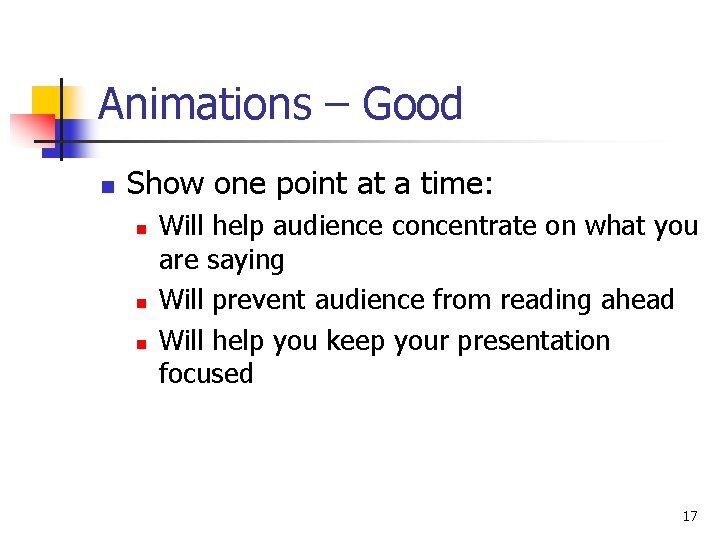
Animations – Good n Show one point at a time: n n n Will help audience concentrate on what you are saying Will prevent audience from reading ahead Will help you keep your presentation focused 17
Use many special effects and lots of animation; everyone will be very impressed! 18
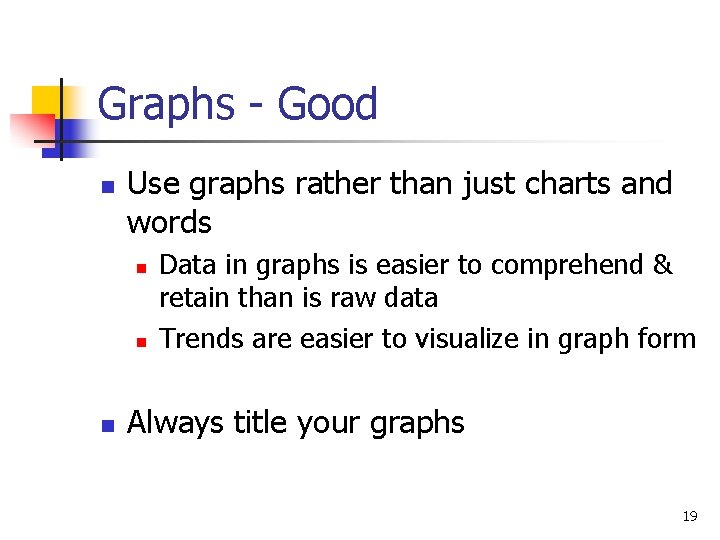
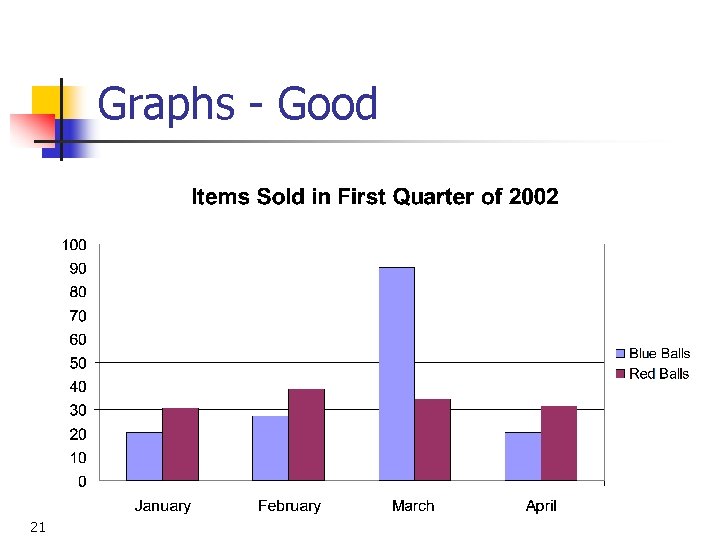
Graphs - Good n Use graphs rather than just charts and words n n n Data in graphs is easier to comprehend & retain than is raw data Trends are easier to visualize in graph form Always title your graphs 19
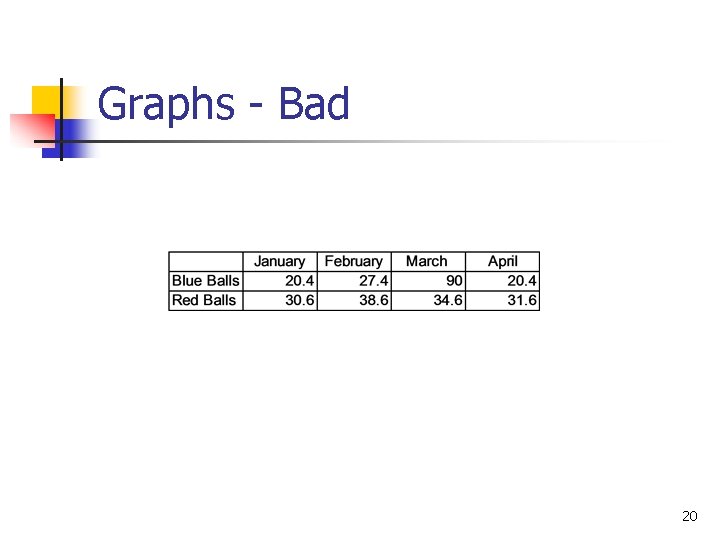
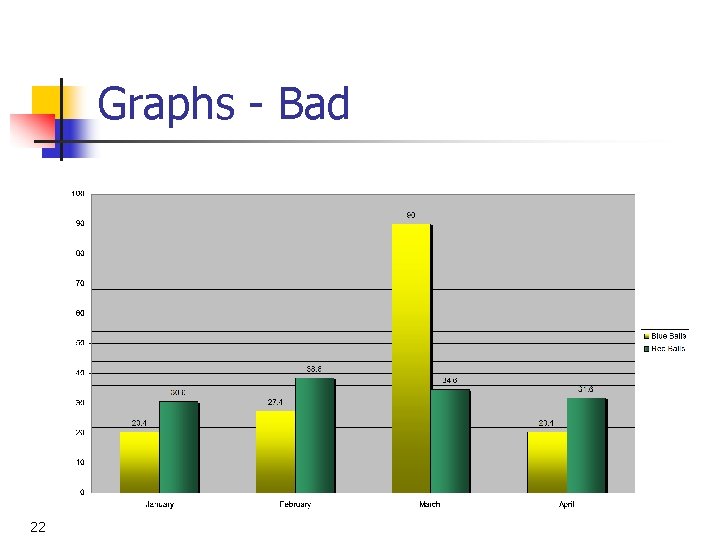
Graphs - Bad 20
Graphs - Good 21
Graphs - Bad 22
Graphs - Bad n n n Minor gridlines are unnecessary Font is too small Colours are illogical Title is missing Shading is distracting 23
Don’t rehearse, and don’t check out the equipment or facility before your presentation starting time. 24
Memorize your talk word-by-word. Then, if you lose your place, you can start all over again! 25
Don’t prepare any handouts. Everyone will be paying attention to your every word, and will remember everything next week, so who needs paper? 26
Using Power. Point as a crutch n n n Many presenters rely on Power. Point as being their presentation YOU are the presentation Power. Point is an enhancement to the presentation 27
TMI - KISS n T. M. I. = Too Much Information n K. I. S. S. (Keep It Silly Simple) 28
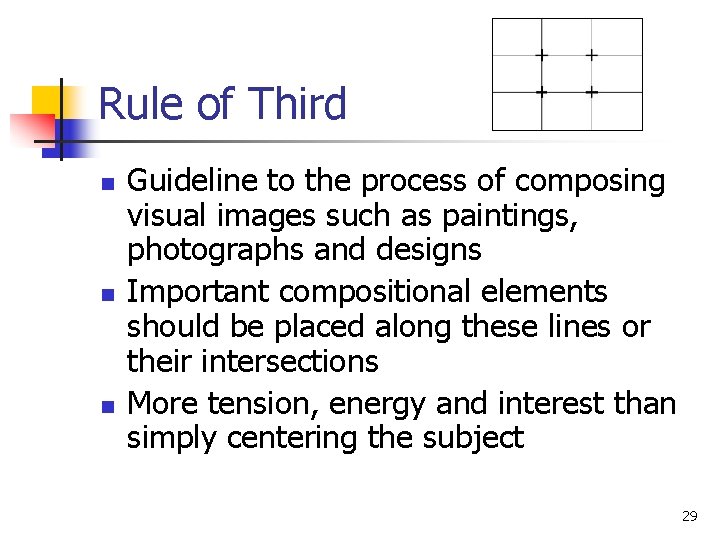
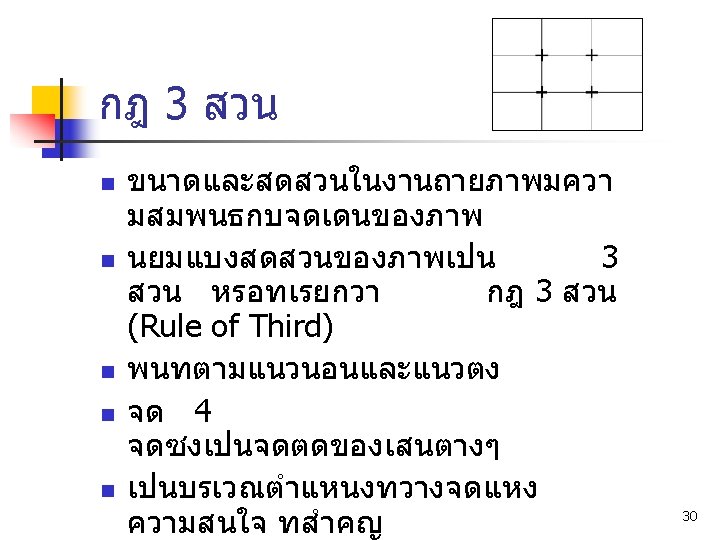
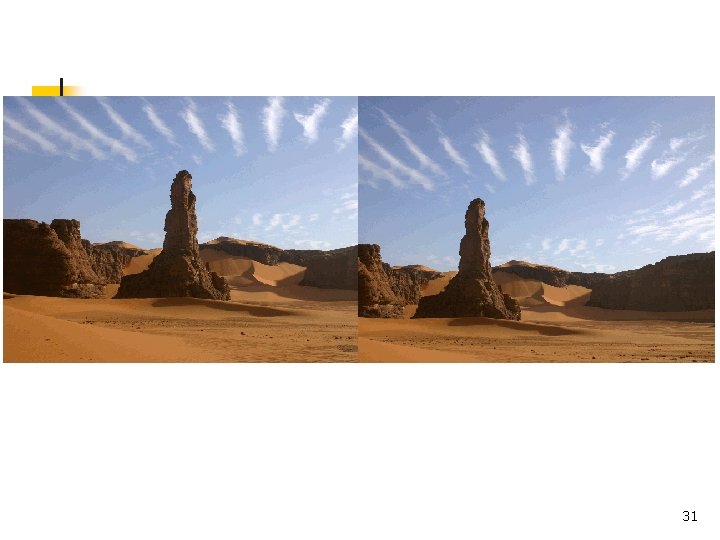
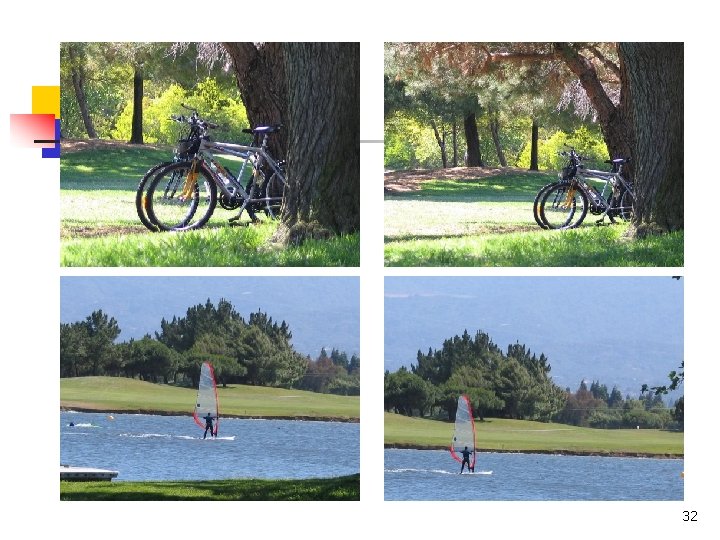
Rule of Third n n n Guideline to the process of composing visual images such as paintings, photographs and designs Important compositional elements should be placed along these lines or their intersections More tension, energy and interest than simply centering the subject 29
31
32
Conclusions n Use an effective and strong closing n n Your audience is likely to remember your last words Use a conclusion slide to: n n Summarize the main points of your presentation Suggest future avenues of research 33
Questions n End your presentation with a simple question slide to: n n n Invite your audience to ask questions Provide a visual aid during question period Avoid ending a presentation abruptly 34
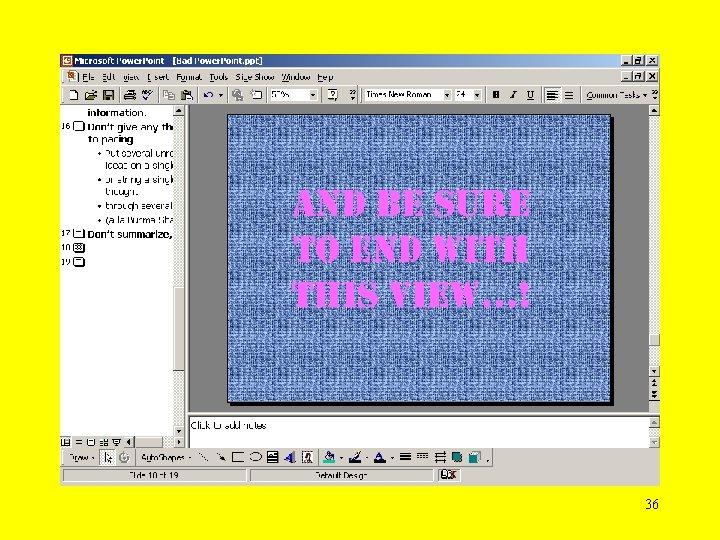
And be sure to end with this view…! 35
36