
GUI Swing Eclipse HTML layout assets values src
- Slides: 37
前置き 癖のあるGUI作成 Swing Eclipse HTML
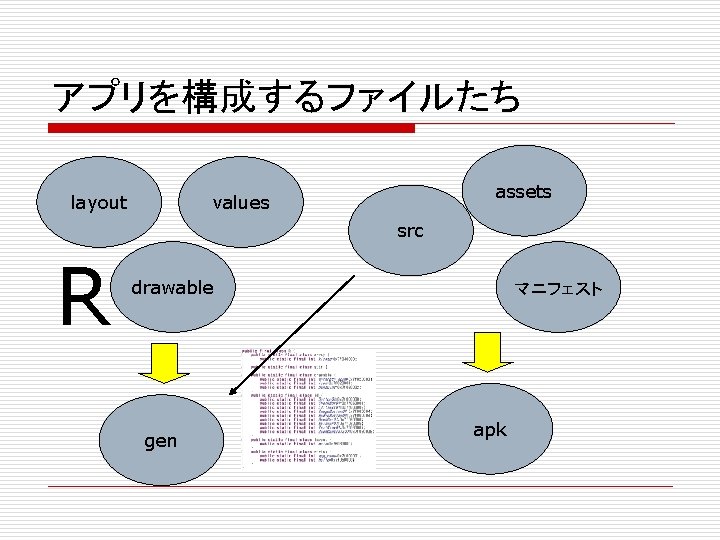
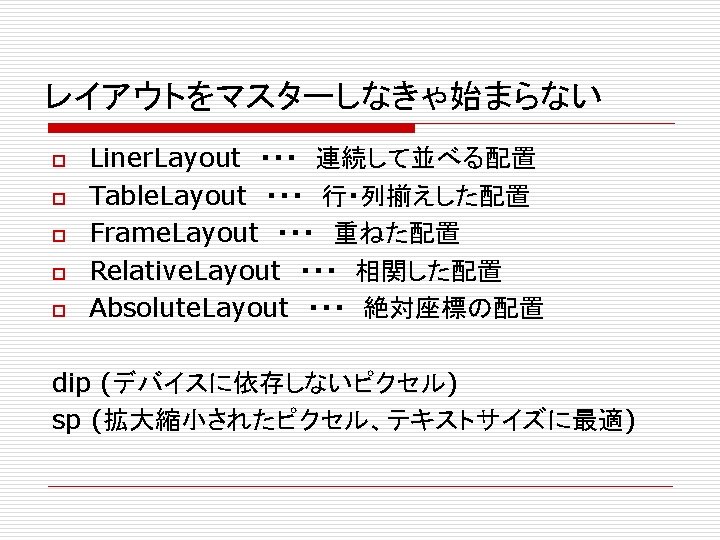
アプリを構成するファイルたち layout assets values src R drawable gen マニフェスト apk
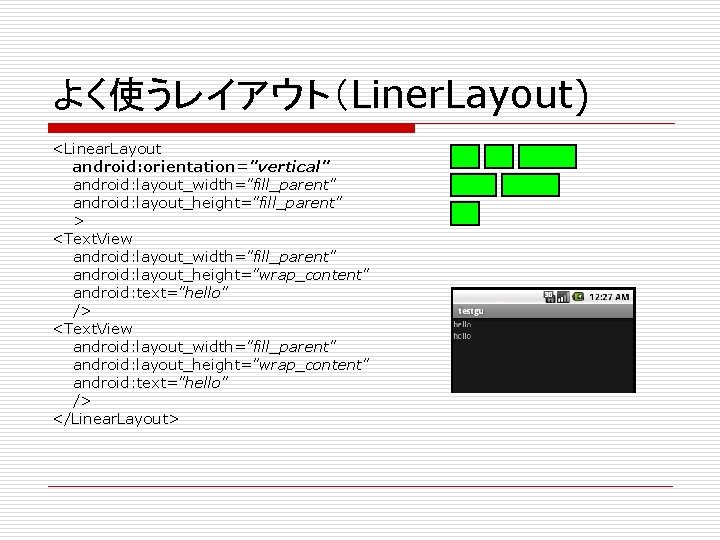
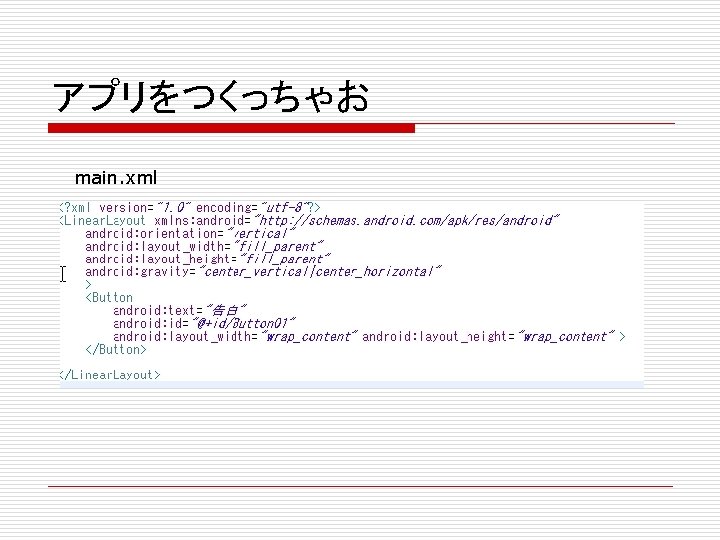
よく使うレイアウト(Liner. Layout) <Linear. Layout android: orientation="vertical" android: layout_width="fill_parent" android: layout_height="fill_parent" > <Text. View android: layout_width="fill_parent" android: layout_height="wrap_content" android: text="hello" /> </Linear. Layout>
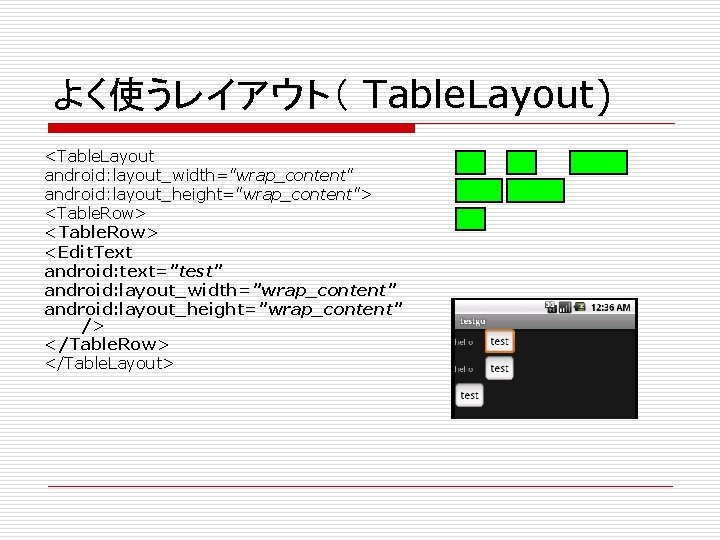
よく使うレイアウト( Table. Layout) <Table. Layout android: layout_width="wrap_content" android: layout_height="wrap_content"> <Table. Row> <Edit. Text android: text="test" android: layout_width="wrap_content" android: layout_height="wrap_content" /> </Table. Row> </Table. Layout>
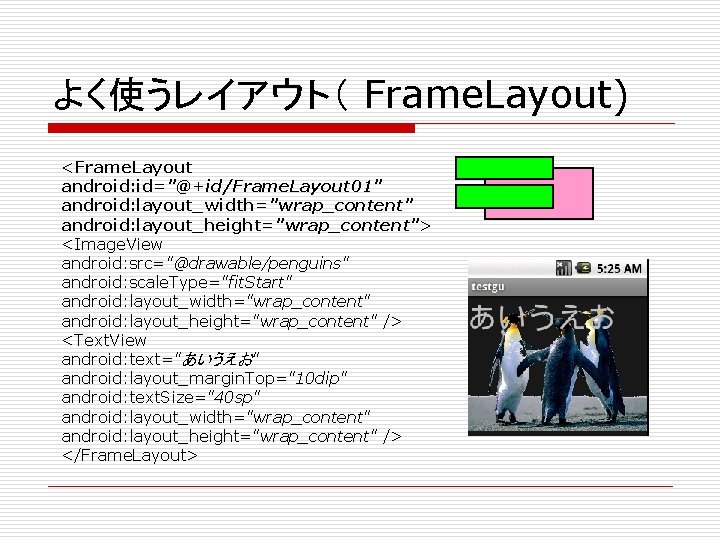
よく使うレイアウト( Frame. Layout) <Frame. Layout android: id="@+id/Frame. Layout 01" android: layout_width="wrap_content" android: layout_height="wrap_content"> <Image. View android: src="@drawable/penguins" android: scale. Type="fit. Start" android: layout_width="wrap_content" android: layout_height="wrap_content" /> <Text. View android: text="あいうえお" android: layout_margin. Top="10 dip" android: text. Size="40 sp" android: layout_width="wrap_content" android: layout_height="wrap_content" /> </Frame. Layout>
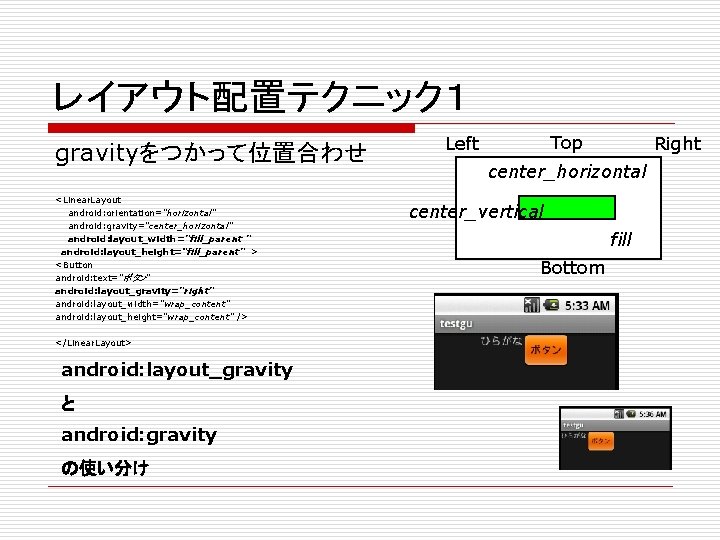
レイアウト配置テクニック1 gravityをつかって位置合わせ <Linear. Layout android: orientation="horizontal" android: gravity="center_horizontal" android: layout_width="fill_parent " android: layout_height=“fill_parent” > <Button android: text="ボタン" android: layout_gravity="right" android: layout_width="wrap_content" android: layout_height="wrap_content" /> </Linear. Layout> android: layout_gravity と android: gravity の使い分け Top Left Right center_horizontal center_vertical fill Bottom
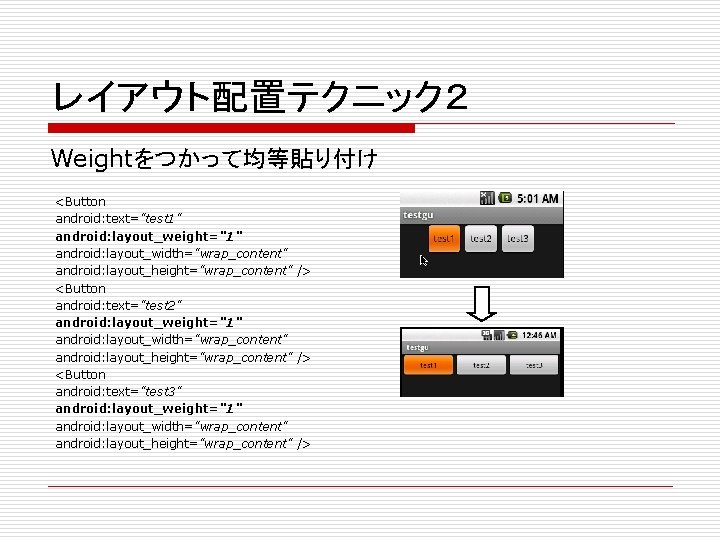
レイアウト配置テクニック2 Weightをつかって均等貼り付け <Button android: text="test 1" android: layout_weight="1" android: layout_width="wrap_content" android: layout_height="wrap_content" /> <Button android: text="test 2" android: layout_weight="1" android: layout_width="wrap_content" android: layout_height="wrap_content" /> <Button android: text="test 3" android: layout_weight="1" android: layout_width="wrap_content" android: layout_height="wrap_content" />
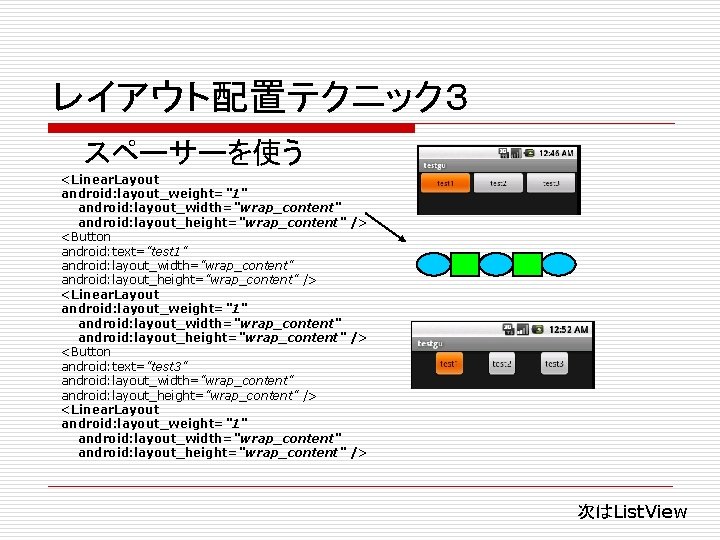
レイアウト配置テクニック3 スペーサーを使う <Linear. Layout android: layout_weight="1" android: layout_width="wrap_content" android: layout_height="wrap_content" /> <Button android: text="test 1" android: layout_width="wrap_content" android: layout_height="wrap_content" /> <Linear. Layout android: layout_weight="1" android: layout_width="wrap_content" android: layout_height="wrap_content" /> <Button android: text="test 3" android: layout_width="wrap_content" android: layout_height="wrap_content" /> <Linear. Layout android: layout_weight="1" android: layout_width="wrap_content" android: layout_height="wrap_content" /> 次はList. View
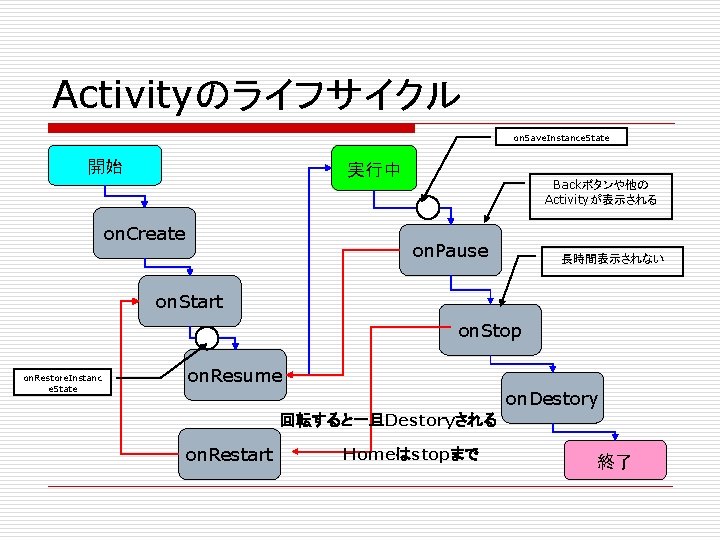
Activityのライフサイクル on. Save. Instance. State 開始 実行中 on. Create Backボタンや他の Activityが表示される on. Pause 長時間表示されない on. Start on. Stop on. Restore. Instanc e. State on. Resume on. Destory 回転すると一旦Destoryされる on. Restart Homeはstopまで 終了
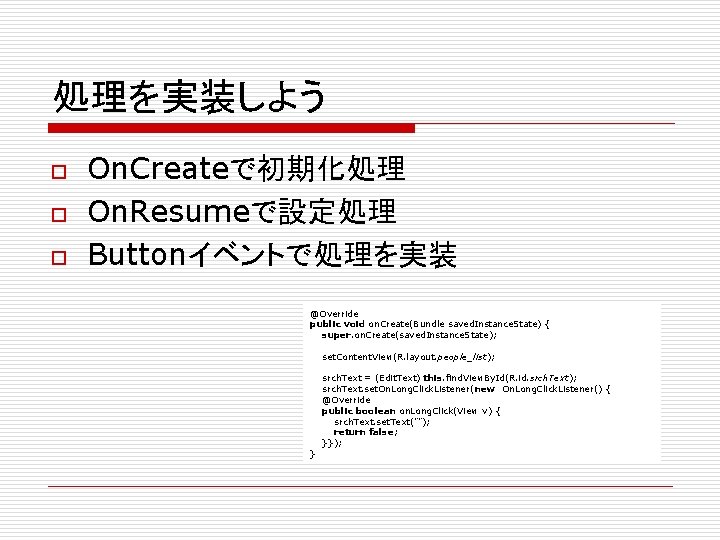
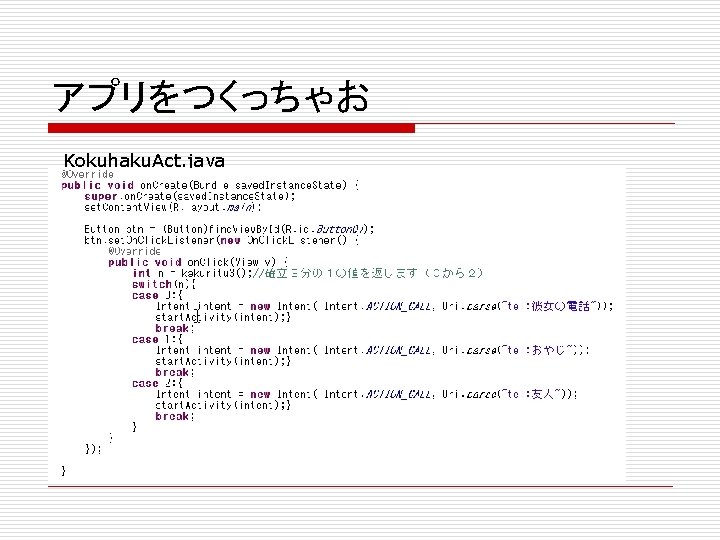
処理を実装しよう o o o On. Createで初期化処理 On. Resumeで設定処理 Buttonイベントで処理を実装 @Override public void on. Create(Bundle saved. Instance. State) { super. on. Create(saved. Instance. State); set. Content. View(R. layout. people_list); srch. Text = (Edit. Text) this. find. View. By. Id(R. id. srch. Text); srch. Text. set. On. Long. Click. Listener(new On. Long. Click. Listener() { @Override public boolean on. Long. Click(View v) { srch. Text. set. Text(""); return false; }}); }
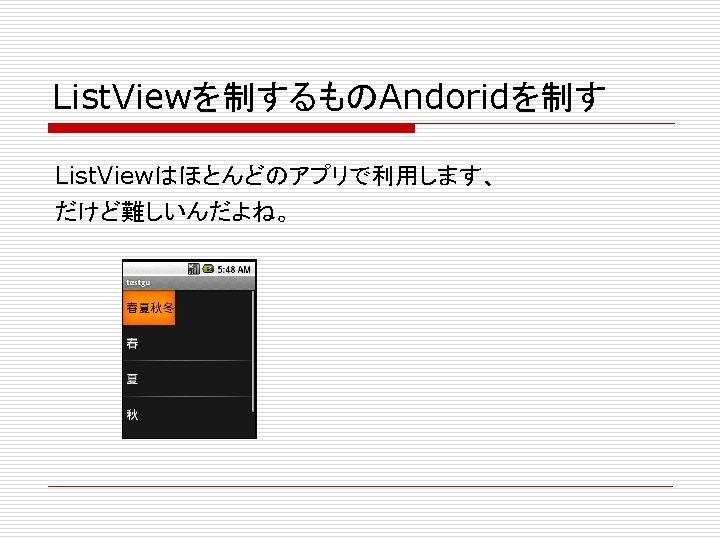
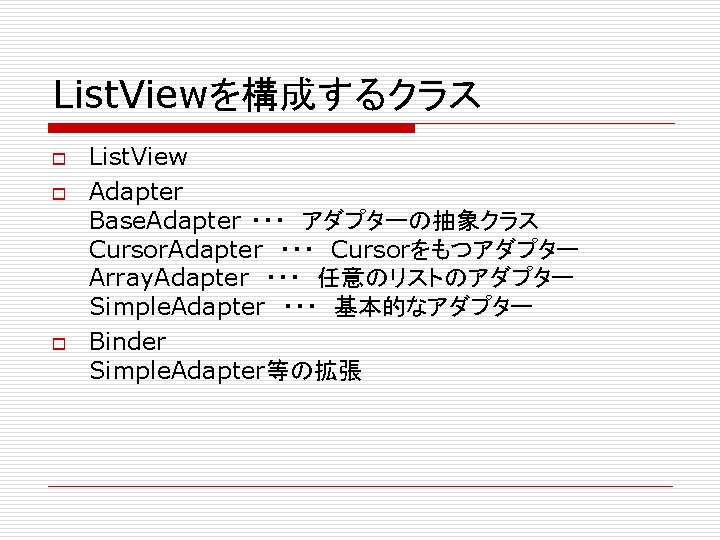
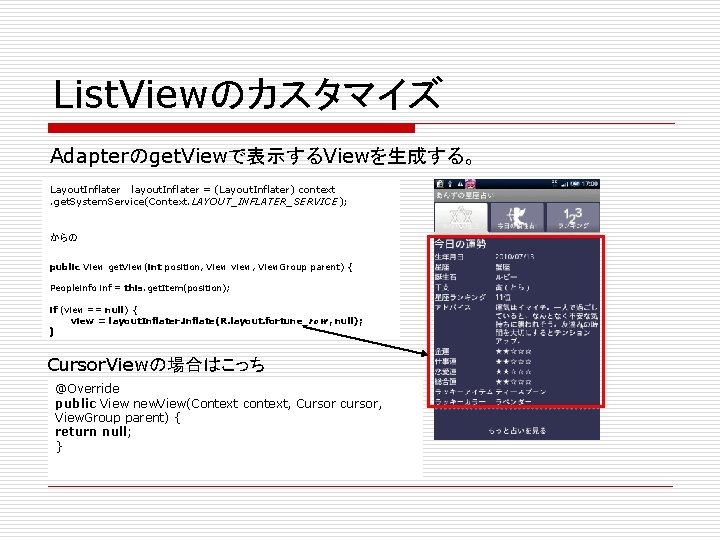
List. Viewのカスタマイズ Adapterのget. Viewで表示するViewを生成する。 Layout. Inflater layout. Inflater = (Layout. Inflater) context. get. System. Service(Context. LAYOUT_INFLATER_SERVICE); からの public View get. View(int position, View view, View. Group parent) { Peopleinfo inf = this. get. Item(position); if (view == null) { view = layout. Inflater. inflate(R. layout. fortune_row, null); } Cursor. Viewの場合はこっち @Override public View new. View(Context context, Cursor cursor, View. Group parent) { return null; }
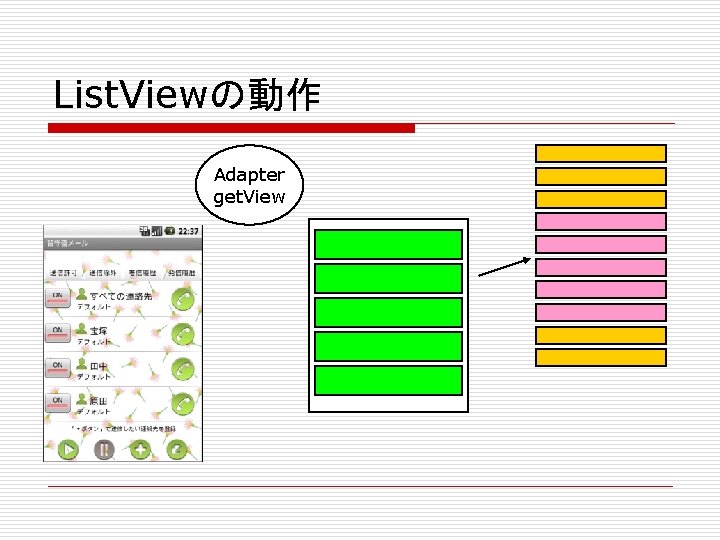
List. Viewの動作 Adapter get. View
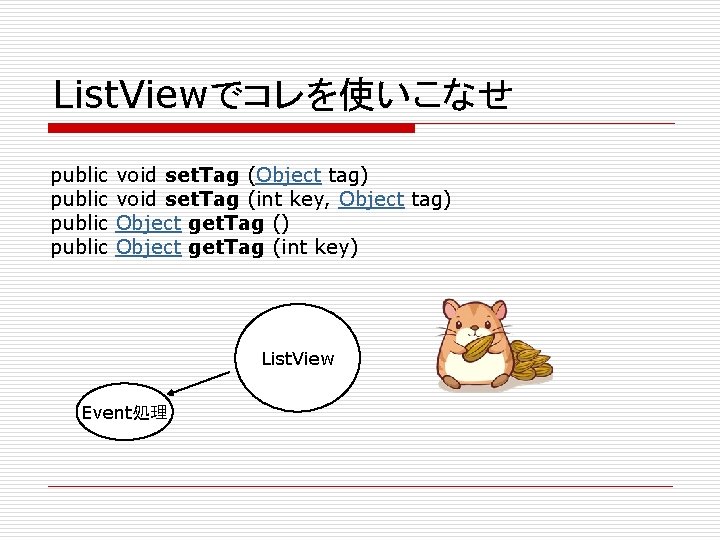
List. Viewでコレを使いこなせ public void set. Tag (Object tag) public void set. Tag (int key, Object tag) public Object get. Tag (int key) List. View Event処理
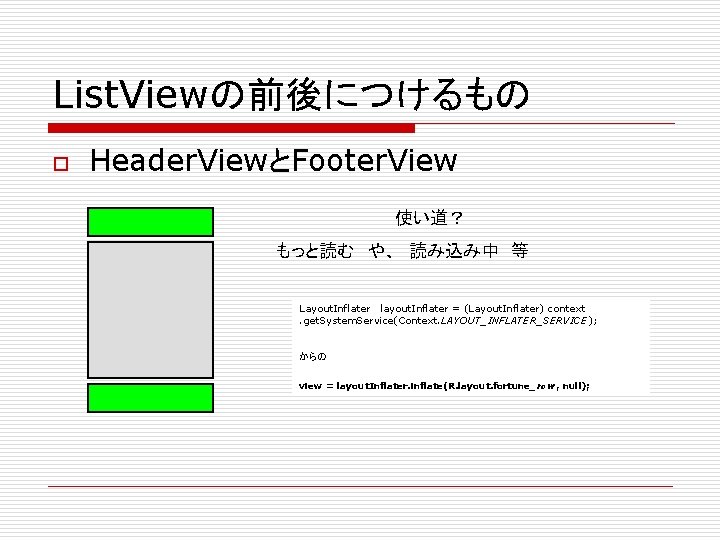
List. Viewの前後につけるもの o Header. ViewとFooter. View 使い道? もっと読む や、 読み込み中 等 Layout. Inflater layout. Inflater = (Layout. Inflater) context. get. System. Service(Context. LAYOUT_INFLATER_SERVICE); からの view = layout. Inflater. inflate(R. layout. fortune_row, null);
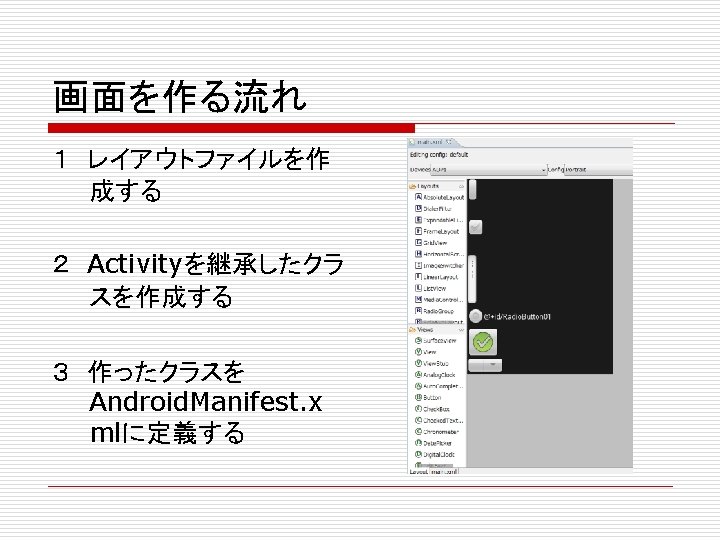
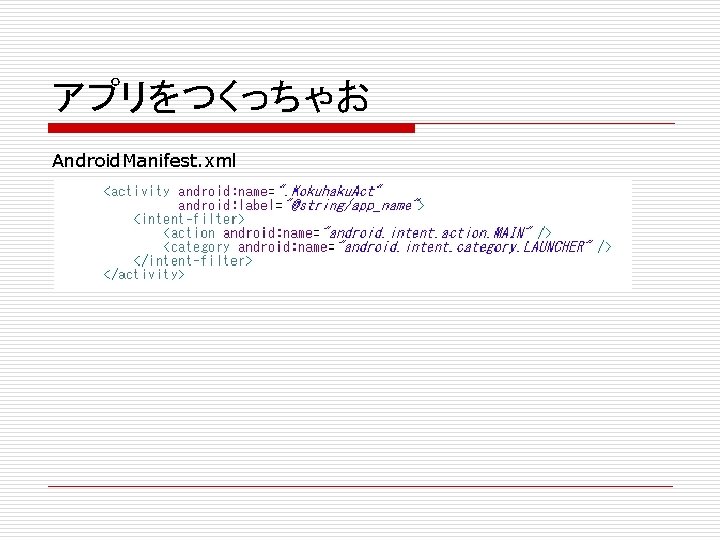
アプリをつくっちゃお Android. Manifest. xml