
Graziano and Raulin Website Resources Graziano and Raulin
Graziano and Raulin Website Resources Graziano and Raulin Research Methods: Website This multimedia product and its contents are protected under copyright law. The following are prohibited by law: (1) Any public performance or display, including transmission of any image over a network; (2) Preparation of any derivative work, including the extraction, in whole or in part, of any images; (3) Any rental, lease, or lending of the program. Copyright © Allyn & Bacon (2007)
Accessing the Web Site n Connecting to the Internet – Connecting through the University n n Using on-campus facilities From home on your own PC – Connecting though one of the commercial online services (e. g. , AOL or your cable company) n Using a graphical browser program – Such as Netscape, Internet Explorer, or Firefox Copyright © Allyn & Bacon (2007)
Using a Browser Program n The three most commonly used Browser programs are – – – n n Netscape Navigator (www. netscape. com) Internet Explorer (www. microsoft. com) Mozilla Firefox (www. mozilla. org) All are available free of charge You probably already have Internet Explorer if you have the Windows operating system Copyright © Allyn & Bacon (2007)
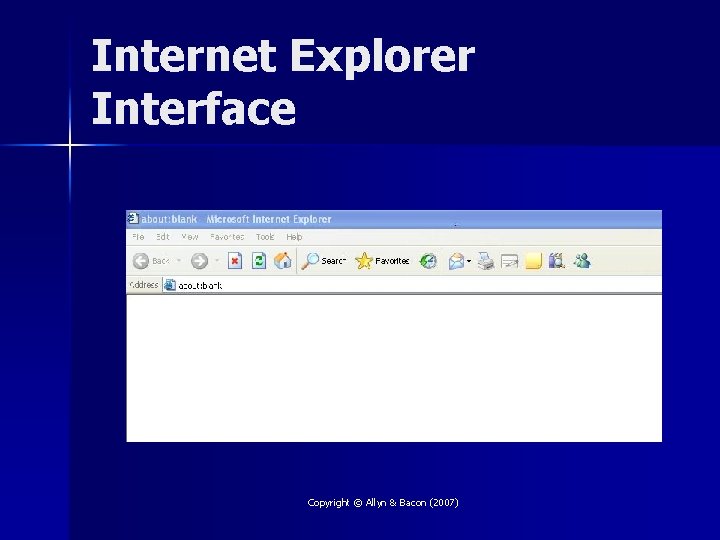
Internet Explorer Interface Copyright © Allyn & Bacon (2007)
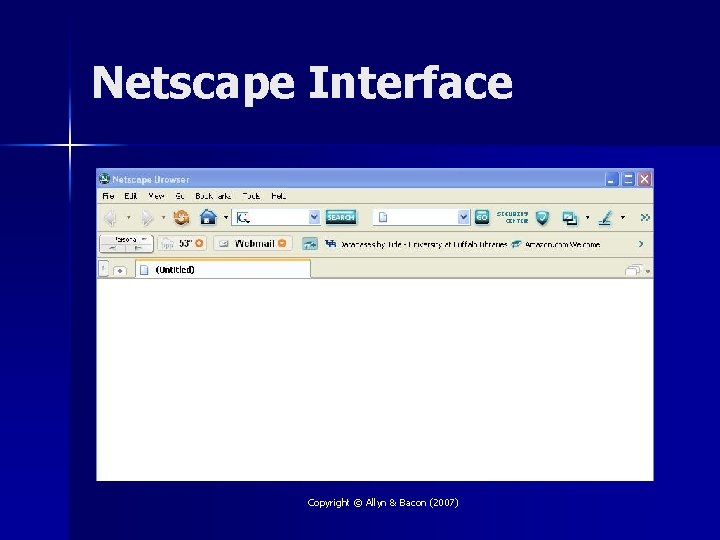
Netscape Interface Copyright © Allyn & Bacon (2007)
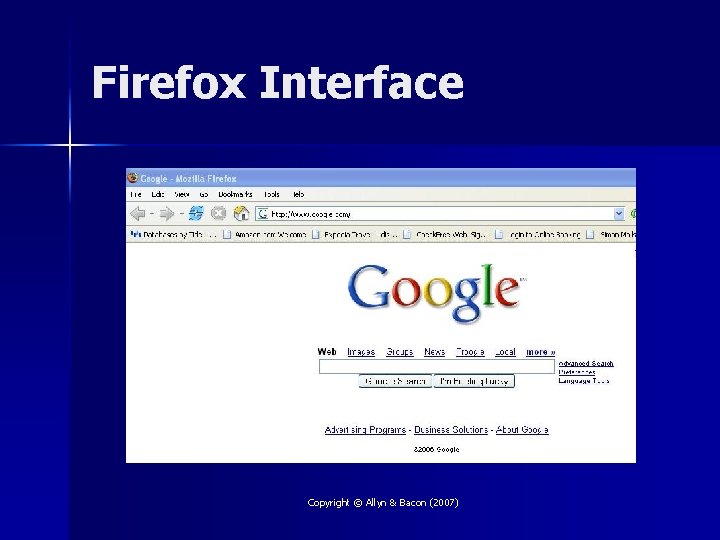
Firefox Interface Copyright © Allyn & Bacon (2007)
Learning to Use a Browser n Experiment – – – n Try the menus to see what they have available Use the help menu to answer questions Try the buttons to see what they do Find a knowledgeable friend ask for a quick lesson – 10 minutes of hands-on instruction and an hour playing around and you will look like a pro Copyright © Allyn & Bacon (2007)
What is a URL? n URL stands for Universal Resource Locator – A complicated name for the address of the web site n Going to a specific URL – If you know the URL, you can go to it directly by entering it into your Browser program – You can save the URL for a site you visit regularly as a bookmark (in Netscape or Firefox) or a favorite (in Internet Explorer) Copyright © Allyn & Bacon (2007)
Search Engines n n Search Engines are specific web sites that specialize in searching the web for you Several popular search engines exist – Google, Ask Jeeves, Alta Vista, Search, Excite, Yahoo, Hot. Bot, and more n You may want to link to each of these search engines and then save them as bookmarks to make future searches easier Copyright © Allyn & Bacon (2007)
Graziano & Raulin Student Resource Website n Address (URL): – www. ablongman. com/graziano 6 e n Good idea to list this address as one of your bookmarks or favorites to facilitate repeated access Copyright © Allyn & Bacon (2007)
What is on the Website? n n n n Interactive Study Guide/Lab Manual Several tutorials, many with animations Practice quizzes and flashcards Supplementary material organized by chapter Statistical coverage Links to hundreds of relevant sites Resources for the Instructor Evaluation form for the text Copyright © Allyn & Bacon (2007)
Summary n The Internet provides numerous resources to supplement this course – The website for the course textbook n www. ablongman. com/graziano 6 e n Browser programs make web surfing fast, easy, and fun Copyright © Allyn & Bacon (2007)
- Slides: 12