
Graphs Setting up graphs for Mr Bergers class
Graphs Setting up graphs for Mr. Berger’s class!
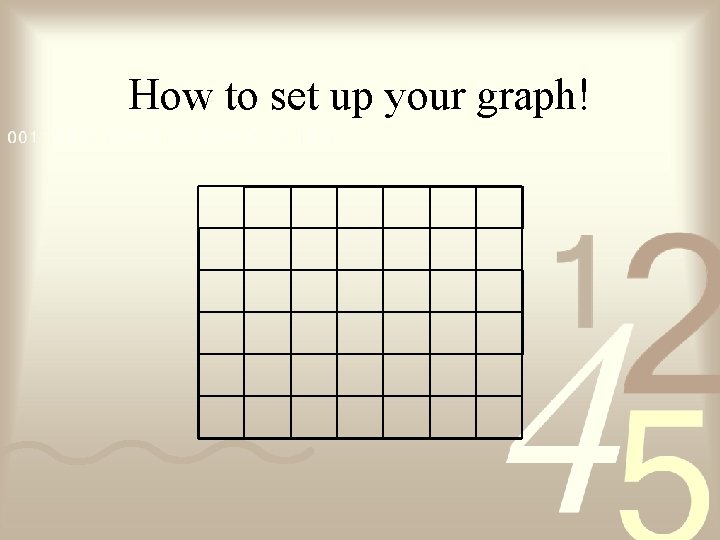
How to set up your graph!

How to set up your graph! Make Y Axis Make X Axis
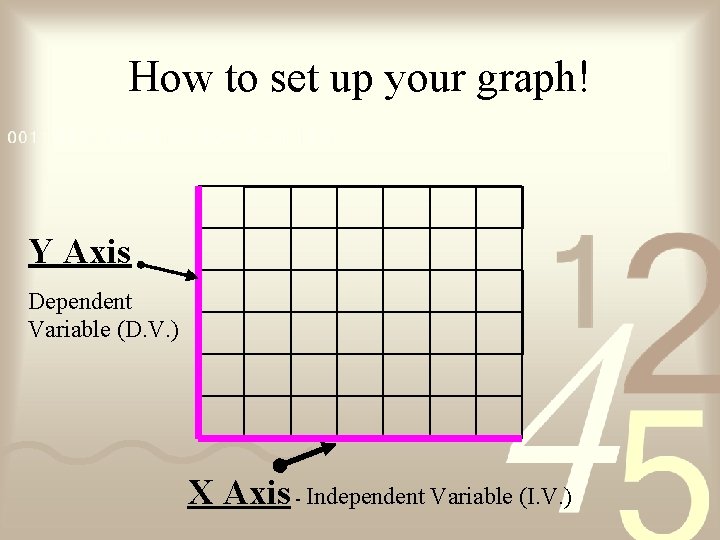
How to set up your graph! Y Axis Dependent Variable (D. V. ) X Axis - Independent Variable (I. V. )
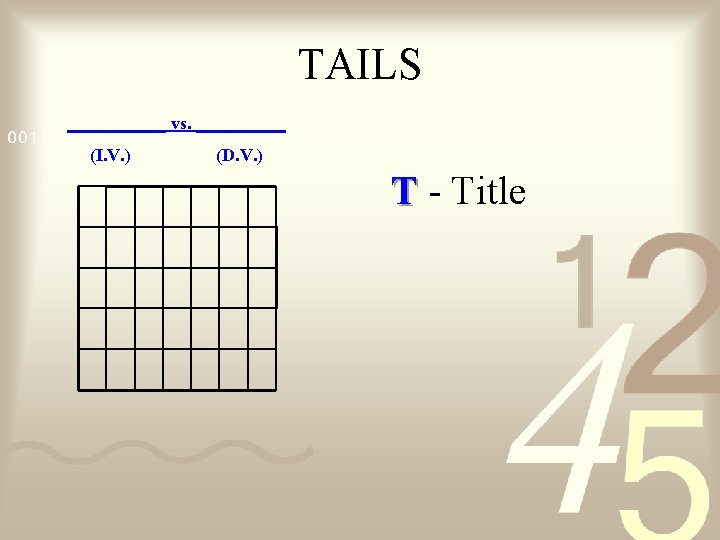
TAILS ______ vs. _____ (I. V. ) (D. V. ) T - Title
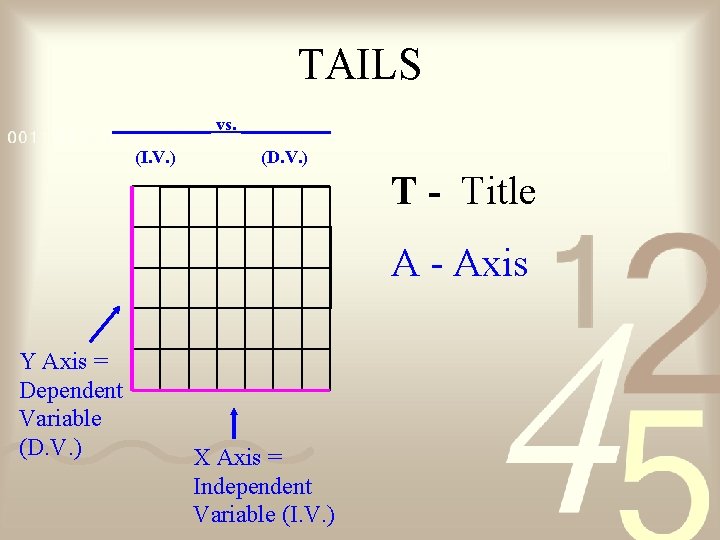
TAILS ______ vs. _____ (I. V. ) (D. V. ) T - Title A - Axis Y Axis = Dependent Variable (D. V. ) X Axis = Independent Variable (I. V. )
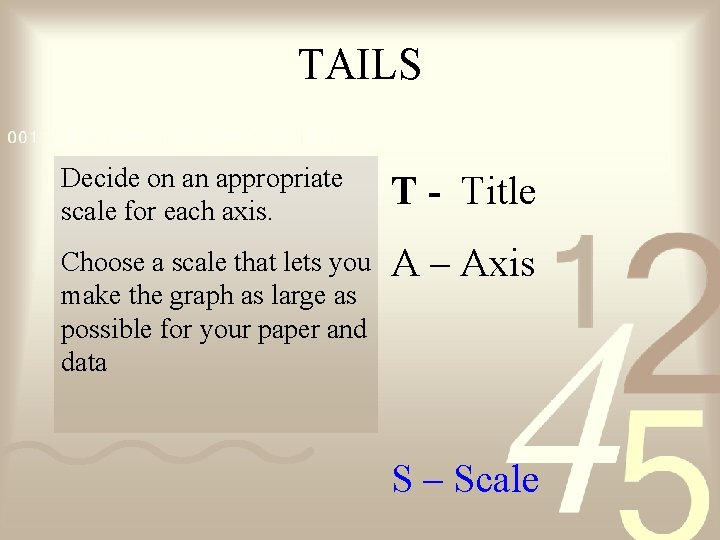
TAILS Decide on an appropriate scale for each axis. T - Title Choose a scale that lets you make the graph as large as possible for your paper and data A – Axis S – Scale
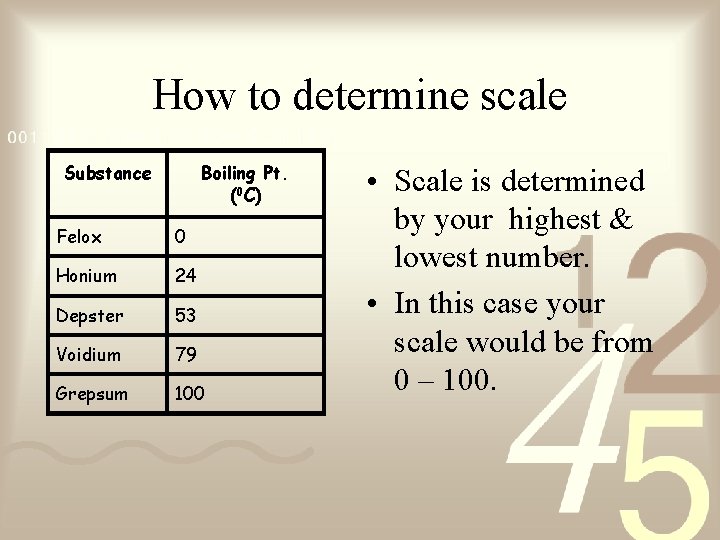
How to determine scale Substance Boiling Pt. (0 C) Felox 0 Honium 24 Depster 53 Voidium 79 Grepsum 100 • Scale is determined by your highest & lowest number. • In this case your scale would be from 0 – 100.
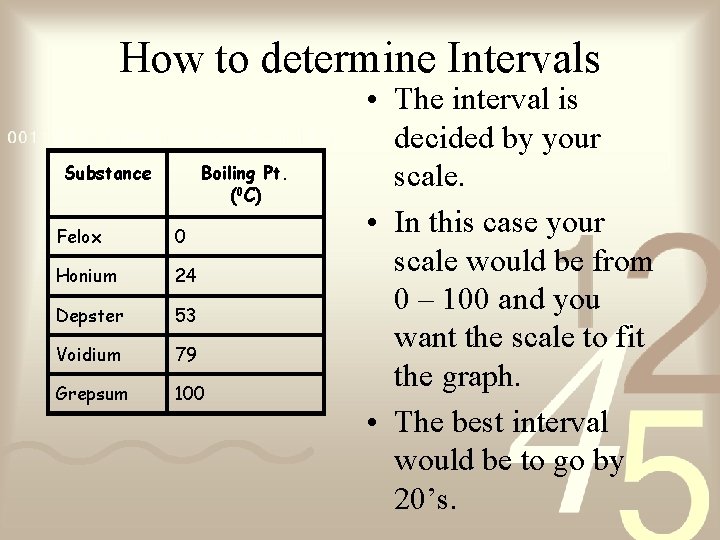
How to determine Intervals Substance Boiling Pt. (0 C) Felox 0 Honium 24 Depster 53 Voidium 79 Grepsum 100 • The interval is decided by your scale. • In this case your scale would be from 0 – 100 and you want the scale to fit the graph. • The best interval would be to go by 20’s.
TAILS The amount of space between one number and the next or one type of data and the next on the graph. The interval is just as important as the scale Choose an interval that lets you make the graph as large as possible for your paper and data Find difference 0 – 100 is 100 then count blocks available on the axis which was 5. Divide 100/5 to get 20 so each block must at least go by 20. T – Title A – Axis I – Interval S – Scale
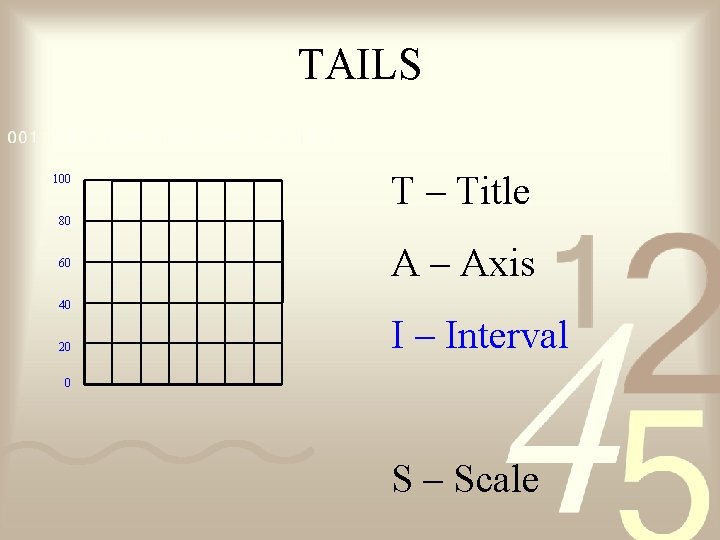
TAILS 100 T – Title 80 60 A – Axis 40 20 I – Interval 0 S – Scale
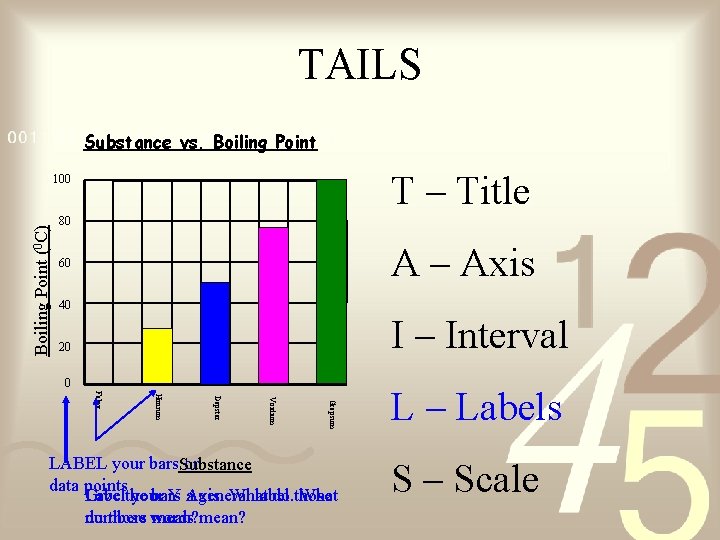
TAILS Substance vs. Boiling Point T – Title Boiling Point (0 C) 100 80 A – Axis 60 40 I – Interval 20 0 Grepsum Voidium Depster Honium Felox LABEL your bars. Substance or data points Give the Label your bars Y a. Axis. general What label. do those What do those words numbers mean? L – Labels S – Scale
When to use… • Bar graphs – Used to show data that are not continuous. – Allows us to compare data like amounts or frequency or categories – Allow us to make generalizations about the data – Help us see differences in data • Line Graphs – For continuous data – useful for showing trends over time
- Slides: 13