
Graphics Visual Ideas Guideline tips are available for
Graphics & Visual Ideas Guideline tips are available for developing good looking visual materials for a videoconference presentation. Strong layouts can be difficult to visualize. We prepared the following slides as an aid. If you have an existing presentation that may not work well on television and need our help to rework it before you speak, please contact us as soon as possible.
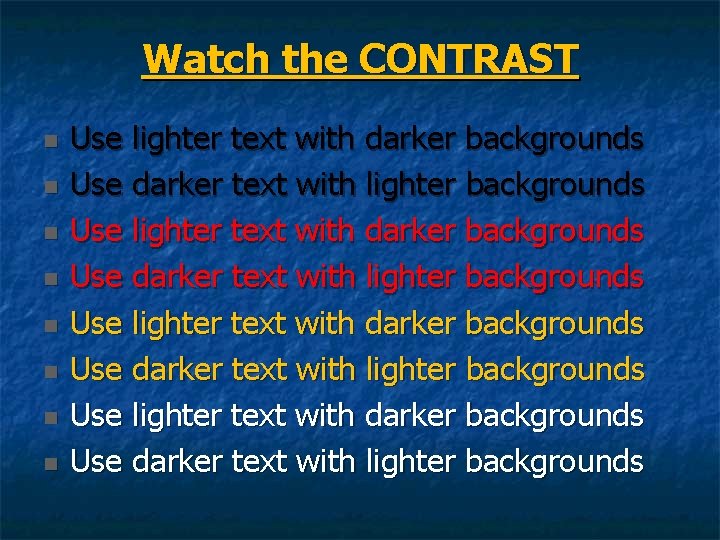
Watch the CONTRAST n n n n Use lighter text with darker backgrounds Use darker text with lighter backgrounds
Typeface and Font Sizes n n n The next five slides have the same text. They use recommended typefaces and font sizes for each on-screen purpose. We crammed about as much on each slide as possible and suggest you do not exceed this average number of characters. These fonts are: Arial, Comic Sans MS, Lucida Sans, Tahoma and Trebuchet. Avoid font sizes lower than 20 pt.
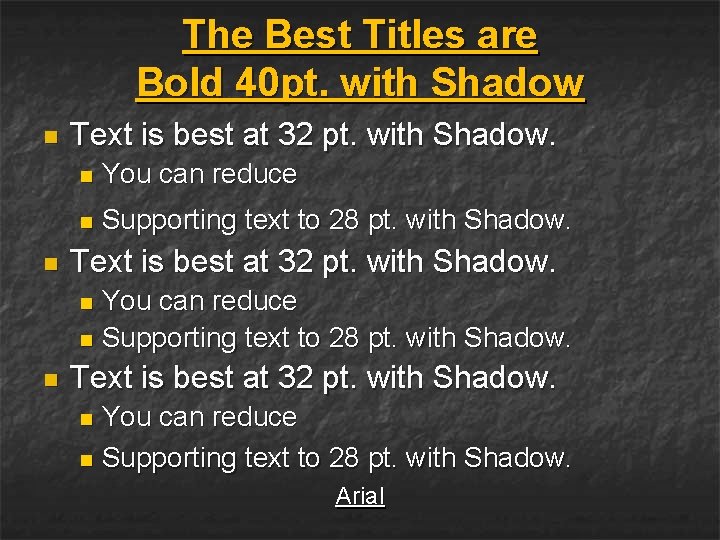
The Best Titles are Bold 40 pt. with Shadow n n Text is best at 32 pt. with Shadow. n You can reduce n Supporting text to 28 pt. with Shadow. Text is best at 32 pt. with Shadow. You can reduce n Supporting text to 28 pt. with Shadow. n n Text is best at 32 pt. with Shadow. You can reduce n Supporting text to 28 pt. with Shadow. n Arial
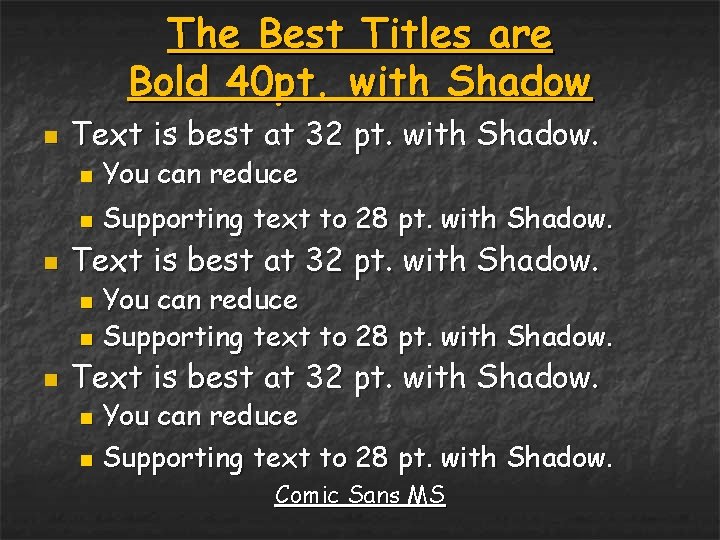
The Best Titles are Bold 40 pt. with Shadow n n Text is best at 32 pt. with Shadow. n You can reduce n Supporting text to 28 pt. with Shadow. Text is best at 32 pt. with Shadow. You can reduce n Supporting text to 28 pt. with Shadow. n n Text is best at 32 pt. with Shadow. You can reduce n Supporting text to 28 pt. with Shadow. n Comic Sans MS
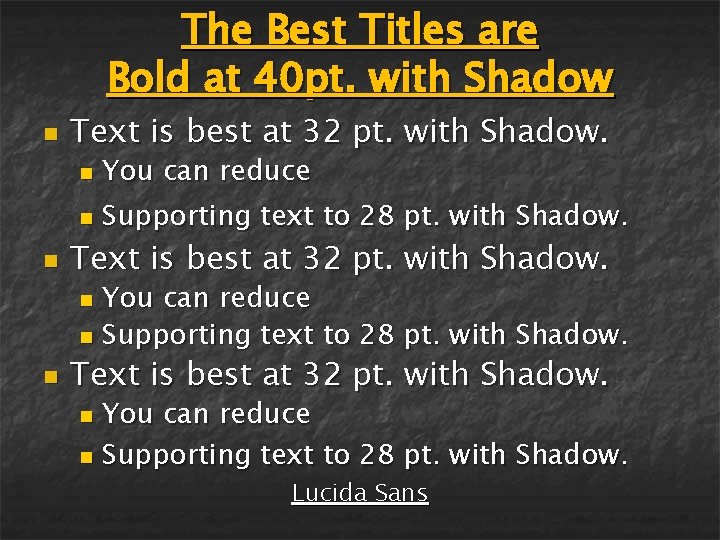
The Best Titles are Bold at 40 pt. with Shadow n n Text is best at 32 pt. with Shadow. n You can reduce n Supporting text to 28 pt. with Shadow. Text is best at 32 pt. with Shadow. You can reduce n Supporting text to 28 pt. with Shadow. n n Text is best at 32 pt. with Shadow. You can reduce n Supporting text to 28 pt. with Shadow. n Lucida Sans
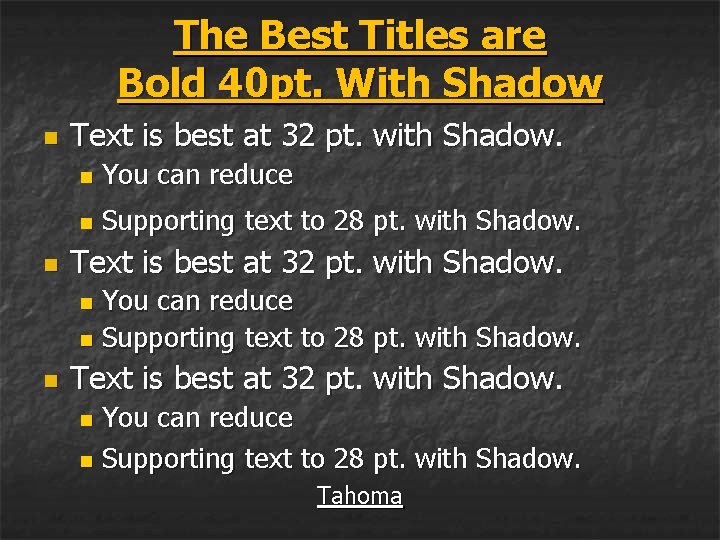
The Best Titles are Bold 40 pt. With Shadow n n Text is best at 32 pt. with Shadow. n You can reduce n Supporting text to 28 pt. with Shadow. Text is best at 32 pt. with Shadow. You can reduce n Supporting text to 28 pt. with Shadow. n n Text is best at 32 pt. with Shadow. You can reduce n Supporting text to 28 pt. with Shadow. n Tahoma
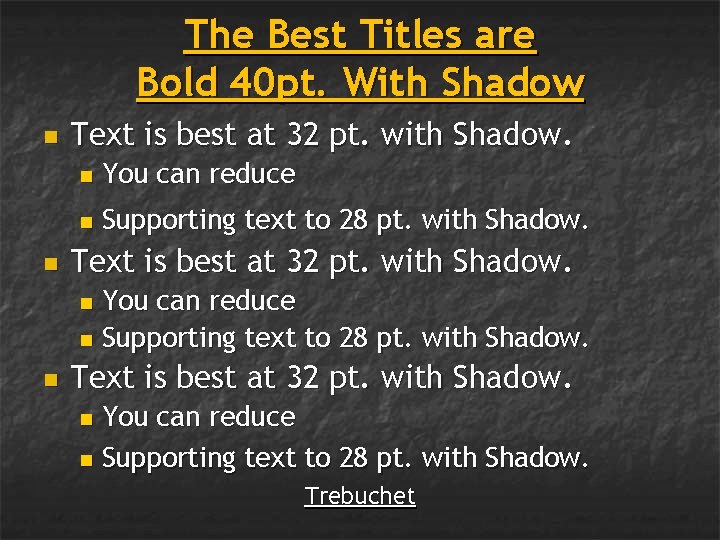
The Best Titles are Bold 40 pt. With Shadow n n Text is best at 32 pt. with Shadow. n You can reduce n Supporting text to 28 pt. with Shadow. Text is best at 32 pt. with Shadow. You can reduce n Supporting text to 28 pt. with Shadow. n n Text is best at 32 pt. with Shadow. You can reduce n Supporting text to 28 pt. with Shadow. n Trebuchet
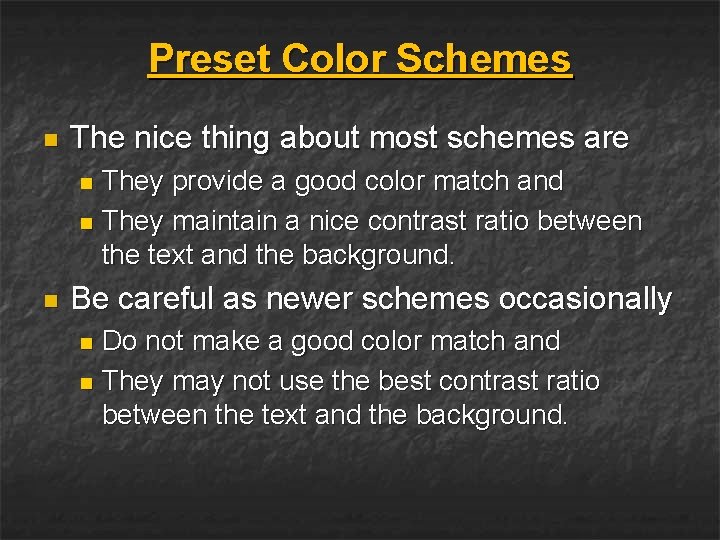
Preset Color Schemes n The nice thing about most schemes are They provide a good color match and n They maintain a nice contrast ratio between the text and the background. n n Be careful as newer schemes occasionally Do not make a good color match and n They may not use the best contrast ratio between the text and the background. n
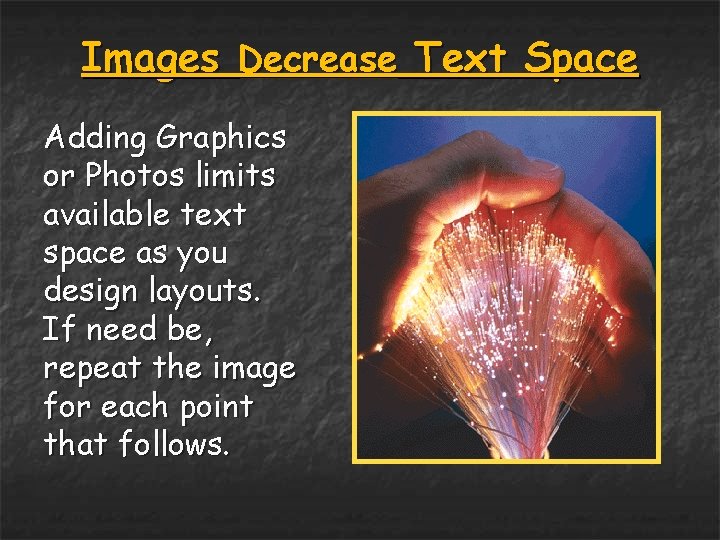
Images Decrease Text Space Adding Graphics or Photos limits available text space as you design layouts. If need be, repeat the image for each point that follows.
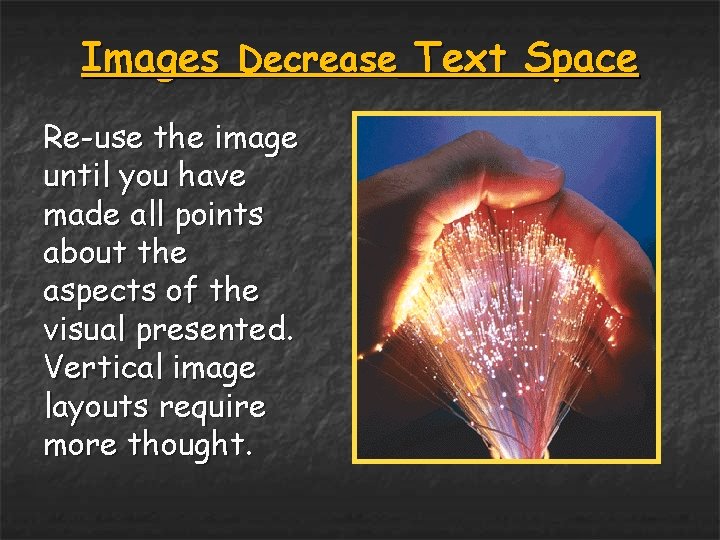
Images Decrease Text Space Re-use the image until you have made all points about the aspects of the visual presented. Vertical image layouts require more thought.
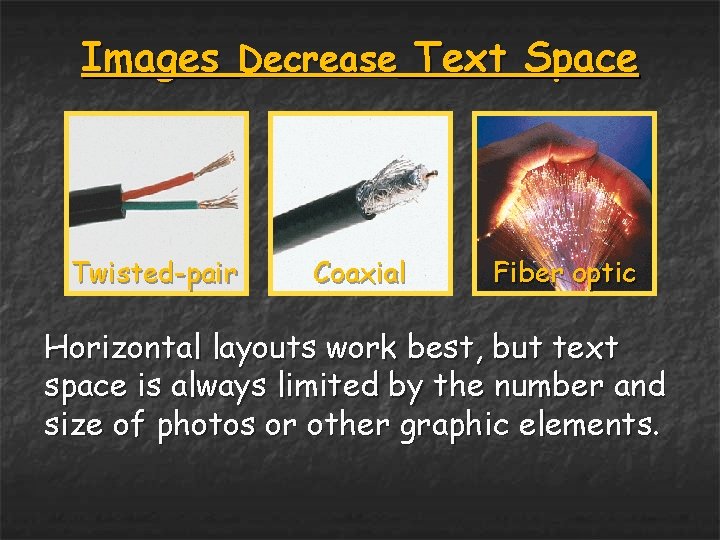
Images Decrease Text Space Twisted-pair Coaxial Fiber optic Horizontal layouts work best, but text space is always limited by the number and size of photos or other graphic elements.
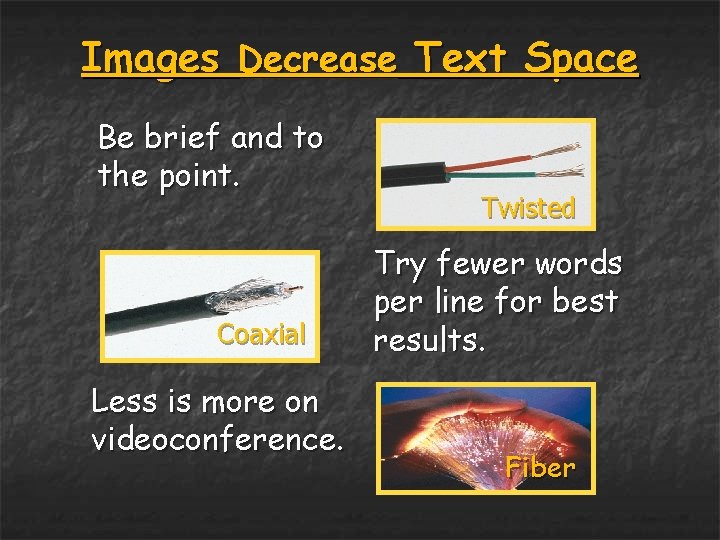
Images Decrease Text Space Be brief and to the point. Coaxial Less is more on videoconference. Twisted Try fewer words per line for best results. Fiber
Want to be a PPT Power User? n We’ll help you format your entire presentation using View & Slide Master Change font n Change color scheme n Change background n Close Master View saves your changes n Use a new format over & over by hovering after a slide & clicking New Slide n n Formatting first will save you time.
At OU Heritage College TELEHEALTH we hope these ideas are helpful. n n If you have questions or need help, please feel free to give us a call. Dan Smith, 740 -593 -2460 n n Jessica Makosky, 740 -593 -2467 n n smithd 6@ohio. edu street@ohio. edu Phil Swatzel, 740 -593 -9592 n swatzel@ohio. edu
- Slides: 16