
Graphics in Java Part I Lecture Objectives Understand
Graphics in Java Part I
Lecture Objectives • Understand the basic concepts of Computer Graphics • Learn about Computer Graphics Applications • Learn about the Coordinate System of Computer Graphics • Learn about the basic and advanced transformations in Computer Graphics
Lecture Objectives • Outline: Graphics Applications What is Computer Graphics? Representations in Graphics Supporting Disciplines Coordinate Systems Basic and Advanced Transformations
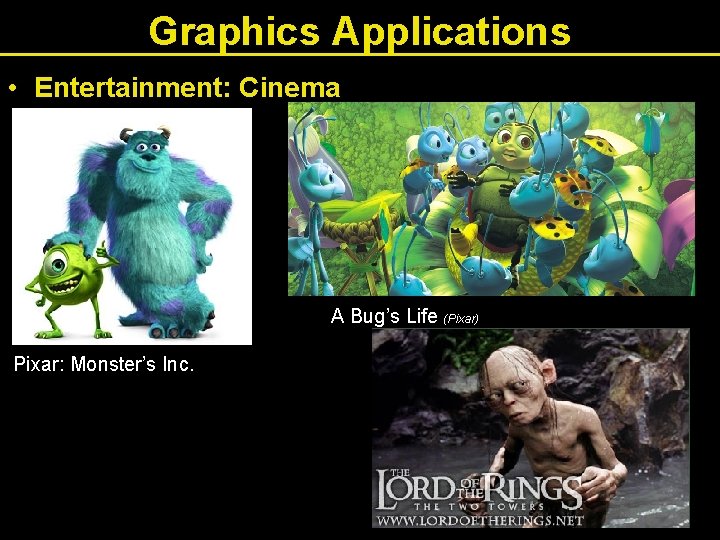
Graphics Applications • Entertainment: Cinema A Bug’s Life (Pixar) Pixar: Monster’s Inc.
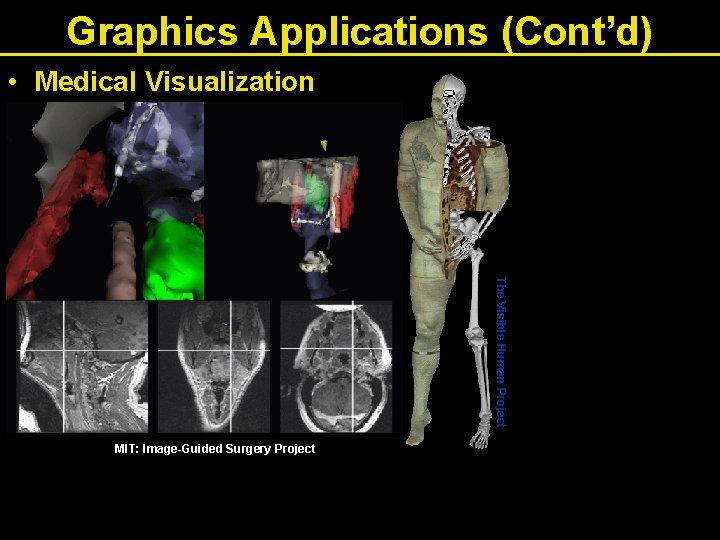
Graphics Applications (Cont’d) • Medical Visualization The Visible Human Project MIT: Image-Guided Surgery Project
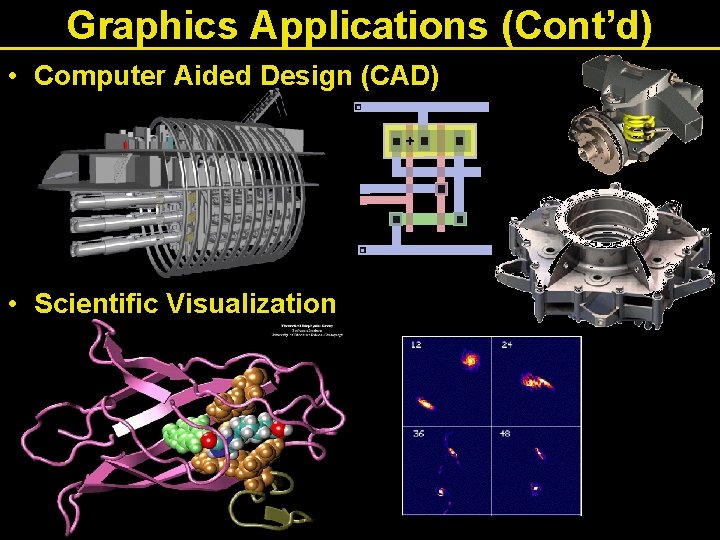
Graphics Applications (Cont’d) • Computer Aided Design (CAD) • Scientific Visualization
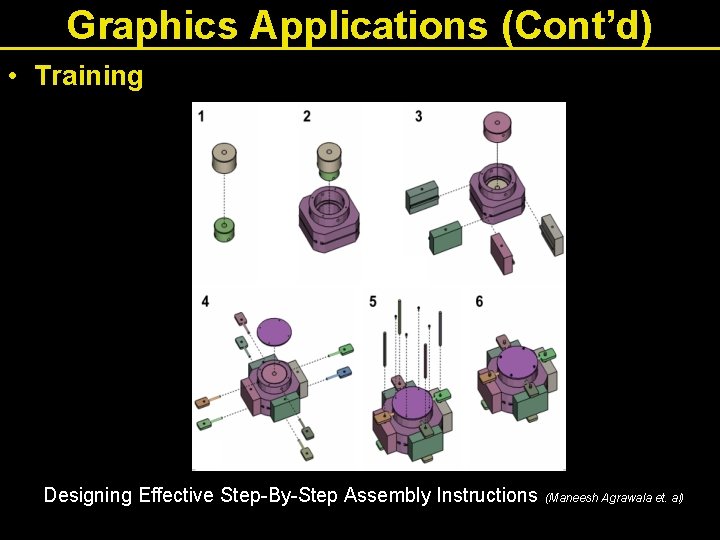
Graphics Applications (Cont’d) • Training Designing Effective Step-By-Step Assembly Instructions (Maneesh Agrawala et. al)
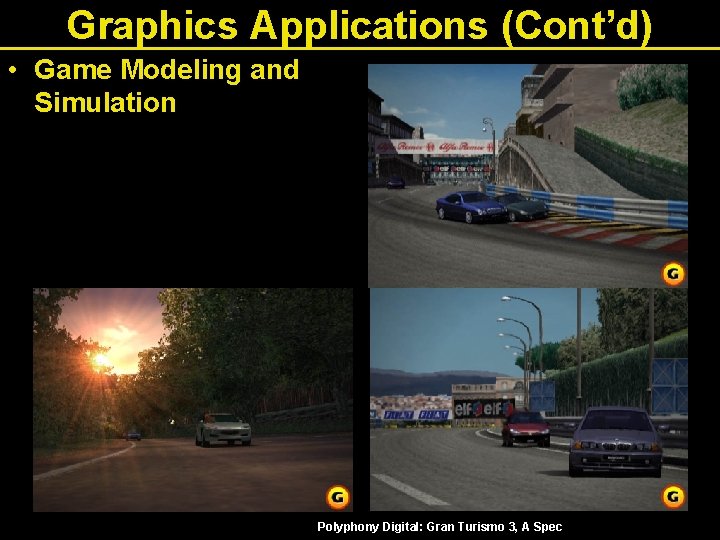
Graphics Applications (Cont’d) • Game Modeling and Simulation GT Racer 3 Polyphony Digital: Gran Turismo 3, A Spec
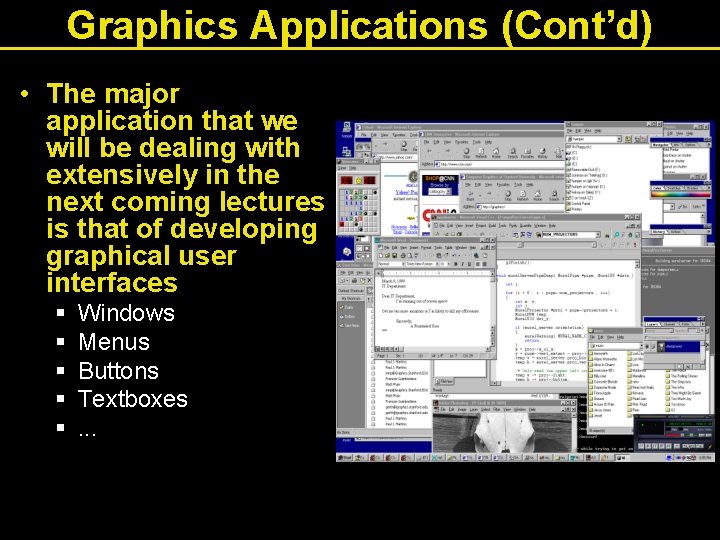
Graphics Applications (Cont’d) • The major application that we will be dealing with extensively in the next coming lectures is that of developing graphical user interfaces § § § Windows Menus Buttons Textboxes. . .
What is Computer Graphics? • Computer graphics: generating 2 D images of a 3 D world represented in a computer. • Main tasks: § modeling: (shape) creating and representing the geometry of objects in the 3 D world § rendering: (light, perspective) generating 2 D images of the objects § animation: (movement) describing how objects change in time
Representations in Graphics A) Vector Graphics: • Image is represented by continuous geometric objects: lines, curves, etc. B) Raster Graphics: • Image is represented as a rectangular grid of colored pixels § PIXEL = PIcture ELement X
Raster Graphics • Generic • Image processing techniques • Geometric Transformation: loss of information • Relatively high processing time § in terms of the number of pixels • Realistic images, textures, . . . • Examples: Paint, Photo. Shop, . . .
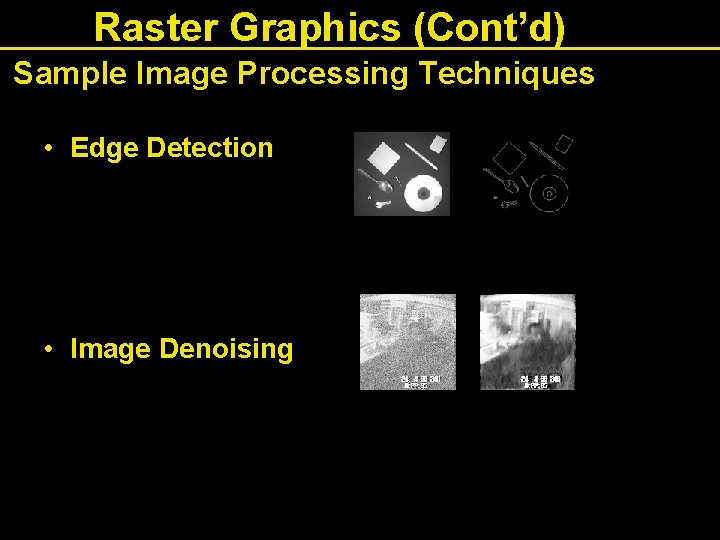
Raster Graphics (Cont’d) Sample Image Processing Techniques • Edge Detection • Image Denoising
Vector Graphics Vector graphics • Graphics objects: geometry + color • Relatively low processing time § in terms of the number of graphic objects • Geometric transformation possible without loss of information (zoom, rotate, …) • Examples: Power. Point, Corel. Draw, SVG, . . .
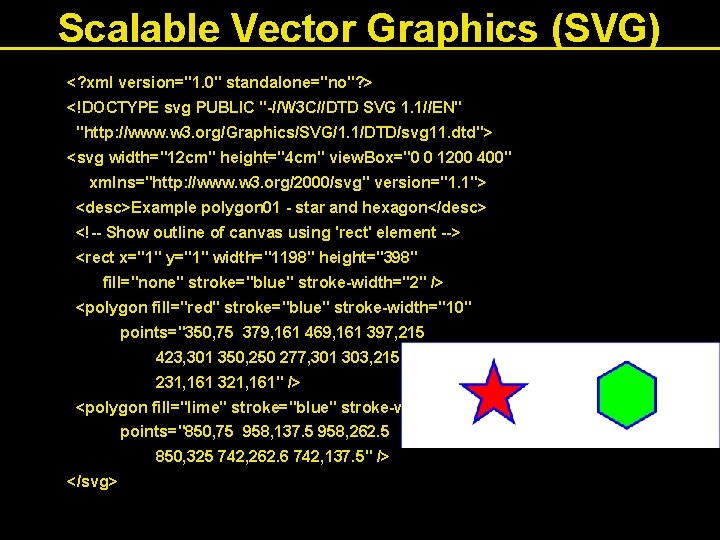
Scalable Vector Graphics (SVG) <? xml version="1. 0" standalone="no"? > <!DOCTYPE svg PUBLIC "-//W 3 C//DTD SVG 1. 1//EN" "http: //www. w 3. org/Graphics/SVG/1. 1/DTD/svg 11. dtd"> <svg width="12 cm" height="4 cm" view. Box="0 0 1200 400" xmlns="http: //www. w 3. org/2000/svg" version="1. 1"> <desc>Example polygon 01 - star and hexagon</desc> <!-- Show outline of canvas using 'rect' element --> <rect x="1" y="1" width="1198" height="398" fill="none" stroke="blue" stroke-width="2" /> <polygon fill="red" stroke="blue" stroke-width="10" points="350, 75 379, 161 469, 161 397, 215 423, 301 350, 250 277, 301 303, 215 231, 161 321, 161" /> <polygon fill="lime" stroke="blue" stroke-width="10" points="850, 75 958, 137. 5 958, 262. 5 850, 325 742, 262. 6 742, 137. 5" /> </svg>
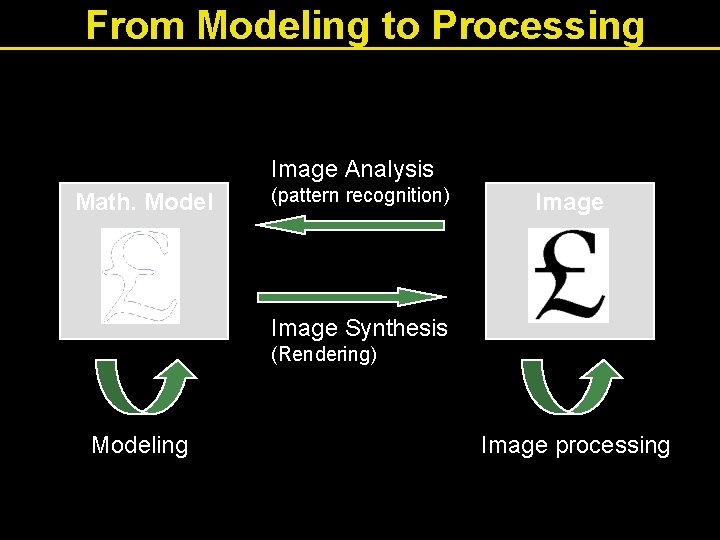
From Modeling to Processing Image Analysis Math. Model (pattern recognition) Image Synthesis (Rendering) Modeling Image processing
Supporting Disciplines • Computer science (algorithms, data structures, software engineering, …) • Mathematics (geometry, numerical, …) • Physics (Optics, mechanics, …) • Psychology (Colour, perception) • Art and design
Computer Graphics: Transformations • Types of transformations • Screen and World Coordinate Systems • Matrix representations of transformations • 2 D Transformations • 3 D Transformations
Graphical Transformations: Basics • There are several standard graphics transformation. • All involve plotting images on the screen in terms of points and the lines connecting those points. • Each programming language has its own particular constructs for drawing items on the screen. • "screen" here includes printer output and invisible background buffers for efficient cached graphics (see Double buffering later) • Regardless of language particulars, the various graphics transformations themselves remain logically the same. • Here, will deal with the logic of the transformations. • Consult language books/manuals re: how to do the mechanics of the actual drawing.
Graphical Transformations: Basics (Cont’d) • Translation: moving an item from one location to another, e. g. , moving thru a room or landscape. • Rotation: changing the orientation of an item at a given location, e. g. , spinning around. • Scaling: changing the size of an item as it appears on the screen, e. g. , an item gets larger or smaller. • Clipping: knowing where to stop drawing an item because it partially extends beyond the screen.
Graphical Transformations: Advanced More advanced operations: • Hidden surface algorithms: dealing with (removing) aspects of items that are hidden from view. • Representing 3 D shapes: how to represent 3 D items in a 2 D medium. • Displaying depth relationships: how to achieve realistic perspective. • Shading, reflection, ambient lighting: how to achieve realistic lighting effects. In this lecture, will deal only with basics: translation, scaling, and rotation.
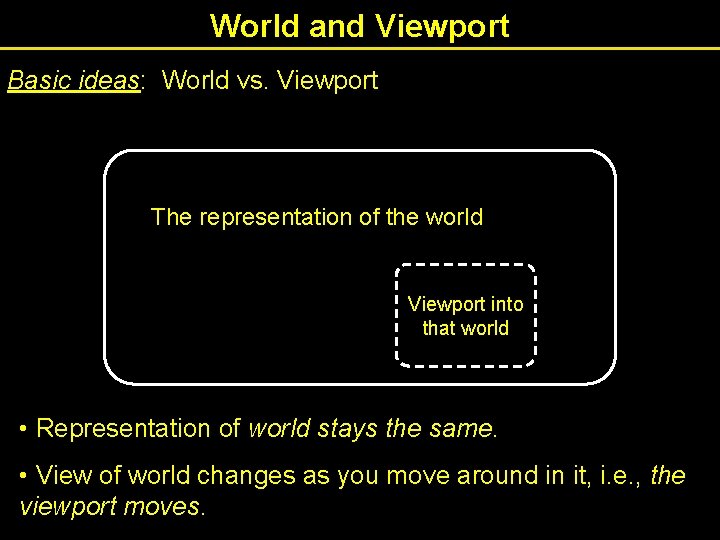
World and Viewport Basic ideas: World vs. Viewport The representation of the world Viewport into that world • Representation of world stays the same. • View of world changes as you move around in it, i. e. , the viewport moves.
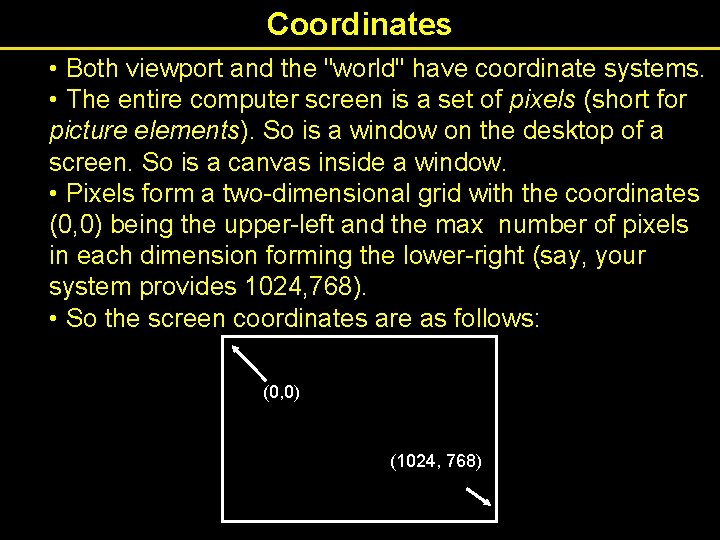
Coordinates • Both viewport and the "world" have coordinate systems. • The entire computer screen is a set of pixels (short for picture elements). So is a window on the desktop of a screen. So is a canvas inside a window. • Pixels form a two-dimensional grid with the coordinates (0, 0) being the upper-left and the max number of pixels in each dimension forming the lower-right (say, your system provides 1024, 768). • So the screen coordinates are as follows: (0, 0) (1024, 768)
World Coordinates • The lines to be drawn are given in world coordinates with the origin fixed at the center of the computer screen, e. g. , (1024, 768 resolution means a center point of 512, 384) • All the transformations are: • applied to the world coordinates • then mapped to the real (screen) coordinates. • This allows of computation of the logical transformations to be separated from hard details of viewing surface. • Do not want to tie the model to available resolution. Mapping from world coordinates to screen coordinates allows us to keep two levels of abstraction separate: model vs. device
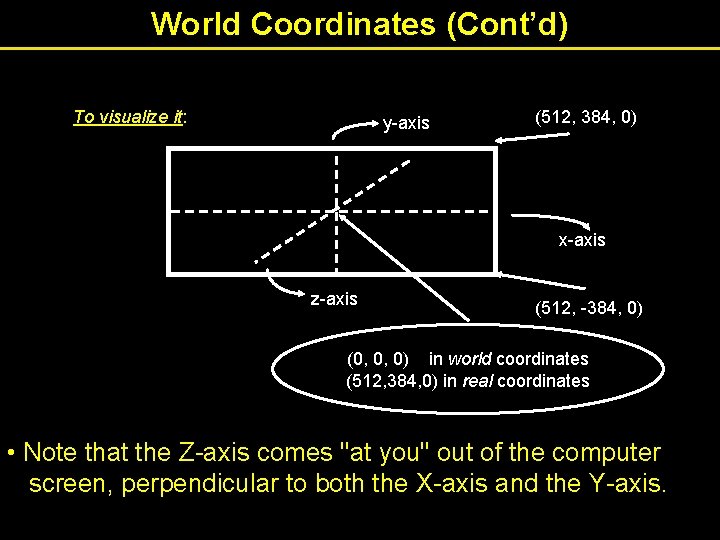
World Coordinates (Cont’d) To visualize it: y-axis (512, 384, 0) x-axis z-axis (512, -384, 0) (0, 0, 0) in world coordinates (512, 384, 0) in real coordinates • Note that the Z-axis comes "at you" out of the computer screen, perpendicular to both the X-axis and the Y-axis.
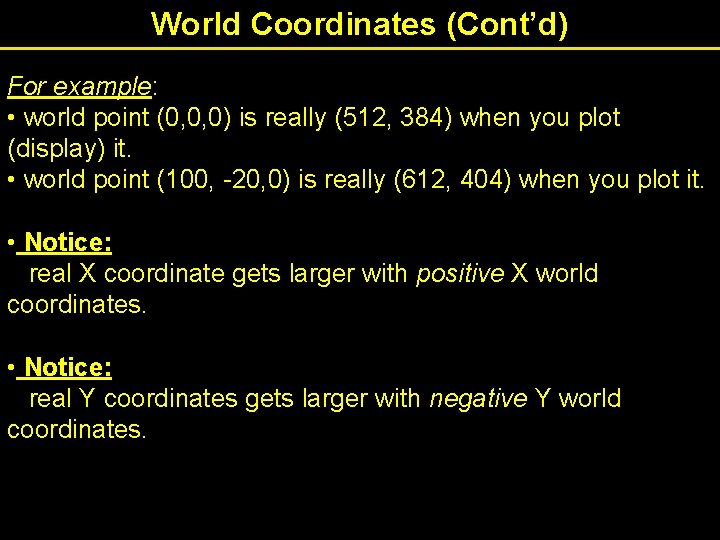
World Coordinates (Cont’d) For example: • world point (0, 0, 0) is really (512, 384) when you plot (display) it. • world point (100, -20, 0) is really (612, 404) when you plot it. • Notice: real X coordinate gets larger with positive X world coordinates. • Notice: real Y coordinates gets larger with negative Y world coordinates.
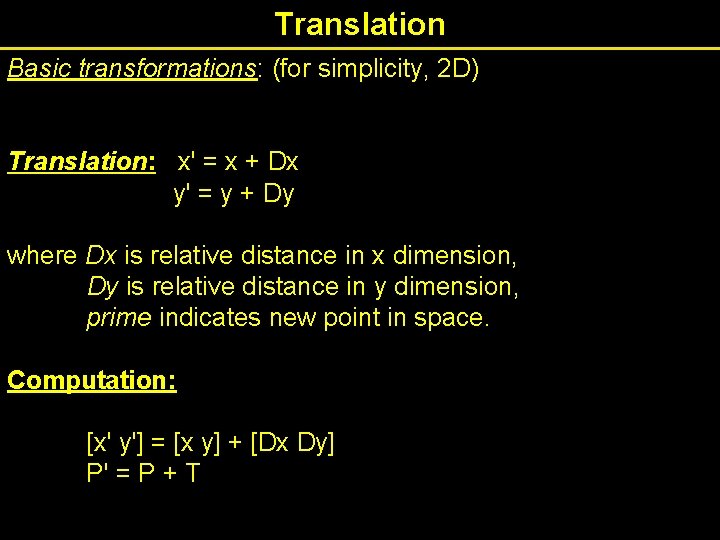
Translation Basic transformations: (for simplicity, 2 D) Translation: x' = x + Dx y' = y + Dy where Dx is relative distance in x dimension, Dy is relative distance in y dimension, prime indicates new point in space. Computation: [x' y'] = [x y] + [Dx Dy] P' = P + T
![Translation (Cont’d) Each point gets translated [x' y'] = [x y] + [Dx Dy]](http://slidetodoc.com/presentation_image/02dc566c1def91386525fa2fb4838824/image-28.jpg "Translation (Cont’d) Each point gets translated [x' y'] = [x y] + [Dx Dy]")
Translation (Cont’d) Each point gets translated [x' y'] = [x y] + [Dx Dy]
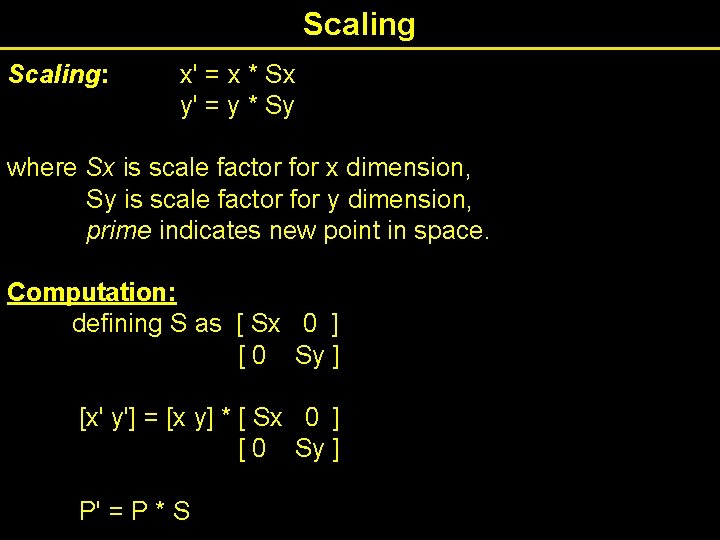
Scaling: x' = x * Sx y' = y * Sy where Sx is scale factor for x dimension, Sy is scale factor for y dimension, prime indicates new point in space. Computation: defining S as [ Sx 0 ] [ 0 Sy ] [x' y'] = [x y] * [ Sx 0 ] [ 0 Sy ] P' = P * S
![Scaling (Cont’d) [x' y'] = [x y] * [ Sx 0 ] [ 0](http://slidetodoc.com/presentation_image/02dc566c1def91386525fa2fb4838824/image-30.jpg "Scaling (Cont’d) [x' y'] = [x y] * [ Sx 0 ] [ 0")
Scaling (Cont’d) [x' y'] = [x y] * [ Sx 0 ] [ 0 Sy ] Question: What about stretching unequally in two dimensions?
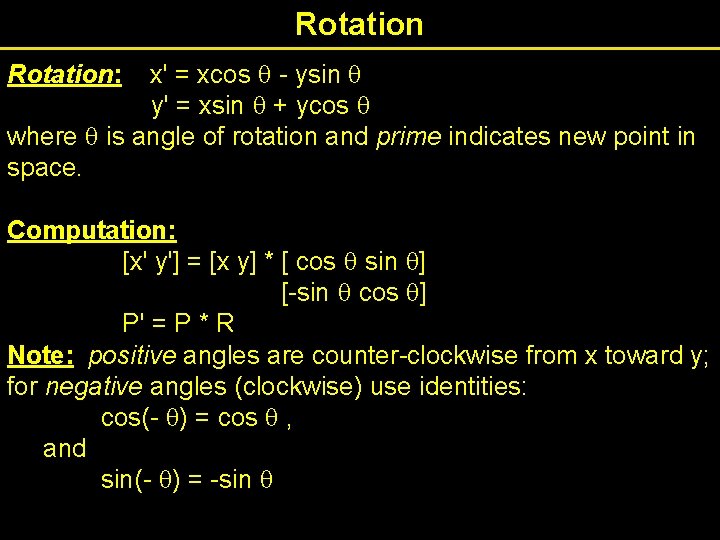
Rotation x' = xcos - ysin y' = xsin + ycos where is angle of rotation and prime indicates new point in space. Rotation: Computation: [x' y'] = [x y] * [ cos sin ] [-sin cos ] P' = P * R Note: positive angles are counter-clockwise from x toward y; for negative angles (clockwise) use identities: cos(- ) = cos , and sin(- ) = -sin
![Rotation (Cont’d) [x' y'] = [x y] * [ cos sin ] [-sin cos](http://slidetodoc.com/presentation_image/02dc566c1def91386525fa2fb4838824/image-32.jpg "Rotation (Cont’d) [x' y'] = [x y] * [ cos sin ] [-sin cos")
Rotation (Cont’d) [x' y'] = [x y] * [ cos sin ] [-sin cos ]
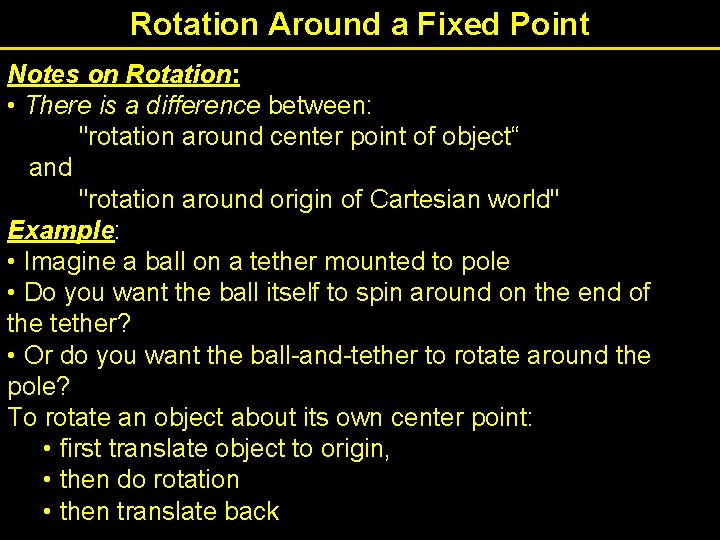
Rotation Around a Fixed Point Notes on Rotation: • There is a difference between: "rotation around center point of object“ and "rotation around origin of Cartesian world" Example: • Imagine a ball on a tether mounted to pole • Do you want the ball itself to spin around on the end of the tether? • Or do you want the ball-and-tether to rotate around the pole? To rotate an object about its own center point: • first translate object to origin, • then do rotation • then translate back
- Slides: 33