
Graphics for the Web Graphic Dimensions Pixels the
Graphics for the Web
Graphic Dimensions • Pixels- the picture elements that are used to measure graphics and to address the tiny boxes on the screen. • The monitor has a grid of pixels that is used to create the appearance of the text and graphics that you see on the screen.
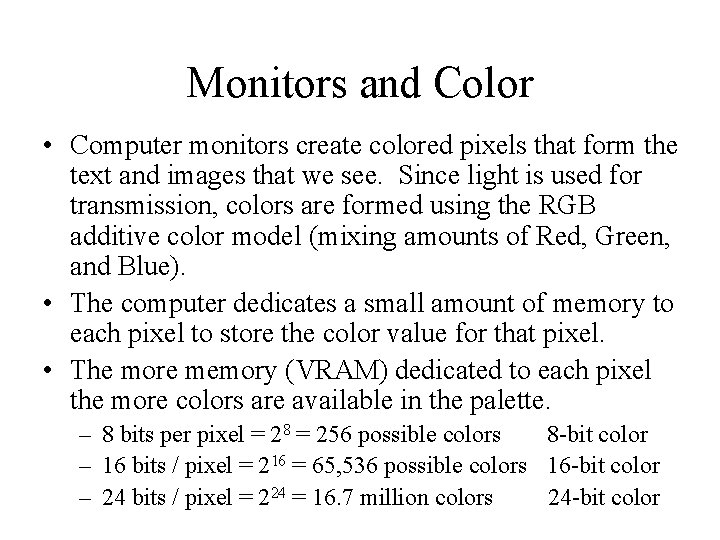
Monitors and Color • Computer monitors create colored pixels that form the text and images that we see. Since light is used for transmission, colors are formed using the RGB additive color model (mixing amounts of Red, Green, and Blue). • The computer dedicates a small amount of memory to each pixel to store the color value for that pixel. • The more memory (VRAM) dedicated to each pixel the more colors are available in the palette. – 8 bits per pixel = 28 = 256 possible colors 8 -bit color – 16 bits / pixel = 216 = 65, 536 possible colors 16 -bit color – 24 bits / pixel = 224 = 16. 7 million colors 24 -bit color
Graphic Dimensions • You want to use the known dimensions of your graphics in your pages (they load faster and more reliably) <IMG SRC=“sphere. gif” WIDTH=“ 50” HEIGHT=“ 50”>
Screen Dimensions: Resolution • Resolution is the height and width of the screen that the monitor is displaying (in pixels). Can be adjusted. • For 640 x 480 here is the "safe area" dimensions for layouts designed to print well: Max. width = 535 pixels • Graphic "safe area" dimensions for layouts designed to maximize screen usage Max. width = 595 pixel Max. height = 295 pixels
Monitor Settings • You can check and adjust your monitor’s settings in the operating system. • Macintosh (Monitor Control Panel) • Windows 9 x and NT (Display Control Panel) • Monitor’s do have a limit as to what screen resolution they can handle. So you may be limited.
Bit Depth • The color is utilized in graphics files the same way that it is in monitors. • In a graphic file that has a color palette of 256 colors, it has 8 bits dedicated to each pixel in the picture. • If the image is 8 -bit, it cannot contain more than 256 colors. • Since more bits are dedicated to each pixel in a 16 or 24 -bit image, the same image with an 8 -bit palette is smaller (in file size) than that image with a larger palette. • Palette – a. k. a. index or color lookup table
Graphics File Types • Commonly used on the Web: – GIF – JPEG/JPG – PNG (not that common really) • Other types – BMP, WMF – TIFF – PICT
Common Tasks • • Converting files Finding out the dimensions Changing the dimensions Saving a picture from the Web
- Slides: 9