
Graphical User Interfaces GUIs 1 The Plan Components
![Border. Layout. java public void init() { main(null); } public static void main(String[] args)](https://slidetodoc.com/presentation_image_h2/0caf9047124abb6ec6b5996d95dcb90f/image-26.jpg "Border. Layout. java public void init() { main(null); } public static void main(String[] args)")
- Slides: 26
Graphical User Interfaces GUIs 1
The Plan • • • Components Flat Layouts Hierarchical Layouts Designing a GUI Coding a GUI 2
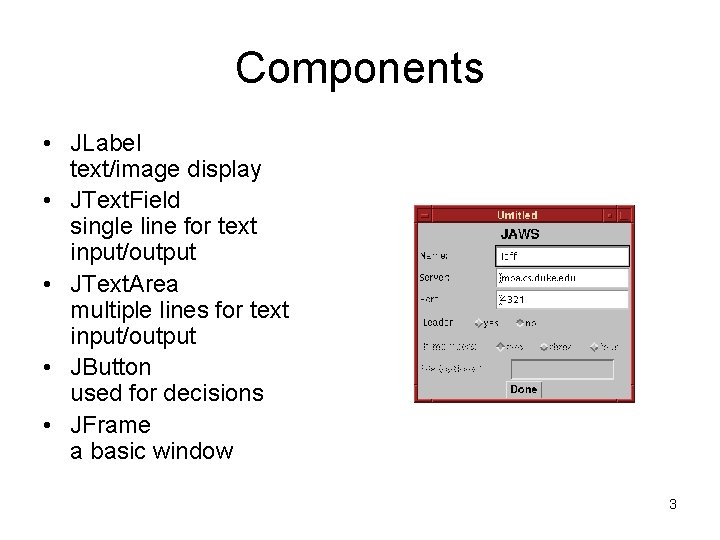
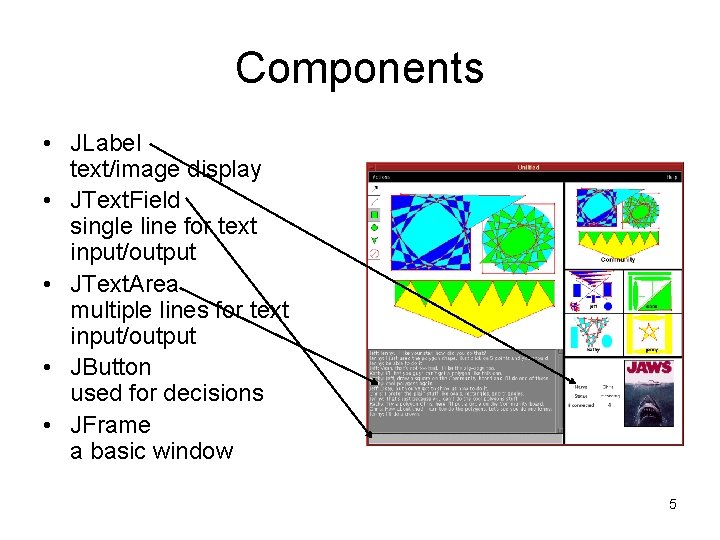
Components • JLabel text/image display • JText. Field single line for text input/output • JText. Area multiple lines for text input/output • JButton used for decisions • JFrame a basic window 3
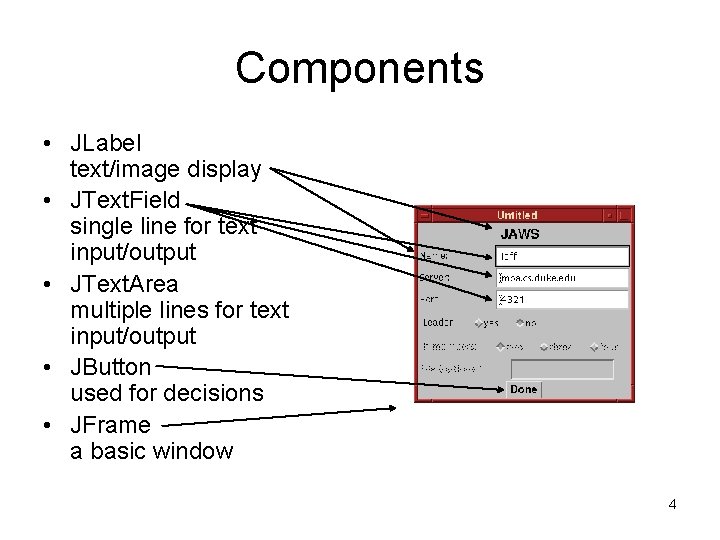
Components • JLabel text/image display • JText. Field single line for text input/output • JText. Area multiple lines for text input/output • JButton used for decisions • JFrame a basic window 4
Components • JLabel text/image display • JText. Field single line for text input/output • JText. Area multiple lines for text input/output • JButton used for decisions • JFrame a basic window 5
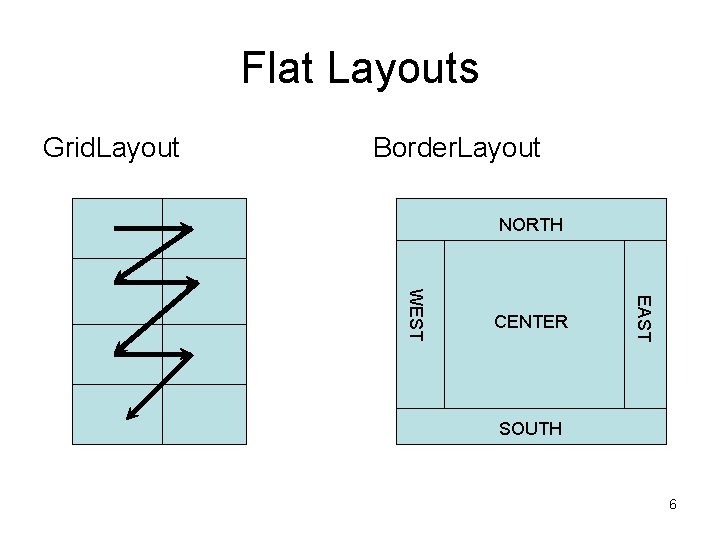
Flat Layouts Grid. Layout Border. Layout NORTH EAST WEST CENTER SOUTH 6
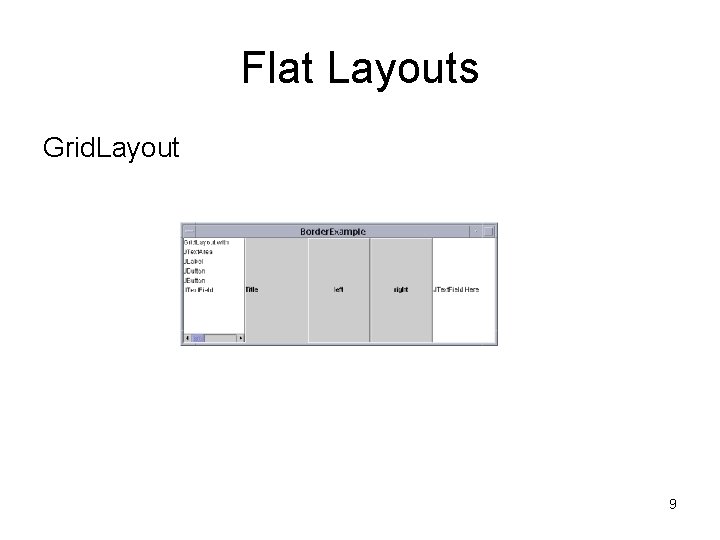
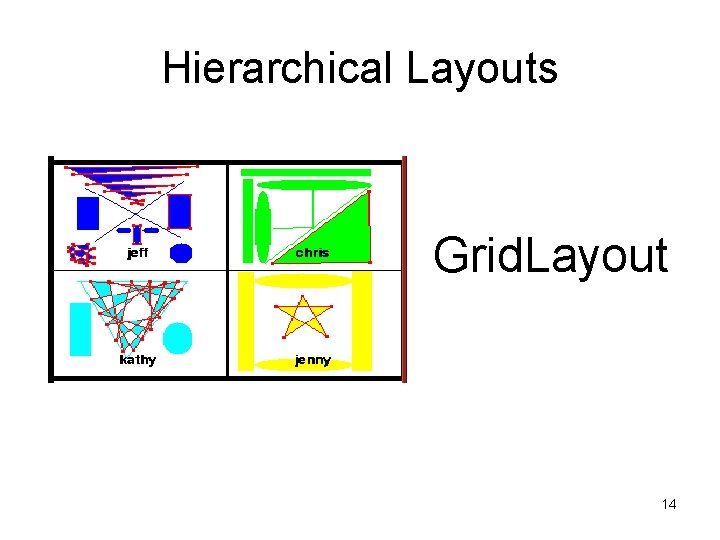
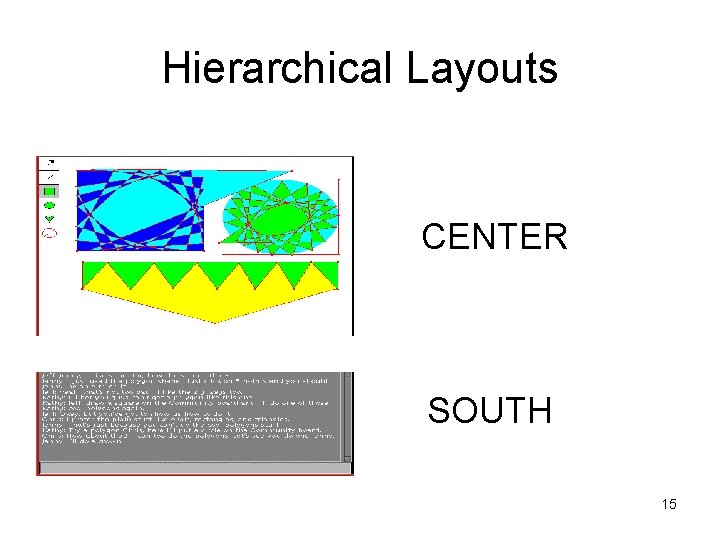
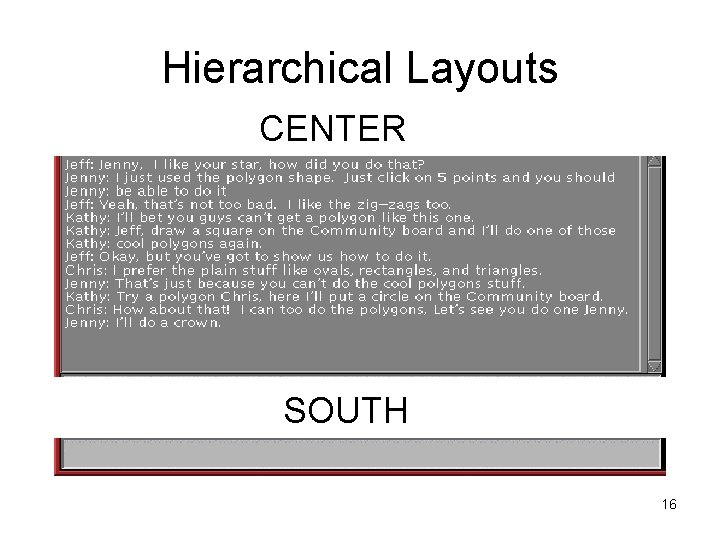
Flat Layouts Grid. Layout • Added left to right, top to bottom • Expands to fill horizontally and vertically • Each space equal width and height Border. Layout • Not all positions must be filled • CENTER expands horizontally and vertically • NORTH and SOUTH expand horizontally • WEST and EAST expand vertically 7
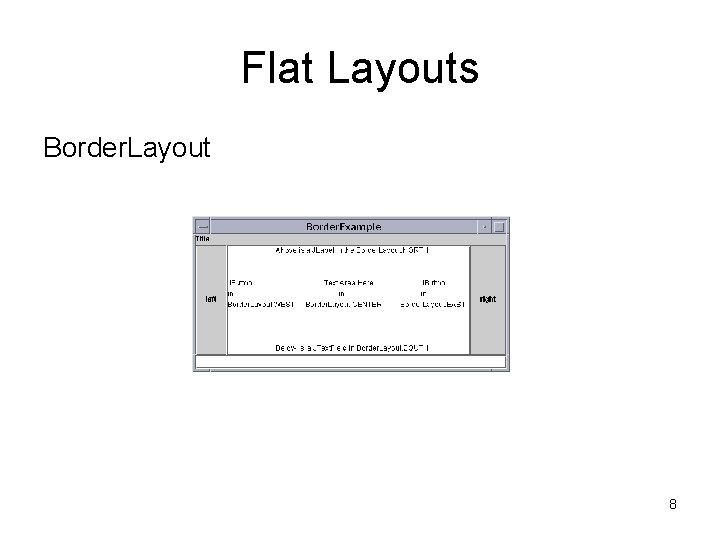
Flat Layouts Border. Layout 8
Flat Layouts Grid. Layout 9
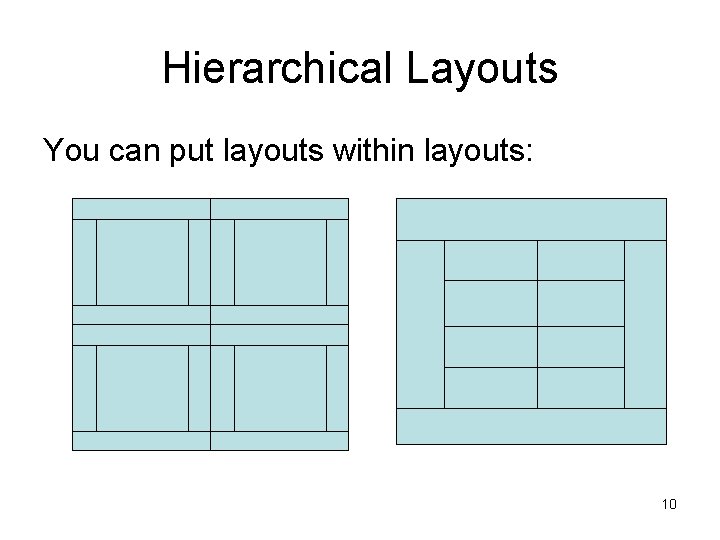
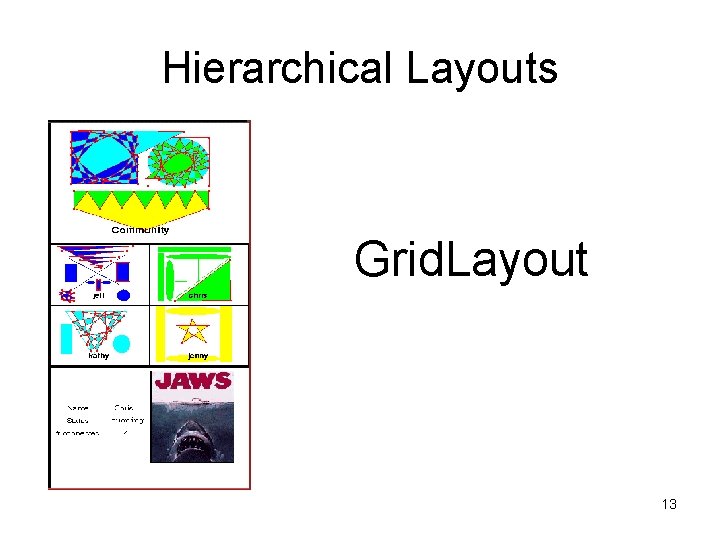
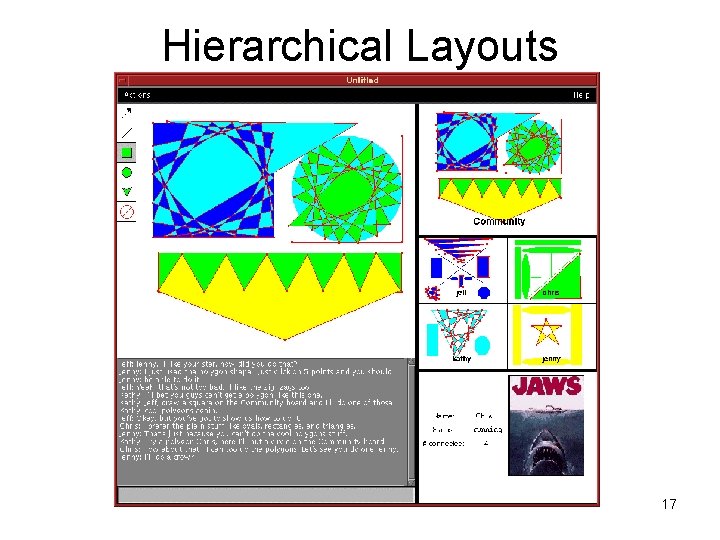
Hierarchical Layouts You can put layouts within layouts: 10
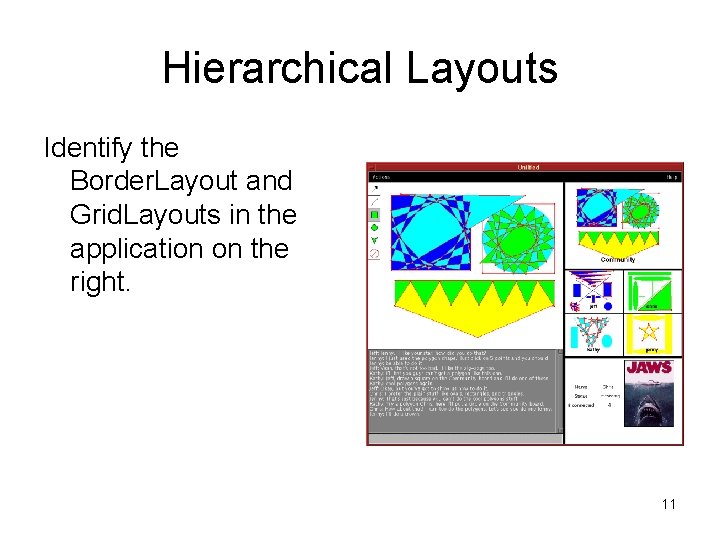
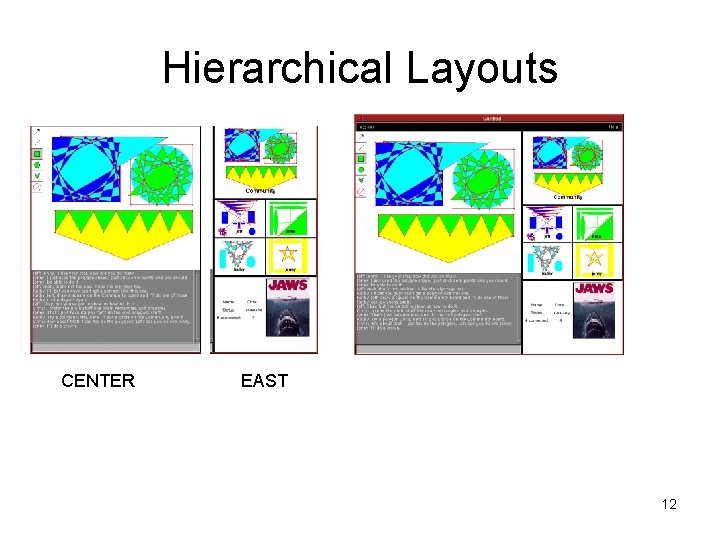
Hierarchical Layouts Identify the Border. Layout and Grid. Layouts in the application on the right. 11
Hierarchical Layouts CENTER EAST 12
Hierarchical Layouts Grid. Layout 13
Hierarchical Layouts Grid. Layout 14
Hierarchical Layouts CENTER SOUTH 15
Hierarchical Layouts CENTER SOUTH 16
Hierarchical Layouts 17
Hierarchical Layouts • Virtually every layout I make is a hierarchy of Grid. Layout and Border. Layout • Other Layouts include – Box. Layout – Grid. Bag. Layout – Flow. Layout – Card. Layout 18
Designing a GUI • What components are needed? • Which components are of primary importance? Secondary? • How do the components relate to each other? • How big are the components? • How can they be arranged into Border. Layout and Grid. Layout? 19
Coding a GUI 1. Declare the components as instance variables 2. Write a make. Components method to initialize the components 3. Write a layout. Components methods to arrange the components 4. Write a constructor to call the above two methods 5. Write a set. Visible method to set the primary component’s visibility (usually a JFrame). 20
Examples • Border. Example. java (today) • Grid. Example. java (in the code directory) • Combined. Example. java (in code directory) 21
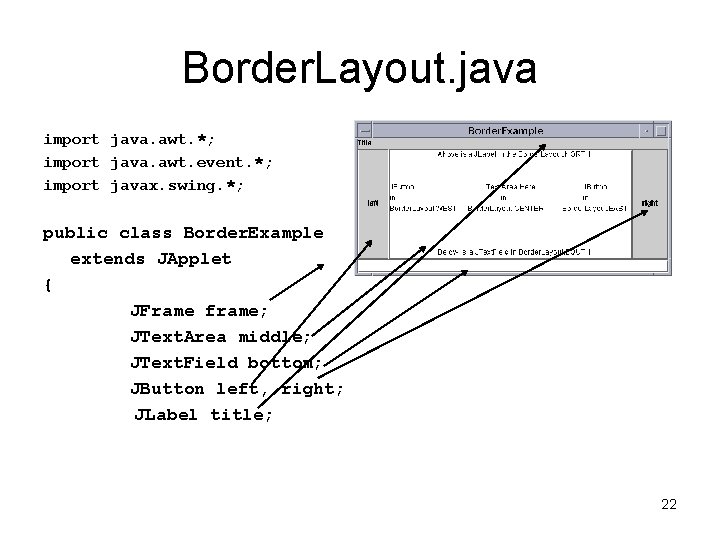
Border. Layout. java import java. awt. *; import java. awt. event. *; import javax. swing. *; public class Border. Example extends JApplet { JFrame frame; JText. Area middle; JText. Field bottom; JButton left, right; JLabel title; 22
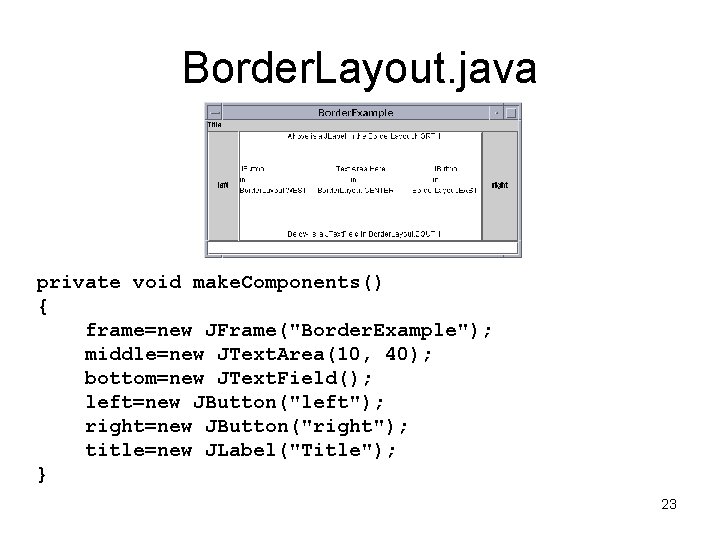
Border. Layout. java private void make. Components() { frame=new JFrame("Border. Example"); middle=new JText. Area(10, 40); bottom=new JText. Field(); left=new JButton("left"); right=new JButton("right"); title=new JLabel("Title"); } 23
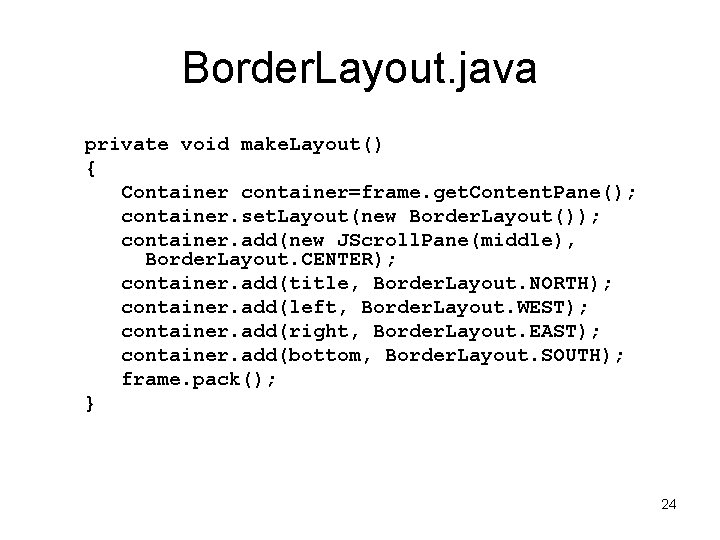
Border. Layout. java private void make. Layout() { Container container=frame. get. Content. Pane(); container. set. Layout(new Border. Layout()); container. add(new JScroll. Pane(middle), Border. Layout. CENTER); container. add(title, Border. Layout. NORTH); container. add(left, Border. Layout. WEST); container. add(right, Border. Layout. EAST); container. add(bottom, Border. Layout. SOUTH); frame. pack(); } 24
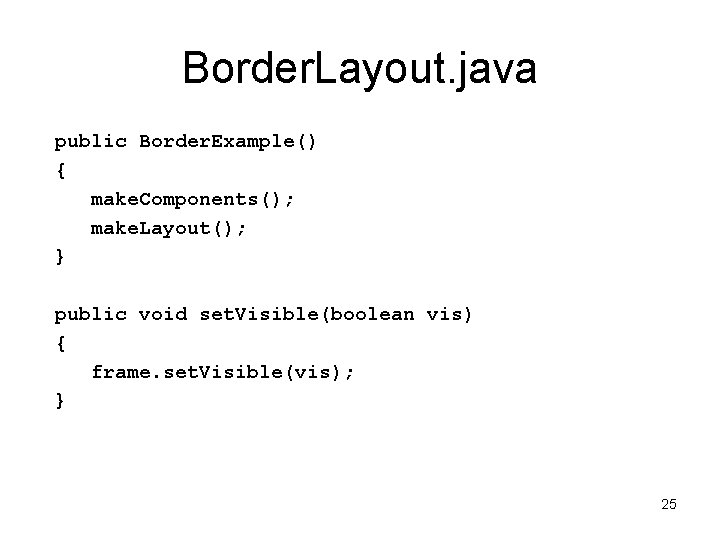
Border. Layout. java public Border. Example() { make. Components(); make. Layout(); } public void set. Visible(boolean vis) { frame. set. Visible(vis); } 25
Border. Layout. java public void init() { main(null); } public static void main(String[] args) { Border. Example example=new Border. Example(); example. set. Visible(true); } 26