
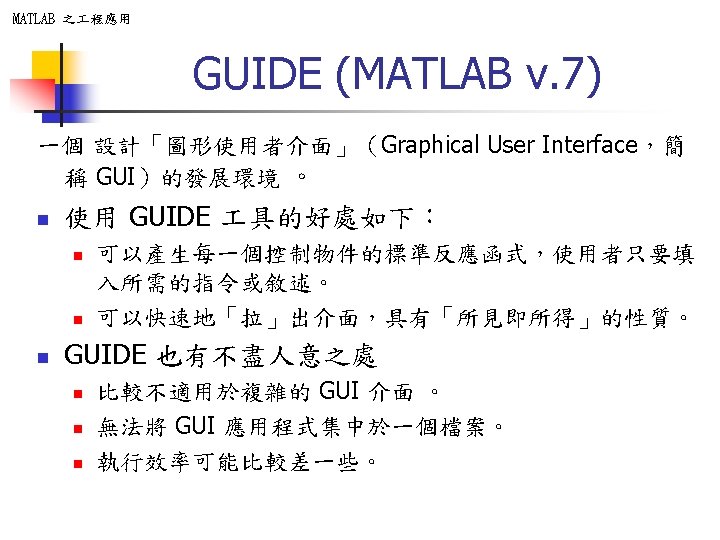
Graphical User Interface Design Environment GUIDE MATLAB n

Graphical User Interface Design Environment (GUIDE ) 方煒 台大生機系
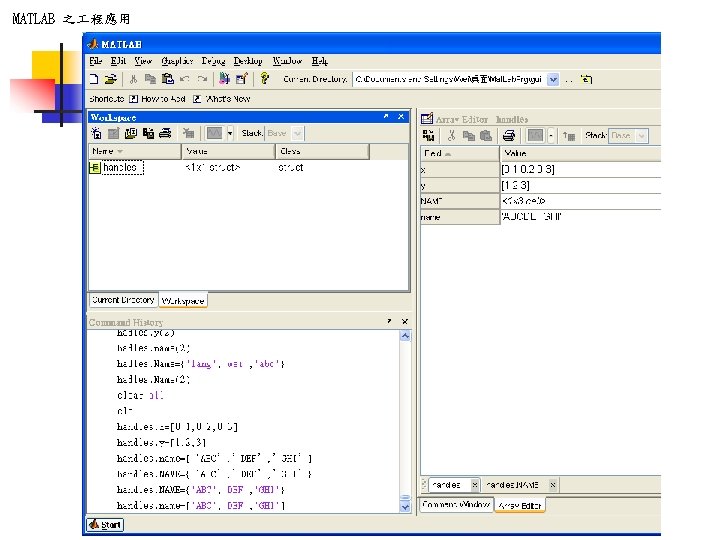
![MATLAB 之 程應用 結構變數 n n n handles. x=[0. 1, 0. 2, 0. 3]](http://slidetodoc.com/presentation_image_h/954bc71698e700d916e35e19b84f5035/image-2.jpg "MATLAB 之 程應用 結構變數 n n n handles. x=[0. 1, 0. 2, 0. 3]")
MATLAB 之 程應用 結構變數 n n n handles. x=[0. 1, 0. 2, 0. 3] handles. y=[1, 2, 3] handles. name=[‘ABC’, ’DEF’, ’GHI’] handles. NAME={‘ABC’, ’DEF’, ’GHI’} Check: n n handles. x(3) 是甚麼? handles. y(3) 是甚麼? handles. name(3) 是甚麼? handles. NAME(3) 是甚麼?
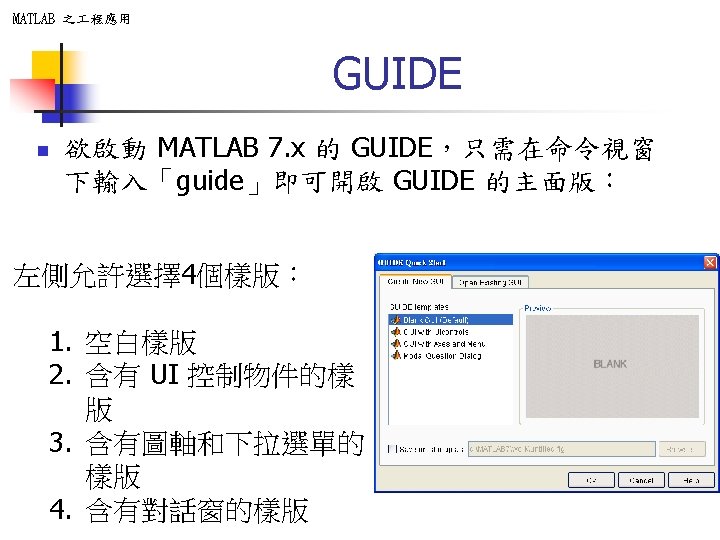
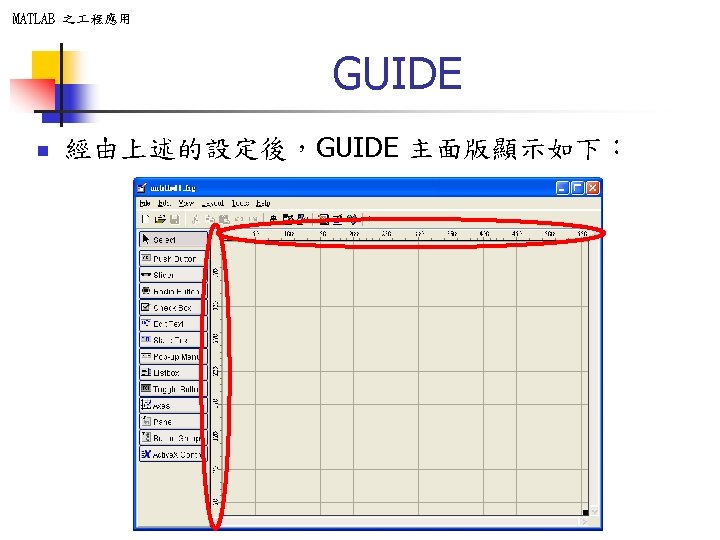
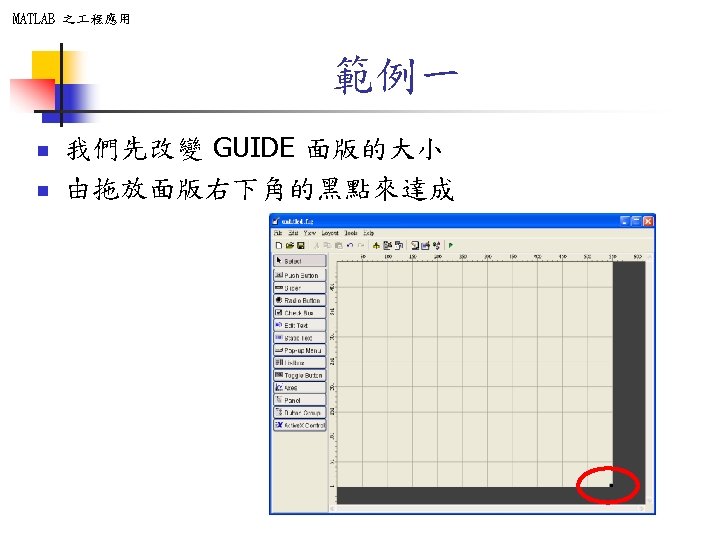
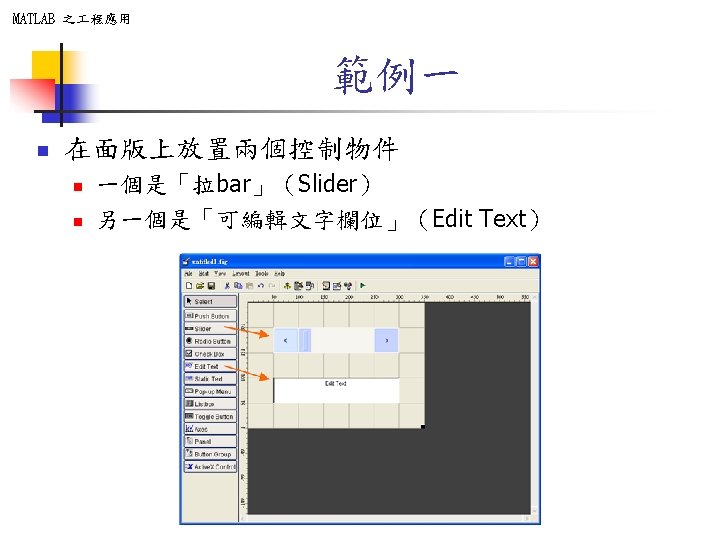
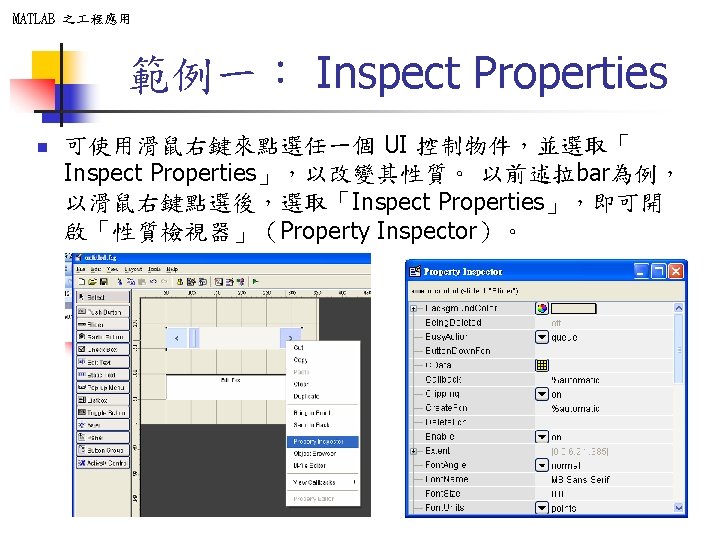
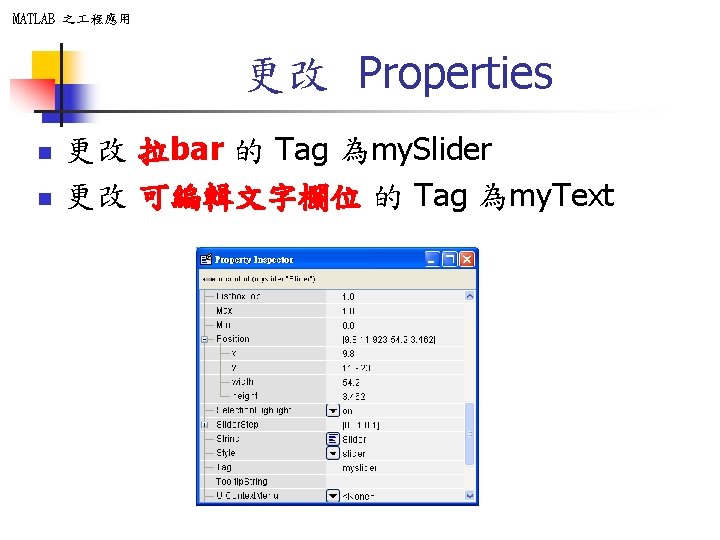
MATLAB 之 程應用 更改 Properties n n 更改 拉bar 的 Tag 為my. Slider 更改 可編輯文字欄位 的 Tag 為my. Text
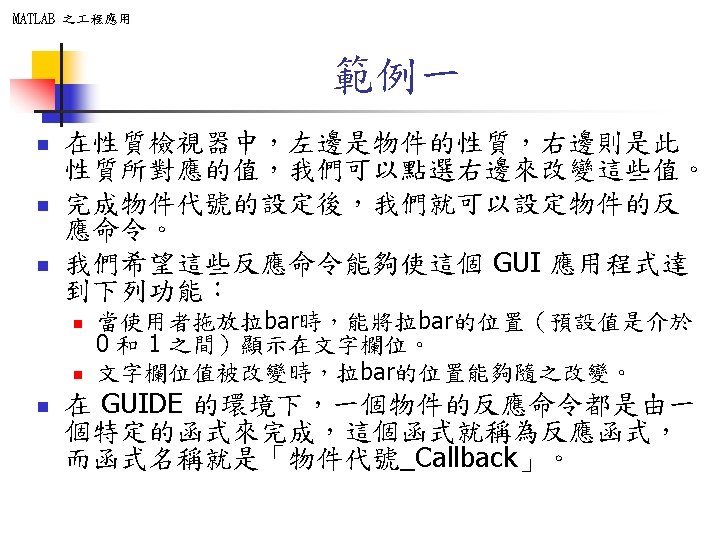
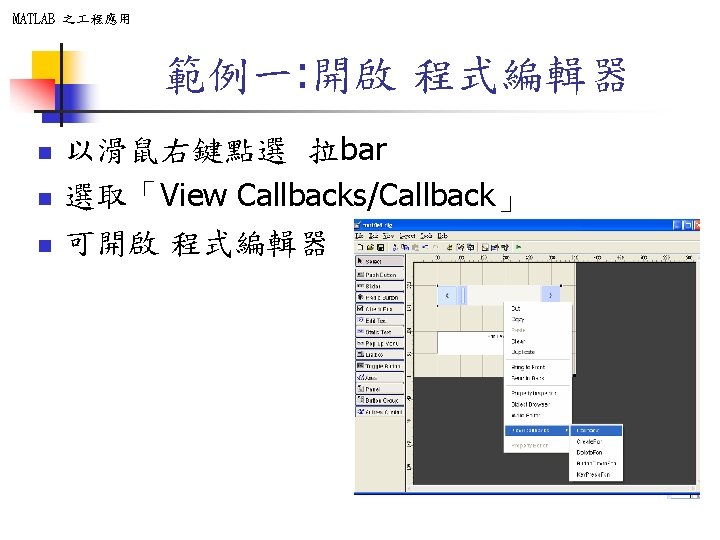
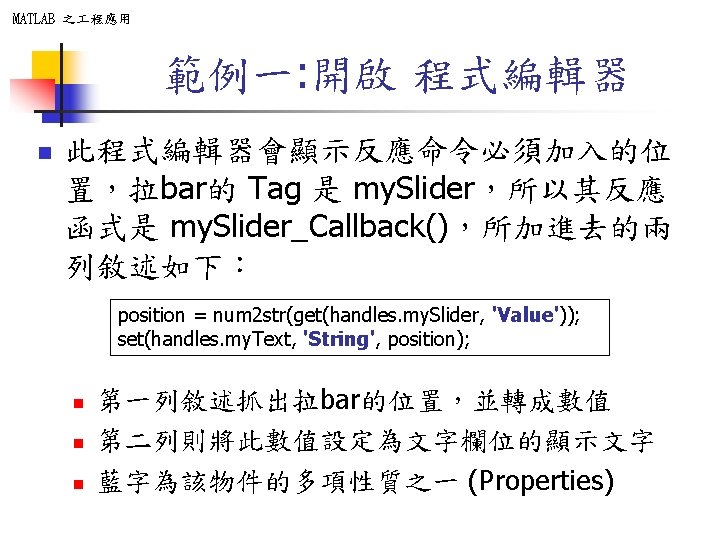
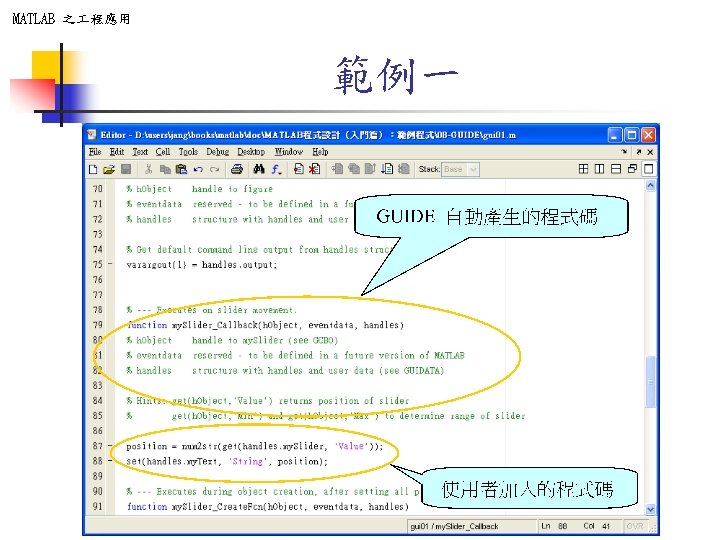
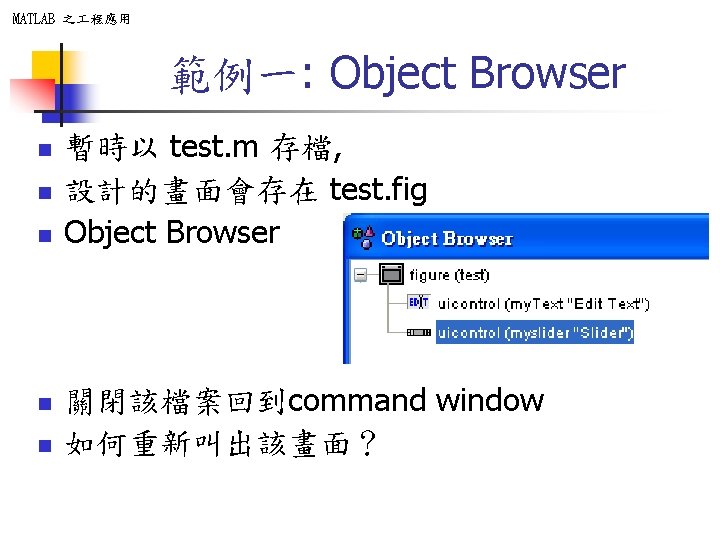
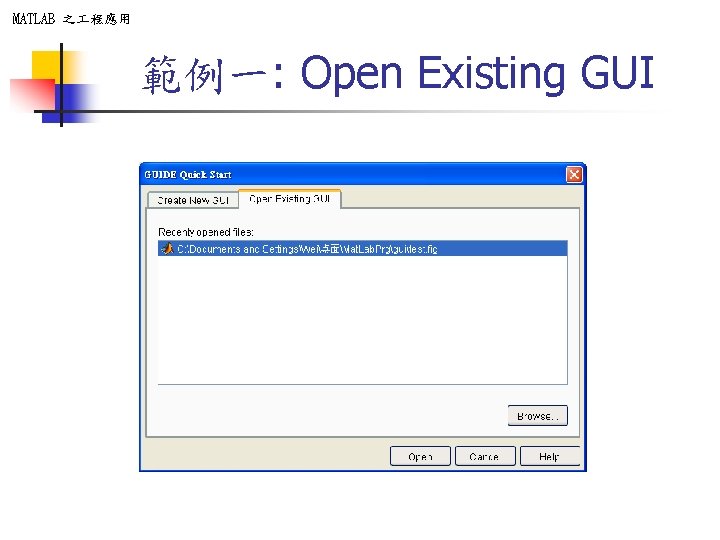
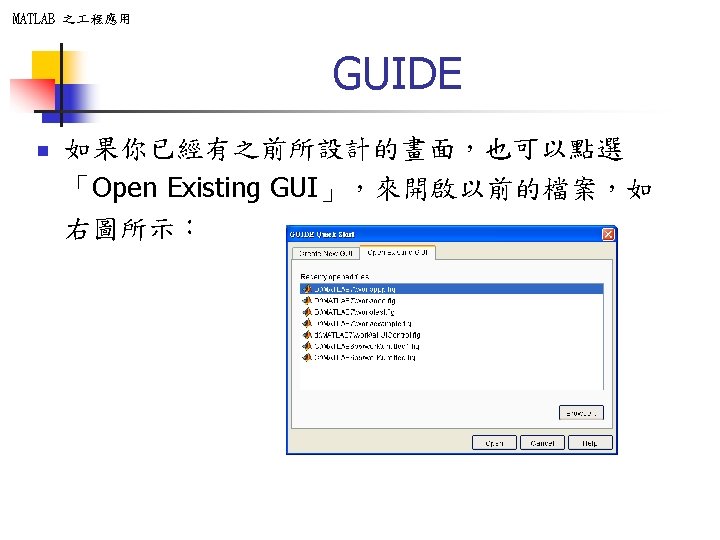
MATLAB 之 程應用 範例一: Open Existing GUI
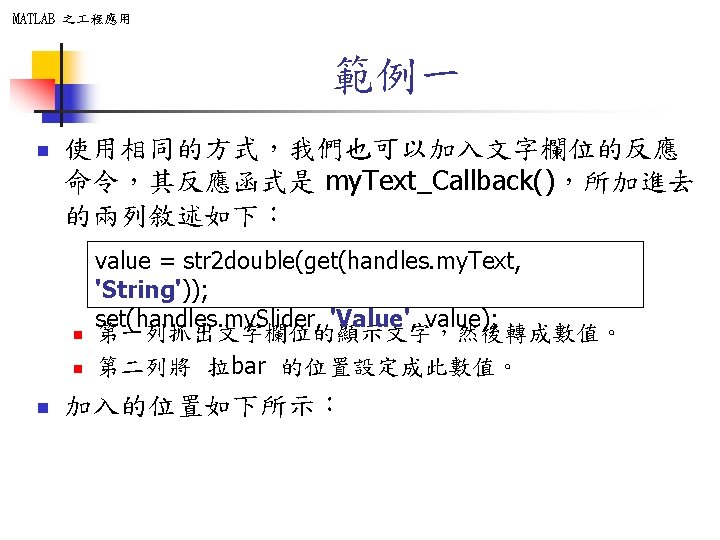
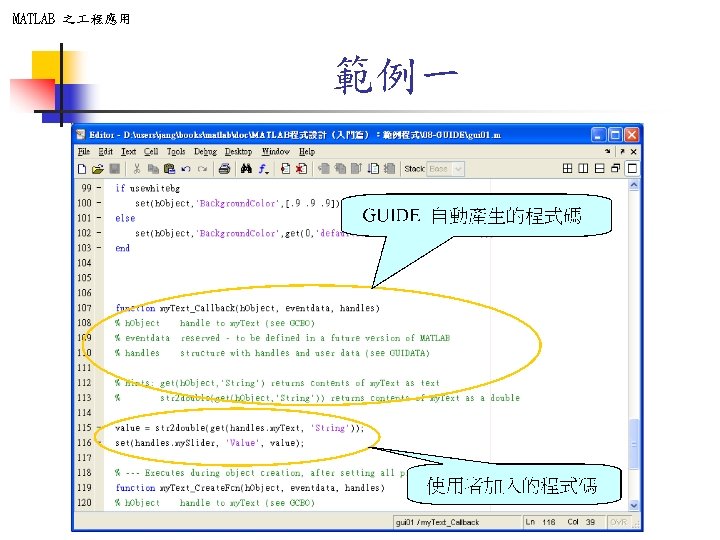
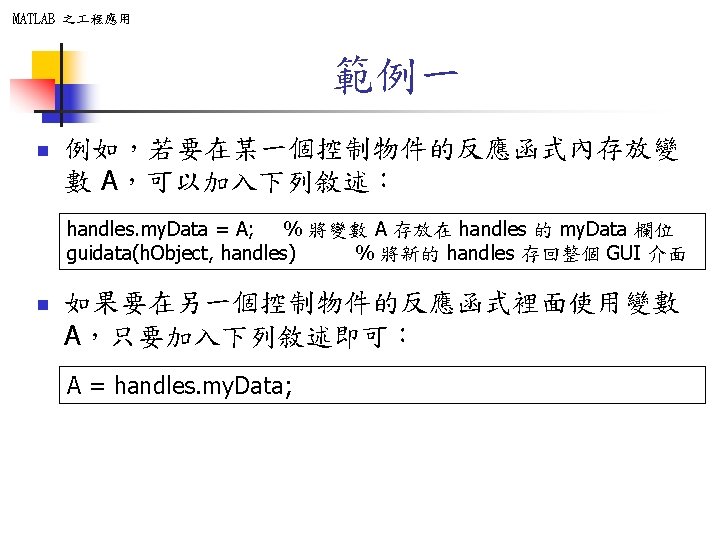
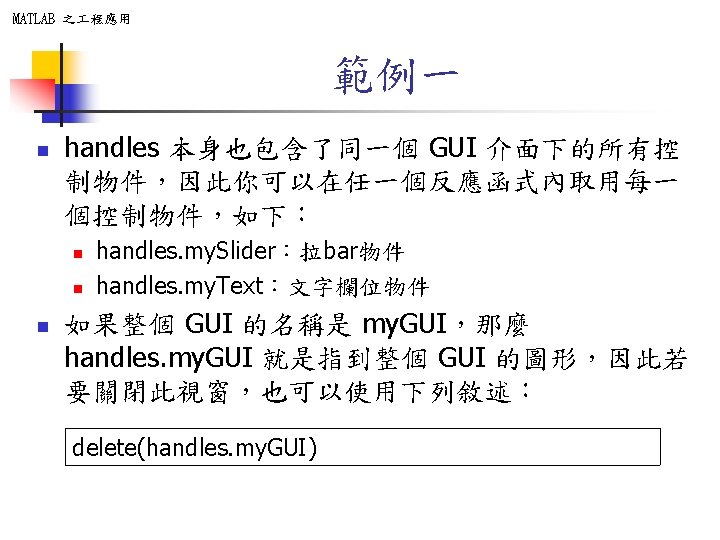
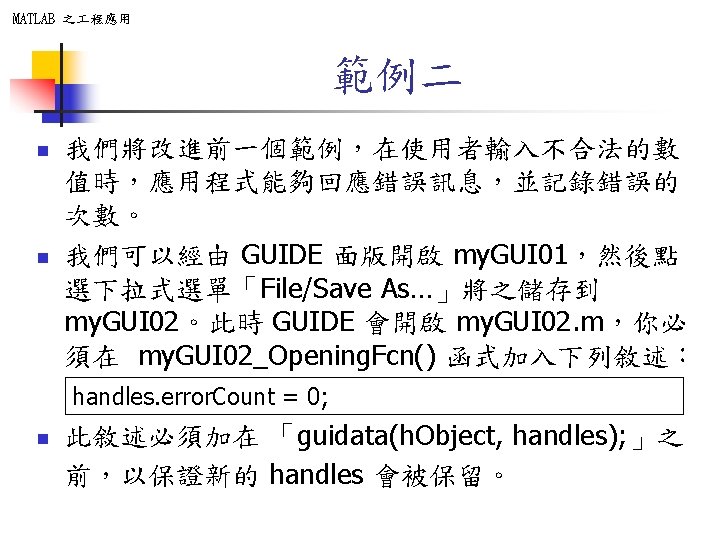
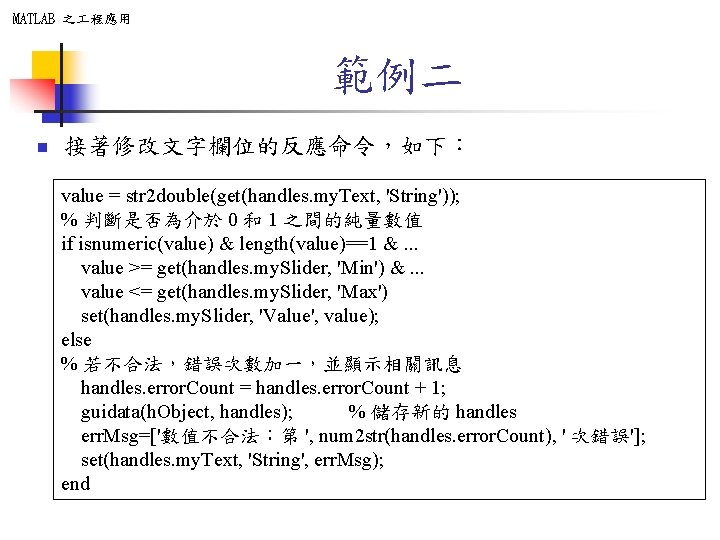
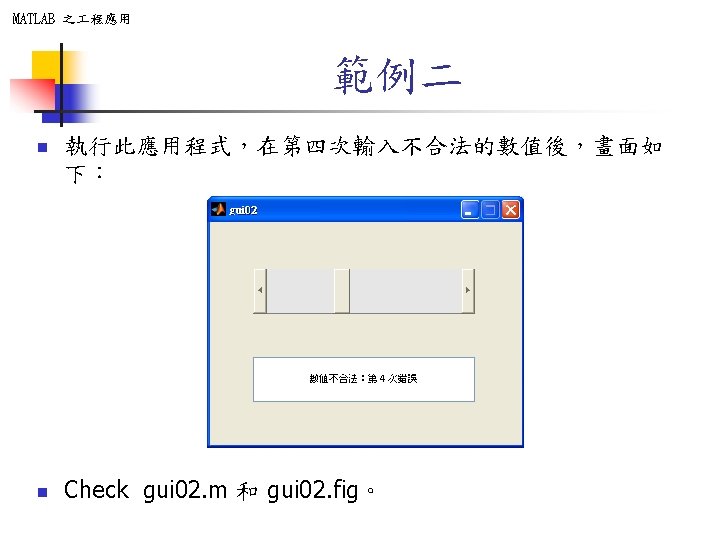
MATLAB 之 程應用 範例二 n 接著修改文字欄位的反應命令,如下: value = str 2 double(get(handles. my. Text, 'String')); % 判斷是否為介於 0 和 1 之間的純量數值 if isnumeric(value) & length(value)==1 &. . . value >= get(handles. my. Slider, 'Min') &. . . value <= get(handles. my. Slider, 'Max') set(handles. my. Slider, 'Value', value); else % 若不合法,錯誤次數加一,並顯示相關訊息 handles. error. Count = handles. error. Count + 1; guidata(h. Object, handles); % 儲存新的 handles err. Msg=['數值不合法:第 ', num 2 str(handles. error. Count), ' 次錯誤']; set(handles. my. Text, 'String', err. Msg); end
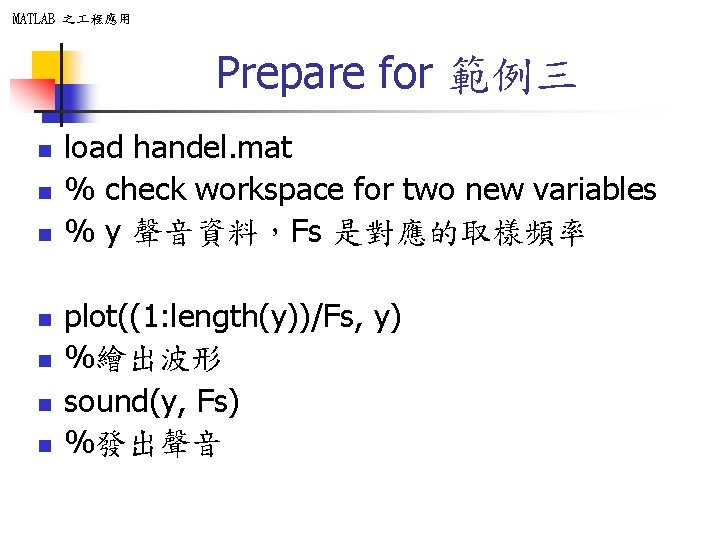
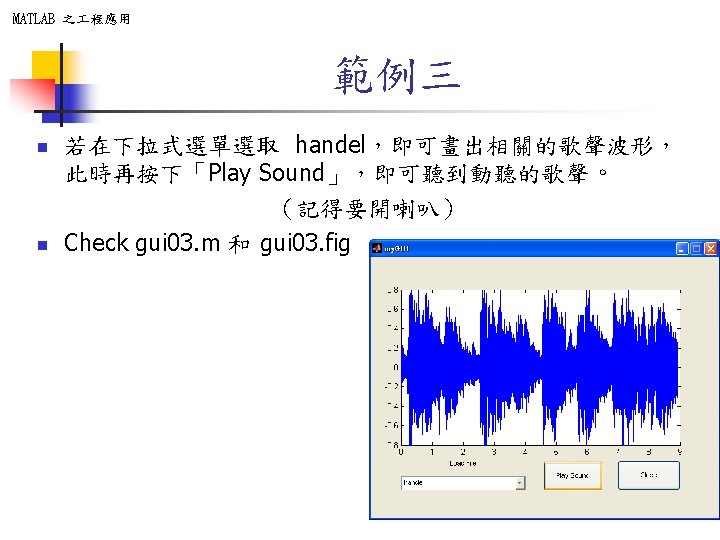
MATLAB 之 程應用 Prepare for 範例三 n n n n load handel. mat % check workspace for two new variables % y 聲音資料,Fs 是對應的取樣頻率 plot((1: length(y))/Fs, y) %繪出波形 sound(y, Fs) %發出聲音
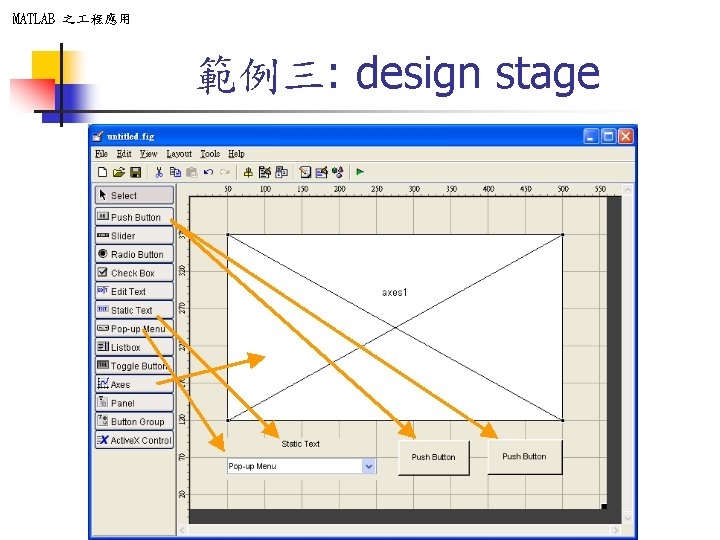
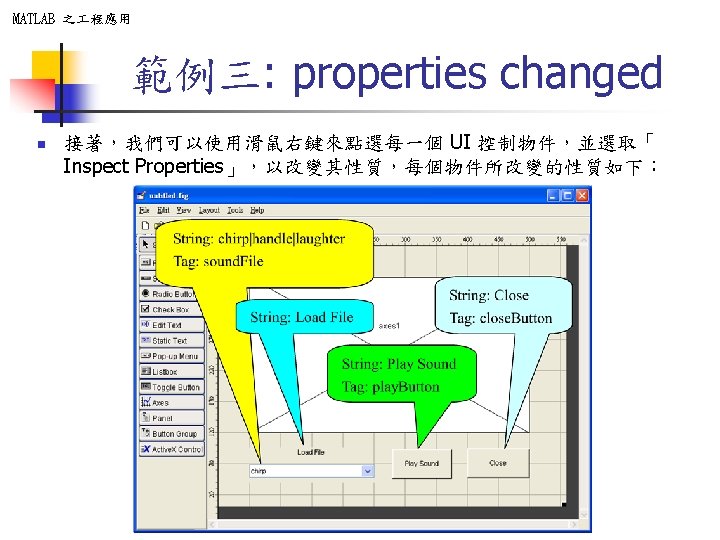
MATLAB 之 程應用 範例三: design stage
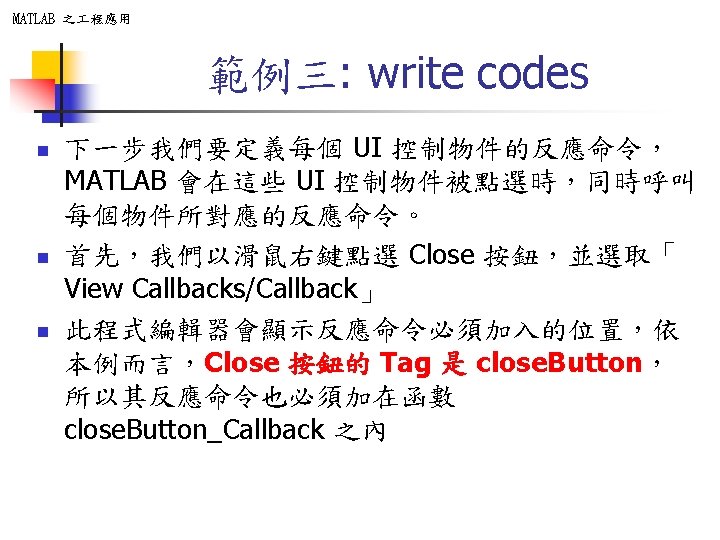
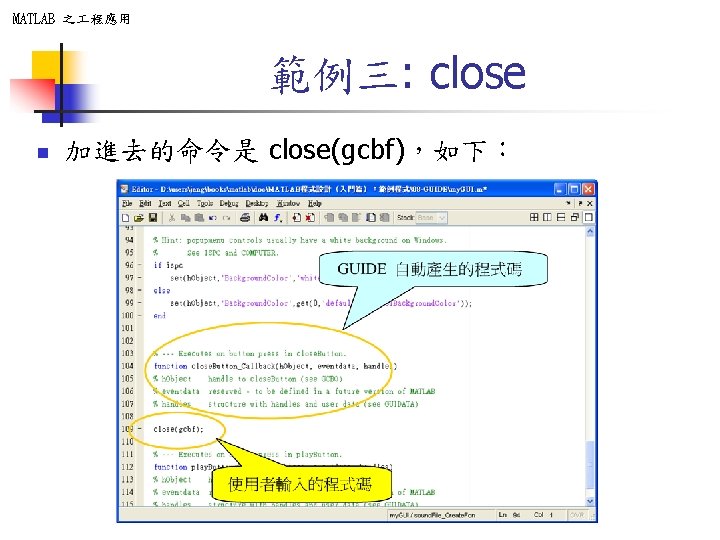
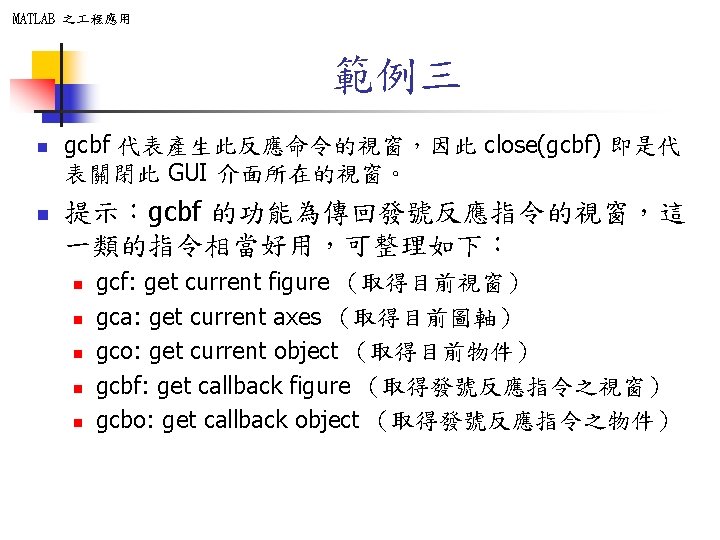
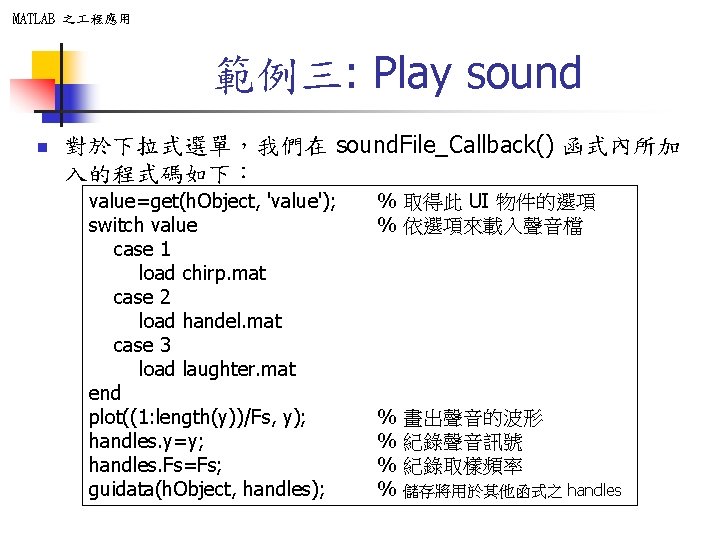
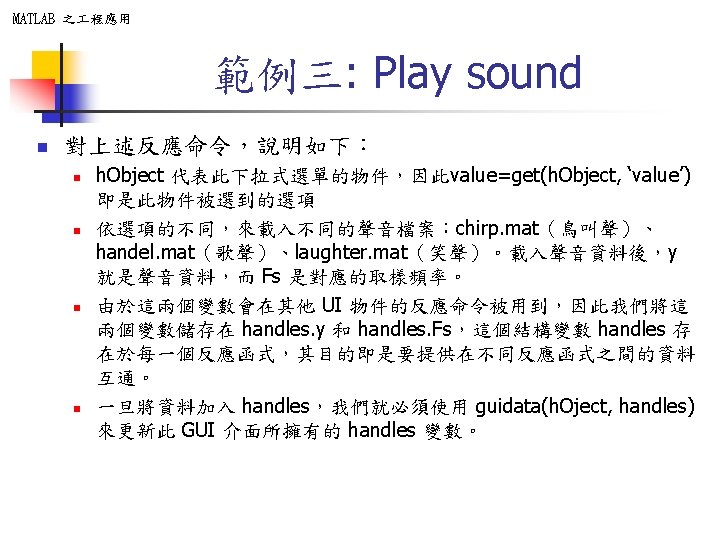
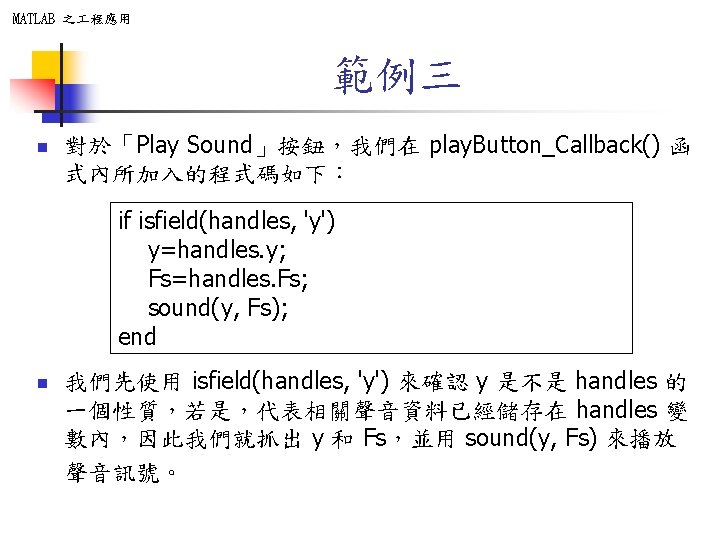
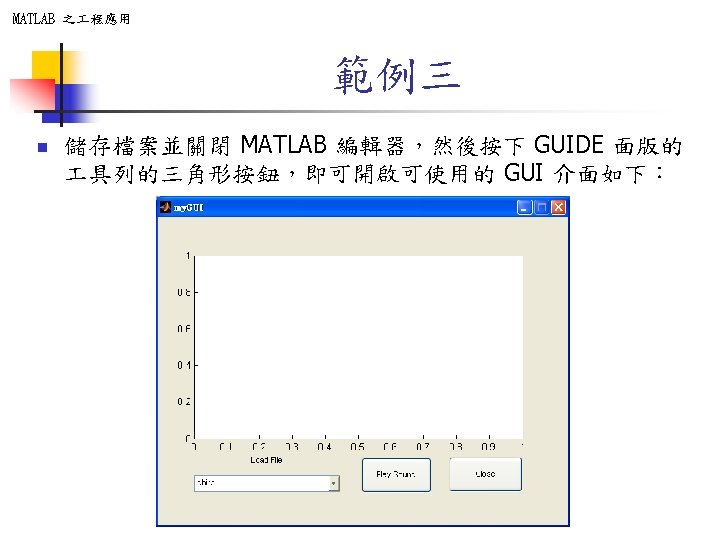
MATLAB 之 程應用 範例三: Play sound n 對於下拉式選單,我們在 sound. File_Callback() 函式內所加 入的程式碼如下: value=get(h. Object, 'value'); switch value case 1 load chirp. mat case 2 load handel. mat case 3 load laughter. mat end plot((1: length(y))/Fs, y); handles. y=y; handles. Fs=Fs; guidata(h. Object, handles); % 取得此 UI 物件的選項 % 依選項來載入聲音檔 % 畫出聲音的波形 % 紀錄聲音訊號 % 紀錄取樣頻率 % 儲存將用於其他函式之 handles
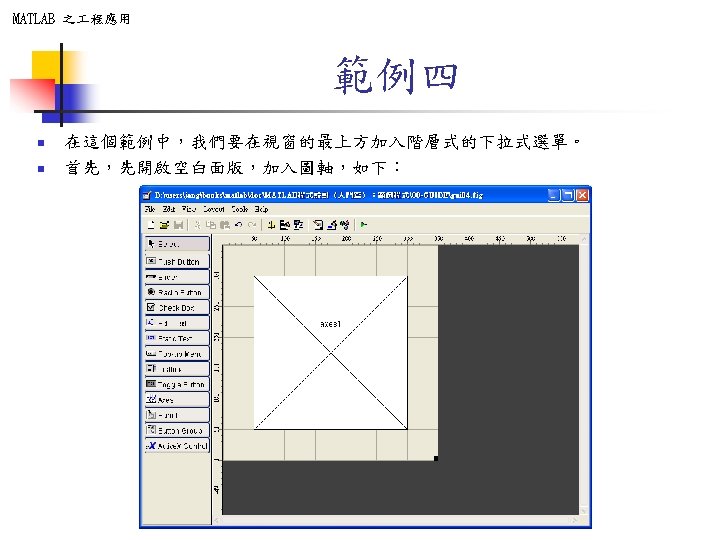
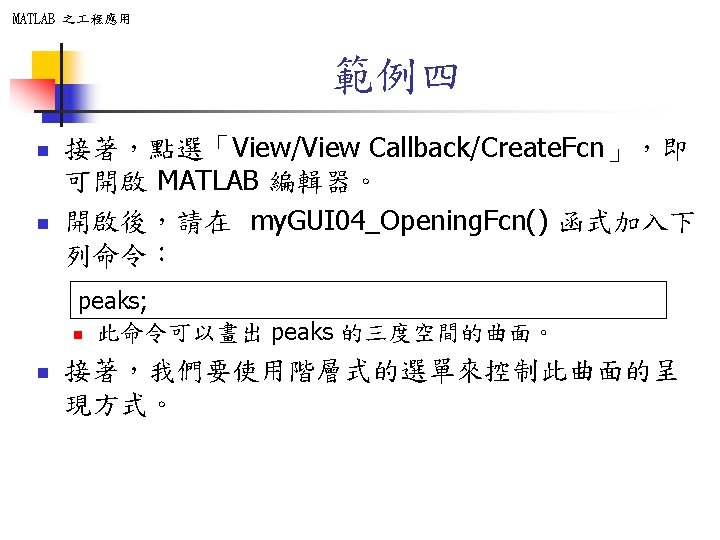
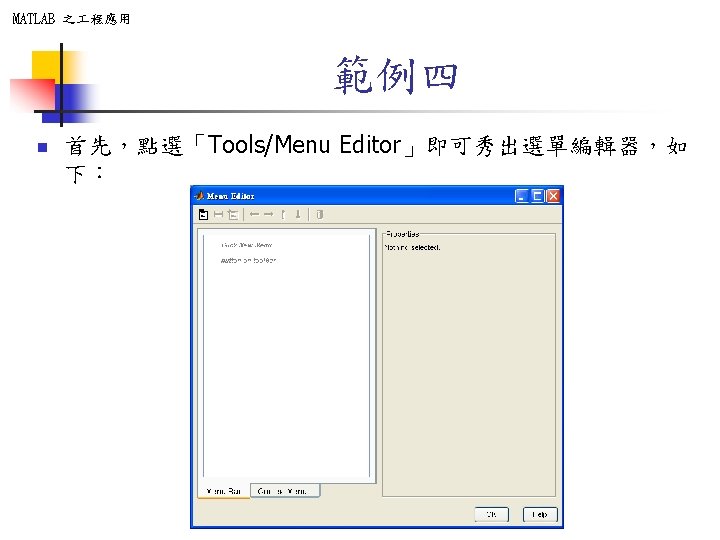
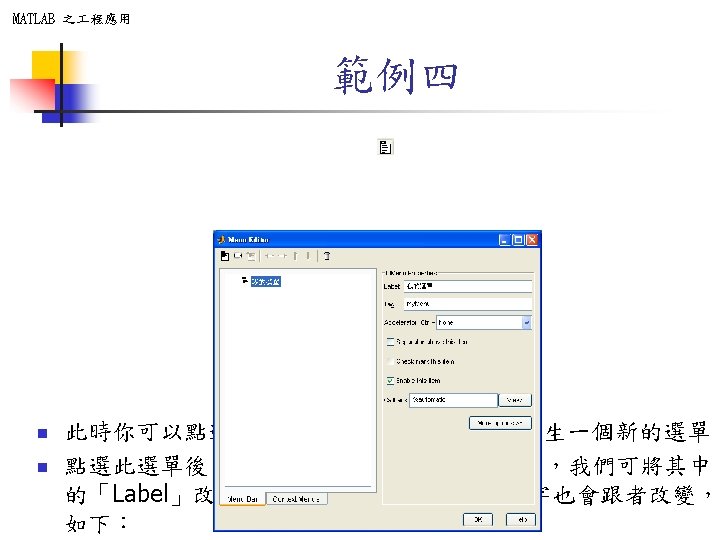
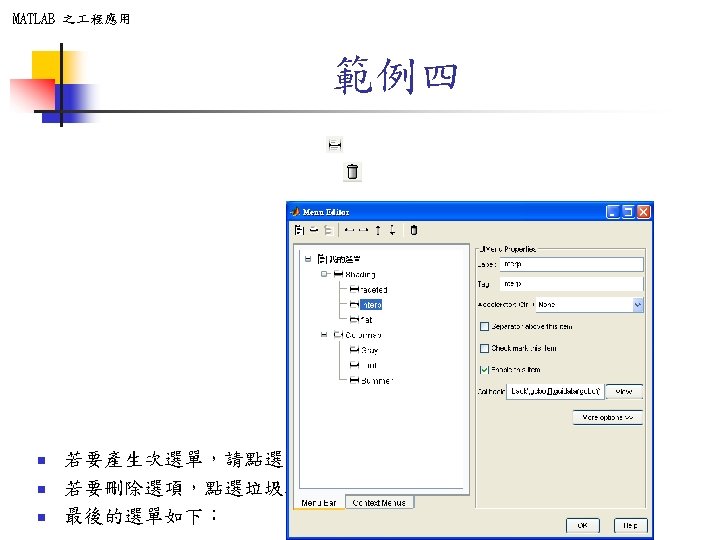
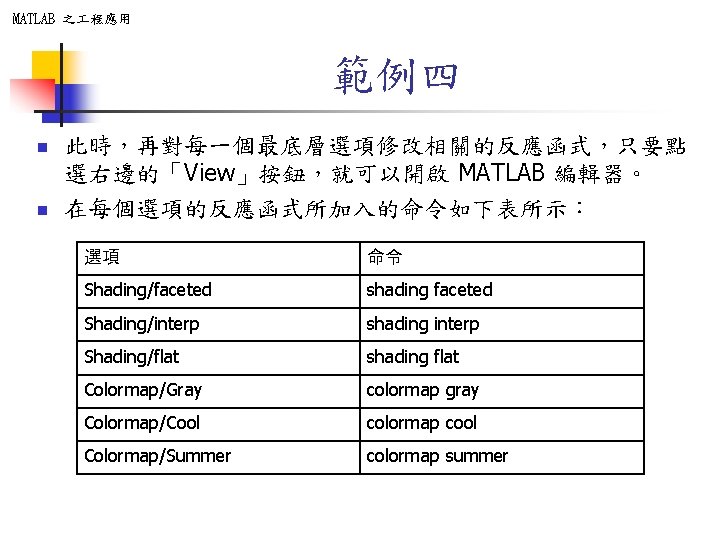
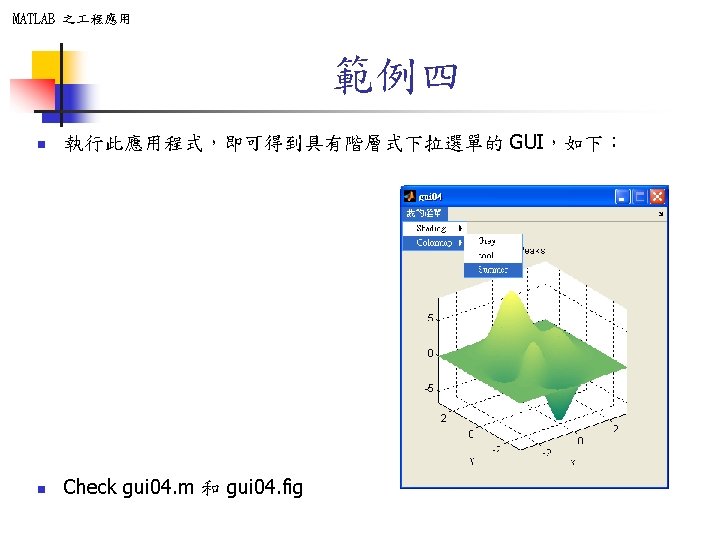
MATLAB 之 程應用 範例四 n n 此時,再對每一個最底層選項修改相關的反應函式,只要點 選右邊的「View」按鈕,就可以開啟 MATLAB 編輯器。 在每個選項的反應函式所加入的命令如下表所示: 選項 命令 Shading/faceted shading faceted Shading/interp shading interp Shading/flat shading flat Colormap/Gray colormap gray Colormap/Cool colormap cool Colormap/Summer colormap summer
- Slides: 52