
Granular Flow Simulations 2 D shallow water equations
- Slides: 10
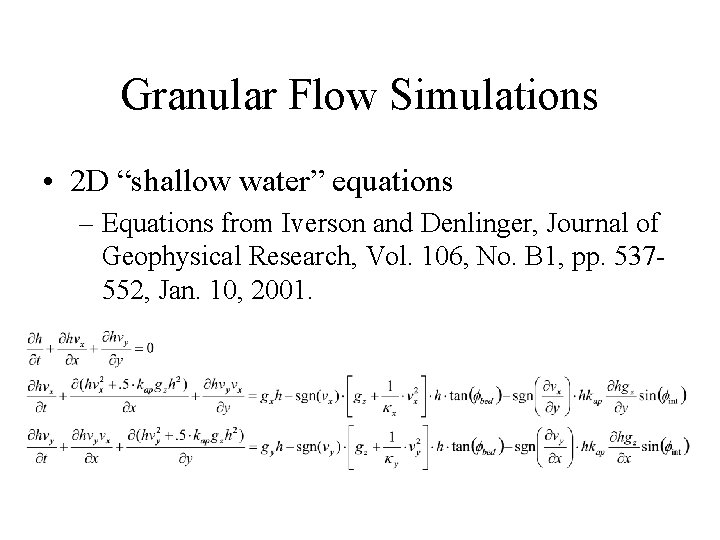
Granular Flow Simulations • 2 D “shallow water” equations – Equations from Iverson and Denlinger, Journal of Geophysical Research, Vol. 106, No. B 1, pp. 537552, Jan. 10, 2001.
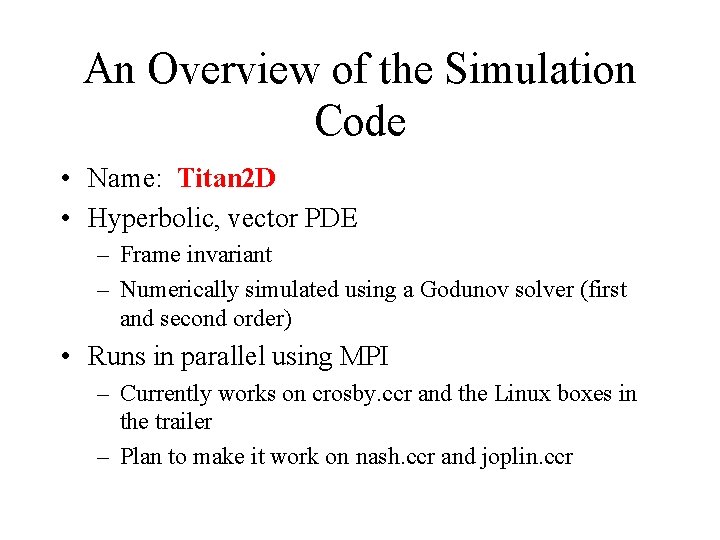
An Overview of the Simulation Code • Name: Titan 2 D • Hyperbolic, vector PDE – Frame invariant – Numerically simulated using a Godunov solver (first and second order) • Runs in parallel using MPI – Currently works on crosby. ccr and the Linux boxes in the trailer – Plan to make it work on nash. ccr and joplin. ccr
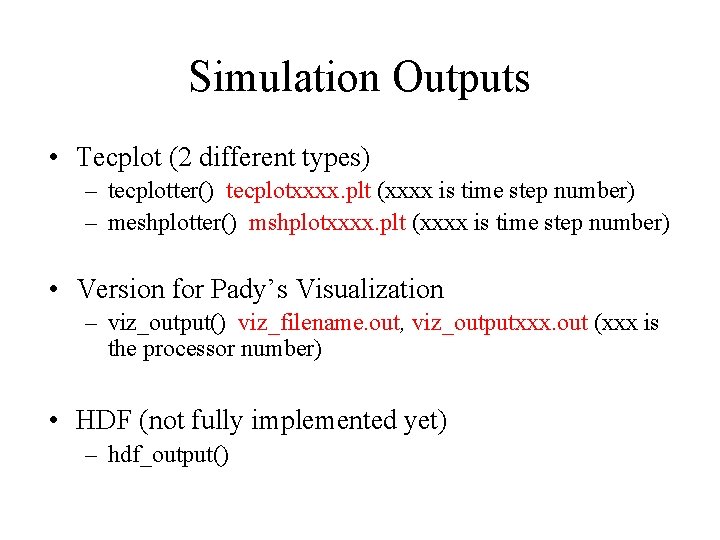
Simulation Outputs • Tecplot (2 different types) – tecplotter() tecplotxxxx. plt (xxxx is time step number) – meshplotter() mshplotxxxx. plt (xxxx is time step number) • Version for Pady’s Visualization – viz_output() viz_filename. out, viz_outputxxx. out (xxx is the processor number) • HDF (not fully implemented yet) – hdf_output()
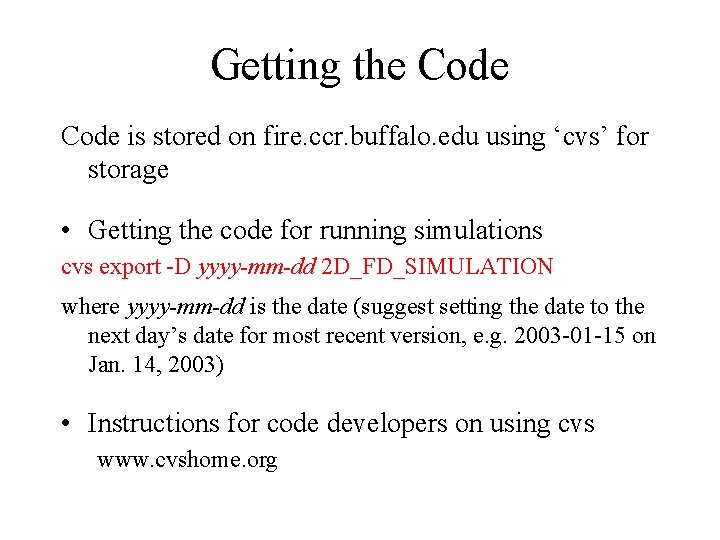
Getting the Code is stored on fire. ccr. buffalo. edu using ‘cvs’ for storage • Getting the code for running simulations cvs export -D yyyy-mm-dd 2 D_FD_SIMULATION where yyyy-mm-dd is the date (suggest setting the date to the next day’s date for most recent version, e. g. 2003 -01 -15 on Jan. 14, 2003) • Instructions for code developers on using cvs www. cvshome. org
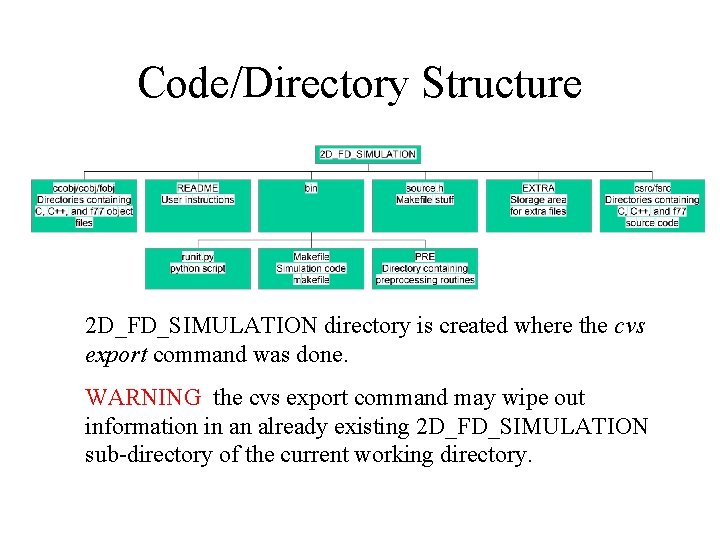
Code/Directory Structure 2 D_FD_SIMULATION directory is created where the cvs export command was done. WARNING the cvs export command may wipe out information in an already existing 2 D_FD_SIMULATION sub-directory of the current working directory.
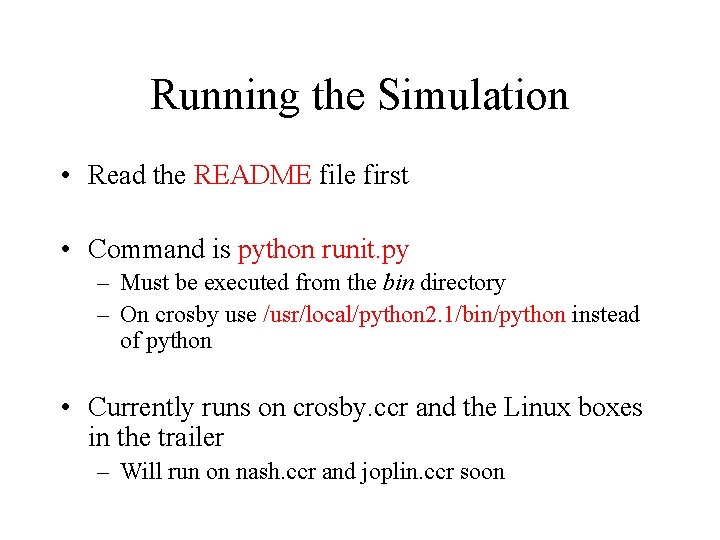
Running the Simulation • Read the README file first • Command is python runit. py – Must be executed from the bin directory – On crosby use /usr/local/python 2. 1/bin/python instead of python • Currently runs on crosby. ccr and the Linux boxes in the trailer – Will run on nash. ccr and joplin. ccr soon
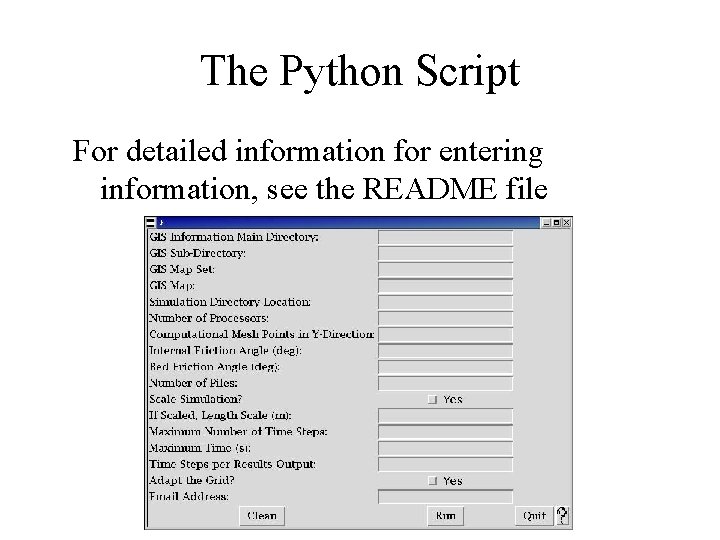
The Python Script For detailed information for entering information, see the README file
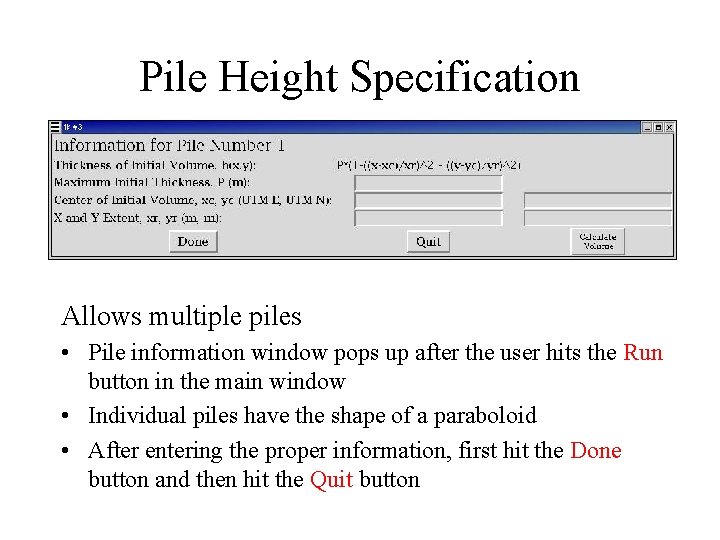
Pile Height Specification Allows multiple piles • Pile information window pops up after the user hits the Run button in the main window • Individual piles have the shape of a paraboloid • After entering the proper information, first hit the Done button and then hit the Quit button
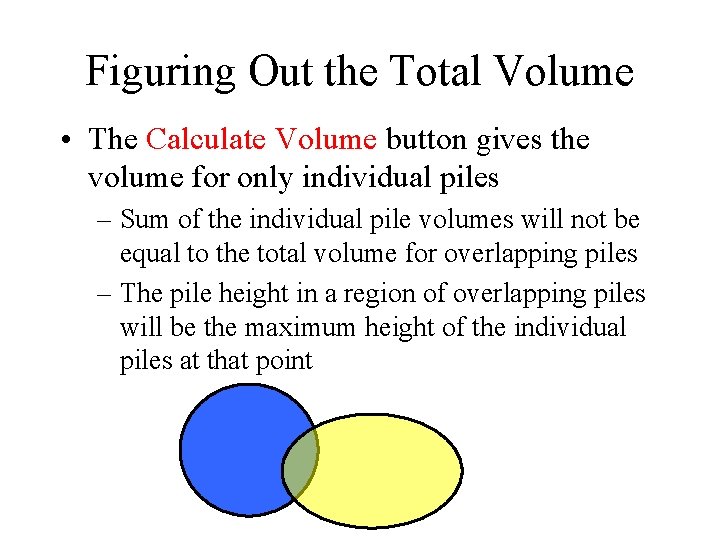
Figuring Out the Total Volume • The Calculate Volume button gives the volume for only individual piles – Sum of the individual pile volumes will not be equal to the total volume for overlapping piles – The pile height in a region of overlapping piles will be the maximum height of the individual piles at that point
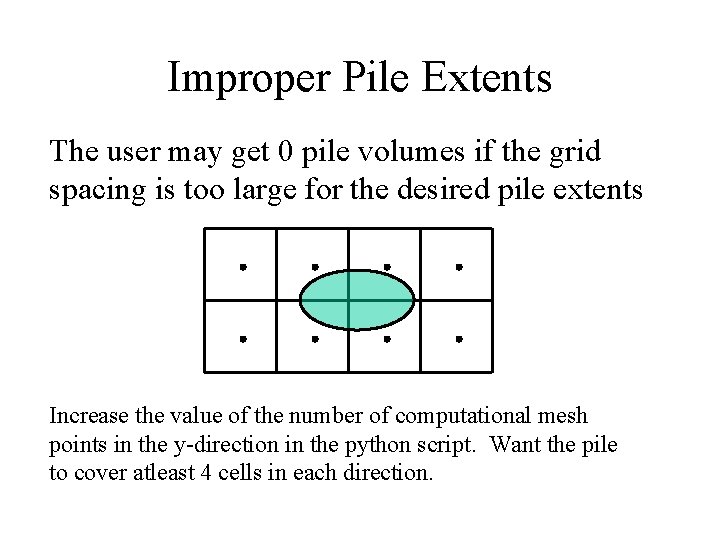
Improper Pile Extents The user may get 0 pile volumes if the grid spacing is too large for the desired pile extents Increase the value of the number of computational mesh points in the y-direction in the python script. Want the pile to cover atleast 4 cells in each direction.