
Grafis 3 D GRAFIKA KOMPUTER What is 3
- Slides: 15
Grafis 3 D GRAFIKA KOMPUTER
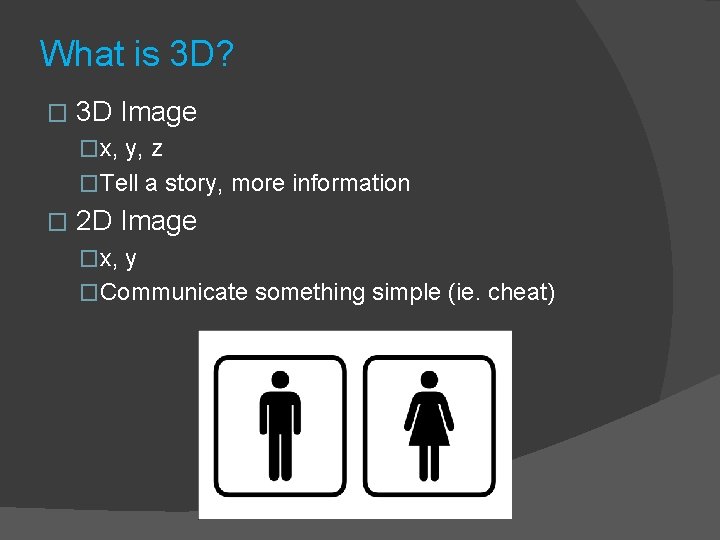
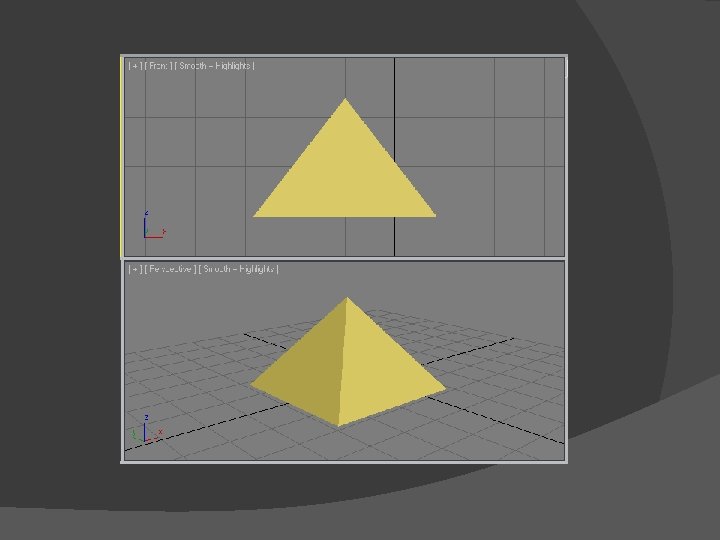
What is 3 D? � 3 D Image �x, y, z �Tell a story, more information � 2 D Image �x, y �Communicate something simple (ie. cheat)
3 D Graphics � 3 major steps �Virtual 3 d world ○ (3 D models, physics [mass, rigid body], animations, lightings, etc). �Occlusion (what is shown on 2 D screen). ○ Effects (distance, blur) ○ Realism (movement, ragdoll) ○ LOD / mipmap �Display (as realistic as possible)
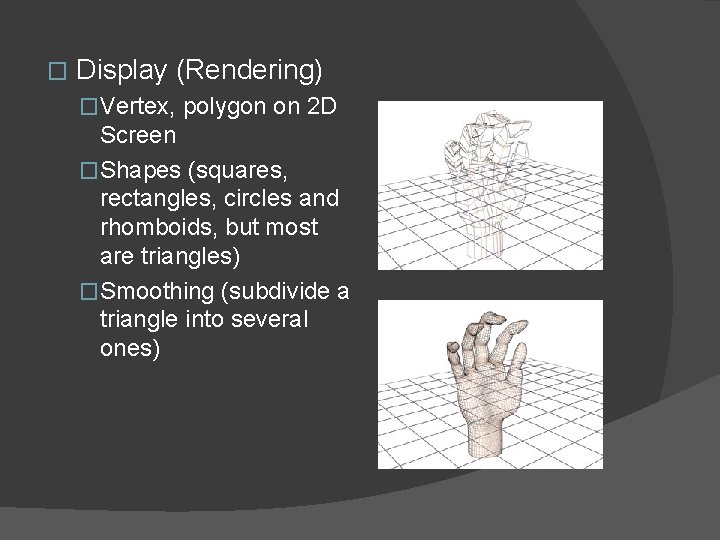
� Display (Rendering) �Vertex, polygon on 2 D Screen �Shapes (squares, rectangles, circles and rhomboids, but most are triangles) �Smoothing (subdivide a triangle into several ones)
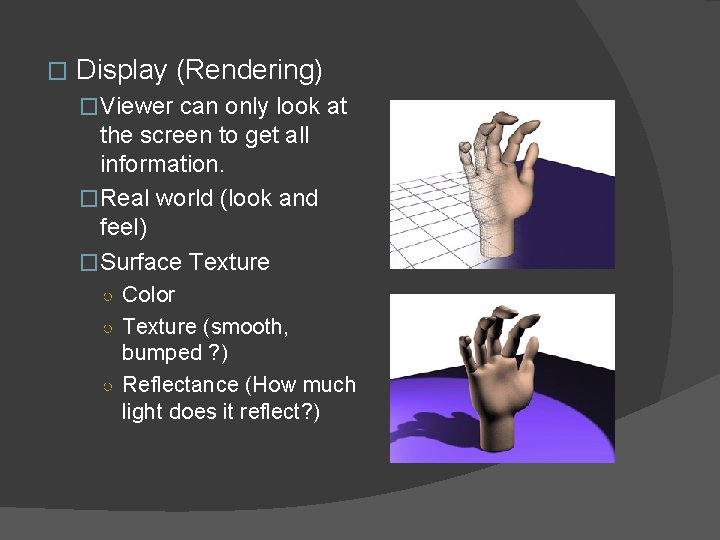
� Display (Rendering) �Viewer can only look at the screen to get all information. �Real world (look and feel) �Surface Texture ○ Color ○ Texture (smooth, bumped ? ) ○ Reflectance (How much light does it reflect? )
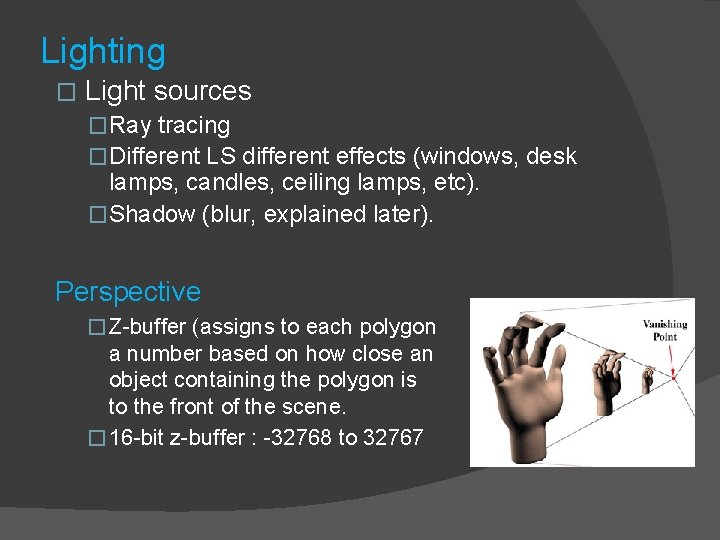
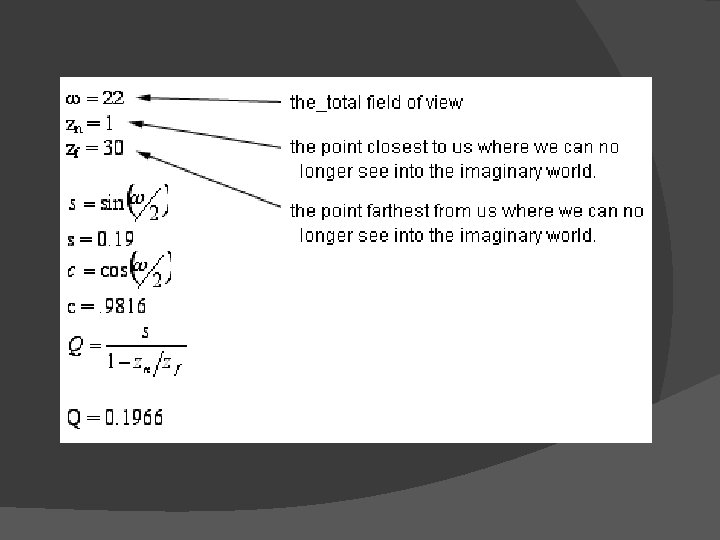
Lighting � Light sources �Ray tracing �Different LS different effects (windows, desk lamps, candles, ceiling lamps, etc). �Shadow (blur, explained later). Perspective � Z-buffer (assigns to each polygon a number based on how close an object containing the polygon is to the front of the scene. � 16 -bit z-buffer : -32768 to 32767
�Lowest value – rendered �Others – occluded �Ensures that we don’t see background items appearing through the middle of characters in the foreground. Depth of Field In real life far objects appear out of focus � In 3 D all objects are sharp � Uses: � � Reinforce illusion of depth � Focus viewers’ attention on certain items or characters.
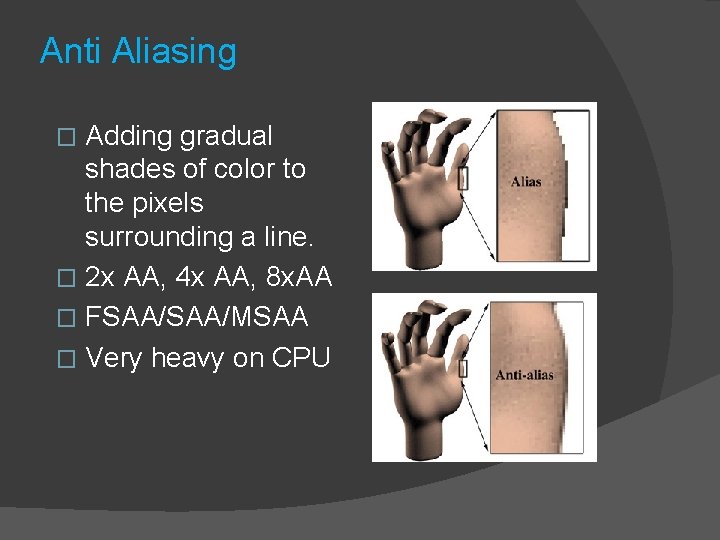
Anti Aliasing Adding gradual shades of color to the pixels surrounding a line. � 2 x AA, 4 x AA, 8 x. AA � FSAA/MSAA � Very heavy on CPU �
Moving Graphics � FPS �Movie = 24 fps (or picture per second) �More for slomo �Blur happens for fast moving objects (natural) � 3 D images ≠ photographs, no blur �Create blur = 60 fps (game) �Movie 6. 5 min = 24 x 60 x 6. 5 = 9360 � 3 D Image 6. 5 min = 60 x 6. 5 = 23. 400
� Adding realism – Blur �Motion blur – spatial anti-aliasing �eg. Mouse trail. �Copies of the moving object are left behind in its wake, with the copies growing ever less distinct and intense as the object moves farther away. � Adding Realism – Reflection �Reflection on an object’s surface must be blur �Different blur for different material
Rendering Fluid Motion for Us Is Hard Work for the Computer � Lowest “high-resolution” = 1024 x 768 � 786. 432 pixel � 32 bits color = 25. 165. 824 � 60 fps = 1. 509. 949. 440 bits of information / second � w/o color, shape, lighting, etc. �
Graphic Boards Early Computers = graphic boards only translating image processed by CPU into electrical impulses. � Only part of CPU used, others = inputs, interrupts, sound, etc. � Because of everything the computer must do to make modern 3 -D games and multi-media presentations happen, it's easy for even the fastest modern processors to become overworked and unable to serve the various requirements of the software in real time. It's here that the graphics co-processor helps: it splits the work with the CPU so that the total multimedia experience can move at an acceptable speed. �
� � � � Wireframe – 3 D objects – texture, lighting, blur, etc – displayed. Wireframe – 3 D objects – Graphic Boards - texture, lighting, blur, etc – displayed. Modern graphic boards, take over after wireframe. 3 D Now (AMD) to add more realism. Modern Graphic features: clip High Realism Real Time Rendering: clip. Increasingly more interesting market segment.