
Graduate Program in Business Information Systems BIS 517
Graduate Program in Business Information Systems BIS 517 Simulation with Arena Part 2 Aslı Sencer
What We’ll Do. . . • Model 4 -1: Electronic assembly/test system § § • Model 4 -2: Enhanced electronic assembly/test § § § • Modeling approaches New Arena modules (Decide, Record) Resource Schedules, States, and Failures Frequency outputs More on utilizations Model 4 -3: Enhancing the animation § § Queues, Entity Pictures, Resource Pictures Adding Plots and Variables Simulation with Arena Chapter 4 – Modeling Basic Operations and Inputs Slide 2
What We’ll Do. . . (cont’d. ) • Input analysis § § § § Specifying input distributions, parameters Deterministic vs. random input Collecting and using data Fitting input distributions via the Input Analyzer No data? Nonstationary arrival processes Multivariate and correlated input data Simulation with Arena Chapter 4 – Modeling Basic Operations and Inputs Slide 3
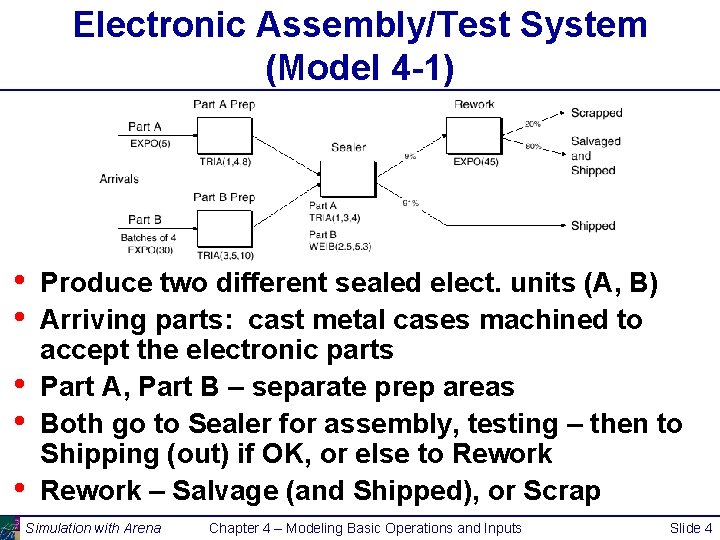
Electronic Assembly/Test System (Model 4 -1) • • • Produce two different sealed elect. units (A, B) Arriving parts: cast metal cases machined to accept the electronic parts Part A, Part B – separate prep areas Both go to Sealer for assembly, testing – then to Shipping (out) if OK, or else to Rework – Salvage (and Shipped), or Scrap Simulation with Arena Chapter 4 – Modeling Basic Operations and Inputs Slide 4
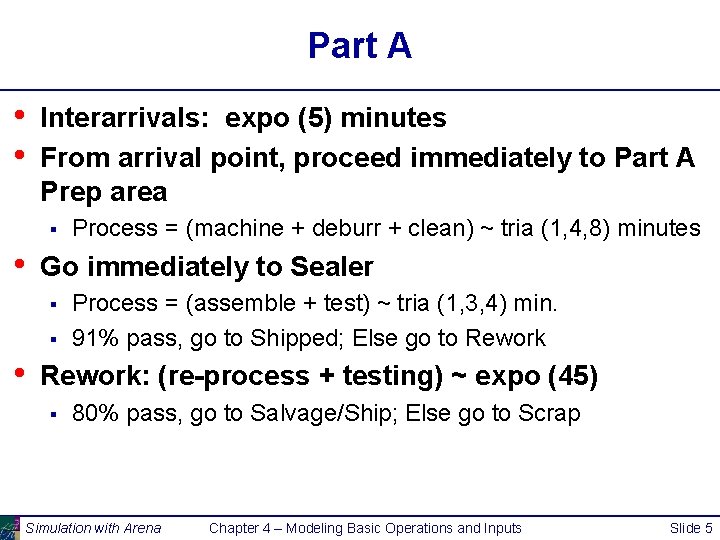
Part A • • Interarrivals: expo (5) minutes From arrival point, proceed immediately to Part A Prep area § • Go immediately to Sealer § § • Process = (machine + deburr + clean) ~ tria (1, 4, 8) minutes Process = (assemble + test) ~ tria (1, 3, 4) min. 91% pass, go to Shipped; Else go to Rework: (re-process + testing) ~ expo (45) § 80% pass, go to Salvage/Ship; Else go to Scrap Simulation with Arena Chapter 4 – Modeling Basic Operations and Inputs Slide 5
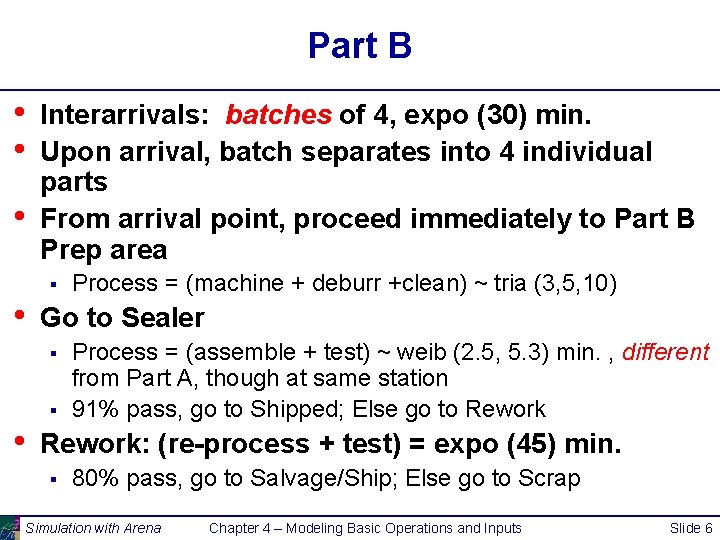
Part B • • • Interarrivals: batches of 4, expo (30) min. Upon arrival, batch separates into 4 individual parts From arrival point, proceed immediately to Part B Prep area § • Go to Sealer § § • Process = (machine + deburr +clean) ~ tria (3, 5, 10) Process = (assemble + test) ~ weib (2. 5, 5. 3) min. , different from Part A, though at same station 91% pass, go to Shipped; Else go to Rework: (re-process + test) = expo (45) min. § 80% pass, go to Salvage/Ship; Else go to Scrap Simulation with Arena Chapter 4 – Modeling Basic Operations and Inputs Slide 6
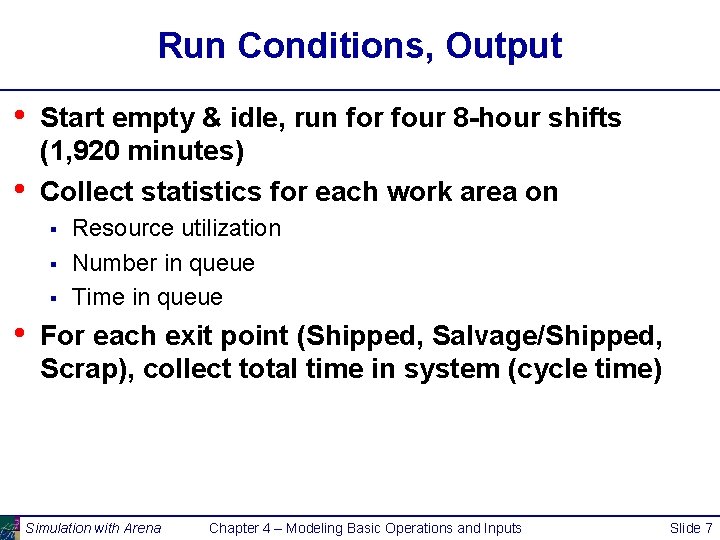
Run Conditions, Output • • Start empty & idle, run for four 8 -hour shifts (1, 920 minutes) Collect statistics for each work area on § § § • Resource utilization Number in queue Time in queue For each exit point (Shipped, Salvage/Shipped, Scrap), collect total time in system (cycle time) Simulation with Arena Chapter 4 – Modeling Basic Operations and Inputs Slide 7
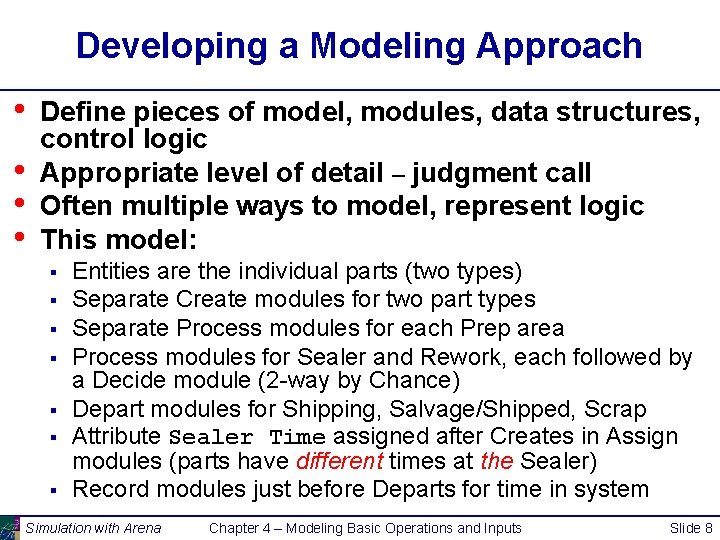
Developing a Modeling Approach • • Define pieces of model, modules, data structures, control logic Appropriate level of detail – judgment call Often multiple ways to model, represent logic This model: § § § § Entities are the individual parts (two types) Separate Create modules for two part types Separate Process modules for each Prep area Process modules for Sealer and Rework, each followed by a Decide module (2 -way by Chance) Depart modules for Shipping, Salvage/Shipped, Scrap Attribute Sealer Time assigned after Creates in Assign modules (parts have different times at the Sealer) Record modules just before Departs for time in system Simulation with Arena Chapter 4 – Modeling Basic Operations and Inputs Slide 8
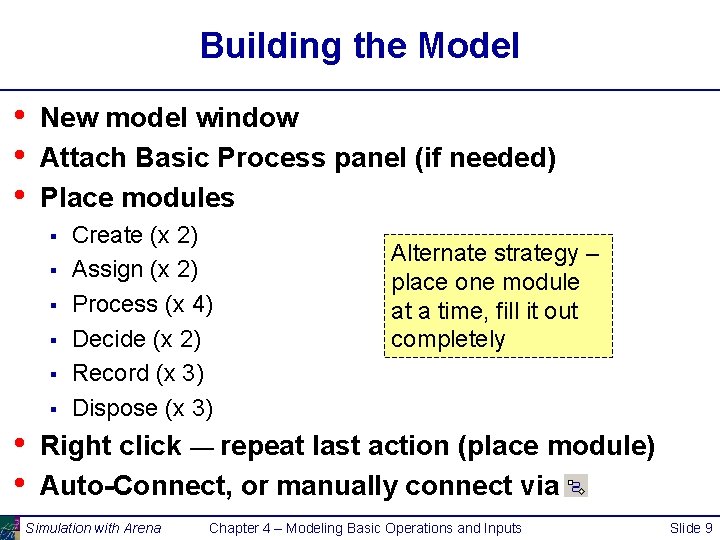
Building the Model • • • New model window Attach Basic Process panel (if needed) Place modules § § § • • Create (x 2) Assign (x 2) Process (x 4) Decide (x 2) Record (x 3) Dispose (x 3) Alternate strategy – place one module at a time, fill it out completely Right click — repeat last action (place module) Auto-Connect, or manually connect via Simulation with Arena Chapter 4 – Modeling Basic Operations and Inputs Slide 9
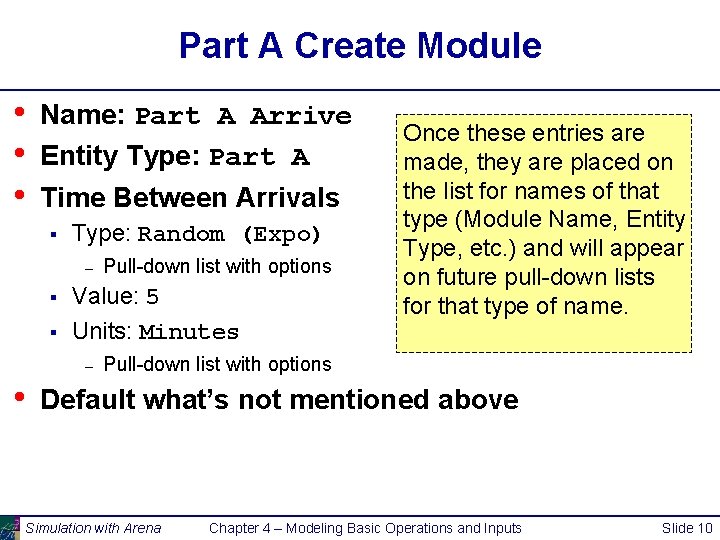
Part A Create Module • • • Name: Part A Arrive Entity Type: Part A Time Between Arrivals § Type: Random (Expo) – § § Value: 5 Units: Minutes – • Pull-down list with options Once these entries are made, they are placed on the list for names of that type (Module Name, Entity Type, etc. ) and will appear on future pull-down lists for that type of name. Pull-down list with options Default what’s not mentioned above Simulation with Arena Chapter 4 – Modeling Basic Operations and Inputs Slide 10
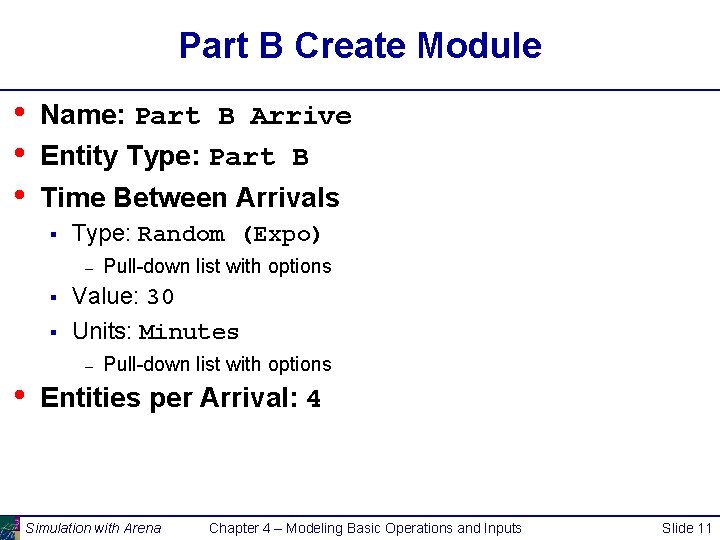
Part B Create Module • • • Name: Part B Arrive Entity Type: Part B Time Between Arrivals § Type: Random (Expo) – § § Value: 30 Units: Minutes – • Pull-down list with options Entities per Arrival: 4 Simulation with Arena Chapter 4 – Modeling Basic Operations and Inputs Slide 11
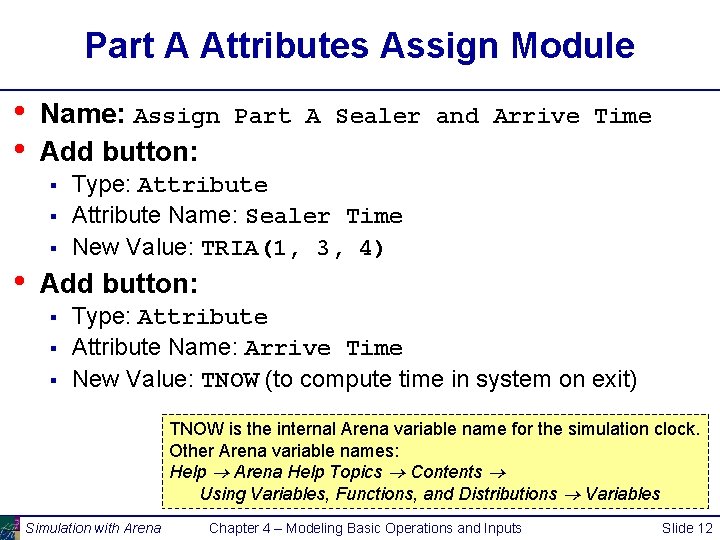
Part A Attributes Assign Module • • Name: Assign Part A Sealer and Arrive Time Add button: § § § • Type: Attribute Name: Sealer Time New Value: TRIA(1, 3, 4) Add button: § § § Type: Attribute Name: Arrive Time New Value: TNOW (to compute time in system on exit) TNOW is the internal Arena variable name for the simulation clock. Other Arena variable names: Help Arena Help Topics Contents Using Variables, Functions, and Distributions Variables Simulation with Arena Chapter 4 – Modeling Basic Operations and Inputs Slide 12
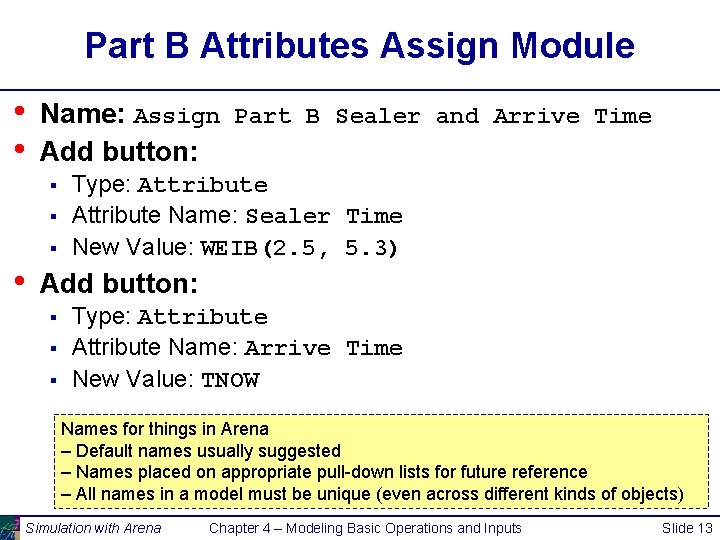
Part B Attributes Assign Module • • Name: Assign Part B Sealer and Arrive Time Add button: § § § • Type: Attribute Name: Sealer Time New Value: WEIB(2. 5, 5. 3) Add button: § § § Type: Attribute Name: Arrive Time New Value: TNOW Names for things in Arena – Default names usually suggested – Names placed on appropriate pull-down lists for future reference – All names in a model must be unique (even across different kinds of objects) Simulation with Arena Chapter 4 – Modeling Basic Operations and Inputs Slide 13
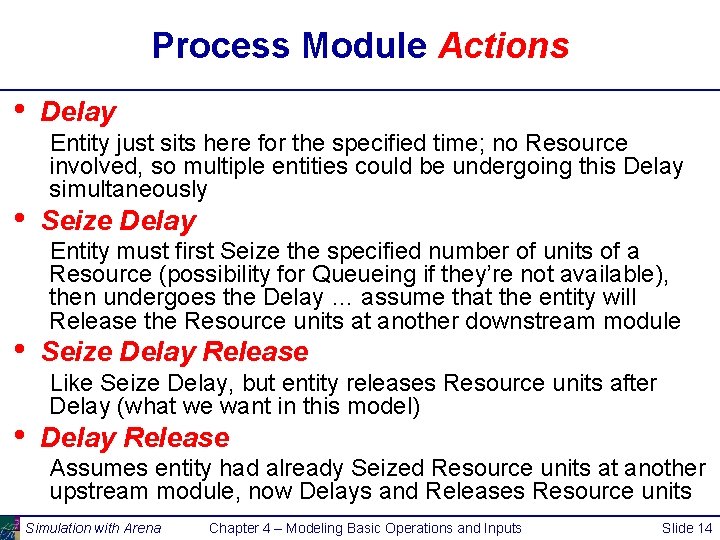
Process Module Actions • • Delay Entity just sits here for the specified time; no Resource involved, so multiple entities could be undergoing this Delay simultaneously Seize Delay Entity must first Seize the specified number of units of a Resource (possibility for Queueing if they’re not available), then undergoes the Delay … assume that the entity will Release the Resource units at another downstream module Seize Delay Release Like Seize Delay, but entity releases Resource units after Delay (what we want in this model) Delay Release Assumes entity had already Seized Resource units at another upstream module, now Delays and Releases Resource units Simulation with Arena Chapter 4 – Modeling Basic Operations and Inputs Slide 14
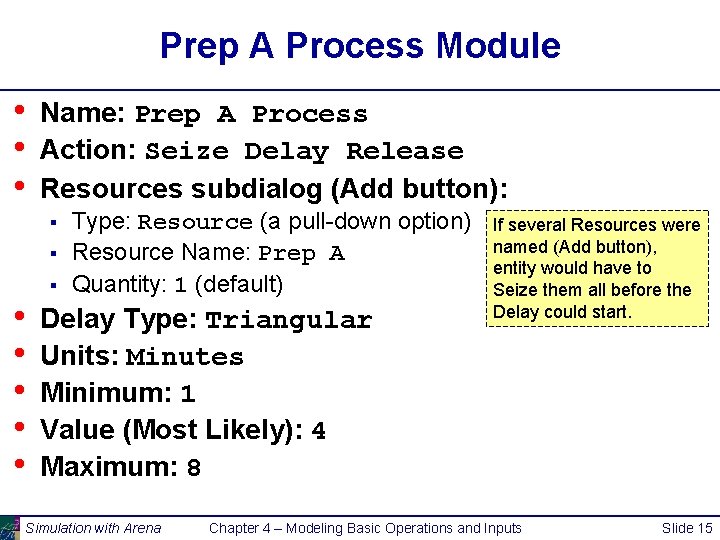
Prep A Process Module • • • Name: Prep A Process Action: Seize Delay Release Resources subdialog (Add button): § § • • • § Type: Resource (a pull-down option) Resource Name: Prep A Quantity: 1 (default) Delay Type: Triangular Units: Minutes Minimum: 1 Value (Most Likely): 4 Maximum: 8 Simulation with Arena If several Resources were named (Add button), entity would have to Seize them all before the Delay could start. Chapter 4 – Modeling Basic Operations and Inputs Slide 15
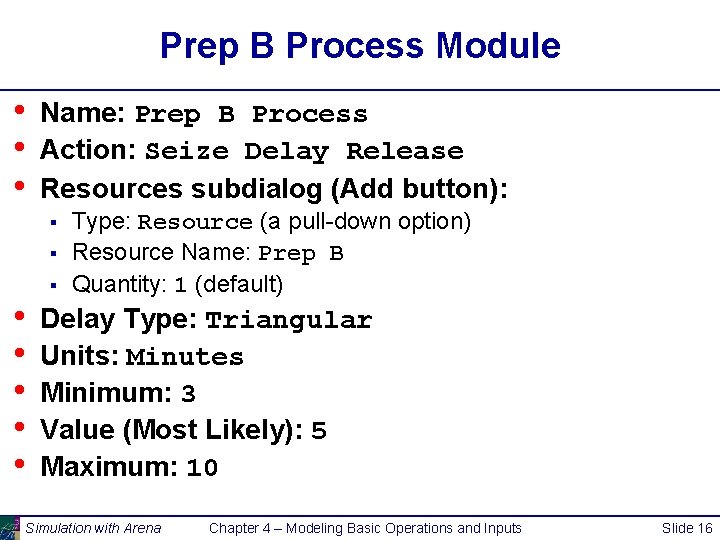
Prep B Process Module • • • Name: Prep B Process Action: Seize Delay Release Resources subdialog (Add button): § § • • • § Type: Resource (a pull-down option) Resource Name: Prep B Quantity: 1 (default) Delay Type: Triangular Units: Minutes Minimum: 3 Value (Most Likely): 5 Maximum: 10 Simulation with Arena Chapter 4 – Modeling Basic Operations and Inputs Slide 16
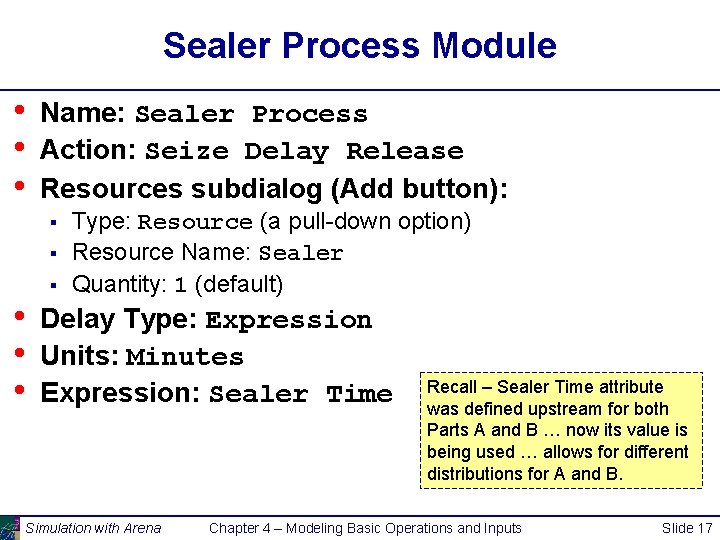
Sealer Process Module • • • Name: Sealer Process Action: Seize Delay Release Resources subdialog (Add button): § § • • • § Type: Resource (a pull-down option) Resource Name: Sealer Quantity: 1 (default) Delay Type: Expression Units: Minutes Expression: Sealer Time Simulation with Arena Recall – Sealer Time attribute was defined upstream for both Parts A and B … now its value is being used … allows for different distributions for A and B. Chapter 4 – Modeling Basic Operations and Inputs Slide 17
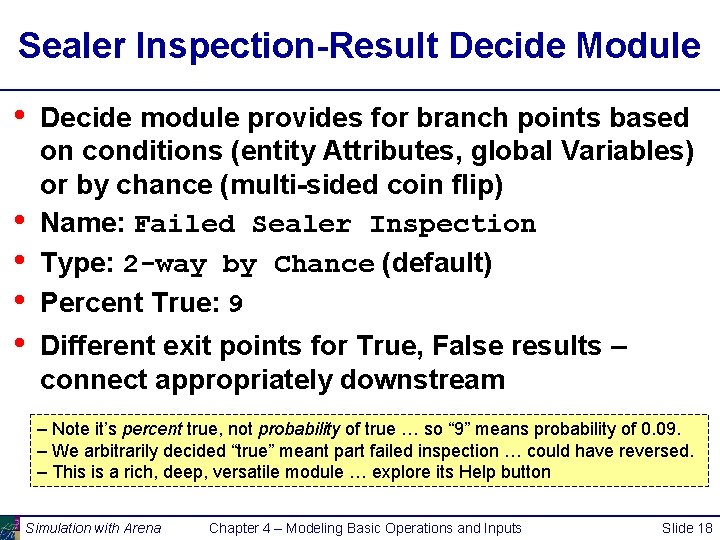
Sealer Inspection-Result Decide Module • • • Decide module provides for branch points based on conditions (entity Attributes, global Variables) or by chance (multi-sided coin flip) Name: Failed Sealer Inspection Type: 2 -way by Chance (default) Percent True: 9 Different exit points for True, False results – connect appropriately downstream – Note it’s percent true, not probability of true … so “ 9” means probability of 0. 09. – We arbitrarily decided “true” meant part failed inspection … could have reversed. – This is a rich, deep, versatile module … explore its Help button Simulation with Arena Chapter 4 – Modeling Basic Operations and Inputs Slide 18
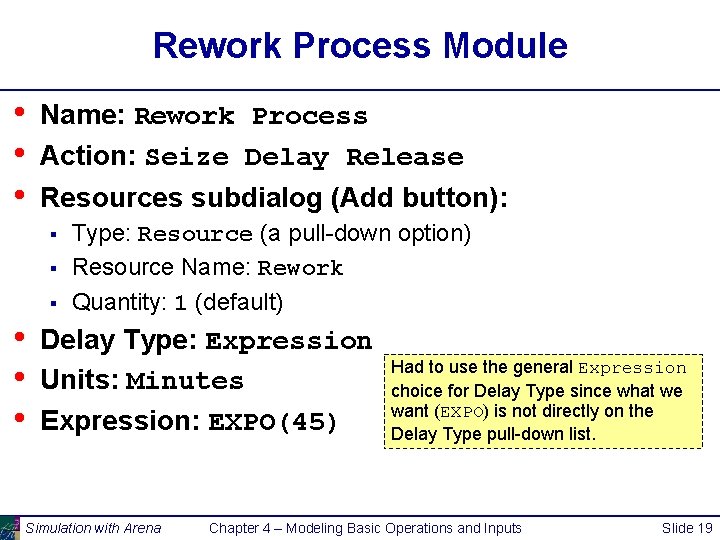
Rework Process Module • • • Name: Rework Process Action: Seize Delay Release Resources subdialog (Add button): § § § • • • Type: Resource (a pull-down option) Resource Name: Rework Quantity: 1 (default) Delay Type: Expression Units: Minutes Expression: EXPO(45) Simulation with Arena Had to use the general Expression choice for Delay Type since what we want (EXPO) is not directly on the Delay Type pull-down list. Chapter 4 – Modeling Basic Operations and Inputs Slide 19
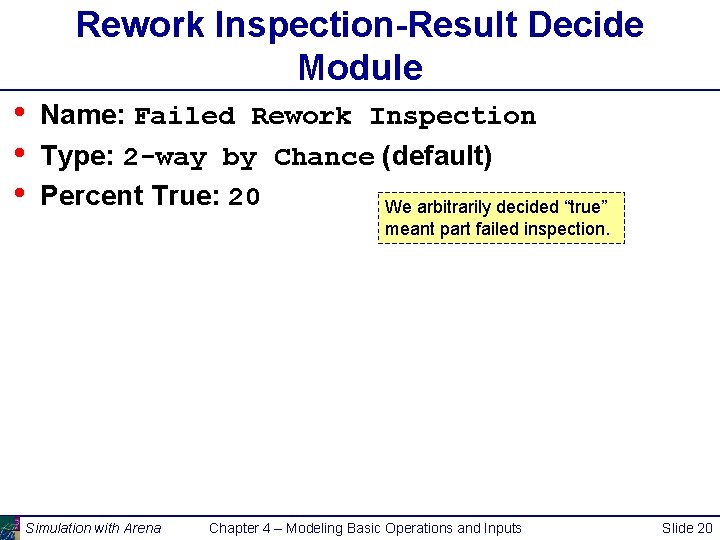
Rework Inspection-Result Decide Module • • • Name: Failed Rework Inspection Type: 2 -way by Chance (default) Percent True: 20 We arbitrarily decided “true” meant part failed inspection. Simulation with Arena Chapter 4 – Modeling Basic Operations and Inputs Slide 20
Record Modules • • Arena collects many output statistics by default, but sometimes not everything you want Here, we want time in system (average, max) of parts separated by their exit point (Shipped, Reworked/Shipped, Scrapped) Record module can be placed in the flowchart to collect and report various kinds of statistics from within the model run as entities pass through it Used for Tally-type output performance measures (see Chapter 3) Simulation with Arena Chapter 4 – Modeling Basic Operations and Inputs Slide 21
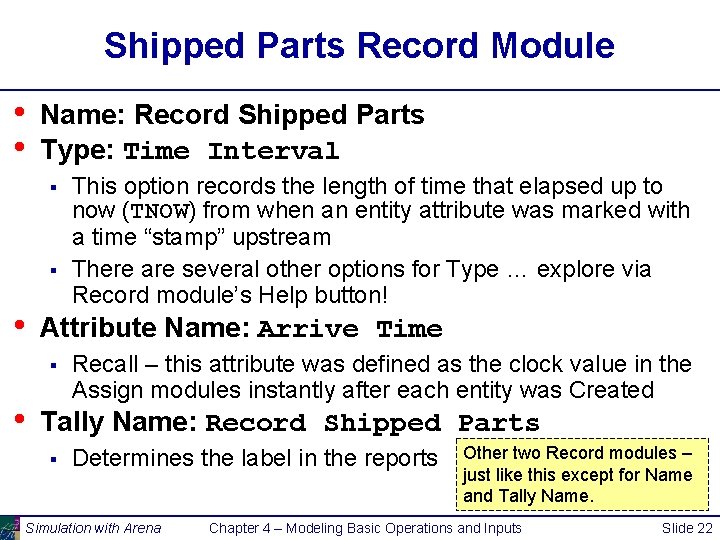
Shipped Parts Record Module • • Name: Record Shipped Parts Type: Time Interval § § • Attribute Name: Arrive Time § • This option records the length of time that elapsed up to now (TNOW) from when an entity attribute was marked with a time “stamp” upstream There are several other options for Type … explore via Record module’s Help button! Recall – this attribute was defined as the clock value in the Assign modules instantly after each entity was Created Tally Name: Record Shipped Parts § Determines the label in the reports Simulation with Arena Other two Record modules – just like this except for Name and Tally Name. Chapter 4 – Modeling Basic Operations and Inputs Slide 22
Dispose Modules • • • Three separate exit points for three separate part disposition (Shipped, Reworked/Shipped, Scrap) Could have directed all three to a single Dispose module, but having separate ones allows for animation counts of the three dispositions Also, having separate Dispose modules allows for differentially checking the boxes to Record Entity Statistics § Produces flow statistics separated by entity type (if Entities Statistics Collection is checked in Run/Setup/Project Parameters), not by final disposition of part … so we did need our Record modules and Arrive Time attribute Simulation with Arena Chapter 4 – Modeling Basic Operations and Inputs Slide 23
Run/Setup for Run Control • • Without this, model would run forever – no defaults for termination rule since that’s part of your modeling assumptions Project Parameters tab: § § • Fill in Project Title, Analyst Name Defaults for Statistics Collection, except we cleared the check box of Entities – not needed for what we want, and would slow execution Replication Parameters tab: § § Replication length: 32, accept Hours default for Time Units Base Time Units: Minutes for internal arithmetic, units on output reports Simulation with Arena Chapter 4 – Modeling Basic Operations and Inputs Slide 24
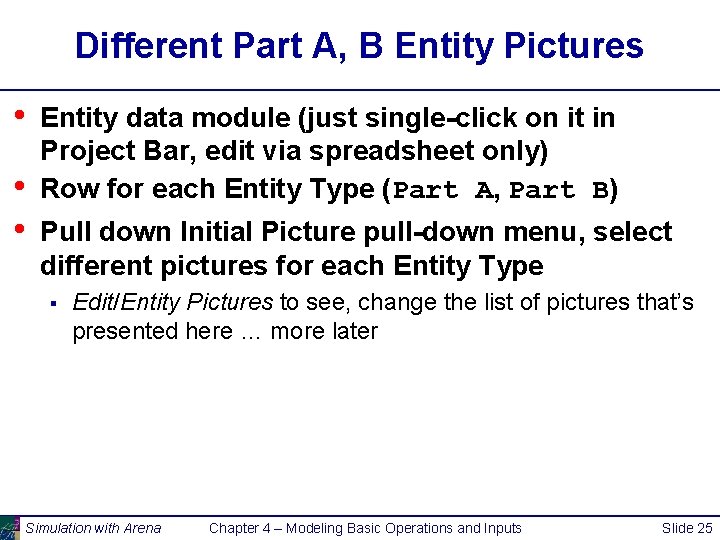
Different Part A, B Entity Pictures • • • Entity data module (just single-click on it in Project Bar, edit via spreadsheet only) Row for each Entity Type (Part A, Part B) Pull down Initial Picture pull-down menu, select different pictures for each Entity Type § Edit/Entity Pictures to see, change the list of pictures that’s presented here … more later Simulation with Arena Chapter 4 – Modeling Basic Operations and Inputs Slide 25
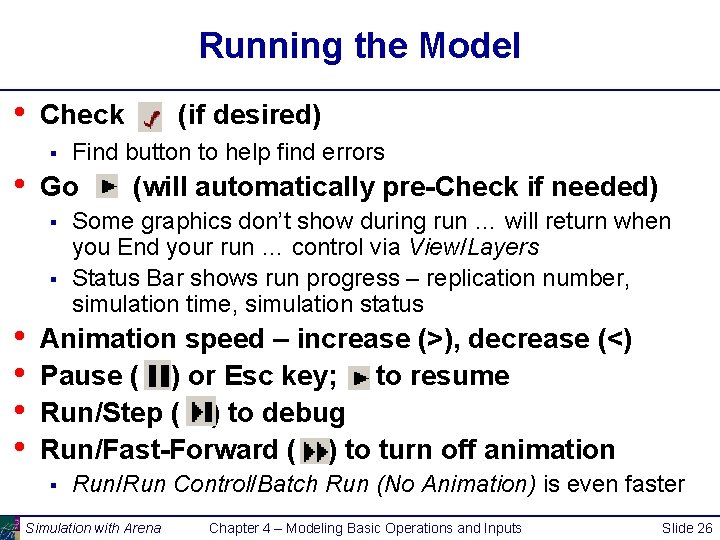
Running the Model • Check § • • Find button to help find errors Go § (if desired) (will automatically pre-Check if needed) Some graphics don’t show during run … will return when you End your run … control via View/Layers Status Bar shows run progress – replication number, simulation time, simulation status Animation speed – increase (>), decrease (<) Pause ( ) or Esc key; to resume Run/Step ( ) to debug Run/Fast-Forward ( ) to turn off animation § Run/Run Control/Batch Run (No Animation) is even faster Simulation with Arena Chapter 4 – Modeling Basic Operations and Inputs Slide 26
Viewing the Results • Counters during animation for modules § § • Create, Dispose, Decide – incremented when entity leaves Process – number of entities currently in the module Asked at end if you want to see reports § § What you get depends on Run/Setup/Project Parameters Navigate through report with browsing arrows, tree at left Tally, Time-Persistent, and Counter statistics Avg, Min, Max, and 95% Confidence Interval half-widths – • – Confidence intervals are for steady-state expectations … more later May not be produced if run is not long enough for reliable stats Generally difficult/unreliable to draw conclusions from just one run … more later Simulation with Arena Chapter 4 – Modeling Basic Operations and Inputs Slide 27
- Slides: 27