
Gov App Store Mobile App NAVSEA Liaison Michael
Gov. App Store Mobile App NAVSEA Liaison: Michael Tao Faculty Advisor: Jiang Guo, Ph. D. Graduate Advisor: Surenkumar Jayachandran Team Members Fang Chan • Ray Han • Brian Hernandez Zi Feng Li • Andrew Medrano • John Warren
AGENDA • About NAVSEA and Gov. App Store Mobile App. • Objectives and requirements. • Technology, tools and programming languages. • Challenges, acknowledgements and future enhancements.
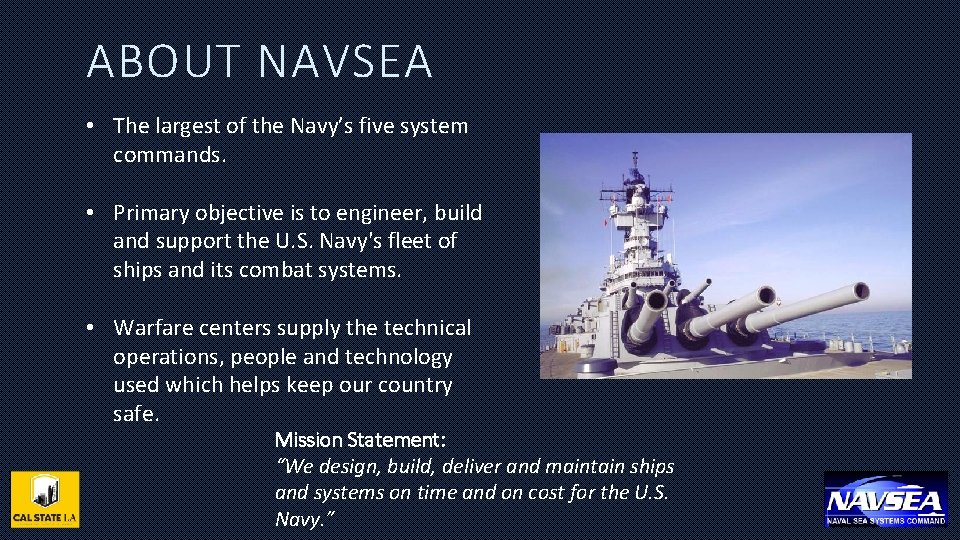
ABOUT NAVSEA • The largest of the Navy’s five system commands. • Primary objective is to engineer, build and support the U. S. Navy's fleet of ships and its combat systems. • Warfare centers supply the technical operations, people and technology used which helps keep our country safe. Mission Statement: “We design, build, deliver and maintain ships and systems on time and on cost for the U. S. Navy. ”
ABOUT GOVAPP STORE MOBILE APP • Distribution platform for NAVSEA developed applications. • Similar to app stores like Windows Store, Google Play and Apple App Store. • Developed for mobile platforms such as tablets and smart phones.
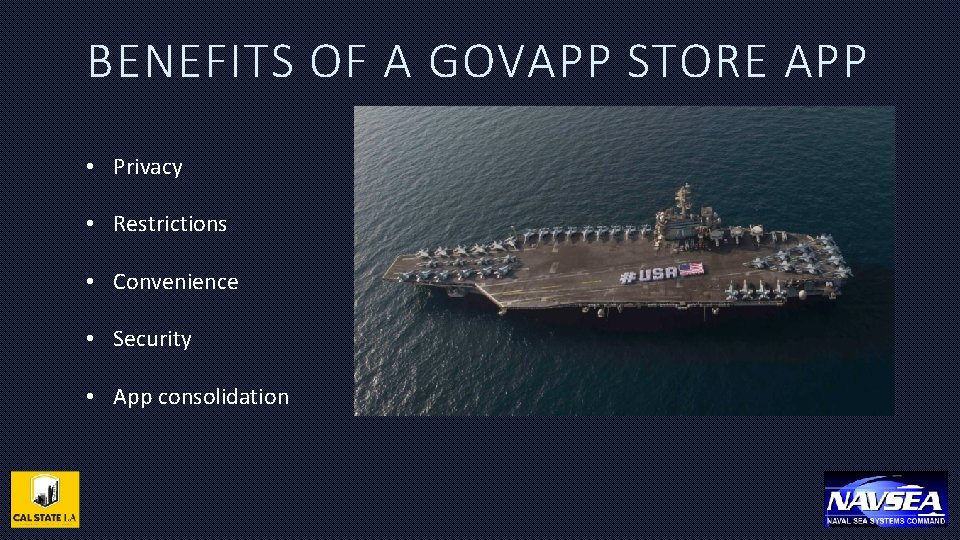
BENEFITS OF A GOVAPP STORE APP • Privacy • Restrictions • Convenience • Security • App consolidation
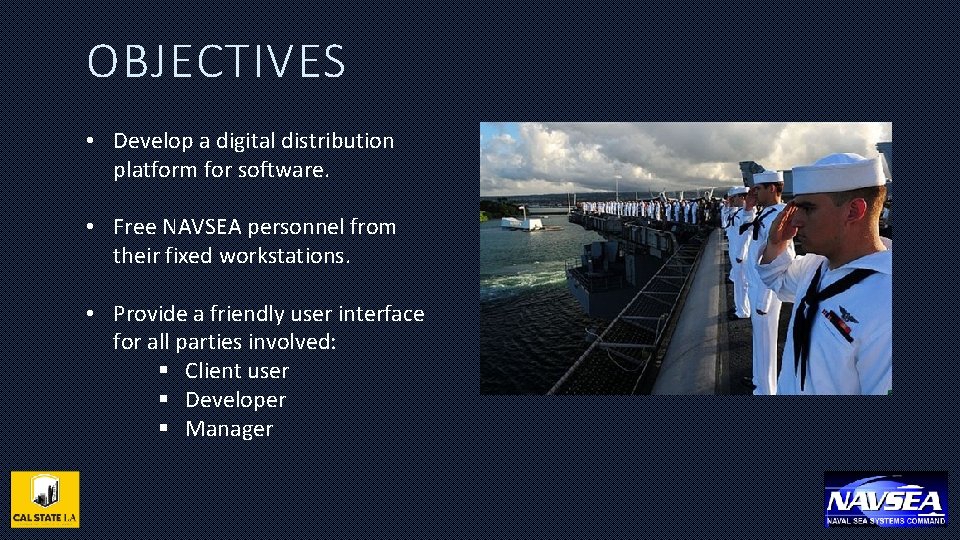
OBJECTIVES • Develop a digital distribution platform for software. • Free NAVSEA personnel from their fixed workstations. • Provide a friendly user interface for all parties involved: § Client user § Developer § Manager
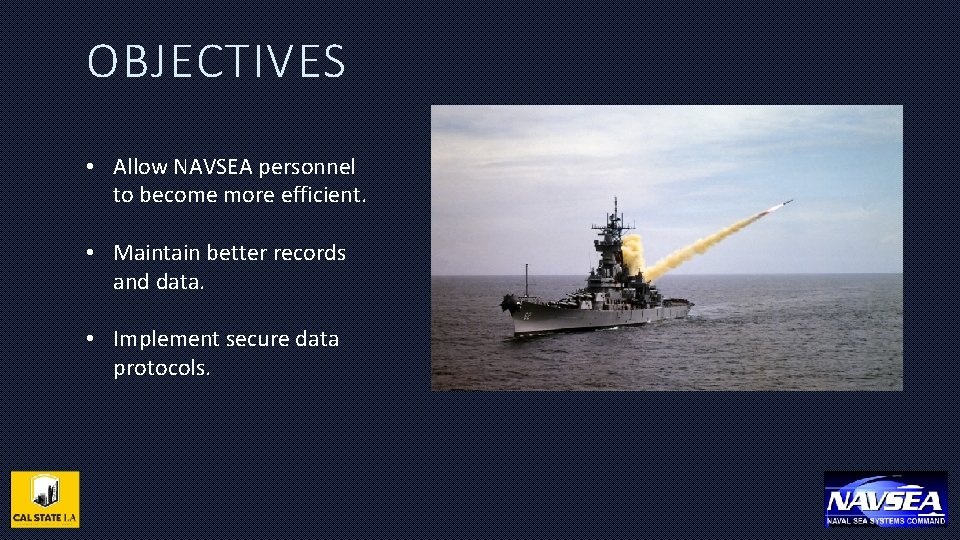
OBJECTIVES • Allow NAVSEA personnel to become more efficient. • Maintain better records and data. • Implement secure data protocols.
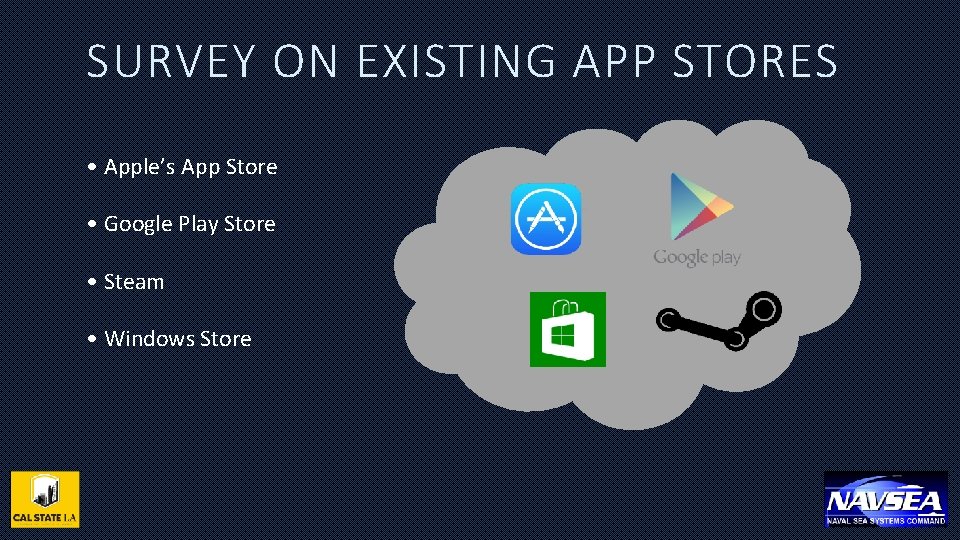
SURVEY ON EXISTING APP STORES • Apple’s App Store • Google Play Store • Steam • Windows Store
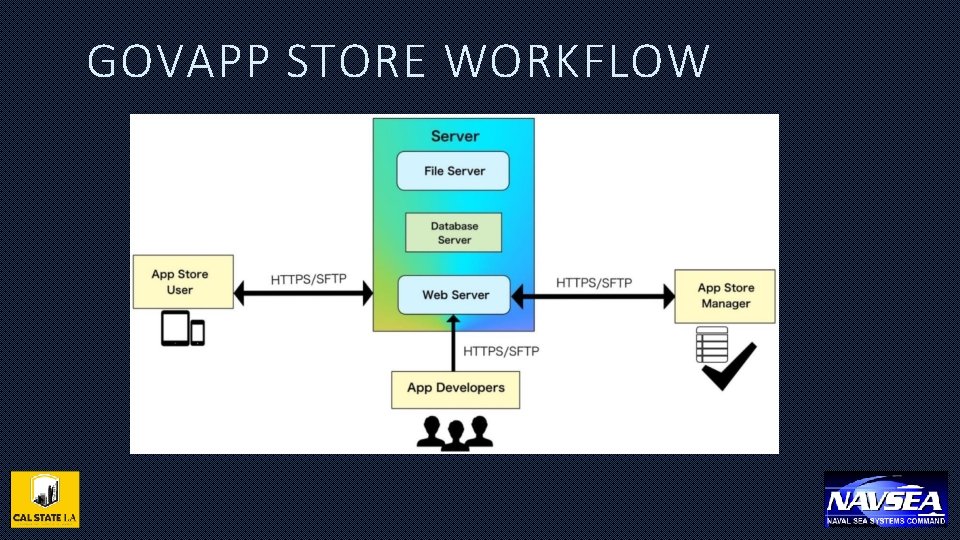
GOVAPP STORE WORKFLOW
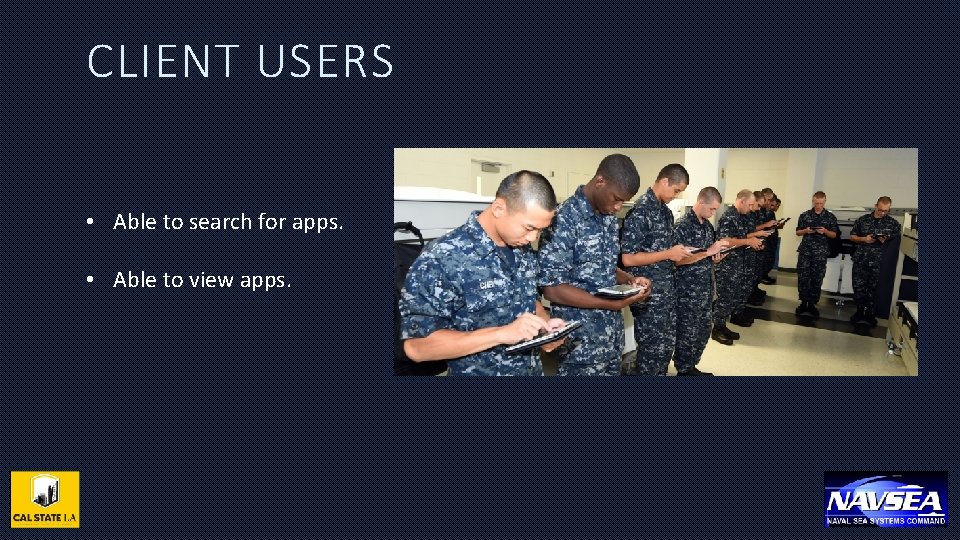
CLIENT USERS • Able to search for apps. • Able to view apps.
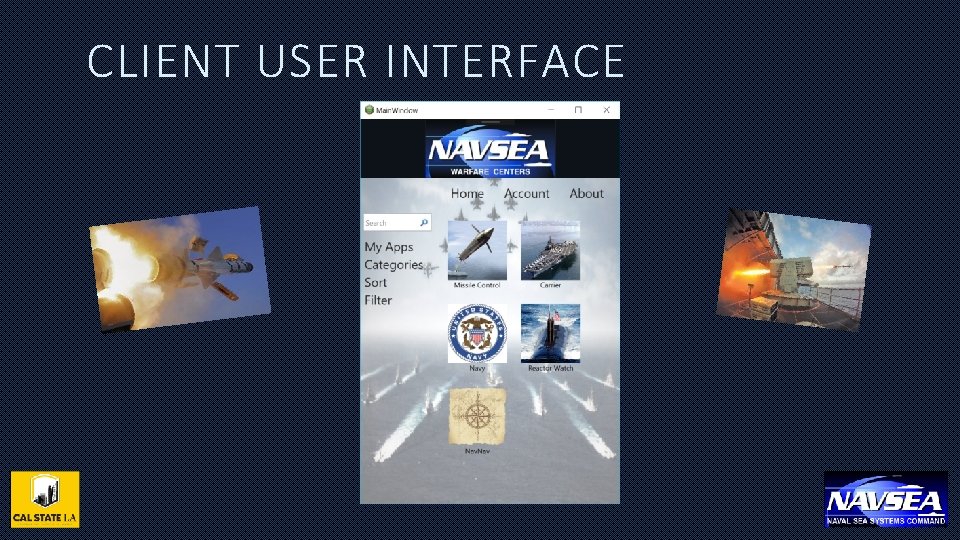
CLIENT USER INTERFACE
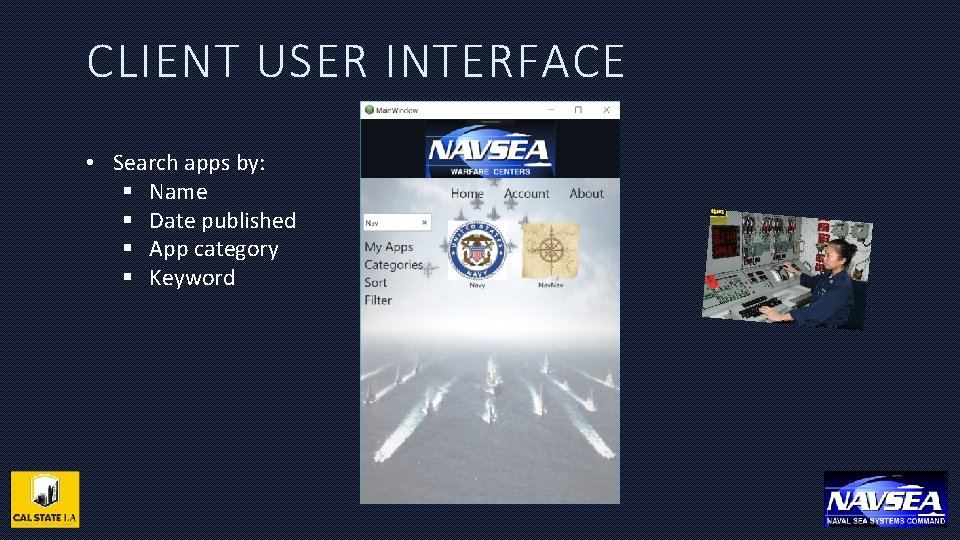
CLIENT USER INTERFACE • Search apps by: § Name § Date published § App category § Keyword
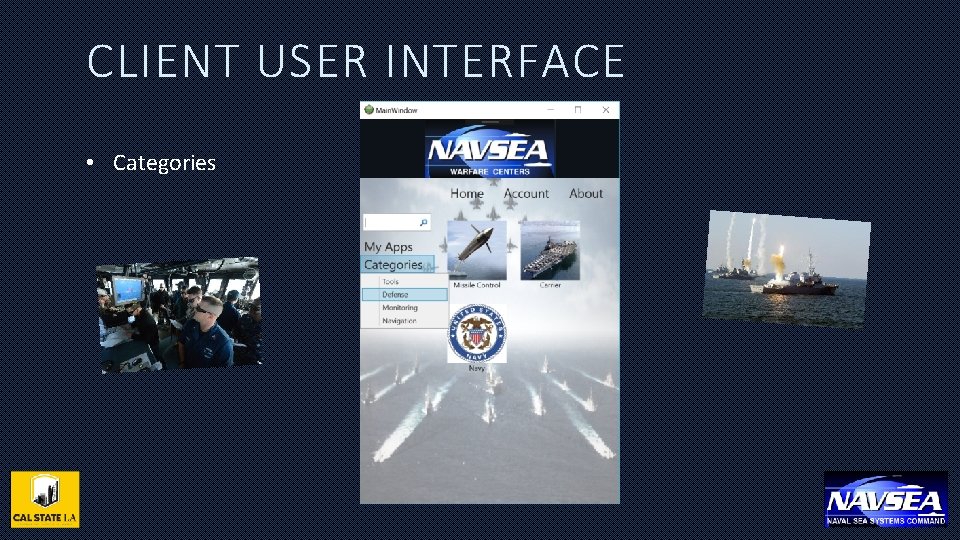
CLIENT USER INTERFACE • Categories
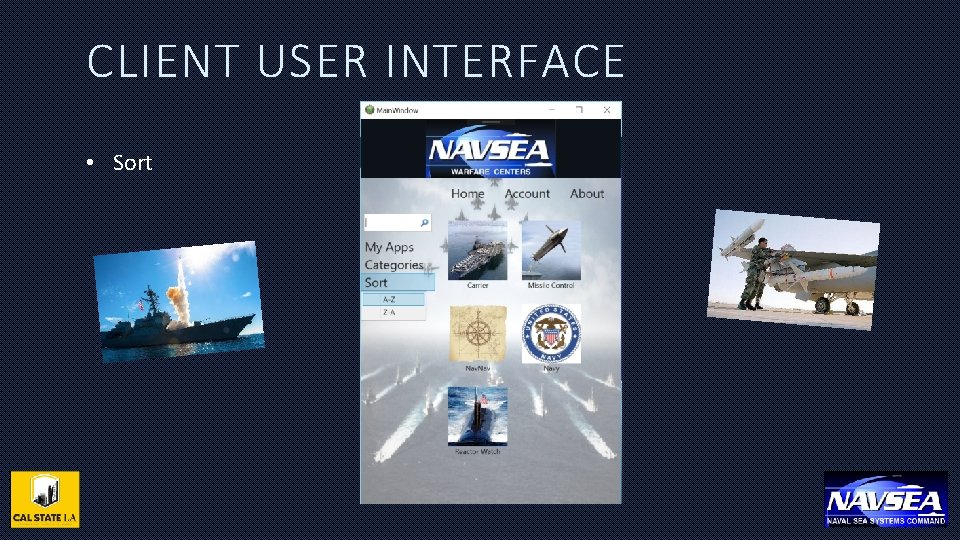
CLIENT USER INTERFACE • Sort
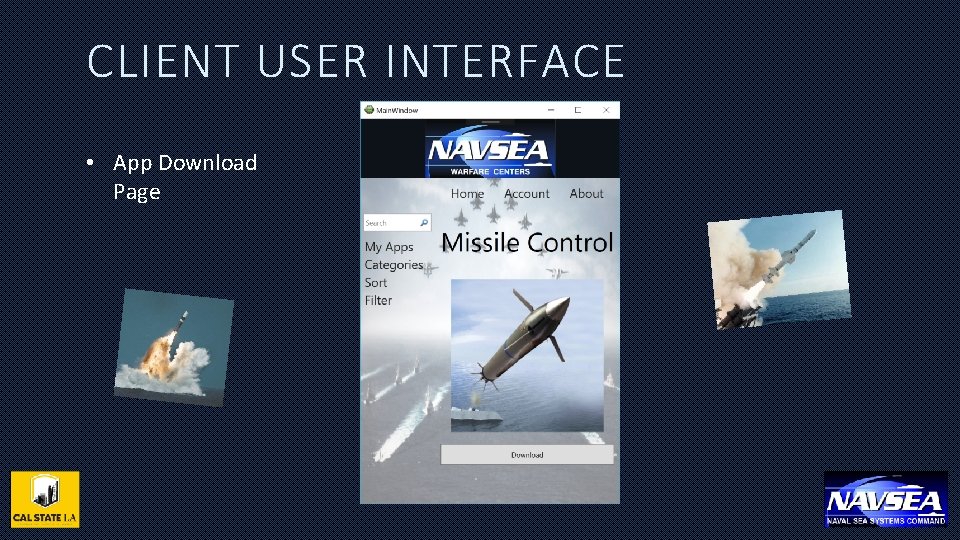
CLIENT USER INTERFACE • App Download Page
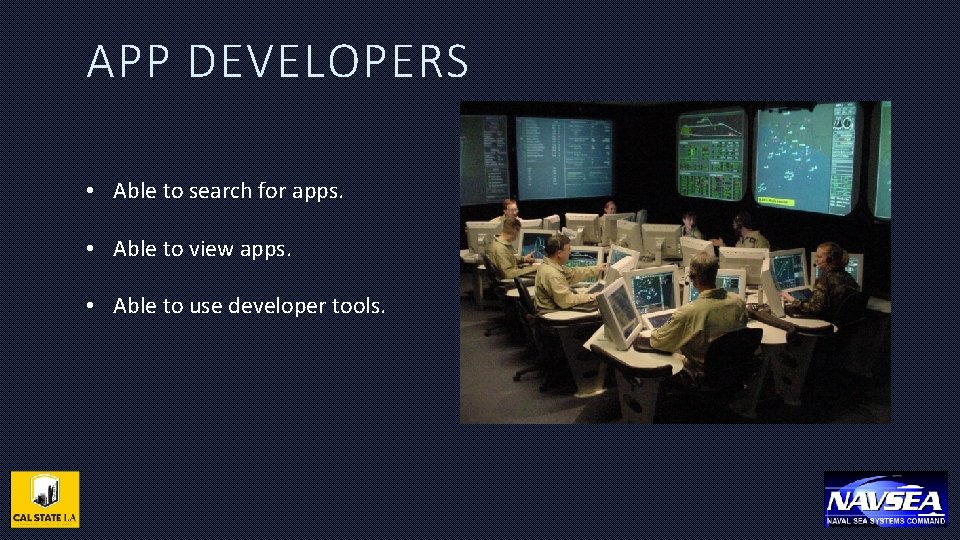
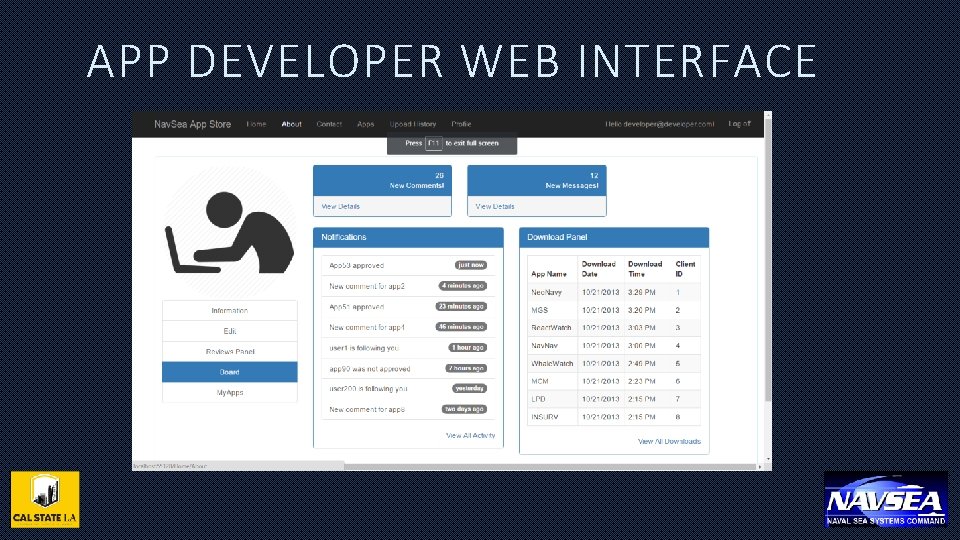
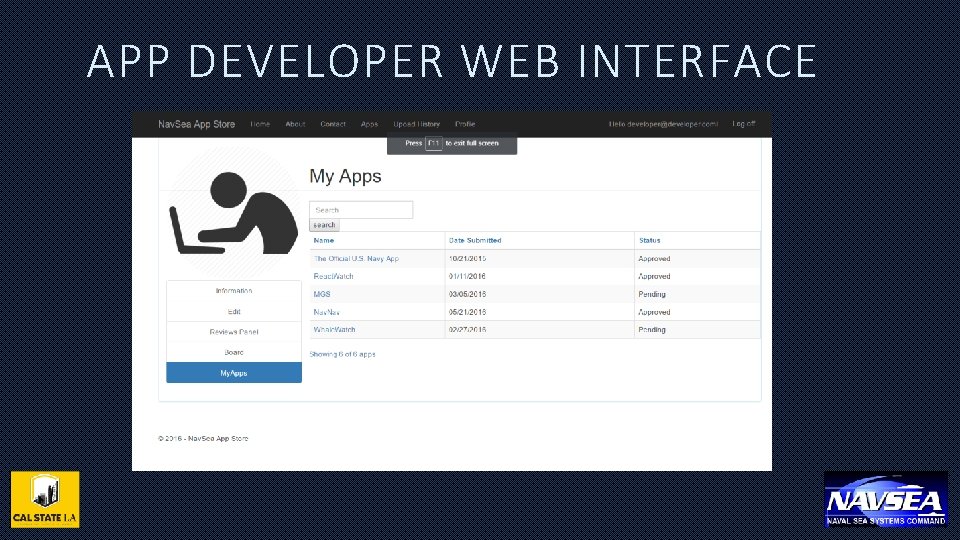
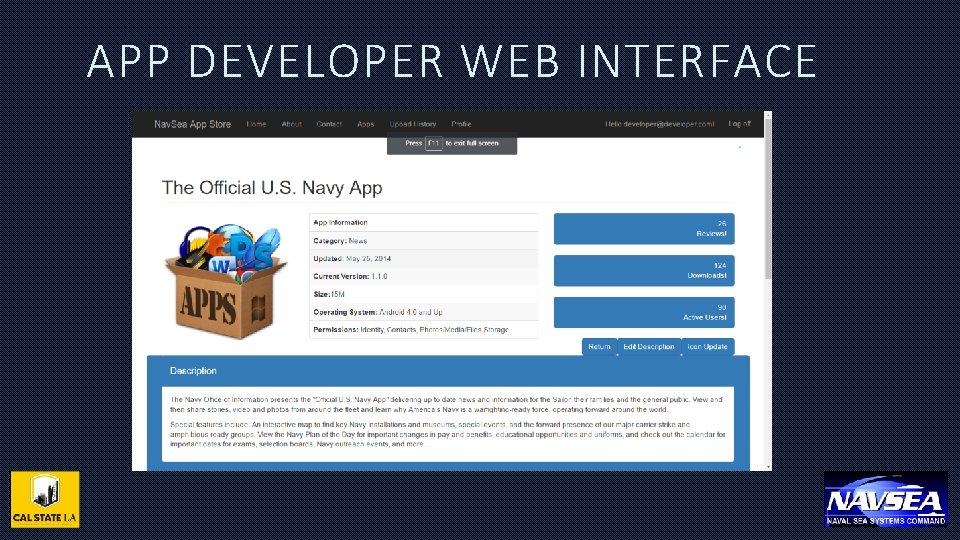
APP DEVELOPERS • Able to search for apps. • Able to view apps. • Able to use developer tools.
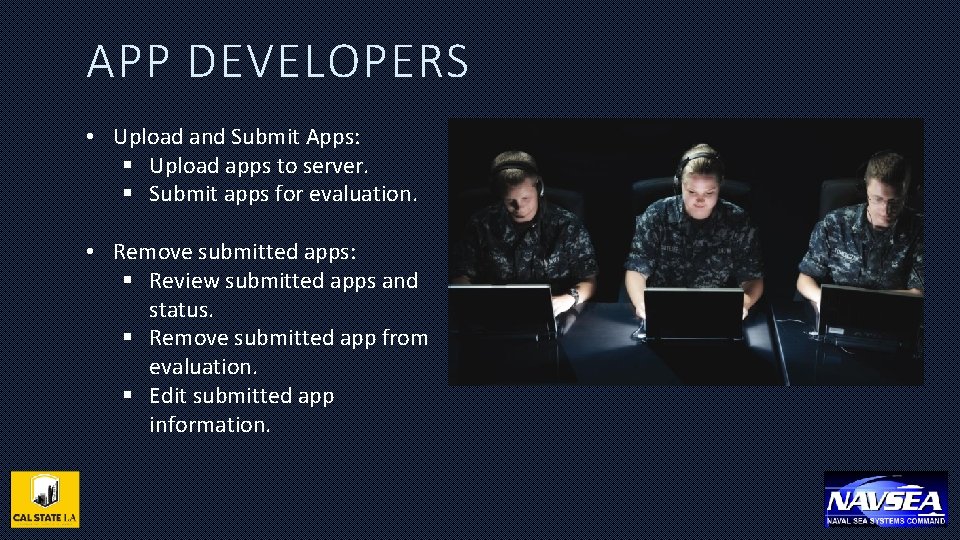
APP DEVELOPERS • Upload and Submit Apps: § Upload apps to server. § Submit apps for evaluation. • Remove submitted apps: § Review submitted apps and status. § Remove submitted app from evaluation. § Edit submitted app information.
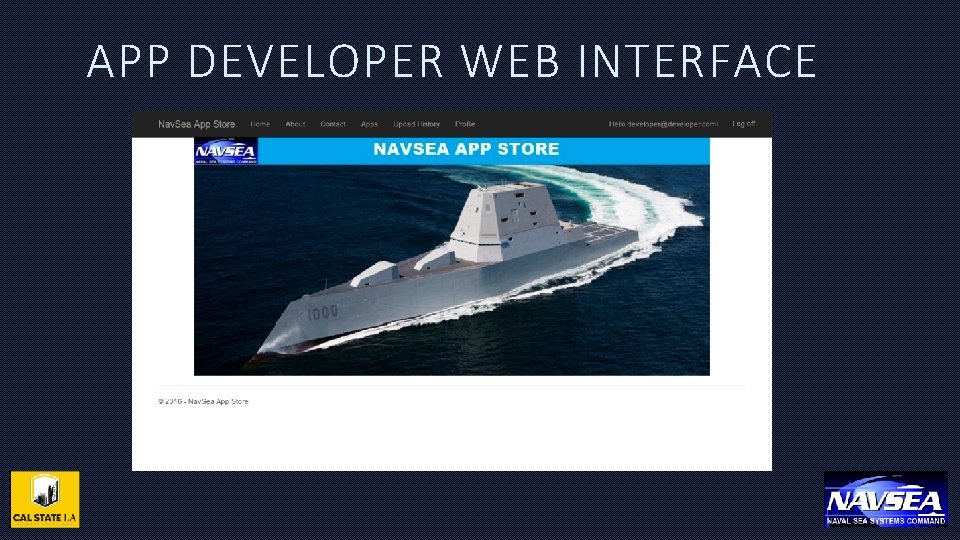
APP DEVELOPER WEB INTERFACE
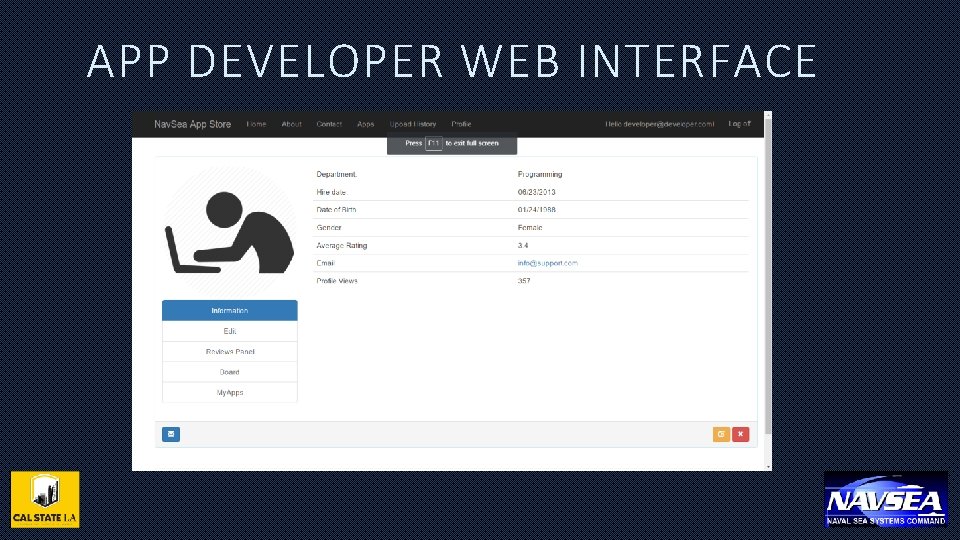
APP DEVELOPER WEB INTERFACE
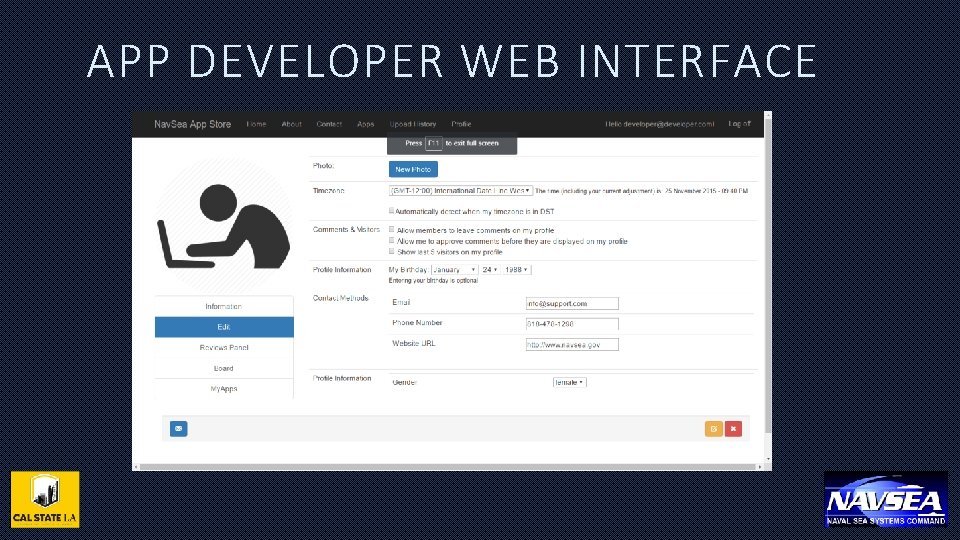
APP DEVELOPER WEB INTERFACE
APP DEVELOPER WEB INTERFACE
APP DEVELOPER WEB INTERFACE
APP DEVELOPER WEB INTERFACE
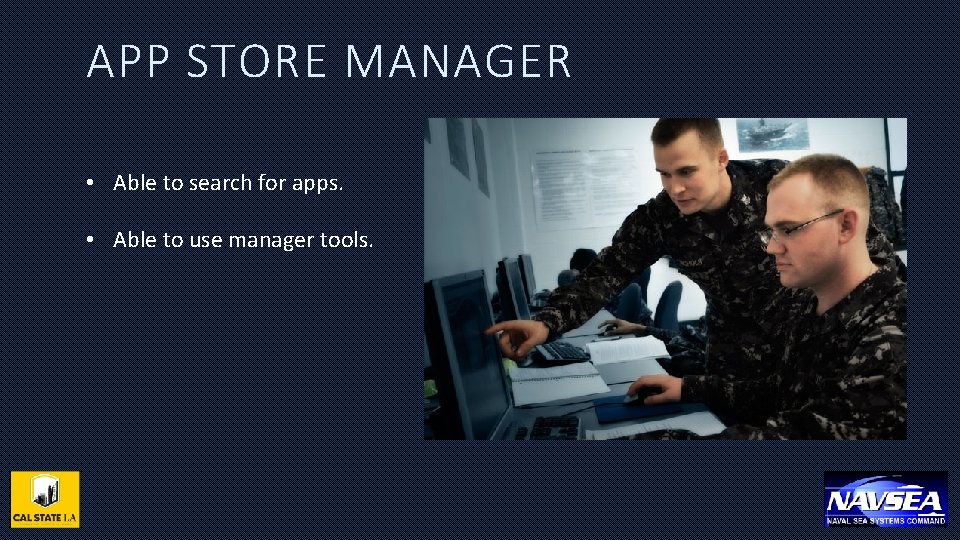
APP STORE MANAGER • Able to search for apps. • Able to use manager tools.
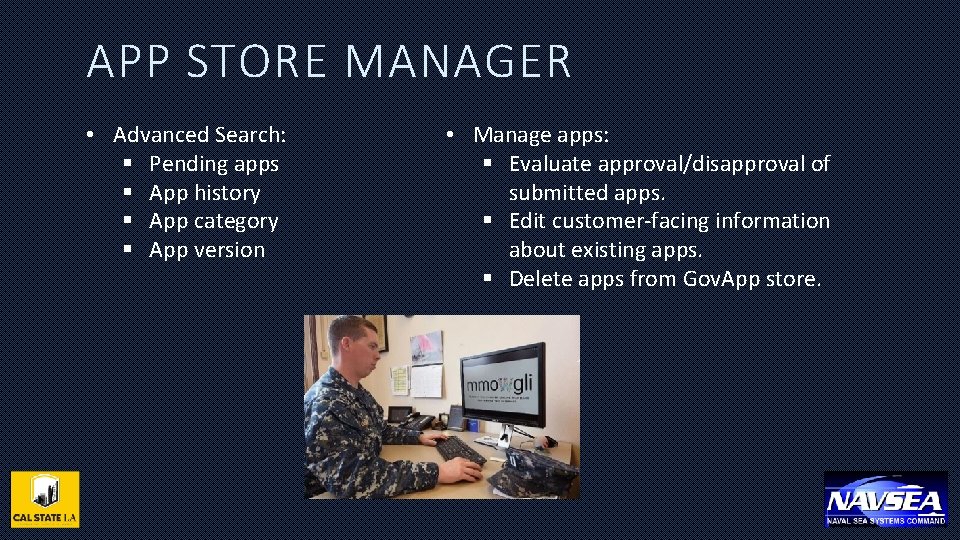
APP STORE MANAGER • Advanced Search: § Pending apps § App history § App category § App version • Manage apps: § Evaluate approval/disapproval of submitted apps. § Edit customer-facing information about existing apps. § Delete apps from Gov. App store.
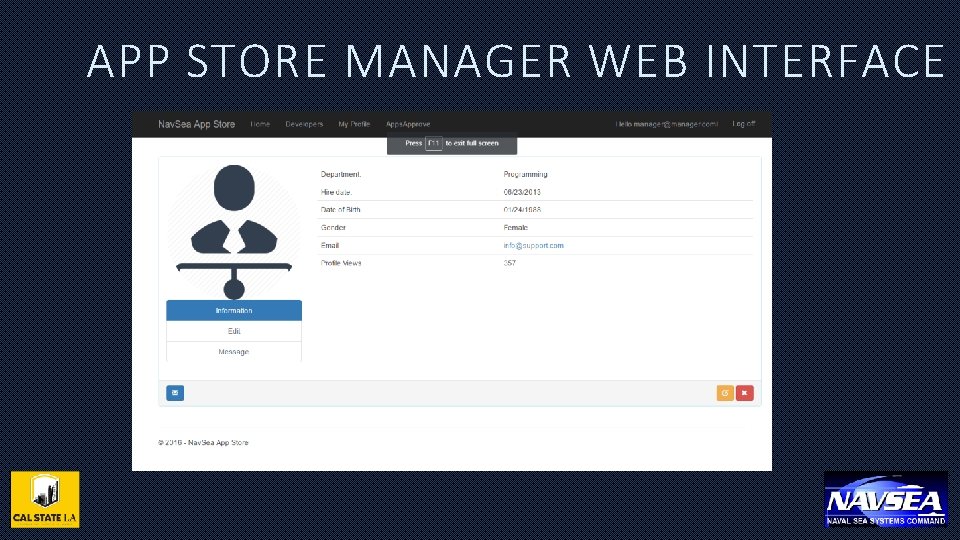
APP STORE MANAGER WEB INTERFACE
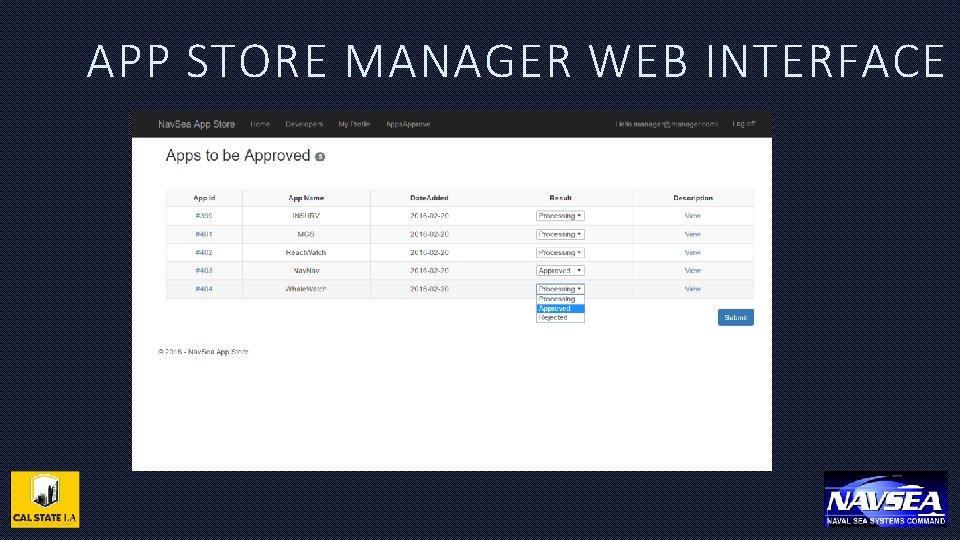
APP STORE MANAGER WEB INTERFACE
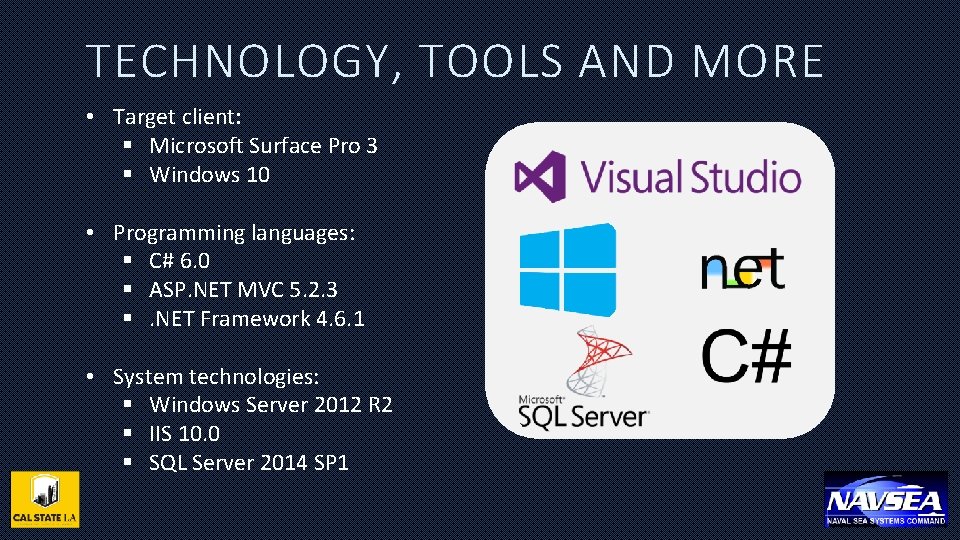
TECHNOLOGY, TOOLS AND MORE • Target client: § Microsoft Surface Pro 3 § Windows 10 • Programming languages: § C# 6. 0 § ASP. NET MVC 5. 2. 3 §. NET Framework 4. 6. 1 • System technologies: § Windows Server 2012 R 2 § IIS 10. 0 § SQL Server 2014 SP 1
CHALLENGES FACED • Learning and developing in unfamiliar programming languages and environments. • Making use of system technologies outside the scope of the CSULA CS curriculum.
FUTURE ENHANCEMENTS • Integrate a fully developed authentication infrastructure. • Enable the use of multiple cores or processors if present. • Implement access to the Gov. App Store by visually impaired persons.
ACKNOWLEDGEMENTS • NAVSEA: § Allowing exposure to work on a real-world application. § Opportunity to learn outside the scope of CSULA CS courses. § Challenging us to do better as individuals and as a team.
Q&A • COMMENTS
- Slides: 32