
Google Smart Click icon 1 Research with Google
- Slides: 65
Google. Smart Click icon 1
Research with Google? • Students, teachers, staff—we all use Google • Teachers are overheard telling students: “just Google it” • Students are required to use resources from subscription databases for certain assignments • But we also Google—either as a start, or to check that something obvious wasn’t missed • Google is incredibly powerful • So let’s get better at Googling! 2
Today’s Goals • Learn how to use Google better. – Google Advanced – Key Words, Key Phrases – Google Scholar • Discover Google shortcuts and neat “things” 3
Keep in mind: The Invisible Web Google doesn’t search everything… • What search engines choose not to index – “The Invisible Web: Text pages, files, or other often high-quality authoritative information available via the World Wide Web that general-purpose search engines cannot, due to technical limitations, or will not, due to deliberate choice, add to their indices of Web pages. Sometimes also referred to as the “deep Web” or “dark matter…what may be invisible today may suddenly become visible tomorrow. ” – “If a Web page has no links pointing to it from any other page on the Web, a search engine crawler can’t find it. These “disconnected” pages are the most basic part of the Invisible Web. ” Sherman, Chris and Gary Price, In Library Trends 52 (2) 2003: Organizing the Internet: 282 -298 – “In fact, only a small percentage of the Web’s content is accessible to Google. The term “deep Web” refers to the vast portion of the Web that is beyond the reach of the typical “surface Web” crawlers. Surface Web search engines like Google can’t easily fathom the deep Web because most deep Web content has no links to it. ” Sol Lederman, altsearchengine. com, 2009. 4
So let’s find a typical assignment for a young student 5
My part of the report: “find out what bottlenose dolphins eat” 6
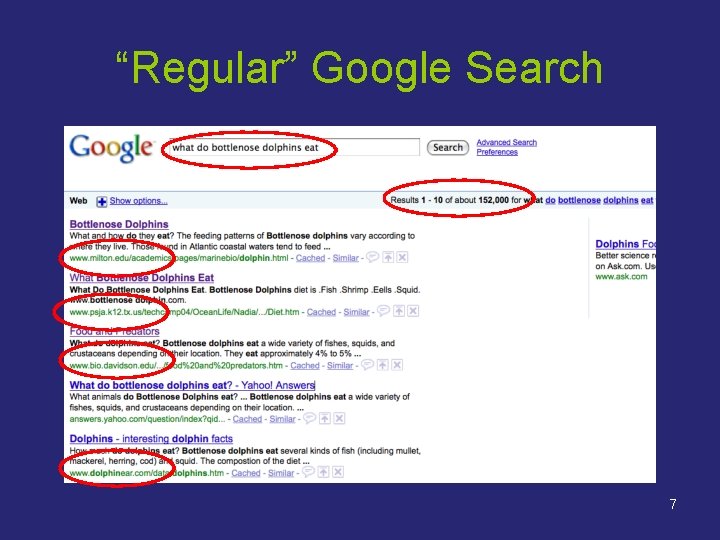
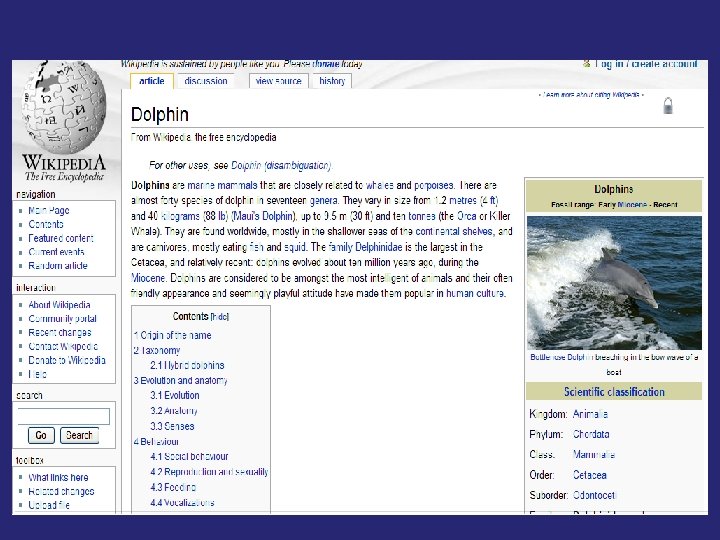
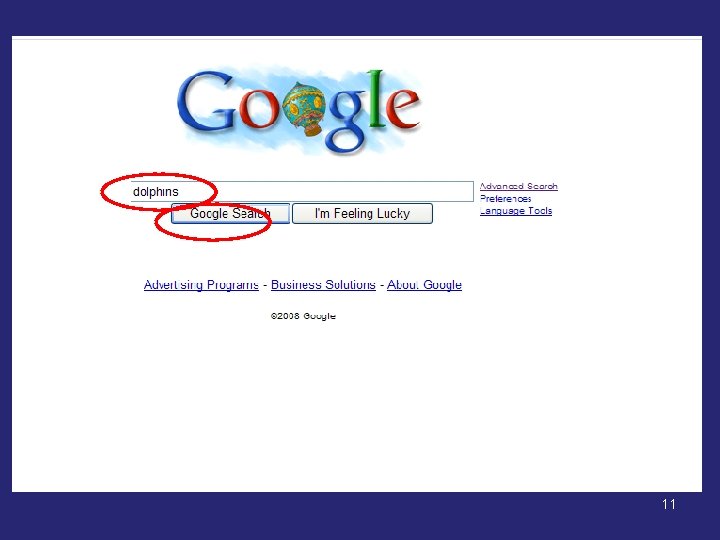
“Regular” Google Search 7
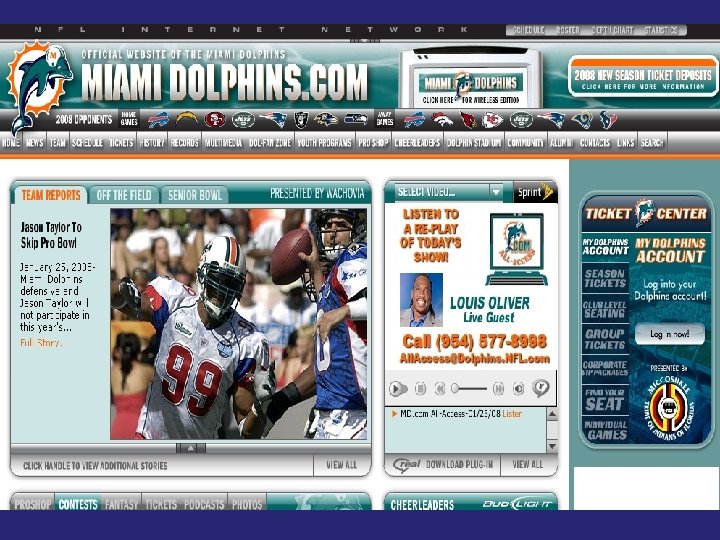
8
9
10
11
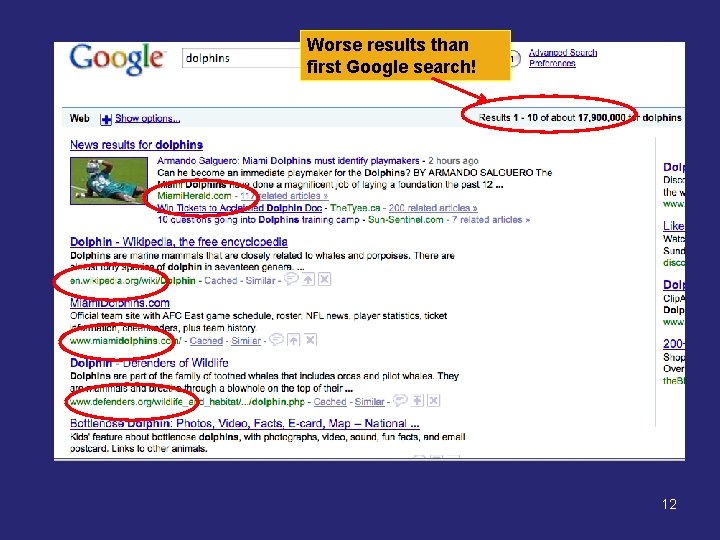
Worse results than first Google search! 12
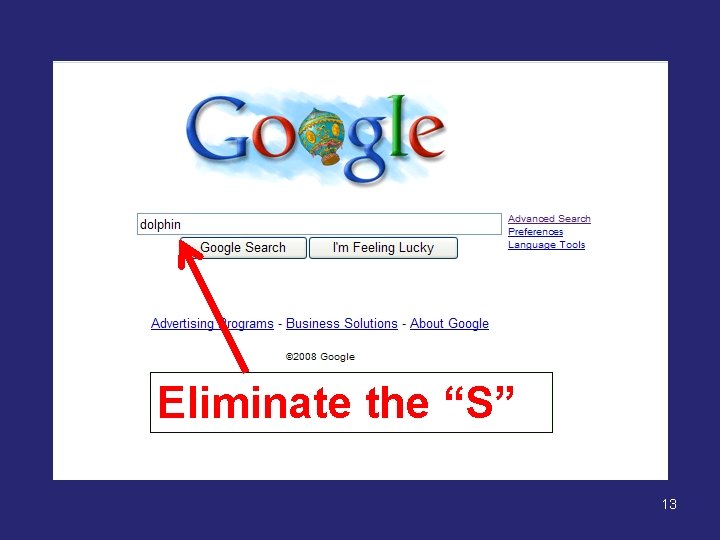
Eliminate the “S” 13
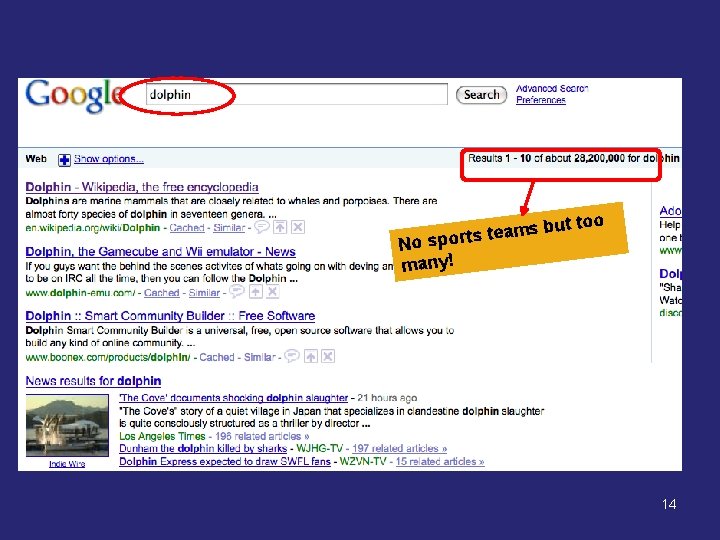
s but m a e t s t r No spo many! too 14
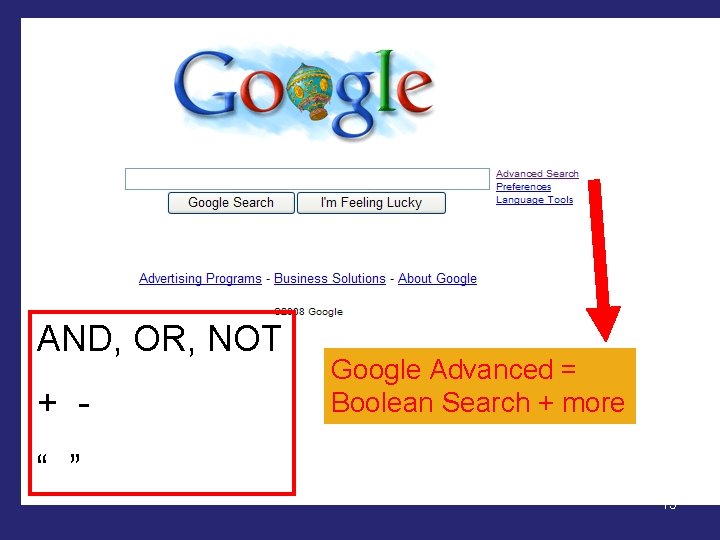
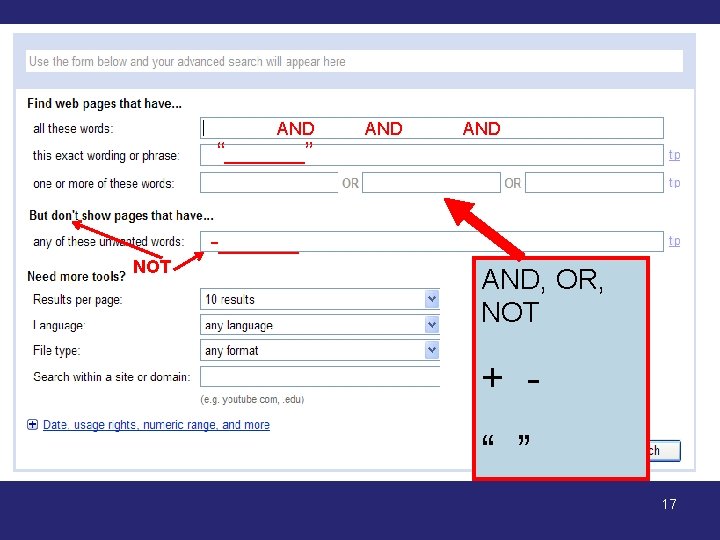
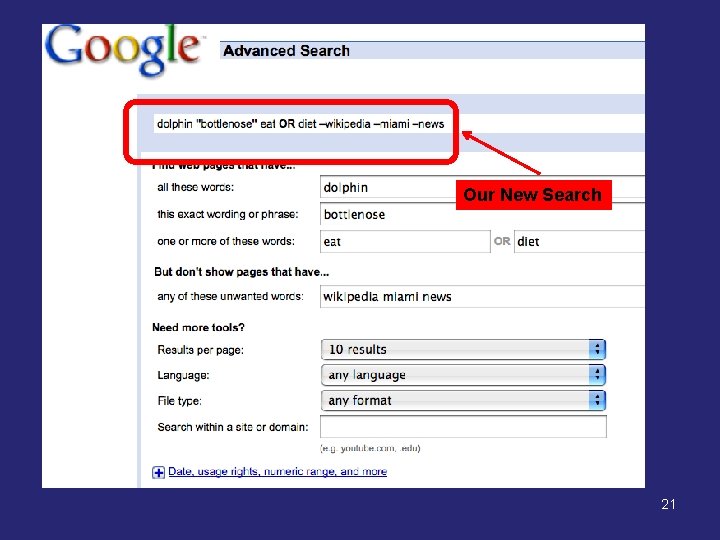
AND, OR, NOT + - Google Advanced = Boolean Search + more “ ” 15
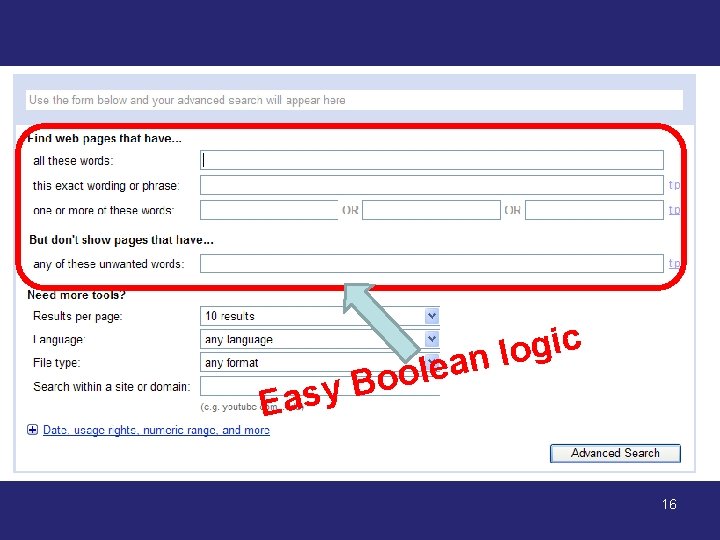
c i g o l lean E o o B asy 16
AND “______” AND -______ NOT AND, OR, NOT + “ ” 17
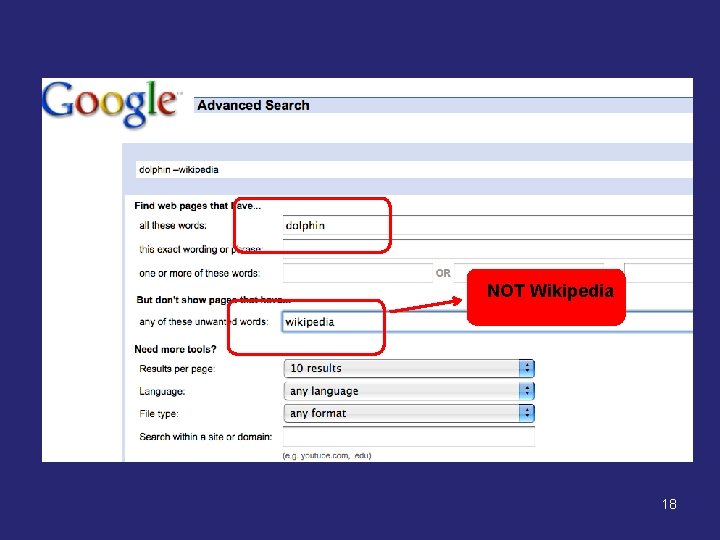
NOT Wikipedia 18
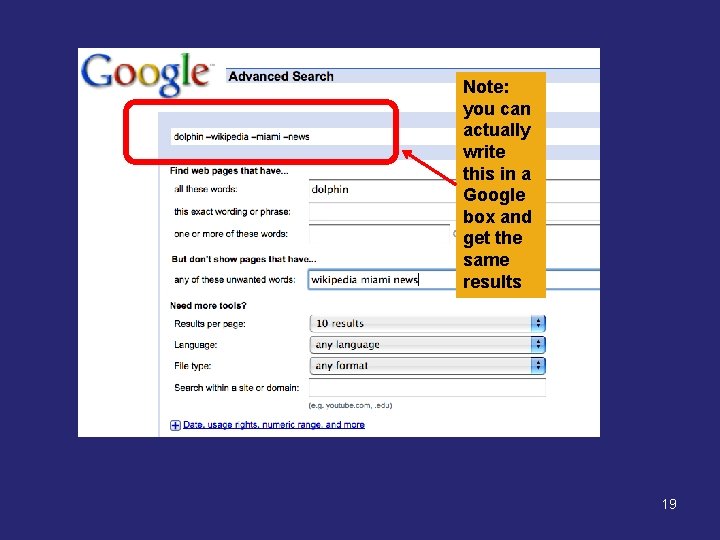
Note: you can actually write this in a Google box and get the same results 19
What was the original question? • What do bottlenose dolphins eat? Think of synonyms for “eat” 20
Our. Our new. New search Search 21
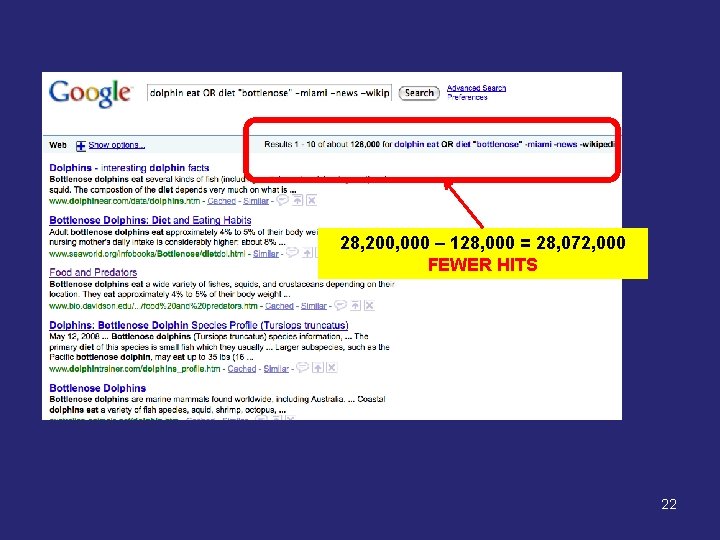
28, 200, 000 – 128, 000 = 28, 072, 000 FEWER HITS More results, more focused 22
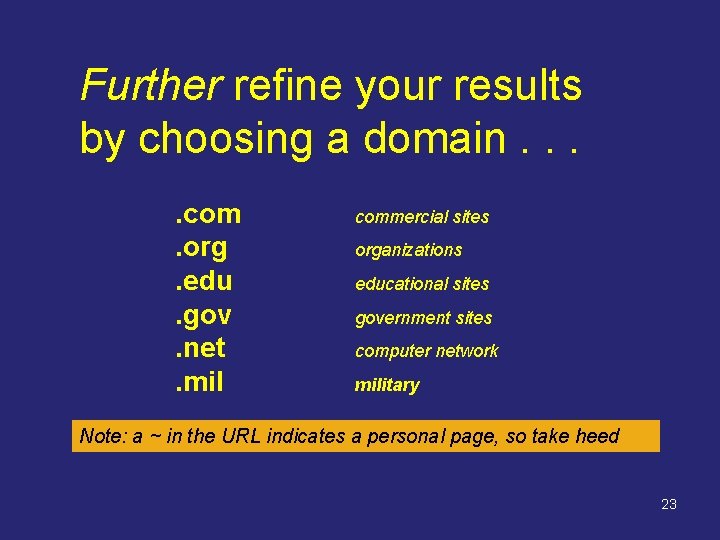
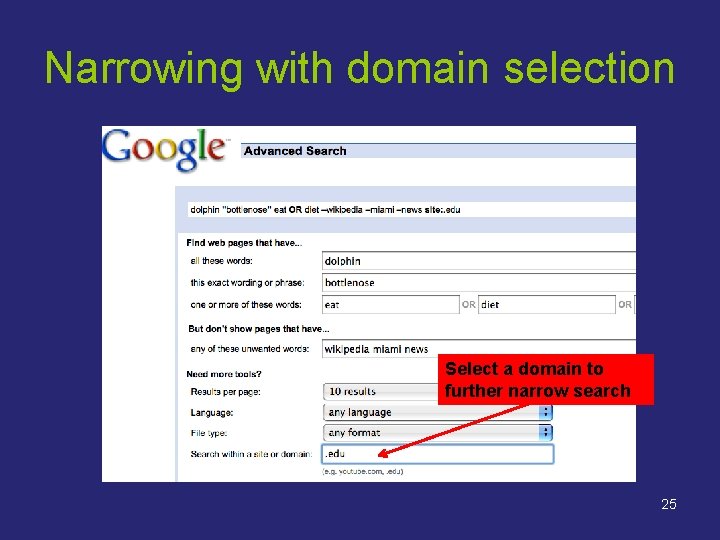
Further refine your results by choosing a domain. . com. org. edu. gov. net. mil commercial sites organizations educational sites government sites computer network military Note: a ~ in the URL indicates a personal page, so take heed 23
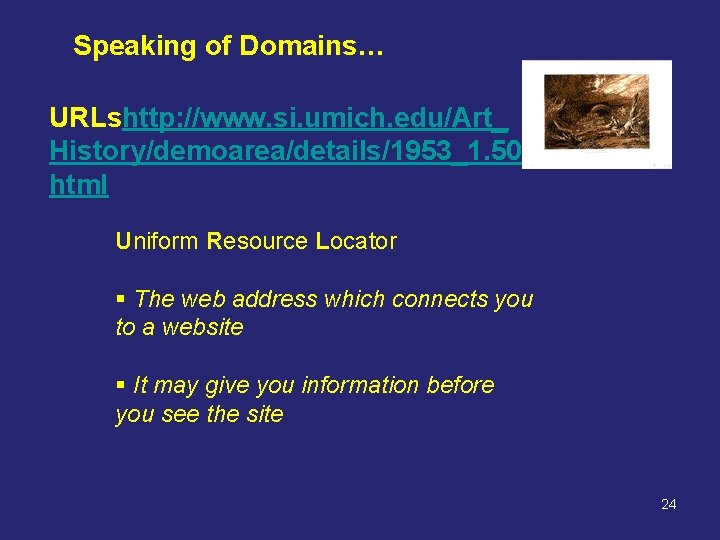
Speaking of Domains… URLshttp: //www. si. umich. edu/Art_ History/demoarea/details/1953_1. 50. html Uniform Resource Locator § The web address which connects you to a website § It may give you information before you see the site 24
Narrowing with domain selection Select a domain to further narrow search 25
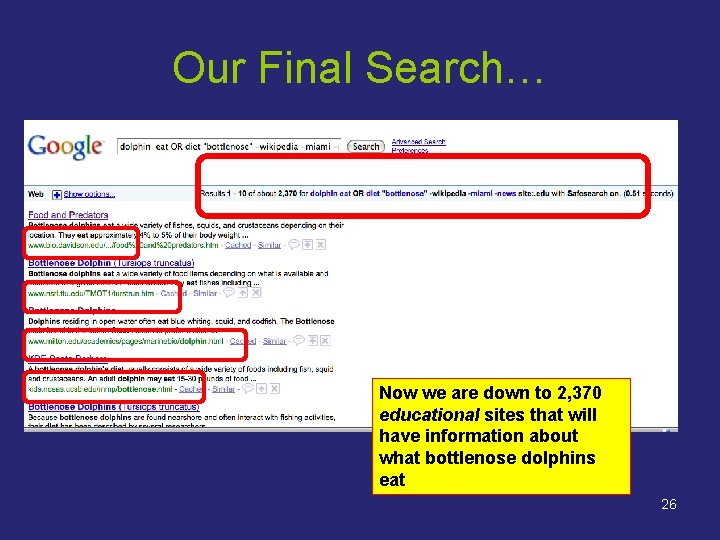
Our Final Search… Now we are down to 2, 370 educational sites that will have information about what bottlenose dolphins eat 26
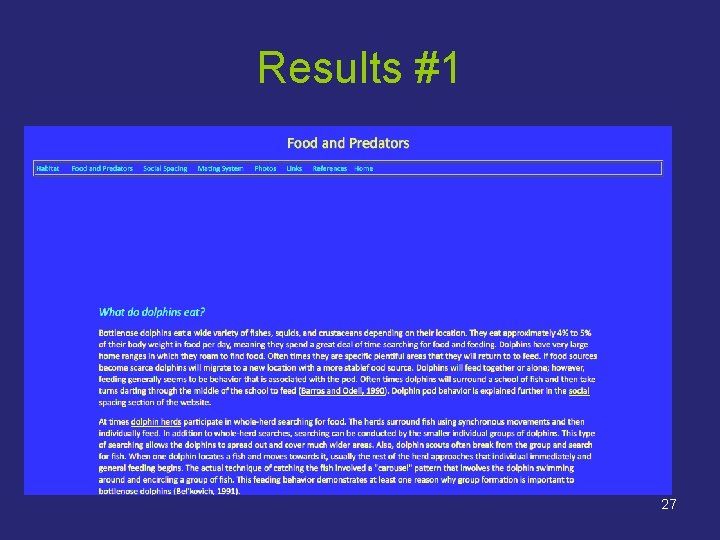
Results #1 27
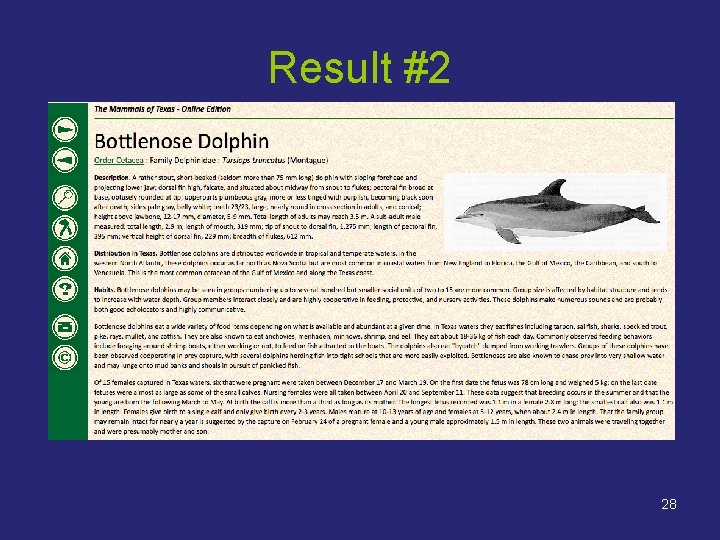
Result #2 28
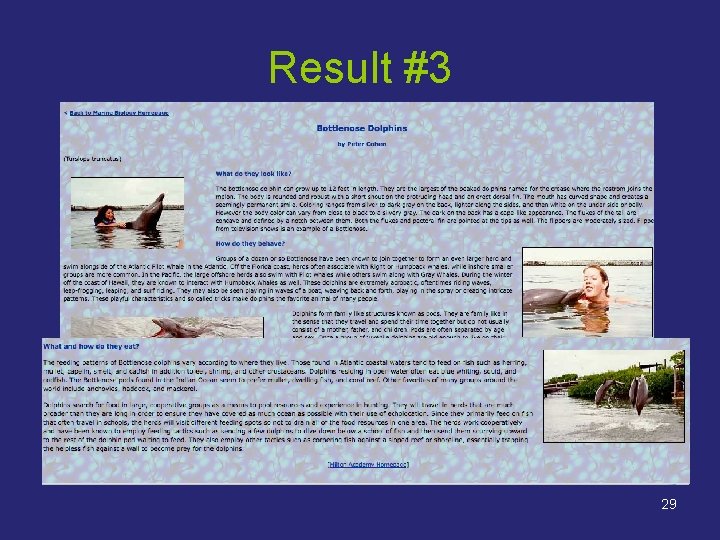
Result #3 29
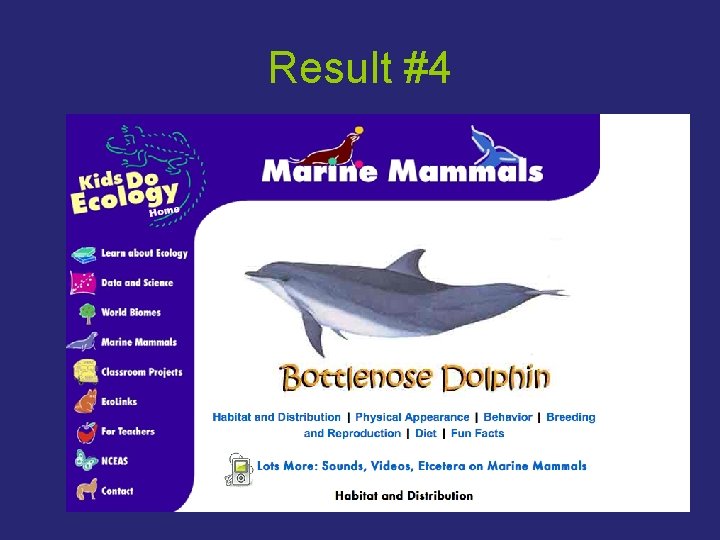
Result #4 30
We had 4 authoritative appropriate useful websites on the first page While we had two good results with earlier searches, We did not have enough to compare and verify the information… Now we do 31
“Good enough” is not the same. 32
Recap • • • Eliminate the “s” Use Boolean logic to narrow the topic Use the Advanced Search feature Choose keywords to include & exclude Select a domain 33
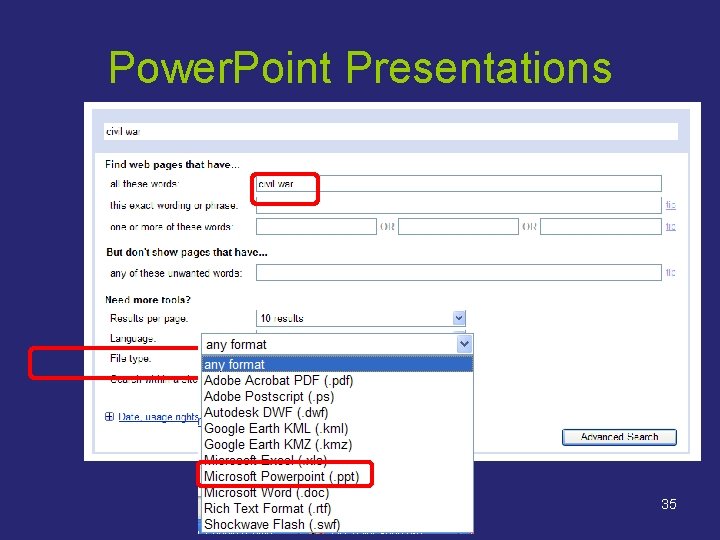
A search for… 34
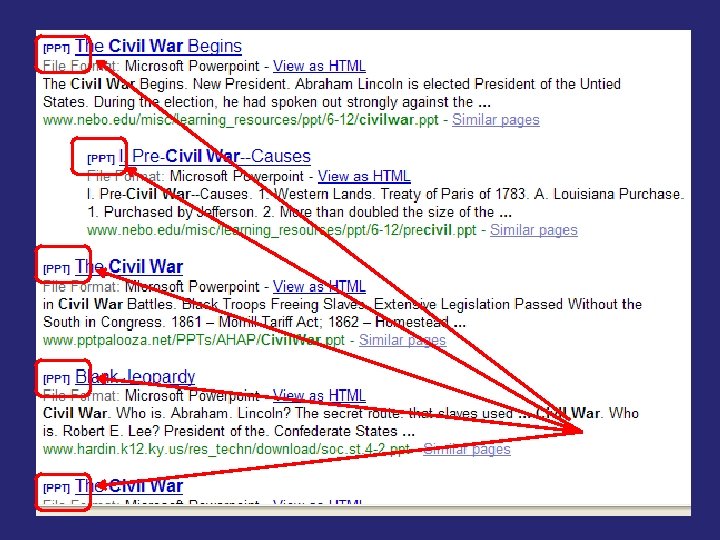
Power. Point Presentations 35
36
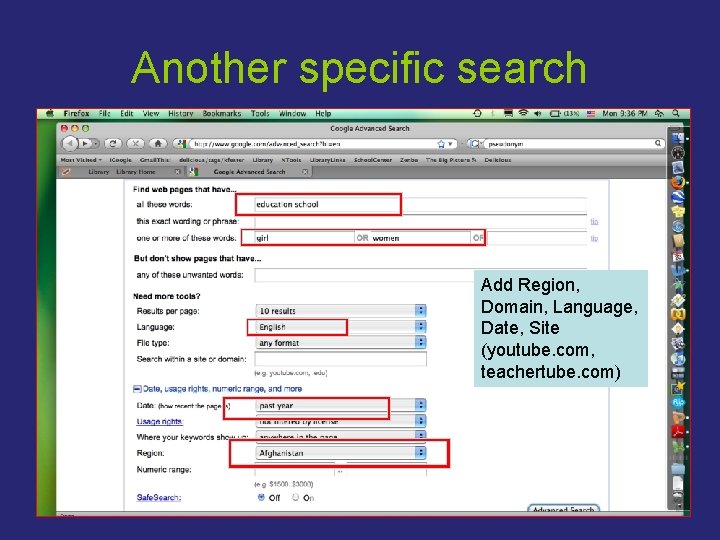
Another specific search Add Region, Domain, Language, Date, Site (youtube. com, teachertube. com) 37
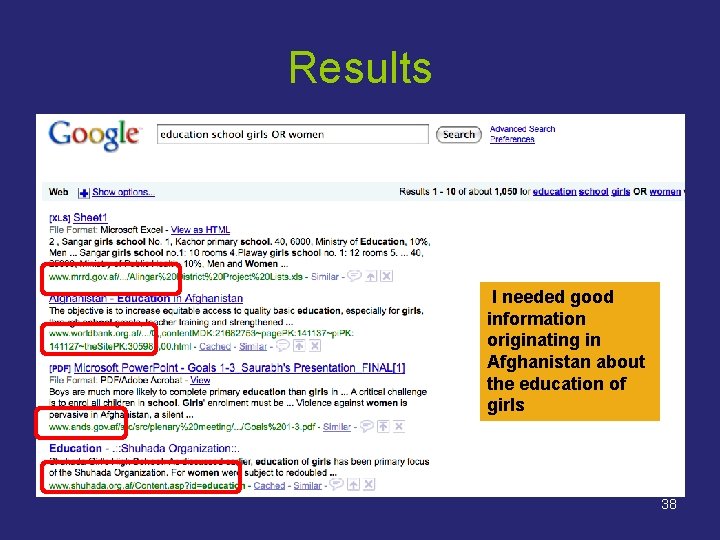
Results II needed good information originating in Afghanistan about the education of girls 38
Recap • Use Advanced Search for file type. ppt, . xls, . pdf • Use the site or domain name, i. e. , teachertube. com, yale. edu, . gov, ms. org • Limit by date, region, language, usage rights 39
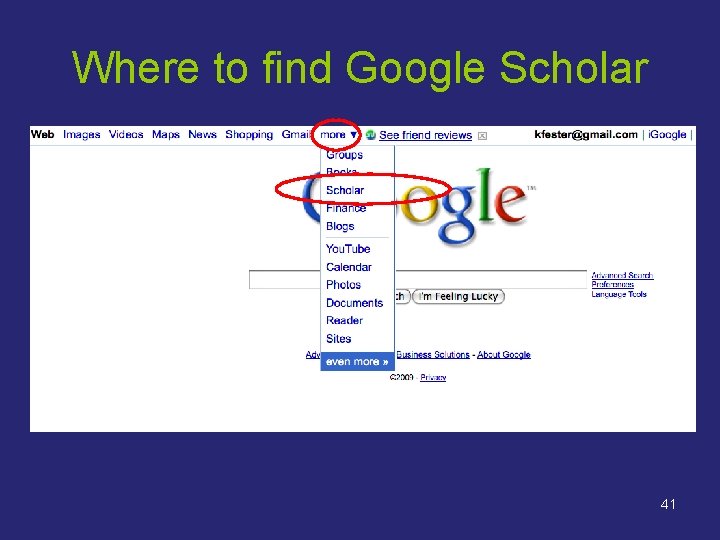
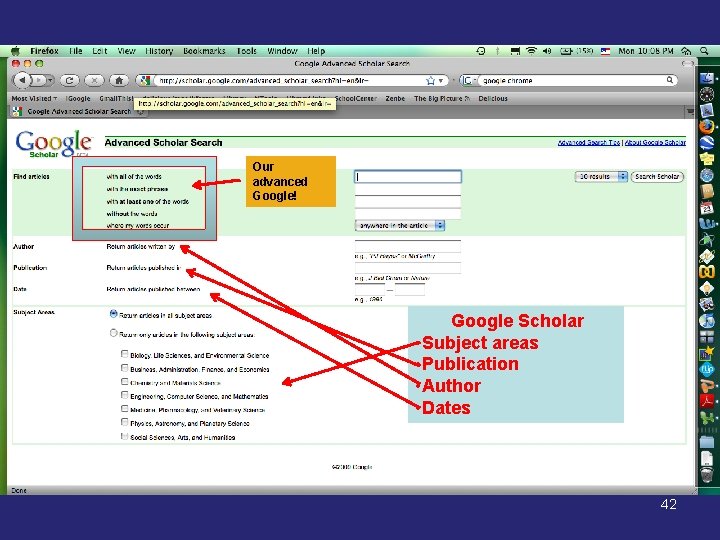
Google Scholar You have to know about Google Scholar! 40
Where to find Google Scholar 41
Our advanced Google! Google Scholar • Subject areas • Publication • Author • Dates 42
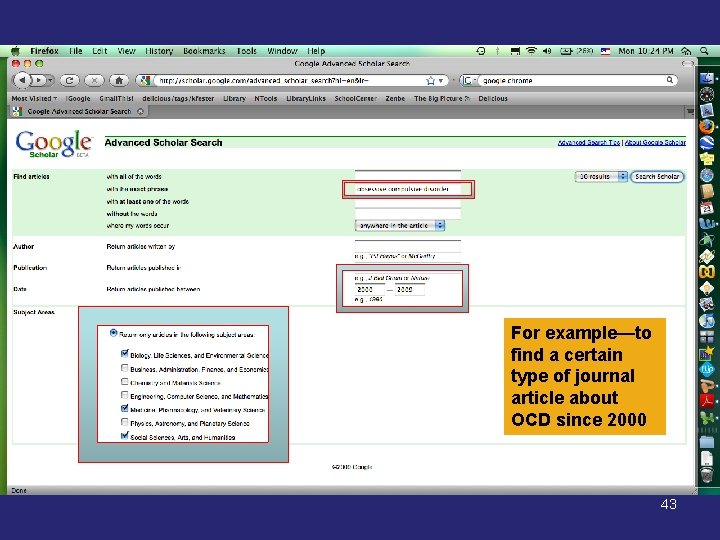
For example—to find a certain type of journal article about OCD since 2000 43
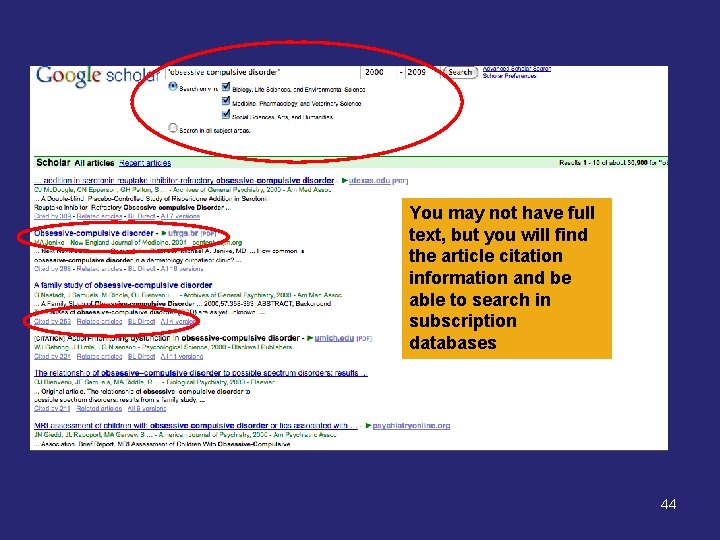
You may not have full text, but you will find the article citation information and be able to search in subscription databases 44
Now--Compare Searches Compare using Google and Advanced Google For the question: “After reading The Merchant of Venice, why do some critics think Shakespeare was anti-Semitic? ” 45
Quick Specialized Searches 46
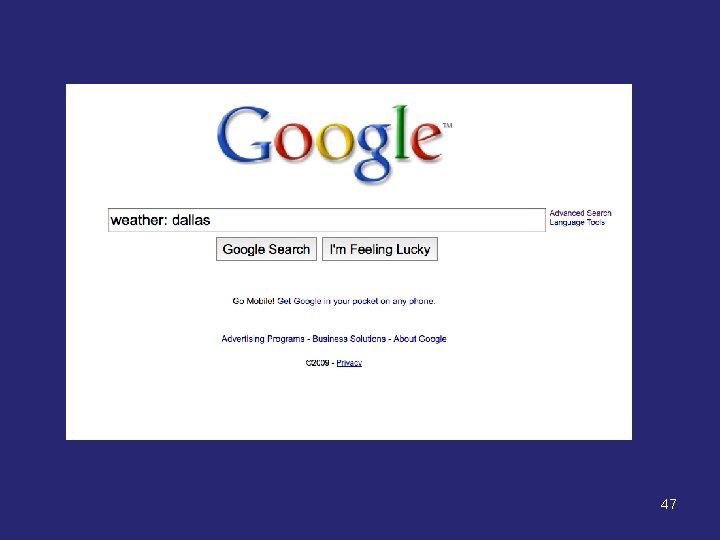
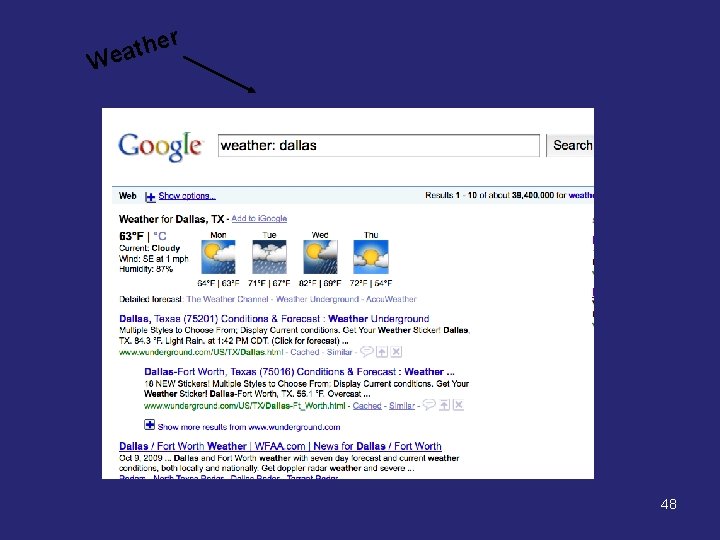
47
r e h t Wea 48
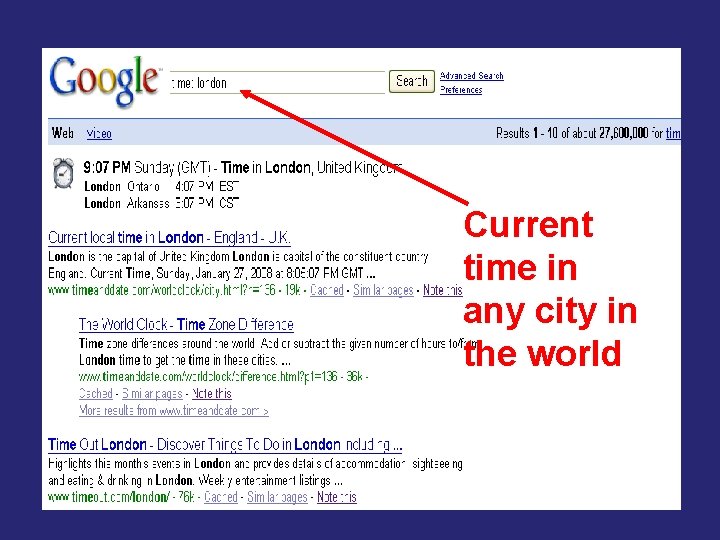
Current time in any city in the world 50
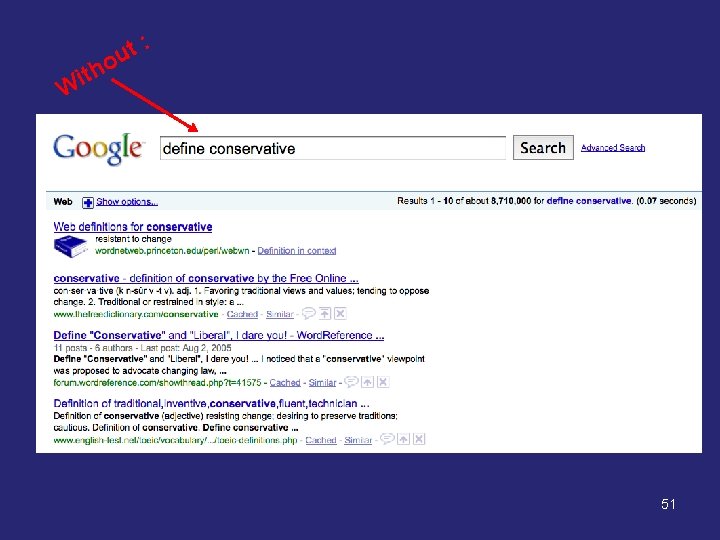
o h t i : t u W 51
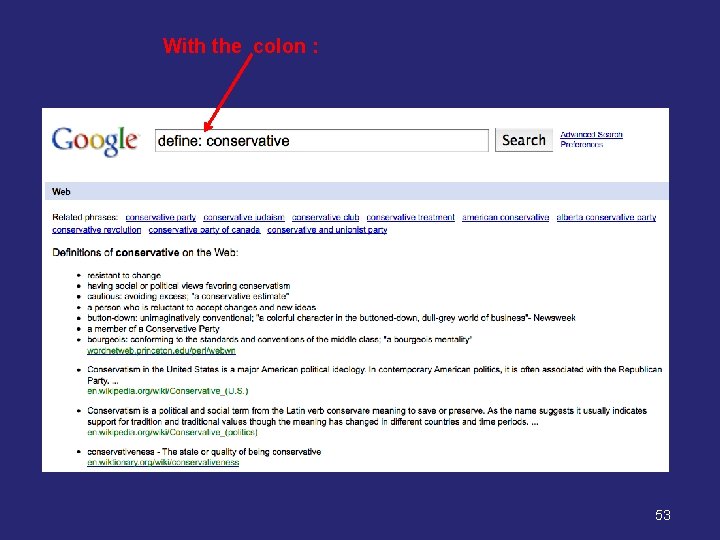
Now try it with the colon : and see the difference define: conservative 52
With the colon : 53
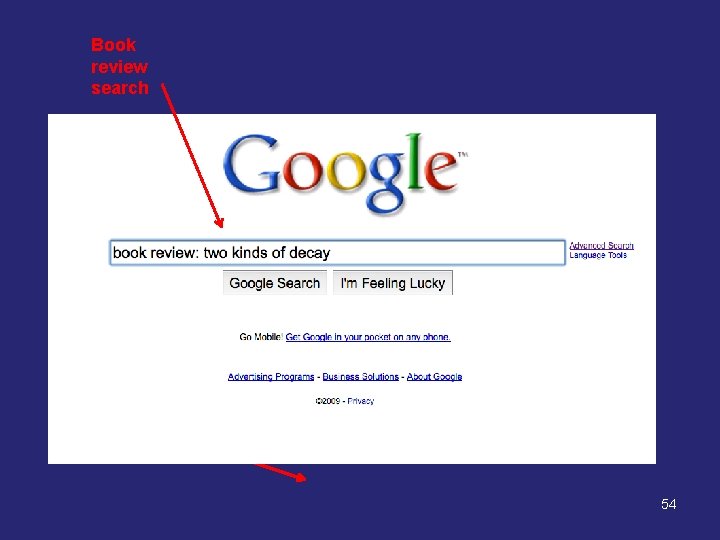
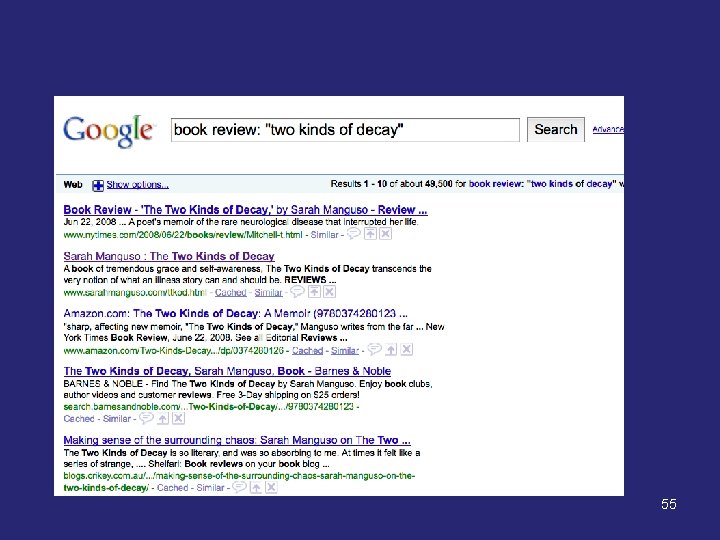
Book review search 54
55
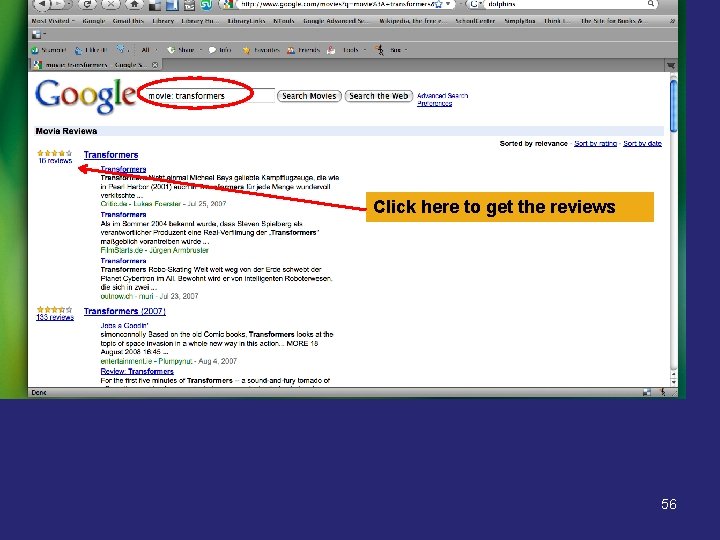
Click here to get the reviews 56
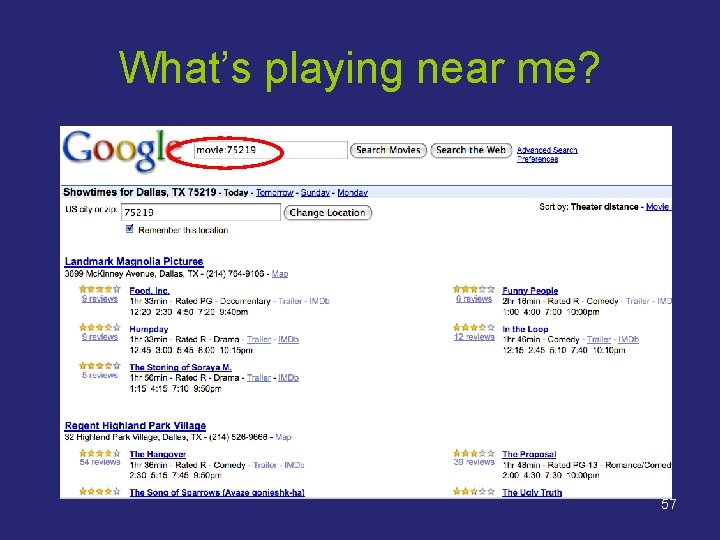
What’s playing near me? 57
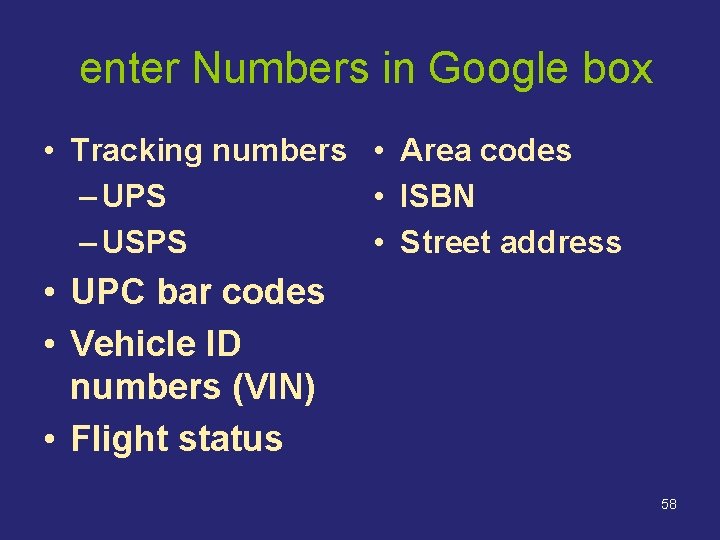
enter Numbers in Google box • Tracking numbers • Area codes – UPS • ISBN – USPS • Street address • UPC bar codes • Vehicle ID numbers (VIN) • Flight status 58
Some Additional Google Features 59
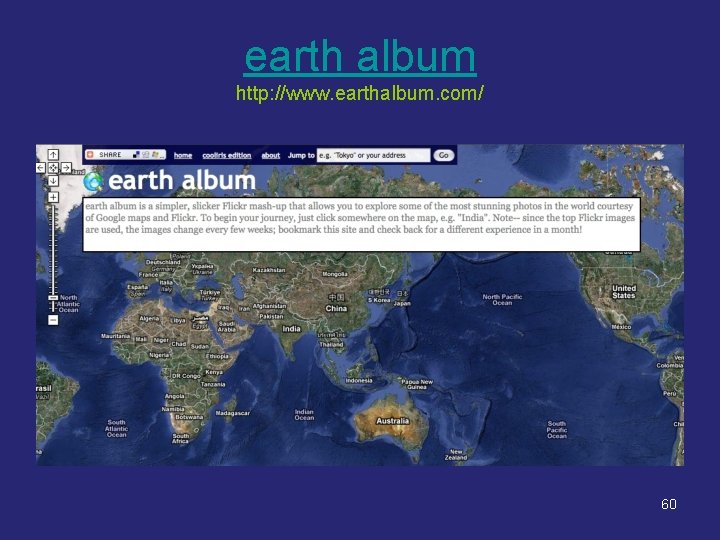
earth album http: //www. earthalbum. com/ 60
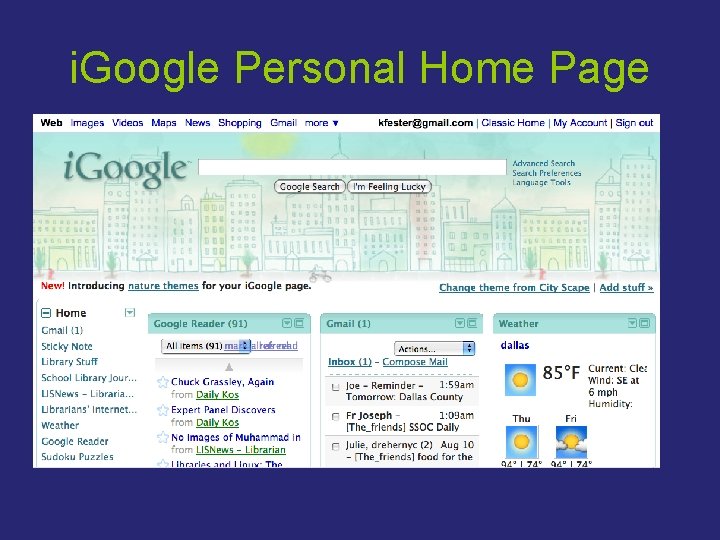
i. Google Personal Home Page
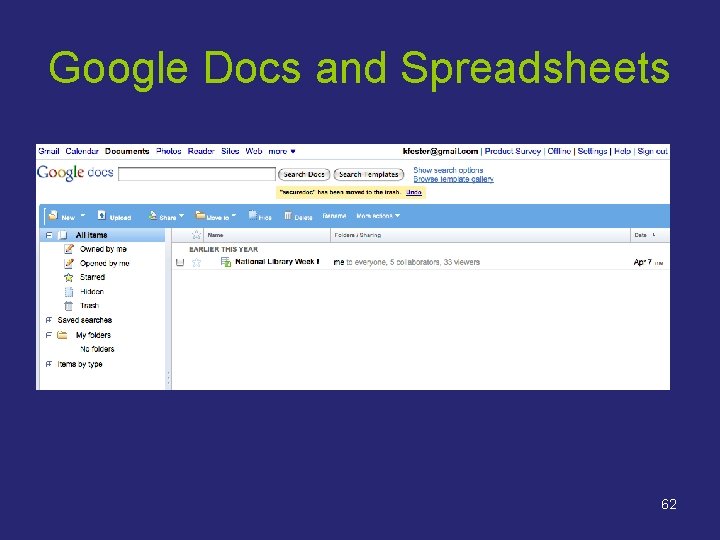
Google Docs and Spreadsheets 62
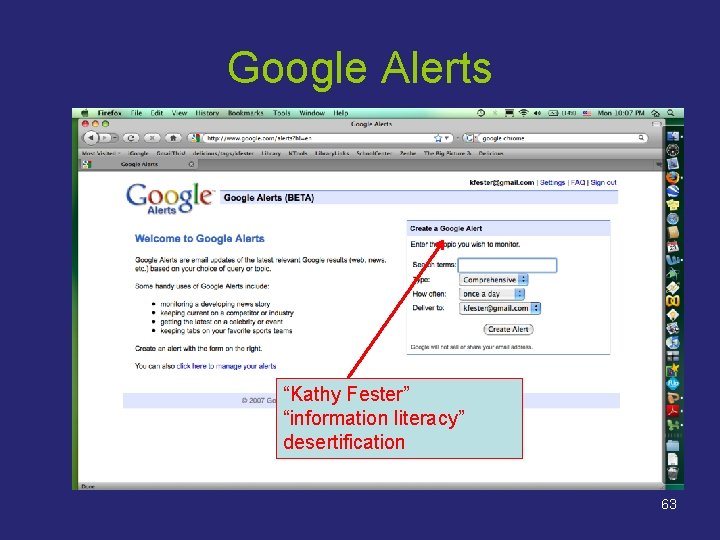
Google Alerts “Kathy Fester” “information literacy” desertification 63
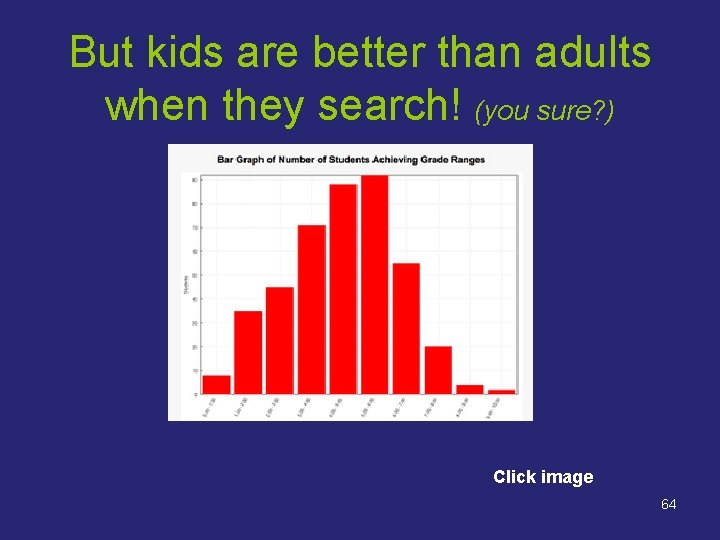
But kids are better than adults when they search! (you sure? ) Click image 64
This presentation was built on an earlier Power. Point by Sharon Gullet (sharon. gullet@gmail. com) Thank you, Sharon! Kathy Fester Shelton School kfester@shelton. org 972. 774. 1772 Updated 9/2009 65
Copyright This work is licensed under the Creative Commons Attribution-Share Alike 3. 0 United States License. To view a copy of this license, visit http: //creativecommons. org/licenses/by-sa/3. 0/us/ or send a letter to Creative Commons, 171 Second Street, Suite 300, San Francisco, California, 94105, USA. 66