
Google Earth Enter your coordinates Copy and paste
- Slides: 8
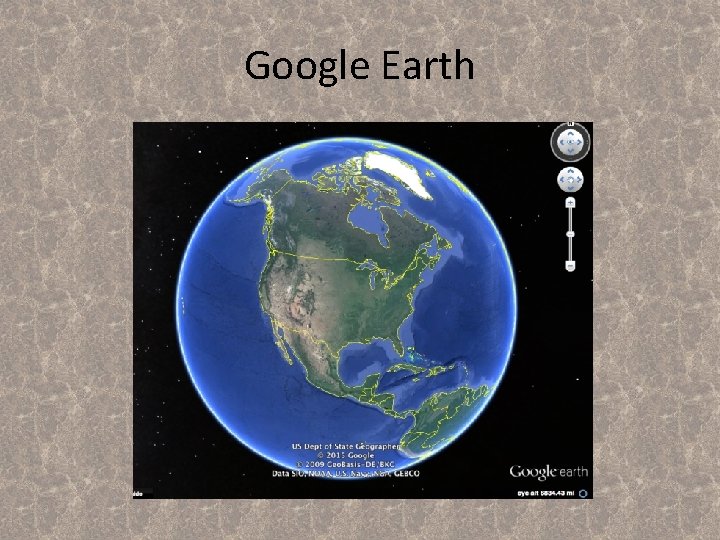
Google Earth
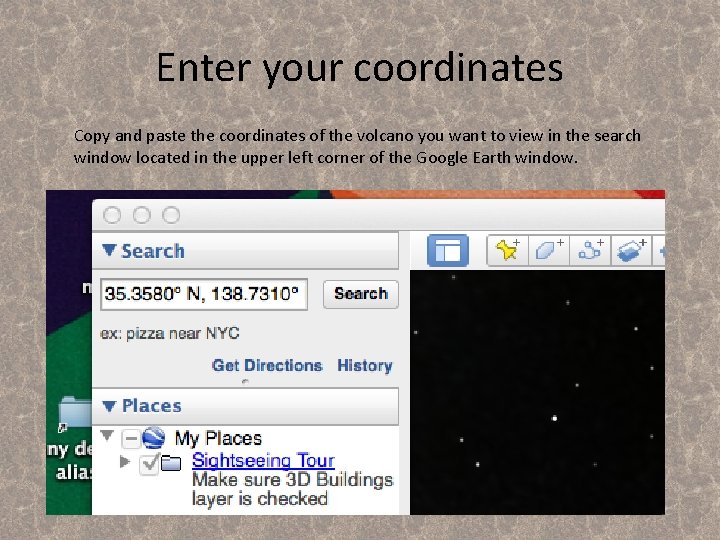
Enter your coordinates Copy and paste the coordinates of the volcano you want to view in the search window located in the upper left corner of the Google Earth window.
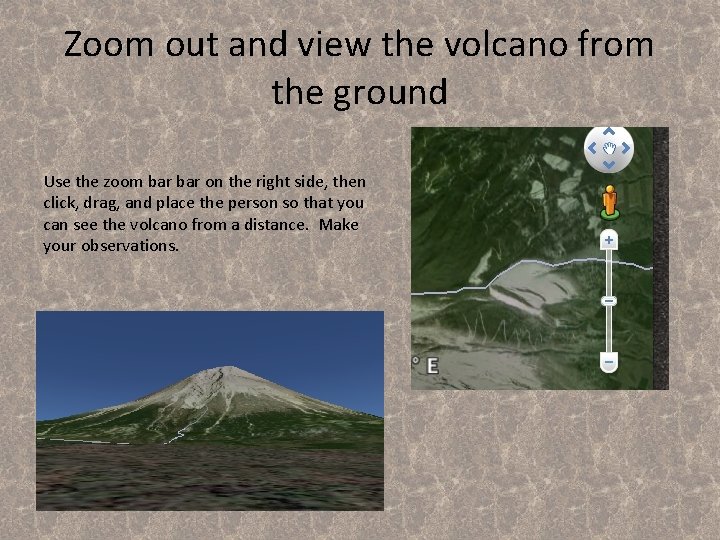
Zoom out and view the volcano from the ground Use the zoom bar on the right side, then click, drag, and place the person so that you can see the volcano from a distance. Make your observations.
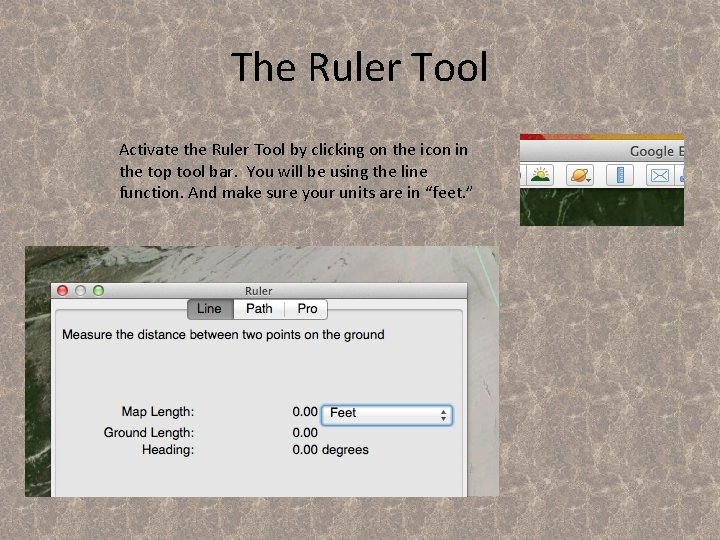
The Ruler Tool Activate the Ruler Tool by clicking on the icon in the top tool bar. You will be using the line function. And make sure your units are in “feet. ”
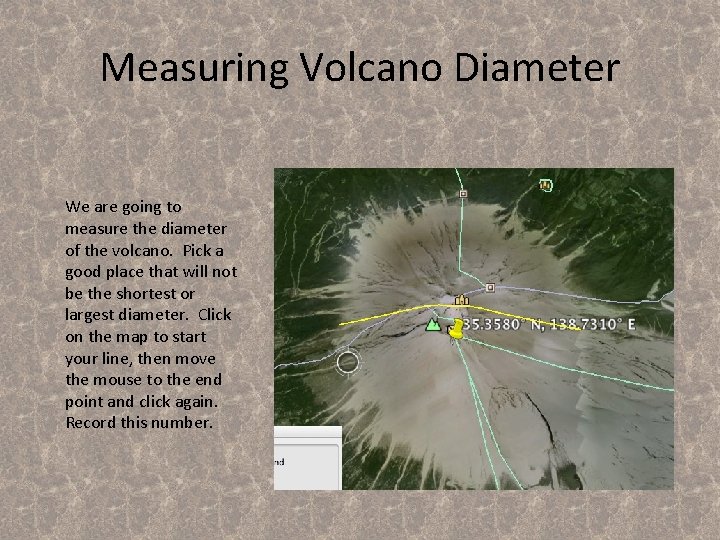
Measuring Volcano Diameter We are going to measure the diameter of the volcano. Pick a good place that will not be the shortest or largest diameter. Click on the map to start your line, then move the mouse to the end point and click again. Record this number.
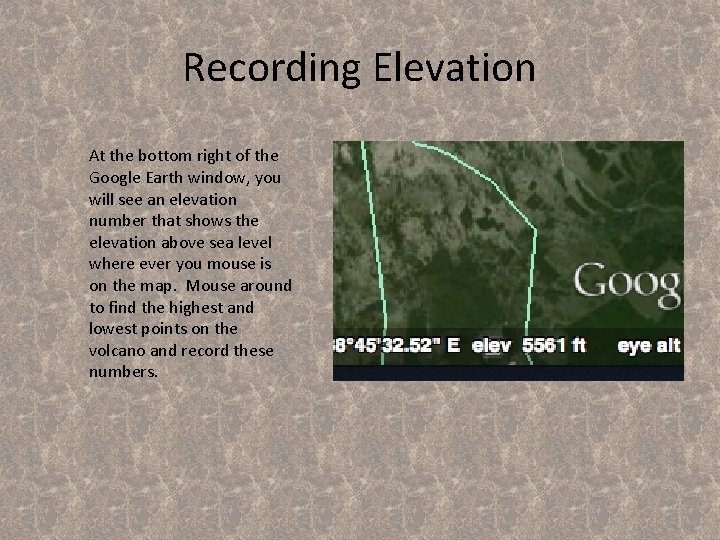
Recording Elevation At the bottom right of the Google Earth window, you will see an elevation number that shows the elevation above sea level where ever you mouse is on the map. Mouse around to find the highest and lowest points on the volcano and record these numbers.
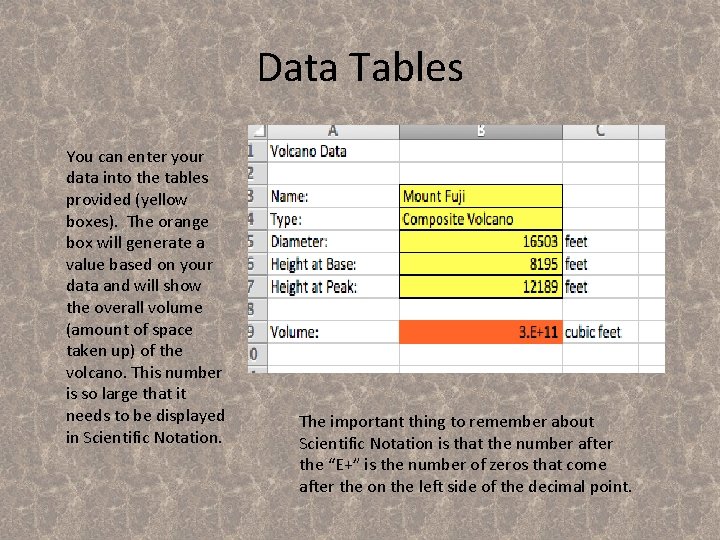
Data Tables You can enter your data into the tables provided (yellow boxes). The orange box will generate a value based on your data and will show the overall volume (amount of space taken up) of the volcano. This number is so large that it needs to be displayed in Scientific Notation. The important thing to remember about Scientific Notation is that the number after the “E+” is the number of zeros that come after the on the left side of the decimal point.
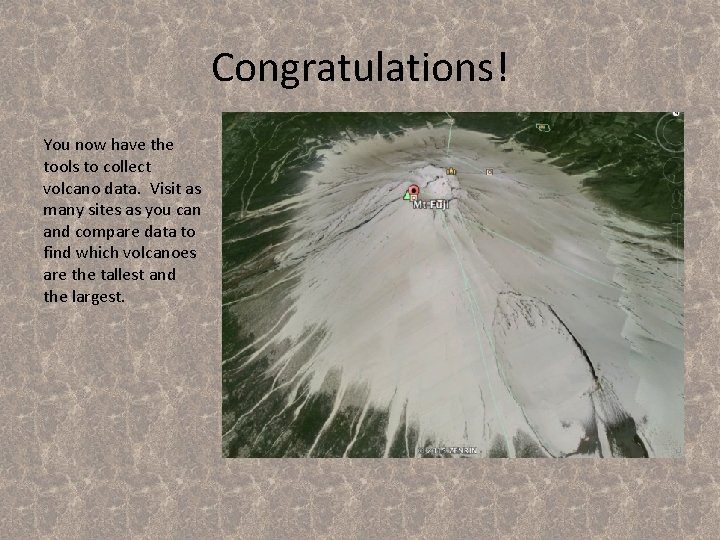
Congratulations! You now have the tools to collect volcano data. Visit as many sites as you can and compare data to find which volcanoes are the tallest and the largest.