
Google Classroom Ashlee R Crawford ITEC 7445 Dr
- Slides: 34
Google Classroom Ashlee R. Crawford ITEC 7445 Dr. Sherry Grove April 5, 2015 Emerging Technology
What is Google Classroom? Google Classroom is a free and interactive classroom. It is a classroom is created by the teacher. Teachers Google can post and create assignment. classroom creates a paperless experience.
What is Google Classroom? cont. Students can respond right into Google Classroom and receive their grade. It allows students to collaborate and provide feedback to their peers. Works with Google Drive for ease of use and easy file sharing
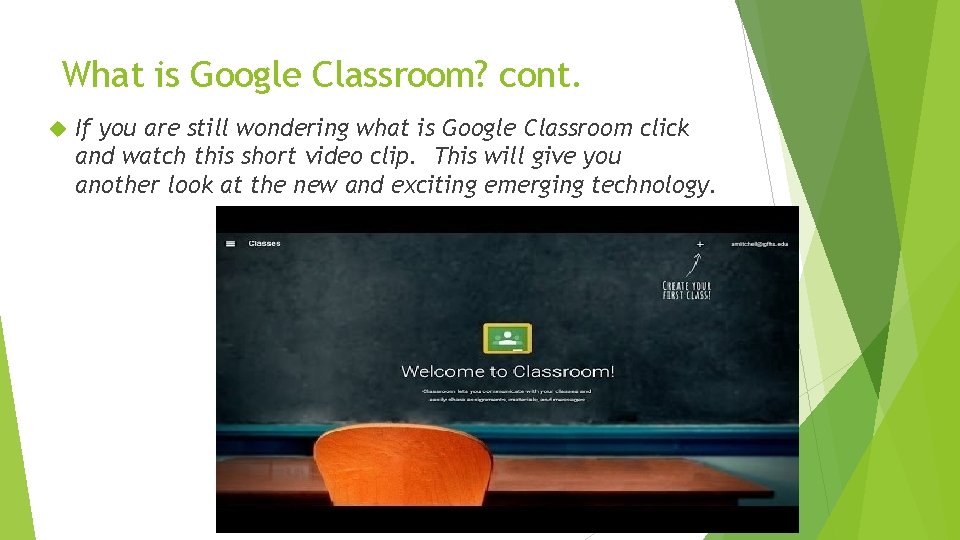
What is Google Classroom? cont. If you are still wondering what is Google Classroom click and watch this short video clip. This will give you another look at the new and exciting emerging technology.
The Mc. Duffie County Schools Technology Vision Statement Imagine students entering the classroom each having a “P/C tablet” type device which serves as their wireless electronic textbook, writing paper, electronic novel, portal to research sources such as encyclopedias, newspapers, periodicals, the internet, etc. Powering on this device that would have current assignments automatically downloaded to each student’s tablet, individually prescribing work based on each students’ assessed needs, as well as student team assignments. Teachers would become facilitators of learning. They would collaborate with their peers, locally, across the state, and nationally to develop learning scenarios, case studies, and “simulated problem” courses of study. Technology will become the tool that students will use to develop problem solving and research skills. Learning will become an adventure and knowledge will become the outcome. Teachers, using a variety of technologies tools, such as interactive displays, the internet, virtual demonstrations, electronic collaborative discussion boards and others, will open the students mind by presenting real life problems as the learning challenge. The teacher would then provide suggestions as how to solve those problems as the learning process. http: //www. mcduffie. k 12. ga. us/departments. cfm? subpage=3578
The Mc. Duffie County Schools Technology Vision Statement cont. The students will collaborate with each other and discover how to solve those problems through research, or scientific experimentation, while being mentored and coached by their teachers. Electronic portfolios will be the product of the students’ effort, and skills based knowledge, the ability to think, and demonstrate the desired objective skill will be the instructional goal. The evaluated grade, as determined by the results of the tasks the students solved, would be electronically posted to the student, the parent, and the required documented system record. We see parents becoming integral partners in their child’s education process. They will have access to their children’s homework assignments, will be given instructional tools to assist their children in the learning process, work collaboratively with the teacher to decide how to best meet the child’s study needs and will equally bear responsibility for their own child’s education. http: //www. mcduffie. k 12. ga. us/departments. cfm? subpage=3578
Google Classroom supports this Vision Statement 1. Google Classroom allows all assignments to be automatically uploaded and assigned to different students 2. Google Classroom is a place where students can conduct research and answer the questions right into the program using Google drive 3. Google Classroom allows students and teachers to interact and students to share with their peers for collaboration 4. Google Classroom allows students and parents to not only see their grades but to provide feedback and resubmit easily for an improved grade 5. Google Classroom allows teachers to post announcements and due dates. Students can add comments at any time
Objectives The main objective of Google Classroom is to increase student and teacher interaction. Teachers can provide feedback to students and allow students to resubmit easily. It also allows for students to use Google Apps and eliminate the amount of paper that is needed in a typical classroom. It is the start to a true paperless classroom. Lastly it allows students to work at their own pace and keep up with their assignments and due dates.
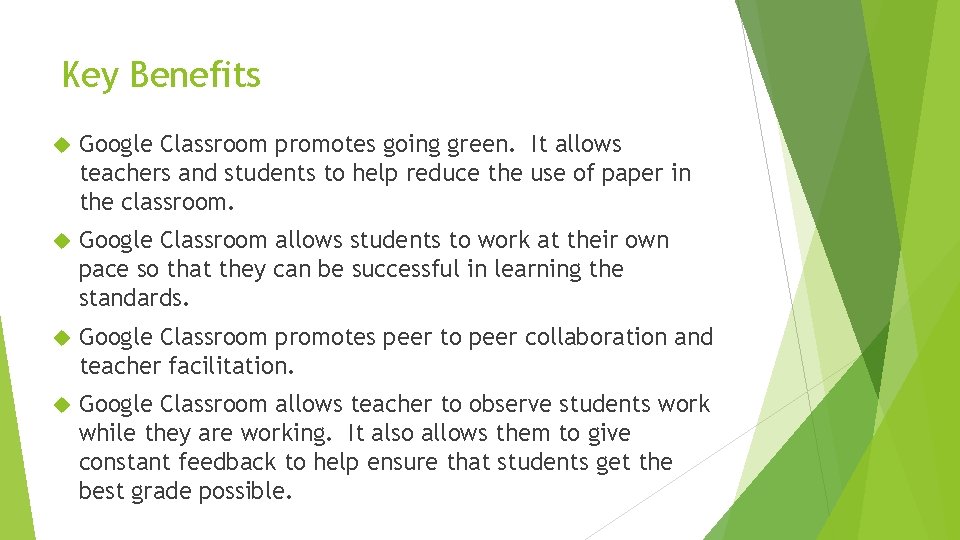
Key Benefits Google Classroom promotes going green. It allows teachers and students to help reduce the use of paper in the classroom. Google Classroom allows students to work at their own pace so that they can be successful in learning the standards. Google Classroom promotes peer to peer collaboration and teacher facilitation. Google Classroom allows teacher to observe students work while they are working. It also allows them to give constant feedback to help ensure that students get the best grade possible.
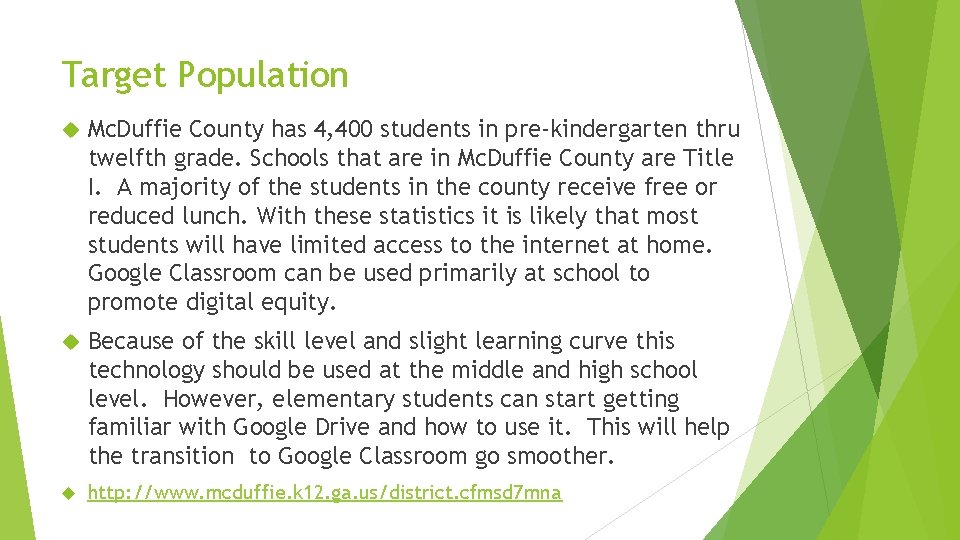
Target Population Mc. Duffie County has 4, 400 students in pre-kindergarten thru twelfth grade. Schools that are in Mc. Duffie County are Title I. A majority of the students in the county receive free or reduced lunch. With these statistics it is likely that most students will have limited access to the internet at home. Google Classroom can be used primarily at school to promote digital equity. Because of the skill level and slight learning curve this technology should be used at the middle and high school level. However, elementary students can start getting familiar with Google Drive and how to use it. This will help the transition to Google Classroom go smoother. http: //www. mcduffie. k 12. ga. us/district. cfmsd 7 mna
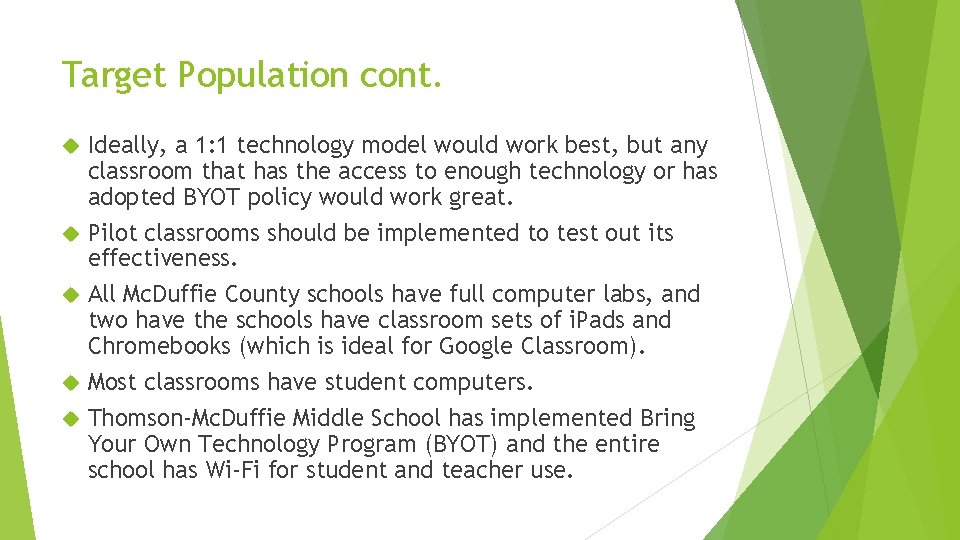
Target Population cont. Ideally, a 1: 1 technology model would work best, but any classroom that has the access to enough technology or has adopted BYOT policy would work great. Pilot classrooms should be implemented to test out its effectiveness. All Mc. Duffie County schools have full computer labs, and two have the schools have classroom sets of i. Pads and Chromebooks (which is ideal for Google Classroom). Most classrooms have student computers. Thomson-Mc. Duffie Middle School has implemented Bring Your Own Technology Program (BYOT) and the entire school has Wi-Fi for student and teacher use.
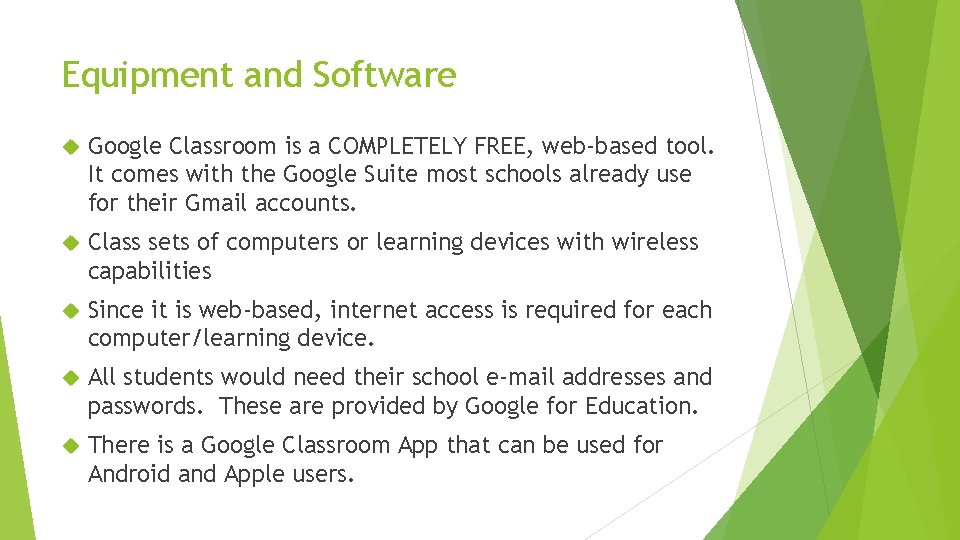
Equipment and Software Google Classroom is a COMPLETELY FREE, web-based tool. It comes with the Google Suite most schools already use for their Gmail accounts. Class sets of computers or learning devices with wireless capabilities Since it is web-based, internet access is required for each computer/learning device. All students would need their school e-mail addresses and passwords. These are provided by Google for Education. There is a Google Classroom App that can be used for Android and Apple users.
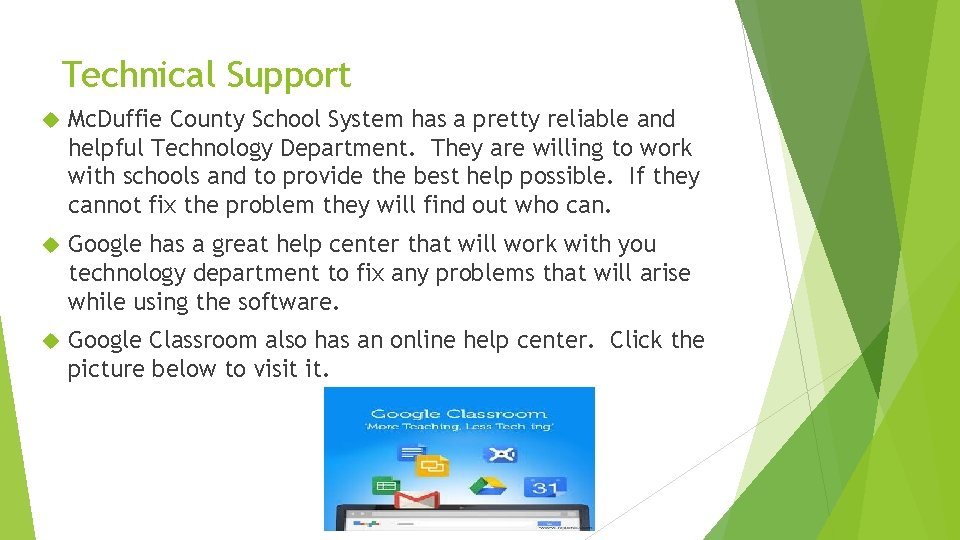
Technical Support Mc. Duffie County School System has a pretty reliable and helpful Technology Department. They are willing to work with schools and to provide the best help possible. If they cannot fix the problem they will find out who can. Google has a great help center that will work with you technology department to fix any problems that will arise while using the software. Google Classroom also has an online help center. Click the picture below to visit it.
Limitations Google Classroom uses Google Apps and students must have a school e-mail address with a domain like the teachers or approved by Google. If students do not have this Google Classroom will not work. If Google Classroom is utilized at home, each student is required to have access to an internetaccessible device. At school, the students will need to have access to an internet-accessible device.
Limitations cont. If students are creating and posting their own videos or original work, there could be a safety/legal issue. Google Classroom posts are between teacher and student. If at some point the teacher or student would like to post to the public as long as students keep from posting their full name it shouldn’t be an issue.
Cost of Technology Most schools already have Google Suite and Google for Education service therefore this program is completely FREE!!! If schools implement BYOT and allow students to use their own device this program will be very inexpensive. No cost for professional learning or technical support
Cost of Technology cont. However to implement 1: 1 at schools with no BYOT program them class sets of Chromebooks or i. Pads can be bought through the school. These can get expensive but or cheaper than getting whole computer setups. Purchasing Chromebooks would be ideal because they are owned by Google.
Potential Funding for Chromebooks and Class Sets to Use Google Classroom Mc. Duffie County can use fundraisers to raise money to help with the purchase of technology needed. Thomson-Mc. Duffie Middle School Technology Committee wrote a grant and received enough funds to outfit the entire school with Wi-Fi. Other grants or proposals can be written to receive more funds for hardware. Most schools in Mc. Duffie County receive funds for various reasons (i. e. Title I). Some of the funds that they receive can also be used to purchase more technology.
How can Teachers use this Technology Teachers can use the technology to do the following… 1. Create Assignments 2. Post Assignments and Due Dates 3. Grade Assignments and add Feedback or Commentary 4. Keep track of student progress while they are still working and teachers can provide feedback to help the student
How can Teachers use this Technology cont. Teachers can use the technology to do the following… 1. Start a blog that poses thought provoking questions to students 2. Create Web. Quest, add links, or add Videos to their Assignments 3. Have students conduct research 4. Create a paperless classroom
How can Students use this Technology Students can use the technology to do the following. 1. Share assignments with peers to collaborate and work together. 2. Talk to the teacher about assignments 3. Check due dates and see their upcoming assignments 4. Work at their own pace to ensure that they are giving they’re best work
How can Students use this Technology cont. Students can use the technology to do the following. 1. Reply to blog questions or create their own 2. Provide standards based feedback to their peers 3. Work on their assignments right into the computer and submit them with a click of a button 4. Check their grades and ask questions about them if they need to
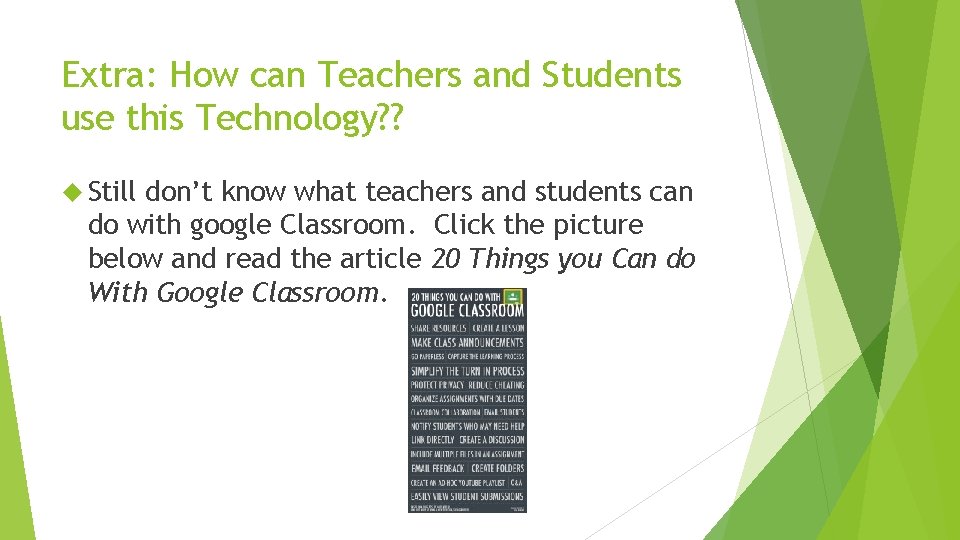
Extra: How can Teachers and Students use this Technology? ? Still don’t know what teachers and students can do with google Classroom. Click the picture below and read the article 20 Things you Can do With Google Classroom.
How can Google Classroom support Specific Learning Goals Google Classroom allows teachers to create unit plans for students with links and videos included. Teachers can provide feedback while students are working so they can turn in they’re best work that meets the standards the assignment is trying to teach them.
How can Google Classroom support Specific Learning Goals cont. Google Classroom also allows teachers to easily give extension work for the students who work fast and understand concepts quicker all links and videos can be added to maximize the experience. Teachers can create blogs, Web. Quests, research papers for students that promote higher order thinking. These items then can be published and shared with other students or to the public.
How can Google Classroom support Differentiation Google Classroom allows students to work at their own pace. Students can work until they get the concept correct. Teachers can also post remediation and extension work for the students Teachers can also provide feedback to the students while they are working and when they turn in the assignment. Students can access Google classroom from home so they can work on it at anytime.
How can Google Classroom support Collaboration Google Classroom promotes collaboration in so many ways. Google classroom promotes collaboration with teacher and student. Teachers can give feedback to students and vice versa. Teachers and students can also reply back for added dialogue. Collaboration can also between student to student. They can share their documents or assignments and work together to make sure they turn in the best work possible. Blogs or questions can be posted by students or teacher. Students or teacher can reply to the post for more collaboration.
Research Evaluation Since Google Classroom is a relatively new tool limited research is available on it. However Google did pilot this program to limited number of teachers. The teachers in the program got to provide comments and feedback and Google listened. In the article Google's Free LMS 'Classroom' Goes Live it is stated that, "One thing that we heard during the preview was that educators don't want to wait until students turn in the assignments to start collaborating with their students, so now with Classroom teachers will be able to view and comment on student work to help them along the way (2014). ” “We also heard that educators wanted a simple place to post information, materials, resources about their class, so we added an "about" page for each course where they can put their syllabus or their schedule or their room number or whatever it is the want to post about their class (Nagel, 2014). ” This shows that Google is willing to listen to teachers and give us the best app possible so that we can use it in the classroom. The teachers who previewed Google Classroom stated many positives about google classroom. Some stated that the paperless classroom and the constant collaboration is the most beneficial part of Google Classroom (Janzen, 2014).
Research Evaluation cont. Google Classroom also had a lot of other positives that I agree with. In the article by Janzen she stated that, “Google Classroom is able to provide an environment built on free, easy, and familiar tools. The same toolset that is already used in informal and home environments is now extended to a structured classroom environment. The collaborative functionality of Google applications also adds to the attractiveness of being part of a Google institution (2014). ” I agree with her because I use Google Drive already for lots of different functions and it is super easy to use and very convenient. So to be able to go from Google Drive to Google Classroom will be seamless. I think that this is true for students also who are use to working with Microsoft switching to Google will not be hard since they function virtually the same. For students to learn the new and different tools will be easy. It is great to use new tools with small learning curves. It makes teachers want to use them more often.
Research Evaluation cont. Although Google Classroom is up and running and is receiving lots of positive feedback there still are some skeptics. "To commit and to move your entire learning environment over to Classroom would be a risk, unless you thought that Google really was intent to keep this application going, enhancing it and improving it, Google's going to have to prove themselves that they're willing to stay in this game (Forrest, 2014). ” I agree with this because as a teacher when I start using something I love I need it to be there forever. Google will have to make sure that they keep improving Classroom and not pull the plug to soon. Google Classroom is not perfect yet, but Google is working hard so that it can be. Google Classroom is worth a try while it’s out. It is a free service so why not? A spokesperson for Google in Forrest’s article said it best, “Today, many teachers and professors have found ways to use technology to be better educators and avoid busy work. We have more than 30 million students, teachers and administrators using Google Apps for Education to communicate, collaborate and work with students more efficiently and with Classroom our goal is to make these products even better for them (2014). ”
Implementation Plan Google Classroom can be implemented anytime on a small scale. All that is needed to implement is Google e-mails for all students. E-mail addresses have to be in the same domain as the teacher. All students will also need their own device. If it is going to be a school-wide program then I would pilot it on a small scale and create expert teachers. Then I would launch the program school-wide. This way you have teachers at that school who know how to use the technology and can help other teachers if problems arise. They can conduct any professional learning if it is needed.
Reflections I was excited about this technology and I love it so much that I was happy I could share it through this presentation. One of the biggest problems we had was the domain issues. Our teacher and student e-mail addresses where not on the same domain therefore we could not use Google classroom until this was straightened out. Google is working on it with out technology department. While another teacher and I wait we collaborated with each other and started playing around with Google classroom. It is easy to use and will have a small learning curve for the students. It will be a great addition to my classroom next year and even though we do not have funds to do it everyday we can implement at least once a week. I can’t wait to begin my “halfway” paperless classroom experience.
Reflections cont. This project was a learning experience and it helped me realize all the work that goes into what type of technology for schools to purchase and how they make their decisions. This project also helped me grow in appreciation for Google really cares about education and making it the best that it can be. To provide all these wonderful tools at little to no cost to teachers and students is great and it shows that they care. Also to take the time to create technology just for school use shows that they value a good education. I will continue to “google” to help support Google and what they are trying to do.
References for Research Evaluation Forrest, C. (2014, May 7 th). Google Classroom deepens Google's push into education market. Retrieved April 4, 2015 from Tech Republic: http: //www. techrepublic. com/article/google-classroom-deepensgoogles- push-into-education-market/ Janzen, M. (2014, December 4 th). Seven things you need to know about Google Classroom. Retrieved April 4, 2015 from Penn State – Teaching and Learning with Technology: http: //tlt. psu. edu/2014/12/04/hotteam-google-classroom/ Nagel, D. (2014, August 12 th). Google's Free LMS 'Classroom' Goes Live. Retrieved April 4, 2015 from The Journal: http: //thejournal. com/articles/2014/08/12/googles-free-lmsclassroom-goes-live. aspx