
Google Capabilities Three helpful features for students Google
Google+ Capabilities Three helpful features for students -Google+ Messenger -Google+ Hangouts -Google+ Sparks LRC 320 SP 12 Group 4 Presentation Project by: Frank Castro Jasmine Lee & German Lopez
What is Google+? A social networking experience that allows students, friends, and family to keep in touch. Google+ is packed with features that allow: Hanging out with friends Remote teamwork between students & Much more!
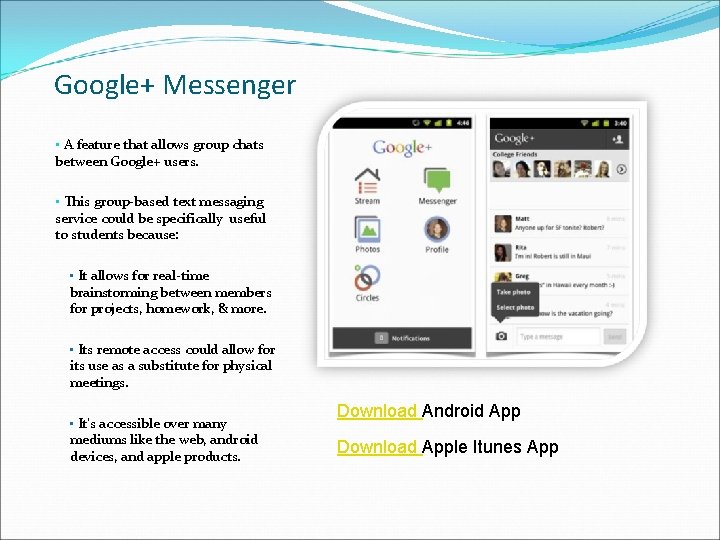
Google+ Messenger • A feature that allows group chats between Google+ users. • This group-based text messaging service could be specifically useful to students because: • It allows for real-time brainstorming between members for projects, homework, & more. • Its remote access could allow for its use as a substitute for physical meetings. • It’s accessible over many mediums like the web, android devices, and apple products. Download Android App Download Apple Itunes App
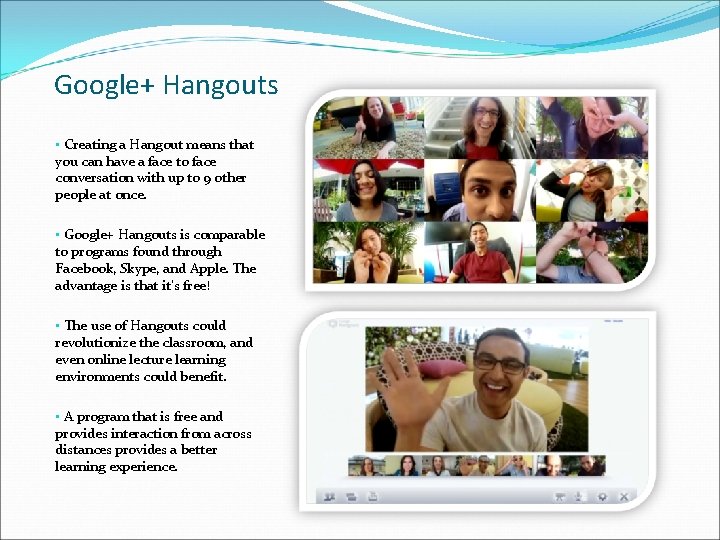
Google+ Hangouts • Creating a Hangout means that you can have a face to face conversation with up to 9 other people at once. • Google+ Hangouts is comparable to programs found through Facebook, Skype, and Apple. The advantage is that it’s free! • The use of Hangouts could revolutionize the classroom, and even online lecture learning environments could benefit. • A program that is free and provides interaction from across distances provides a better learning experience.
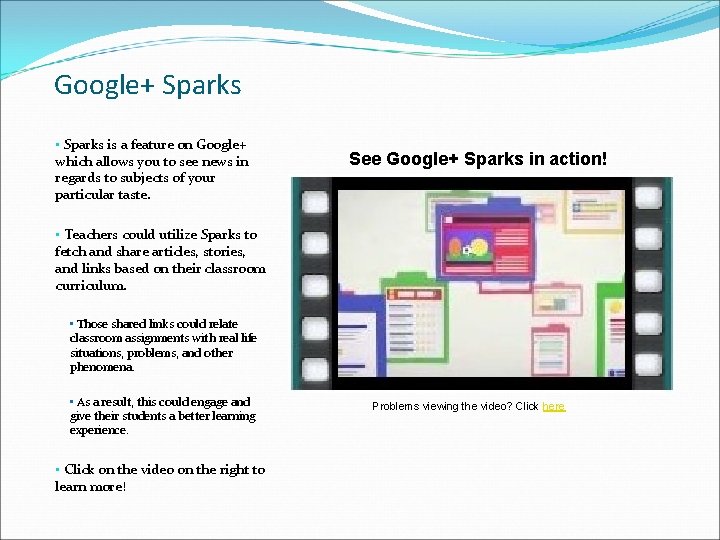
Google+ Sparks • Sparks is a feature on Google+ which allows you to see news in regards to subjects of your particular taste. See Google+ Sparks in action! • Teachers could utilize Sparks to fetch and share articles, stories, and links based on their classroom curriculum. • Those shared links could relate classroom assignments with real life situations, problems, and other phenomena. • As a result, this could engage and give their students a better learning experience. • Click on the video on the right to learn more! Problems viewing the video? Click here
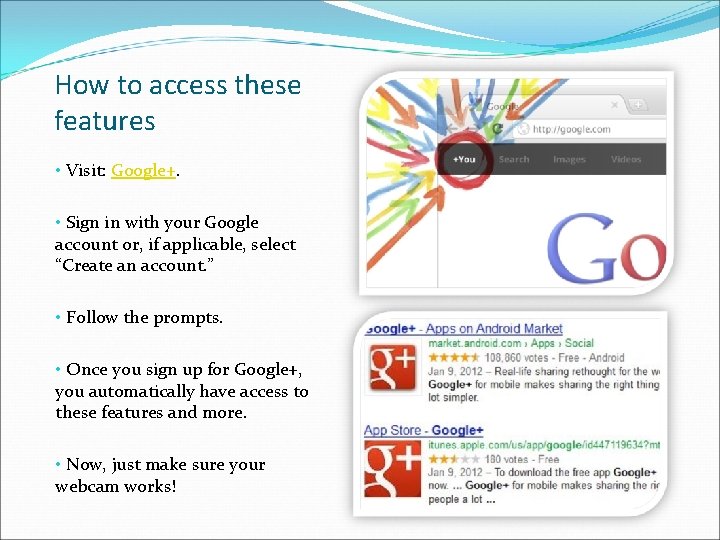
How to access these features • Visit: Google+. • Sign in with your Google account or, if applicable, select “Create an account. ” • Follow the prompts. • Once you sign up for Google+, you automatically have access to these features and more. • Now, just make sure your webcam works!
List of Available Google+ Features Circles Data liberation Google+ Messenger (Huddles) Hangouts “On Air” Hangouts Screen sharing Sketchpad Google Docs Named Hangouts Mobile Hangouts Photo uploads Instant upload Real-time stream Sparks Tagging The sand bar Your profile Click here and here for feature details
Work Cited Image Sources: https: //plus. google. com/up/start/? et=ad&type=st https: //market. android. com/details? id=com. google. android. apps. plus&hl=en http: //plusheadlines. com/wp-content/uploads/2011/08/hangouts-2. png http: //www. youtube. com/watch? v=0 Do. Al 4 JXh. Qo More Google+ Features: http: //www. dummies. com/how-to/content/top-ten-google-features. html http: //androidandme. com/2011/09/news/16 -new-google-features-open-sign-ups-mobile-hangouts/ Selected Google+ Features Info: http: //www. insidehighered. com/blogs/student_affairs_and_technology/google_huddle_and_hangou t_look_promising http: //reorg. co/google-plus-huddle-what-is-how-to-use-2011 -07/ http: //www. youtube. com/watch? v=MRk. Ad. Tflltc http: //geekbeat. tv/how-to-use-google-sparks/
- Slides: 8